What is an AI Voice Changer
AI voice changer tools are software or online services that use artificial intelligence to change voice characteristics in real-time or post-processing. These tools can change voice pitch, timbre, speech rate, and other characteristics, making users' voices sound like different genders, ages, characters, or styles. Modern AI voice changers are based on deep learning technology, providing natural and fluent voice conversion effects.
The core value of AI voice changer tools lies in enhancing the fun and diversity of voice interaction, allowing users to create unique character voices. Whether for gaming livestreams, content creation, online meetings, or entertainment scenarios, voice changer tools can provide users with rich voice experiences. Modern AI voice changers not only change voice characteristics but also support advanced features such as real-time processing, batch processing, and custom sound effects.
The development of voice changer technology can be traced back to early audio processing technology, but the real breakthrough occurred after the rise of AI technology. Today's AI voice changers are based on neural network models that can understand complex voice characteristics and generate more natural and expressive voice conversion effects. These tools are widely used in gaming livestreams, video production, podcast production, online meetings, virtual reality, and many other fields.
AI Voice Changer Technology Overview
Modern AI voice changer technology is based on deep learning and neural network models that can understand voice semantics, structure, and characteristics to generate high-quality, natural, and fluent voice conversion effects. Compared to traditional voice changer technology, AI voice changers have significant improvements in sound quality, naturalness, and functional diversity.
Core advantages of AI voice changer technology include: real-time voice characteristic changes (latency below 100ms), support for multiple voice effects and character voices, high-quality voice conversion effects, support for custom voice creation and training, support for batch processing and API integration, and cross-platform support (Windows, macOS, mobile, etc.).
As AI technology continues to develop, voice changer tool application scenarios continue to expand, from initial gaming entertainment to content creation, enterprise applications, and professional production. Choosing the right AI voice changer tool is crucial for improving user experience and creation efficiency.
Real-time Voice Changers
Real-time voice changers can instantly change voices while users speak, with extremely low latency (usually less than 100ms), suitable for gaming livestreams, online meetings, voice chats, and other scenarios requiring instant interaction. These tools usually require desktop applications or browser extensions that directly intercept and process microphone input.
1. Dubbing AI
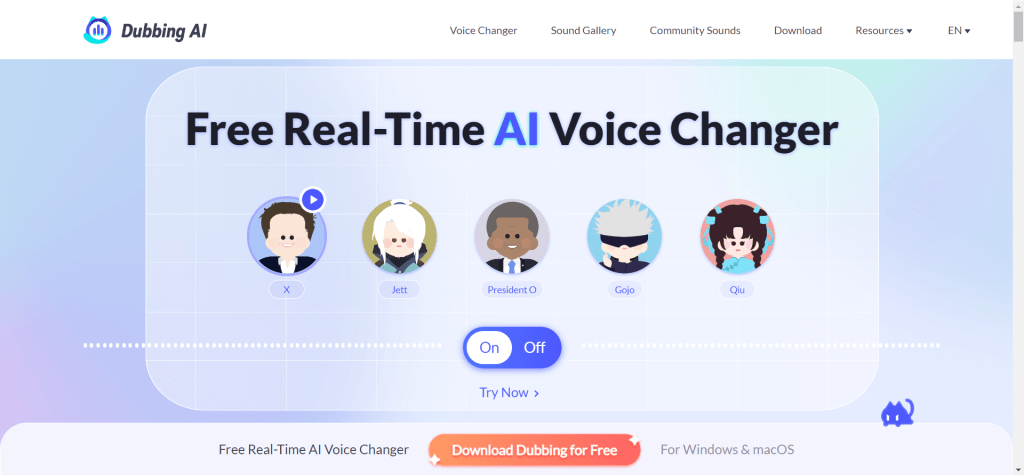
Dubbing AI is a real-time voice changer designed specifically for gaming livestreams and entertainment scenarios, providing desktop and mobile applications, supporting Windows, macOS, iOS, and Android platforms. Its core advantages include: real-time voice changing (latency below 50ms, ensuring smooth voice interaction experience), rich sound effect library (built-in 200+ preset sound effects, including robots, cartoons, celebrities, monsters, and other character voices), fun sound effects (providing a large number of entertainment sound effects, enhancing livestream fun), cross-platform support (seamless switching between desktop and mobile, meeting different use scenarios). Dubbing AI is perfectly compatible with mainstream voice chat and livestream platforms such as Discord, Zoom, Skype, OBS Studio, Twitch, TikTok Live Studio, making it an ideal choice for game streamers, content creators, and entertainment users.
2. Voicemod
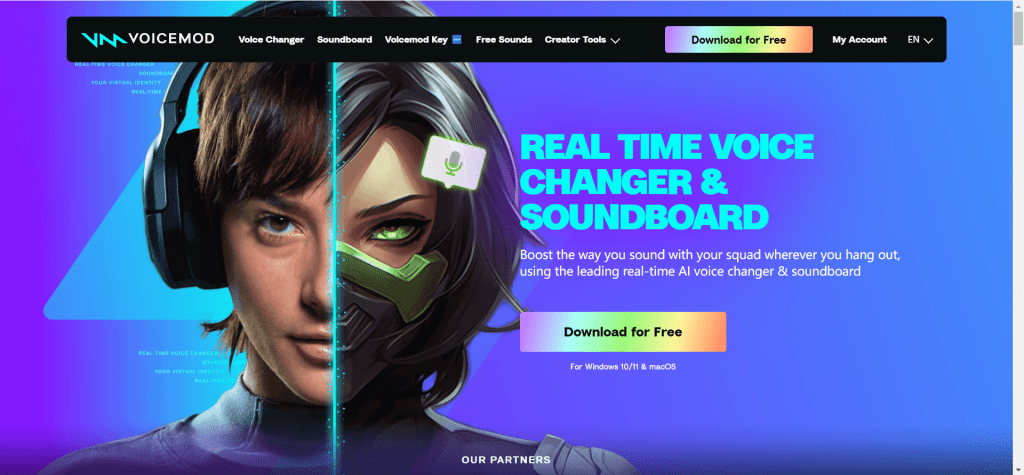
Voicemod is a popular real-time voice changer and soundboard software for Windows and macOS systems. As a leading tool in the real-time voice changing field, Voicemod provides over 150 preset voice effects, including robots, cartoons, celebrities, monsters, sci-fi, and other character voices. Its core features include: real-time voice changing (low latency processing, ensuring smooth voice experience), VoiceLab custom features (users can create personalized custom voice effects, adjusting pitch, timbre, sound effects, and other parameters), soundboard (built-in rich sound effect library, can quickly play fun sound effects), multi-platform compatibility (perfectly compatible with various voice chat and livestream platforms such as Discord, Zoom, Skype, OBS Studio, VRChat, Twitch, TikTok Live Studio). Voicemod is particularly suitable for gamers, livestream streamers, and online meeting users, adding fun and personalization to voice interaction.
3. Voice.ai
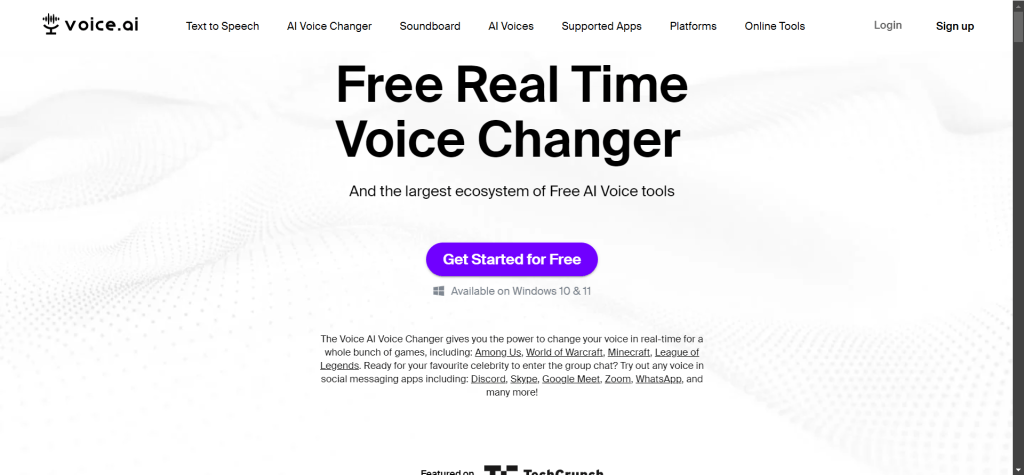
Voice.ai is a free real-time AI voice changer for PC and Mac platforms. As an AI-driven voice changing tool, Voice.ai provides thousands of free voice models, and users can also create their own AI voices. Its core features include: AI-driven high-quality voice changing (based on deep learning technology, providing natural and fluent voice conversion effects), rich voice library (providing thousands of free voices, covering various characters, styles, and timbres), custom voice creation (users can upload audio samples to train their own AI voice models), low latency real-time processing (optimized AI models ensure low latency and high sound quality for real-time voice changing), wide application compatibility (compatible with various applications such as Zoom, Discord, Minecraft, GTA5, Fortnite, Valorant, League of Legends, Among Us, Skype, WhatsApp, Teamspeak). Voice.ai is particularly suitable for users with high requirements for voice changing effects, whether for gaming, livestreaming, or online meetings, it can provide excellent voice conversion experience.
Non-real-time Voice Changers
Non-real-time voice changers are mainly used for processing pre-recorded audio files, supporting finer voice color adjustment and effect processing, suitable for podcast production, video post-production, audio editing, and other scenarios requiring post-processing. These tools usually provide online services or audio editing software.
4. Voice Changer by Lalal.ai
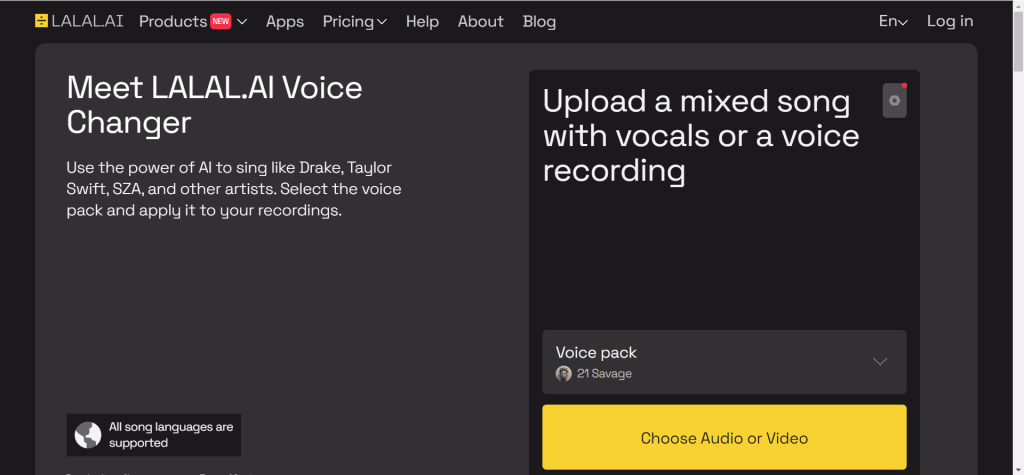
Voice Changer by Lalal.ai focuses on "vocal and background sound separation," accurately extracting or replacing vocal parts in audio, commonly used by podcast hosts and musicians to clean recording noise or create remixes. As a non-real-time voice changing tool, Lalal.ai supports uploading audio files for post-processing, providing finer timbre adjustment and effect processing.
5. Dubbing by Murf.ai
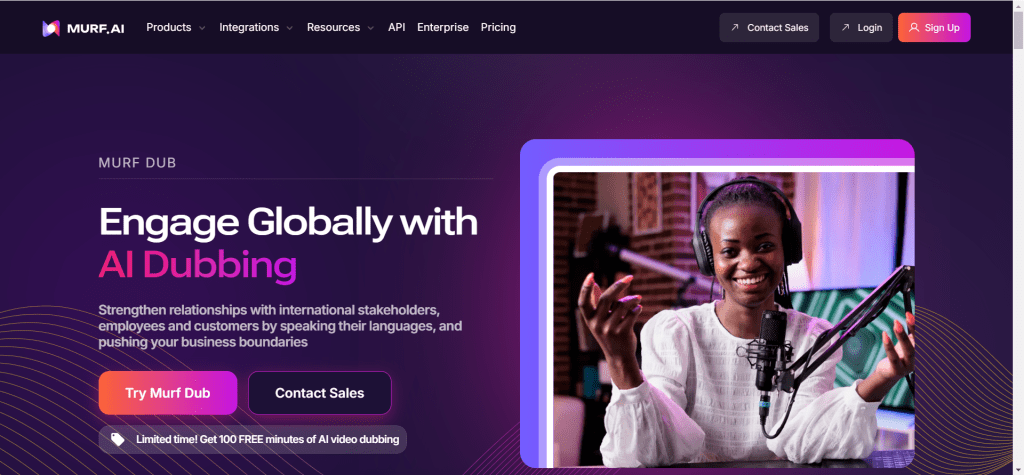
Dubbing by Murf.ai combines TTS and voice changing features, directly converting text to speech with different timbres, suitable for audiobook and virtual assistant development. As a non-real-time processing tool, Murf.ai focuses on high-quality audio post-processing, supporting batch processing and fine adjustment.
Mainstream Voice Changer Tools Comparison
The following is a comparison table of mainstream AI voice changer tools to help you quickly understand the characteristics and applicable scenarios of each tool:
| Tool Name | Type | Core Features | Use Cases |
|---|---|---|---|
| Dubbing AI | Real-time | Latency below 50ms, 200+ sound effects | Gaming livestreams, entertainment scenarios |
| Voicemod | Real-time | 150+ sound effects, VoiceLab custom | Gaming, livestreaming, online meetings |
| Voice.ai | Real-time | AI-driven, thousands of free voices | Gaming, livestreaming, online meetings |
| Lalal.ai | Non-real-time | Vocal separation, fine adjustment | Podcasts, music production |
| Murf.ai | Non-real-time | TTS+voice changing, batch processing | Audiobooks, virtual assistants |
Use Cases
Gaming Livestreams
Game streamers use voice changers to create unique character voices, enhancing livestream entertainment and interaction. Real-time voice changers can instantly change voices during gameplay, adding entertainment to livestreams.
In gaming livestreams, voice changer tools can help streamers create different character voices, improving viewers' watching experience. Real-time voice changers such as Dubbing AI, Voicemod, Voice.ai are particularly suitable for gaming livestream scenarios, providing low-latency voice conversion to ensure smooth voice interaction.
Content Creation
Content creators use voice changers to make funny videos, imitation videos, and other entertainment content. Voice changer tools can add diverse character voices to videos, enhancing content fun.
In video production, voice changer tools can help creators quickly create different character voices without hiring professional voice actors. Whether real-time voice changing or post-processing, voice changer tools can provide rich voice options for content creation.
Online Meetings
Using voice changers in video conferences for real-time translation and voice conversion, improving communication efficiency. Voice changer tools can also be used for privacy protection, hiding real voices.
In online meeting scenarios, voice changer tools can help users create personalized voices, enhancing meeting fun. At the same time, voice changer tools can also be used for privacy protection, hiding real voices in scenarios requiring identity protection.
Podcast Production
Podcast hosts use non-real-time voice changers for audio post-processing, cleaning recording noise or creating remixes. Voice changer tools can provide fine timbre adjustment and effect processing.
In podcast production, non-real-time voice changer tools can help podcast hosts clean recording noise, adjust timbre, add sound effects, etc. Non-real-time voice changers such as Lalal.ai, Murf.ai are particularly suitable for podcast production scenarios, providing fine audio processing features.
How to Choose a Voice Changer Tool
Choosing a suitable voice changer tool requires considering multiple factors, including use case, sound quality requirements, platform compatibility, sound effect library, ease of use, and cost. The following are key factors to consider when choosing a voice changer tool:
1. Use Case
First, determine the use case: real-time interaction or post-processing.
- Real-time Interaction: If you need real-time scenarios such as gaming livestreams, online meetings, choose real-time voice changers, such as Dubbing AI, Voicemod, Voice.ai
- Post-processing: If you need scenarios such as podcast production, video post-production, choose non-real-time voice changers, such as Lalal.ai, Murf.ai
When choosing, consider your use case: if you need instant interaction, choose a real-time voice changer; if you need fine processing, choose a non-real-time voice changer.
2. Sound Quality Requirements
Whether the voice changing effect is natural and fluent is an important consideration when choosing a tool. When evaluating sound quality, pay attention to:
- Naturalness: Whether the voice changing effect is natural, whether there is a mechanical feel
- Latency: Whether the latency of real-time voice changers is low enough
- Algorithm Quality: AI-driven voice changers usually have better sound quality
For scenarios with high sound quality requirements, it's recommended to choose AI-driven voice changer tools, such as Voice.ai, Dubbing AI, etc., which usually provide better sound quality.
3. Platform Compatibility
Confirm whether the tool supports required platforms and applications:
- Operating Systems: Windows, macOS, iOS, Android, etc.
- Applications: Discord, Zoom, Skype, OBS Studio, etc.
- Games: Minecraft, GTA5, Fortnite, etc.
When choosing, it's recommended to confirm whether the tool supports required platforms and applications to ensure normal use.
4. Sound Effect Library and Custom Features
Whether preset voice effects are rich, whether custom voice creation is supported:
- Preset Sound Effects: The number and quality of preset voice effects provided by the tool
- Custom Features: Whether custom voice effects creation is supported
- Voice Training: Whether uploading audio samples to train AI voices is supported
If you need to switch between multiple voices, it's recommended to choose tools with rich sound effect libraries, such as Dubbing AI, Voicemod, etc. If you need to create unique voices, it's recommended to choose tools supporting custom features, such as Voice.ai, Voicemod, etc.
5. Ease of Use and Cost
Ease of use and cost are also important factors to consider when choosing a tool:
- Simple Operation: Whether it's easy to get started, whether technical background is required
- Free Tiers: Whether free trial tiers are provided
- Subscription Prices: Monthly or annual subscription prices
For individual users and small-scale use, it's recommended to choose tools providing free tiers, such as Voice.ai, etc. For large-scale commercial use, it's recommended to choose enterprise plans, usually with better prices and services.