Introduction: AI Coding Tools
AI coding tools use artificial intelligence technology for code generation and optimization. Cursor, Windsurf, and Bolt are popular AI coding tools. These tools can automatically generate code, provide code completion and error detection, helping developers improve programming efficiency and code quality, widely used in software development, data analysis, and automated testing.
In the rapidly evolving era of software development, AI coding tools are changing how developers work. From code completion to automatic generation, to intelligent debugging, these tools not only improve development efficiency but also make programming simpler and more efficient. Whether experienced developers or beginners, everyone can benefit greatly from these tools.
The core value of AI coding tools lies in improving development efficiency and lowering programming barriers, allowing developers to focus on solving complex problems rather than repetitive coding work. However, AI coding tools are not omnipotent. They are best suited for tasks with clear patterns and rules, while complex projects requiring deep thinking, architectural design, and business logic understanding still require human developers. The best approach is human-AI collaboration: let AI tools handle repetitive, templated coding work, while humans focus on architectural design, business logic, and quality control.
AI Coding Technology Overview
Modern AI coding technology is based on large language models (LLM) and code understanding models, capable of understanding natural language instructions, analyzing code context, and automatically generating code that conforms to programming standards. Compared to traditional programming tools, AI coding technology has significantly improved in code generation efficiency, quality stability, and functional diversity.
The core technological foundations of AI coding tools include code understanding models, code generation models, context-aware technology, and multi-language support. Code understanding models such as CodeBERT and GraphCodeBERT analyze code structure and semantics to understand code intent and functionality. Code generation models such as Codex and StarCoder, trained on massive code data, have mastered code generation capabilities and can generate code based on natural language descriptions.
The core advantages of AI coding tools lie in their understanding capabilities and generation capabilities. Understanding capabilities enable AI tools to parse users' natural language instructions, understand code context and intent, rather than just executing preset commands. Generation capabilities enable AI tools to create entirely new code, rather than just copying and pasting existing code. This combination of "understanding + generation" capabilities allows AI tools to complete the entire development process from requirement description to code implementation.
Different types of AI coding tools adopt different technical architectures. Code completion tools mainly rely on code understanding models, providing completion suggestions by predicting the next code snippet; code generation tools use code generation models, generating complete code by understanding natural language descriptions; code debugging tools combine code analysis and error detection technologies; code refactoring tools use code understanding and generation technologies to optimize code structure. Despite different technical architectures, these tools share a common characteristic: they can learn programming patterns and best practices from training data and generate code that conforms to these patterns.
As AI technology continues to develop, the capabilities of AI coding tools are also continuously improving. Factors such as increased model scale, expanded training data, and algorithm optimization are all driving improvements in AI tool code generation quality. At the same time, the development of multimodal AI technology enables AI tools to simultaneously understand code, documentation, and natural language, further simplifying the development process. These technological advances not only improve the output quality of AI tools but also expand their application scenarios, upgrading AI tools from auxiliary tools to development partners.
AI Coding Tools Feature Comparison
Different AI coding tools have significant differences in functionality, applicable scenarios, and technical characteristics. The following table compares the key features of major AI coding tools to help you quickly understand the characteristics and applicable scenarios of each tool.
| Tool Name | Main Features | Use Cases | Pricing Model |
|---|---|---|---|
| Cursor | AI code editor, intelligent completion, chat assistance, context-aware | Full-stack development, code refactoring, rapid prototyping | Free trial, paid subscription |
| Windsurf | AI development environment, code completion, chat assistance, multi-language support | Web development, API development, multi-language projects | Free tier, paid subscription |
| Bolt | AI code assistant, code generation, intelligent suggestions | Rapid prototyping, code snippet generation, learning assistance | Free to use |
| GitHub Copilot | Code completion, pair programming, multi-IDE integration | VS Code, JetBrains IDE, Neovim | Paid subscription (free for students) |
| Clacky AI | Cloud development environment, natural language interaction, API calls | Application development, mini-program development, API integration | Paid subscription |
Detailed Introduction to Various AI Coding Tool Types
We have created detailed introductions for different AI coding tools. Each tool includes detailed introductions, usage scenarios, and selection guides. The following are detailed introductions to various tools:
Cursor
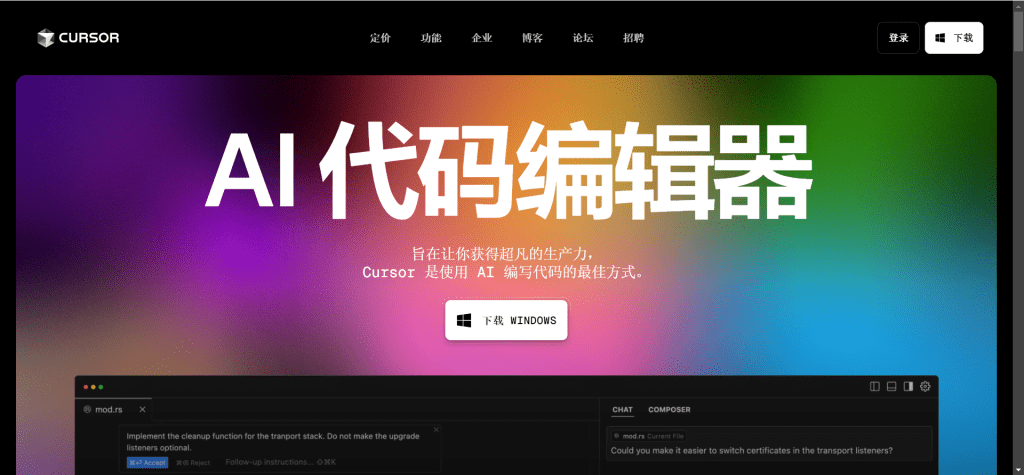
Cursor is an AI-powered code editor that combines the power of AI with a familiar editing experience. It provides intelligent code completion, chat-based code assistance, and context-aware suggestions to help developers write code faster and more efficiently.
Cursor is particularly suitable for scenarios requiring full-stack development and code refactoring. Its powerful AI capabilities and context-aware suggestions help developers quickly understand codebases and improve development efficiency.
Windsurf by Codeium
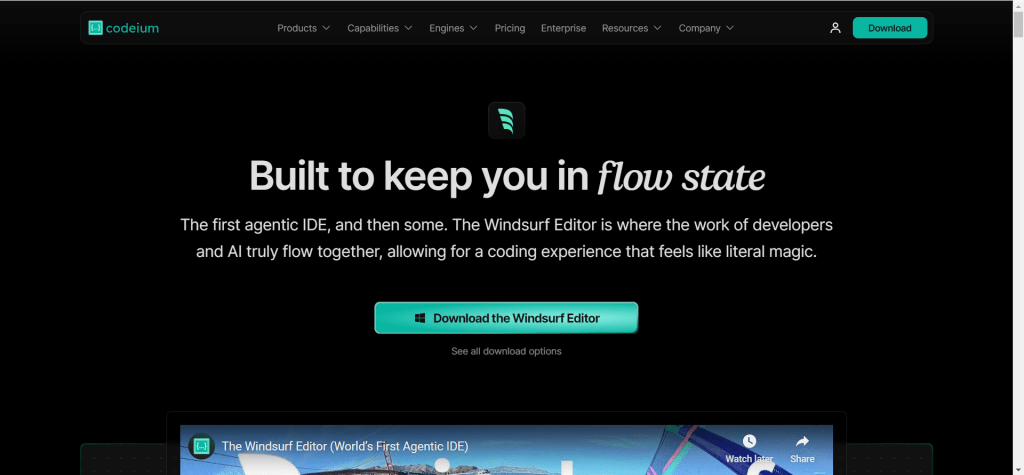
Windsurf by Codeium is an AI-powered development environment that provides intelligent code completion, chat assistance, and code generation capabilities. It integrates seamlessly with your development workflow and supports multiple programming languages.
Windsurf is particularly suitable for scenarios requiring multi-language support and rapid development. Its powerful code completion features and chat assistance help developers quickly understand codebases and improve development efficiency.
Bolt

Bolt is an AI code assistant that helps developers write code faster by providing intelligent suggestions and code generation. It understands context and can generate code snippets based on natural language descriptions.
Bolt's free-to-use feature makes it an ideal choice for beginners and rapid prototyping. Its simple interface and powerful code generation capabilities allow developers to quickly turn ideas into code.
GitHub Copilot

GitHub Copilot is an AI pair programmer that suggests code completions as you type. It's powered by OpenAI's Codex model and integrates directly into popular code editors like VS Code, Neovim, and JetBrains IDEs.
As one of the earliest AI programming tools to enter the market, GitHub Copilot has a large user base and rich integration support. Its powerful code completion capabilities make it the tool of choice for many developers.
Clacky AI
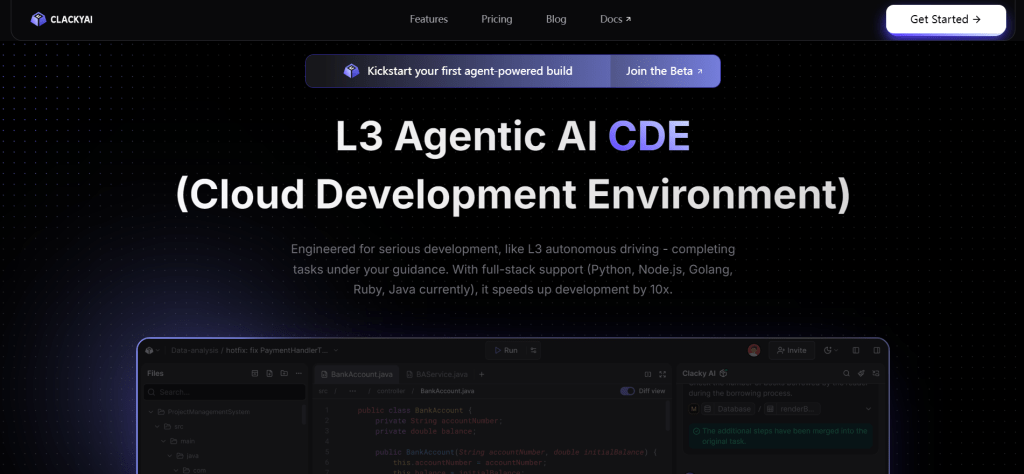
Clacky AI is an AI-native cloud development environment (CDE) designed for serious developers. It enables autonomous navigation from requirements to code implementation through natural language interaction. It can automatically read documentation and call APIs, completing application and mini-program development without manual coding. The product focuses on solving the shortcomings of existing AI programming tools in scenario adaptation and cost control, providing precise requirement positioning and optimization solutions.
Clacky AI's unique feature lies in its natural language interaction capabilities and automatic API calling functions, allowing developers to complete complex application development tasks through conversation, greatly lowering the development threshold.
Application Scenarios of AI Coding Tools
The application scenarios of AI coding tools are very broad, covering almost all software development fields. From rapid prototyping to code refactoring, from learning programming to production environment development, AI coding tools can provide effective assistance.
1. Rapid Prototyping: AI coding tools can quickly generate code prototypes based on natural language descriptions, helping developers quickly validate ideas and concepts. This is particularly valuable for startups and rapid iteration projects.
2. Code Completion and Generation: AI tools can provide intelligent code completion based on context, reducing repetitive coding work. For common programming patterns and boilerplate code, AI tools can quickly generate, improving development efficiency.
3. Code Refactoring and Optimization: AI tools can analyze code structure, identify areas that can be optimized, and suggest refactoring solutions. This is particularly helpful for maintaining large codebases.
4. Learning and Education: AI coding tools are very helpful for beginners learning to program, providing code examples and explanations to help understand programming concepts and best practices.
5. Code Review and Debugging: AI tools can detect potential errors and security vulnerabilities in code, providing improvement suggestions. This is particularly valuable for improving code quality and security.
6. API Integration and Documentation Generation: AI tools can automatically read API documentation and generate integration code, greatly simplifying API integration work. At the same time, AI tools can also generate code documentation, improving code maintainability.
How to Get Started with AI Coding Tools
Getting started with AI coding tools is very simple, and most tools provide user-friendly interfaces and detailed usage guides. First, identify your coding needs, determine what type of coding tasks you want to accomplish (code completion, code generation, code debugging, etc.). Then, choose the right tool, select the most suitable AI coding tool based on your needs, budget, and usage scenarios.
Next, register an account and familiarize yourself with the interface. Most AI coding tools offer free trials, so you can register an account first and familiarize yourself with the tool's operation interface and basic features. Then, start with simple projects, use the examples and templates provided by the tool to quickly understand the tool's functions and operation methods. Finally, practice and optimize, gradually master the tool's usage skills through practical projects, and continuously optimize your coding workflow based on actual results.
For beginners, it's recommended to start with simple code completion projects and gradually improve programming skills. You can refer to the examples and tutorials provided by the tool to learn programming techniques and best practices. At the same time, join the tool's community to exchange learning with other users and share experiences and code. As you accumulate usage experience, you will be able to use AI coding tools more skillfully and create higher-quality code.
Future Trends of AI Coding Tools
The future development trends of AI coding tools are mainly reflected in the following aspects: 1. Smarter code generation: As AI technology continues to develop, AI coding tools will be able to more accurately understand user needs and generate higher-quality code; 2. Faster generation speed: AI coding tools will be able to generate code faster, shortening waiting times; 3. Better code quality: AI coding tools will be able to generate more refined code, including better error handling and optimization; 4. Stronger context understanding: Users will be able to provide more complex requirements, and AI tools will be able to understand and generate code accordingly.
At the same time, AI coding tools will better integrate with development workflows, forming more complete development ecosystems. The development of multimodal AI technology will enable AI coding tools to simultaneously understand code, documentation, natural language, and even images, further simplifying the development process. As AI technology continues to advance, AI coding tools will upgrade from auxiliary tools to development partners, working with human developers to create better software.
Conclusion
AI coding tools are changing how we write and maintain code. Whether generating, completing, debugging, or refactoring, these tools help developers improve efficiency and create outstanding works.
However, AI coding tools are not omnipotent. They are best suited for tasks with clear patterns and rules, while complex projects requiring deep thinking, architectural design, and business logic understanding still require human developers. The best approach is human-AI collaboration: let AI tools handle repetitive, templated coding work, while humans focus on architectural design, business logic, and quality control. This collaborative model maximizes the value of AI coding tools while maintaining the professionalism and quality of software development.
As AI technology continues to develop, new tools and features will constantly emerge. Maintaining a learning and exploring mindset, continuously following the latest developments in AI coding tools, will help you better utilize AI coding tools to improve work efficiency and code quality. Whether individual developers or enterprise teams, they can benefit from AI coding tools and find the most suitable tools to achieve their goals.