Article Introduction
This comprehensive guide explores the best AI chatbot platforms for 2026, providing detailed analysis of intelligent conversation tools for customer service and character interactions. Whether you're looking to automate customer support, enhance sales processes, or create engaging character experiences, this article covers Intercom, Zendesk, ChatBot.com, Character.AI, and Talkie's capabilities to help you select the most suitable AI chatbot solutions for your specific needs.
What Are AI Chatbots
AI chatbots are intelligent conversational agents that use artificial intelligence to engage in natural, human-like dialogues with users. These sophisticated systems combine natural language processing, machine learning, and contextual understanding to provide automated responses, personalized interactions, and intelligent assistance across various applications.
Modern AI chatbots serve dual purposes: customer service and sales automation for businesses, and character-driven entertainment for personal use. They can handle complex queries, maintain conversation context, learn from interactions, and integrate seamlessly with existing business systems and platforms.
The core value proposition of AI chatbots lies in their ability to provide instant, scalable, and consistent responses while dramatically reducing operational costs and improving user satisfaction through 24/7 availability and personalized experiences.
How AI Chatbots Work
AI chatbots function through sophisticated natural language processing and machine learning algorithms that enable understanding and generation of human-like responses. Core technologies include intent recognition, entity extraction, dialogue management, and contextual memory systems that allow chatbots to maintain coherent conversations across multiple interactions.
The architecture combines large language models for response generation with specialized training for specific use cases. Customer service chatbots integrate with knowledge bases and CRM systems, while character chatbots focus on personality development and emotional intelligence. Advanced systems employ reinforcement learning to improve responses based on user feedback and interaction patterns.
Integration capabilities allow chatbots to connect with various platforms, databases, and business systems, enabling seamless data flow and comprehensive automation across customer touchpoints.
Best AI Chatbots 2026
Here are the most recommended AI chatbot platforms for 2026, covering customer service automation and character-driven interactions. Each tool offers unique AI capabilities to help you choose the most suitable conversational AI solution based on your specific requirements.
1. Intercom: Enterprise Customer Service
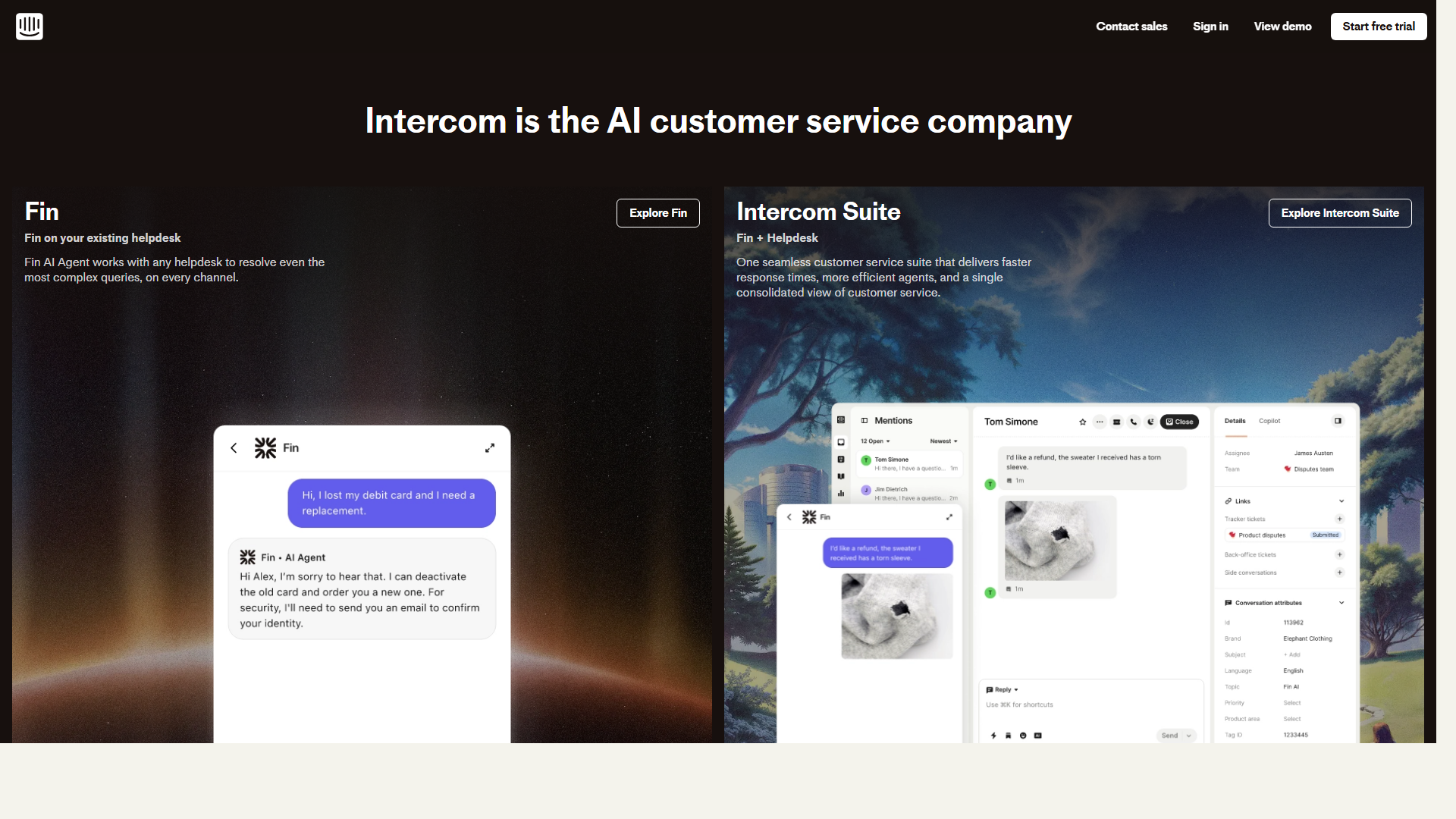
Intercom delivers enterprise-grade customer service and sales automation through AI-powered conversational experiences. The platform enables intelligent dialogue systems that automatically answer customer inquiries, collect user feedback, and guide sales processes with sophisticated AI algorithms. Supporting multi-channel integration across websites, mobile apps, and social media, Intercom provides comprehensive data analytics and user behavior insights. Particularly valuable for medium to large enterprises requiring complex workflow automation, offering powerful functionality though with a steeper learning curve for optimal utilization.
2. Zendesk: Intelligent Support Platform

Zendesk provides comprehensive customer support solutions enhanced with powerful AI chatbot capabilities. Through continuous machine learning optimization, the platform delivers high-quality automated responses, supports multi-language customer service, and handles complex business process automation. Offering complete customer service infrastructure including ticket management, knowledge bases, and detailed analytics, Zendesk scales effectively from small teams to large organizations. Strong integration capabilities require technical configuration but provide enterprise-grade customer support automation and intelligence.
3. ChatBot.com: User-Friendly Builder
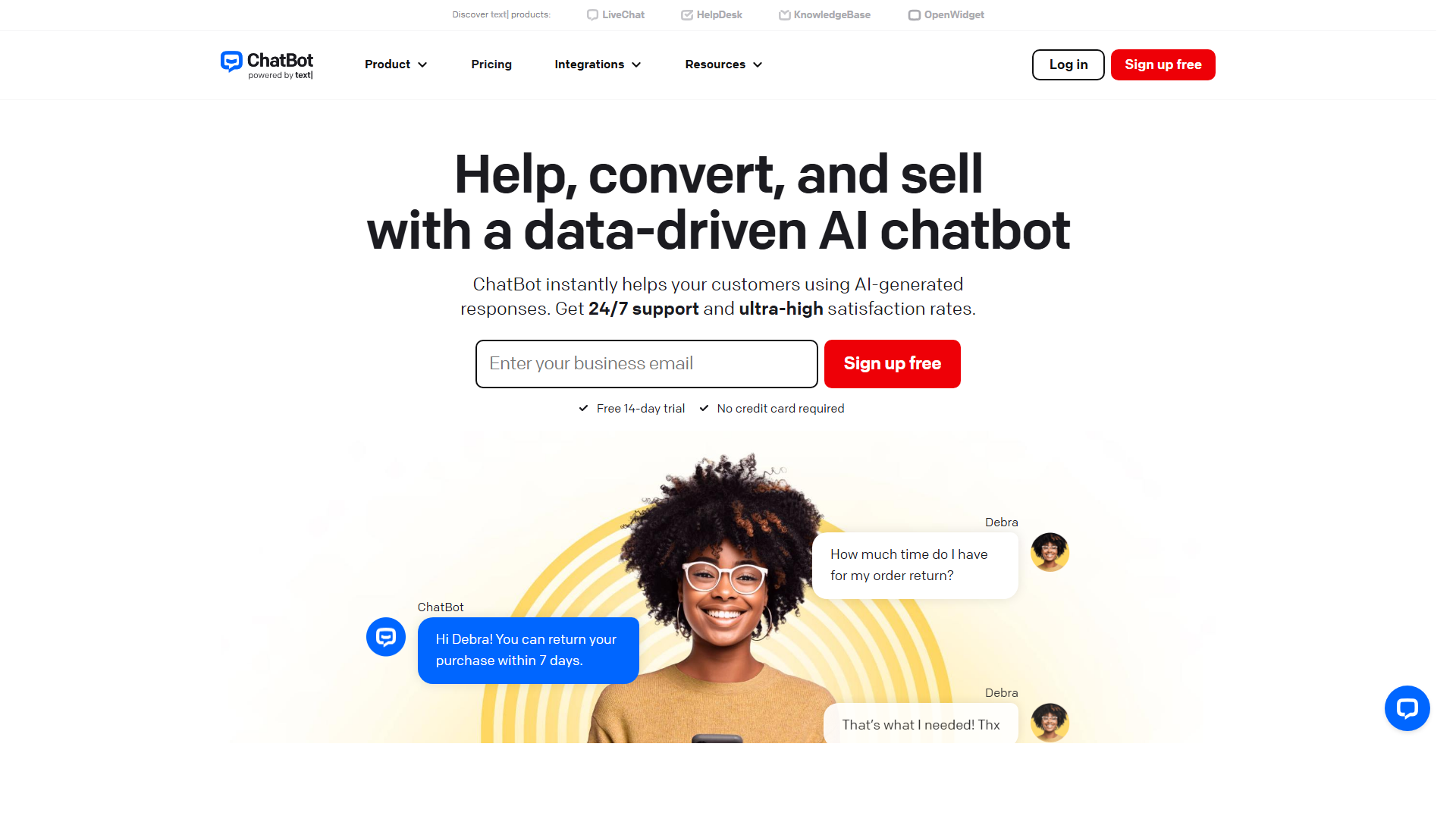
ChatBot.com offers intuitive drag-and-drop interfaces that enable users without programming expertise to rapidly build intelligent chatbots. Supporting multiple channels including Facebook Messenger, websites, and WhatsApp, the platform provides extensive templates and predefined conversation flows. AI-driven intelligent response systems handle complex queries with multi-language support and personalization capabilities. Particularly suitable for small to medium businesses and startups requiring quick chatbot deployment, ChatBot.com excels in ease of use and accessibility for non-technical users.
4. Character.AI: Role-Playing Expert

Character.AI leads in character-based conversational AI, enabling users to create and customize diverse characters for deep dialogue and emotional interactions. Powered by advanced AI models, the platform supports character personality development, memory retention, and emotional expression. Strong community features allow users to share and experience characters created by others. Particularly appealing for users seeking emotional companionship, creative writing assistance, and entertainment. While the interface is user-friendly, character quality varies and requires careful selection for optimal experiences.
5. Talkie: Voice-Powered Conversations
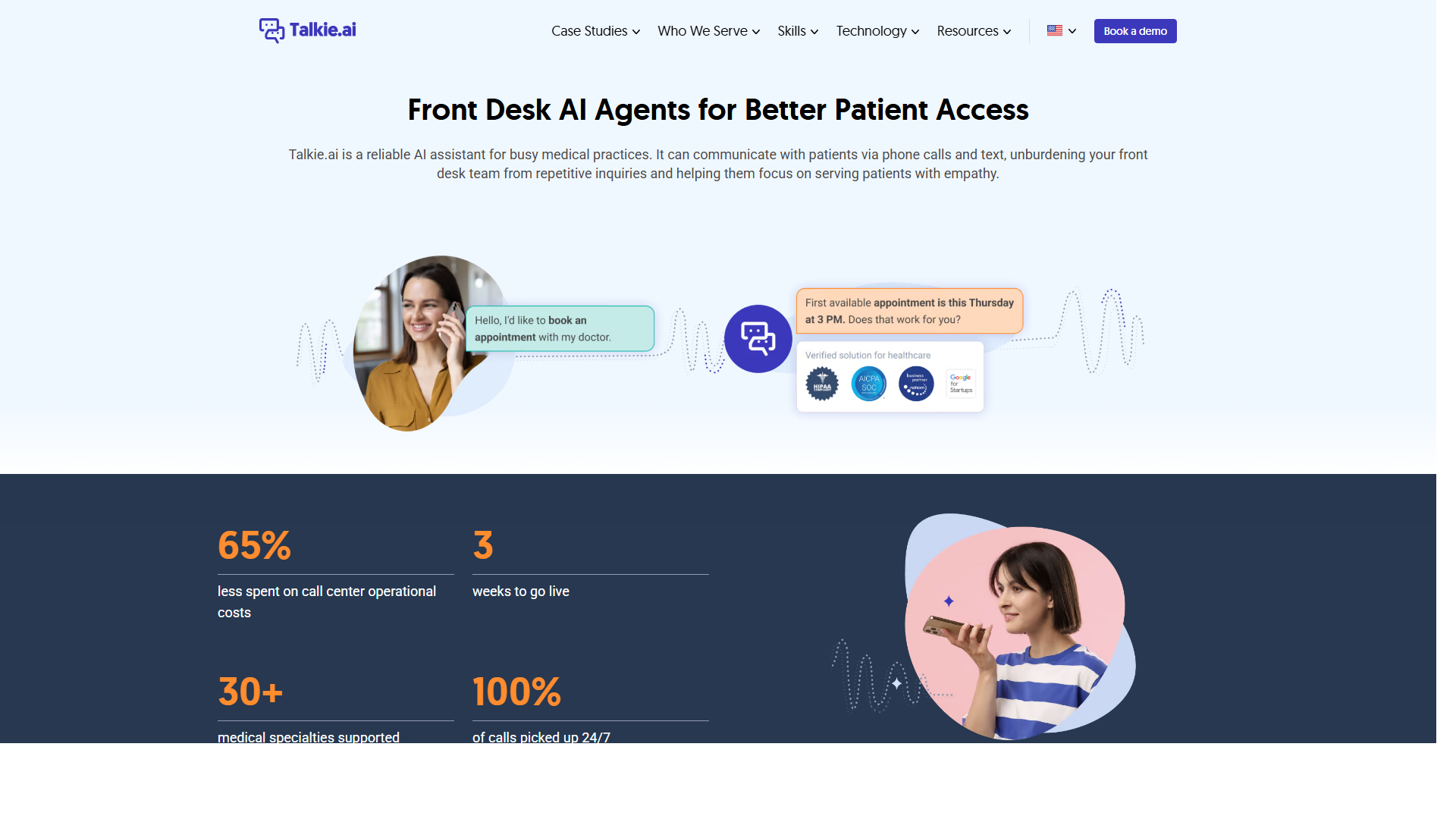
Talkie specializes in voice-based conversational AI, supporting real-time speech dialogue and character role-playing through advanced speech synthesis and recognition technologies. The platform delivers immersive conversational experiences with support for multiple languages and accents, featuring distinct character personalities ideal for language learning, entertainment, and emotional companionship. Voice quality remains excellent but requires stable internet connectivity. Particularly suited for users preferring voice interactions, Talkie represents the voice-enabled evolution of traditional text-based conversational AI.
AI Chatbots Comparison
| Tool Name | Type | Core Advantages | Best For | Pricing |
|---|---|---|---|---|
| Intercom | Customer Service | Enterprise Features | Large Enterprises | $39/month |
| Zendesk | Customer Service | Comprehensive Platform | All Business Sizes | $19/agent/month |
| ChatBot.com | Customer Service | Easy to Use | Small Businesses | $52/month |
| Character.AI | Character Chat | Role-Playing | Entertainment | Free/Premium |
| Talkie | Character Chat | Voice Interaction | Voice Users | $9.99/month |
Use Cases: 5 Practical Applications
AI chatbots have extremely broad application scenarios, covering all aspects of conversational AI from business automation to personal entertainment. From customer service to creative assistance, AI chatbots provide effective solutions.
Customer Service & Support
In customer service scenarios, AI chatbots handle routine inquiries instantly, provide 24/7 support, and route complex issues to human agents. They dramatically improve response times and customer satisfaction while reducing operational costs through automated ticket creation and knowledge base integration.
Sales Lead Generation
In sales scenarios, AI chatbots qualify prospects, provide product information, and schedule meetings through intelligent conversations. They nurture leads with personalized recommendations and follow-up communications, improving conversion rates and sales team efficiency through automated initial engagement.
Entertainment & Socializing
In entertainment scenarios, character-based AI chatbots provide personalized emotional interactions and entertainment experiences. They support role-playing, creative writing, and social conversations, offering users engaging companionship and interactive storytelling experiences.
Education & Learning
In educational scenarios, AI chatbots serve as interactive tutors, providing personalized learning support and instant Q&A. They adapt to individual learning styles, offer practice conversations, and supplement traditional education with conversational learning experiences.
Creative Writing Support
In creative writing scenarios, AI chatbots assist with brainstorming, character development, and plot generation. They provide feedback on writing, suggest improvements, and help overcome creative blocks through interactive dialogue and collaborative ideation.
How to Choose AI Chatbots
Selecting appropriate AI chatbots requires considering your specific use cases, technical requirements, budget constraints, and integration needs to maximize conversational AI effectiveness.
1. Determine Your Purpose and Use Case
Clearly define whether you need customer service automation, sales support, or character-based interactions. Customer service chatbots require CRM integration and multi-channel support, while entertainment chatbots prioritize personality and emotional intelligence.
2. Evaluate Technical Requirements and Ease of Use
Assess your team's technical expertise and available resources. User-friendly platforms like ChatBot.com work well for non-technical users, while enterprise solutions like Intercom require more technical setup but offer advanced customization.
3. Consider Budget and Scalability
Evaluate pricing models based on expected usage volume and required features. Consider both initial costs and long-term scalability as your needs grow. Free tiers provide good starting points but paid plans unlock advanced capabilities.
4. Check Integration Capabilities and Data Security
Verify integration with your existing business systems and ensure robust data security measures. Check for API availability, third-party integrations, and compliance with data protection regulations relevant to your industry.
5. Test and Compare Performance
Utilize free trials to test real-world performance across different scenarios. Compare response accuracy, user experience, and administrative features. Gather feedback from potential users and monitor analytics to ensure the chosen solution meets your conversational AI requirements.
Future Trends of AI Chatbots
AI chatbots are rapidly evolving with emerging innovations and improvements expected across multiple dimensions. Here are key trends shaping the future of conversational AI.
Enhanced Multimodal Interactions: Future chatbots will seamlessly process text, voice, images, and video simultaneously, providing richer and more natural interaction experiences across all communication channels.
Advanced Emotional Intelligence: Chatbots will better recognize and respond to user emotions, providing more empathetic and contextually appropriate responses in both customer service and entertainment scenarios.
Personalized Learning and Adaptation: Systems will continuously learn from individual user preferences and interaction patterns, offering highly personalized conversation experiences and recommendations.
Seamless Omnichannel Integration: Chatbots will provide unified conversational experiences across websites, mobile apps, social media, voice assistants, and emerging communication platforms.
Enhanced Privacy and Ethics: As adoption grows, chatbots will implement stronger privacy controls, ethical AI practices, and transparent data handling to address growing regulatory and user concerns.
Conclusion
AI chatbots are fundamentally reshaping how businesses and individuals interact through intelligent conversational experiences. From enterprise customer service automation with Intercom to user-friendly building platforms like ChatBot.com, from comprehensive support solutions with Zendesk to character-driven entertainment through Character.AI and Talkie, these tools deliver powerful conversational AI capabilities across diverse use cases.
Each platform excels in specific scenarios: Intercom serves complex enterprise workflows, Zendesk provides comprehensive customer support infrastructure, ChatBot.com enables rapid deployment for smaller organizations, Character.AI delivers engaging entertainment experiences, and Talkie pioneers voice-based interactions. The choice depends on your specific requirements, technical capabilities, and budget considerations.
Modern AI chatbots represent sophisticated blends of technology and user experience, offering scalable solutions that enhance efficiency while maintaining authentic human-like interactions. Whether automating customer service or creating entertaining character companions, these intelligent systems continue to evolve and improve, providing increasingly valuable conversational experiences for users across all contexts.