Article Introduction
This comprehensive guide introduces the latest developments in AI image tools, covering 6 core areas from image generation to headshot creation, image editing, and virtual staging. We'll first introduce the basic concepts and development history of AI image tools, then delve into detailed introductions of 6 types of AI image tools, followed by a function comparison table to help you quickly understand the characteristics of different tools. Finally, we'll explore the wide applications of these tools in content creation, enterprise marketing, education training, and real estate marketing, as well as how to choose the most suitable AI image tools for your needs. Whether you're a designer, marketer, or enterprise user, you can gain valuable guidance on AI image applications.
Introduction: AI Image Tools
In 2025, AI technology has made significant progress in image generation and processing. Here we recommend top AI image tools covering generation, headshot creation, enhancement, and relighting. These tools improve design efficiency and provide creative possibilities for users.
AI image tools improve creation efficiency and lower technical barriers, enabling users without design experience to create high-quality content. Content creators, designers, and enterprise users can gain convenience and inspiration from these tools.
AI Image Technology Overview
Modern AI image technology uses deep learning and neural networks to understand image semantics, structure, and style, generating high-quality, natural content. Compared to traditional processing, AI technology significantly improves creation efficiency, quality stability, and functional diversity.
Core foundations include Generative Adversarial Networks (GANs), Diffusion Models, and Transformer architecture. GANs generate realistic images through adversarial training; diffusion models generate high-quality images from random noise through gradual denoising; Transformer architecture excels in image understanding and generation. Different tools use different architectures: generation tools use diffusion models or GANs; enhancement tools use super-resolution neural networks; editing tools combine understanding and generation technology.
Detailed Introduction to AI Image Tool Types
We've created detailed guide pages for different AI image tool types, each containing comprehensive introductions, tutorials, and selection guides. Below are detailed introductions to each tool type:
AI Image Generation (Text-to-Image + Image-to-Image): Generate high-quality images from text or images
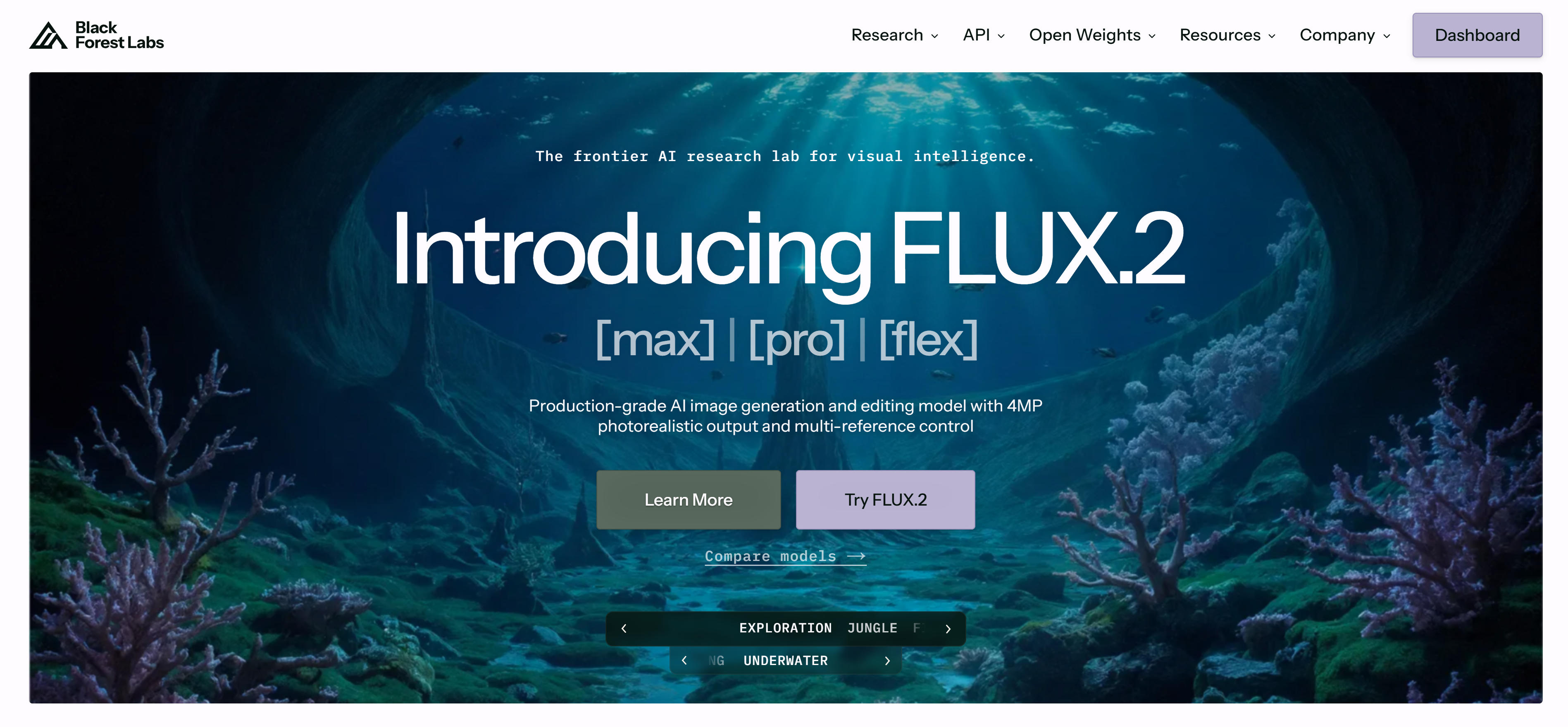
AI image generation tools convert text descriptions (text-to-image) or reference images (image-to-image) into high-quality images. These tools use deep learning to understand natural language and generate images. Midjourney, Flux, Stable Diffusion, and DALL-E each have unique strengths for different use cases. AI image generation tools excel in creativity and flexibility, supporting multiple artistic styles from realistic to abstract, traditional to modern. Users can achieve ideal image effects by adjusting prompts and parameters. Whether for concept design, art creation, or marketing materials, AI image generation tools provide efficient solutions, greatly lowering the creation threshold and enabling users without professional design experience to create high-quality image content.
AI Headshot Generation: Generate professional headshots from selfies
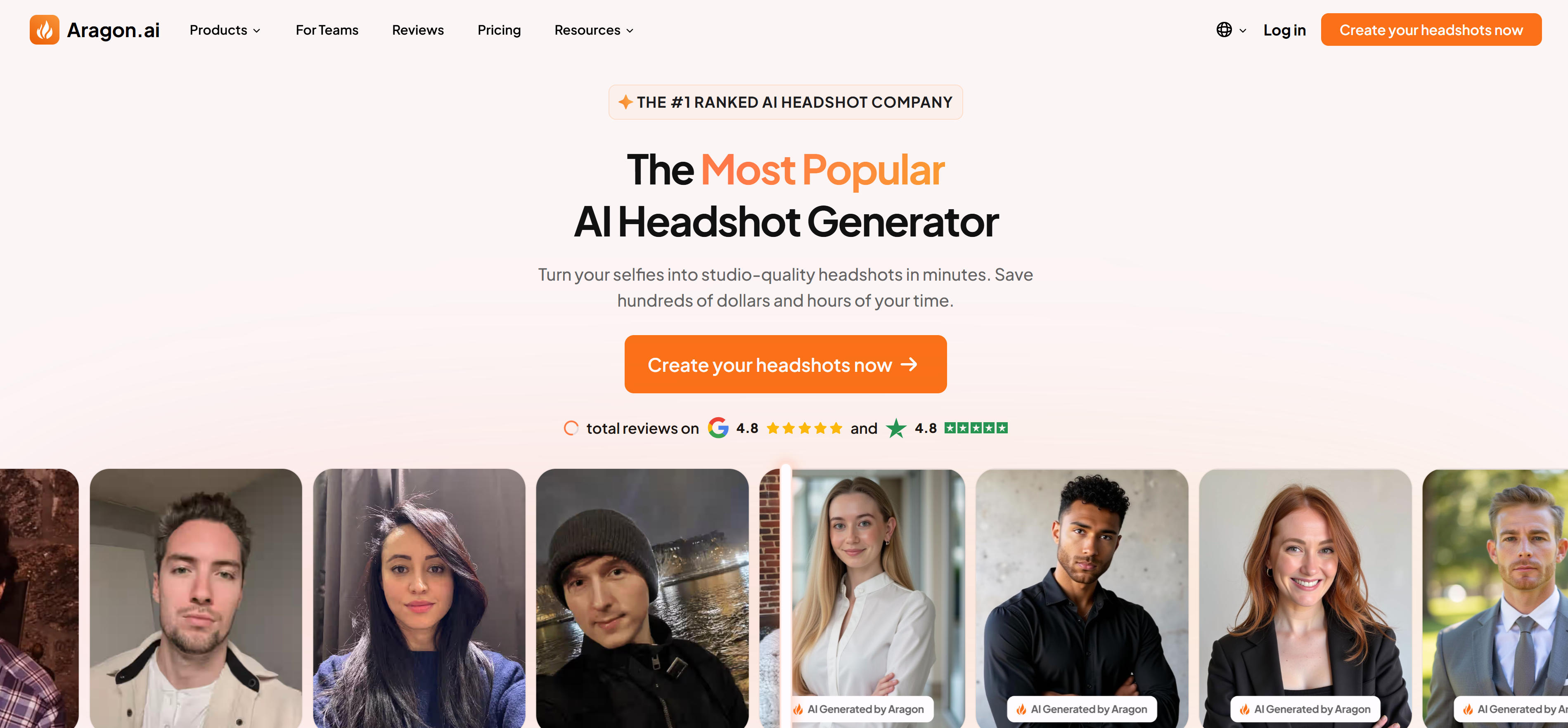
AI headshot generation tools automatically generate professional headshot photos from user-uploaded selfies. These tools analyze facial features, expressions, and styles, creating professional headshots in various styles and backgrounds. Aragon AI, HeadshotPro, and BetterPic each have unique strengths for different scenarios. Compared to traditional photography requiring appointments, location selection, and styling, AI headshot generation tools only need a few selfies to quickly generate professional headshots in multiple styles. These tools intelligently recognize facial features, maintaining authenticity while optimizing details, generating headshot photos suitable for different scenarios, especially for users needing batch generation of corporate employee photos or social media avatars.
AI Image Editor: Intelligent editing and optimization of images
AI image editing tools use advanced AI technology to intelligently modify existing images with professional precision. These tools understand image content, identify objects and regions, and apply intelligent editing effects. From basic background removal to advanced style transfer, AI editors transform complex tasks into simple operations. Gemini Image, Seedream, GPT Image, and remove.bg excel in different editing scenarios. AI image editors excel in automation and precision, significantly improving editing workflow efficiency. Whether for e-commerce product photos, social media content, or professional design work, these tools provide powerful editing capabilities that surpass traditional software in many aspects.
AI Image Enhancement: Improve image resolution and quality
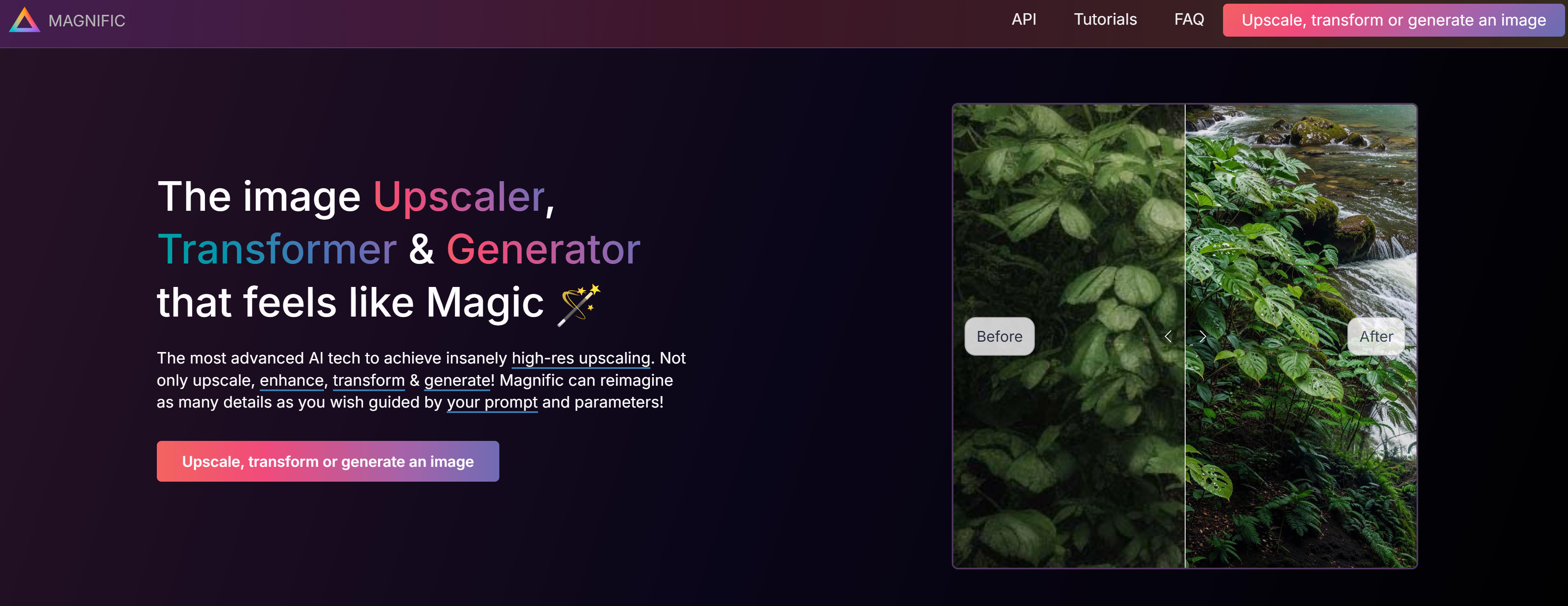
AI image enhancement tools improve resolution, repair blurry details, and enhance quality through deep learning. These tools use advanced neural networks to understand image semantics and structure, intelligently reconstructing details. Magnific AI, Remini, Cutout.pro, and Gigapixel excel in different enhancement scenarios. AI enhancement tools excel in detail restoration and quality improvement, using super-resolution algorithms to significantly enhance image quality. Whether restoring old photos, upscaling images, or improving details, these tools provide professional-level enhancement capabilities that surpass traditional methods in efficiency and effect.
AI Relighting: Adjust image lighting effects
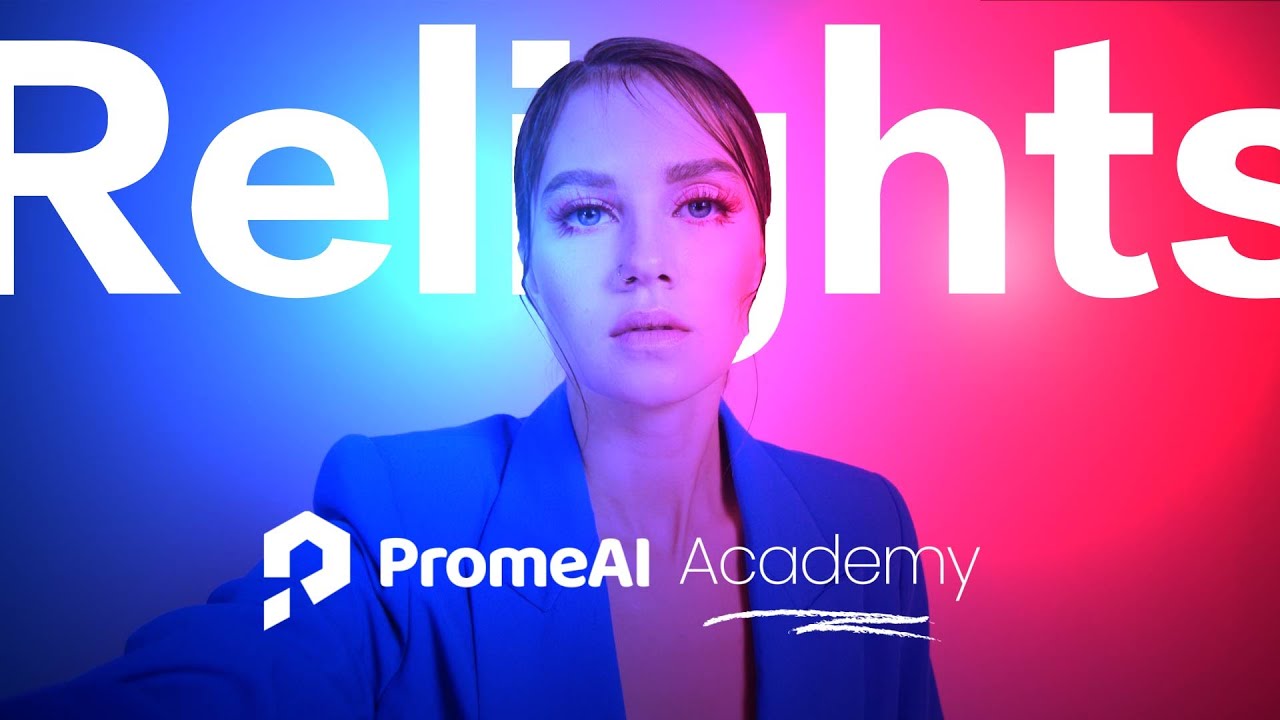
AI relighting tools adjust lighting effects in images through deep learning, changing light source position, intensity, and direction. These tools understand lighting structure and scene semantics, intelligently re-rendering effects. PromeAI Relight, Beeble Switchlight, and Clipdrop Relight excel in different relighting scenarios. AI relighting tools excel in lighting control and scene optimization, using advanced algorithms to simulate professional lighting effects. Whether for product photography, portrait photography, scene rendering, or post-processing, these tools provide flexible lighting adjustment capabilities that surpass traditional editing software in intelligence and efficiency.
AI Virtual Staging: Add furniture and decorations to empty rooms
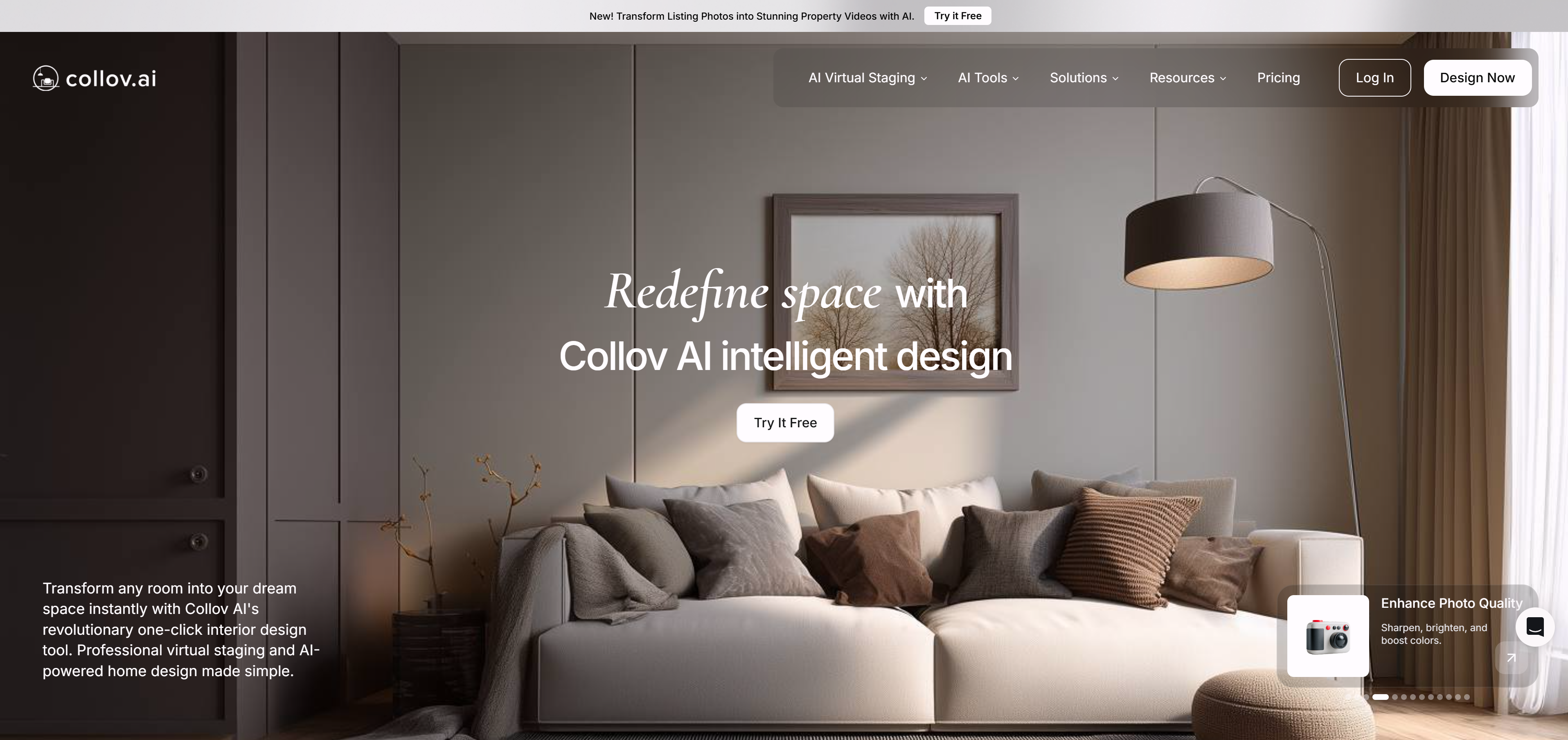
AI virtual staging tools add furniture, decorations, and design elements to empty or unfurnished spaces. These tools use advanced AI to understand room layout and style, intelligently adding appropriate furnishings. Collov, Edensign, AI Home Design, and Spacely AI excel in different virtual staging scenarios. AI virtual staging tools excel in space visualization and design simulation, using deep learning to understand architectural spaces and design aesthetics. Whether for real estate marketing, interior design, property showcase, or renovation preview, these tools provide efficient staging solutions that surpass traditional methods in speed and cost-effectiveness.
AI Image Tools Comparison
Below is a comparison of four main AI image tool types to help you quickly understand their features and use cases:
| Function Type | Core Functions | Main Use Cases | Representative Tools |
|---|---|---|---|
| AI Image Generation | Automatically generate new images from text descriptions or reference images (text-to-image, image-to-image) | Concept design, art creation, marketing materials, game development | Midjourney, Flux, Stable Diffusion, DALL-E |
| AI Headshot Generation | Automatically generate professional headshot photos from user selfies | Professional headshots, personal image, social media, corporate image | Aragon AI, HeadshotPro, BetterPic |
| AI Image Editing | Use advanced AI technology to intelligently modify existing images with professional precision | E-commerce product photos, social media content, professional design work | Gemini Image, Seedream, GPT Image, remove.bg |
| AI Image Enhancement | Improve image resolution, repair blurry details, enhance quality through deep learning | Old photo restoration, image upscaling, quality improvement, batch processing | Magnific AI, Remini, Cutout.pro, Gigapixel |
| AI Relighting | Re-adjust lighting effects in images, change light source position, intensity, and direction | Product photography, portrait photography, scene rendering, post-processing | PromeAI Relight, Beeble Switchlight, Clipdrop Relight |
| AI Virtual Staging | Add furniture and decorations to empty rooms or unfurnished spaces | Real estate marketing, interior design, property showcase, renovation preview | Collov, Edensign, AI Home Design, Spacely AI |
AI Image Tools Use Cases: 4 Practical Scenarios
Content Creation: Generate high-quality visual materials
AI image tools play a crucial role in content creation, helping creators quickly generate high-quality visual materials. Bloggers, YouTubers, and social media operators can use AI tools to create covers, posters, and graphics quickly. Generation tools create content for blogs and social media; enhancement tools improve existing image quality. Content creators no longer need to spend significant time finding materials or learning complex design software. Just describe requirements, and AI generates compliant visual content, greatly improving content creation efficiency and professionalism. This allows creators to focus on content creation itself.
Design & Creativity: Inspire creative ideas
Designers and creative workers use AI tools to quickly explore creative directions and generate design ideas. Generation tools create concept images, illustrations, and various styles of visual materials, helping designers break through creative bottlenecks. Editing tools perform style conversion, background removal, etc., to optimize design materials. AI tools make design processes more efficient, allowing designers to quickly try multiple creative directions and improve design work professionalism and visual appeal, accelerating the entire design workflow.
Business Applications: Enhance brand and marketing
Enterprises use AI tools to enhance brand image and optimize marketing materials in brand building and marketing promotion. Headshot tools create unified professional photos for employees, enhancing corporate professional image; generation tools quickly create marketing visuals; enhancement tools improve product photo quality. Enterprises can reduce design costs and improve marketing material production efficiency while ensuring consistent brand tonality across all visual content. AI image tools are particularly suitable for enterprise users needing batch visual content processing, improving overall efficiency and brand competitiveness.
Real Estate Marketing: Virtual staging showcase
AI virtual staging tools are specially designed for the real estate industry, quickly adding furniture and decorations to rooms to showcase different styles. Real estate agents, interior designers, and property developers can use these tools to quickly create marketing materials by uploading room photos to transform empty properties into warm living environments. Compared to traditional staging requiring furniture transportation, AI virtual staging only needs room photos to generate effect images of multiple design styles. The cost is only 1/10 of traditional staging, and processing time is shortened from days to minutes, ideal for projects needing quick listing or multiple design scheme showcases.
How to Choose AI Image Tools
Choosing the right AI image tools requires considering multiple factors, including usage requirements, quality standards, budget limitations, and ease of use.
1. Identify Your Primary Use Case
Determine your main editing needs: image generation with reference images, or traditional editing tasks like background removal and enhancement. Choose Gemini, Seedream, or GPT Image for advanced image-to-image workflows, or remove.bg and Clipdrop for straightforward editing tasks.
2. Assess Output Quality Requirements
Evaluate quality standards: professional projects require broadcast-level precision and natural results. For highest quality, select Gemini, Seedream, or Adobe Firefly. For good quality with faster processing, consider remove.bg or Clipdrop for specific use cases.
3. Consider Budget and Pricing Model
Compare pricing models: free tiers for occasional use, subscriptions for regular work, or pay-per-use for variable needs. Factor in usage volume and feature requirements when selecting the most cost-effective solution.
4. Evaluate Ease of Use and Learning Curve
Select user-friendly tools with intuitive interfaces, especially for beginners. Consider learning curve and ease of adoption, choosing tools with comprehensive documentation and tutorials for quick mastery.
5. Check Feature Completeness
Assess whether tools provide all required features such as batch processing, API integration, multiple styles, and custom parameters. Ensure tools meet current and future needs to avoid frequent tool switching. Try 2-3 tools first, then compare output quality, ease of use, and cost-effectiveness to select the best fit.
Frequently Asked Questions
Conclusion
Recommended AI image tools excel in their respective fields, providing choices for different needs. From artistic creation to professional design, these tools drive the development of image processing technology, helping users achieve more refined and efficient image creation.
However, AI image tools are not omnipotent. They excel at tasks with clear patterns and rules, while humans remain essential for deep creativity, artistic expression, and personalized requirements. The best approach is human-AI collaboration: let AI handle repetitive, technical image processing work, while humans focus on creative conception, quality control, and artistic expression.
These tools will continue to drive the development of image processing technology, helping users achieve more refined and efficient image creation. For more information about AI image generation models and ComfyUI workflow sharing communities, check our AI image generation models and ComfyUI workflow sharing community guide.