AI Headshot Generators: Professional Portraits from Selfies
Introduction
This guide explores the best AI headshot generators for 2026. We cover core concepts, technical fundamentals, and analysis of top tools. The guide includes feature comparisons, use cases, selection criteria, and frequently asked questions.
What Are AI Headshot Generators
AI headshot generators are intelligent tools that transform ordinary selfies into professional portraits using artificial intelligence. These tools combine computer vision with generative AI to create high-quality professional images.
The core value lies in making professional photography accessible to everyone, from entrepreneurs to content creators. Modern generators understand lighting, composition, and style preferences, ensuring consistent results. For comprehensive image solutions, see our
AI image toolsguide. These tools often integrate with
AI image generator toolsfor complete creative workflows.
How AI Headshot Generators Work
AI headshot generators use advanced machine learning models to analyze facial features, lighting conditions, and style preferences from input photos. The technology employs deep learning algorithms trained on vast portrait datasets that understand human facial anatomy, expression recognition, and professional photography principles to generate realistic, high-quality portraits. Compared to traditional professional photography requiring studio setups, lighting equipment, and photography expertise, AI headshot generators significantly lower barriers to professional portrait creation, making high-quality headshots accessible to more users.
- Facial analysis: The technology uses computer vision to analyze facial features, identifying key characteristics and ensuring accurate representation in generated portraits.
- Style variation: Modern systems combine facial analysis with generative AI models that can create variations in lighting, backgrounds, and styles, generating multiple professional looks from a single set of photos.
- Professional quality: AI generators produce professional-quality headshots that match studio photography standards, suitable for LinkedIn profiles, business cards, and professional portfolios.
- Multiple style options: Users can generate dozens of professional headshots in various styles, from corporate formal to creative artistic looks, providing flexibility for different use cases.
- Efficient workflow: Users typically upload 5-15 photos, and the AI generates multiple professional headshots quickly, eliminating the need for multiple photo sessions or extensive editing.
Different AI headshot generators use different architectures optimized for their specific use cases. Some tools use GAN-based models that generate entirely new portraits based on facial analysis, providing maximum style variation. Other tools use enhancement-based approaches that improve existing photos while maintaining facial accuracy. Advanced tools combine multiple techniques, using facial recognition for accurate feature preservation and generative models for style variation. Some tools specialize in specific styles like corporate headshots, while others offer broader creative options. Processing speed varies by tool, with premium options generating results in minutes while maintaining professional-grade quality.
2026 Best AI Headshot Generators: Professional Portraits & Quality Results
Here are the most recommended AI headshot generators for 2026, helping you transform selfies into professional portraits for LinkedIn, business profiles, and personal branding.
1. Aragon AI: Fast Generation
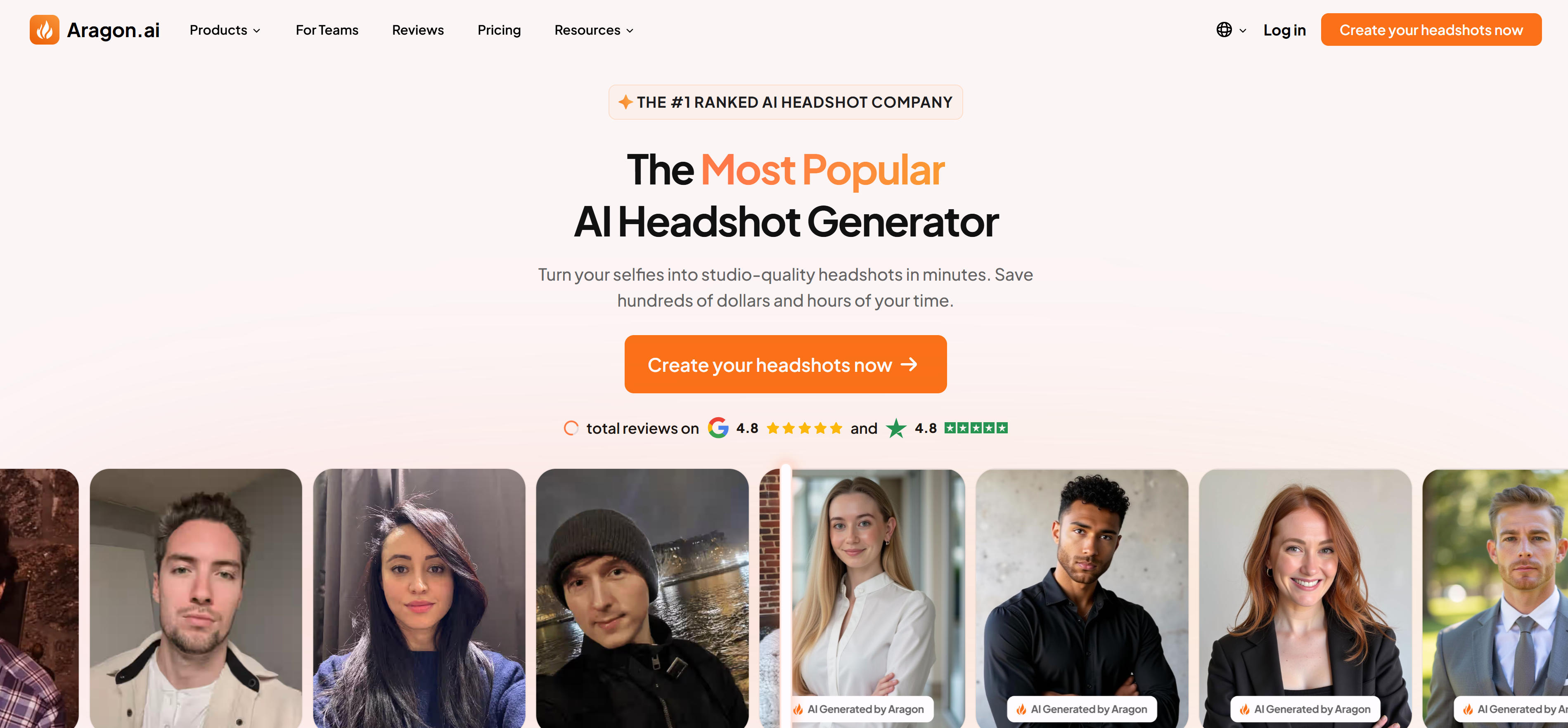
Aragon AI specializes in rapid professional headshot generation, making it ideal for teams and businesses requiring large quantities of consistent headshots. The platform's advanced AI algorithms transform just 6 selfies into 20-100 commercial-grade headshots across multiple career styles including lawyer, doctor, and business professional. Users can switch backgrounds and adjust lighting to match specific branding needs. With delivery times under 60 minutes and competitive pricing starting at $35, Aragon AI serves enterprise clients needing uniform professional headshots for corporate websites, directories, and marketing materials. The platform excels in batch processing, making it perfect for HR departments and large organizations requiring standardized employee headshots.
2. HeadshotPro: Professional Quality
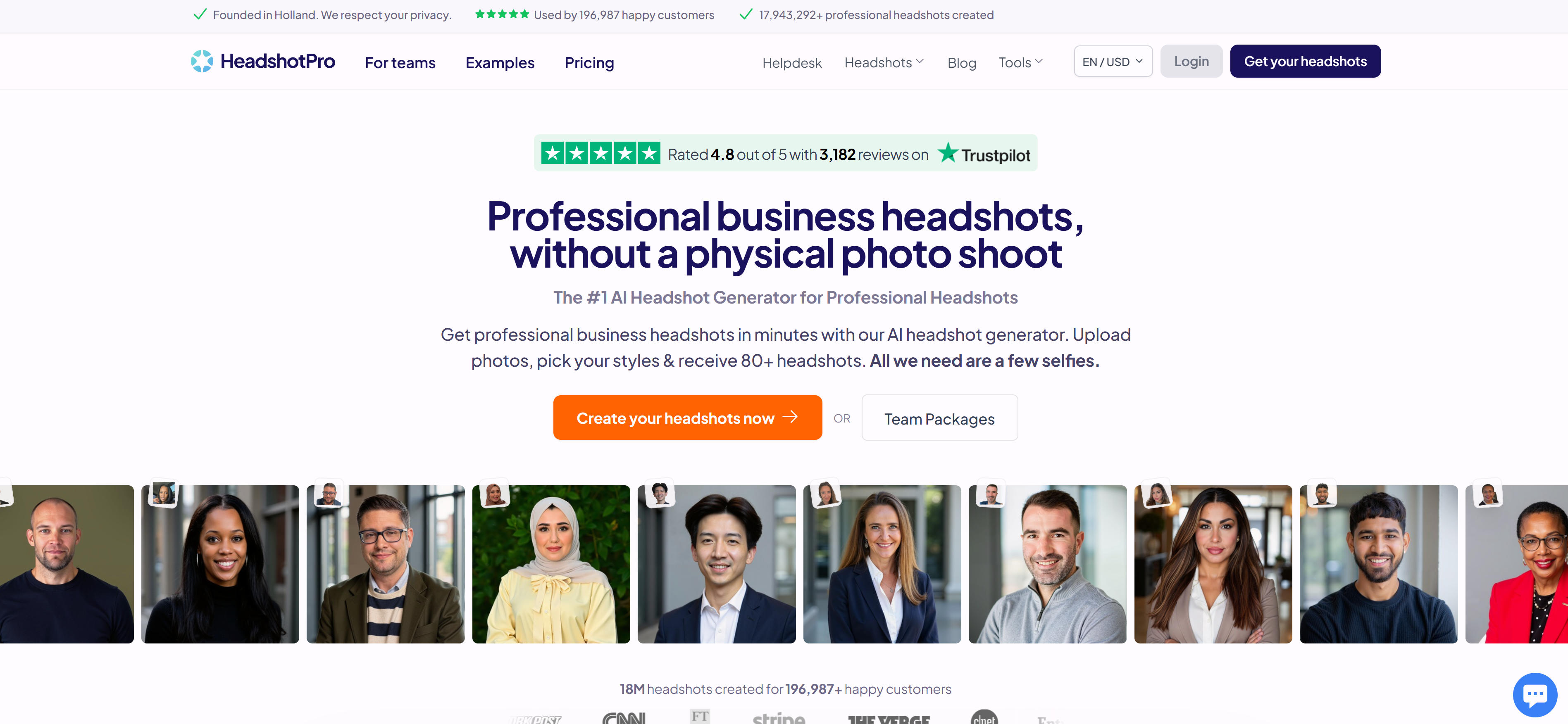
HeadshotPro positions itself as the professional photography studio alternative, delivering studio-quality headshots that rival traditional photo shoots. Users upload 15 photos to generate 40 headshots with 4 background and clothing style options, delivered within 3 hours. The platform excels in rendering complex scenes like cafes and parks, though fine-tuning options are limited to general style adjustments. Starting at $39, HeadshotPro serves professionals seeking natural lighting effects and authentic photography quality. While it may show some AI artifacts, the overall results meet commercial standards for business cards, websites, and professional presentations. Ideal for consultants, executives, and professionals who need headshots that convey authenticity and approach studio photography quality without the associated costs and time commitments.
3. BetterPic: 4K Ultra-Clear
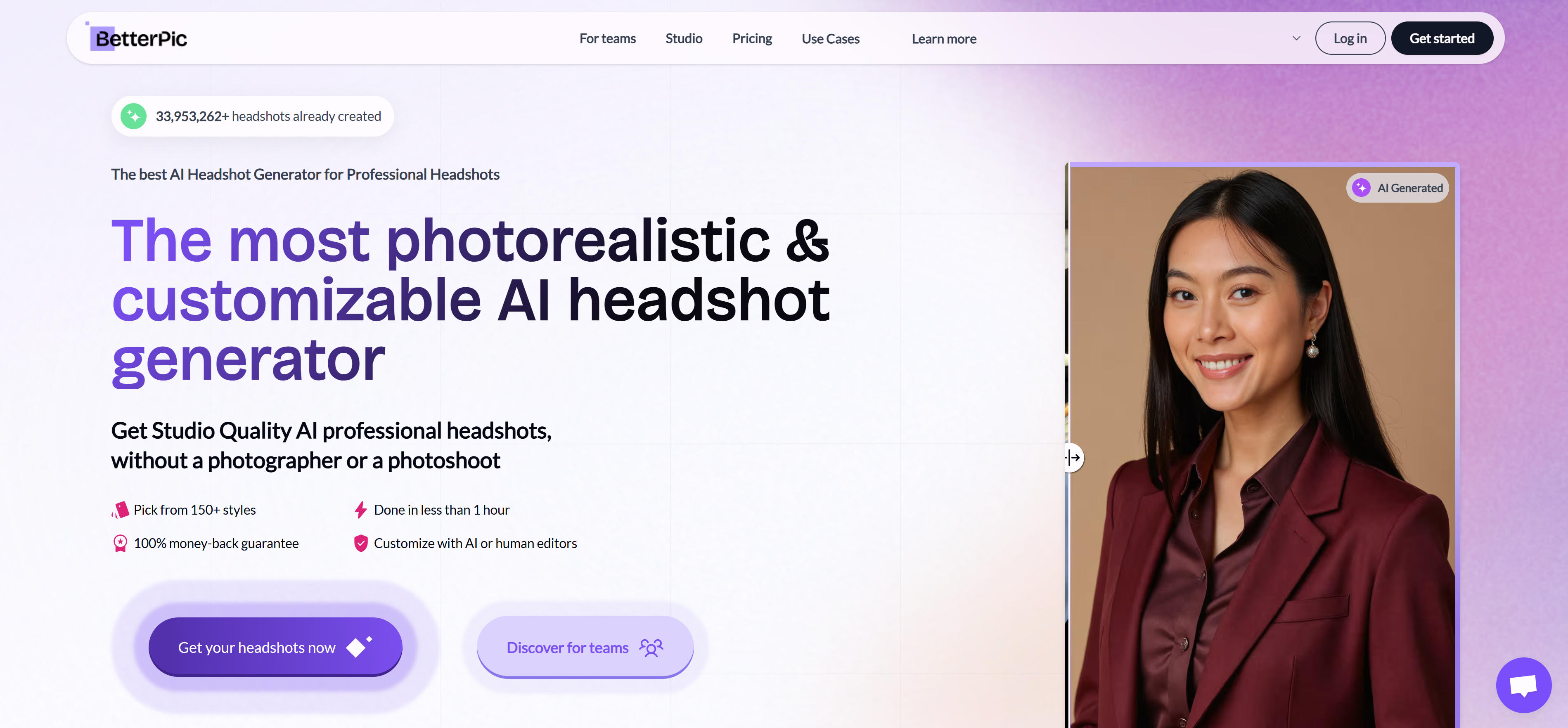
BetterPic leads the premium market with 4K ultra-clear output and a satisfaction guarantee that allows unlimited revisions until perfect. The platform analyzes uploaded photo quality and provides optimization suggestions before generation, with manual fine-tuning options for facial features, clothing, and accessories. Processing completes within 60 minutes, and results can be directly used for advertising, printing, and professional publications. At $35+, BetterPic serves enterprise clients requiring broadcast-quality headshots. The platform's attention to detail ensures every pixel meets commercial standards, making it the choice for brands, agencies, and professionals who cannot compromise on image quality. While more expensive than competitors, the investment pays off in results that don't require additional editing or retouching.
4. Insta Headshots: Social Media Ready
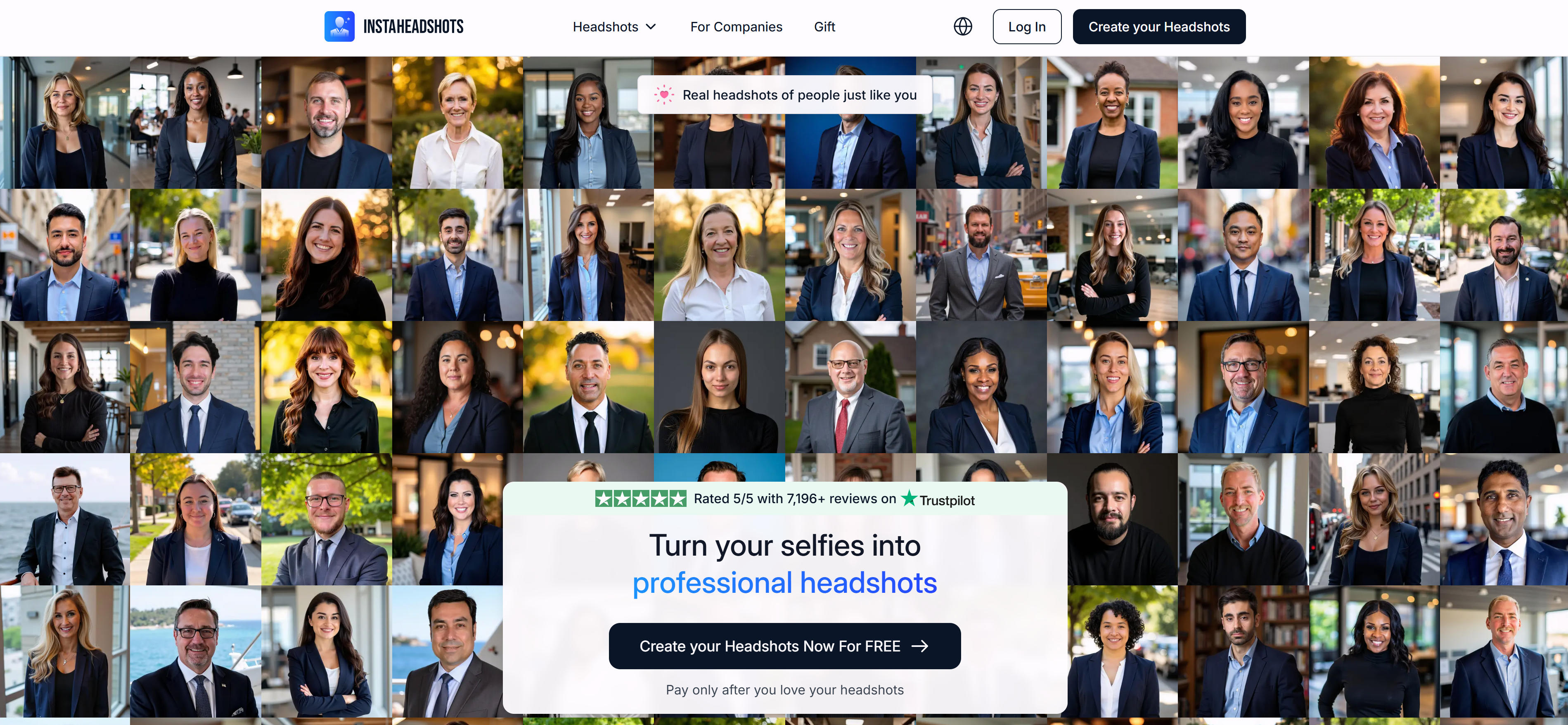
Insta Headshots targets influencers and content creators with ultra-fast delivery and social media optimization. The platform generates 40 headshots per hour at $39, though style options are limited to 2 casual variations with single backgrounds. Free tier users may experience several-hour queues, but paid users get priority processing. The AI excels at capturing users' natural clothing preferences and generating authentic casual portraits perfect for Instagram, TikTok, and personal branding. While not suitable for formal business use, it's excellent for creators needing quick, trendy headshots that resonate with social media audiences. The platform's strength lies in understanding current fashion trends and social media aesthetics, making it the go-to choice for digital influencers and personal brand builders who need frequent headshot updates.
AI Headshot Generators Comparison
Use Cases: Professional Imagery & Branding
AI headshot generators create professional portraits for business profiles, social media, and personal branding.
Professional Headshots
AI headshot generators create professional portraits for business profiles, company websites, and corporate directories. These intelligent tools ensure consistent quality across teams while providing various professional styles, eliminating the need for expensive photo shoots. The technology transforms ordinary selfies into studio-quality portraits, enabling organizations to maintain professional visual standards across all team members.
LinkedIn Profiles
LinkedIn optimization requires professional headshots that convey competence and approachability. AI generators create multiple variations allowing users to choose the perfect image for their professional persona. Professionals update headshots regularly without expensive photo shoots, maintaining a current and polished online presence that enhances career opportunities and networking effectiveness.
Social Media Avatars
Social media platforms require consistent, recognizable profile pictures across multiple channels. AI headshot generators create branded avatars that maintain visual consistency while adapting to platform-specific requirements. Whether for Instagram, Twitter, or TikTok, these tools generate appropriately sized images that enhance brand recognition and audience engagement.
Personal Branding
Personal branding demands versatile imagery that works across different contexts. AI tools generate headshots suitable for websites, business cards, and marketing materials, ensuring visual consistency across all personal branding touchpoints. This unified approach strengthens personal brand identity and professional credibility.
Content Creation
Content creators require versatile headshots for YouTube thumbnails, blog author photos, and podcast artwork. AI tools generate consistent imagery that builds audience recognition and trust, allowing creators to update visual branding without production costs. This enables creators to maintain a professional appearance while focusing resources on content quality.
How to Choose AI Headshot Generator
Select the right AI headshot generator based on your quality requirements, style preferences, budget, integration needs, and licensing requirements to create professional portraits that meet your needs.
1. Evaluate Quality & Speed Requirements
Assess your project's quality and speed priorities. Luxury marketing and professional portfolios require premium quality with fine details and natural appearance; basic listings and quick updates prioritize fast processing and cost-effectiveness. Consider property values, audience expectations, and processing timeframes. Balance quality requirements with speed needs based on your use case.
2. Consider Style Options Range
Ensure the platform supports your target market's preferred styles. Different industries favor different aesthetics: corporate environments prefer formal business styles, creative industries embrace artistic variations, social media needs casual and approachable looks. Evaluate style variety and customization options. Verify the tool offers sufficient style diversity to match your audience's expectations and brand identity.
3. Assess Budget & Usage Frequency
Compare per-image costs and subscription plans based on monthly volume. If processing 50+ headshots monthly, subscriptions offer better value than pay-per-image options. Consider annual commitments and enterprise pricing for high-volume needs. Evaluate total costs including initial fees, usage costs, and potential hidden expenses. Select cost-effective options balancing quality needs and budget constraints.
4. Check Integration & Batch Processing
Verify API availability and bulk processing capabilities for workflow integration. If managing team headshots or enterprise deployments, batch processing is essential for efficiency. Check if the tool integrates with your existing HR systems, CRM platforms, or content management systems. Ensure API connectivity supports automated workflows and reduces manual processing time.
5. Consider Support & Licensing
Review customer support quality and commercial licensing terms. Ensure commercial usage is allowed without watermarks, and check response times for technical support, especially for high-volume agencies. Verify licensing covers your intended use cases, including marketing materials, websites, and social media. Choose platforms with responsive support and clear licensing policies.
Conclusion
AI headshot generators are making studio-quality portraits accessible to everyone, transforming professional photography workflows. Aragon AI leads in speed and batch processing for enterprise needs, while BetterPic excels in ultra-high quality output. HeadshotPro serves professionals seeking natural, studio-like results, and Insta Headshots caters to content creators and social media influencers.
Choose based on your specific requirements: Aragon AI for teams, BetterPic for premium quality, HeadshotPro for professional authenticity, or Insta Headshots for social media creators. Evaluate quality needs, processing speed, batch requirements, and budget constraints to select the most suitable solution for your professional headshot needs.
AI headshot generators serve as powerful alternatives to traditional photography, offering cost-effective, fast, and convenient solutions. However, they complement rather than replace human creativity and artistic direction. The best approach is combining AI efficiency with human quality control: AI handles technical processing, while humans ensure natural appearance and professional standards, maximizing both convenience and quality.