Article Introduction
This comprehensive article introduces the best AI legal tools for 2026, covering professional testing and user experience analysis to recommend the most suitable intelligent legal solutions. We provide detailed comparisons of Supio, Harvey, EvenupLaw, Casetext, and Legora's core functions, from legal research to document drafting. We deeply analyze each tool's advantages and application scenarios, helping you choose the best AI legal tool based on law firm scale and needs. Whether you are a seasoned lawyer or legal assistant, you can find ideal solutions to improve legal work efficiency in this article.
What Are AI Legal Assistants & Tools
AI legal assistants and tools are software that use artificial intelligence to automate and enhance legal tasks like legal research, document drafting, contract review, eDiscovery, and case management. Unlike traditional legal software, AI legal tools can understand legal language, analyze case law, and generate legal documents, significantly improving legal work efficiency and accuracy.
AI legal tools excel at automatically processing large volumes of documents, quickly finding precedents, generating legal summaries, and reviewing contract terms. These tools range from general AI (like ChatGPT for basic tasks) to specialized platforms that integrate with legal databases for secure, verifiable results. Modern AI legal tools can handle complex legal research, document analysis, and case management tasks, truly transforming from manual processing to intelligent automation.
How AI Legal Tools Work
Modern AI legal tools use large language models and natural language processing to understand legal language, analyze case law, and generate legal documents. These tools significantly improve automation, intelligent analysis, and accuracy compared to traditional legal software.
Core advantages include understanding legal terminology, analyzing large volumes of cases and documents, generating legal content, and providing verifiable results. Different tools use various architectures: professional platforms integrate legal databases for accurate results, while hybrid tools combine professional legal knowledge with general AI capabilities.
Best AI Legal Assistants & Tools 2026
Below are the most recommended professional AI legal assistants and tools for 2026. These tools are designed specifically for legal work, generating professional-quality legal content, supporting various legal tasks and functional needs, especially suitable for law firms and legal professionals needing to improve efficiency, accuracy, and case management capabilities.
1. Supio: Personal Injury AI Platform

Supio is an AI platform designed specifically for personal injury law firms, developed in collaboration with leading personal injury firms to help attorneys grow, win more cases, and deliver better outcomes. Supio's core feature is CaseAware™ AI technology, providing deep understanding for every case type, from MVA to MedMal and Mass Torts, with over 97% accuracy.
Supio suits personal injury law firms, providing a complete system from case intake through pre-litigation to litigation. The tool can process thousands of pages of documents, finding key information in seconds, discovering connections between symptoms and treatments, identifying potential undiagnosed injuries and treatment gaps. Supio also provides enterprise-grade security (SOC 2 Type II certified, HIPAA and GDPR compliant) ensuring client data security.
2. Harvey: Professional-Grade AI Platform

Harvey is a professional-grade AI platform providing domain-specific AI services for law firms, professional service providers, and Fortune 500 companies. Harvey's core features include an integrated, secure platform with Assistant (personalized assistant), Knowledge (rapid research), Vault (secure project workspaces), and Workflows (workflow automation).
Harvey suits large law firms and corporate legal departments, providing strong AI capabilities to handle complex legal tasks. The tool is used by over 700 leading law firms and enterprises, including 50 AmLaw 100 firms, with over 74,000 lawyers using Harvey. Harvey also provides enterprise-grade security, domain-specific models, and 24/7 customer support.
3. EvenupLaw: Personal Injury Efficiency

EvenupLaw is an AI platform designed for personal injury cases, aimed at improving personal injury case processing efficiency. EvenupLaw's core feature is using AI technology to streamline case workflows and enhance processing capabilities.
EvenupLaw suits personal injury law firms, providing comprehensive case management and processing solutions. The tool leverages AI to automate repetitive tasks, improve case processing speed, and enhance overall efficiency. EvenupLaw's specialized approach makes it ideal for personal injury practices needing to handle high volumes of cases efficiently.
4. Casetext: Legal Research & AI Assistant
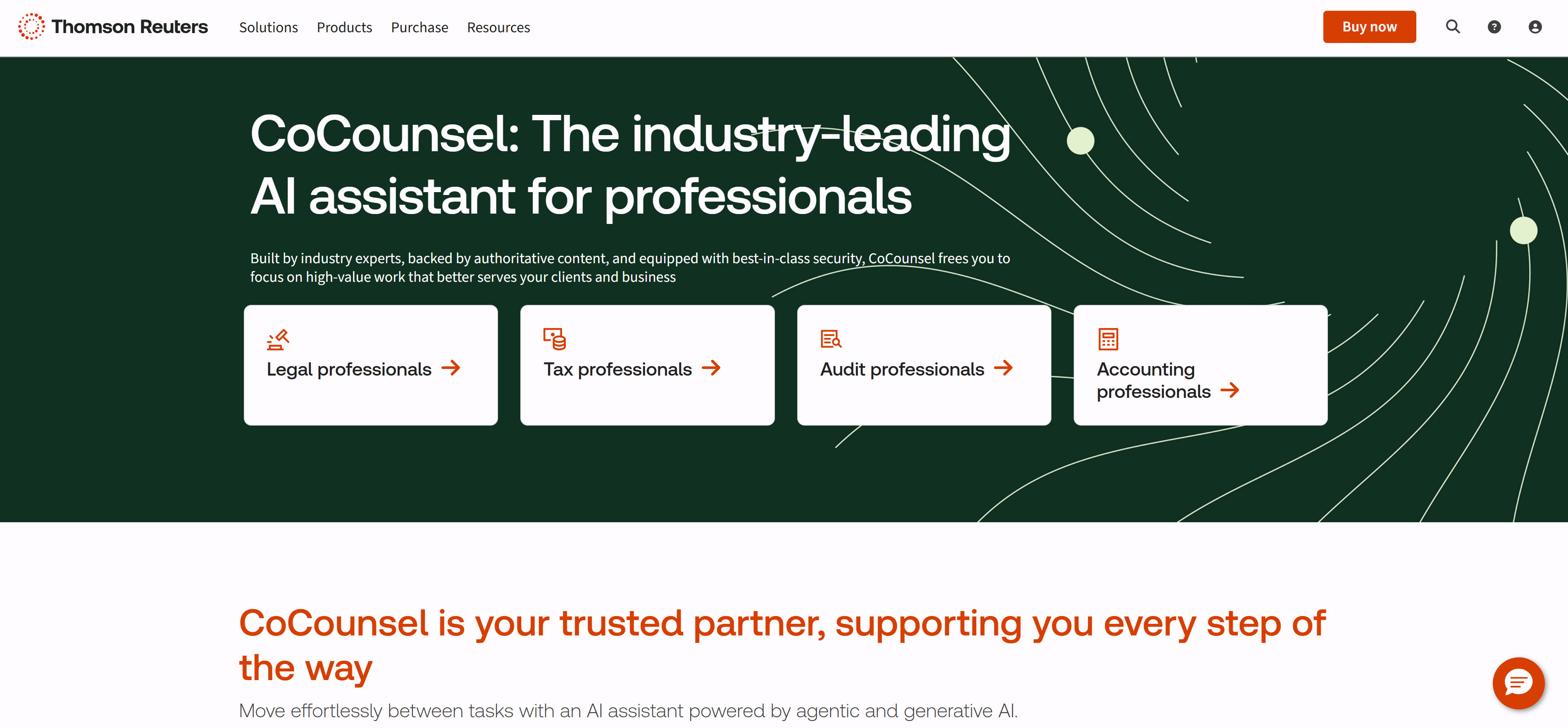
Casetext is an AI-powered legal research platform that revolutionizes how legal professionals find, analyze, and apply case law. Casetext's core features include advanced AI research, comprehensive case database, and intelligent analysis tools that help lawyers work more efficiently.
Casetext suits legal professionals across all practice areas, providing powerful research capabilities and AI assistance. The platform is widely used by law firms, corporate legal departments, and individual attorneys for its comprehensive case law database and innovative AI features. Casetext's AI technology makes legal research faster, more accurate, and more accessible.
5. Legora: AI Workspace for Lawyers

Legora is a comprehensive AI workspace platform designed specifically for lawyers and legal teams. Legora provides an integrated environment where legal professionals can collaborate, manage documents, and leverage AI tools to enhance their productivity and work quality.
Legora suits law firms of all sizes and solo practitioners, offering a modern workspace that combines traditional legal tools with cutting-edge AI capabilities. The platform is designed to streamline legal workflows, improve team collaboration, and provide intelligent assistance throughout the legal process. Legora's comprehensive approach makes it a valuable tool for modern legal practices.
AI Legal Tool Comparison
Below is a detailed comparison of mainstream AI legal tools to help you quickly understand each tool's features, application scenarios, and suitability:
| Tool Name | Core Features | Main Use Cases | Target Users |
|---|---|---|---|
| Supio | CaseAware AI, document analysis, personal injury specialization | Personal injury cases, case analysis, litigation support | Personal injury law firms |
| Harvey | Professional AI platform, knowledge management, workflow automation | Enterprise legal, complex cases, large law firms | Large law firms, enterprises |
| EvenupLaw | Personal injury automation, case efficiency, workflow optimization | Personal injury processing, case management, efficiency | Personal injury practices |
| Casetext | AI legal research, case analysis, document generation | Legal research, case analysis, document drafting | Law firms, legal professionals |
| Legora | AI workspace, collaboration tools, document management | Legal collaboration, document management, team workflows | Law firms, legal teams |
Use Cases: 3 Practical Applications
AI legal tools play important roles across multiple fields, from legal research to document drafting, from case management to litigation support, with different tools suited to different scenarios. Here are three key practical applications that demonstrate how AI transforms legal work.
Legal Research & Analysis
Legal research and analysis is one of the most impactful applications of AI legal tools. Tools like Casetext and Harvey can rapidly search through vast legal databases, identify relevant precedents, analyze case law patterns, and provide instant answers to complex legal questions. These AI-powered research assistants significantly improve the efficiency of legal research by automating the time-consuming process of reviewing case law and statutes. Law firms using these tools report substantial time savings, allowing attorneys to focus on strategic analysis rather than manual research. The AI systems can also identify connections between cases that human researchers might miss, leading to more comprehensive and accurate legal analysis.
Document Drafting & Review
Document drafting and review represents another critical application where AI legal tools excel. Platforms like Legora and Casetext can automatically generate contract clauses, legal briefs, and other documents while ensuring compliance with current legal standards. The AI systems can review contracts for inconsistencies, identify potential risks, suggest improvements, and ensure all documents meet regulatory requirements. This automation dramatically reduces the time lawyers spend on routine document creation, allowing them to dedicate more attention to complex legal strategy and client counseling. Law firms implementing these tools have reported significant improvements in document accuracy and consistency, while also reducing the risk of costly legal errors.
Case Management & Automation
Case management and automation is transforming how law firms handle their workflow through AI technology. Tools like Supio and EvenupLaw can automate repetitive tasks such as document processing, case file organization, deadline tracking, and basic case analysis. These systems can process thousands of documents in minutes, extract key information, identify patterns, and even predict case outcomes based on historical data. The automation capabilities are particularly valuable for high-volume practice areas like personal injury law, where consistent case processing is crucial. By automating routine administrative tasks, lawyers can focus on client relationships and complex legal strategy, leading to improved client satisfaction and better case outcomes.
How to Choose AI Legal Tools
When choosing AI legal tools, consider multiple factors including usage needs, case types, security requirements, integration capabilities, and budget to find the best fit.
1. Evaluate Usage Needs
First, clarify usage needs. Legal research suits tools like Casetext and Harvey; document drafting suits tools like Legora and Casetext; personal injury cases suit tools like Supio and EvenupLaw; complex legal tasks suit professional-grade tools like Harvey. Different tools suit different needs.
2. Assess Case Types
Evaluate case types. Personal injury cases suit specialized tools like Supio and EvenupLaw; general legal practice suits general tools like Casetext and Harvey; corporate legal suits enterprise-grade tools like Harvey.
3. Evaluate Security Requirements
Evaluate security protection needs. Users needing high data security suit tools providing enterprise security like Harvey and Supio; users accepting standard security measures suit tools like Casetext and Legora.
4. Assess Integration Capabilities
Evaluate tool integration capabilities. Users needing integration with existing systems suit tools providing APIs and integration features; users needing standalone use can choose independent platforms.
5. Consider Budget and Pricing
Evaluate budget and pricing models. Large law firms suit enterprise-grade tools like Harvey; small and medium law firms suit tools like Casetext and Legora; personal injury law firms suit specialized tools like Supio and EvenupLaw. Try 2-3 tools first, then choose the best fit after comparison.
Conclusion
AI legal tools are revolutionizing legal work, providing law firms and legal professionals with unprecedented intelligent and automated experiences. From professional legal AI platforms like Harvey and Casetext to specialized tools like Supio and EvenupLaw, to collaborative workspaces like Legora, these tools cover the complete range from legal research to case management.
For law firms needing to improve efficiency and accuracy, AI legal tools provide strong automation capabilities and intelligent analysis, significantly improving legal work efficiency and productivity. For legal professionals needing professional legal research, professional legal AI platforms provide accurate, verifiable research results. Understand that AI legal tools should serve as collaborative partners, not complete replacements for human judgment, handling repetitive work so legal professionals can focus on high-value strategic work.