Marketing Skills for Cursor, Claude Code, OpenClaw — Install 160+ skills

AI Poster Generators: Turn Ideas into Posters

Turn concepts into eye-catching posters quickly and easily. AI poster tools offer intelligent layout suggestions, color schemes, and asset selection, helping you create compelling promotional materials and marketing collateral.

Updated on 2026-05-13
15 min read
Share
TL;DR

Key Takeaways

This guide explores the best AI poster generators for 2026, helping marketers and designers choose the right solution. It also covers selection criteria, comparisons, and practical tips for implementation. The sections below compare options, use cases, and practical selection criteria.

  • AI poster tools support creative design and automated layout generation for event promotion, visual marketing, and social media campaigns.
  • Compare Molypix, Piktochart, Venngage, Visme, Designs.ai, and Design.com for template variety and smart layout capabilities for informed selection and deployment.
  • Consider template variety, smart layout, editability, and ease of use for your event type and visual marketing requirements.
  • Learn technical principles and workflows, then pair with image generators and design tools for complete visual content production.

What Are AI Poster Generators

AI poster generators use artificial intelligence to create promotional posters, event flyers, social media graphics, and marketing banners from text descriptions, with automatic layout, typography pairing, and visual hierarchy optimization. Their core value lies in enabling anyone to produce professional-looking promotional materials without graphic design skills—transforming a simple description of an event or product into multiple design options in seconds. Modern AI poster platforms support brand kit integration for consistent styling, multi-format export for different social platforms, and template-based customization that preserves design best practices. They serve event organizers promoting meetups and conferences, small businesses creating in-store signage, marketers producing campaign assets at scale, and social media managers maintaining consistent visual feeds.

In the marketing asset creation workflow, posters often accompany other visual formats: AI image creation tools supply custom photography and illustrated backgrounds for poster compositions, while AI logo generators provide brand marks for co-branded event materials. For video-based promotion of the same events, AI video generators can repurpose poster designs into animated social teasers.

How AI Poster Generators Work

AI poster generators combine layout prediction networks with diffusion-based image generation and typography systems to produce marketing visuals. The layout engine analyzes content hierarchy—title, subtitle, body text, imagery—and assigns spatial weights using transformer-based composition models. Background imagery is generated or selected from libraries, and type is rendered with attention to contrast, alignment, and visual flow. The technical challenge is maintaining brand consistency across varied content while producing layouts that feel designed, not templated.

  • Understanding: Understanding text content, themes, and design needs, translating requirements into appropriate visual designs.
  • Generation: Automatically generating layouts, color schemes, fonts, and other design elements that match visual principles.
  • Learning: Learning design patterns and visual trends from large datasets, ensuring designs follow current best practices.
  • Optimization: Automatic quality improvements based on user feedback, refining designs to match user expectations.

Tools vary in their design autonomy: template-driven tools offer preset layouts with AI image insertion, while fully generative tools create unique compositions per prompt. Resolution and print-readiness differ substantially—some target social media dimensions (1080px), others produce CMYK-ready press files. For custom illustrations within posters, AI image creation tools supply bespoke visual elements. For the broader design context around posters, AI design tools handle multi-format layout, typography, and brand consistency across marketing materials.

2026 Best Professional Poster Generators: Professional Design & Marketing Materials

Professional AI poster generators are optimized for poster design, providing complete poster design solutions. These tools generate poster designs and offer rich template libraries, multiple format outputs, and brand customization, ideal for users needing professional poster designs. Professional tools understand poster design principles like information hierarchy, visual balance, and color coordination, generating commercial-standard designs. They also provide rich template libraries and design elements, automatically generating layouts, color schemes, and font choices to help users quickly create high-quality poster designs.

1. Molypix: AI Poster Gen

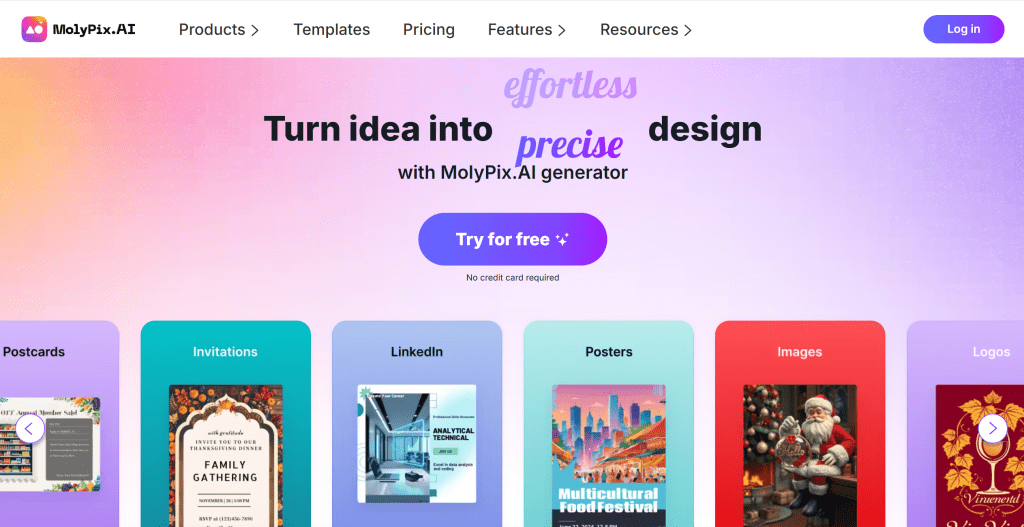
Molypix poster design editor with template gallery, text overlay tools, and layout controls — AI Poster Gen

Molypix is an AI-driven poster design tool supporting quick generation of visually striking posters. Its powerful AI engine understands user design needs and automatically generates multiple style poster design options. Molypix provides rich design templates and element libraries, enabling users to quickly create professional poster designs through simple steps. Ideal for users needing quick high-quality poster creation for marketing campaigns, product promotion, or event promotion.

2. Piktochart: Infographic Posters

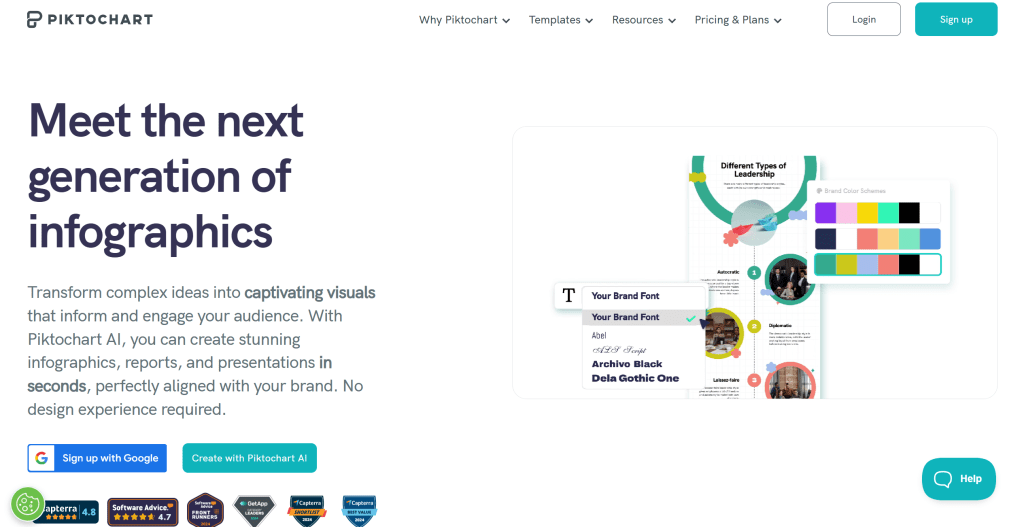
Piktochart poster design editor with template gallery, text overlay tools, and layout controls — Infographic Posters

Piktochart offers multiple design templates suitable for creating infographics and posters. It features a powerful design engine and rich template library, enabling users to quickly create professional poster designs through simple drag-and-drop operations. Piktochart provides multiple design styles and industry templates. Ideal for users needing diverse design options for marketing posters, infographics, or event promotion.

3. Venngage: Quick Posters

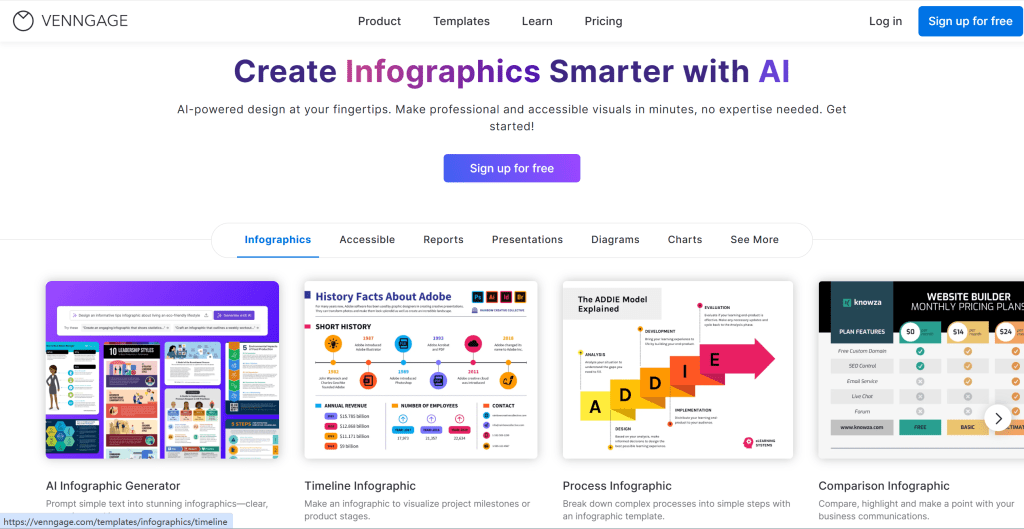
Venngage poster design editor with template gallery, text overlay tools, and layout controls — Quick Posters

Venngage is known for ease of use and rich template selection. It provides an intuitive interface that even users without design experience can quickly master. Venngage offers extensive design templates and element libraries, enabling users to quickly create professional poster designs through simple operations. Ideal for users needing quick poster creation for marketing campaigns, product promotion, or education.

4. Visme: Multi-Functional Design

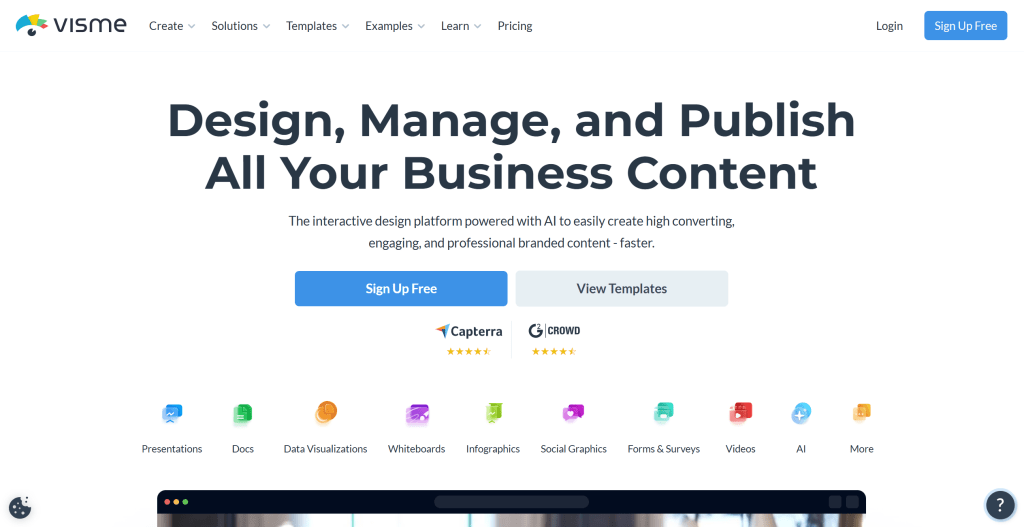
Visme poster design editor with template gallery, text overlay tools, and layout controls — Multi-Functional Design

Visme provides multi-functional design tools suitable for creating professional visual content. It supports not only poster design but also presentations, infographics, and social media content. Visme offers a powerful design engine and rich resource library, enabling users to quickly create professional poster designs through simple operations. Ideal for users needing multi-functional design tools, whether marketing teams, content creators, or enterprise users.

5. Designs.ai: Comprehensive Platform

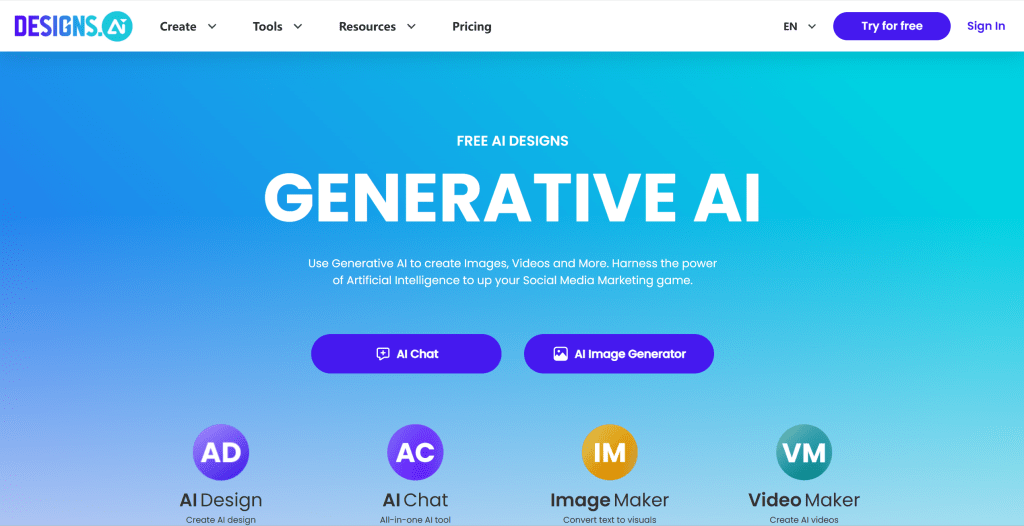
Designs.ai poster design editor with template gallery, text overlay tools, and layout controls — Comprehensive Platform

Designs.ai is a comprehensive design platform supporting poster generation. It provides an AI-driven design engine that understands user design needs and automatically generates multiple style poster design options. Designs.ai offers rich design tools and resource libraries, enabling users to quickly create professional poster designs through simple operations. Ideal for users needing comprehensive design platforms, whether marketing teams, content creators, or enterprise users.

6. Design.com: Simple & Easy

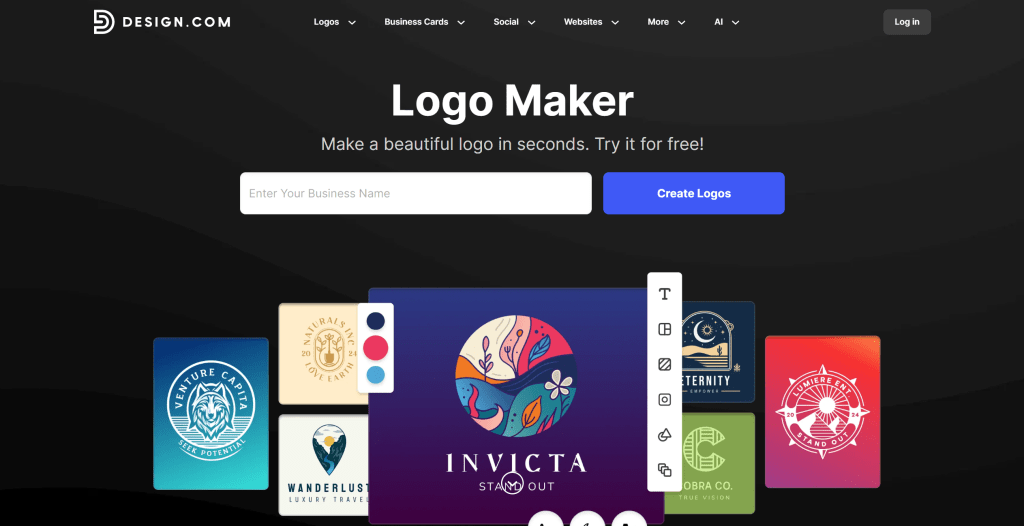
Design.com poster design editor with template gallery, text overlay tools, and layout controls — Simple & Easy

Design.com provides simple design tools suitable for quick poster creation. It offers an intuitive interface and rich design templates, enabling users to quickly create professional poster designs through simple operations. Design.com provides multiple design styles and industry templates. Ideal for users needing quick poster creation, whether individual users, small businesses, or content creators.

AI Poster Generator Tools Comparison

Here's a detailed comparison of the top AI poster generator tools to help you choose the best solution for your needs:

Comparison table of AI Poster Generator tools showing tool name, core features, best use cases, and pricing
Tool NameCore FeaturesBest ForPricing
MolypixAI-driven, quick generation, visually strikingQuick high-quality poster creationFree + Paid
PiktochartRich templates, infographic creation, ease of useInfographics and poster designFree + Paid
VenngageEase of use, rich templates, quick creationQuick poster creationFree + Paid
VismeMulti-functional design, rich resources, professional visual contentComprehensive visual content creationFree + Paid
Designs.aiComprehensive platform, AI-driven, multiple design toolsComprehensive design platformFree + Paid
Design.comSimple, quick creation, rich templatesQuick poster creationFree + Paid

What AI Poster Generators Can Do: 5 Key Use Cases

AI poster generators make professional-quality visual design accessible to everyone. Here are the most common use cases:

Event & Conference Posters

Create eye-catching posters for conferences, meetups, webinars, and launch events. AI tools like Piktochart and Venngage offer event-specific templates with speaker lineups, schedules, and venue details — letting organizers produce professional materials in minutes without a graphic designer.

Marketing & Promotional Campaigns

Generate A/B testable poster variants for social media, store displays, and outdoor advertising. Tools like Designs.ai let marketing teams iterate on messaging and visuals rapidly, producing dozens of campaign variations from a single brief.

Educational & Academic Posters

Design research posters for conferences, classroom materials, and academic presentations. Visme and Molypix provide layouts optimized for information hierarchy — abstract, methodology, results, and conclusions — helping researchers present complex findings clearly.

Movie & Entertainment Posters

Generate film posters, album art, and theatrical one-sheets with cinematic styling. AI poster tools understand genre conventions — horror, comedy, drama — and apply appropriate typography, color grading, and composition to match audience expectations.

Social Media & Digital Display

Create poster-sized graphics optimized for Instagram Stories, LinkedIn banners, and digital billboards. AI automatically adjusts layout and typography for different aspect ratios and viewing distances, ensuring your message reads clearly whether it's on a phone screen or a Times Square display.

How to Choose Poster Generation Tool

Follow these 5 steps to select the perfect poster generation tool for your needs. Evaluate design needs, use cases, technical ability, budget, and output formats to make an informed decision.

1. Evaluate Design Needs

Clarify design needs: quick posters require fast generation with basic customization; infographics need data visualization and chart capabilities; multi-functional design requires comprehensive features supporting various design types; brand customization needs brand asset management and style consistency features.

2. Assess Use Cases

Evaluate use cases: marketing campaigns need eye-catching visuals and campaign templates; education requires educational templates and content organization; social media needs platform-optimized formats and quick sharing; enterprise brands require brand compliance and team collaboration features.

3. Evaluate Technical Ability

Assess your technical ability: non-technical users need simple drag-and-drop interfaces with guided workflows; users with some design background benefit from advanced customization options; professional users require comprehensive platforms with extensive features and professional-grade output.

4. Consider Budget and Pricing

Pricing models vary: free versions enable testing and basic use with limitations; subscriptions provide predictable costs for regular work with full feature access; pay-per-use models offer flexibility for occasional needs. Choose based on usage frequency and budget constraints.

5. Evaluate Output Format Requirements

Assess output formats: PNG supports transparency for web use; PDF enables print-ready documents; SVG provides scalable vector graphics; JPG offers compressed images for web sharing. Ensure the tool supports your required formats and quality settings. Try multiple tools first, then choose based on performance.

Conclusion

AI poster generators are enhancing design workflows, providing creators with remarkable creative possibilities and efficiency improvements. From professional poster tools like Molypix and Piktochart to comprehensive design platforms like Visme and Designs.ai, these tools cover the complete range from standard posters to unique designs, enabling users to create professional-quality posters efficiently.

Choose the right tool based on your poster design needs: Molypix and Piktochart for professional poster tools with rich templates, Visme and Designs.ai for comprehensive design platforms with multiple format outputs. Evaluate design requirements, template availability, customization needs, and budget constraints to select the most suitable poster generator solution.

AI poster generators serve as collaborative partners in poster design, not replacements for human creativity. They handle technical and repetitive work, enabling users to focus on content strategy, creative expression, and user experience optimization. The best approach is human-AI collaboration: AI manages design generation and technical processing, while creators provide creative direction, quality control, and brand vision, maximizing both design efficiency and poster quality If you're exploring AI Poster Generators, you may also be interested in AI logo generators for brand marks on posters, AI image editors for custom poster artwork, and AI design tools for multi-format marketing layouts..

Frequently Asked Questions

What Are AI Poster Generators and How Do They Work?
AI poster generators use artificial intelligence to automatically design and create professional posters. By inputting basic information like themes, text content, and images, these platforms generate multiple design styles and layouts that meet visual design principles. They understand design needs, automatically optimize layouts and color schemes, and support various output formats, enabling users to quickly create high-quality promotional materials without extensive design experience. Leading platforms include Molypix, Venngage, Design.com, Piktochart, Visme, and Designs.ai, which offer various capabilities for different poster design needs.
Are AI Poster Generators Suitable for Beginners to Use?
Yes, most AI poster generators are designed with user-friendly interfaces suitable for beginners. Platforms like Venngage, Design.com, and Piktochart offer intuitive drag-and-drop interfaces, extensive template libraries, and guided design processes. Many provide free trials, allowing users to experiment without commitment. For beginners, start with provided templates, follow platform tutorials and guides, experiment with different design styles gradually, and use free tiers to practice. While platforms are accessible, achieving professional-quality results requires understanding design principles and visual hierarchy.
How Good Is the Quality of AI-Generated Posters Today?
AI-generated poster quality has reached very high standards, especially with professional platforms like Molypix, Visme, and Designs.ai. Quality depends on multiple factors: platform selection (professional platforms produce commercial-standard designs), input specificity (detailed inputs improve outputs), design requirements (standard posters achieve better results than highly specialized needs), and customization level (advanced customization enhances quality). Professional platforms typically produce commercial-standard designs suitable for most business applications with proper information hierarchy, color coordination, and typography. Most platforms can produce results suitable for marketing materials, social media, and professional presentations.
Are AI Poster Generators Free to Use or Paid Only?
AI poster generators offer diverse pricing models, with many providing free versions but requiring subscription for advanced features. Common models include free tiers with limitations (watermarks, limited templates, or export restrictions); freemium models where basic features are free with premium subscriptions for advanced templates and higher-quality exports; and subscription plans with monthly or yearly fees (pricing varies from free basic plans to premium subscriptions costing $10-50+ per month). Free versions suit experimentation; paid plans suit professional use and commercial applications. Evaluate usage requirements to choose the most cost-effective plan.
Can AI-Generated Posters Be Used Commercially?
Yes, most AI poster generators allow commercial use, but review terms of service carefully. Professional platforms typically provide clear commercial licensing for business applications. Free versions may include watermarks or have restrictions on commercial use. For commercial projects, choose platforms with explicit commercial licensing, ensure brand consistency, and consider professional review for important brand materials. Some platforms offer enterprise plans with additional commercial rights and brand customization features. Always review licensing terms before commercial use.
How to Choose the Right AI Poster Generator for My Needs?
Choose the right platform by evaluating multiple factors: define design requirements (standard posters vs. infographics), assess use cases (marketing vs. education), consider technical ability (beginner-friendly vs. advanced), review budget constraints (free vs. premium), check output format support, evaluate template library and customization options, and test thoroughly by trying multiple platforms to compare results. Start with free trials of 2-3 platforms that match your primary needs, test them with your actual content, and choose based on ease of use, quality of results, and value for your specific use cases.
What file formats do AI poster generators support for export?
Most AI poster generators support multiple formats including PNG, PDF, JPEG, and sometimes SVG. PNG suits digital use with transparency support; PDF enables print-ready documents with vector quality; JPEG provides compressed images for web sharing; SVG offers scalable vector graphics for professional editing. Professional platforms typically provide all formats, while basic tools may offer fewer options. Check format availability and quality settings before selecting tools. Some platforms offer high-resolution exports for premium users, suitable for large-format printing.
Can AI poster generators create posters in different sizes and aspect ratios?
Yes, most AI poster generators support multiple sizes and aspect ratios including standard poster sizes, social media formats, and custom dimensions. Professional platforms like Visme and Designs.ai offer extensive size presets for various use cases including A4, A3, letter size, and social media formats. Some platforms allow custom dimensions for specific requirements. However, template availability may vary by size. For best results, choose platforms with size presets matching your intended use case or support for custom dimensions. Check size options before selecting tools for specific printing or display requirements.

Also Interested In

    This site uses cookies and similar technologies for analytics, personalized ads (via Google AdSense), and essential functions. By clicking “Accept All”, you consent to our use of cookies. You can reject non-essential cookies by clicking “Reject All”.

    Privacy Policy

    Best AI Poster Generators (2026): Marketing, Templates | Alignify