AI Image Relighting: Professional Lighting Control
Introduction
This guide explores the best AI image relighting tools for 2026. We cover core concepts, technical fundamentals, and analysis of top tools. The guide includes feature comparisons, use cases, selection criteria, and frequently asked questions.
What Are AI Image Relighting Tools
AI image relighting tools use artificial intelligence to readjust lighting effects in images, changing light source position, intensity, and direction through deep learning. These tools intelligently re-render lighting effects, creating effects difficult with traditional methods. Modern AI image relighting tools support light direction adjustment, intensity control, and shadow reconstruction, providing complete image processing solutions for photographers, e-commerce sellers, and real estate professionals.
How AI Image Relighting Works
Modern AI image relighting uses neural radiance fields (NeRF) and physical light simulation for precise light recalculation and rendering. The technology employs deep learning models trained on vast lighting datasets that learn light behavior, material properties, and shadow interactions. These technologies not only adjust existing lighting but also create new lighting environments and atmospheres. Compared to traditional relighting requiring 3D modeling and manual light placement, AI image relighting significantly simplifies the process, making professional relighting accessible to users without 3D expertise.
- Physical accuracy: The technology is based on real physics principles, ensuring relighting results look natural and physically plausible with accurate shadows and light interactions.
- Creative freedom: AI relighting enables creating lighting effects that are difficult or impossible to achieve in photography, expanding creative possibilities for image enhancement.
- Automated processing: The technology provides intelligent analysis and adjustment, automatically identifying lighting conditions and applying appropriate relighting without manual intervention.
- Real-time preview: Advanced tools offer quick lighting change preview, allowing users to experiment with different lighting scenarios rapidly.
- Consistent results: Modern frameworks like IC Light achieve highly consistent relighting effects by enforcing consistent light transport, ensuring professional-quality results.
Different AI image relighting tools use different architectures optimized for their specific use cases. NeRF-based tools use neural radiance fields to model 3D light transport, providing physically accurate relighting with precise control. Diffusion model-based frameworks like IC Light achieve consistent relighting by enforcing light transport consistency in HDR space. Some tools support text-conditioned relighting, allowing users to describe desired lighting with text prompts. Background-conditioned models intelligently recalculate light distribution based on foreground images, ensuring realistic integration. Advanced tools combine multiple techniques, using physical simulation for accuracy and deep learning for speed. The choice of architecture affects accuracy, processing speed, and control level.
2026 Best AI Image Relighting Tools: Lighting Control & Professional Results
Here are the top recommended AI image relighting tools for 2026, covering professional relighting, intelligent relighting, fast adjustment, creative relighting, simple relighting, and professional relighting categories, helping you choose the most suitable relighting solution for your needs.
1. PromeAI Relight: Professional Relighting
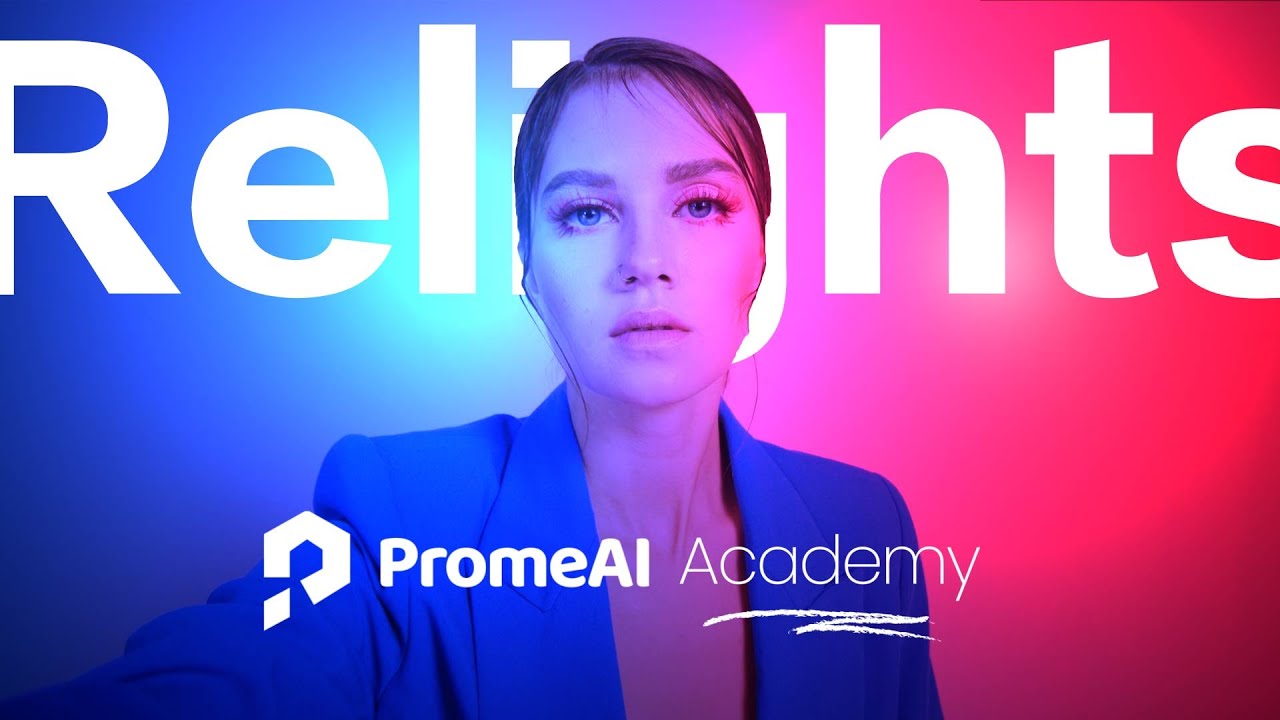
PromeAI Relight provides precise lighting control and high-quality relighting effects. Supports multi-light adjustment, real-time preview, and preset modes, allowing customization of light color, brightness, size, and position. Ideal for product photography and advertising production. Offers professional-grade image relighting using AI technology to recalculate light distribution and shadow effects. Supports multiple output formats and resolutions. Provides real-time preview for quick lighting adjustments. Whether fixing shooting lighting issues or pursuing cinematic effects, PromeAI delivers high-quality solutions.
2. Pixerylabs Relight: Intelligent Relighting
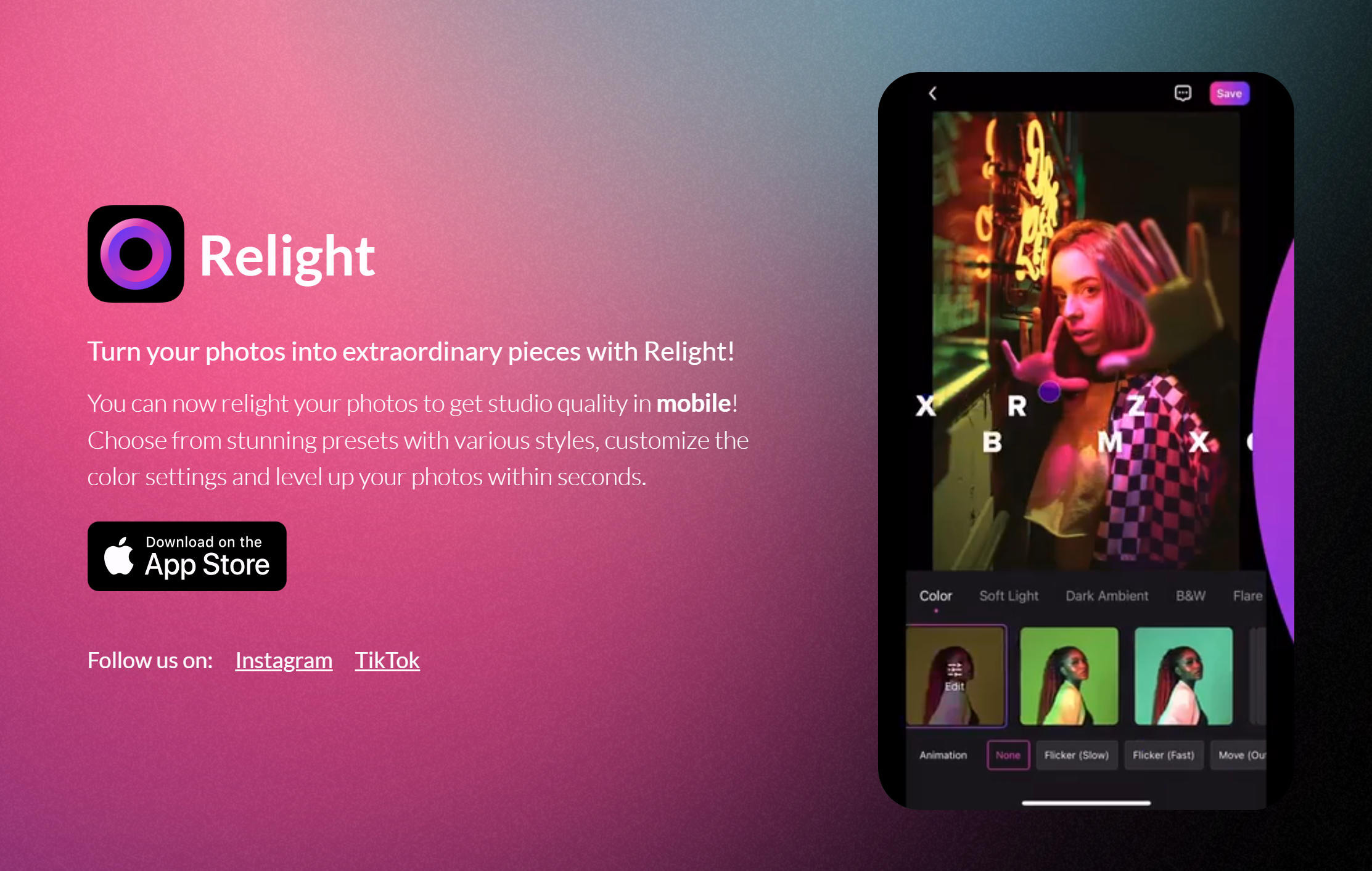
Pixerylabs Relight provides intelligent AI image relighting with automatic light adjustment and lighting optimization. Uses advanced AI algorithms to intelligently analyze and adjust image lighting effects. Supports multi-light control and real-time preview, intelligently understanding image lighting structure to re-render lighting effects. Ideal for product photography, portrait photography, and interior design. Supports batch processing and multiple output formats.
3. Clipdrop Relight: Fast Relighting
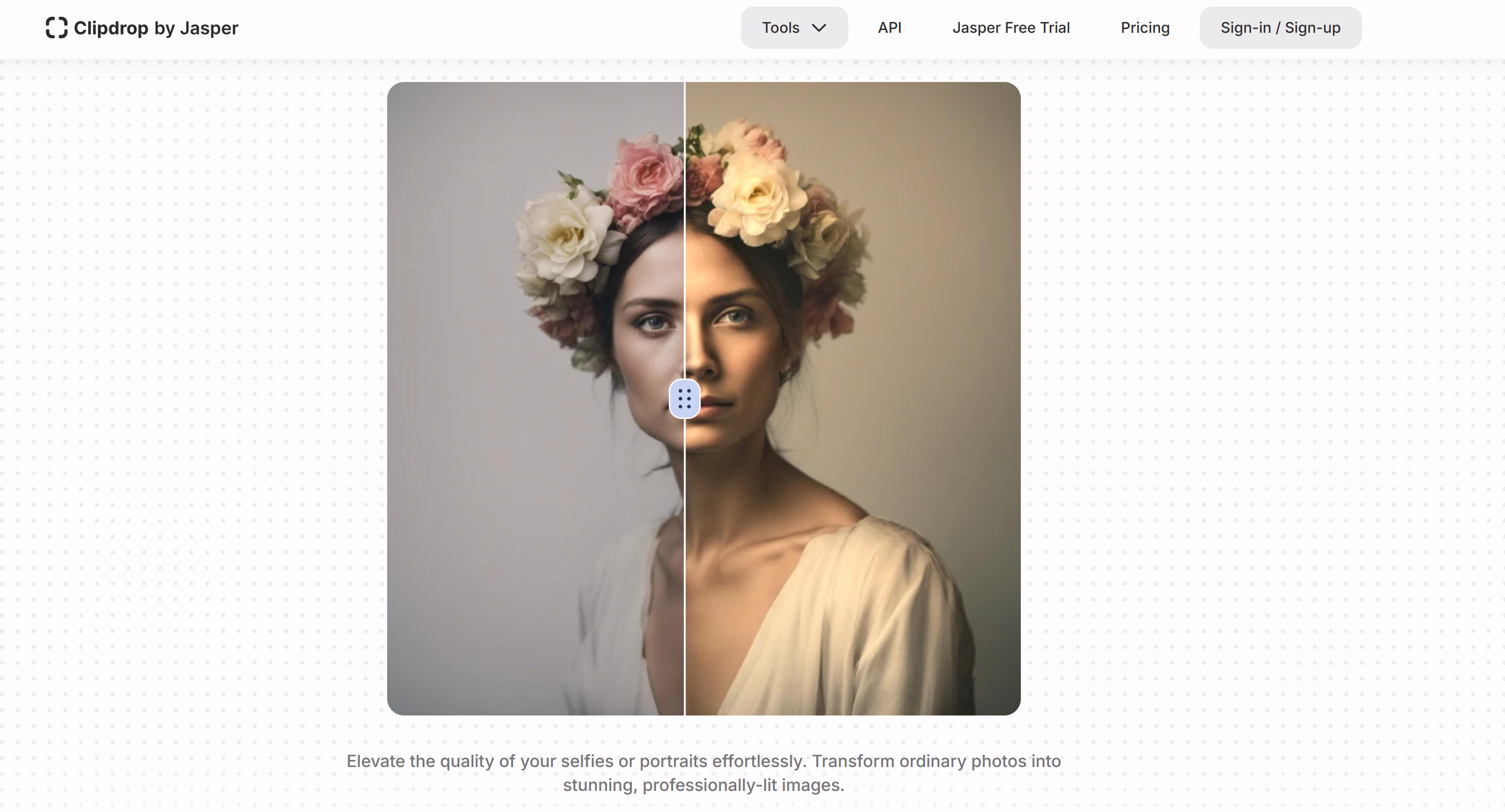
Clipdrop Relight provides fast AI image relighting with one-click light adjustment and lighting optimization. Focuses on quick efficient lighting processing solutions. Supports one-click optimization of image lighting effects. Intelligently detects and adjusts lighting issues from exposure problems to uneven lighting. Perfect for users needing rapid image processing, supports multiple preset effects and custom adjustments.
4. Higgsfield Relight: Creative Relighting

Higgsfield Relight provides creative-oriented AI image relighting with rich lighting effects and creative light adjustments. Suitable for artists and creative workers. Supports multiple artistic style lighting adjustments and creative lighting effects. Creates dramatic lighting effects, colored lights, and special lighting atmospheres. Perfect for digital artists, illustrators, and creative designers, supports multiple export formats and artistic styles.
5. Lift Relight: Simple Relighting

Lift Relight provides user-friendly AI image relighting with intuitive light adjustment and lighting optimization. Focuses on user-friendly operation experience. Supports intuitive light adjustment interface. Intelligently identifies lighting issues and provides corresponding optimization suggestions. Perfect for first-time AI relighting users, supports multiple preset effects and simple manual adjustments.
6. Luminar Neo Relight: Professional Relighting
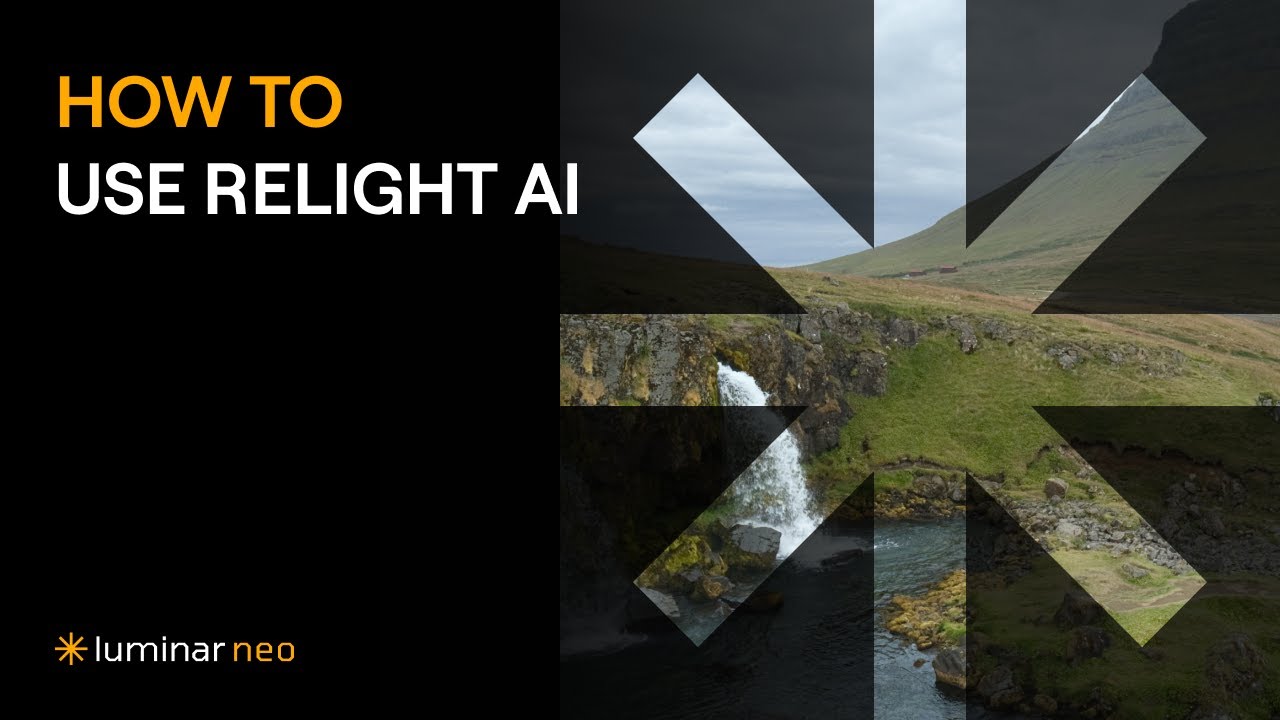
Luminar Neo Relight provides professional AI image relighting with advanced light control and lighting adjustments. Part of Luminar Neo suite. Provides professional-grade image relighting as part of Luminar Neo suite, supports advanced light control and precise lighting adjustments. Provides precise lighting adjustments based on professional needs, supports multiple lighting scenarios and effects. Perfect for professional photographers and image processing studios. As Skylum's professional image processing software, Luminar Neo Relight inherits Luminar series excellence, providing high-quality AI relighting. Whether precise light control or professional image quality pursuit, Luminar Neo delivers reliable solutions.
AI Image Relighting Tools Comparison
Here's a detailed comparison of the top AI image relighting tools to help you choose the best solution for your needs:
Use Cases: Professional Lighting Control
AI image relighting tools serve diverse lighting adjustment needs across photography, e-commerce, and creative industries.
Photography Creation
AI relighting excels at post-production lighting adjustments, fixing shooting lighting issues and adjusting light direction and intensity. Creates dramatic lighting effects and artistic atmospheres, adapting indoor shots to outdoor lighting effects and simulating golden hour's warm lighting for enhanced visual appeal.
Product Photography
AI relighting optimizes product images for better display and appeal. Adjusts lighting effects for improved marketplace display and optimizes lighting for better product material and texture display. Creates professional lighting effects suitable for e-commerce platforms, enhancing product visual appeal significantly.
Digital Art
AI relighting creates specific artistic atmospheres through lighting. Applies artistic style lighting effects and color adjustments, creating time-changing lighting animation effects and providing lighting visualization for artistic concepts that enhance creative expression and visual storytelling.
Commercial Photography
Commercial photographers use AI relighting to enhance advertising and marketing images. Tools adjust lighting to match brand guidelines and create consistent visual styles across campaigns. Professional lighting effects improve product presentation quality and brand image consistency while reducing production costs.
Creative Editing
Creative professionals use AI relighting to transform ordinary images into visually striking compositions. Tools enable artistic lighting manipulation, creating unique visual styles and atmospheres. These capabilities enhance creative expression and enable innovative image editing workflows that push creative boundaries.
How to Choose AI Image Relighting Tool
Select AI image relighting tools based on lighting needs, creative level, technical proficiency, and workflow integration for significantly enhanced image visual effects and artistic expression.
1. Determine Lighting Needs
Clarify lighting adjustment goals: precise product photography control requires accurate light direction and intensity adjustments; creative art effects need artistic style lighting with dramatic contrasts; automated quick adjustments suit workflow efficiency needs; intelligent relighting adapts to image content automatically.
2. Assess Technical Level
Choose tools based on technical proficiency: professional photographers need precise control over lighting parameters and advanced adjustment options; beginners benefit from simple interfaces with automated suggestions; artists require creative features supporting artistic expression and style customization.
3. Consider Creative Freedom
Evaluate creative space provided: physically accurate lighting ensures realistic results matching natural light conditions; artistic style lighting enables dramatic effects and creative expression; fast practical adjustments prioritize workflow efficiency over maximum control.
4. Evaluate Processing Speed
Consider lighting processing timeliness: real-time preview enables immediate feedback and iterative adjustments; online fast processing suits quick turnaround needs; complex artistic effects may require longer processing times but offer superior visual quality.
5. Check Integration Options
Verify integration capabilities and workflow compatibility: precise control suits professional studios requiring detailed adjustments; batch processing supports e-commerce businesses processing large volumes; multiple format support enables creative studios working with diverse file types.
Conclusion
AI image relighting tools provide powerful light control and lighting adjustment capabilities for image creators, from precise physical light simulation to creative artistic lighting effects. Tools like PromeAI Relight, Pixerylabs, and Clipdrop enhance image visual quality and expand creative possibilities, enabling users to achieve professional lighting effects with minimal technical expertise.
Choose the right tool based on your relighting needs: PromeAI Relight for professional relighting with precise control, Pixerylabs for intelligent relighting automation, Clipdrop for fast relighting adjustments, Higgsfield for creative artistic effects. Evaluate lighting requirements, technical level, creative goals, and budget constraints to select the most suitable image relighting solution.
AI image relighting tools serve as powerful assistants that enhance image visual quality, but they complement rather than replace human creative vision and artistic judgment. The best approach is human-AI collaboration: AI handles technical lighting simulation and adjustment, while creators provide artistic direction, quality control, and creative vision, maximizing both relighting efficiency and visual quality.