Marketing Skills for Cursor, Claude Code, OpenClaw — Install 160+ skills

AI Image Generators: Text to Creative Images

Discover the top AI image generators that transform how you create visuals. Find powerful tools that generate stunning images from text descriptions, perfect for your creative projects. Ideal for creators and designers.

Updated on May 7, 2026
24 min read
Share
TL;DR

Key Takeaways

A practical guide to the best AI image generators in 2026, plus 2025–2026 public capability trends (including ChatGPT Images 2.0) focused on the generation step—not upscaling, relighting, or general editing, which have dedicated tool pages.

  • Text-to-image, image-to-image, and multimodal conditioning cover concept art, marketing, and text-heavy layouts. This is different from likeness-locked headshots and from matting + background replace tools.
  • We list ChatGPT Images 2.0 first (OpenAI & ChatGPT family), then Nano Banana, Midjourney, Flux, Leonardo, Ideogram, Recraft as cards. Stable Diffusion, DALL·E 3, and Adobe Firefly move to an on-page “other” list (no extra cards) to avoid duplicate layout.
  • Follow public 2025–2026 trends: in-image typography, multi-language text, multi-panel identity consistency, chat-native workflows, and APIs. See OpenAI’s [ChatGPT Images 2.0](https://openai.com/index/introducing-chatgpt-images-2-0/) (capabilities vary by product tier; verify live docs).
  • T2I: pack subject, style, lighting, and shot type into the prompt; use negative prompts. I2I: set strength / denoising first, then words. Do not treat on-image text, charts, or UI chrome as factually correct—verify before ship.
  • Pair with design tools for brand/layout. For pixel-precise edits and masks, see the image editor page. Upscaling and relighting are separate topics on this site.
  • 2026 enterprise shifts: Microsoft MAI-Image-2 embeds into Copilot/Bing/PPT (photorealism-first, Arena #3); Canva AI 2.0 transforms from design tool to AI-first platform (conversational, agentic, 265M+ MAU); Qwen-Image-2.0 delivers production-grade bilingual (EN+ZH) typography at $0.035/image.
  • Content-safety reality check: Grok Imagine ($0.02/image API) triggered a governance cascade—free→paid-only→dual-layer content filtering after deepfake controversy (Jan 2026). Platform responsibility now includes access tiers + prompt guards + post-generation classifiers, not just model capability limits.

What Are AI Image Generators

AI image generators use deep learning models—primarily diffusion models and GANs—to create original images from text descriptions, reference images, or style inputs without manual drawing or photography. Their core value lies in dramatically accelerating visual ideation and production, enabling designers, marketers, and content creators to generate unlimited visual concepts in seconds rather than hours. Modern AI image generation platforms support text-to-image, image-to-image variation, inpainting for selective editing, outpainting for canvas expansion, and fine-tuning on brand-specific visual styles. They are widely used in advertising creative development, social media content production, game asset concept art, product photography mockups, and architectural visualization.

In the visual creation workflow, generated images often require refinement: AI image editors provide precise control over compositing, inpainting, and localized adjustments, while AI image enhancers handle resolution upscaling and detail recovery. For brand and layout work that goes beyond single-image generation, AI design tools manage multi-asset visual systems and template-driven output across formats.

By 2026, the market has split into three distinct delivery models. Enterprise platform-native generators like Microsoft MAI-Image-2 embed directly into Office workflows—users generate images inside Copilot, Bing, and PowerPoint without leaving their working environment. AI-first design platforms like Canva AI 2.0 (265M+ monthly active users) have rearchitected from 'design tool with AI features' to 'AI platform that designs'—conversational design, agentic orchestration, and object-level editing blur the line between image generation and full design delivery. API-first models like Grok Imagine compete on raw unit economics ($0.02/image) while navigating escalating content governance requirements.

A critical 2026 capability is bilingual typography: generating images with legible, correctly formatted text in both English and Chinese (and other scripts). Alibaba's Qwen-Image-2.0 (7B parameters, native 2K, DPG-Bench 88.32) leads this niche, supporting classical Chinese calligraphy styles alongside modern Sino-English infographics—a production-grade capability previously unavailable at commodity API pricing ($0.035–$0.075/image). For pure English typography, Ideogram's Layerize Text (April 2026) enables post-generation editable text layers.

How AI Image Generators Work

Modern AI image generators are built on deep generative architectures—primarily diffusion models and, increasingly, flow-matching and consistency models. The core pipeline works by training a neural network to reverse a noising process: starting from random noise, the model iteratively denoises toward a coherent image that matches the text prompt. Key technical components include a text encoder (typically a CLIP-style model or T5 variant) that maps natural language into an embedding space, a U-Net or transformer-based denoiser that translates embeddings into pixel predictions, and a VAE that compresses and reconstructs images in latent space for efficiency. Recent advances add ControlNet-style conditioning (edge maps, depth, pose), IP-Adapter for image-prompt fusion, and LoRA for lightweight fine-tuning on specific styles or subjects. The 2026 architectural landscape has bifurcated: Diffusion Transformer (DiT) backbones (FLUX.2, Qwen-Image-2.0) replace U-Net denoisers with transformer blocks operating in latent space, improving text adherence and layout control. Reasoning-before-rendering (ChatGPT Images 2.0 Thinking mode, Nano Banana Pro) adds a pre-generation reasoning step—the model researches the prompt, plans spatial layout, optionally searches the web for real-time data, and self-verifies output before rendering pixels. This shifts image generation from prompt-to-pixels black box to an explainable agentic workflow, at the cost of 2-10 minute generation times for complex outputs. Music tokenizers like EnCodec and DAC compress audio into discrete tokens for autoregressive or diffusion-based generation; RVQ (Residual Vector Quantization) enables hierarchical audio representation. For image generation, the analogous tokenization path uses VAE-based latent compression with Flow Matching as an alternative to DDPM-style diffusion, offering faster convergence (FLUX.2 [klein]: <0.5s on consumer GPUs).

  • Text-to-image generation: Users can generate images from simple text descriptions, eliminating the need for design skills or complex software. The AI understands natural language and translates descriptions into visual content.
  • Image-to-image and re-generation: Start from a reference: tune strength / denoising to trade off structure preservation vs creative change, then adjust prompts. This is for re-rendering and stylization—not the same as upscaling or “make clearer,” which are separate post steps.
  • Style diversity: The technology supports multiple artistic styles, from photorealistic to artistic, abstract to detailed, enabling users to match their creative vision or brand aesthetic.
  • Rapid exploration: Generate many prompt variations quickly. Evaluation should use your own prompts and references—community leaderboards are not a substitute for your brand’s real acceptance tests.
  • Commercial licensing: Many tools provide commercial licensing options, allowing users to use generated images for business purposes, marketing materials, and commercial projects.
  • Thinking and reasoning mode: 2026's paradigm shift: models plan before rendering—research the prompt, arrange spatial layout, optionally browse the web for live data (weather, scores, brand logos), analyze uploaded files, and self-check output. ChatGPT Images 2.0 (Thinking mode) and Nano Banana Pro represent two paths to this capability. Best for infographics, data-rich layouts, and brand materials requiring factual grounding.
  • Enterprise platform integration: MAI-Image-2 embeds into Microsoft 365—generate product shots and infographics inside Copilot, export directly to PowerPoint. Canva AI 2.0 offers agentic orchestration: one natural-language command triggers multi-step workflows across design, copy, and brand asset management. Enterprise integration shifts the selection criterion from 'best model' to 'best ecosystem fit.'

Architecturally, tools differ along several axes: resolution ceiling (SDXL variants top out around 1024px natively, while cascaded and upscaling pipelines push higher), conditioning flexibility (how many ControlNet units can stack), and inference optimization (LCM/Lightning-style distillation for near-real-time generation vs. quality-first multi-step sampling). Cloud-hosted generators trade control for convenience with curated model selections; self-hosted options like ComfyUI expose the full node graph for custom pipelines. For precision editing after generation, AI image editors provide inpainting, compositing, and layer-based adjustments that complement the generative workflow.

Image generation modes

Pick a mode from what you are shipping: full raster poster, long/narrow banner, multi-panel story, or brand-grade vector. Each mode changes which knobs matter first.

Most modern apps expose several modes. Choose by deliverable and controllability, not logo alone.

  • Text-to-image: generate from a prompt. Pack subject, style, lighting, shot size into the prompt, and add negative prompts to block artifacts. ChatGPT Images 2.0 (with ChatGPT) and community tools like Midjourney and Flux are common references; open-weights see the other products list.
  • Image-to-image: use a reference image as a condition. Set strength / denoising first (higher = more change), then tune text. For mask-level, pixel-accurate fixes, move to the image editor workflow when appropriate.
  • Prompt + image reference: combine language with one or more images so the model balances your instructions and the references—watch for identity drift and layout adherence on busy briefs. Common in Midjourney, Flux, and SD-based stacks.
  • Style + subject references: pin a style board and a subject plate—useful for product shots and scene-style work. Set lighting in the prompt during generation; use site-wide relighting tools only if you need a separate post pass.
  • Thinking / reasoning mode (2026): the model researches, plans, and optionally browses the web before rendering pixels—then self-checks output. ChatGPT Images 2.0 (Thinking) and Nano Banana Pro represent this shift from black-box generation to explainable agentic workflow. Best for infographics, multi-panel stories, and brand work requiring factual grounding. Generation may take 2–10 minutes for complex outputs.
  • Enterprise platform-native: generate inside your existing work tools—Copilot, Bing, PowerPoint, or Foundry API—without switching contexts. Microsoft MAI-Image-2 exemplifies this model; Adobe Firefly Foundry extends it to Creative Cloud with IP indemnification.

2026 Best AI Image Generators: Creative Design & Commercial Production

We lead with ChatGPT Images 2.0 (same family as ChatGPT and Codex), i.e. more “ship-ready” layout and in-image type than older hobby-grade demos (verify live behavior in OpenAI platform docs). The following cards are complementary for speed, art, industry, text-on-image, and vector. Stable Diffusion, DALL·E 3, and Adobe Firefly are indexed under other products with no card.

1. ChatGPT Images 2.0: Ship-ready multimodal image

ChatGPT Images 2.0 demo and interface preview

ChatGPT Images 2.0 is OpenAI's April 2026 image flagship for ChatGPT and Codex (launch post). Introduces Thinking mode—the model researches, plans layout, optionally browses the web, and self-verifies before rendering. Delivers ~99% multilingual text accuracy, up to 8 coherent images per prompt, 2K/4K output, and wide aspect ratios (3:1 to 1:3). Topped all Image Arena leaderboards at launch. Available via ChatGPT, API (gpt-image-2), and integrated into Picsart.

2. Nano Banana: Fast Image Gen

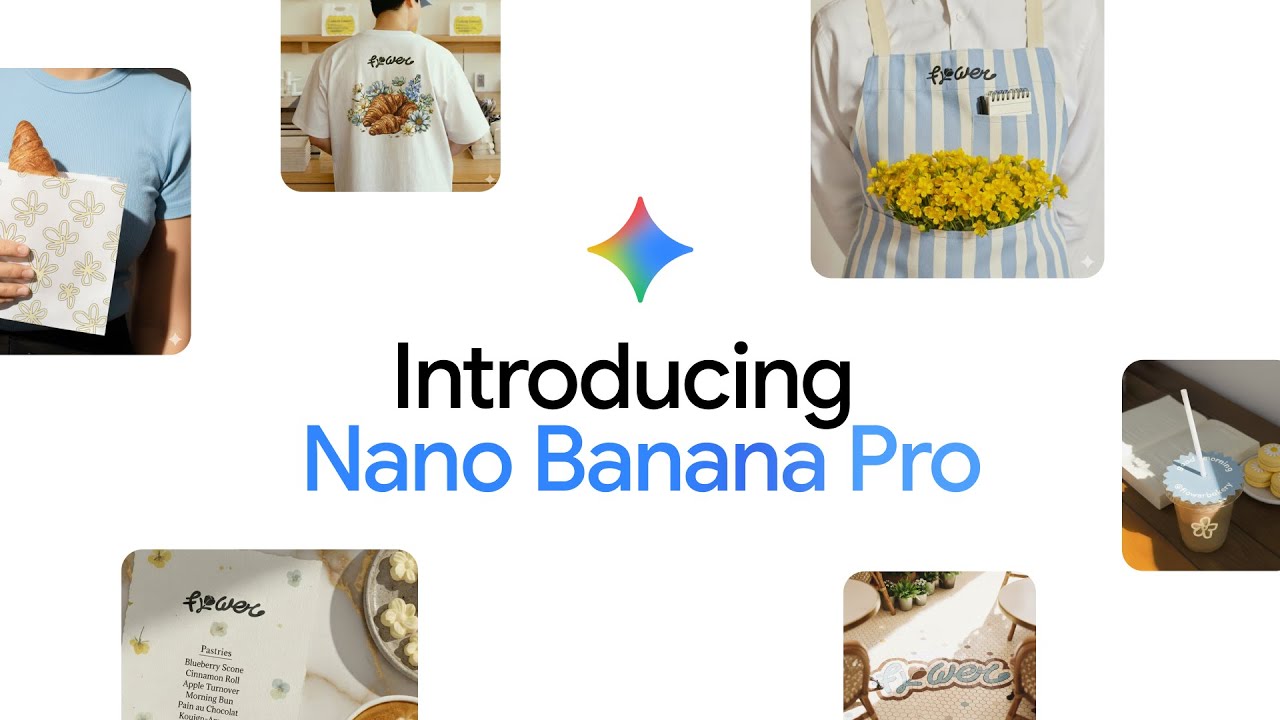
Nano Banana AI image generator interface showcasing fast generation speed and simple intuitive design for rapid image creation

Nano Banana covers the Nano Banana family powered by Google's Gemini image models. Nano Banana 2 (Gemini 3.1 Flash, Feb 2026) delivers Pro-grade quality at Flash speed—5-character/14-object consistency, 4K output, real-time web search, and $0.03/image. Nano Banana Pro adds multi-step reasoning (analogous to ChatGPT Images 2.0 Thinking) for complex layouts. Integrated into Google Personal Intelligence for personal-data-driven image generation (opt-in). Access via Gemini API, Google AI Studio, or Vertex AI.

3. Midjourney: Artistic Image Generation
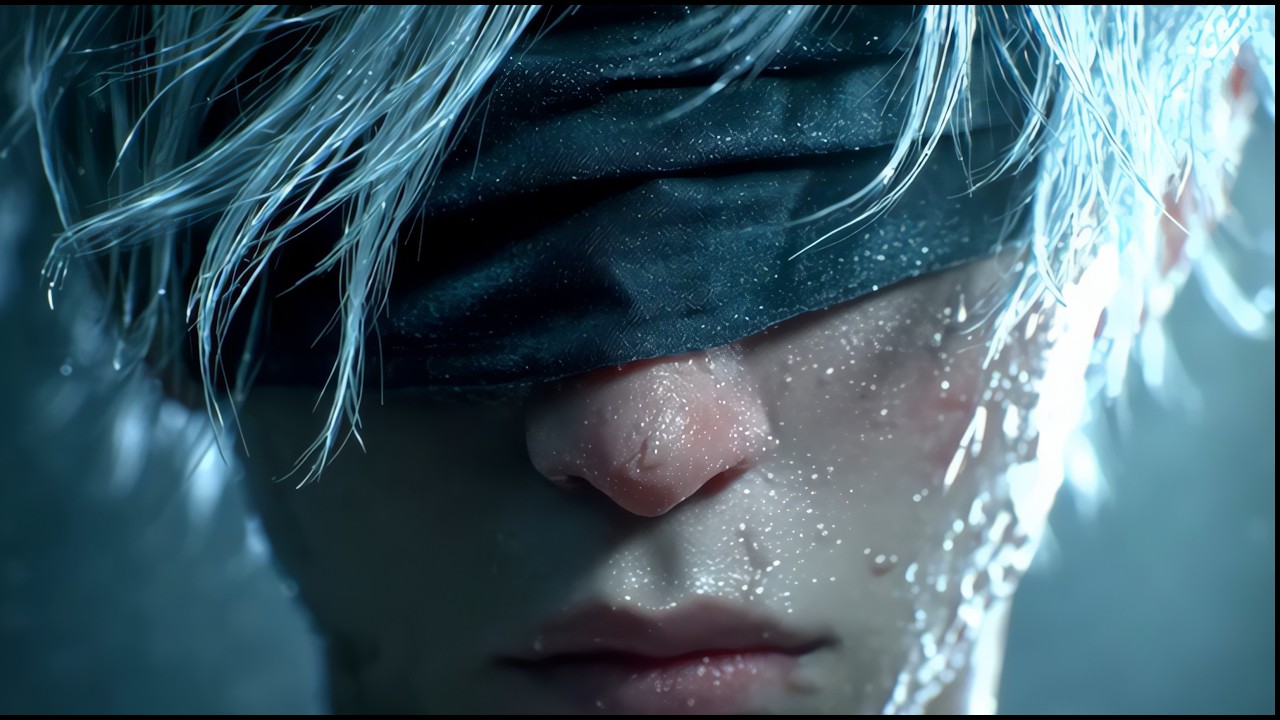
Midjourney AI image generator interface showcasing highly artistic output style and Discord-based interaction for concept art design

Midjourney evolved dramatically through 2025–2026. V7 (mid-2025, rebuilt architecture) introduced Draft Mode (10× speed at half GPU cost), Omni Reference (--oref for cross-image character anchoring), Model Personalization (learns your aesthetic from 200 ranked pairs), and a full Web App. V8 Alpha (March 2026, again rebuilt) brings native 2K resolution, ~5× speedup, and a cinematic/photographic default aesthetic. Text rendering remains a known weakness (~10% success rate vs. 99% for ChatGPT Images 2.0). Best for artistic exploration and style-forward work where aesthetic quality outweighs text precision.

4. Flux: Industrial Design Collaboration
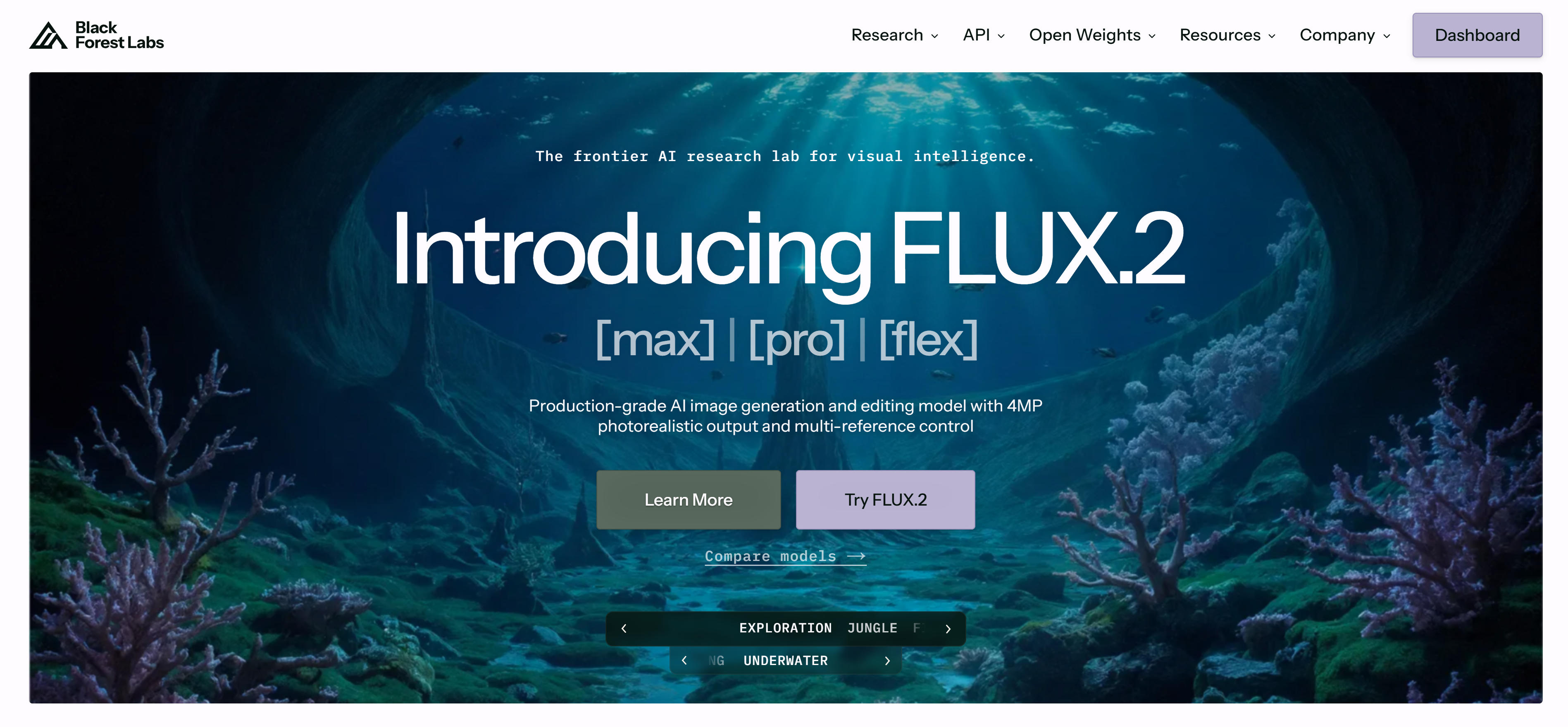
Flux AI image generator interface showcasing industrial design collaboration and CAD integration features

Flux from Black Forest Labs launched its FLUX.2 four-model family in January 2026: [klein] (4B, Apache 2.0, <0.5s generation, 13GB VRAM), [pro] (production-grade, 2× speedup in March), [flex] (typography control), and [max] (web search + maximum quality). Multi-reference fusion supports up to 10 input images in a single pass—the 2026 ceiling. Covers the full spectrum from consumer real-time generation to enterprise API (bfl.ai). The [klein] variant's Apache 2.0 license makes it the strongest open-weight option for commercial deployment.

5. Leonardo AI: Gaming & Film Production
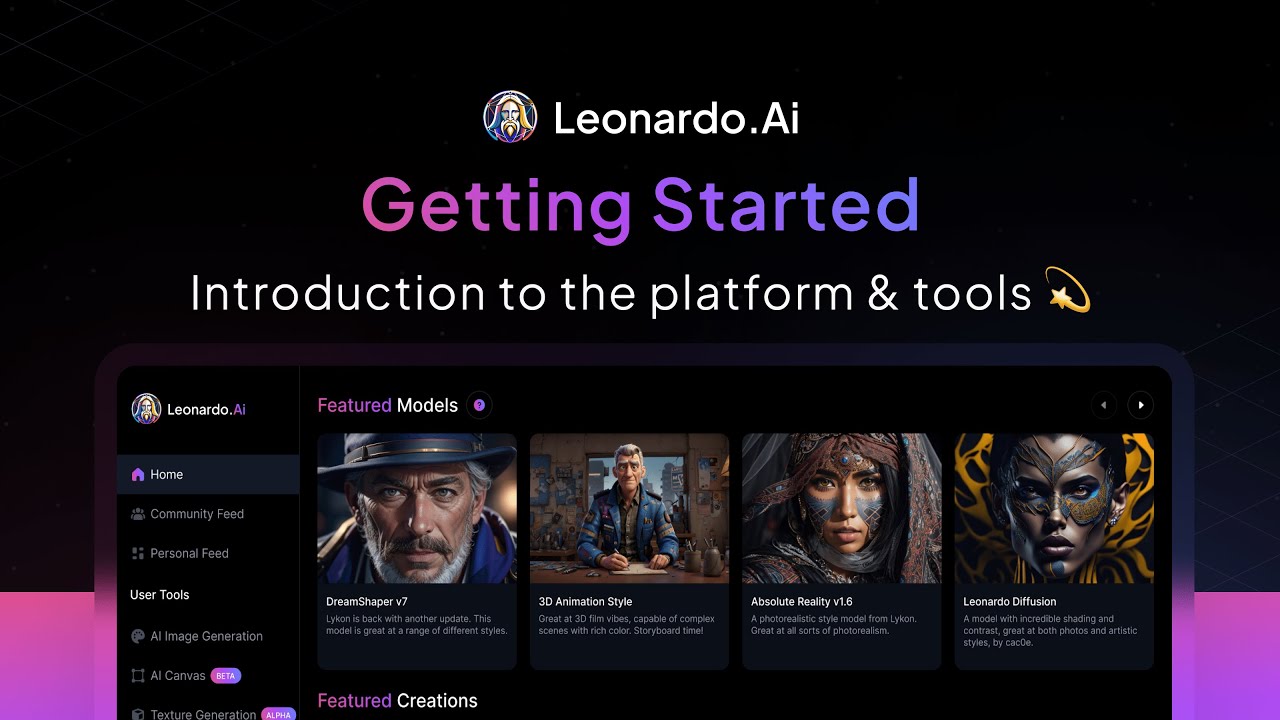
Leonardo AI image generator interface showcasing gaming and film production features with asset library integration and character pose control

Leonardo AI has expanded from image generation into a full creative pipeline. 60M+ users, 200M+ images generated. Key 2026 additions: AI Video Generator (March 2026, integrating Veo 3.1 and Kling 2.6), Character Reference tool (single face photo → consistent SDXL-based cross-image identity), and Universal Upscaler (February 2026). Multi-model integration includes GPT Image, Nano Banana, and FLUX.2 Pro alongside native models. Best for game/film pre-production, concept art, and storyboarding pipelines.

6. Ideogram: Text Generation Expert

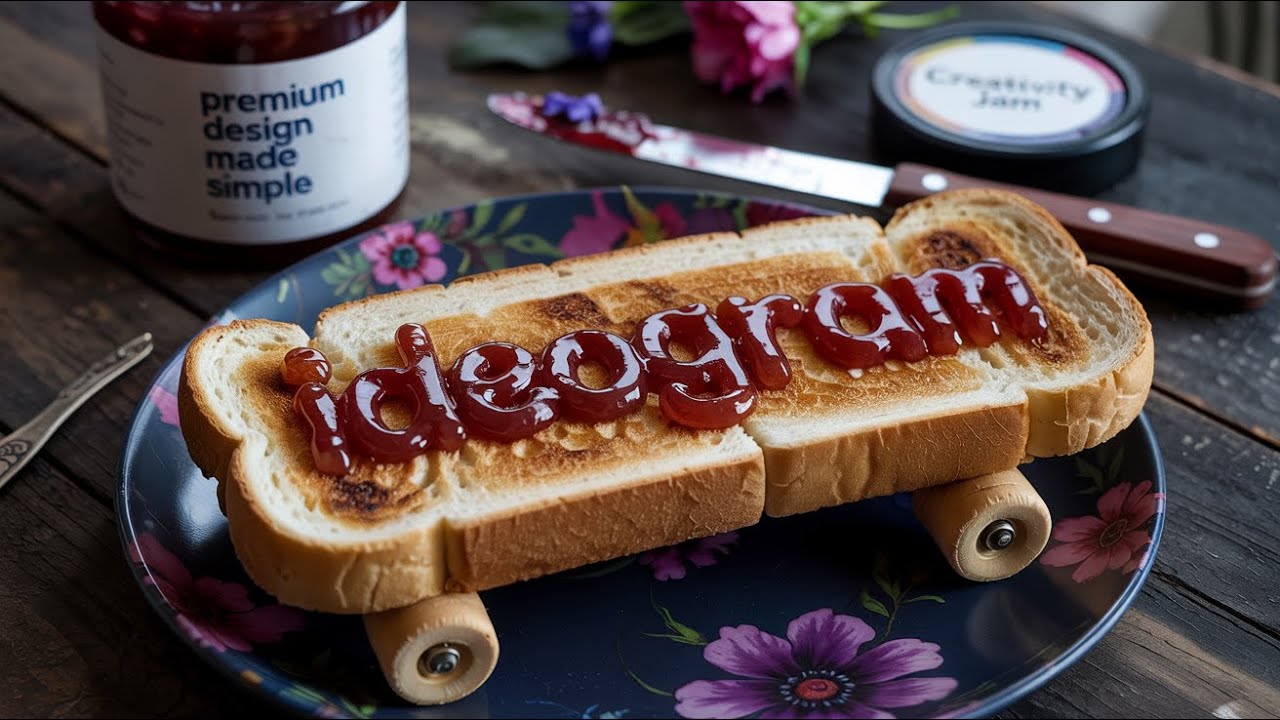
Ideogram 3.0 AI image generator interface showcasing text generation capabilities and balance between readability and artistry for poster design

Ideogram remains the text-rendering specialist. Ideogram 3.0 achieves ~90–95% text accuracy—the highest in the industry for pure-play image generators. The April 2026 Layerize Text feature converts generated text into editable layers—change words, fonts, colors, positioning post-generation, similar to Photoshop text layers but AI-driven. This deepens the moat in poster design, brand assets, and any deliverable where text must be pixel-perfect and revision-friendly.

7. Recraft: Vector Graphics Generation

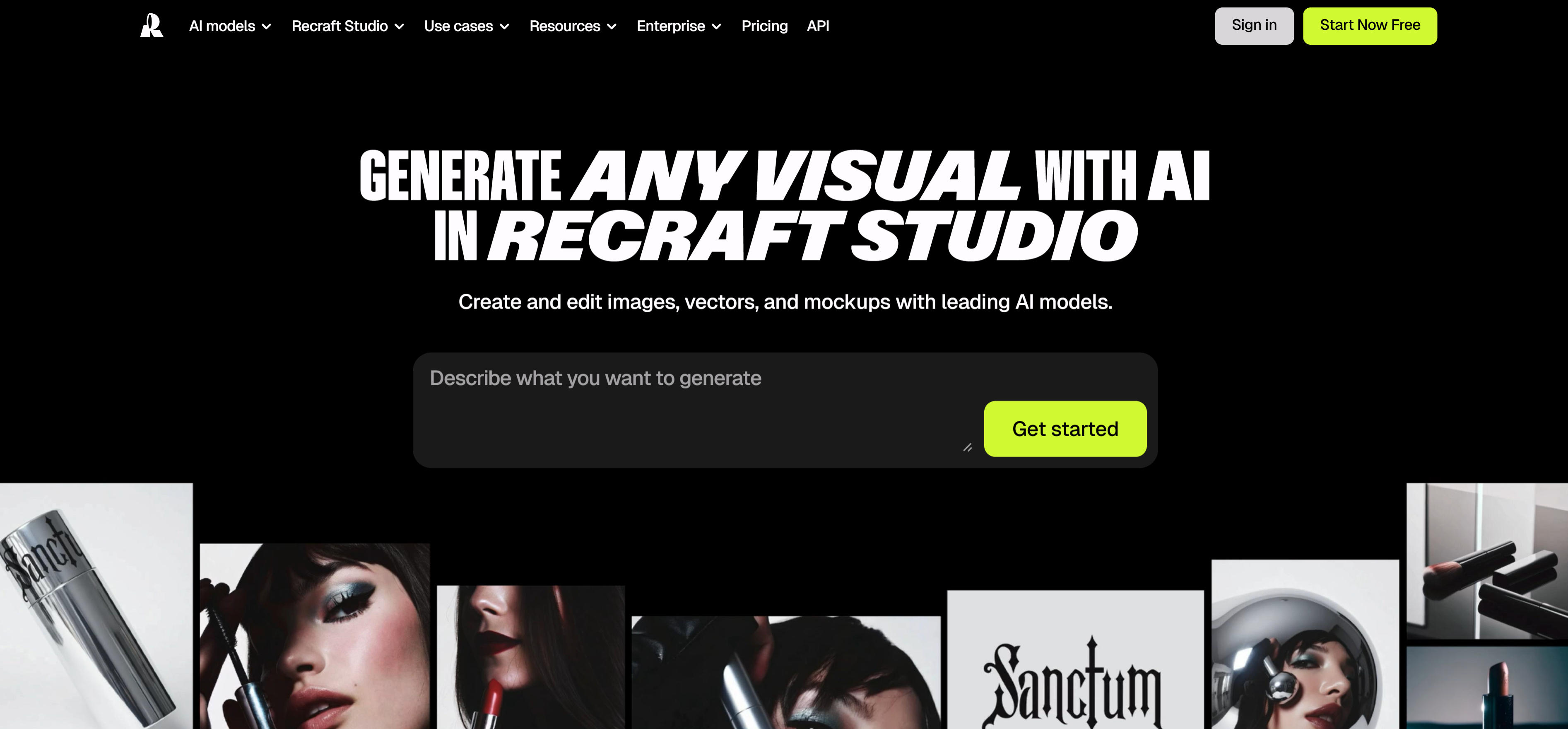
Recraft AI image generator interface showcasing vector graphics generation and SVG output features

Recraft demonstrates dimensional reduction-level strength in vector graphics generation. Not only can it output infinitely scalable SVG formats, but its stylization system precisely captures the evolution logic from Memphis Design to Material Design. For enterprise users requiring brand visual consistency, this tool is equivalent to hiring an entire graphic design team. Recraft has unique advantages in vector graphics generation, particularly suitable for enterprise users requiring brand visual consistency. Its SVG format output and stylization system can meet professional design needs.

Other image generators to know

Beyond the carded picks, several significant generators and platform plays deserve attention:

  • Stable Diffusion — open weights, local/Comfy/LoRA/ControlNet stacks for teams with GPUs. stability.ai
  • DALL·E 3 — previous OpenAI consumer line; for 2026 capability evolution, start from ChatGPT Images 2.0 + dall-e-3 product copy. DALL·E 2/3 retired May 12, 2026.
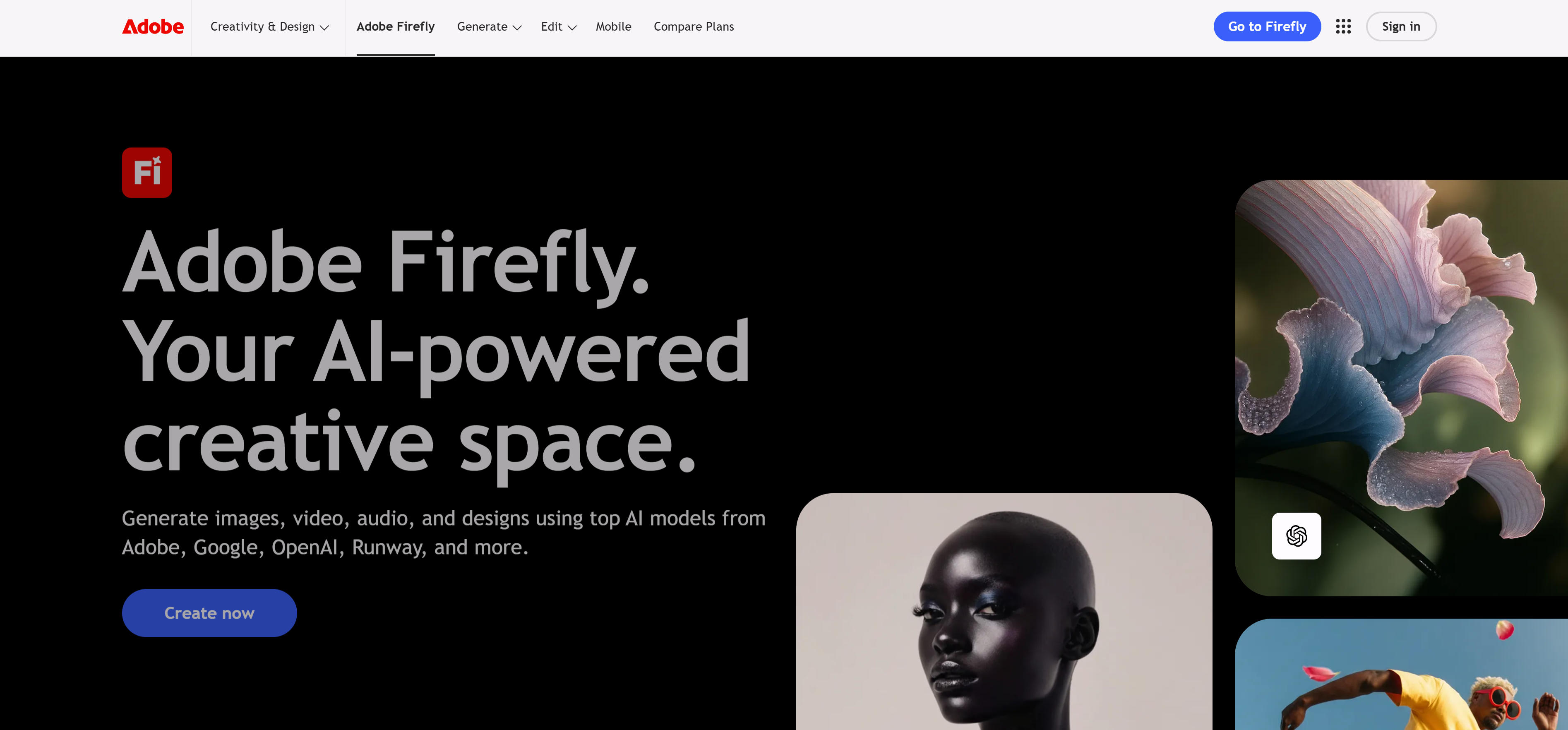
  • Adobe Firefly — Photoshop/Express workflows, Stock-backed training, CC licensing. Firefly Foundry trains private models on client-owned IP only + financial indemnification—the commercial-safety gold standard. adobe.com/products/firefly
  • Microsoft MAI-Image-2 — launched April 2, 2026, Arena #3, photorealistic (portrait/product Elo ~1200). Embedded in Copilot, Bing, Foundry API, PowerPoint (soon). MAI-Image-2-Efficient (April 15) cuts cost 41% for production workloads. Official intro
  • Qwen-Image-2.0 (Alibaba) — 7B, native 2K, production-grade bilingual (EN+ZH) typography including classical Chinese calligraphy. DPG-Bench 88.32, #1 AI Arena at launch (Feb 2026). $0.035–$0.075/image via DashScope API. v1 series Apache 2.0 open-source. Release blog
  • Canva AI 2.0 — AI-first design platform (April 2026), conversational design + agentic orchestration + Magic Layers (flat→editable layers). 265M+ MAU, proprietary Canva Lucid Origin model. Coverage (Fortune)
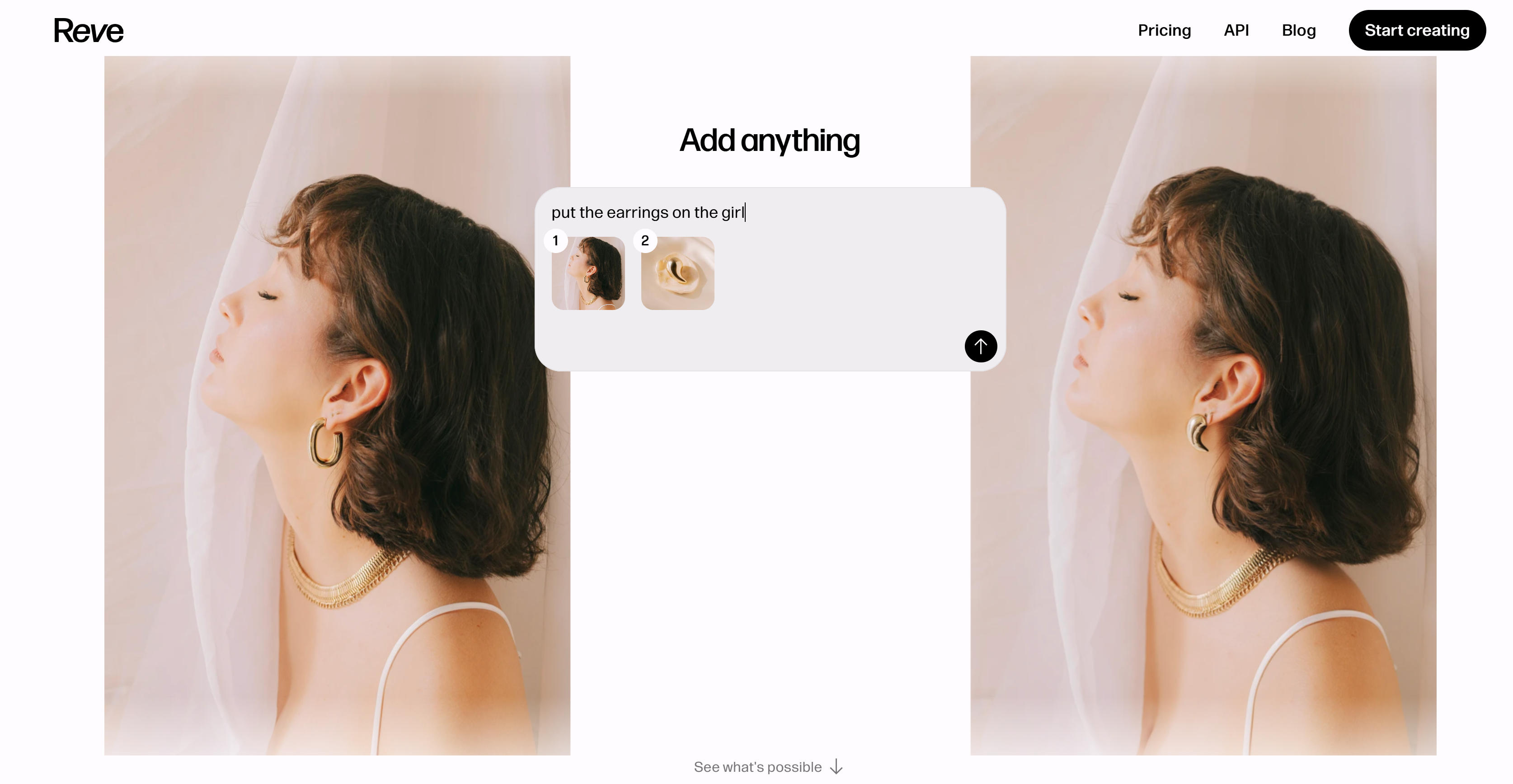
  • Reve — native 4K commercial-grade, Artificial Analysis Image Arena top 3–5, ComfyUI integrated. reve.com
  • Grok Imagine (xAI) — $0.02/image API, video generation, custom Imagine templates. Content-safety case study: free→paid-only→dual-layer filtering after Jan 2026 deepfake controversy. API docs
  • Picsart — GPT Image 2 integrated day-one; GenAI CLI + MCP (April 28, 2026) for programmatic creative production with 140+ models. GPT Image 2 in Picsart

AI Image Generator Comparison

Comparison of the carded picks in this article. For Stable Diffusion, DALL·E 3, and Firefly, see other image generators above.

Comparison table of AI Image Generator tools showing tool name, core features, best use cases, and pricing
Tool NameCore FeaturesBest ForPricing
ChatGPT Images 2.0Thinking mode, ~99% multilingual text, 2K/4K, 8-image coherence, web search, APIInfographics, slides, multi-panel, brand materials, in-app workflowsChatGPT tiers; API: gpt-image-2 per-token pricing
Nano BananaGemini 3.1 Flash, 5-char consistency, 4K, web search, Personal IntelligenceSocial media, rapid prototyping, personal-data-driven imagesFree tier; Pro: $0.03/image (API)
MidjourneyV7/V8 Alpha, Draft Mode (10x), Omni Reference, Model Personalization, 2K nativeArtistic exploration, style-forward work, concept artSubscription ($10–$60/month)
FluxFLUX.2 4-variant family, [klein] Apache 2.0, 10-ref fusion, <0.5s genProduct design, local/open deployment, enterprise APIFree ([klein] open); Pro API from $0.04/image
Leonardo AIVideo Gen, Character Reference, Universal Upscaler, multi-model, 60M usersGame/film pre-production, storyboarding, concept art pipelinesFree tier; Subscription from $12/month
IdeogramLayerize editable text layers, ~90-95% text accuracy, Canvas editorPosters, brand assets, any deliverable requiring pixel-perfect textFree tier; Pro from $8/month
RecraftSVG/vector output, brand style system, infinite scalabilityBrand design, enterprise visual systems, graphic design teamsFree tier; Pro from $10/month
Qwen-Image-2.07B, native 2K, bilingual EN+ZH typography, classical calligraphy, gen+edit unifiedBilingual infographics, Chinese brand materials, e-commerce, Sino-English design$0.035–$0.075/image (DashScope API)
MAI-Image-2Photorealism (Elo ~1200), Copilot/Bing/PPT embedded, 32K input tokensEnterprise Office workflows, product shots, infographics in PowerPoint$5/1M text tokens (Efficient); $33/1M image tokens (standard)

Use Cases: From Concept Design to Commercial Production

AI image generators play important roles in multiple fields, helping users quickly generate high-quality image content.

Concept Design

AI image generators excel in concept design across creative fields. Designers rapidly generate character concepts and environment art, exploring diverse visual styles without traditional sketching. These tools accelerate the creative process, enabling rapid iteration and exploration of visual ideas across various artistic disciplines.

Art Creation

AI image generators revolutionize artistic creation by providing unlimited possibilities. Artists explore diverse styles from classical painting to contemporary digital art, breaking free from traditional constraints. The technology enables creators to experiment with new visual languages and artistic expressions, expanding creative boundaries.

Marketing Material Creation

Marketing teams leverage AI image generators to create compelling visual content at unprecedented speed. These tools generate marketing materials from social media posts to professional banner ads, enabling rapid A/B testing and campaign optimization. The speed and flexibility of AI generation allow marketing teams to respond quickly to trends and optimize visual content for maximum engagement.

Game Development

Game developers embrace AI image generators as essential creative tools for concept art and asset creation. These tools help character designers generate concept art for protagonists, NPCs, and creatures, accelerating pre-production workflows. With extensive style libraries and rapid generation capabilities, game studios can explore more creative directions and reduce production timelines.

Product Prototype Design

Industrial and product designers use AI image generators to accelerate prototyping and visualization. These tools excel in product design with CAD integration capabilities, generating professional engineering drawings and photorealistic renderings for client presentations. The technology enables designers to quickly visualize concepts and communicate design intent effectively.

Enterprise Platform Integration

Organizations embed AI image generation directly into their existing productivity stack. Microsoft MAI-Image-2 generates product shots and infographics inside Copilot and PowerPoint—no context switching. Adobe Firefly Foundry serves enterprise clients (Home Depot, Disney) with private models trained on their own IP. Selection shifts from 'best model' to 'best ecosystem fit,' with IT evaluating data residency, compliance chains, and per-seat licensing across the entire Office or Creative Cloud suite.

Bilingual Brand and Marketing Design

Brands operating across English and Chinese markets use specialized bilingual models for production-ready marketing assets. Qwen-Image-2.0 generates infographics, e-commerce banners, and social media creatives with accurate Sino-English typography—including classical calligraphy styles for premium Chinese brand positioning. This eliminates the manual post-generation text replacement step that previously bottlenecked AI-assisted bilingual design workflows.

AI-First Design Platform Workflows

Platforms like Canva AI 2.0 (265M+ MAU) rearchitect the entire design process around AI—not as an add-on but as the core engine. Users describe a campaign in natural language; the platform's agentic orchestration generates multi-format assets, applies brand rules via Living Memory, and outputs editable layered files via Magic Layers. This collapses the traditional 'generate → download → manually layout' loop into a single conversational session.

How to Choose the Right AI Image Generator

Start from deliverable + modality (what you ship and whether you mostly T2I, I2I, or multi-reference). Then stack quality, style control, features, budget, and platform—the steps below keep generation separate from headshots, background swap, upscaling, and relighting.

1. Define deliverable and generation mode

Clarify whether you need social/canvas raster, print hero art, vector/brand systems, or multi-panel continuity. For I2I, set strength / denoise before long prompt rewrites. Use headshots when likeness is the KPI; use background changers when you only need a new plate behind a subject.

2. Test quality on *your* prompts

Benchmark with your real prompts and references—not only marketing samples. Beyond aesthetics, check small type, dense layout, and multi-subject composition if your brand needs them. Budget time for human review when the deliverable is text- or data-heavy.

3. Style, layout, and conditioning

Tools differ in photoreal vs painterly vs product-CG defaults and in banner / vertical / grid ergonomics. If you rely on sketch, depth, or pose conditioning, evaluate open ControlNet-style stacks vs SaaS “control” features. For locked brand look, check custom model, LoRA, or enterprise style lock support.

4. Features and integration

Shortlist batch runs, API, org roles, SLAs, and concurrency for product or DAM integration. Multi-reference and multi-panel sit in generation; per-layer retouch and non-generative comp usually belong in image editing—keep responsibilities clear.

5. Consider Budget and Ease of Use

Choose pricing models based on usage frequency and budget. Occasional use suits pay-per-use models; frequent use suits subscriptions; long-term use benefits from annual plans. Evaluate total costs across pricing models, including initial fees, usage costs, and hidden expenses. Assess ease of use: simple interfaces suit quick adoption, while professional tools offer powerful capabilities but require learning curves. Select cost-effective options balancing feature needs and budget constraints.

6. Evaluate Platform Support and Commercial Licensing

Check platform compatibility with your primary devices and workflows. Most tools support web browsers, some offer mobile apps or API access. For commercial use, verify copyright ownership and licensing terms. Ensure commercial usage is allowed without watermarks, and check if the platform provides copyright-safe certification. Review terms of service to understand usage rights and restrictions.

7. Evaluate ecosystem fit for enterprise

If your team lives in Microsoft 365, MAI-Image-2's Copilot/PowerPoint embedding may outweigh raw model benchmarks. If you're in Creative Cloud, Adobe Firefly Foundry's IP indemnification and private model training are the commercial-safety ceiling. For API-first stacks, compare FLUX.2's open-weight [klein] (Apache 2.0) vs. proprietary API pricing. Enterprise selection is increasingly about ecosystem integration depth—not just image quality scores.

8. Assess bilingual and text-rendering requirements

If your deliverables include Chinese text (or Sino-English mixed layouts), Qwen-Image-2.0's native bilingual typography at $0.035/image is currently unmatched. For English-only text-heavy designs, Ideogram Layerize's editable text layers provide the most revision-friendly workflow. If text precision is not critical, ChatGPT Images 2.0 and Nano Banana 2 offer ~99% accuracy across multiple scripts. For artistic work where text is secondary, Midjourney's aesthetic quality compensates for its ~10% text success rate.

Conclusion

We lead with ChatGPT Images 2.0 as OpenAI’s 2026 image line in ChatGPT / Codex, then use the cards for Nano Banana, Midjourney, Flux, Leonardo AI, Ideogram, and Recraft. Stable Diffusion, DALL·E 3, and Adobe Firefly stay in the other products list—smaller footprint, same due diligence on licensing and hosting.

Keep hand-offs explicit: portrait/headshot and background replacement for their own KPIs; image editing for masks and comp; design for systemized layout. Never ship in-image text, data, or maps as a single source of truth without review—treat as visual draft, then correct content in editorial or design tools. Upscaling and relighting are covered in dedicated tool articles.

Human taste and product judgment stay central: models accelerate exploration and first drafts; prompt craft, review, and policy are still yours.

The 2026 landscape has expanded well beyond the 'seven carded tools' baseline. Enterprise buyers now weigh Microsoft MAI-Image-2 (Office-native photorealism) against Adobe Firefly Foundry (Creative Cloud + IP indemnification). Bilingual teams should evaluate Qwen-Image-2.0 for production-grade Sino-English typography at commodity API pricing. And the Canva AI 2.0 transformation signals a broader shift: image generation is becoming a subsystem inside AI-first design platforms, not a standalone product category.

Frequently Asked Questions

What are AI image generators?
They generate new raster art from prompts and/or references. ChatGPT Images 2.0 (with ChatGPT) is the 2026 headline for ship-ready in-image type and layout; our cards also cover Midjourney, Flux, Ideogram, and more. Stable Diffusion, DALL·E 3, Firefly live in the on-page #other-image-generators list. Used across design, art, and marketing.
Text-to-image vs image-to-image?
Text-to-image starts from a prompt only. Image-to-image conditions on a reference—set strength / denoising first, then text, to balance keeping structure vs big changes. Most tools offer both. Mask-precise touch-ups and non-generative comp usually belong in image editing.
What is ChatGPT Images 2.0? Why does it matter for picking a tool?
OpenAI’s ChatGPT Images 2.0 (announced Apr 21, 2026) is a major image upgrade described in the launch post, emphasizing typography, multilingual in-image text, layout range, and (in some tiers) multi-image and upload flows. API names, resolutions, and pricing change with releases—treat the platform documentation as source of truth. For selection, still test your layouts, type density, and licensing needs; don’t copy a public leaderboard into your org’s QA.
Can I trust on-image text, charts, and numbers?
Not for accuracy. Models can render convincing UIs, infographics, and data callouts with wrong figures, language, and citations. Use outputs as visual draft, then fix copy and data in editing or your design system tools after human verification.
Are these tools suitable for beginners?
Yes. ChatGPT / ChatGPT Images 2.0 is conversation-first; Midjourney still leans on Discord commands. Start with short prompts, keep a fixed test script, and budget human review for multilingual type and numeric callouts.
Are AI image generators free?
Pricing varies widely: free tiers exist but have daily limits; Nano Banana Pro is ~$0.03/image; Qwen-Image-2.0 is $0.035–$0.075/image; Grok Imagine API is $0.02/image (paid-only after Jan 2026 deepfake controversy); Midjourney subscriptions start at $10/month; enterprise options like MAI-Image-2 have per-token Foundry pricing. Open-weight options (FLUX.2 [klein] Apache 2.0, Stable Diffusion) are free locally but require GPU infrastructure.
Can AI-generated images be used commercially?
Most allow commercial use—read each ToS and 'train on your data' clause. Paid tiers usually unlock business use and watermark removal. The 2026 commercial-safety hierarchy: Adobe Firefly Foundry (client-IP-only training + financial indemnification) > Ideogram/Recraft (licensed training data) > transparently disclosed models > opaque models. Always verify region-specific and channel-specific terms before commercial deployment.
How to write effective prompts?
Use specific, detailed descriptions; include style keywords; add composition and lighting details; use negative prompts to exclude unwanted elements. Reference examples and iterate on results.
How to choose the right AI image generator?
Clarify purpose (art, design, or commercial); assess quality and budget; consider ease of use; check needed features (batch, API). Trial 2-3 tools before deciding. Confirm licensing for commercial use.
What are resolution and quality limits?
Free tiers typically offer 512–1024px; premium up to 2048px or higher. Quality depends on model, prompts, and parameters. Many platforms offer upscaling. Check limits before generating.
What is 'Thinking mode' in AI image generation?
Thinking mode (ChatGPT Images 2.0, Nano Banana Pro) adds a reasoning step before rendering: the model researches the prompt, plans spatial layout, optionally searches the web for real-time information, analyzes uploaded files, and self-verifies its output—all before generating pixels. This shifts image generation from a black-box prompt-to-pixels process to an explainable agentic workflow. The trade-off is speed: complex Thinking generations can take 2–10 minutes vs. seconds for instant mode.
Which AI image generator handles Chinese text best?
Qwen-Image-2.0 (Alibaba, February 2026) is currently the strongest option for Chinese typography—it supports classical calligraphy styles (瘦金体, 小楷), vertical text, and Sino-English mixed layouts at production-grade quality ($0.035–$0.075/image). ChatGPT Images 2.0 achieves ~99% multilingual accuracy but may occasionally confuse similar CJK characters. For English-only text-heavy work, Ideogram Layerize remains the gold standard with editable text layers. Midjourney's text rendering is still weak (~10% success rate).
How do enterprise platform-native generators differ from standalone tools?
Platform-native generators (MAI-Image-2 in Copilot/PowerPoint, Adobe Firefly in Creative Cloud) embed directly into existing work tools rather than requiring a separate app or website. The key differences: (1) no context switching—generate inside your document or design file; (2) IT-managed access and data residency through enterprise platforms (Azure Foundry, Adobe Admin Console); (3) compliance chains already in place for the parent ecosystem. The trade-off is typically less cutting-edge model capabilities vs. standalone specialists, but tighter workflow integration.
What happened with Grok Imagine and deepfakes in 2026?
In January 2026, xAI's Grok Imagine faced widespread backlash after being used to generate non-consensual deepfake images of public figures. The response timeline: January 9—free access removed, paid-only; January 15—dual-layer content filtering added (prompt guard + post-generation image classifier); March 19—all free image generation eliminated. This case study illustrates the industry's rapid governance convergence: unrestricted API access → public crisis → paid wall + multi-layer content moderation. Most major platforms now employ some form of dual-layer content filtering.

References

Also Interested In

    This site uses cookies and similar technologies for analytics, personalized ads (via Google AdSense), and essential functions. By clicking “Accept All”, you consent to our use of cookies. You can reject non-essential cookies by clicking “Reject All”.

    Privacy Policy

    Best AI Image Generators (2026): Text/Image to Image | Alignify