What Are AI 3D Tools
AI 3D tools leverage artificial intelligence to create, edit, and process 3D models across generation, scanning, and modeling domains. From gaming to product design, these tools make 3D content creation accessible to non-professionals while enhancing efficiency for experts.
While AI 3D tools excel at pattern-based tasks, professional software remains essential for creative control and complex projects. The optimal approach is human-AI collaboration: AI handles repetitive generation while humans focus on creative vision, fine-tuning, and quality assurance.
Compared to AI design tools, AI 3D tools specialize in volumetric content creation with depth and dimension. They also connect deeply with AI video tools for animation and visualization. For rapid 3D content creation, these tools provide efficient solutions.
How AI 3D Tools Work
Modern AI 3D technology uses deep learning and neural networks to understand text descriptions, images, and 3D structures, generating high-quality, natural-flowing 3D models. Compared to traditional methods, AI 3D technology significantly improves creation efficiency, quality consistency, and feature diversity.
Key advantages include: understanding capabilities (interpreting natural language and visual content), generation capabilities (automatically creating 3D geometry, textures, and materials), learning capabilities (learning shape patterns from vast 3D datasets), and optimization capabilities (refining models based on user feedback). Different tools use various architectures: 3D generators rely on diffusion models and NeRF technology, scanning tools use computer vision and point clouds, modeling tools combine traditional algorithms with AI assistance.
As AI technology advances with larger models, increased training data, and algorithm optimizations, AI 3D tools continuously improve output quality. Multimodal AI integration enables tools to handle text, images, videos, and 3D models simultaneously, simplifying creation workflows. These advancements transform AI 3D tools from assistants to creative partners.
AI 3D Tools Comparison
Here is a comparison of the three main AI 3D tool types to help you quickly understand their characteristics and applications:
| Tool Type | Core Features | Main Applications | Representative Tools |
|---|---|---|---|
| AI 3D Generation | Automatically generate 3D models from text, images, or videos | Game development, product design, concept design, content creation | Tripo, Meshy, Rodin, Genie by Luma |
| 3D Scanning | Capture real object shapes and textures to create 3D models | Cultural heritage, e-commerce, product display, architectural measurement | KIRI Engine, Polycam, RoomScan Pro LiDAR |
| 3D Modeling | Create and edit 3D models with precise control | Architecture, industrial design, gaming, film production | SketchUp, Blender, Autodesk 3ds Max, Rhinoceros |
AI 3D Tool Categories
We've created detailed guides for different AI 3D tool types, each containing comprehensive introductions, tutorials, and selection guides. Here are detailed introductions to each category:
AI 3D Generation: Text/Image/Video to 3D Models
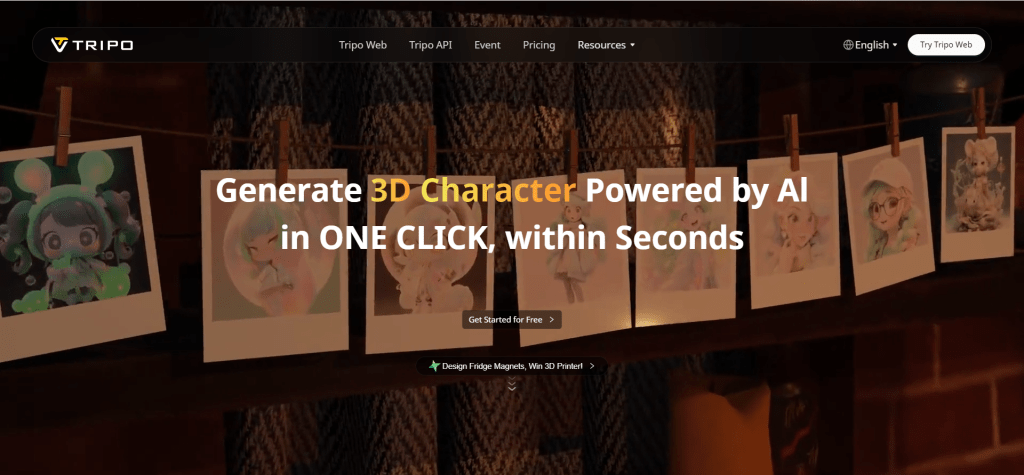
AI 3D generation tools use artificial intelligence to convert text descriptions, images, or videos into 3D models. These tools support multiple input modes: text-to-3D (generating 3D models from descriptions), image-to-3D (creating 3D from 2D images), and video-to-3D (extracting 3D scenes from videos). Their core advantage lies in powerful 3D generation capabilities, understanding various input formats, producing high-quality models, and supporting texture mapping and animation. Tripo, Meshy, Rodin, and Genie by Luma offer unique features suitable for different scenarios. Whether for game development, architectural design, virtual reality, or product display, AI 3D generation tools provide efficient solutions that dramatically lower 3D modeling barriers.
3D Scanning: Reality to Digital Models
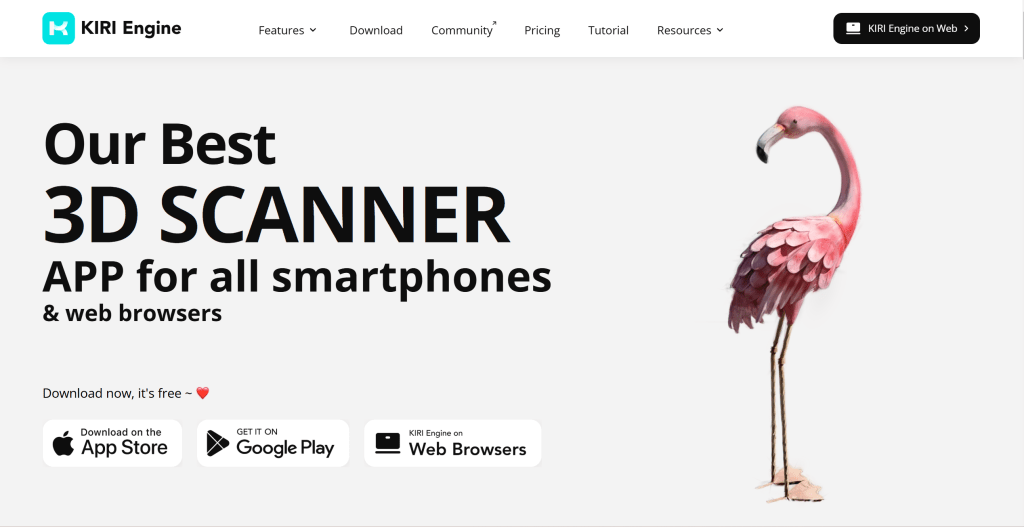
3D scanning tools capture real-world object shapes, textures, and colors to create digital 3D models. Using cameras, LiDAR sensors, or specialized scanning equipment, these tools quickly convert physical objects into digital models. Their core advantage is powerful 3D scanning capabilities, accurately capturing geometric shapes and textures, generating high-quality models with multiple scanning modes. KIRI Engine, Polycam, RoomScan Pro LiDAR, and LARKI excel in different applications. From product digitization and architectural scanning to cultural heritage preservation and virtual display, 3D scanning tools provide efficient solutions that dramatically lower 3D model acquisition barriers.
3D Modeling: Professional Creation & Editing

3D modeling tools are professional software for designers and artists to create and edit 3D models. They provide comprehensive modeling features including polygon modeling, NURBS modeling, sculpting, and procedural modeling, creating everything from simple geometric shapes to complex organic forms. Their core advantage lies in precise model control and editing capabilities, supporting multiple modeling methods with material, texture, and animation support. SketchUp, Blender, Autodesk 3ds Max, Rhinoceros, and Shapr3D excel in different applications. From product design and architectural design to gaming development and film production, 3D modeling tools provide efficient solutions for professional 3D content creation.
AI 3D Tools Applications
AI 3D tools have extensive applications across game development, product design, and other domains. In game development, developers use AI 3D generation tools to quickly create game characters, props, and scenes. In product design, designers use AI tools to rapidly create product prototypes and concepts.
In architecture and interior design, architects and interior designers use AI tools for quick building model and scene generation. In e-commerce, sellers use 3D scanning tools to create product 3D models for enhanced shopping experiences. In content creation, creators use AI tools for video and animation 3D content. For projects requiring fine control, check our 3D modeling tools guide.
As AI technology advances, AI 3D tool applications continue expanding. From initial 3D generation tools to comprehensive creation platforms, AI 3D tools are transforming the 3D modeling industry, making 3D creation accessible to more people and enabling professional-quality content production.
Getting Started with AI 3D Tools
Getting started with AI 3D tools is straightforward. Most tools offer user-friendly interfaces and detailed guides. First, clarify your 3D needs, determining what type of 3D content you want to create (generation, scanning, or modeling). Then, choose the right tool, selecting based on your needs, budget, and workflow.
You can reference our AI 3D generation tools, 3D scanning tools, and 3D modeling tools guides for detailed information on each category.
Next, register an account and familiarize yourself with the interface. Most AI 3D tools offer free trials, so you can explore features and basic functions. Then, start with simple projects, using provided examples and templates to quickly understand tool capabilities. Finally, practice continuously and optimize, improving 3D modeling skills through actual projects and gradually refining your work.
AI 3D Tools Future Trends
AI 3D tool future development focuses on several key areas: 1. Smarter generation capabilities - AI tools will better understand user needs and generate higher quality models; 2. Faster generation speeds - reduced waiting times for 3D model creation; 3. Better detail representation - more realistic textures and materials; 4. Greater control - finer control over 3D generation processes for more personalized content.
AI 3D tools will integrate better with professional software, forming complete 3D creation workflows. Multimodal AI technology development enables single tools to handle text, images, videos, and 3D models simultaneously, simplifying creation processes. As AI technology advances, these tools transform from assistants to creative partners, collaborating with human artists on superior 3D works.
Conclusion
AI 3D tools are transforming how we create and use 3D models. Whether generating, scanning, or modeling, these tools enhance efficiency and enable outstanding content creation.
However, AI 3D tools aren't universal. They excel at rule-based tasks, but professional software remains essential for creative depth, fine control, and complex projects. The optimal approach is human-AI collaboration: AI handles repetitive generation while humans focus on creative vision, fine-tuning, and quality control. This maximizes AI 3D tool value while maintaining modeling professionalism and quality.
As AI technology evolves, new tools and features emerge continuously. Maintain learning and exploration to better leverage AI 3D tools for efficiency and creativity. Whether individual or enterprise users, you can benefit from AI 3D tools. Check our complete AI tools guide for more usage tips and best practices.