AI 3D Generators: Transform Ideas into 3D Models
Introduction
This guide explores the best AI 3D generators for 2026. We cover core concepts, technical fundamentals, and analysis of top tools. The guide includes feature comparisons, use cases, selection criteria, and frequently asked questions.
What Are AI 3D Generators
AI 3D generators use artificial intelligence to convert text descriptions, images, or videos into 3D models. These tools improve efficiency and lower barriers, enabling rapid concept-to-3D conversion. They're essential for game development, product design, architectural visualization, and content creation, providing complete 3D creation solutions for designers, developers, and 3D artists.
How AI 3D Generation Technology Works
Modern AI 3D generation uses deep learning and neural networks to understand text semantics, image content, and video scenes, generating high-quality 3D models. Core technologies include 3D diffusion models, Neural Radiance Fields (NeRF), and point cloud generation. The technology employs neural networks trained on vast 3D datasets that learn geometric patterns, textures, and spatial relationships. Compared to traditional 3D modeling requiring specialized software skills and extensive time investment, AI generation significantly improves efficiency, quality stability, and functional diversity, making 3D model creation accessible to users without 3D modeling expertise.
- Understanding capability: The technology understands natural language descriptions and visual content, translating text prompts or images into 3D model specifications automatically.
- Generation capability: AI can generate complete 3D geometry, textures, and materials from scratch, creating production-ready 3D models without manual modeling.
- Multimodal support: Advanced tools support multiple input types including text, images, and video, enabling flexible workflows that combine different input modalities.
- Rapid iteration: Users can quickly generate multiple design options and variations, experimenting with different styles and configurations faster than traditional workflows.
- Quality consistency: AI generation maintains consistent quality across different models, reducing the variability common in manual 3D modeling processes.
Different AI 3D generation tools use different architectures optimized for their specific use cases. Some tools use 3D diffusion models that generate 3D geometry directly from text or images, providing high-quality results for general use cases. Other tools employ NeRF technology for photorealistic 3D scene reconstruction from images or videos. Point cloud generation tools create 3D models from point data, useful for scanning and reconstruction applications. Some tools combine multiple techniques, using diffusion models for geometry generation and NeRF for rendering. The choice of architecture affects output quality, processing speed, and suitability for different 3D model types and use cases.
Best AI 3D Generators 2026
Top AI 3D generators for 2026, covering text-to-3D, image-to-3D, and video-to-3D modes to help you choose the best solution.
1. Tripo: Text-to-3D Generator
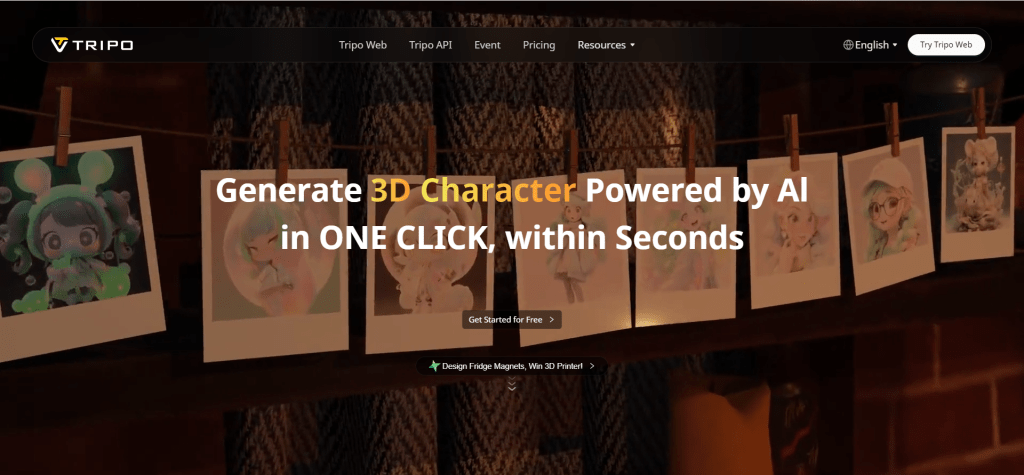
Tripo is an innovative AI 3D generator that creates detailed 3D models from text descriptions and images. Using advanced deep learning, Tripo understands natural language and generates high-quality 3D models, supporting multiple formats including OBJ, GLB, and USDZ. The tool supports text-to-3D and image-to-3D modes, generating complete 3D models with textures and materials. Tripo offers free trials and subscription plans, plus API access for batch generation and workflow integration. Suitable for both individual creators and enterprise users. Tripo suits users needing rapid concept-to-3D conversion for game development, product design, and content creation.
2. Meshy: Textured 3D Models
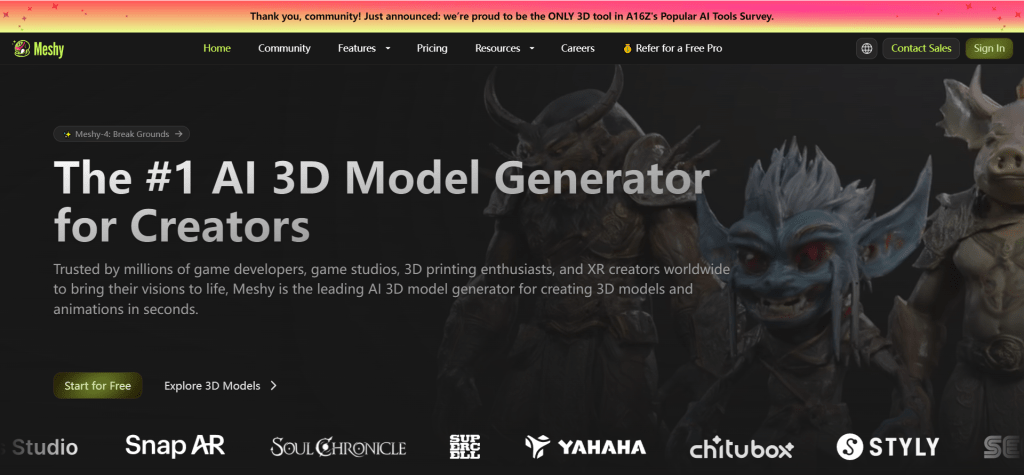
Meshy converts text and images into fully textured 3D models. Its core strength is generating complete 3D models with textures and materials, not just geometry. The tool offers three modes: text-to-3D, image-to-3D, and texture generation. Meshy provides free trials and subscription plans (Starter, Pro, Enterprise), supporting exports in OBJ, FBX, GLB formats. Even beginners can create impressive models in minutes. Meshy suits users needing complete textured 3D models for game development, product visualization, and digital art.
3. Rodin: High-Fidelity Avatars
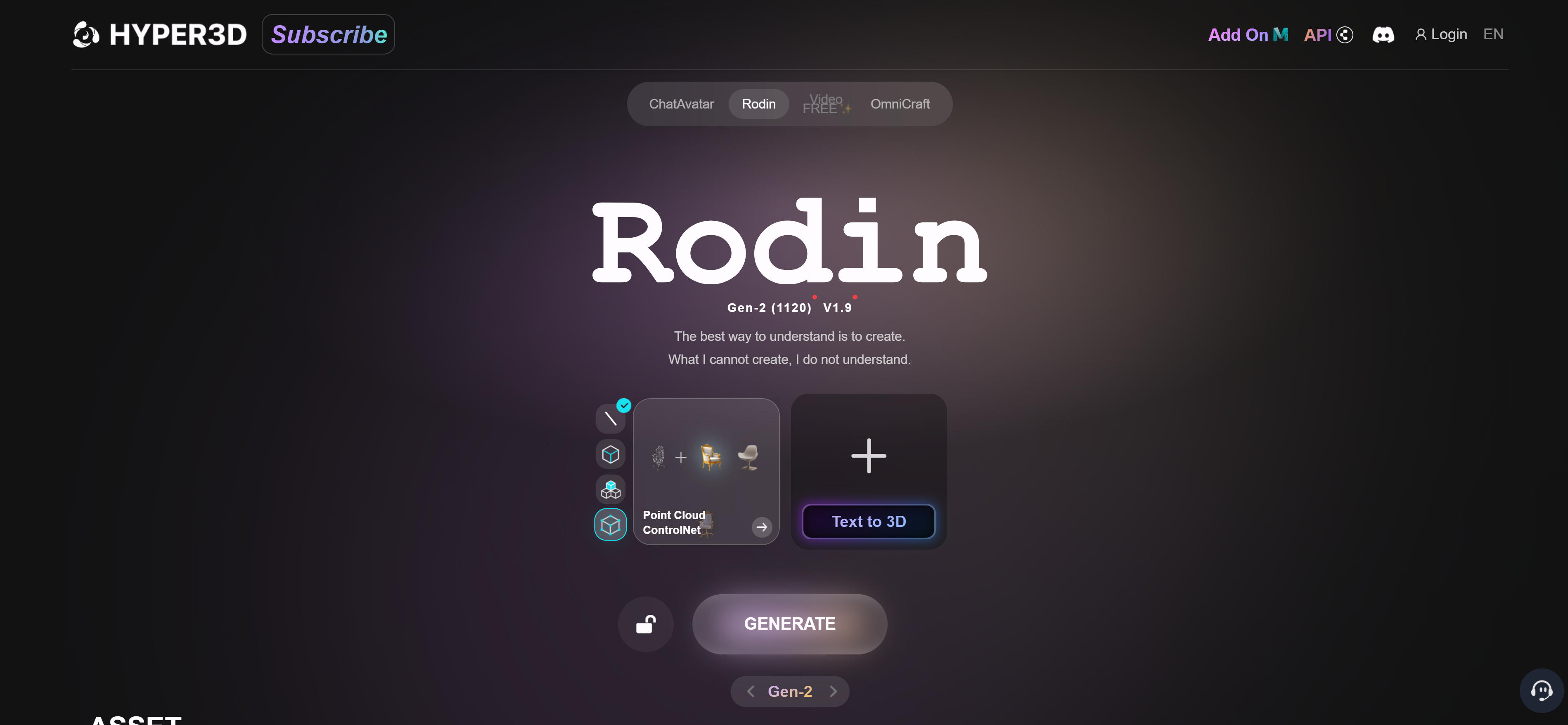
Rodin excels at creating high-fidelity 3D avatars from single photos. Using advanced AI, Rodin captures facial details to generate realistic 3D avatars, supporting customization options including hairstyles, clothing, and expressions. Rodin suits virtual avatar applications like games, virtual meetings, and social media. Users upload one photo and receive high-quality 3D avatars in minutes, supporting multiple export formats. Rodin's high-fidelity generation makes it ideal for virtual avatars in games, virtual meetings, and social media.
4. Genie by Luma: Multimodal 3D Generation
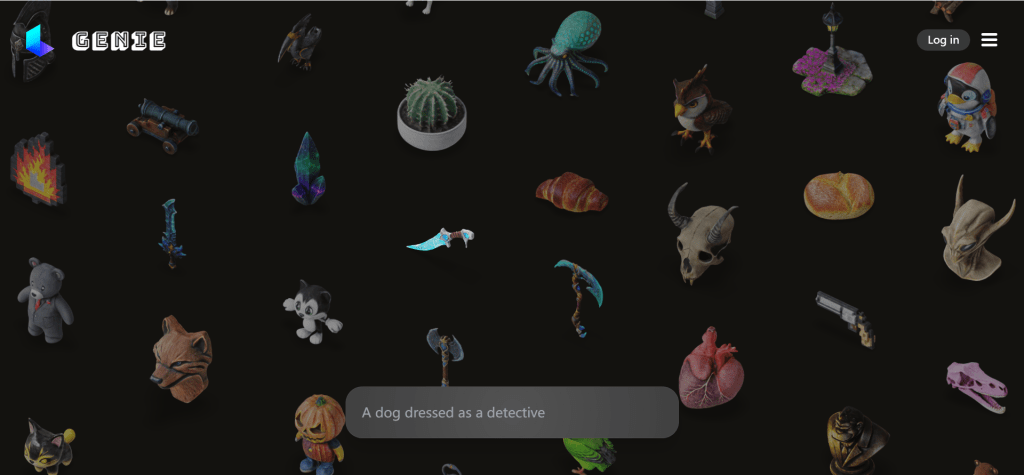
Genie by Luma generates realistic 3D models from text and creates 3D scenes from videos. Based on Luma AI's advanced technology, Genie understands natural language and generates high-quality 3D models, supporting text-to-3D and video-to-3D modes. Genie suits projects needing rapid 3D scene and environment generation, extracting 3D information from videos to create high-quality models. Generated models feature rich details, ideal for game development, VR, and AR applications, supporting multiple export formats. Genie's multimodal input capabilities make it powerful for creating 3D content from text descriptions or video scenes.
5. Spline: Interactive 3D Design
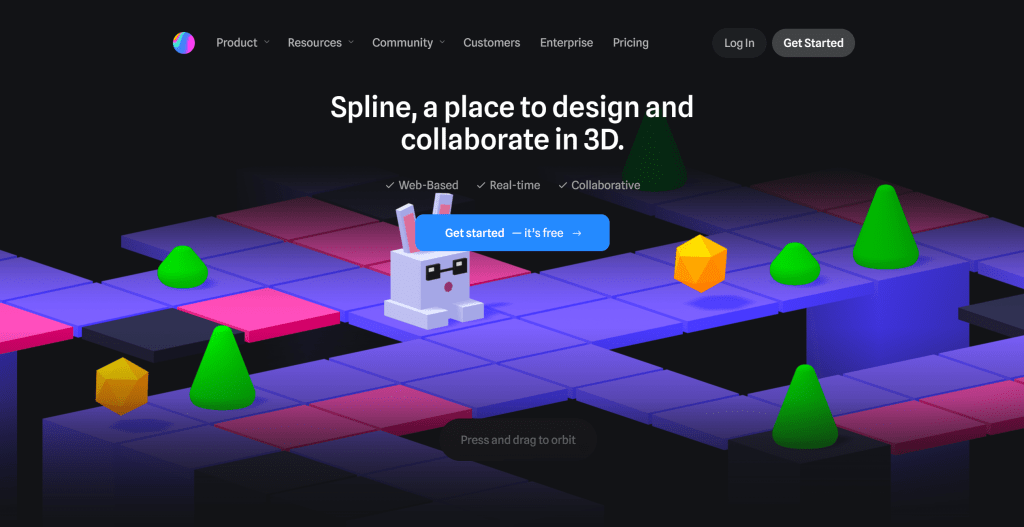
Spline provides an intuitive platform for creating interactive 3D designs using AI, suitable for web and mobile. Spline is a complete 3D design and publishing platform supporting real-time collaboration, animation, and interactive experiences with an intuitive interface for creating 3D scenes, animations, and interactive elements. Spline supports multiple export formats for web, mobile apps, and game engines, plus rich templates and resource libraries. For web 3D experiences, Spline offers a complete solution. Spline's interactive design capabilities make it ideal for web 3D experiences in product showcases, brand websites, and interactive applications.
6. 3DFY: 2D-to-3D Conversion
3DFY converts 2D images into detailed 3D models through simple operations. Using advanced deep learning, 3DFY generates high-quality 3D models from single 2D images, supporting multiple image and output formats. Its core strength is understanding 2D image depth information to generate correctly shaped 3D models. 3DFY supports various image types including product photos, portraits, and architecture, generating 3D models of different complexities. The tool also provides texture generation for realistic textures and materials. 3DFY suits users needing 3D models from existing 2D images for product showcases, e-commerce, and digital art.
7. Alpha3D: Multiple Input Modes
Alpha3D supports multiple input modes and provides API integration for batch processing. The tool supports text-to-3D, image-to-3D, and video-to-3D, providing comprehensive 3D generation capabilities. Alpha3D offers API integration, enabling seamless integration into existing workflows and batch processing. Alpha3D provides model optimization and format conversion features, supporting multiple 3D formats and export options. Suitable for game development, design prototyping, and batch generation scenarios. Alpha3D suits users needing comprehensive 3D generation capabilities and workflow integration.
3D Model Generator Tools Comparison
Here's a detailed comparison of the top 3D model generator tools to help you choose the best solution for your needs:
Use Cases: 3D Creation & Design
AI 3D generator tools have wide applications from game development to product design and architecture.
Game Development
In game development, AI 3D generators help developers quickly create game characters, props, and scenes. Developers can generate basic 3D models from concept descriptions, then refine them using traditional tools. This workflow significantly improves development efficiency, especially for indie developers and small teams.
Product Design
In product design, AI tools help designers quickly create product prototypes and concepts. Designers can generate 3D models from sketches or descriptions, then use them for presentations or further development. This approach accelerates the design process and enables rapid iteration, reducing time-to-market for new products.
Architecture & Interior Design
In architecture and interior design, AI 3D generators help create building models and interior scenes. Architects can generate 3D models from floor plans or concepts, providing better visualization for clients. Interior designers can create realistic interior scenes for better presentation.
E-commerce & Virtual Display
In e-commerce, AI tools help create product 3D models for better online shopping experiences. Sellers can generate 3D models from product photos, providing customers with better product visualization. This improves conversion rates and customer satisfaction by enabling interactive product exploration.
Content Creation & VR
In content creation and virtual reality, AI 3D generators help create 3D content for videos and VR experiences. Creators can generate 3D scenes and objects for their projects, enhancing visual appeal. VR developers can use AI tools to quickly prototype virtual environments, accelerating content production workflows.
How to Choose 3D Generator
Follow these 5 steps to select the perfect 3D generator for your needs. Evaluate input mode needs, output quality requirements, feature requirements, budget, and ease of use to make an informed decision.
1. Evaluate Input Mode Needs
Determine if you primarily use text-to-3D, image-to-3D, or video-to-3D: text-to-3D enables creation from descriptions; image-to-3D converts 2D images into 3D models; video-to-3D extracts 3D information from video sequences. Different tools excel at different input modes, so match tool capabilities to your primary workflow. Consider your content sources and creation process when selecting input modes.
2. Assess Output Quality Requirements
Evaluate 3D model quality based on project needs: professional production requires high-quality tools with detailed geometry and accurate textures; quick prototyping benefits from faster processing tools with acceptable quality. Quality includes geometry detail for accurate shapes, texture quality for realistic surfaces, and material accuracy for proper appearance. Match quality requirements to your project standards.
3. Evaluate Feature Requirements
Assess if tools provide needed features: texture generation creates realistic surface materials; batch processing handles multiple models efficiently; API access enables integration with existing workflows; format export ensures compatibility with your tools. Different tools offer different feature sets, so choose tools providing features matching your workflow needs and technical requirements.
4. Consider Budget and Pricing
Choose pricing plans based on usage frequency and budget: many tools offer free tiers with limitations for testing; paid plans provide more features and higher quality output. Consider format compatibility (supported 3D formats and workflow compatibility) when evaluating cost-effectiveness. Balance feature needs with budget constraints to find the optimal solution.
5. Assess Ease of Use
Select user-friendly tools, especially for beginners: evaluate interface simplicity and intuitive navigation; consider learning curve and time to productivity; assess documentation quality and available tutorials. Try multiple tools first, then choose the best fit based on your specific needs and technical capabilities. Consider support resources and community availability.
Conclusion
AI 3D generators are making professional 3D modeling accessible to everyone, lowering technical barriers across diverse industries. From text-to-3D and image-to-3D to video-to-3D, tools like Tripo, Meshy, and Rodin significantly improve creation efficiency and quality, enabling game developers, product designers, architects, and content creators to produce high-quality 3D models.
Choose the right tool based on your 3D generation needs: Tripo and Meshy for text-to-3D and image-to-3D conversion, Rodin for high-fidelity avatar generation, Spline for interactive web 3D solutions. Evaluate input mode needs, output quality requirements, feature requirements, budget, and ease of use to select the most suitable 3D generator solution.
AI 3D generators serve as powerful assistants that enhance 3D creation efficiency, but they complement rather than replace traditional 3D modeling expertise and artistic vision. The best approach is human-AI collaboration: AI handles model generation and technical processing, while creators provide creative direction, quality control, and artistic refinement, maximizing both creation efficiency and model quality.