AI Video Generators: Text and Images to Videos
Key Takeaways
This guide explores the best AI video generators for 2026, helping creators and marketers choose the right solution. It also covers selection criteria, comparisons, and practical tips for implementation. The sections below compare options, use cases, and practical selection criteria.
- AI video generators support text-to-video, image-to-video, video-to-video for content creation.
- Compare Sora, Veo, Kling, Ray, PixVerse for features and use cases.
- Consider output quality, input modalities, duration, and pricing.
- Learn about technical principles and workflows with video editors and translators.
What Are AI Video Generators
AI video generator tools use AI to create high-quality video from text, images, or video. They support text-to-video, image-to-video, and video-to-video. Suited for content creators, marketers, and enterprise users.
Generated videos often need editing and music. Pair with AI video editors for post-production; for background music, AI music generators supply royalty-free scores, completing the pipeline from generation to final output.
How AI Video Generation Works
AI video generation uses deep learning and diffusion models to understand text, images, and video. It trains on large datasets to learn motion and patterns. Versus traditional production, it improves efficiency.
- Multimodal understanding: The technology can process and understand multiple input types simultaneously, including text descriptions, images, existing videos, and audio tracks, enabling more flexible and creative video generation workflows.
- Generation capability: AI models can automatically generate complete video sequences from scratch, including frame-by-frame content, motion, transitions, and visual effects, reducing the need for manual frame-by-frame creation.
- Style diversity: The technology supports multiple artistic styles and creative directions, from photorealistic to artistic, cinematic to casual, allowing users to match their brand or creative vision.
- Batch processing: Many tools support batch processing and API integration, enabling users to generate multiple videos simultaneously or integrate video generation into automated workflows.
- Fine control: Advanced tools provide precise parameter control and style adjustment options, allowing users to fine-tune output quality, motion intensity, color grading, and other visual aspects.
Text-to-video uses text encoders. Image-to-video uses image encoders. Video-to-video combines generative AI with video processing.
2026 Best AI Video Generators: Multi-Modal Creation & Creative Content
Here are the most recommended AI video generator tools for 2026, covering text-to-video, image-to-video, video-to-video, and other categories, helping you choose the most suitable video generation solution.
1. Text-to-Video Generators: Generate Videos from Text Descriptions
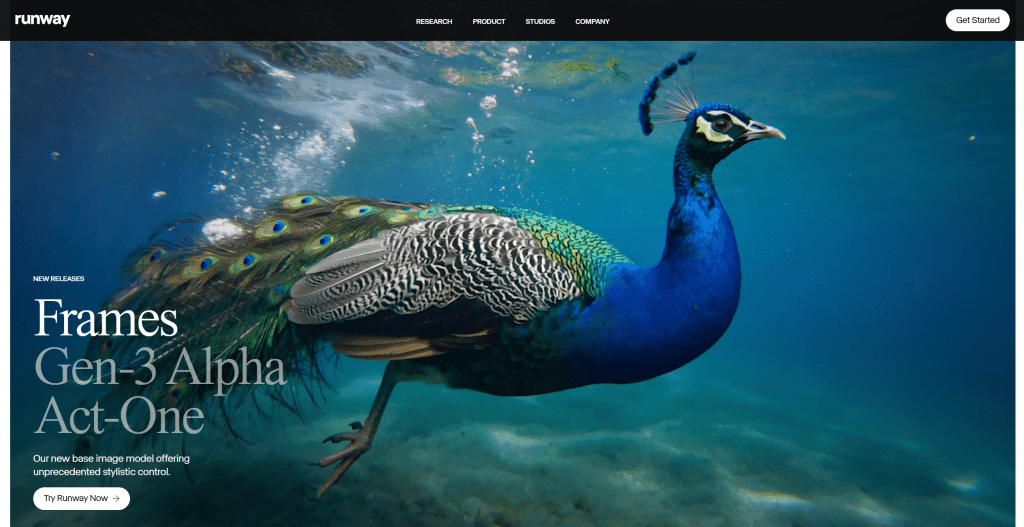
Text-to-Video Generators generate videos from text descriptions. Users input text descriptions, AI generates corresponding videos. This is the most common AI video generation method, suitable for creation from scratch. Best AI text-to-video tools for 2026 include Veo 3.1 (Google, supports audio integration and camera control), Sora 2 Pro/2 (OpenAI, high-quality output), Kling 2.5 Turbo (KlingAI, high-fidelity fast generation), Ray 3 (Luma AI, HDR support and 1080p resolution). These tools support API access and are widely used in content creation, marketing videos, and film production, significantly improving video creation efficiency and quality.
2. Image-to-Video Generators: Generate Dynamic Videos from Static Images
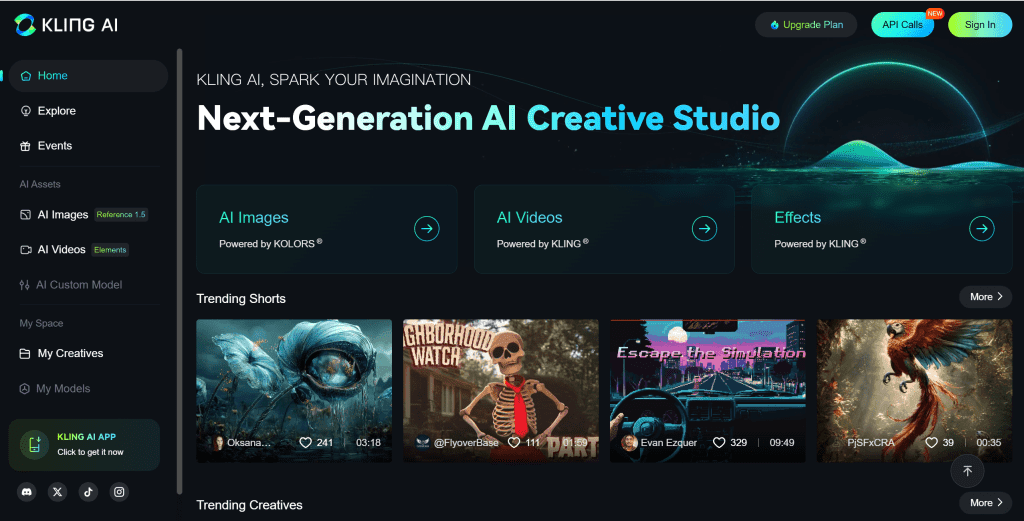
Image-to-Video Generators generate videos from static images. Users upload images, then generate dynamic videos through text descriptions or parameter adjustments. This method suits creation based on existing images or adding dynamic effects. Best AI image-to-video tools for 2026 include Veo 3.1 (Google, supports audio integration and camera control), Kling 2.5 Turbo (KlingAI, high-fidelity fast generation), PixVerse V5 (high-quality motion and multiple resolutions), GenFlare (Baidu technology). These tools support API access and are widely used in product demos, creative projects, and social media content, converting static images into dynamic video content.
3. Video-to-Video Generators: Intelligent Enhancement, Style Transfer, Effects
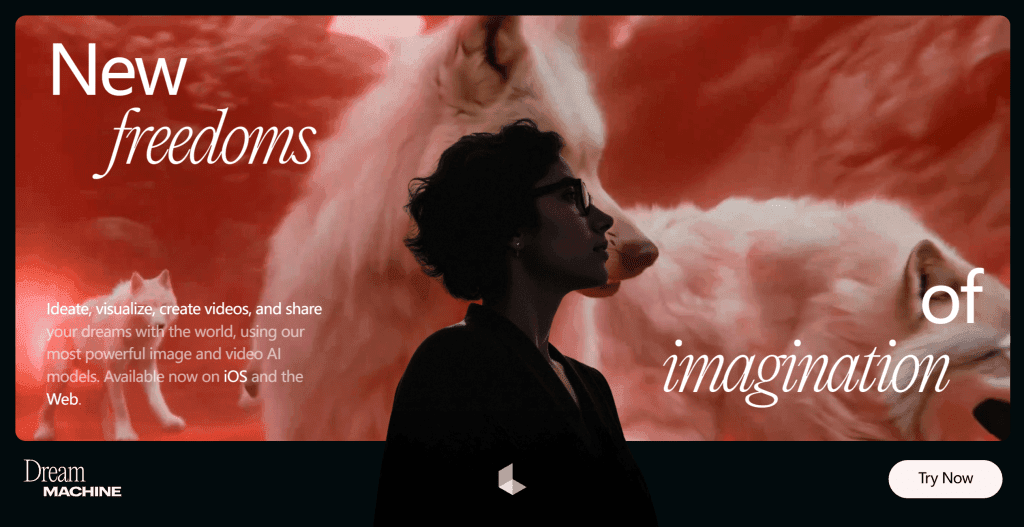
Video-to-Video Generators use generative AI to intelligently edit and enhance existing videos, generating new visual content to improve quality, change styles, or add effects. Best AI video-to-video tools for 2026 include Magnific (generative video enhancement, improving clarity by generating details), GoEnhance (video style transfer, supporting 30+ animation styles), Domo AI (multi-style templates, supporting multiple artistic style conversions), Pollo AI (custom styles, supporting user-defined style templates). These tools suit creative video editing scenarios, achieving effects difficult with traditional video editors, significantly improving video creation efficiency.
4. Golpo AI: Whiteboard Video Generator

Golpo AI is a powerful whiteboard video generator that automatically converts documents, PDFs, or text content into professional whiteboard animation videos. Users upload documents or input text descriptions, AI generates hand-drawn style whiteboard animations with voice narration and background music. Perfect for creating educational content, product demos, and marketing videos. Golpo AI supports multiple languages, providing rich customization options including color themes, animation styles, and voice choices. Ideal for educators, corporate trainers, or content creators seeking professional explanatory videos, significantly improving content creation efficiency.
5. VideoTutor: Generative Video Interpreter
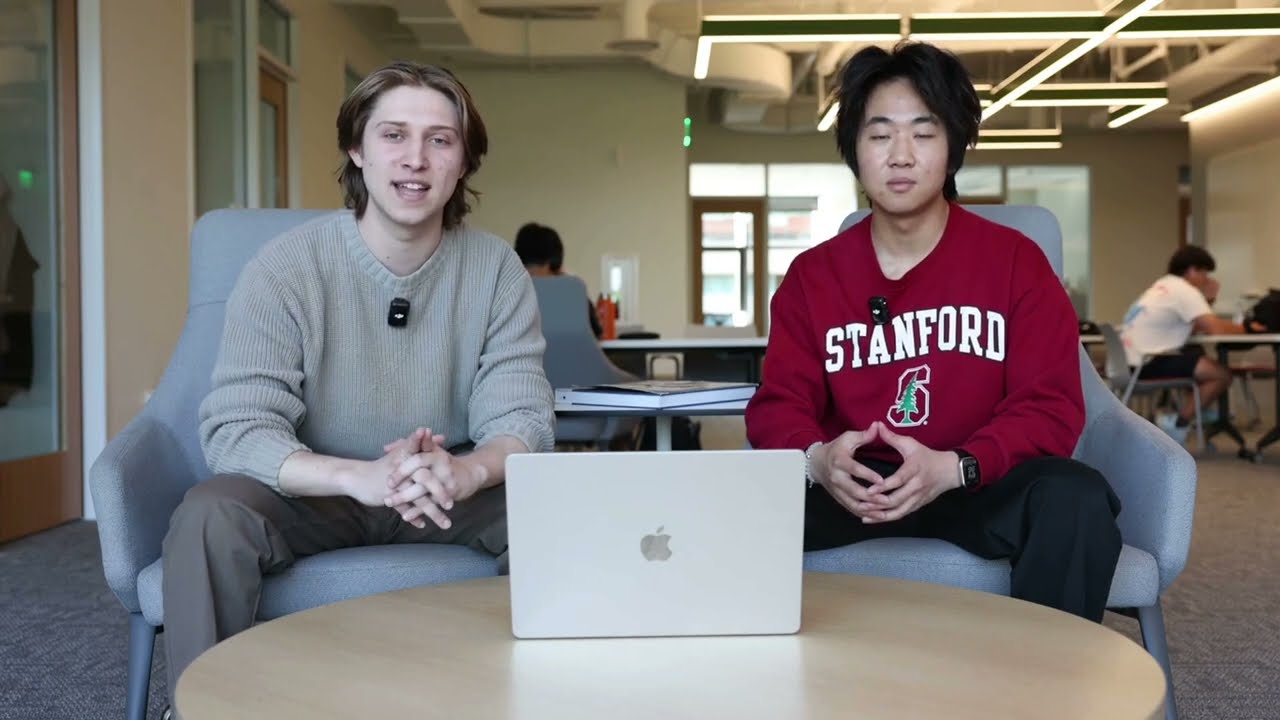
VideoTutor is a generative video interpreter specialized for educational content, automatically generating detailed video explanations for math, science problems. Users input problems or concepts, AI creates videos with handwritten notes, chart displays, and voice explanations supporting multiple languages and difficulty levels. VideoTutor excels at complex math problems, physical concepts, chemical formulas, transforming abstract concepts into intuitive visual demonstrations. Perfect for student self-study, teacher preparation, or online education platforms seeking high-quality educational videos.
6. OiiOii: AI Animation Agent Team
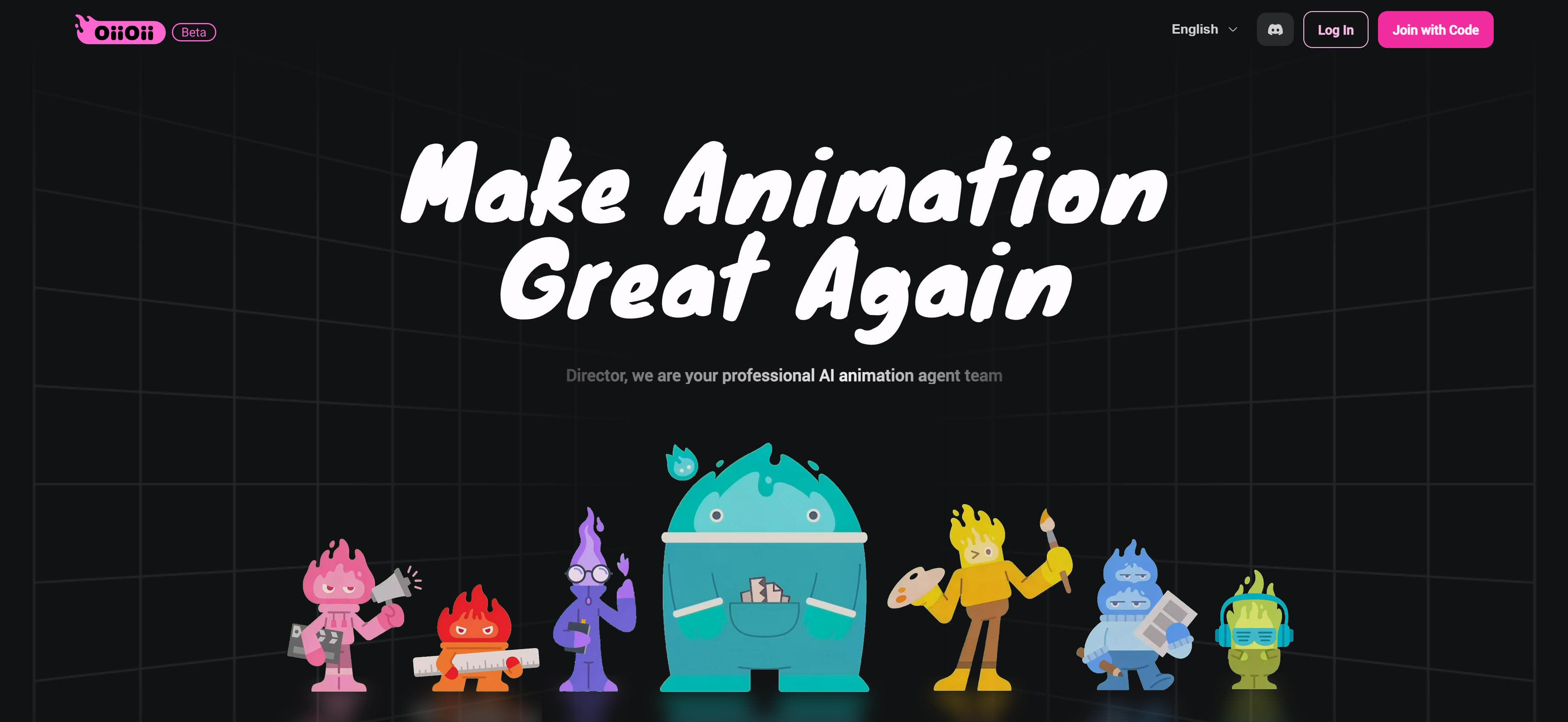
OiiOii is the global first AI animation agent team providing comprehensive AI animation production services. From concept creation to final production, OiiOii offers 7 professional AI roles: Art Director, Scene Designer, Screenwriter, IP Designer, Character Designer, Storyboard Artist, and Sound Designer. Users can drag images or input descriptions for one-click high-quality animation video generation, including quick videos, short MV/story videos, anime music videos, story videos, IP creation. OiiOii excels at complete animation workflows, supporting intelligent dialogue for precise execution, transforming user creative ideas into professional animation works.
Other Modality Video Generation
Beyond text-to-video, image-to-video, and video-to-video, AI video generation includes other modalities: Music-to-Video generates videos from music based on rhythm, melody, and emotion, suitable for music video production and MV creation; URL-to-Video inputs URL links, automatically crawls web content through video agents and generates videos, suitable for content summaries, news videos, and product introductions; PDF-to-Video generates videos from PDF documents by understanding text, images, and structure, suitable for document presentations, educational videos, and report displays.
Use Cases: Multi-Modal Video Creation
AI video generator tools serve diverse video production needs across industries.
Film Production
Filmmakers use AI video generators for creating narrative content, from short films to full-length movies. These tools streamline pre-production planning and reduce manual labor, enabling faster concept visualization and storyboarding. The technology transforms written scripts into visual sequences, helping directors and producers communicate creative visions more effectively before actual filming begins.
Advertising Creation
Marketing teams use text-to-video tools to quickly generate ad videos from marketing copy. Video-to-video tools provide brand-consistent visual effects, converting product pages into engaging video ads. This automation enables rapid campaign iteration and A/B testing, allowing marketers to produce multiple ad variations efficiently while maintaining brand consistency across different platforms and formats.
Social Media Content
Content creators use image-to-video tools to convert static images into dynamic content. Text-to-video tools generate quick short videos and story videos for platforms like TikTok and Instagram, enabling rapid content creation. This capability helps creators maintain consistent posting schedules while reducing production time, making it easier to engage audiences with fresh, visually appealing content regularly.
Educational Content
Educators create engaging learning materials with AI video generators. These tools generate tutorial videos, explainer content, and interactive lessons that make complex concepts more accessible. The technology enables teachers to produce customized educational content tailored to different learning styles and levels, enhancing student engagement and comprehension through visual storytelling and dynamic presentations.
Product Demonstration
Businesses create product demonstration videos showcasing features and benefits. AI video generators transform product descriptions into visual presentations, supporting multiple formats for e-commerce and marketing. This capability enables companies to produce professional product videos at scale, helping customers understand product value through engaging visual narratives that drive purchase decisions.
How to Choose AI Video Generator
Select AI video generator tools based on input modality needs, quality requirements, feature needs, budget, and usability for significantly enhanced video creation efficiency and quality.
1. Evaluate Input Modality Needs
Determine if you need text-to-video for creating videos from descriptions, image-to-video for animating static images, video-to-video for transforming existing videos, or other modalities. Different tools specialize in different input types, so match tool capabilities to your primary content sources.
2. Assess Video Quality Requirements
Output quality varies significantly: professional production requires high-quality models with cinema-grade output and advanced rendering; fast content creation benefits from fast generation models with acceptable quality for social media. Choose based on project needs, balancing quality requirements with generation speed.
3. Evaluate Feature Needs
Evaluate if tools provide needed features: audio integration enables synchronized sound; HDR support provides enhanced visual quality; batch processing handles multiple videos efficiently; API interfaces enable integration with existing workflows. Match feature requirements to your project needs and technical capabilities.
4. Consider Budget and Pricing
AI video generator tools typically require paid subscriptions, ranging from a few dollars to tens of dollars per month depending on features and usage limits. Choose based on usage frequency and budget: occasional use benefits from pay-per-use models; regular use may justify subscription plans. Most tools offer free trials for testing.
5. Evaluate Ease of Use
Tool operation difficulty varies: simple tools suit quick start with intuitive interfaces and minimal learning curve; tools with rich advanced controls suit professional users requiring fine control and customization. Try multiple tools first, compare output quality and ease of use, then choose the most suitable based on your skill level and project requirements.
Conclusion
AI video generator tools demonstrate powerful capabilities and wide application prospects in text-to-video, image-to-video, video-to-video, and other modalities. Tools like Veo, Sora, and Kling generate high-quality video content from different input modalities, achieving efficiency and creative effects difficult with traditional video production, enabling users to create professional videos efficiently.
Choose the right generator based on your video creation needs: text-to-video tools like Veo and Sora for generating videos from text descriptions, image-to-video tools like PixVerse for converting static images to dynamic videos, video-to-video tools like Magnific for enhancing and style transfer. Evaluate input modality, quality requirements, feature needs, and budget constraints to select the most suitable video generator solution.
AI video generator tools serve as powerful assistants that enhance video production efficiency, but they complement rather than replace human creativity and artistic vision. The best approach is human-AI collaboration: AI handles video generation and technical processing, while creators provide creative direction, quality control, and artistic vision, maximizing both production efficiency and video quality.