What Are AI Image-to-Video Tools
AI image-to-video tools use artificial intelligence to automatically generate dynamic videos from static images. Based on deep learning and diffusion models, these tools understand image content and add natural motion effects. Unlike general AI video generation tools, image-to-video tools are specifically optimized for image-to-video conversion, adding motion to existing images to create smooth video content.
The core advantages of AI image-to-video tools include fast conversion, intelligent image understanding, multiple motion effects, and batch processing with API integration. These tools generate high-quality videos with professional motion smoothness, visual consistency, and scene understanding. As part of AI video tools, AI image-to-video tools work alongside other video processing tools (such as AI video editors and AI video-to-video tools) to provide comprehensive video production solutions.
How AI Image-to-Video Works
Modern AI image-to-video technology uses deep learning and diffusion models to understand images, learn video generation patterns, and automatically create dynamic videos. Compared to traditional video production, AI technology significantly improves creation efficiency, quality stability, and functional diversity.
Key advantages include understanding capability (image content, scene settings, object relationships), generation capability (video frame sequences, actions, motion effects), learning capability (motion effect patterns and visual styles from large video datasets), and optimization capability (automatic quality and motion smoothness improvements based on user feedback). Different tools use different architectures: base models rely on diffusion models and Transformer architecture, while application-layer tools integrate user interfaces, API interfaces, and batch processing. Multimodal AI development enables single tools to process images, text, and video simultaneously, further simplifying video generation workflows.
Best AI Image-to-Video Tools 2026
Here are the most recommended AI image-to-video base models for 2026, accessible via API. Many AI video applications are built on these models, representing the current state-of-the-art in image-to-video technology.
1. Veo (Google · 3.1): Audio Integration
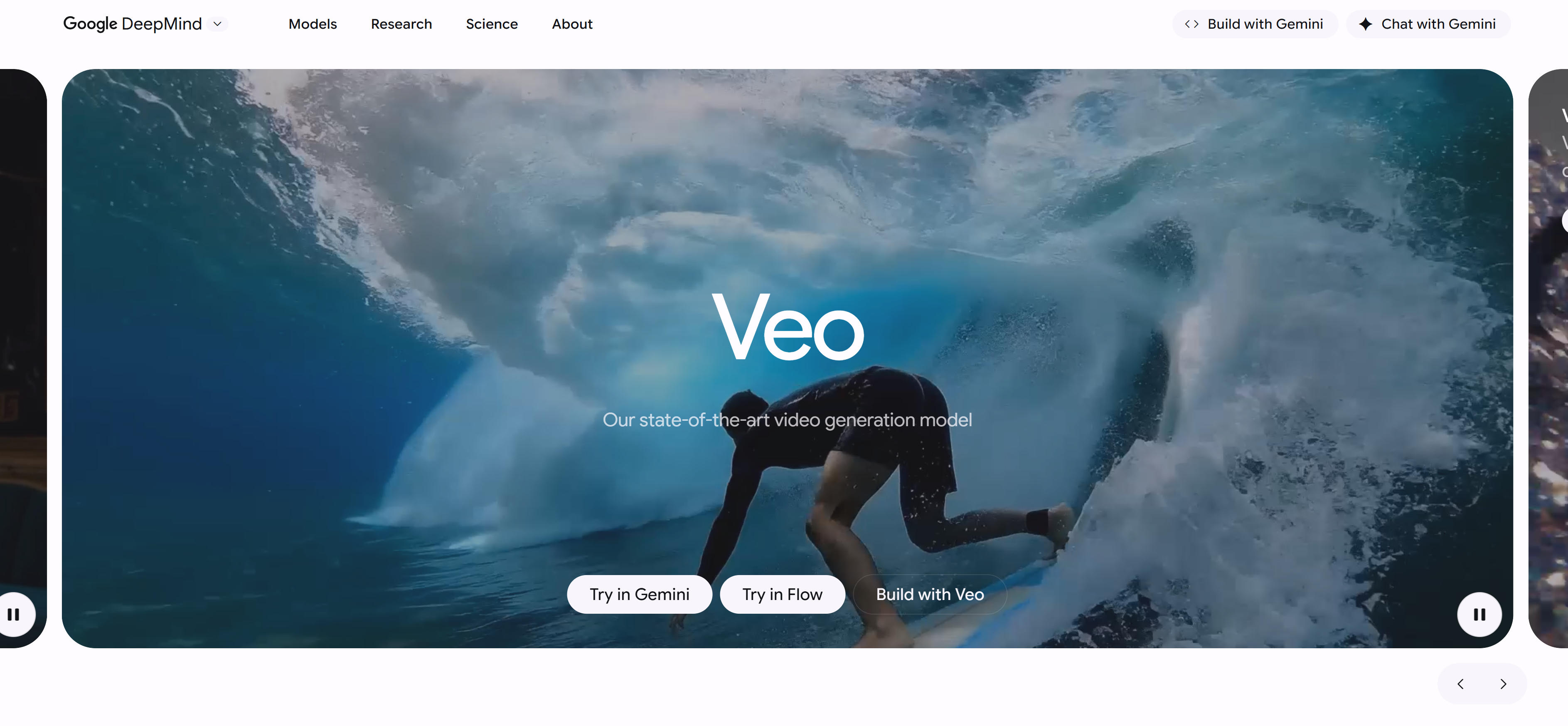
Veo 3.1 is Google's image-to-video model that generates videos with audio from static images. It supports sound effects, ambient audio, and synchronized dialogue for immersive viewing. The model also supports precise camera control, allowing users to define specific camera movements like rotation, panning, and zooming. Excels in high-quality video and audio synchronization, ideal for film production and advertising. It supports scene extension to lengthen existing clips while maintaining visual and narrative coherence. The model also supports adding and removing objects, automatically adjusting lighting and shadows for visual consistency. Integrated with Google's Flow tool, it provides advanced control and an intuitive interface for high-quality video production.
2. Kling (KlingAI · 2.5 Turbo): High Fidelity
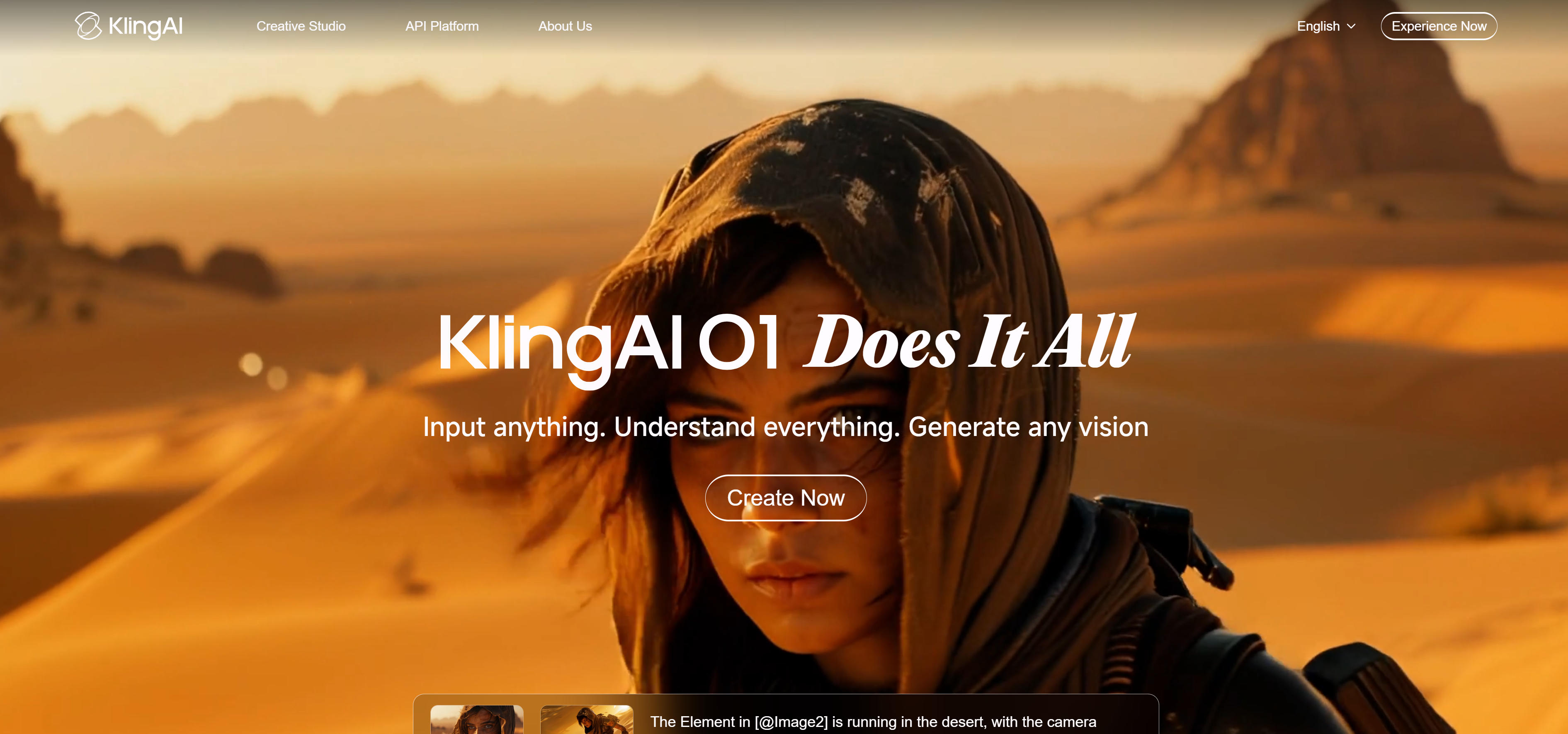
Kling 2.5 Turbo is KlingAI's image-to-video model focused on generating high-fidelity video content. It supports video generation from text or images, suitable for creators and marketers to quickly generate engaging content. Excels in high-fidelity video generation, ideal for scenarios requiring high-quality visual effects. Its fast generation capability makes it a powerful assistant for content creators. The model supports multiple video styles and creative directions, meeting diverse application needs. Kling also supports API access for developer integration.
3. PixVerse (PixVerse · V5): High-Quality Motion

PixVerse V5 is PixVerse's image-to-video model focused on generating natural, smooth motion effects. V5 significantly improves motion quality, visual performance, and user control, generating more natural and expressive dynamic effects. Excels in high-quality motion effects, ideal for product demos and creative projects. It supports multiple resolutions (360p to 1080p) and duration options (5 or 8 seconds), meeting diverse content needs. V5 also supports multiple aspect ratios (16:9, 4:3, 1:1, 3:4, 9:16) and artistic style control, offering animation, 3D animation, clay, comic, cyberpunk, and other creative video styles.
4. Hailuo (MiniMax · 2.3): Short Video Optimization

Hailuo 2.3 is MiniMax's image-to-video model focused on generating high-quality short video content. It supports text-to-video and image-to-video conversion, suitable for social media content creation. Excels in social media content creation, with short video generation capabilities meeting rapid content production needs. It supports multiple styles and scenarios, generating videos that meet social media platform requirements. Hailuo also supports API access for developer integration.
5. Vidu (Vidu · Q2 Turbo): Fast Generation

Vidu Q2 Turbo is Vidu's image-to-video model focused on fast generation of high-quality videos. It quickly generates dynamic videos from static images, suitable for scenarios requiring rapid content production. Excels in fast video generation, ideal for social media content and rapid prototyping. It performs well in generation speed, creating high-quality videos in short time. Vidu supports API access for developer integration and multiple video styles for diverse application needs.
6. LTX Studio (Lightricks · 2 Pro): Professional Production

LTX Studio 2 Pro is Lightricks's image-to-video model focused on professional video production. It generates high-quality videos from static images, supporting multiple professional-grade features and creative tools. Excels in professional video production, ideal for professional users needing advanced features. It provides comprehensive professional-grade features and creative tools, meeting professional production requirements. LTX Studio supports API access for enterprise integration and advanced video editing capabilities for professional workflows.
7. Seedance (ByteDance Seed · 1.0): ByteDance Seed

Seedance 1.0 is ByteDance's image-to-video model based on the Seed architecture. It generates dynamic videos from static images using advanced AI technology. Excels in ByteDance's video generation technology, ideal for creators using advanced AI models. It provides high-quality video generation capabilities based on ByteDance's research and development. Seedance supports API access and represents ByteDance's contributions to open-source AI video technology.
Image-to-Video Tools Comparison
Use Cases: 5 Practical Applications
Product Demos
Convert static product images into dynamic demonstration videos to significantly enhance product display effects. PixVerse and Veo models excel in product demo videos, supporting multiple resolutions and aspect ratios to adapt to different e-commerce platforms. Models can add natural motion effects to product images, creating more engaging product presentations. Suitable for e-commerce platforms, product marketing, and brand promotion.
Creative Projects
Transform static artworks into dynamic videos for artistic creation and design showcases. PixVerse, Kling, and other models support multiple artistic styles, converting static artworks into dynamic videos. Models support multiple aspect ratios and resolutions, adapting to different platform display requirements. Suitable for artistic creation, design showcases, and creative expression.
Social Media Content
Create engaging short video content for social media platforms with rapid generation capabilities. Hailuo and Vidu models focus on short video generation, suitable for social media platform content creation. Models support fast generation, meeting rapid content production needs for social media. Suitable for short video platforms, social media marketing, and content creation.
Marketing Videos
Create compelling marketing videos with professional motion effects and visual consistency. Veo and LTX Studio models provide high-quality video generation and professional-grade features, meeting marketing campaign requirements. Models support precise camera controls and advanced visual effects, creating more professional brand presentations. Suitable for brand marketing, advertising campaigns, and promotional content.
Educational Content
Create engaging educational videos with dynamic visual effects to enhance learning effectiveness. Models can add motion effects to static diagrams and illustrations, making educational content more vivid and engaging. Support for multiple resolutions and aspect ratios adapts to different educational platforms. Suitable for online education, tutorial creation, and knowledge dissemination.
How to Choose AI Image-to-Video Tools
How to Choose AI Image-to-Video Tools
Choose the right image-to-video tool based on your video quality requirements, generation speed needs, API support, special feature requirements, and budget considerations to significantly improve video creation efficiency and quality.
1. Evaluate Video Quality Requirements
Evaluate model video quality based on project needs. Professional production suits high-quality models like Veo, LTX Studio; product demos suit PixVerse; social media content suits fast-generation models like Hailuo, Vidu. Different models suit different needs; clarifying video quality requirements is the first step. Evaluate video quality through trials or examples to ensure it meets requirements.
2. Evaluate Generation Speed Requirements
Evaluate model generation speed. Vidu, Hailuo generate faster, suitable for rapid content production; Veo, LTX Studio may take longer but offer higher quality. Choose models based on time requirements, ensuring generation speed meets project needs.
3. Evaluate API Support Requirements
Evaluate whether models provide API access. All listed models support API access for developer integration. API support is essential for batch processing or automated workflows. Choose models with comprehensive API support based on integration needs.
4. Evaluate Special Feature Requirements
Evaluate whether models provide required features. Veo supports audio integration and camera control; PixVerse supports multiple resolutions and artistic styles; LTX Studio provides professional-grade features. Choose models offering corresponding features based on functional needs, ensuring they meet special feature requirements.
5. Consider Budget and Pricing Models
Evaluate model access costs. Different models may have different pricing models, including pay-per-use, subscriptions, etc. Choose appropriate plans based on usage frequency and budget, occasional use can choose pay-per-use, frequent use is recommended to subscribe. Compare value across models, selecting those that fit budget and meet functional needs.
Conclusion
AI image-to-video tools are revolutionizing the video creation industry, providing creators with unprecedented creative possibilities and efficiency improvements. From high-quality models like Veo, PixVerse to fast-generation models like Hailuo, Vidu, these tools cover the complete range from professional production to rapid content creation.
For product demo needs, models like PixVerse convert static product images into dynamic demo videos, significantly improving product display effects. For professional production needs, models like Veo, LTX Studio provide high-quality video generation capabilities and professional-grade features, meeting professional production requirements. For creative projects, models like Kling, PixVerse support multiple artistic styles and creative directions, meeting diverse creative needs. For social media content, models like Hailuo, Vidu focus on fast generation and short video optimization, meeting rapid content production needs.
When choosing AI image-to-video tools, consider video quality requirements, generation speed, API support, special features, and budget. All listed models support API access, making them suitable for developers and enterprises. You can also combine with AI text-to-video tools for comprehensive video creation solutions. The key is to understand that AI tools should serve as collaborative partners in video creation, not replacements for human creativity - they handle technical and repetitive work while allowing users to focus on creative expression and content strategy.