What Are AI Code Completion Tools
AI code completion tools use AI to suggest code snippets, functions, and entire blocks in real-time, boosting developer productivity by reducing typing and cognitive load. These tools understand code context, analyze project structure, and provide personalized intelligent suggestions, helping developers code faster and more efficiently.
AI code completion tools improve development efficiency and reduce repetitive coding work, allowing developers to focus on solving complex problems and architecture design. These tools typically integrate into IDEs, providing context-aware real-time suggestions across many languages, widely used in daily development, code refactoring, and rapid prototyping. For more details about AI coding tools, check our Complete Guide to AI Coding Tools.
How AI Code Completion Tools Work
Modern AI code completion technology is based on large language models (LLM) and code understanding models, capable of understanding natural language instructions, analyzing code context, and automatically generating code suggestions that conform to programming standards. Compared to traditional code completion tools, AI code completion technology has significantly improved in suggestion accuracy, context understanding, and multi-language support.
Core foundations include code understanding models, code generation models, context-aware technology, and multi-language support. Code understanding models analyze code structure and semantics to understand code intent and functionality. Code generation models, trained on vast code data, generate accurate suggestions based on context. Context-aware technology enables tools to understand current files, project structure, and coding patterns. Multi-language support ensures tools handle various languages and frameworks. These tools typically integrate into IDEs, providing seamless development experiences.
Best AI Code Completion Tools 2026
1. Cursor: AI-First Editor
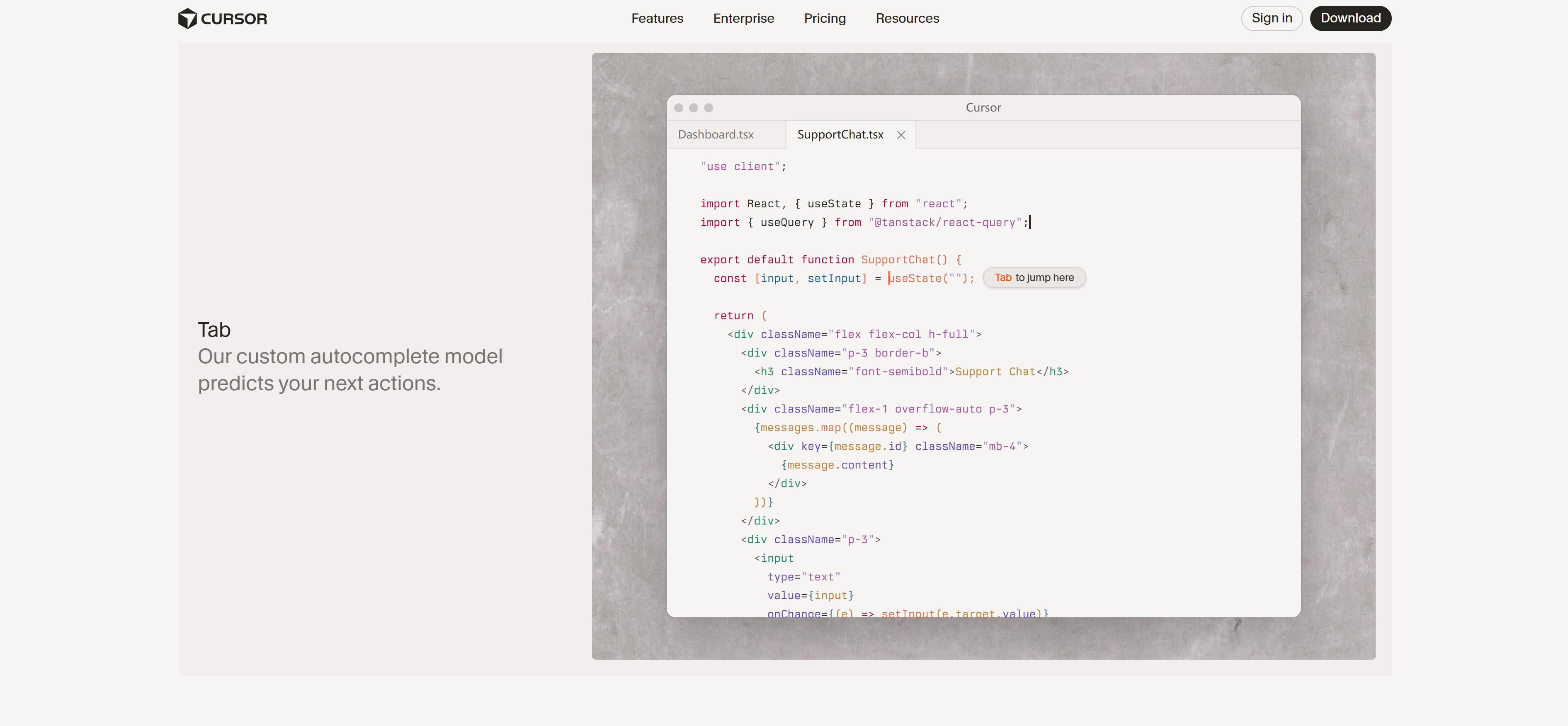
Cursor is an AI-first code editor. Its "Cursor Tab" feature provides context-aware code completion, suggesting entire lines, functions, or multi-line code blocks. Cursor Tab understands current files, codebase, and common coding patterns, providing highly relevant suggestions that users can accept with a single Tab press. Cursor also offers smart debugging, code generation, and inline chat features, ideal for developers needing efficient code completion and intelligent assistance.
2. GitHub Copilot: AI Pair Programmer
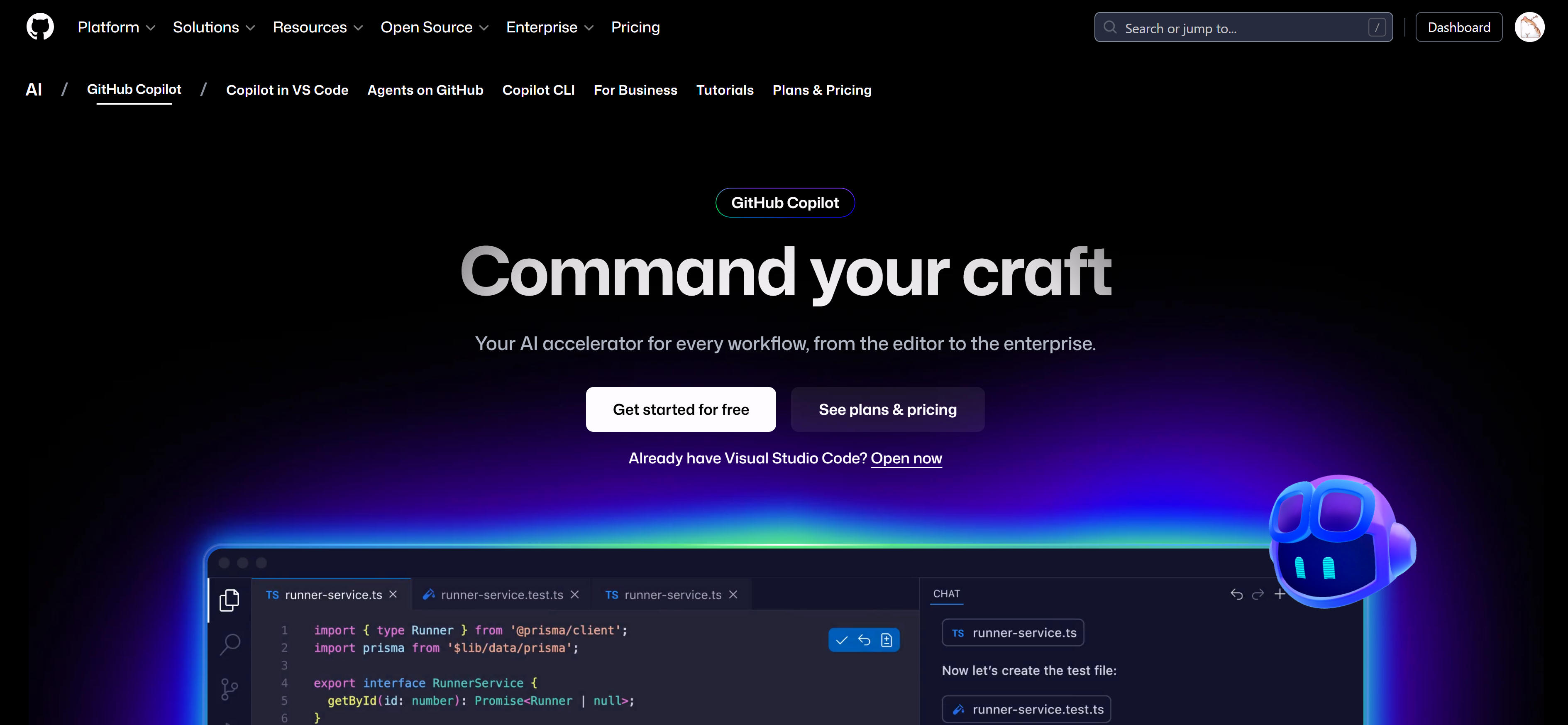
GitHub Copilot, developed with OpenAI, is a leading AI assistant for real-time code suggestions and generation, deeply integrated into IDEs. It understands code context, provides accurate completion suggestions, and supports many languages and frameworks. GitHub Copilot excels at handling common programming patterns and boilerplate code, significantly reducing repetitive coding work and improving development efficiency.
3. Tabnine: Privacy-First
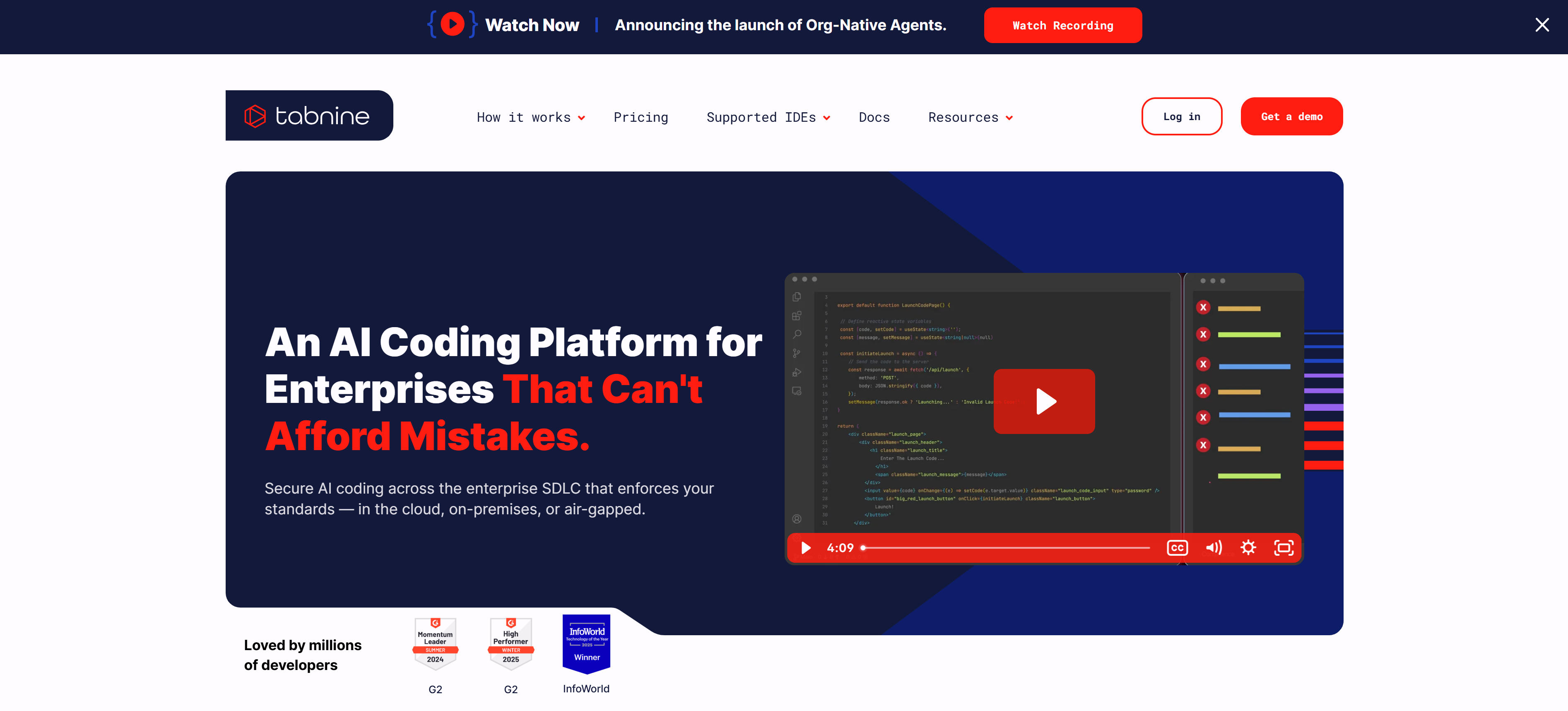
Tabnine focuses on privacy, using deep learning for personalized, context-aware code predictions, even running locally. It understands code context, provides accurate completion suggestions while protecting user code privacy. Tabnine supports multiple IDEs and languages, ideal for privacy-conscious development teams and enterprises.
4. Amazon CodeWhisperer: AWS-Powered
Amazon CodeWhisperer is an AWS-powered AI coding assistant offering suggestions and security scans, great for cloud-native development. It understands AWS services and cloud architecture patterns, providing targeted code suggestions while detecting potential security issues. CodeWhisperer supports multiple languages and integrates deeply with AWS services, ideal for cloud developers.
5. Sourcegraph Cody: Large Codebases
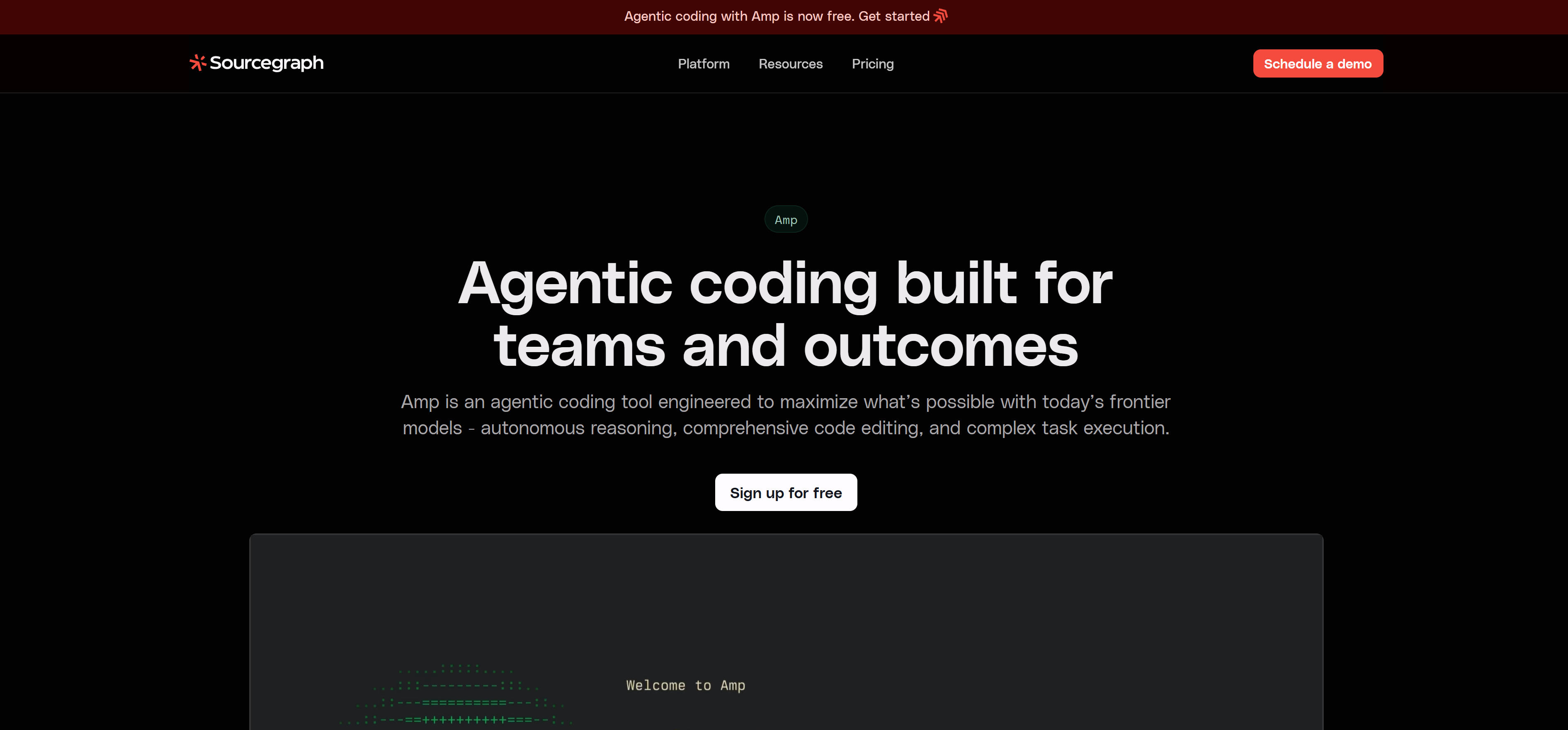
Sourcegraph Cody excels for large codebases, offering AI-powered search, navigation, and code understanding. It understands entire codebase structure and relationships, providing accurate completion suggestions, ideal for teams maintaining large projects. Cody supports multiple languages and frameworks, providing powerful code search and understanding capabilities.
6. Replit Ghostwriter: Cloud Collaboration
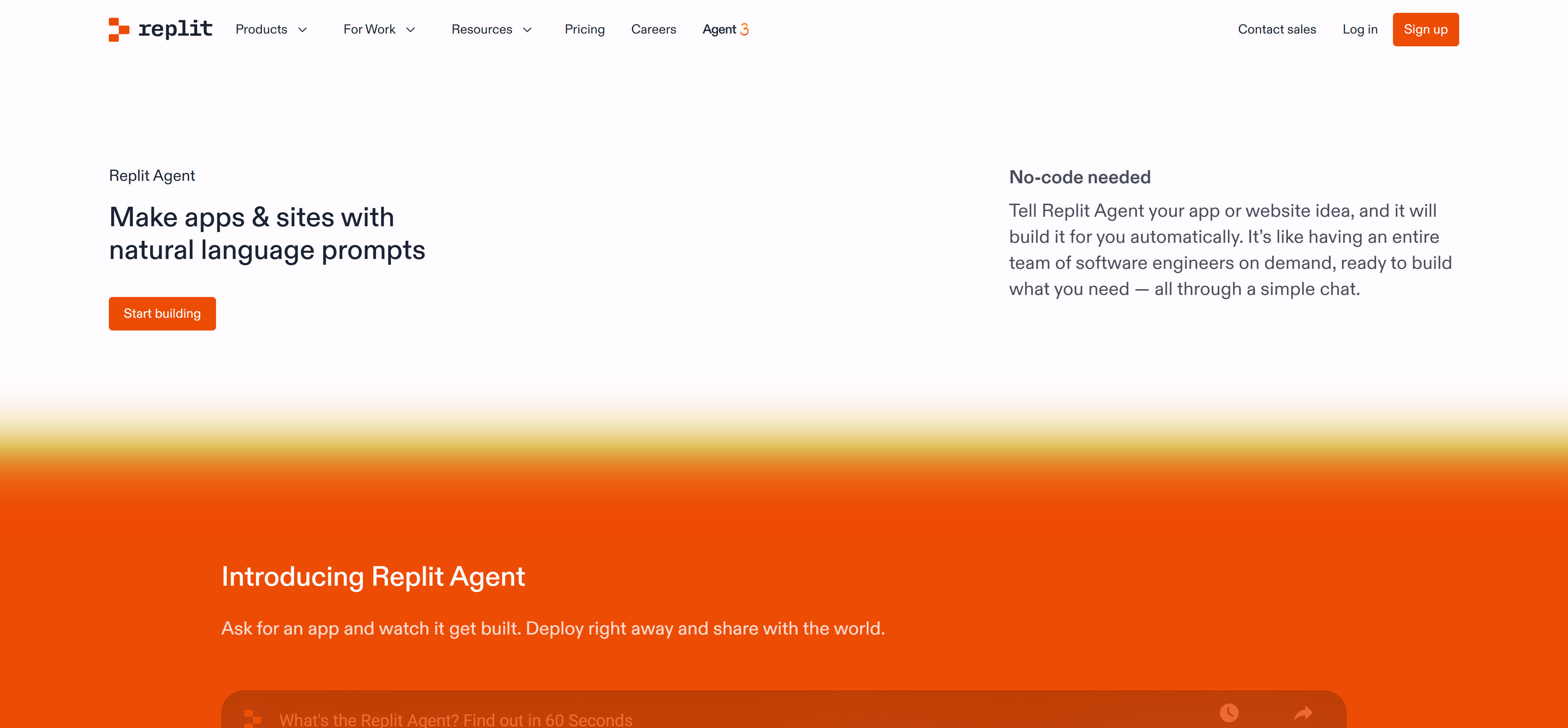
Replit Ghostwriter is cloud-based AI for collaborative coding and instant code generation within the Replit environment. It understands code context, provides real-time suggestions, ideal for cloud development and collaboration scenarios. Ghostwriter supports multiple languages and integrates deeply with the Replit platform, providing seamless cloud coding experiences.
7. Codeium: Free AI Completion
Codeium offers free AI code completion, making it accessible for individual developers. It supports multiple languages and IDEs, providing high-quality completion suggestions, ideal for budget-conscious individual developers and small teams. Codeium offers both free and paid versions to meet different user needs.
Other excellent AI code completion tools include Supermaven (ultra-fast AI programming assistant with million-token context), BlackBox AI (real-time intelligent completion, documentation, and debugging suggestions), Augment Code (AI coding agent platform that automatically improves code quality), OpenAI Codex (AI system that translates natural language into code), and MutableAI (AI tools accelerating software development with auto-completion, documentation generation, and code refactoring).
Comparison
Below is a comparison of major AI code completion tools to help you quickly understand each tool's features and use cases:
| Tool Name | Core Features | Use Cases | Pricing |
|---|---|---|---|
| Cursor | AI-first editor, context-aware completion, smart debugging | Efficient completion, intelligent assistance | Subscription |
| GitHub Copilot | Real-time suggestions, deep IDE integration, multi-language | Daily development, code generation | Subscription |
| Tabnine | Privacy-first, local running, personalized predictions | Privacy-conscious teams and enterprises | Subscription |
| Amazon CodeWhisperer | AWS integration, security scans, cloud-native | AWS cloud development, secure code | Free/Paid |
| Sourcegraph Cody | Large codebase support, code search and understanding | Large project maintenance | Subscription |
| Replit Ghostwriter | Cloud-based, collaborative coding, instant generation | Cloud development and collaboration | Subscription |
| Codeium | Free AI completion, multi-language support | Individual developers, small teams | Free/Paid |
Use Cases
Daily Development Coding
Intelligent code completion provides accurate code suggestions based on context, reducing typing and cognitive load, improving coding efficiency. Automatic generation of common programming patterns and boilerplate code, such as CRUD operations and API stubs, reduces repetitive work. Generation of complete function and class code structures based on natural language descriptions or comments.
Code Refactoring and Optimization
Refactoring suggestions identify optimizable code patterns, providing refactoring suggestions and improvement plans. Code quality improvement helps maintain code consistency, catches errors, ensures adherence to best practices and coding standards. Performance optimization detects performance issues in code, provides optimization suggestions and best practices.
Learning and Exploration
Learning new languages and frameworks provides accurate code examples and best practices, helping developers quickly learn new technologies. Code understanding helps developers understand complex code logic and structure through AI suggestions and explanations. Best practice guidance provides code suggestions that conform to industry standards, helping developers develop good programming habits.
How to Choose
1. Evaluate Your Needs
Choose general tools like GitHub Copilot or Cursor for daily development, professional tools like Sourcegraph Cody for large codebases, AWS-integrated tools like Amazon CodeWhisperer for cloud development. Select the most suitable tool type based on specific development needs.
2. Assess Output Quality
Evaluate whether tools provide required features, such as context awareness, multi-language support, security scanning, code search. Different tools have different feature sets, choose the one that best meets your needs.
3. Consider Budget and Pricing
Evaluate tools' data processing policies and privacy protection measures to ensure code security. Compare pricing of different tools and choose the plan that best fits your budget. Many tools offer free versions or free trials, try them first before deciding to upgrade.
4. Evaluate Usability
For scenarios involving sensitive code, choose privacy-focused tools like Tabnine. Compare pricing of different tools and choose the plan that best fits your budget. Many tools offer free versions or free trials, try them first before deciding to upgrade.
5. Check Feature Completeness
Evaluate whether tools support commonly used IDEs and development environments, and whether integration is smooth. Choose tools compatible with existing development tools to ensure seamless development experiences.
Conclusion
Recommended AI code completion tools excel in their respective fields, providing rich choices for developers with different needs. From AI-first editors like Cursor to general programming assistants like GitHub Copilot, from privacy-first tools like Tabnine to cloud-native tools like Amazon CodeWhisperer, these tools significantly improve development efficiency and code quality.
Choose the right AI code completion tool based on specific needs, use cases, and budget. AI code completion tools should serve as collaborative partners, handling repetitive, template-based coding work, allowing developers to focus on architecture design, business logic, and quality control. For more details about AI coding tools, check our Complete Guide to AI Coding Tools.