AI Virtual Staging: Transform Empty Spaces into Homes
Introduction
This guide explores the best AI virtual staging tools for 2026. We cover core concepts, technical fundamentals, and analysis of top tools. The guide includes feature comparisons, use cases, selection criteria, and frequently asked questions.
What Are AI Virtual Staging Tools
AI virtual staging tools use artificial intelligence to transform empty or unfurnished spaces into beautifully furnished homes. These tools deliver professional results quickly and cost-effectively, significantly accelerating sales processes. Modern AI virtual staging tools support intelligent furniture placement and design suggestions, providing complete virtual staging solutions for real estate professionals, property owners, and interior designers.
How AI Virtual Staging Works
AI virtual staging employs sophisticated computer vision and deep learning algorithms to transform empty room photos into furnished, inviting spaces. The technology uses neural networks trained on vast interior design datasets that learn furniture placement, style matching, and spatial relationships. The process begins with spatial analysis, where AI identifies architectural elements such as walls, floors, ceilings, windows, and doors, creating a precise 3D understanding of the room's dimensions and layout. Compared to traditional 3D modeling requiring 3D modeling software and design expertise, AI virtual staging significantly simplifies the process, making professional staging accessible to real estate professionals and property owners.
- Spatial analysis: The technology automatically identifies architectural elements and creates a precise 3D understanding of room dimensions and layout, eliminating the need for manual measurements or 3D modeling.
- Intelligent furniture placement: Once the spatial model is established, the AI selects and positions appropriate furniture based on room type and user-selected design styles, ensuring realistic and appealing arrangements.
- Realistic rendering: Advanced rendering algorithms calculate realistic lighting effects, shadows, material textures, and color interactions to ensure natural results that look authentic and professional.
- Fast processing: Processing typically takes 10-60 seconds per image, with premium tools delivering results in under 10 seconds while maintaining professional-grade quality.
- Multiple style options: Users can choose from various design styles, from modern minimalist to traditional, allowing properties to appeal to different buyer preferences.
Different AI virtual staging tools use different architectures optimized for their specific use cases. Some tools use 2D image-based approaches that overlay furniture onto room photos, providing fast processing and easy integration. Other tools employ 3D rendering engines that create more realistic results with accurate lighting and shadows. Advanced tools combine multiple techniques, using computer vision for spatial understanding and generative models for furniture selection and placement. Some tools specialize in specific room types like living rooms or bedrooms, while others offer broader coverage. Processing speed and quality vary by tool, with premium options balancing speed and realism for professional real estate applications.
2026 Best AI Virtual Staging Tools: Empty Spaces & Real Estate Professionals
Here are the most recommended AI virtual staging tools for 2026, helping real estate professionals transform empty properties into appealing homes with intelligent furniture placement and design suggestions.
1. Collov AI: Partner Recommendation

Collov AI is our top recommended virtual staging solution, delivering professional-grade results in just 10 seconds per image through proprietary AI algorithms. As Alignify's exclusive partner, Collov AI offers unmatched value with pricing from $16/month (60 images, $0.27/image) to $225/month (1000 images, $0.23/image) - the lowest cost per image in the industry. The platform excels in high-volume processing, enabling real estate professionals to process hundreds of properties daily. Collov AI ensures consistent quality across all room types and design styles, with advanced features including batch processing, API integration for automated workflows, and unlimited style variations. The platform supports bedrooms, living rooms, kitchens, and bathrooms, offering extensive design style libraries including modern, Scandinavian, traditional, and luxury options. Its intuitive interface makes it accessible to all skill levels while maintaining enterprise-grade performance and reliability.
2. Edensign: Quality Expert

Edensign excels as a premium AI virtual staging platform, delivering photorealistic renderings that meet the highest quality standards required by luxury real estate marketing. The platform's advanced AI technology produces professional-grade staging results that rival traditional photography, with flexible pricing at $0.40/image (Professional, up to 600 images/year) or $0.28/image (Premium) for high-frequency users. A standout feature enables users to upload custom furniture reference images for personalized staging results, with unlimited rendering and editing capabilities. Edensign is particularly suitable for projects requiring premium quality and custom design elements.
3. AI Home Design: AI + Manual Service
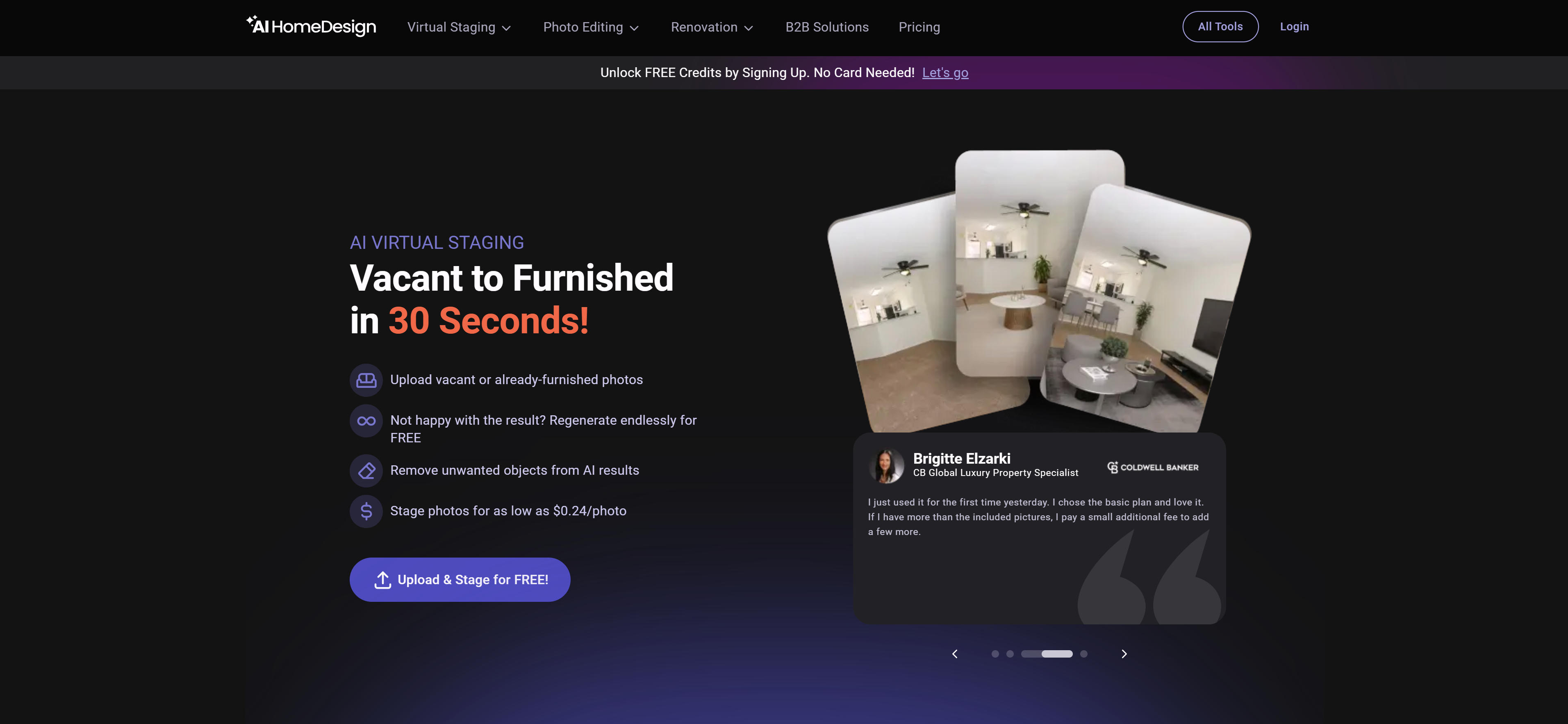
AI Home Design offers a unique hybrid approach combining automated AI virtual staging with professional manual staging services, providing flexibility for different quality and customization requirements. The AI service delivers rapid results at $0.24/image in about 30 seconds, while manual staging costs $13.99/image and takes 8-48 hours. Subscription plans provide excellent value: Pro at $19/month (annual, 30 images) and Pro Plus at $29/month (annual, 80 images), supporting both AI and manual staging options. This dual-service model ensures users can choose between cost-effective AI solutions and premium manual staging based on their needs.
4. Spacely AI: Complete Platform
Spacely AI distinguishes itself as a comprehensive interior design and virtual staging platform, extending beyond basic staging to provide complete design solutions. This integrated approach combines virtual staging with 3D modeling and rendering capabilities, offering flexible pricing from free plans to $12.75/month (Starter) and $102/month (Business). Beyond virtual staging, Spacely AI offers a complete interior design ecosystem including 3D modeling, furniture selection, and advanced rendering features, making it ideal for users needing comprehensive design tools beyond basic staging.
AI Virtual Staging Tools Comparison
Here's a detailed comparison of the top AI virtual staging tools to help you choose the best solution for your needs:
From the comparison table, Collov AI has the best advantage in per-image cost, particularly suitable for users needing to process large volumes of photos. Edensign excels in quality, suitable for projects with high rendering quality requirements. AI Home Design provides both AI and manual services, suitable for scenarios requiring finer processing. Spacely AI offers a free plan and a complete design platform, suitable for users needing more features.
Use Cases: Real Estate and Design Applications
AI virtual staging transforms how real estate professionals and designers showcase properties.
Real Estate Agents
Real estate agents use AI virtual staging to instantly transform vacant properties into furnished homes, eliminating costly traditional staging. These tools enable quick marketing material creation for multiple listings, allowing agents to showcase properties effectively without physical furniture. The technology accelerates the sales process and reduces marketing costs significantly.
Interior Designers
Interior designers leverage AI virtual staging to present multiple design concepts without moving physical furniture. The technology helps clients quickly understand renovation possibilities and compare style options, enabling designers to explore more creative directions and present comprehensive design proposals efficiently.
Property Developers
Property developers use AI virtual staging for pre-sales marketing of under-construction projects, creating realistic space previews that attract investors and early buyers. The technology enables market testing of different design styles and layout options, helping developers optimize their projects based on market preferences before construction completion.
Property Investors
Property investors employ AI virtual staging to evaluate renovation potential and assess property value improvements. Using virtual before-and-after visualizations, investors make data-driven decisions about acquisitions and optimization strategies, maximizing return on investment through informed renovation planning.
Renovation Companies
Renovation companies use AI virtual staging to showcase transformation potential through before-and-after visualizations. The technology helps sell renovation services, justify pricing, and allow clients to preview outcomes before committing to projects.
How to Choose the Right AI Virtual Staging Tool
Select the right AI virtual staging tool based on quality requirements, style options, budget considerations, integration needs, and support quality to create professional property visualizations.
1. Evaluate Quality and Speed Requirements
Balance quality and speed based on property type and market. Luxury properties require high-quality renderings with fine details and high-fidelity lighting; rental listings prioritize cost-effective speed and quick turnaround. Consider property value, audience expectations, and processing time. Assess whether your use case requires maximum quality or faster delivery.
2. Consider Style Option Range
Verify platforms support design styles matching your market preferences, from modern minimalist to traditional elegance. Different regions prefer different aesthetic styles; ensure sufficient diversity and customization options. Evaluate style variety and whether tools provide styles matching your target demographics. Check if you can customize furniture, colors, and decorations to match local preferences.
3. Evaluate Budget and Usage Frequency
Compare monthly per-image costs and subscription plans based on monthly volume. If processing 50+ properties monthly, subscriptions offer better value than pay-per-image options. Consider annual commitments and enterprise pricing for high-volume agencies. Assess total costs including initial fees, usage costs, and potential hidden fees. Choose cost-effective options based on quality needs and budget constraints.
4. Check Integration and Batch Processing
Ensure API availability and batch processing capabilities for workflow integration. If using MLS systems, CRM platforms, or real estate websites, API connectivity is crucial. Verify batch processing capabilities to handle multiple properties simultaneously. Check integration options for compatibility with your existing tools and platforms to streamline workflows.
5. Consider Support and Licensing
Review commercial licensing terms and customer support quality. Ensure commercial use is allowed without watermarks, and check response times, especially for high-volume agencies. Verify licensing covers your intended use cases, including marketing materials, websites, and listing platforms. Choose platforms with responsive support and clear licensing policies.
Virtual Staging vs Traditional Staging
Here is a detailed comparison between virtual staging and traditional staging:
Comparison Dimension | Virtual Staging | Traditional Staging |
|---|---|---|
| Cost | $0.24-$0.53/image | $300-$900/room, $2,000-$7,000/property |
| Time | 30 seconds - a few minutes | 3-7 days |
| Flexibility | Can try multiple styles and layouts | Can only showcase one design |
| Applicability | Works for empty and furnished rooms | Mainly works for empty rooms |
| Reversibility | Can be modified or undone anytime | Requires physically moving furniture |
| Real Experience | Digital renderings | Real tactile experience |
Virtual Staging Methods
AI virtual staging can be classified and used in different ways:
By Room Type: Including bedrooms, living rooms, kitchens, dining rooms, studies, bathrooms, and balconies. AI algorithms automatically select appropriate furniture combinations based on room type.
By Design Style: Including modern, Scandinavian, traditional, industrial, minimalist, rustic, and luxury styles. Each style offers distinct aesthetics: modern features clean lines and bright colors; Scandinavian emphasizes minimalism and natural elements; traditional showcases classic elegance; industrial highlights raw materials; minimalist focuses on simplicity; rustic brings warmth; luxury delivers refinement.
Combined Use: Most AI virtual staging tools support simultaneous selection of room type and design style, allowing users to combine them based on specific needs and target customer preferences.
Conclusion
AI virtual staging is transforming real estate marketing by reducing costs by over 90% and processing time from 3-7 days to under 30 seconds. Tools like Collov AI and Edensign enable instant testing of multiple design styles, providing exceptional flexibility for property marketing and visualization, enabling real estate professionals to showcase properties more effectively.
Choose the right tool based on your staging needs: Collov AI for high-volume processing with cost-effective pricing and fast speeds, Edensign for premium quality requirements with photorealistic results and custom furniture options. Evaluate volume requirements, quality standards, customization needs, and budget constraints to select the most suitable virtual staging solution.
AI virtual staging tools serve as powerful assistants that enhance property marketing efficiency, but they complement rather than replace human design expertise and market knowledge. The best approach is human-AI collaboration: AI handles staging generation and technical processing, while real estate professionals provide design direction, market insights, and quality control, maximizing both staging efficiency and marketing effectiveness.