Animation Libraries: Smooth Web Interactions
Introduction
This guide explores the best animation libraries for 2026. We cover core concepts, technical fundamentals, and analysis of top tools. The guide includes feature comparisons, use cases, selection criteria, and frequently asked questions.
What Are Animation Libraries
Animation libraries are JavaScript tools that enable developers to create smooth, engaging animations for web interfaces. Animation libraries have become essential for modern web development, enabling developers to create engaging user experiences across React, Vue, Angular, and vanilla JavaScript projects, providing complete web development solutions for front-end developers and web designers.
How Animation Libraries Work
Animation libraries leverage browser APIs and JavaScript to create smooth animations. They use requestAnimationFrame for frame synchronization, CSS transforms for GPU acceleration, and Web Animations API for complex sequences. Libraries optimize performance by batching DOM updates, using will-change hints, and minimizing layout thrashing. The technology employs efficient rendering techniques and browser optimizations that enable smooth, performant animations. Compared to manual animation implementation requiring complex timing calculations and browser compatibility handling, animation libraries significantly simplify the process, making professional web animations accessible to more developers.
- Frame synchronization: Using requestAnimationFrame for frame synchronization, ensuring smooth animations that match browser refresh rates.
- GPU acceleration: CSS transforms for GPU acceleration, leveraging hardware acceleration for optimal performance.
- Performance optimization: Batching DOM updates, using will-change hints, and minimizing layout thrashing for optimal animation performance.
- Declarative APIs: Declarative APIs that map state changes to animations, handling timing and easing automatically.
- Browser compatibility: Abstracting browser differences and providing fallbacks for older browsers, ensuring cross-browser compatibility.
Most libraries provide declarative APIs that map state changes to animations, handle timing and easing automatically, and manage animation lifecycle including cleanup and cancellation. They abstract browser differences, provide fallbacks for older browsers, and offer plugins for specialized effects like SVG morphing, scroll-triggered animations, and gesture recognition. Different libraries use different architectures: some focus on performance, others specialize in ease of use. Advanced libraries combine multiple capabilities for comprehensive animation solutions. These developments not only improve animation quality and performance but also provide more possibilities for developers, making animation libraries more widespread.
Framework Support: React, Vue & More
Modern animation libraries offer comprehensive framework support, making them accessible across different development environments. Motion provides first-class support for React, JavaScript, and Vue, with a declarative API that integrates naturally with React state and props. GSAP is framework-agnostic, working seamlessly with React (via useGSAP hook), Vue, Angular, and vanilla JavaScript, making it ideal for teams using multiple frameworks.
React Spring specializes in React projects with physics-based animations, while Anime.js and Lottie offer lightweight, framework-agnostic solutions suitable for any JavaScript project. When choosing an animation library, consider your project's framework: React-first projects benefit from Motion or React Spring, Vue projects work well with Motion or GSAP, and multi-framework teams should consider GSAP or Lottie for consistency across platforms.
Best Animation Libraries 2026
Here are the most recommended animation libraries for 2026, covering React-first solutions, framework-agnostic tools, designer-friendly platforms, and specialized animation engines, helping you choose the most suitable library based on your project needs and framework requirements.
1. Motion: React-First Animation
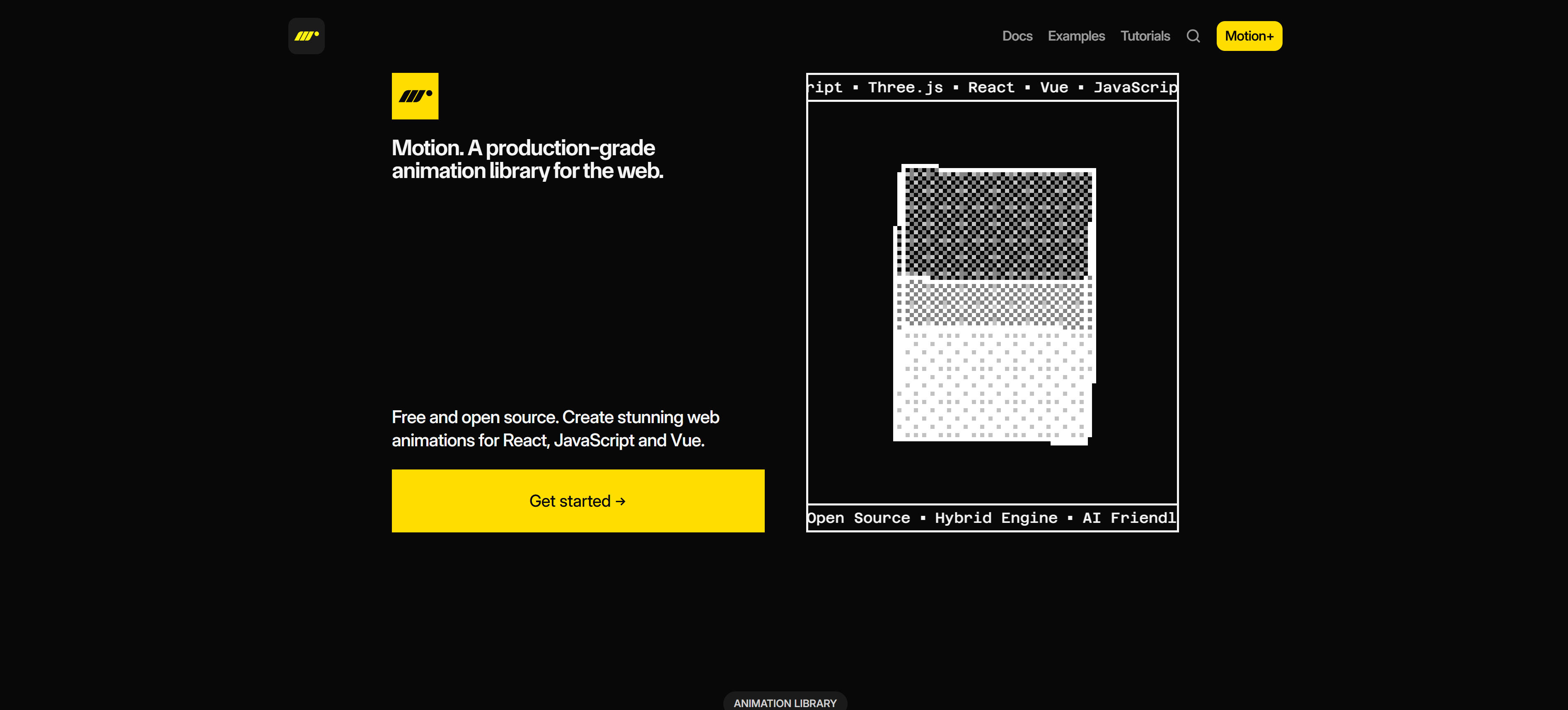
Motion is a production-grade, free and open-source animation library designed as a natural extension of React, with first-class support for JavaScript and Vue. The library features a hybrid engine combining JavaScript flexibility with native browser APIs for 120fps GPU-accelerated animations. Motion provides a simple declarative API that integrates seamlessly with React state and props, supporting independent property animation (x, y, rotateZ), scroll animations, gestures, springs, layout transitions, and timelines. With TypeScript support, extensive testing, tree-shaking, and tiny footprint, Motion is trusted by companies like Framer and Figma. The library excels in React projects where developers need intuitive animation APIs that feel native to React's component model, making it ideal for UI interactions, micro-interactions, and complex page transitions.
2. GSAP: Professional Animation Suite
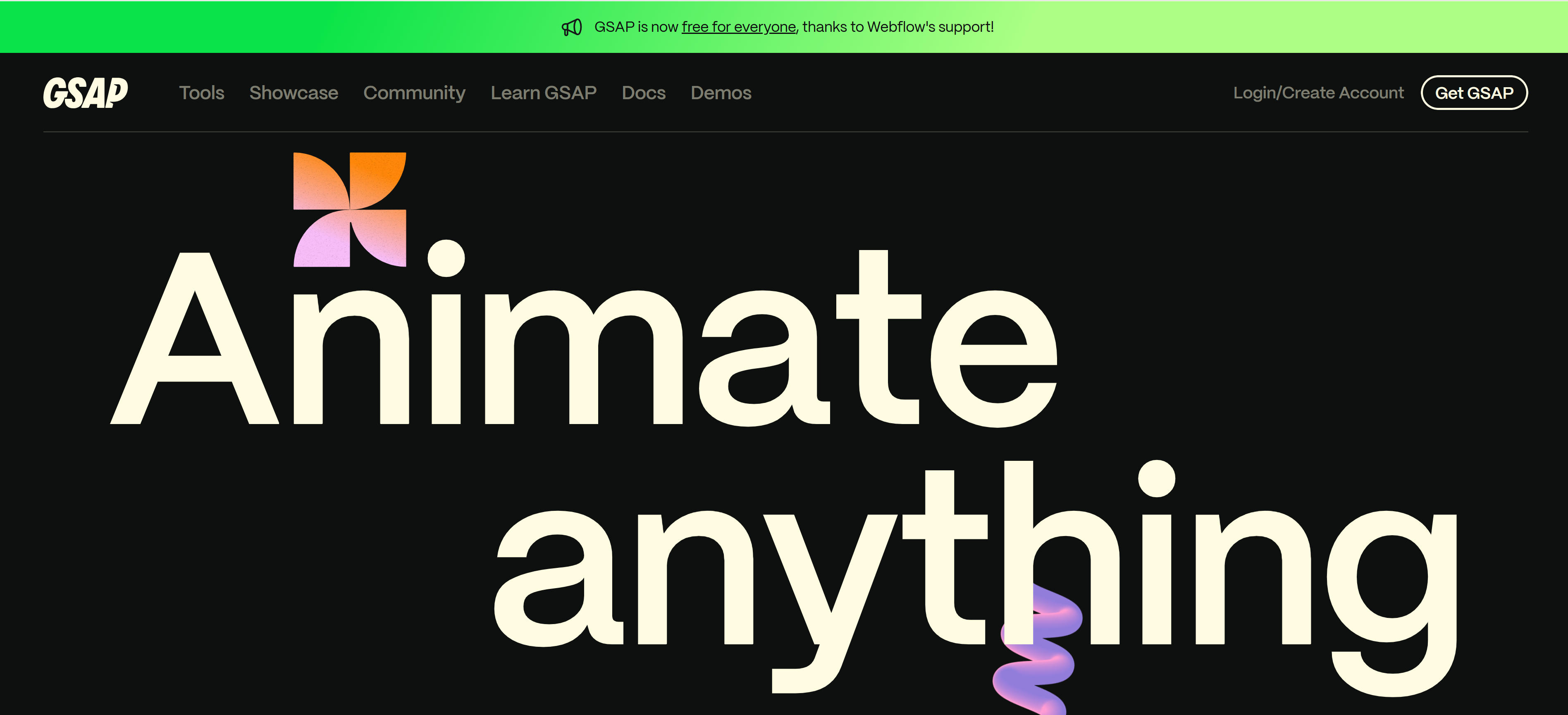
GSAP is a robust, professional-grade JavaScript animation library that animates anything JavaScript can touch, including UI elements, SVG, and WebGL. The library is framework-agnostic, working seamlessly with React (via useGSAP hook), Vue, Angular, and vanilla JavaScript, making it ideal for teams using multiple frameworks. GSAP offers extensive easing options, animation sequencing and choreography, and specialized plugins for scroll effects, SVG morphing, text effects, and UI interactions. Now free for everyone thanks to Webflow's support, GSAP provides unmatched versatility for complex animations, timeline control, and performance optimization. The library excels in enterprise projects requiring sophisticated animation sequences, cross-browser compatibility, and fine-grained control over animation timing and easing. GSAP's plugin ecosystem and comprehensive documentation make it the go-to choice for professional animators and development teams.
3. Lottie: After Effects Integration
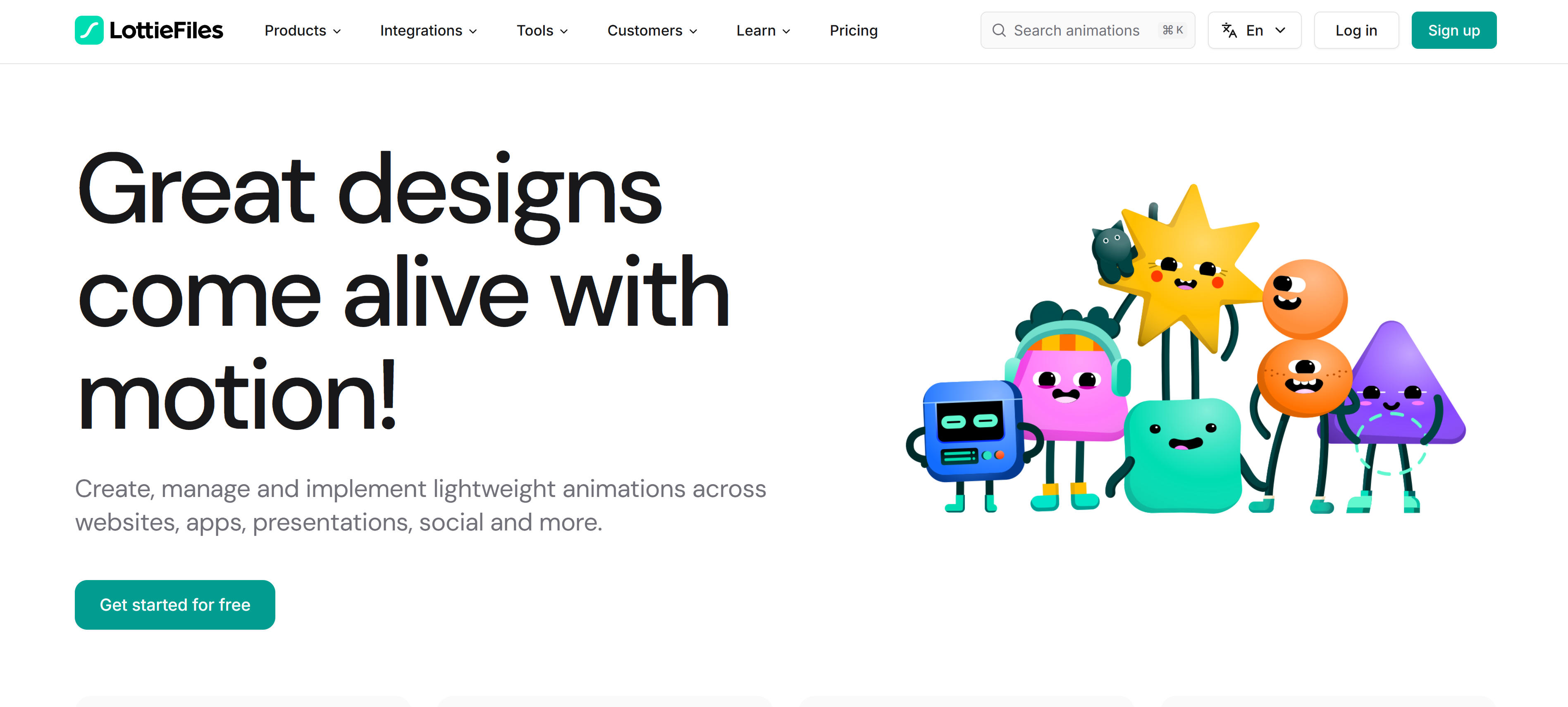
Lottie bridges the gap between designers and developers by enabling After Effects animations to run natively on web, iOS, Android, and other platforms. The platform converts After Effects compositions into lightweight JSON files that can be rendered at any size without quality loss. Lottie provides a framework-agnostic solution supporting React, Vue, Angular, and vanilla JavaScript, making it ideal for teams where designers create animations in After Effects and developers integrate them into applications. The platform offers a vast library of free animations, supports interactive controls, and provides APIs for programmatic animation control. Lottie excels in brand animations, loading states, micro-interactions, and complex animation sequences where design fidelity and cross-platform consistency are critical. The small file sizes and excellent performance make Lottie perfect for mobile-first applications and bandwidth-conscious projects.
4. Anime.js: Lightweight & Flexible
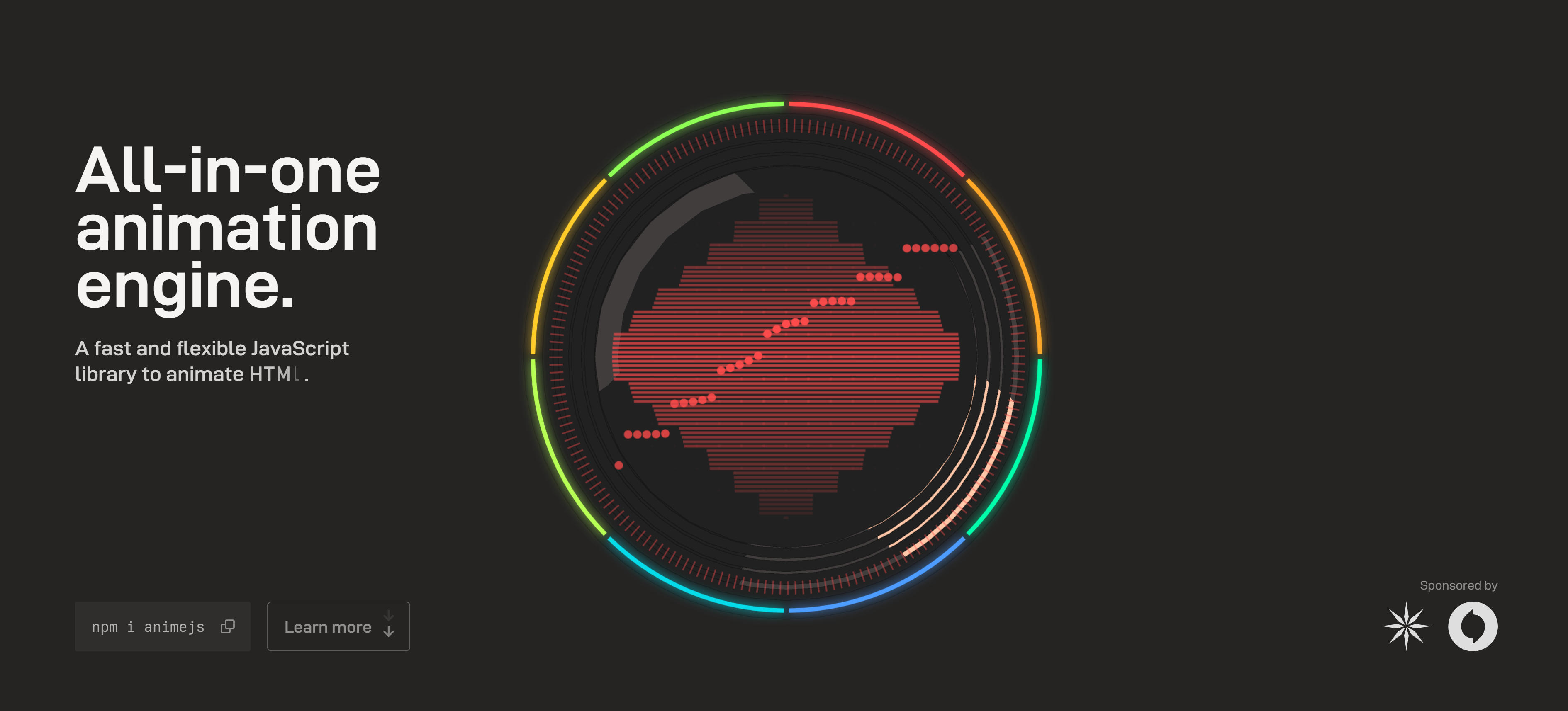
Anime.js is a lightweight JavaScript animation library with a simple API and powerful capabilities. The library is framework-agnostic, working with React, Vue, Angular, and vanilla JavaScript, making it ideal for projects requiring minimal dependencies and fast load times. Anime.js supports CSS properties, SVG attributes, DOM attributes, and JavaScript objects, providing flexibility for animating any element. The library features timeline controls, easing functions, callbacks, and play/pause controls, enabling complex animation sequences with minimal code. Anime.js excels in projects where developers need a lightweight solution for simple animations, SVG morphing, and quick prototyping. The library's small footprint (under 20KB gzipped) and straightforward API make it perfect for performance-conscious projects and developers who prefer imperative animation control over declarative approaches.
5. React Spring: Physics-Based
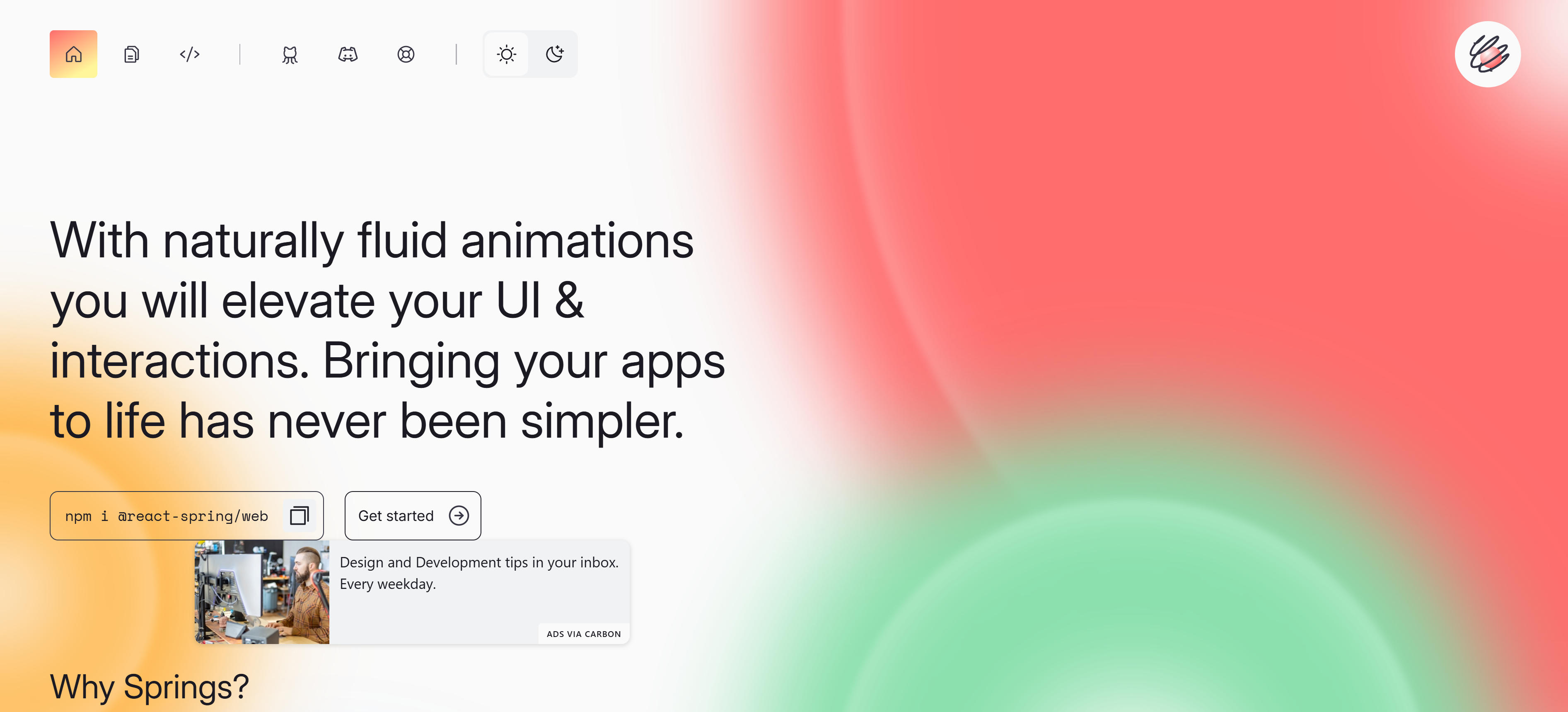
React Spring is a spring-physics based animation library designed specifically for React, providing natural, physics-based animations that feel organic and responsive. The library uses React Hooks for a modern, declarative API that integrates seamlessly with React's component lifecycle and state management. React Spring's physics engine creates animations that respond naturally to user interactions, with configurable spring tension, friction, and mass parameters. The library supports interpolation, chaining, and parallel animations, making it ideal for complex UI interactions, gesture-driven animations, and responsive interfaces. React Spring excels in React projects where developers need physics-based animations that feel natural and responsive, particularly for drag interactions, scroll effects, and micro-interactions. The library's performance optimizations and React-specific features make it a top choice for React developers seeking natural motion effects.
6. Rive: Interactive Animations
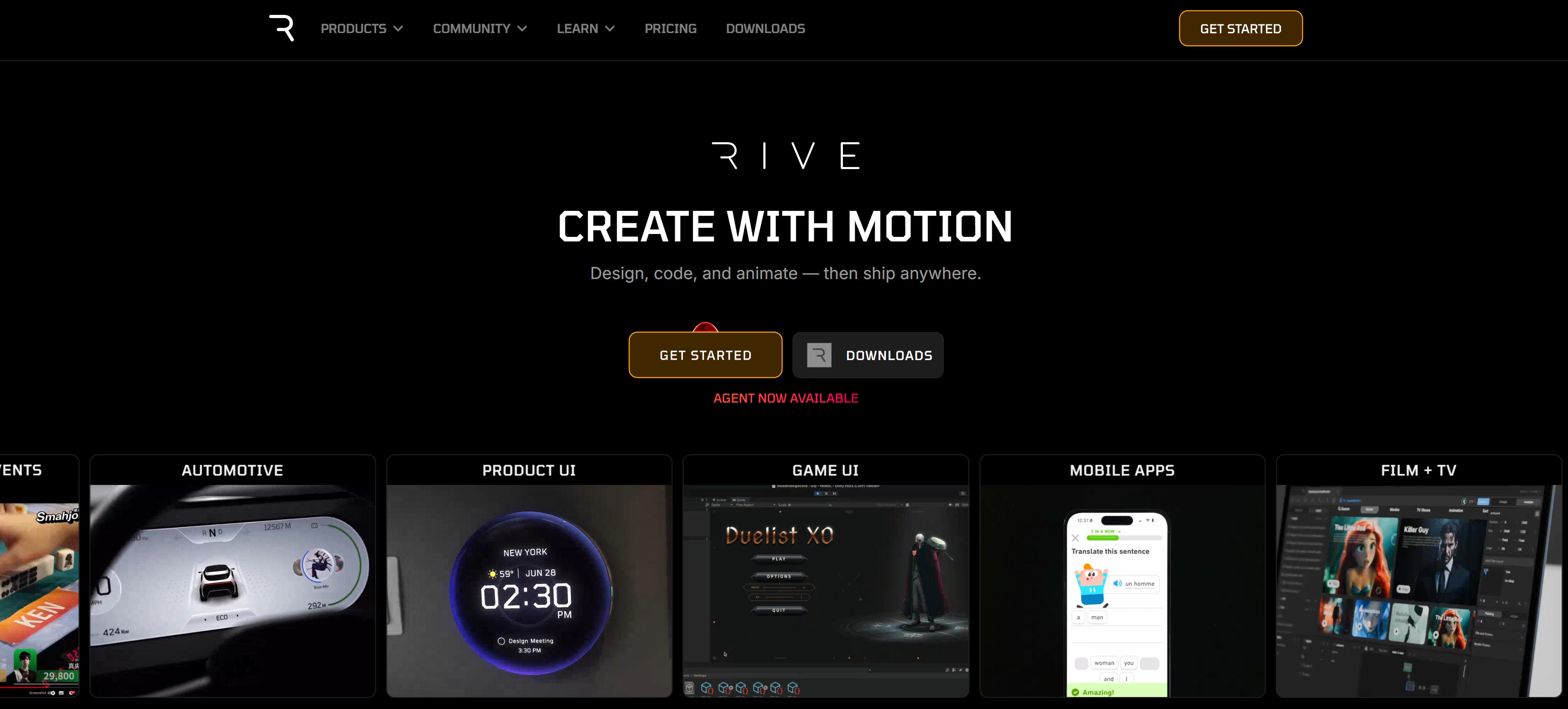
Rive is an interactive animation platform that enables designers and developers to create complex, interactive animations with real-time editing and state machine controls. The platform provides a visual editor for creating animations, supports multiple artboards, and enables animations to respond to user interactions through state machines. Rive exports lightweight runtime files that work across web, iOS, Android, and other platforms, providing consistent animation experiences. The platform supports programmatic control through JavaScript APIs, making it ideal for game-like interactions, UI state changes, and dynamic content. Rive excels in projects requiring interactive animations, complex state management, and designer-developer collaboration. The platform's real-time editing capabilities and state machine system make it perfect for applications where animations need to respond dynamically to user input and application state changes.
Animation Libraries Comparison
Here's a detailed comparison of the top animation libraries to help you choose the best solution for your needs:
Use Cases: Interactive Experiences & Animations
Animation libraries create polished animations for UI, scroll effects, and gestures across web applications.
UI Interactions
Animation libraries create hover effects, click animations, and state transitions for buttons and form inputs. These tools offer declarative APIs for React projects. Micro-interactions provide visual feedback, guide attention, and make interfaces feel responsive, enhancing overall user experience.
Scroll Animations
Scroll-triggered animations reveal content based on scroll position and velocity. These libraries provide scroll animation plugins for landing pages and product showcases. Scroll effects enhance hero sections, feature reveals, and parallax effects, creating engaging user experiences.
Gesture Interactions
Gesture APIs handle tap, drag, swipe, and pinch interactions across devices. These libraries make interactive components feel native for mobile-first applications. Gesture feedback improves user engagement for touch-optimized experiences, creating intuitive and responsive interfaces.
SVG Effects
SVG animations enable morphing, path animations, and interactive graphics. These libraries specialize in SVG effects for logo animations and data visualizations. SVG effects enhance brand identity for loading states and interactive graphics, providing professional visual polish.
Page Transitions
Animation libraries create smooth transitions between routes and pages. These tools handle complex scene transitions for single-page applications. Fade and slide effects improve user experience during navigation, ensuring seamless flow between different sections of web applications.
How to Choose the Right Animation Library
Follow these 5 steps to select the perfect animation library for your needs. Evaluate framework support, performance requirements, animation complexity, learning curve, and licensing to make an informed decision.
1. Evaluate Your Use Case & Framework
Determine framework and animation needs. React projects benefit from declarative animation libraries with React-specific optimizations; Vue projects work well with Vue-compatible libraries; multi-framework teams should consider framework-agnostic solutions that work across different environments.
2. Assess Performance Requirements
Consider performance needs: mobile-first projects require lightweight libraries with minimal bundle size; complex animations need optimized rendering engines and GPU acceleration; React projects benefit from libraries with built-in performance optimizations and virtual DOM integration.
3. Consider Animation Complexity
Match library to complexity: simple UI animations suit lightweight libraries with basic transition support; complex sequences require timeline control and sequencing capabilities; interactive animations need state machine support and event handling; physics-based effects require physics simulation engines.
4. Evaluate Learning Curve & API
Consider API style: declarative APIs suit developers familiar with component-based frameworks and provide more intuitive syntax; imperative APIs offer more control and flexibility for complex animations; designer-friendly tools bridge the gap between design and development workflows.
5. Check Licensing & Community Support
Check licensing terms: most libraries are free and open-source with permissive licenses; some offer free tiers with premium features for commercial use; evaluate community support, documentation quality, and maintenance activity to ensure long-term viability.
Conclusion
Animation libraries have evolved to support multiple frameworks, making professional animations accessible across React, Vue, Angular, and vanilla JavaScript projects. Motion excels in React-first environments, GSAP offers unmatched versatility for complex animations, and Lottie bridges the gap between designers and developers, enabling smooth and engaging user interfaces.
Choose the right library based on your project needs: Motion for React/Vue projects needing declarative APIs, GSAP for complex animations across any framework, Lottie for designer-friendly workflows, React Spring for physics-based animations. Evaluate framework compatibility, animation complexity, team expertise, and licensing requirements to select the most suitable animation solution.
Animation libraries serve as powerful tools that enhance user interface quality, but they complement rather than replace thoughtful design and user experience planning. The best approach is combining library capabilities with design expertise: libraries handle technical animation implementation, while designers and developers provide creative direction, performance optimization, and user experience considerations, maximizing both visual appeal and functionality.