AI Logo Generators: Transform Ideas into Brand Logos
Key Takeaways
This guide explores the best AI logo generators for 2026, helping startups and brands choose the right solution. It also covers selection criteria, comparisons, and practical tips for implementation. The sections below compare options, use cases, and practical selection criteria.
- AI logo tools support brand logos and visual identity for startups and brand upgrades.
- Compare LogoAI, Looka, Logomaster.ai, Brandmark, LOGO.com, Turbologo, Midjourney for features and use cases.
- Consider style variety, brand guidelines, editability, and ease of use.
- Learn about technical principles and workflows with image generators and design tools.
What Are AI Logo Generators
AI logo generators use AI to create logos from brand names, industry types, and design preferences. They generate multiple style options and instant adjustments. Suited for brands seeking distinctive identity.
AI design tools handle broader design; AI image generators create assets. Together they complete the brand-to-visual pipeline.
How AI Logo Generators Work
Modern AI logo generation uses deep learning and symbol generation models to understand brand needs and learn logo patterns. Versus manual design, it improves speed and accessibility.
- Understanding: Understanding brand names, industry types, and design preferences, analyzing brand requirements to generate appropriate logo designs.
- Generation: Generating logo symbols, fonts, and color schemes automatically, creating complete logo designs that match brand identity.
- Learning: Learning design patterns and brand tones from large datasets, improving output quality and ensuring designs follow best practices.
- Optimization: Automatic quality and brand consistency improvements based on user feedback, refining designs to match user expectations.
Template tools use preset styles. Custom tools learn from brand input. Some focus on symbols; others on full branding.
2026 Best Professional Logo Generators: Professional Design & Brand Logos
Below are the most recommended professional AI logo generators for 2026. These tools are optimized specifically for logo design, providing complete brand identity solutions with brand guides, multiple format outputs, and font recommendations, especially suitable for users needing quick professional logo creation, complete brand visual systems, or professional brand identities.
1. LogoAI: Quick Logo Gen
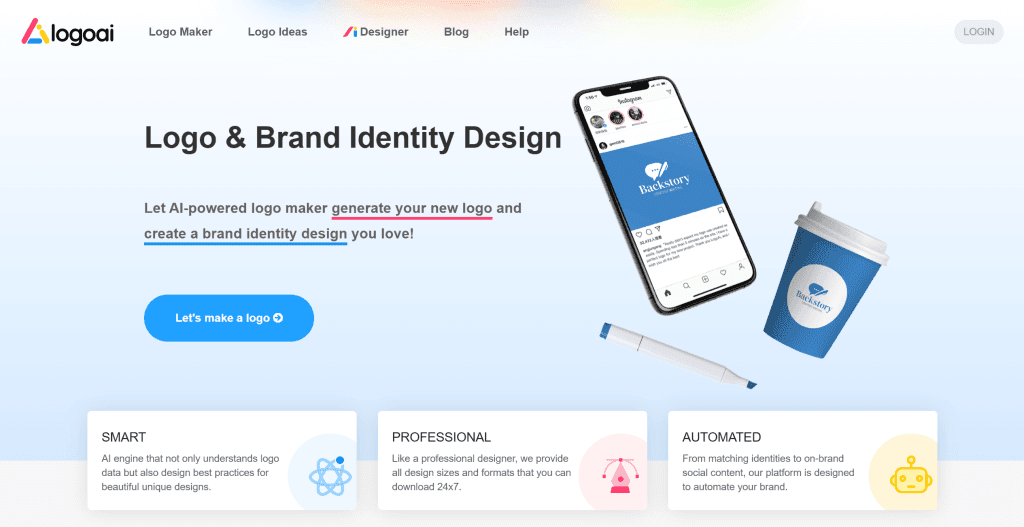
LogoAI is an AI-driven logo generator that quickly creates professional logos. Its powerful AI engine generates multiple design options in minutes, each optimized for logo design principles. LogoAI also provides brand guide generation, creating usage guidelines, color schemes, and font recommendations for complete brand visual systems. LogoAI suits users needing quick professional logo creation for startups, personal brands, or product identities. Offers free and paid versions with clear commercial licensing for business use.
2. Design.com: Complete Branding

Design.com is an AI-powered comprehensive branding platform that generates professional logos and provides over 360,000 professional logo templates and 1+ million design templates. By inputting brand name and keywords, the AI generates multiple logo design options in seconds, each customizable with fonts, colors, layouts, and more. Design.com also offers a complete branding toolkit including business cards, social media posts, website builder, flyers, and 50+ design tools to help users build unified brand visual systems. Design.com suits users needing quick logo creation and complete brand visual systems for startups, personal brands, or product identities. The tool offers free and paid versions (Starter plan from $5/month), supporting high-resolution PNG, JPG, and vector files (SVG, EPS, PDF). Its comprehensive branding tools and extensive template library make it ideal for users building complete brand identities.
3. Looka: Extensive Options
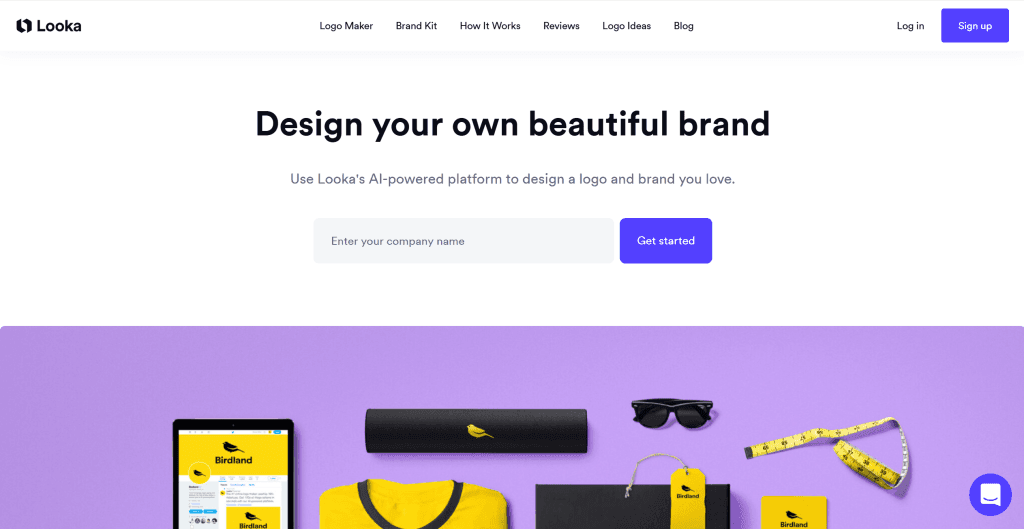
Looka offers extensive logo design options for various brand needs. Its powerful AI design engine provides hundreds of design styles and industry templates, enabling users to quickly generate professional logos through simple steps. Looka also provides brand guide generation, automatically creating usage guidelines, color schemes, and font recommendations. Looka suits users needing diverse design options, whether for traditional or emerging industries. The tool offers free and paid versions with clear commercial licensing. Its extensive design options and brand guide features help users quickly build complete brand visual systems.
4. Logomaster.ai: Ease of Use
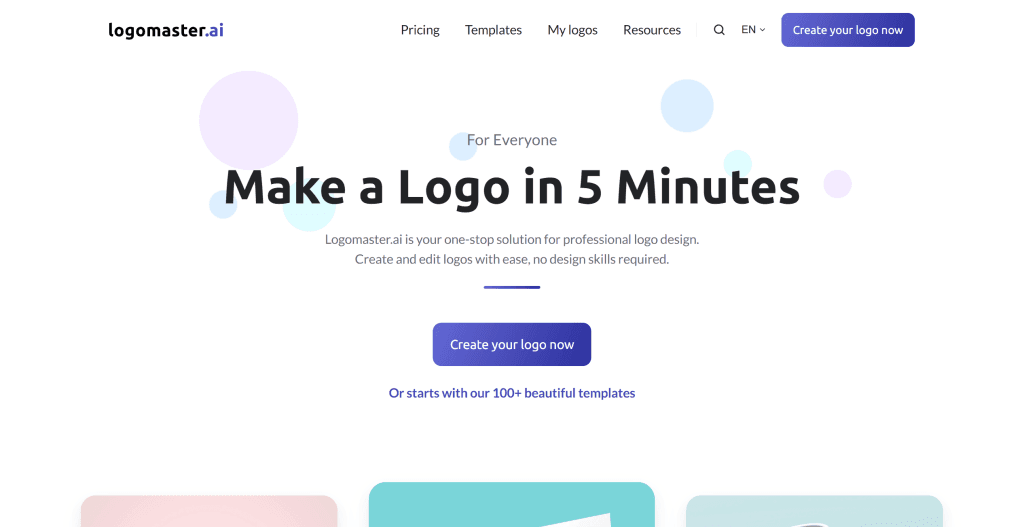
Logomaster.ai is known for ease of use and design quality. It provides an intuitive interface that even users without design experience can quickly master. Its AI design engine, trained on extensive logo data, generates commercial-standard designs and offers real-time preview, allowing users to view and adjust designs during generation. Logomaster.ai suits users needing quick high-quality logo creation for startups, personal brands, or product identities. The tool offers free and paid versions. Its ease of use and high-quality design help users quickly build professional brand identities.
5. Brandmark: Automated Design
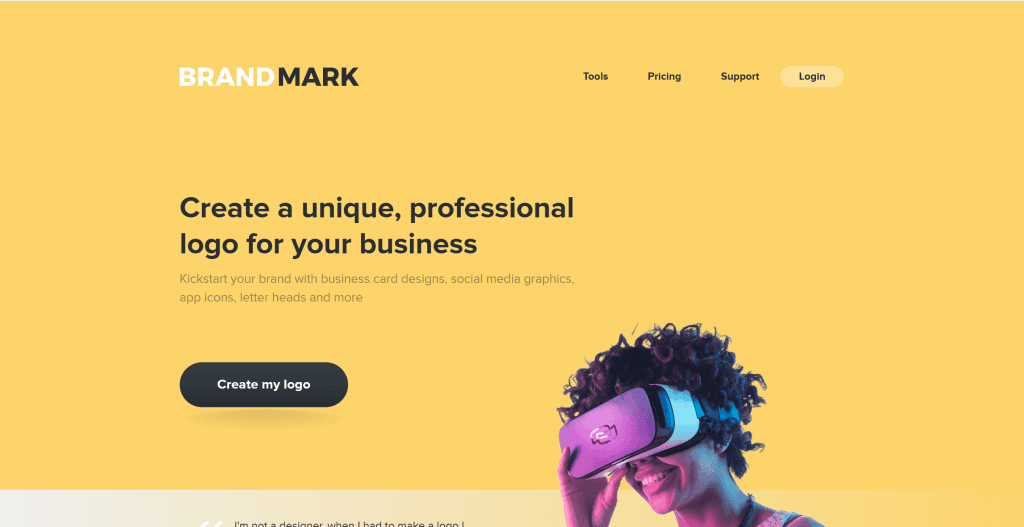
Brandmark provides automated logo design for quick brand identity creation. It automatically generates multiple logo design options, each AI-optimized to meet logo design principles. Brandmark also provides brand guide generation, automatically creating usage guidelines, color schemes, and font recommendations. Brandmark suits users needing quick brand identity creation for startups, personal brands, or product identities. The tool offers free and paid versions. Its automated design and brand guide features help users quickly build complete brand visual systems.
6. LOGO.com: Multiple Styles
LOGO.com is an online logo generator supporting multiple design styles. It provides hundreds of design templates and style options, enabling users to quickly generate professional logos through simple steps. LOGO.com also offers real-time editing, allowing users to adjust design elements, color schemes, and font choices during generation. LOGO.com suits users needing diverse design options for traditional or emerging industries. The tool offers free and paid versions. Its extensive design templates and real-time editing help users quickly create logos matching brand positioning.
7. Turbologo: Simple & Quick
Turbologo provides a simple logo generator with an intuitive interface that enables quick creation of professional logos. Its AI technology generates multiple design options based on user inputs, offering various styles and customization options. Turbologo suits users needing fast and straightforward logo creation for small businesses, personal projects, or startups. The tool offers free and paid versions with clear pricing. Its simplicity and speed make it ideal for users who want professional results without complex design processes.
8. Logopony: Innovative Design
Logopony is an innovative AI logo generator that focuses on creating unique and creative logo designs. It uses advanced AI algorithms to generate distinctive logos that stand out, offering creative options beyond traditional design patterns. Logopony suits users seeking innovative and distinctive logo designs for creative industries, startups, or brands wanting to make a bold statement. The tool provides free trials and premium options. Its innovative approach makes it ideal for users who want logos that are both professional and memorable.
General Image Generators
General image generators like Midjourney, DALL-E, Stable Diffusion, and Adobe Firefly can also be used to create logos, though they require more specific prompting and post-processing compared to dedicated logo generators. These generators offer greater creative freedom but may need additional refinement for professional logo use.
AI Logo Generator Tools Comparison
Here's a detailed comparison of the top AI logo generator types to help you choose the best solution for your needs:
| Tool Name | Core Features | Best For | Pricing | Integrations |
|---|---|---|---|---|
| Professional Logo Generators | Optimized for logo design, provides brand guides | Standard logos, brand guides needed | TBD | LogoAI, Looka, Brandmark |
| General Image Generators | Greater creative freedom, may need post-processing | Unique designs, high customization needed | TBD | Midjourney, DALL-E, Stable Diffusion |
Use Cases: Brand Building & Creative Design
AI logo generators help businesses create professional visual identities across brand and creative projects.
Brand Building
Startups and new businesses use AI logo generators to establish professional brand identities quickly. Tools provide professional logos with brand guides for consistent visual systems, enabling rapid brand development and market entry.
Product Identity
Technology companies and service providers create professional logos for products and services. Tools offer unique design options for tech brands, enabling distinctive product identity creation that resonates with target audiences.
Creative Design
Content creators and designers leverage AI tools for event branding, marketing campaigns, and social media graphics. Tools provide innovative design options for creative industries, streamlining creative workflows while maintaining brand consistency.
Rebranding Campaigns
Established businesses use AI logo generators to explore new visual directions during rebranding initiatives. These tools enable rapid iteration of logo concepts, helping brands evolve their visual identity while maintaining recognition and market presence.
Event Branding
Event organizers and marketers use AI logo generators to create custom logos for conferences, festivals, and promotional campaigns. These tools enable quick logo creation for time-sensitive events, ensuring professional visual identity without extended design timelines.
How to Choose Logo Generator
Choose the right logo generator based on your design needs, technical ability, and budget.
1. Evaluate Brand Needs
Clarify your brand requirements: determine logo usage (website, social media, print materials) to ensure appropriate format and resolution; target audience (professional, creative, casual) influences design style; industry type (technology, fashion, food, etc.) guides visual direction; brand personality (modern, traditional, playful, serious) shapes design choices. Match generator capabilities to your brand requirements.
2. Assess Design Style Requirements
Evaluate design style needs: traditional styles suit professional logo generators with classic design templates; modern styles benefit from generators with contemporary design options; artistic styles may require general image generators with creative capabilities; innovative styles need generators with unique design approaches. Choose generators that can deliver your desired visual style.
3. Evaluate Technical Ability
Assess your technical skills: non-technical users benefit from simple professional logo generators with intuitive interfaces and guided workflows; some technical background suits generators requiring some operation with more customization options; technical users can leverage open-source generators requiring technical knowledge for maximum control. Match generator complexity to your technical comfort level.
4. Consider Budget and Pricing
Pricing models vary: free versions enable testing with basic features and limitations; subscriptions provide monthly or annual payments for more features and higher usage; pay-per-use offers flexibility for occasional users; open-source free options provide full control but require technical setup. Choose based on usage frequency and budget constraints.
5. Evaluate Output Format Requirements
Check output format support: PNG suits most digital uses with wide compatibility; SVG provides scalable vector graphics for professional use; PDF enables print-ready formats; AI format supports Adobe Illustrator editing. Ensure the generator provides formats you need for your projects. Try 2-3 generators first, then choose based on performance and format availability.
Logos as Brand Assets
Logos are core elements of brand visual identity, playing crucial roles in brand building. AI-generated logos can serve as brand assets for building complete brand visual systems. Whether for corporate websites, marketing materials, social media, or product packaging, logos are important carriers of brand image.
After generating logos with AI tools, ensure they match brand positioning and usage guidelines. Professional logo generators usually provide brand guide generation, automatically creating usage guidelines, color schemes, and font selections. If you need to download and use brand logo assets, visit our Media Kit page to download Alignify brand logos and assets.
Conclusion
AI logo generators are reshaping logo design workflows, providing creators with remarkable creative possibilities and efficiency improvements. From professional logo generators like LogoAI and Looka to general image generators like Midjourney and DALL-E, these generators cover the complete range from standard logos to unique designs, enabling users to create professional-quality logos efficiently.
Choose the right generator based on your logo needs: professional logo generators like LogoAI and Looka for quick standard logos with brand guides, general image generators like Midjourney and DALL-E for unique creative designs. Evaluate design requirements, brand positioning, customization needs, and budget constraints to select the most suitable logo generation solution for your brand.
AI logo generators serve as collaborative partners in logo design, not replacements for human creativity. They handle technical and repetitive work, allowing users to focus on brand strategy and creative expression. The best approach is human-AI collaboration: AI manages design generation and technical processing, while humans provide brand direction, creative vision, and quality control, maximizing both design efficiency and brand value.