What Are AI Text-to-Video Tools
AI text-to-video tools use artificial intelligence to automatically generate high-quality video content from text descriptions. Based on deep learning and diffusion models, these tools understand natural language descriptions and convert them into dynamic videos. Unlike general AI video generation tools, text-to-video tools are specifically optimized for text-to-video conversion, generating complete videos from scratch based on text descriptions.
The core advantages of AI text-to-video tools include fast generation of diverse video content, intelligent text understanding, multiple video styles, and batch processing with API integration. Modern tools generate high-quality videos with professional visual quality, motion smoothness, and scene understanding. As part of AI video tools, AI text-to-video tools work alongside other video processing tools (such as AI video editors and AI video-to-video tools) to provide comprehensive video production solutions.
How AI Text-to-Video Works
Modern AI text-to-video technology uses deep learning and diffusion models to understand text semantics, learn video generation patterns, and automatically generate videos matching text descriptions. Compared to traditional video production, AI technology significantly improves creation efficiency, quality stability, and functional diversity.
Key advantages include understanding capability (natural language descriptions, scene settings, action sequences), generation capability (video frame sequences, actions, visual effects), learning capability (video generation patterns and visual styles from large video datasets), and optimization capability (automatic quality and content consistency improvements based on user feedback). Different tools use different architectures: base models rely on diffusion models and Transformer architecture, while application-layer tools integrate user interfaces, API interfaces, and batch processing. Multimodal AI development enables single tools to process text, images, and video simultaneously, further simplifying video generation workflows.
Best AI Text-to-Video Tools 2026
Here are the most recommended AI text-to-video base models for 2026, accessible via API. Many AI video applications are built on these models, representing the current state-of-the-art in text-to-video technology.
1. Veo (Google · 3.1): Audio Integration
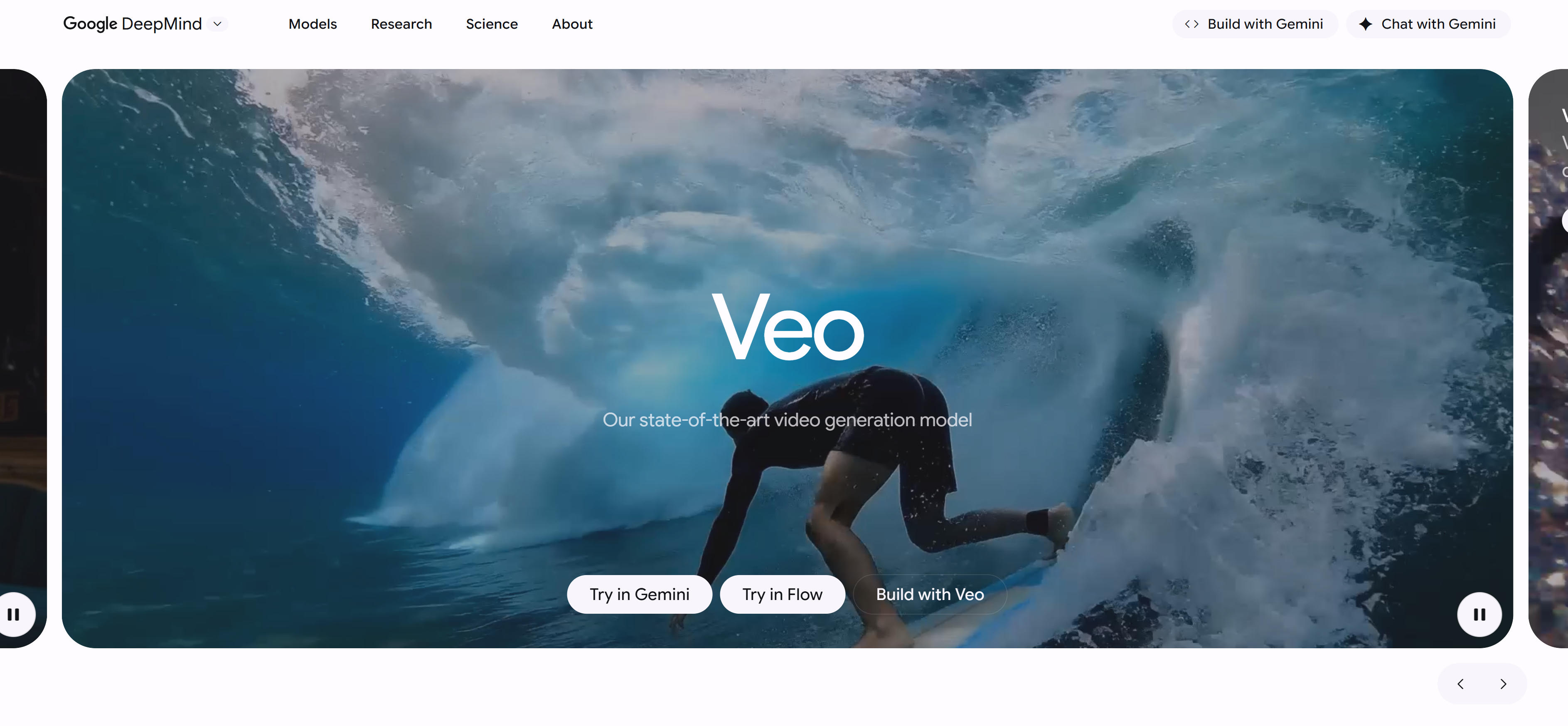
Veo 3.1 is Google's text-to-video model that generates videos with audio from text descriptions. It supports sound effects, ambient audio, and synchronized dialogue for immersive viewing. The model also supports precise camera control, allowing users to define specific camera movements like rotation, panning, and zooming. Excels in high-quality video and audio synchronization, ideal for film production and advertising. It supports scene extension to lengthen existing clips while maintaining visual and narrative coherence. The model also supports adding and removing objects, automatically adjusting lighting and shadows for visual consistency. Integrated with Google's Flow tool, it provides advanced control and an intuitive interface for high-quality video production.
2. Sora (OpenAI · 2 Pro / 2): High-Quality Output
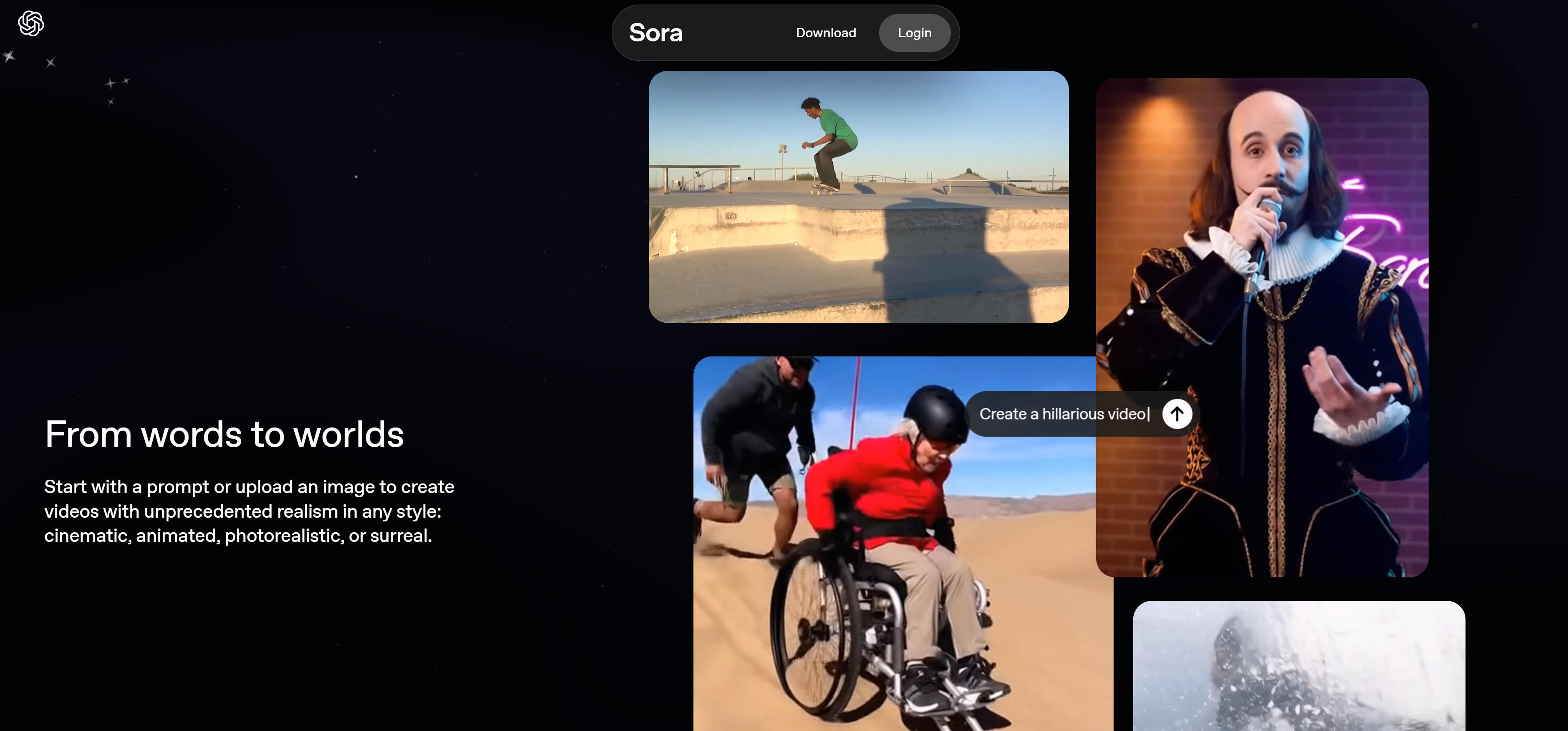
Sora is OpenAI's text-to-video model that generates complete video content from text descriptions. Sora 2 Pro and Sora 2 versions have unique advantages in video generation quality and technical innovation, especially suitable for content creation projects requiring high-quality video output. Excels for content creators and marketers, generating high-quality video content. Based on OpenAI's advanced technology, it performs well in video generation quality and scene understanding. Sora supports complex scene descriptions and action sequences, generating natural, smooth videos. It also supports multiple video styles and creative directions, meeting diverse application needs.
3. Kling (KlingAI · 2.5 Turbo): High Fidelity
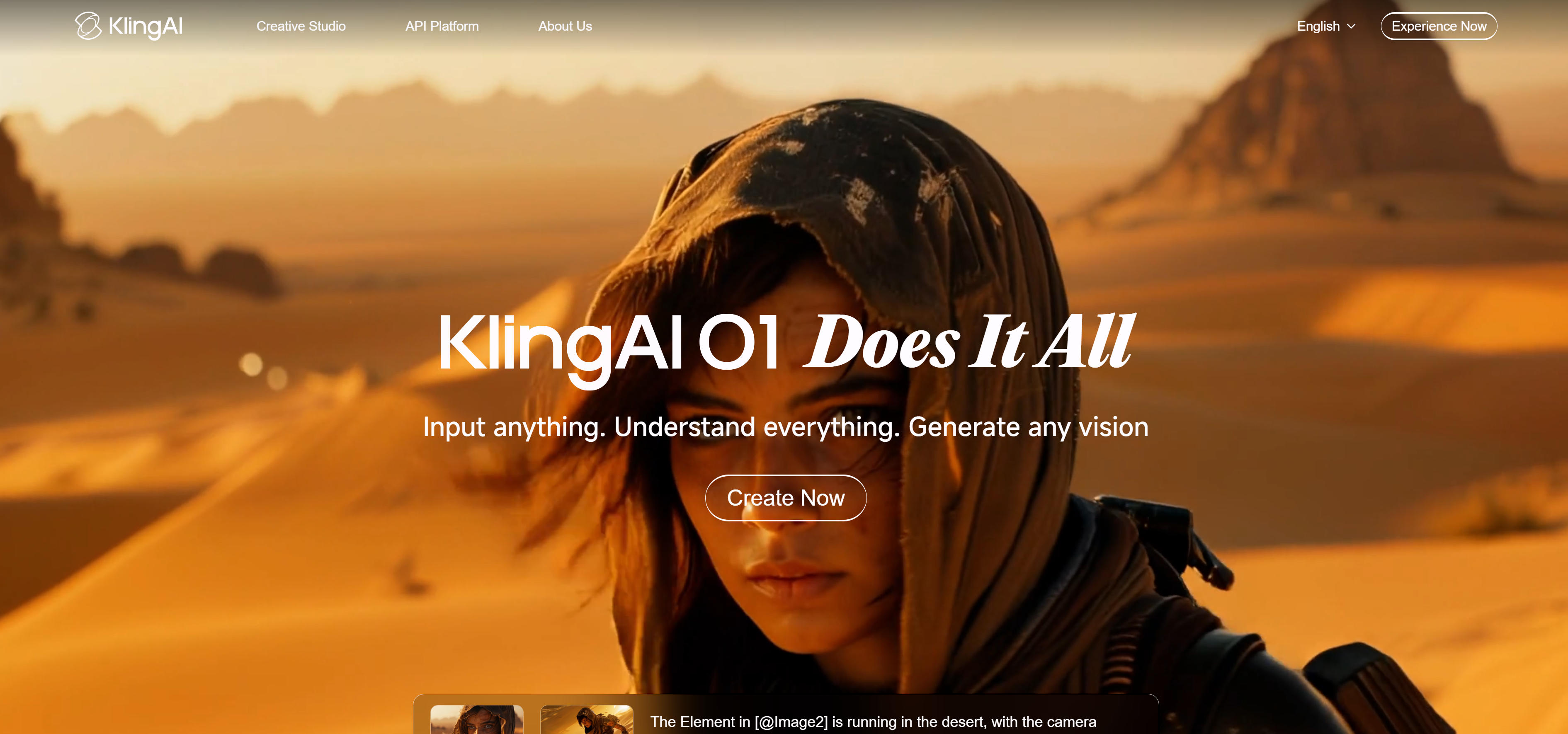
Kling 2.5 Turbo is KlingAI's text-to-video model focused on generating high-fidelity video content. It supports video generation from text descriptions, suitable for creators and marketers to quickly generate engaging content. Excels in high-fidelity video generation, ideal for scenarios requiring high-quality visual effects. Its fast generation capability makes it a powerful assistant for content creators. The model supports multiple video styles and creative directions, meeting diverse application needs. Kling also supports API access for developer integration.
4. Ray (Luma AI · 3): HDR Support
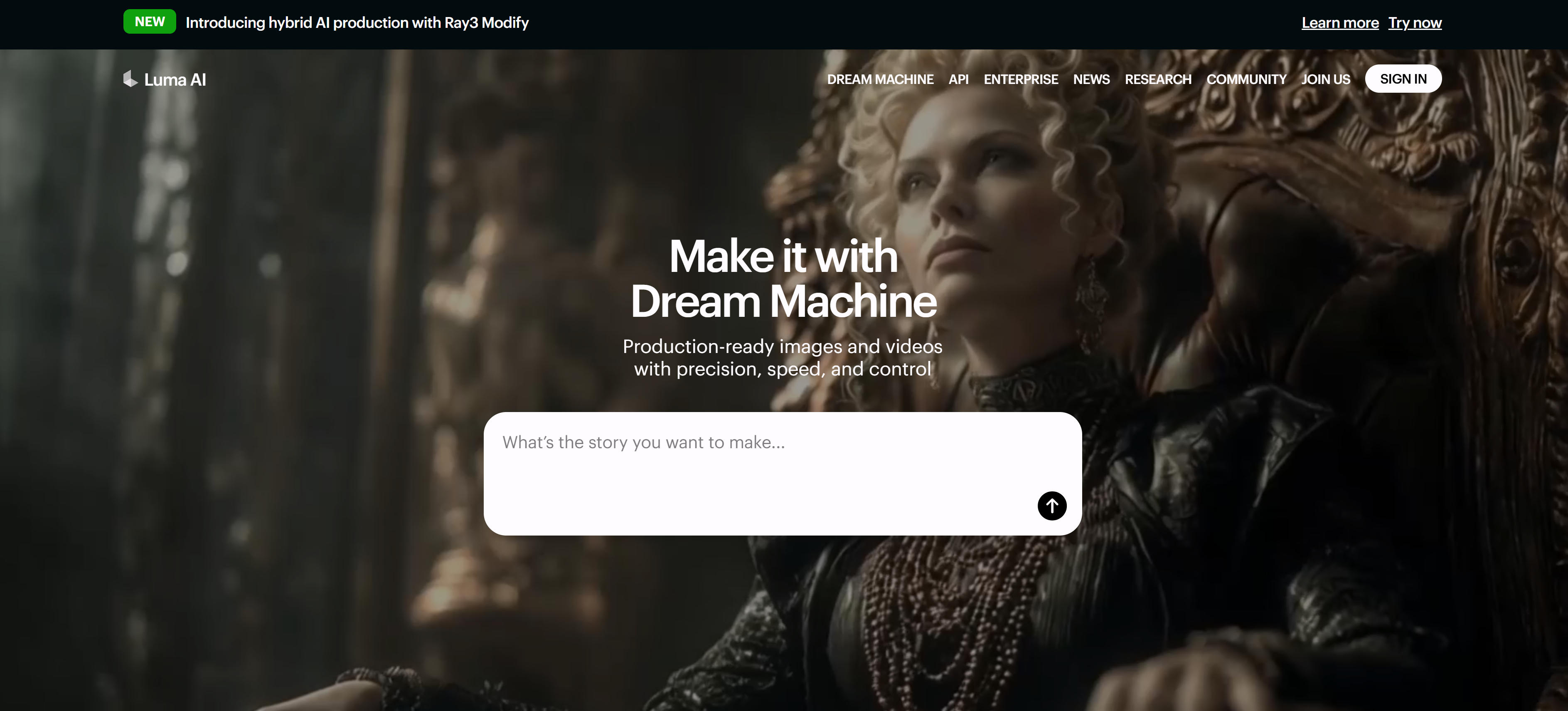
Ray 3 is Luma AI's text-to-video model introducing reasoning capabilities, planning and creating studio-grade content with native high dynamic range (HDR) support. Ray 3 generates 1080p HDR videos and provides Draft Mode for rapid iteration, allowing creators to quickly test concepts before finalizing high-quality output. Excels in high-quality HDR video scenarios, ideal for professional film production and advertising. The model's computational power is ten times that of the previous generation, supporting resolutions up to 1080p. Ray 3 also supports image-to-video generation and keyframe control, creating 5 to 10 second clips with realistic motion and detailed visual effects. The model integrates with Adobe Firefly, providing users with early access.
5. Hailuo (MiniMax · 2.3): Short Video Optimization

Hailuo 2.3 is MiniMax's text-to-video model focused on generating high-quality short video content. It supports text-to-video generation, suitable for social media content creation. Excels in social media content creation, with short video generation capabilities meeting rapid content production needs. It supports multiple styles and scenarios, generating videos that meet social media platform requirements. Hailuo also supports API access for developer integration.
6. Seedance (ByteDance · 1.0 Pro): ByteDance Technology

Seedance 1.0 Pro is ByteDance's text-to-video model based on advanced AI technology. It generates dynamic videos from text descriptions using ByteDance's research and development capabilities. Excels in ByteDance's video generation technology, ideal for creators using advanced AI models. It provides high-quality video generation capabilities based on ByteDance's technology. Seedance supports API access and represents ByteDance's contributions to open-source AI video technology.
7. WAN (Alibaba · 2.5): Alibaba Cloud Technology
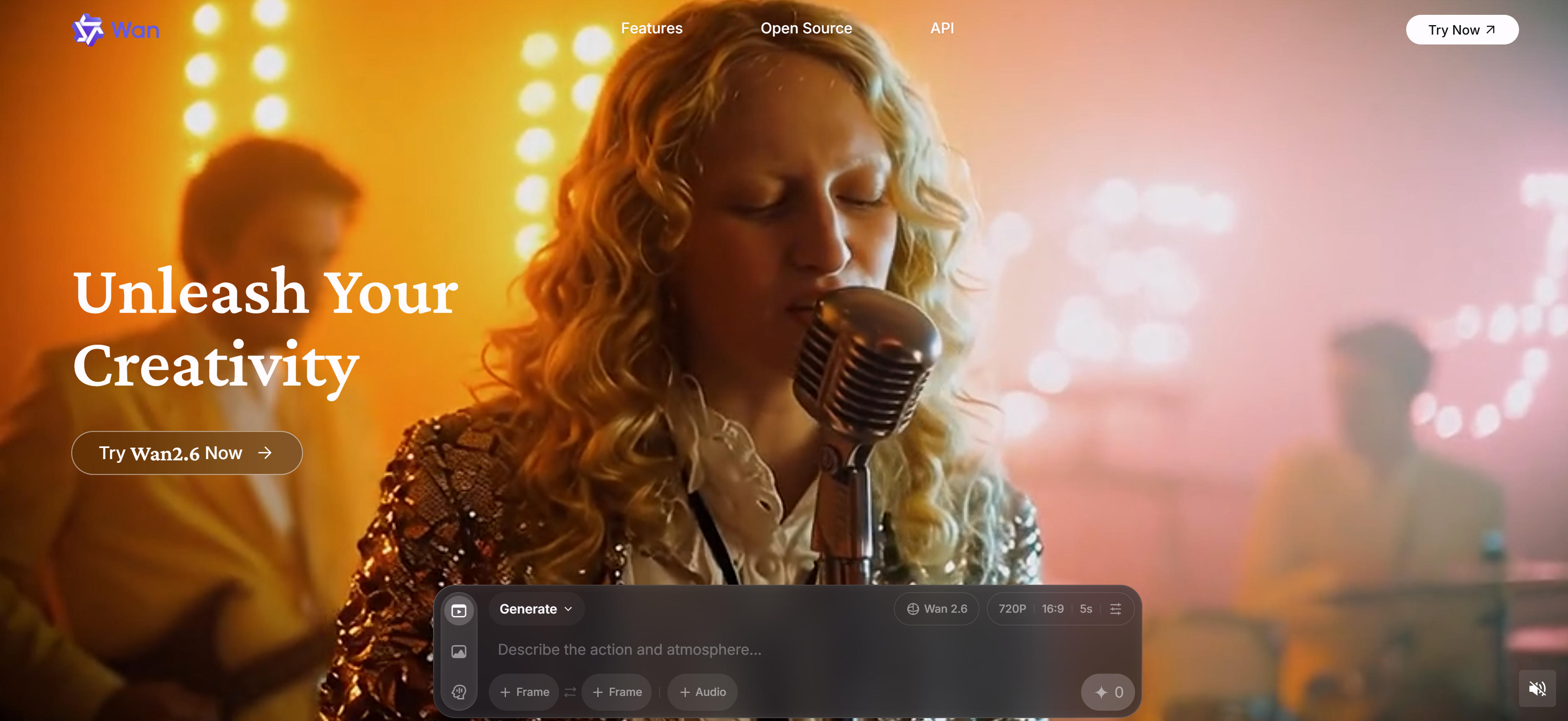
WAN 2.5 is Alibaba's text-to-video model based on Alibaba Cloud technology. It generates dynamic videos from text descriptions using Alibaba's advanced AI capabilities. Excels in Alibaba's video generation technology, ideal for creators using enterprise-grade AI models. It provides high-quality video generation capabilities based on Alibaba Cloud's technology. WAN supports API access and represents Alibaba's contributions to AI video technology.
Text-to-Video Tools Comparison
Use Cases: 3 Practical Applications
Content Creation
AI text-to-video tools excel in content creation, allowing creators to transform ideas into visual stories. Content creators can generate videos for blogs, tutorials, and educational content using Sora and Kling models. These tools support multiple styles and creative directions, meeting diverse content needs. Ideal for bloggers, educators, and content creators who need to quickly produce engaging video content. Models support complex scene descriptions and action sequences, generating natural, smooth videos.
Marketing Videos
Marketing teams can create compelling promotional videos with AI text-to-video tools. Marketers can generate product demonstration videos and brand stories using Veo and Ray models. These tools support high-quality video generation and professional-grade features, meeting marketing campaign requirements. All models support API access, facilitating integration into marketing automation systems. Suitable for brand marketing, advertising campaigns, and promotional content.
Film Production
Professional film production benefits from AI text-to-video tools for pre-visualization and concept development. Directors and producers can generate concept videos and storyboards using Veo, Ray, and other models. These tools support high-quality video generation and audio integration, suitable for professional film production. Models like Ray support HDR and 1080p resolution, suitable for professional film projects. Learn more about AI video generator tools.
How to Choose AI Text-to-Video Tools
Choose the right text-to-video tool based on your video quality requirements, generation speed needs, API support, special feature requirements, and budget considerations to significantly improve video creation efficiency and quality.
1. Evaluate Video Quality Requirements
Evaluate model video quality based on project needs. Professional film production suits high-quality models like Veo, Ray; content creation suits Sora, Kling; social media content suits short video optimization models like Hailuo. Different models suit different needs; clarifying video quality requirements is the first step. If you need more comprehensive video processing capabilities, consider other types of AI video tools, such as AI video editors and AI video-to-video tools, to build a complete video production workflow.
2. Assess Generation Speed Needs
Evaluate model generation speed. Kling, Hailuo generate faster, suitable for rapid content production; Veo, Ray may take longer but offer higher quality. Choose models based on time requirements. For quick content creation, prioritize faster models; for professional production, prioritize quality over speed.
3. Evaluate API Support
Evaluate whether models provide API access. All listed models support API access for developer integration. API support is essential for batch processing or automated workflows. If you need to integrate text-to-video functionality into existing systems, prioritize models with comprehensive API documentation and SDK support.
4. Evaluate Special Feature Needs
Evaluate whether models provide required features. Veo supports audio integration and camera control; Ray supports HDR and 1080p resolution; Hailuo focuses on short video optimization. Choose models offering corresponding features based on functional needs. Different application scenarios may require different models.
5. Consider Budget and Pricing
Evaluate model access costs. Different models may have different pricing models, including pay-per-use, subscriptions, etc. Choose appropriate plans based on usage frequency and budget. Try 2-3 models first, compare, then choose the most suitable. For example, professional film production may suit Veo, Ray better, content creation may suit Sora, Kling better, social media content may suit Hailuo better. Learn more about AI image-to-video tools.
Conclusion
AI text-to-video tools are revolutionizing the video creation industry, providing creators with unprecedented creative possibilities and efficiency improvements. From high-quality models like Veo, Sora to fast-generation models like Kling, Hailuo, these tools cover the complete range from professional production to rapid content creation.
For professional film production needs, models like Veo, Ray generate high-quality videos, supporting audio integration, HDR, and 1080p resolution, significantly improving video production efficiency. For content creation needs, models like Sora, Kling provide powerful video generation capabilities and flexibility, quickly generating videos meeting requirements. For creative projects, models like Kling, Hailuo support multiple styles and creative directions, meeting diverse creative needs. For social media content, models like Hailuo focus on fast generation and short video optimization, meeting rapid content production needs.
When choosing AI text-to-video tools, consider video quality requirements, generation speed, API support, special features, and budget. All listed models support API access, making them suitable for developers and enterprises. You can also combine with AI image-to-video tools for comprehensive video creation solutions. The key is to understand that AI tools should serve as collaborative partners in video creation, not replacements for human creativity - they handle technical and repetitive work while allowing users to focus on creative expression and content strategy.