Key Takeaways
This guide explores the best AI voice changers for 2026, helping gaming, streaming, and content creation users choose the right solution. It also covers selection criteria, comparisons, and practical tips for implementation. The sections below compare options, use cases, and practical selection criteria.
- AI voice changers support real-time and post-processing voice transformation for gaming, streaming, online meetings, and content creation across teams and production workflows.
- Compare Dubbing AI, Voicemod, and Voice.ai for real-time performance, effect library depth, and cross-platform support for informed selection and deployment.
- Consider real-time performance, effect library, cross-platform support, and ease of use for your streaming or production setup for your specific requirements.
- Learn technical principles and workflows, then pair with voice cloning and TTS tools for complete voice production capabilities.
What Are AI Voice Changers
AI voice changer tools use artificial intelligence to transform voice characteristics in real-time or post-processing, altering pitch, timbre, accent, and speaking style to sound like different genders, ages, characters, or personas. Their core value lies in expanding creative possibilities for content creators—enabling voice acting without professional equipment, protecting privacy during live streams, and adding entertainment value to gaming and social content. Modern AI voice changers leverage deep learning for natural-sounding transformations and are widely used in game streaming, podcasting, online meetings, content creation, and virtual avatar performances.
In the audio processing ecosystem, AI text-to-speech tools convert written text into synthesized speech with natural intonation, while voice changers transform existing voice recordings—real-time or post-processing—into different vocal characteristics. For creative projects that need both capabilities, TTS provides the source voice from text, and voice changers then apply character, age, or gender transformations to the synthesized output for complete audio character creation.
How AI Voice Changing Works
AI voice changers use voice conversion models that disentangle speech into content, timbre, and prosody components, then re-synthesize with a target voice characteristic. The core pipeline involves: a content encoder that extracts phonemes and linguistic content, a speaker encoder that captures vocal identity (pitch, formants, spectral envelope), and a decoder that reconstructs speech with the target timbre while preserving the original intonation and rhythm. Modern systems use diffusion-based or GAN-based vocoders for high-fidelity audio generation, with real-time implementations leveraging streaming architectures that process audio in overlapping chunks to minimize latency.
- Real-time voice changes: Advanced tools provide real-time voice transformation with latency below 100ms, enabling live voice changes during gaming, streaming, or calls without noticeable delay.
- Multiple voice effects: Tools offer extensive libraries of voice effects and character voices, from robotic to cartoon characters, providing creative options for different use cases.
- High-quality conversion: AI voice changers maintain natural speech characteristics while transforming voices, ensuring output sounds realistic and not artificial.
- Custom voice creation: Some tools allow users to create and train custom voices, enabling personalized voice effects tailored to specific needs or characters.
- Cross-platform support: Many tools support multiple platforms including Windows, macOS, and mobile devices, providing flexibility for different usage scenarios.
Voice changers differ in their conversion approach: zero-shot systems (no target speaker training needed, flexible but may sound less natural) vs. few-shot systems (fine-tuned on target speaker samples, higher fidelity but less flexible). Real-time tools prioritize latency under 200ms for live use, while offline tools allow heavier models for studio-quality output. Some specialize in character voices, others in anonymization or accent neutralization. For generating synthetic speech from text rather than converting existing speech, AI text-to-speech tools provide the text-input pipeline.
2026 Best AI Voice Changers: Real-Time Transformation & Post-Processing
AI voice changers transform voices in real-time or through post-processing. Real-time voice changers instantly change voices while users speak, with extremely low latency (usually less than 100ms), suitable for gaming livestreams, video livestreams, online meetings, voice chats, and other scenarios requiring instant interaction. Non-real-time voice changers process pre-recorded audio files, supporting finer timbre adjustment and effect processing, suitable for podcast production, video post-production, audio editing, and other scenarios requiring post-processing.
1. Dubbing AI: Real-Time Voice Changer

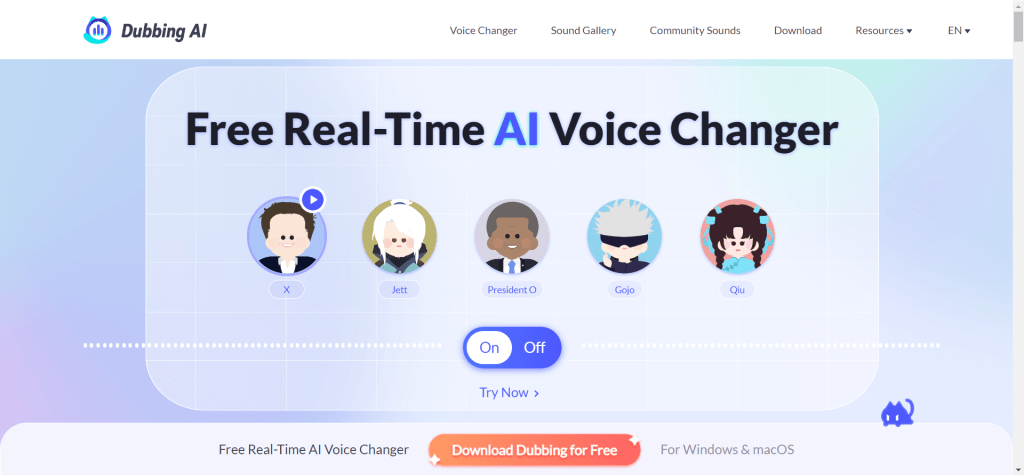
Dubbing AI is a real-time voice changer designed for gaming livestreams and entertainment, providing desktop and mobile apps for Windows, macOS, iOS, and Android. Core advantages include: real-time voice changing (latency below 50ms), rich sound effect library (200+ preset effects including robots, cartoons, celebrities, monsters), fun sound effects, cross-platform support.
2. Voicemod: Real-Time Voice Changer

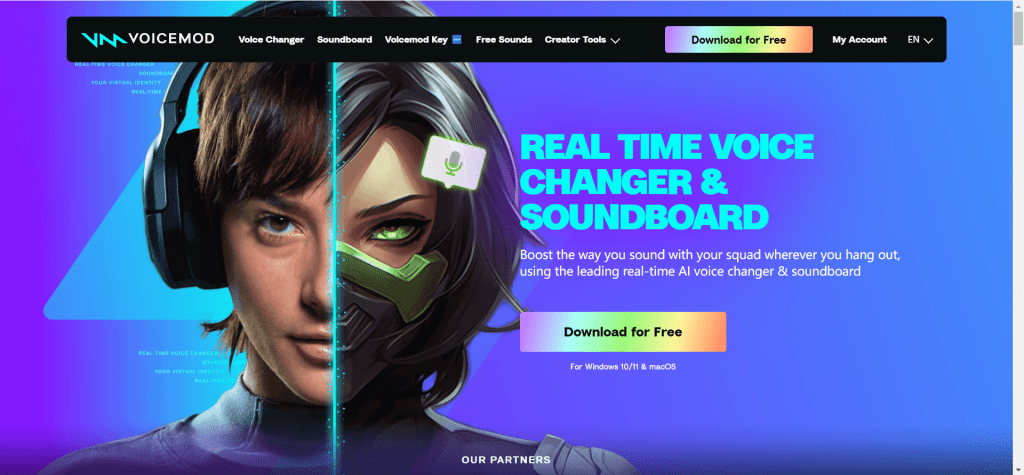
Voicemod is a popular real-time voice changer and soundboard for Windows and macOS. It provides over 150 preset voice effects including robots, cartoons, celebrities, monsters, sci-fi. Core features include: real-time voice changing (low latency), VoiceLab custom features (users can create personalized effects, adjusting pitch, timbre, sound effects), soundboard (rich sound effect library), multi-platform compatibility (Discord, Zoom, Skype, OBS Studio, VRChat, Twitch, TikTok Live Studio).
3. Voice.ai: Real-Time AI Voice Changer

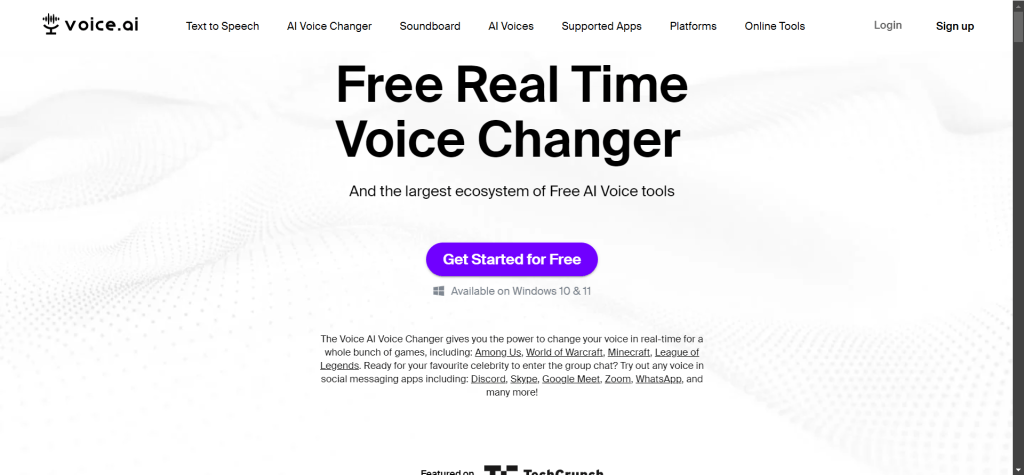
Voice.ai is a free real-time AI voice changer for PC and Mac. It provides thousands of free voice models, and users can create their own AI voices. Core features include: AI-driven high-quality voice changing (deep learning technology), rich voice library (thousands of free voices covering various characters, styles, timbres), custom voice creation (users can upload audio samples to train AI voice models), low latency real-time processing, wide application compatibility (Zoom, Discord, Minecraft, GTA5, Fortnite, Valorant, League of Legends, Among Us, Skype, WhatsApp, Teamspeak).
4. Voice Changer by Lalal.ai: Non-Real-Time Voice Changer

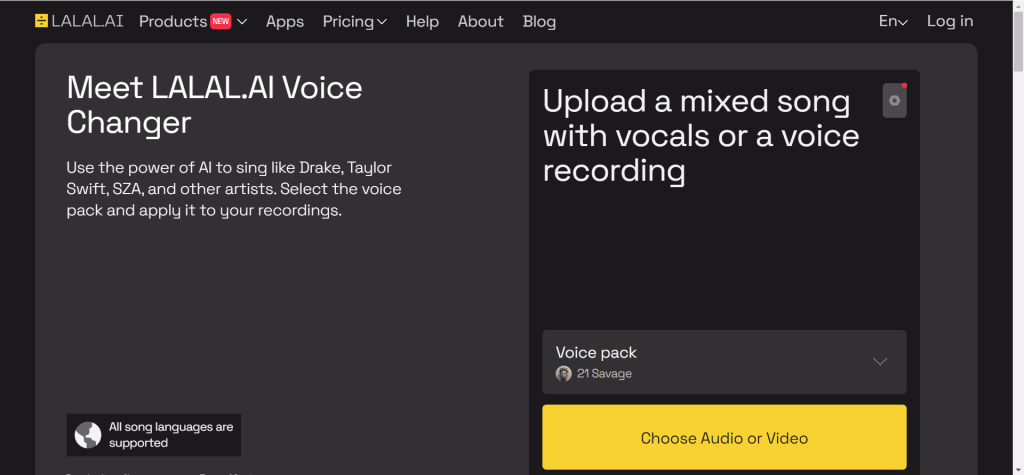
Voice Changer by Lalal.ai focuses on vocal and background sound separation, accurately extracting or replacing vocal parts in audio. Commonly used by podcast hosts and musicians to clean recording noise or create remixes. As a non-real-time tool, Lalal.ai supports uploading audio files for post-processing, providing finer timbre adjustment and effect processing.
AI Voice Changer Tools Comparison
Below is a comparison of top AI voice changer tools to help you quickly understand each tool's features, use cases, and suitability:
| Tool Name | Core Features | Best For | Pricing | Integrations |
|---|---|---|---|---|
| Dubbing AI | Latency below 50ms, 200+ sound effects | Gaming livestreams, video livestreams, entertainment | TBD | Real-time |
| Voicemod | 150+ sound effects, VoiceLab custom | Gaming, livestreaming, online meetings | TBD | Real-time |
| Voice.ai | AI-driven, thousands of free voices | Gaming, livestreaming, online meetings | TBD | Real-time |
| Lalal.ai | Vocal separation, fine adjustment | Podcasts, music production | TBD | Non-real-time |
| Murf.ai | TTS+voice changing, batch processing | Audiobooks, virtual assistants | TBD | Non-real-time |
Use Cases: Voice Transformation & Entertainment
AI voice changers enable voice transformation for gaming, content creation, meetings, and entertainment across multiple platforms.
Gaming Livestreams
Game streamers create unique character voices using real-time voice changers with low-latency voice conversion for smooth interaction. These tools enhance entertainment value during gaming sessions, enabling streamers to adopt different personas and characters that make content more engaging for audiences while maintaining real-time performance.
Content Creation
Content creators produce entertaining content with diverse character voices, enabling quick voice creation without hiring voice actors. These tools create viral potential for funny videos and imitations, allowing creators to experiment with different voice styles and characters that enhance content creativity and audience engagement.
Online Meetings
Voice changers enable privacy and entertainment in online meetings by hiding real voices. Tools support Discord, Zoom, and Skype for personalized voices that enhance engagement and fun interactions. Users can maintain anonymity while participating in virtual meetings and conferences, adding an element of fun to professional communications.
Podcast Production
Non-real-time voice changers provide timbre adjustment and noise reduction for podcast post-production. These tools enhance audio quality without expensive recording equipment, enabling podcasters to improve production value and create professional-sounding content while maintaining creative control over voice characteristics.
Voice Over
AI voice changers create professional voice overs for videos and animations, generating natural-sounding voices for content production. These tools streamline voice over workflows for creators, enabling rapid production of multilingual content without professional voice actors while maintaining quality and naturalness that meets professional standards.
How to Choose AI Voice Changers
Follow these 5 steps to select the perfect voice changer tool for your needs. Evaluate use case, sound quality requirements, platform compatibility, sound effect library, and ease of use to make an informed decision.
1. Evaluate Use Case
Determine the use case: real-time interaction requires immediate voice transformation for live scenarios like gaming livestreams, video livestreams, and online meetings; post-processing allows editing recorded audio for podcast production and video post-production. Match tool capabilities to your primary use scenario to ensure optimal performance.
2. Assess Sound Quality Requirements
Whether the voice changing effect is natural and fluent is important: naturalness ensures realistic voice output; low latency enables real-time processing without delays; algorithm quality determines overall sound quality. When evaluating sound quality, focus on these factors. For scenarios with high sound quality requirements, choose AI-driven voice changer tools which usually provide better sound quality.
3. Evaluate Platform Compatibility
Confirm whether the tool supports required platforms and applications: operating systems (Windows, macOS, iOS, Android) ensure device compatibility; applications (Discord, Zoom, Skype, OBS Studio) enable integration with your workflow; games (Minecraft, GTA5, Fortnite) require specific game support. When choosing, confirm tool support for required platforms and applications.
4. Assess Sound Effect Library and Custom Features
Evaluate preset voice effects richness and custom voice creation support: rich sound effect libraries enable switching between multiple voices quickly; custom features allow creating unique voices tailored to your needs. If you need to switch between multiple voices, choose tools with rich sound effect libraries; if you need to create unique voices, choose tools supporting custom features.
5. Assess Ease of Use and Cost
Ease of use and cost are important factors: operation simplicity reduces learning time; free tiers enable testing and basic use; subscription prices provide predictable costs for regular work. For individual users and small-scale use, choose tools providing free tiers; for large-scale commercial use, choose enterprise plans with advanced features and support.
Conclusion
AI voice changer tools demonstrate strong capabilities in gaming, content creation, online meetings, and podcast production. Tools like Dubbing AI, Voicemod, and Voice.ai transform voice characteristics using deep learning technology, providing real-time and post-processing voice conversion with high quality and natural effects, enabling users to modify voices creatively.
Choose the right tool based on your voice changing needs: Dubbing AI, Voicemod, and Voice.ai for real-time voice changing, Lalal.ai and Murf.ai for non-real-time post-processing. Evaluate real-time requirements, voice quality needs, feature requirements, and budget constraints to select the most suitable voice changer solution.
AI voice changer tools serve as powerful assistants that enhance voice modification efficiency, but they complement rather than replace human creative direction and quality control. The best approach is human-AI collaboration: AI handles voice transformation and technical processing, while creators provide creative direction, quality verification, and artistic vision, maximizing both modification efficiency and voice quality.