What Are AI Video Tools
AI video tools are software platforms using AI technology for video creation and processing, covering video generation, style transfer, digital human video generation, and video translation. As AI technology rapidly advances, these tools generate near-professional video content, significantly lowering video creation barriers. AI video tools are an important part of AI tools. For more AI tool types, check our complete AI tools guide covering LLMs, image tools, design tools, 3D tools, and audio tools.
AI video tools' core value lies in improving creation efficiency and lowering technical barriers, enabling more people to enjoy video creation. However, AI video tools aren't universal. They excel at tasks with clear patterns and rules, while humans remain essential for deep creativity, emotional expression, and artistic requirements. The best approach is human-AI collaboration: AI handles repetitive, technical video processing, while humans focus on creative conception, quality control, and artistic expression. We've created detailed guides for different AI video tools: AI video generator for text-to-video and image-to-video, video clipping tools for long-to-short video editing.
How AI Video Technology Works
Modern AI video technology uses deep learning and neural networks to understand text descriptions, image content, and video structure, generating high-quality, natural video content. Compared to traditional video production, AI video technology significantly improves creation efficiency, quality stability, and functional diversity.
Core advantages include understanding (understanding natural language descriptions and visual content), generation (automatically generating video frames, actions, and scenes), learning (learning motion patterns and visual styles from vast video data), optimization (automatically optimizing video quality based on user feedback). Different AI video tools use different technical architectures: video generation tools mainly rely on diffusion models and time-series modeling, style transfer tools use style transfer and GAN technology, digital human tools combine voice synthesis and facial animation, video translation tools integrate speech recognition, machine translation, and voice synthesis.
AI Video Tool Categories
We've created detailed introduction pages for different AI video tool types, each containing comprehensive introductions, use cases, and selection guides. Below are detailed introductions to each tool type:
AI Video Generator: Text/Image to Video

AI video generator tools convert text descriptions or static images into high-quality video content, suitable for film production, advertising creation, and social media content generation. Their core advantage lies in powerful video generation capabilities, understanding natural language descriptions and visual content to generate coherent video sequences. Mainstream tools like Runway, Kling, Luma Dream Machine, Sora, Hailuo, Pika, Pixverse each have unique strengths for different use cases. Whether for concept design, advertising, content creation, or social media marketing, AI video generation tools provide efficient solutions, lowering video production barriers.
AI Filmmaking: Cinema-Quality Production
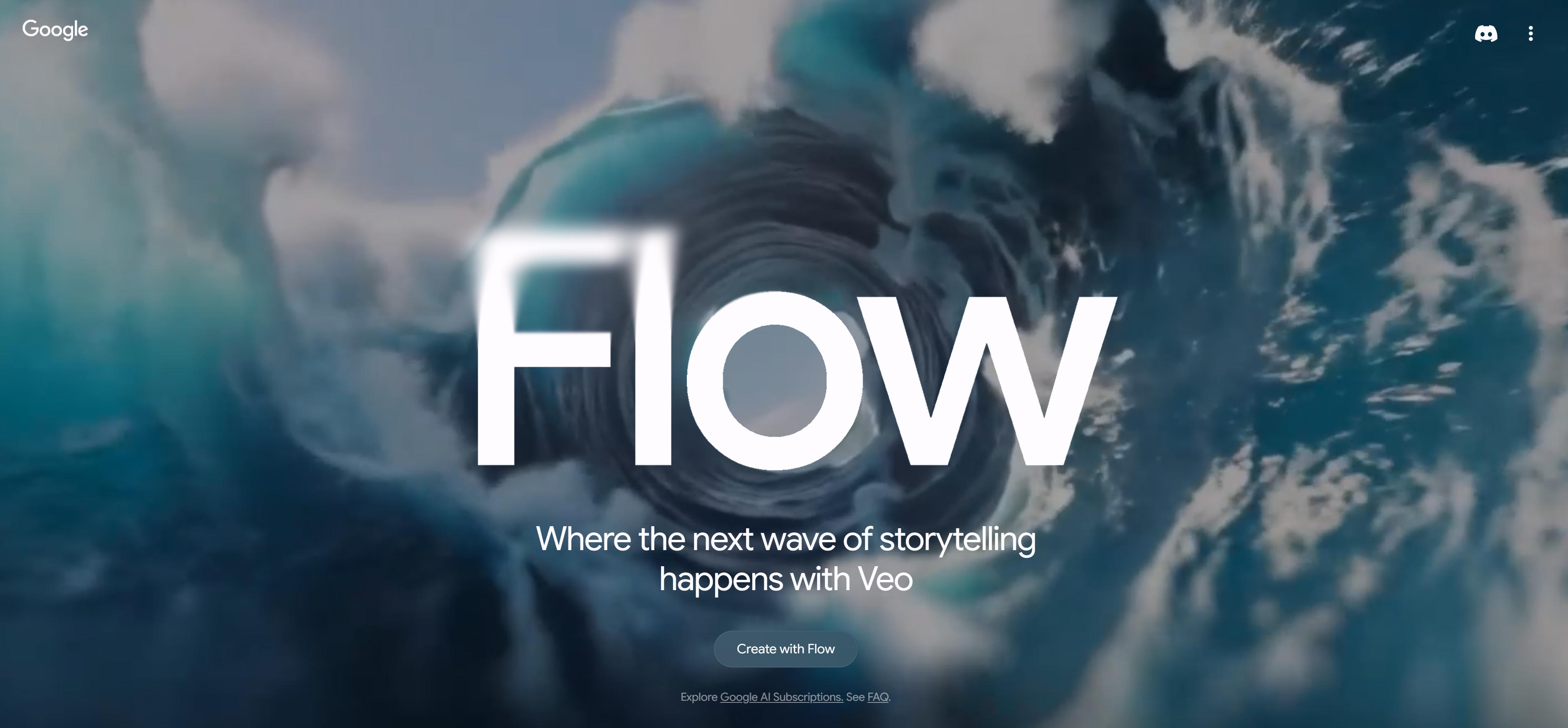
AI filmmaking tools are designed for film and TV production, generating cinema-quality video content with multi-shot narratives and character consistency. Their core advantage lies in professional filmmaking capabilities, generating high-quality video sequences with complex narrative structures and character consistency. Professional tools like Google Flow, LTX Studio, Utopai Studios, Escape.ai, Solo Twin Studios each have unique strengths for different production needs. Whether for concept videos, trailers, professional film production, or TV content creation, AI filmmaking tools provide efficient solutions, lowering film production barriers.
AI Video Editor: Enhancement & Processing
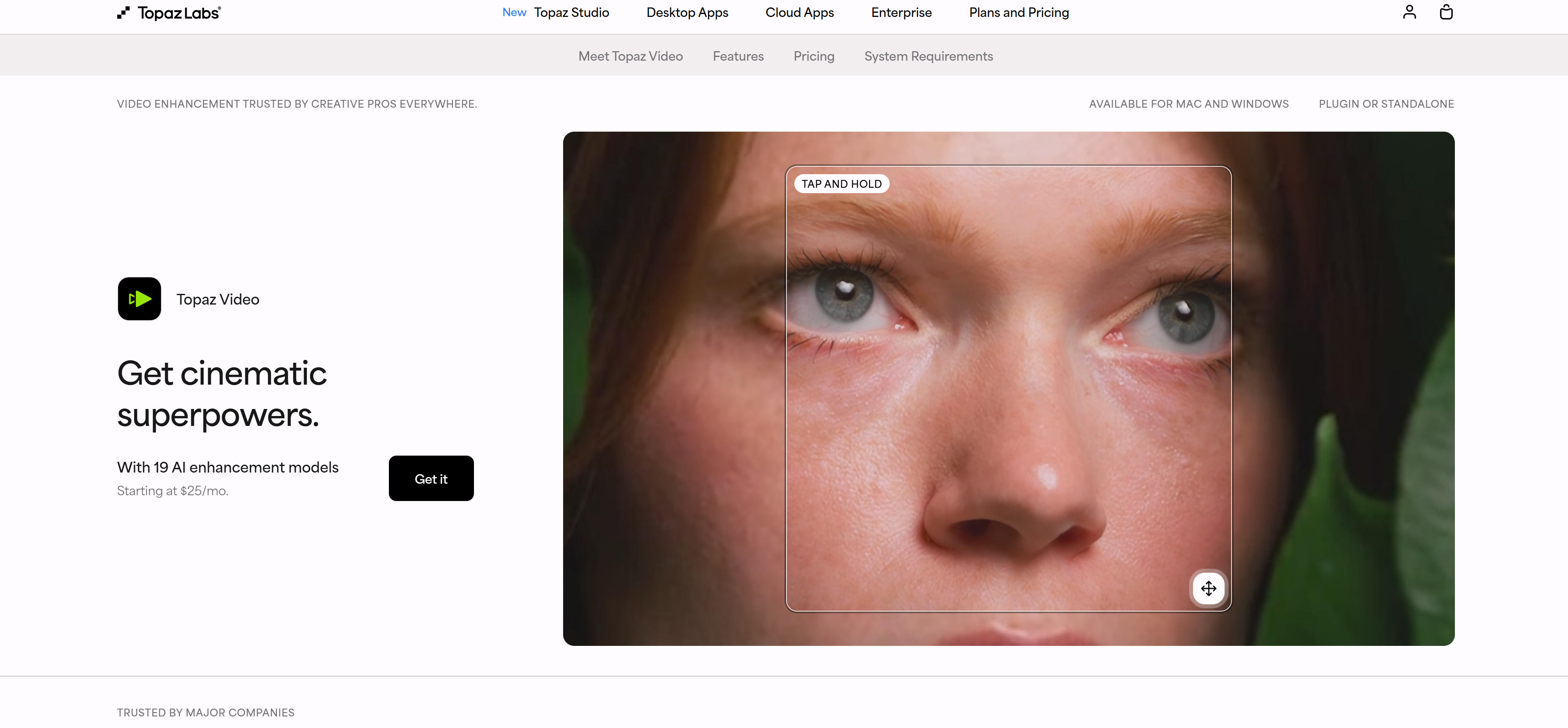
AI video editing tools use AI technology to assist traditional video editing functions, mainly including video enhancement, background removal, subtitle addition, resizing, and format conversion. Their core advantage lies in intelligent video processing capabilities, automatically identifying and processing video content to improve quality and editing efficiency. Mainstream tools like Topaz Video Enhance AI, Runway, CapCut each have unique strengths for different editing needs. Whether for video quality improvement, background processing, subtitle addition, or format conversion, AI video editing tools provide efficient solutions, lowering video editing barriers.
AI Video-to-Video: Generative Editing
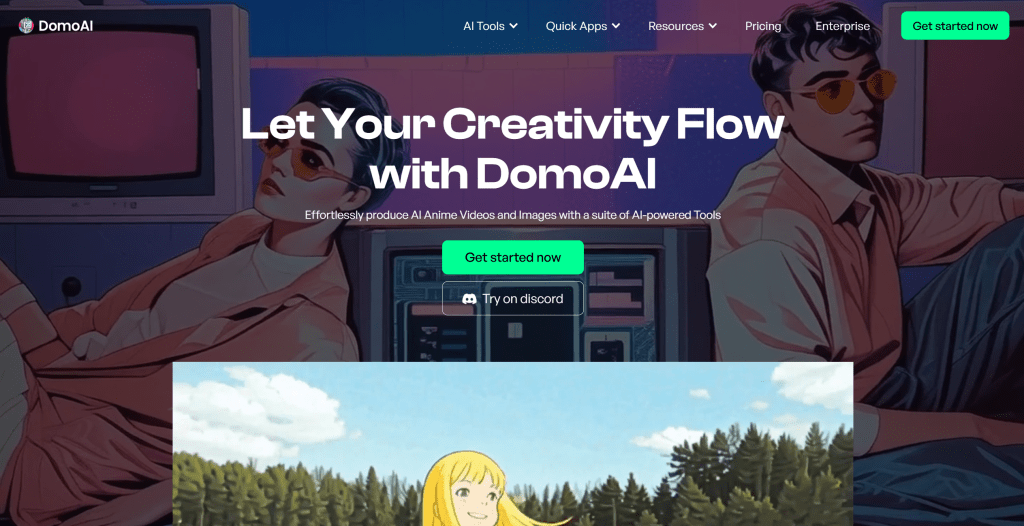
AI video-to-video tools use generative AI technology to intelligently edit and enhance existing videos, improving video quality, changing video styles, or adding effects through AI-generated visual content. Their core advantage lies in powerful generative editing capabilities, understanding video content, generating new visual elements, and performing intelligent enhancement and style conversion. Mainstream tools like Magnific, GoEnhance, Domo AI, Pollo AI each have unique strengths for different editing needs. Whether for video quality improvement, style conversion, effects addition, or creative editing, AI video-to-video tools provide efficient solutions, significantly improving video creation efficiency.
AI Digital Human Generator
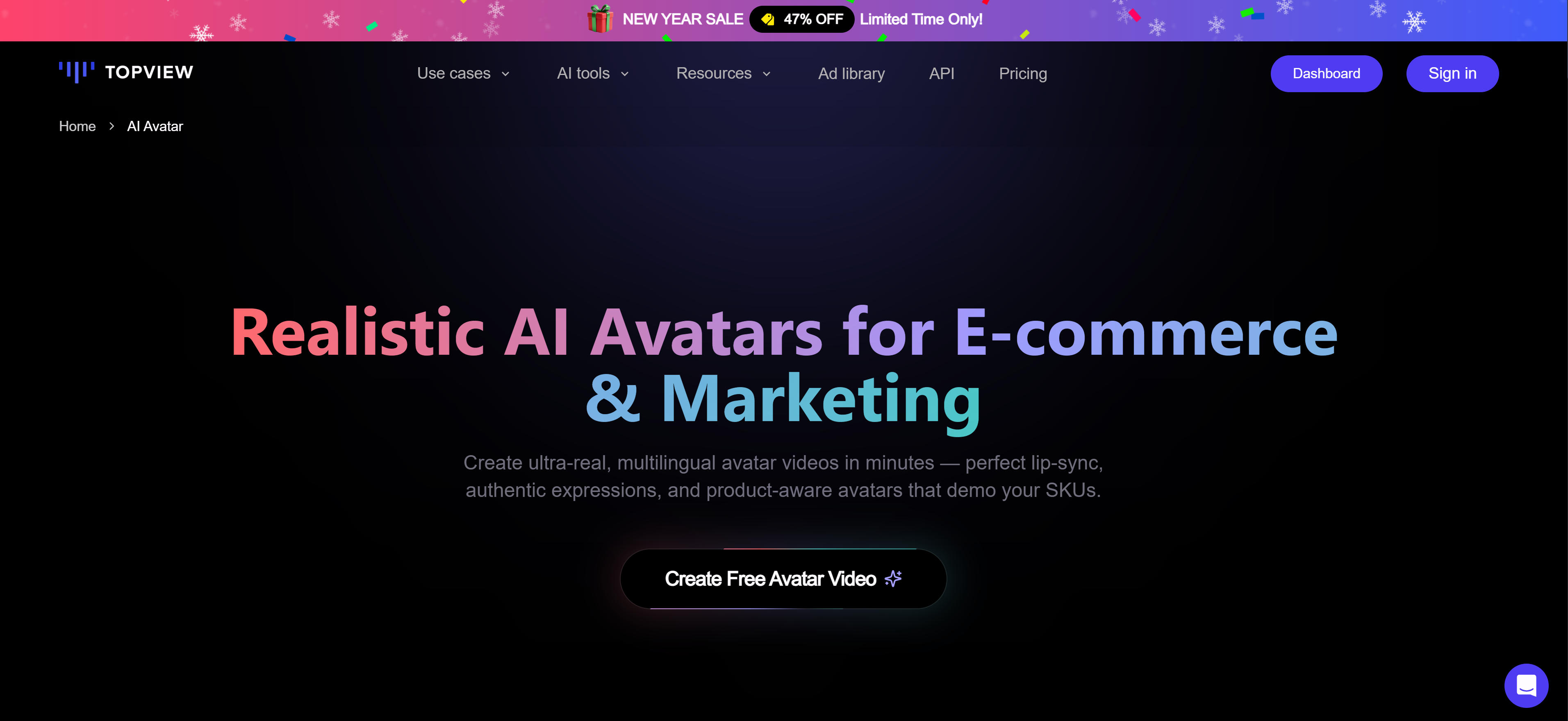
AI digital human generator tools generate realistic virtual character videos from text input, suitable for virtual character dubbing, marketing videos, educational content, and digital human live streaming. Their core advantage lies in powerful digital human generation capabilities, generating realistic virtual characters with multiple languages and expressions, and supporting real-time interaction. Mainstream tools like HeyGen, Synthesia, D-ID, Colossyan, Rephrase.ai each have unique strengths for different applications. Whether for marketing video production, educational content creation, digital human live streaming, or virtual character dubbing, AI digital human generation tools provide efficient solutions, lowering digital human production barriers.
AI Video Translator: Multilingual Content
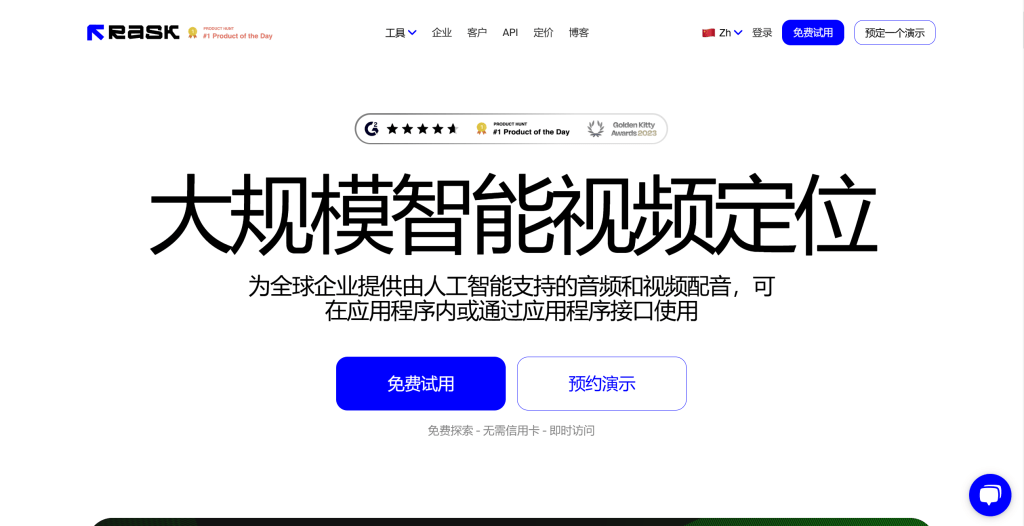
AI video translator tools translate video content into multiple languages and generate synchronized subtitles, suitable for cross-border marketing, educational content, and multilingual content creation. Their core advantage lies in powerful multilingual processing capabilities, automatically identifying video speech content, performing accurate translation, and generating synchronized subtitles. Mainstream tools like Rask AI, FalcoCut, Blipcut AI Video Translator, Vozo AI, Captions AI, Akool each have unique strengths for different translation needs. Whether for cross-border marketing, educational content localization, multilingual content creation, or video localization, AI video translation tools provide efficient solutions, lowering video translation barriers.
AI Lip Sync Tools
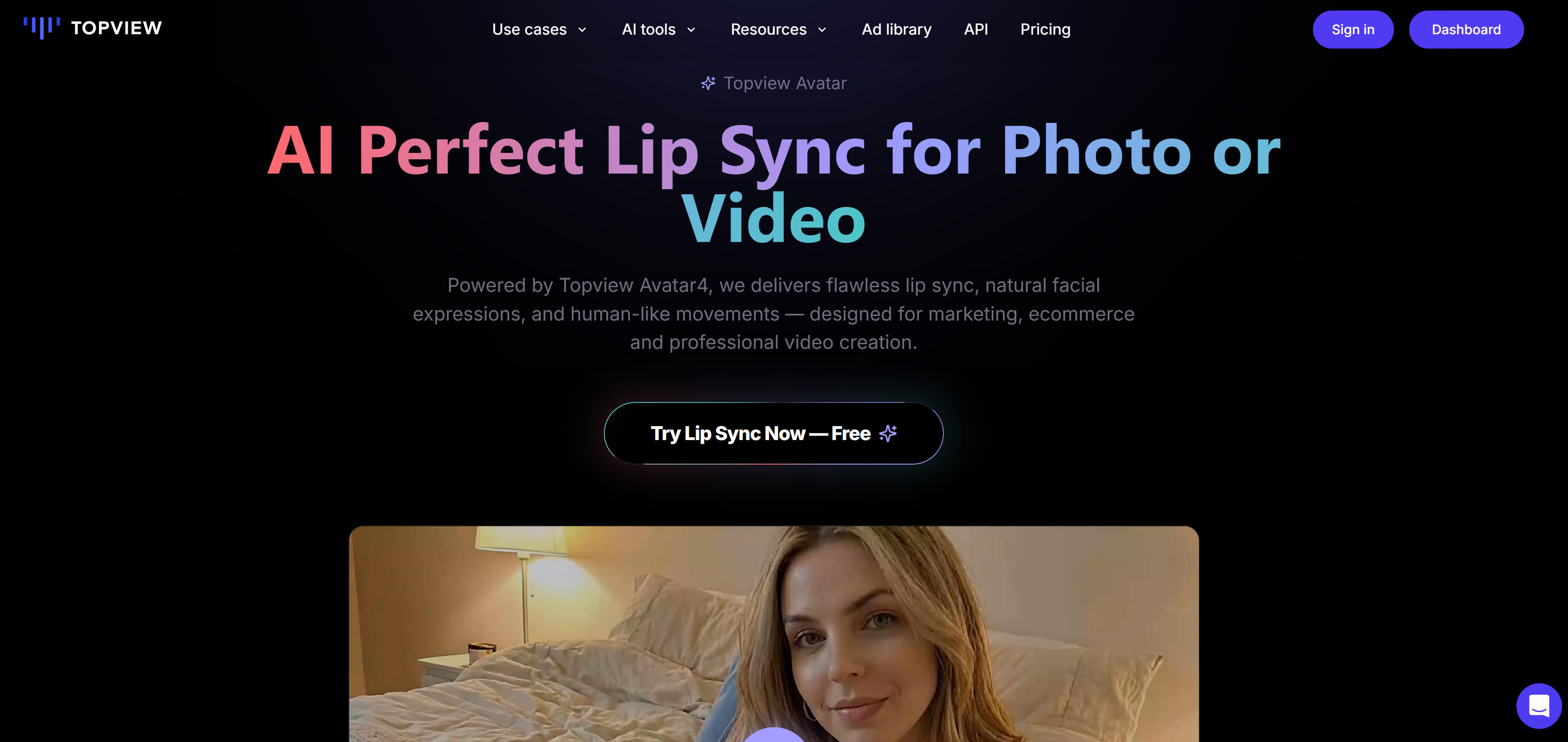
AI lip sync tools synchronize video or image character lip movements with audio, automatically adjusting speakers' lip movements, expressions, and actions to perfectly match audio. These tools combine speech recognition, facial recognition, lip sync technology, supporting picture lip sync (converting static images to speaking videos), video lip sync (adjusting existing video lip movements to match new audio), multi-speaker support, and multilingual support. Mainstream tools like Topview, LipSync.video, Sync.so, Vozo AI, Creatify, Magic Hour, GoEnhance each have unique strengths for different lip sync needs. Whether for multilingual video localization, digital human video generation, marketing video production, or educational training, AI lip sync tools provide efficient solutions, greatly simplifying video localization and digital human video production workflows.
Video Clipping Tools

Video clipping tools are AI-powered tools that automatically cut long videos into multiple short videos, intelligently identifying highlights, key moments, and high-quality content from videos, automatically generating social media platform-suitable short videos, greatly improving content creation efficiency. Tools like OpusClip, Vmaker AI, Canva, Pictory, Wisecut, Flowjin each have unique strengths for different clipping needs. Whether for long-form content redistribution, social media marketing, content repurposing, or video summarization, video clipping tools provide efficient solutions, greatly improving content creation efficiency.
AI Music Video Generator

AI music video generator tools are AI-powered tools that automatically generate synchronized video content from music, combining audio analysis, visual generation, rhythm synchronization technology to create professional MV works for music creators. Tools like Freebeat, Neural Frames, Wondera, 1 More Shot, LTX Studio each have unique strengths for different MV production needs. Whether for music promotion, social media, live performances, or music content creation, AI music video generator tools provide efficient solutions, lowering MV production barriers.
AI Video Tools Comparison
AI Video Applications: 4 Practical Use Cases
AI video tools serve diverse video creation and processing needs, covering content creation, enterprise marketing, education training, and entertainment media. Here are four main applications and their value propositions.
Content Creation
Content creation is AI video tools' most extensive application, covering video production, content optimization, and multi-platform publishing. Creators use AI video generation tools for quick video material creation, video editing tools for automated clipping and effects processing, video translation tools for global market content localization. Whether YouTubers creating new content, bloggers optimizing video quality, or marketing personnel creating brand videos, AI tools significantly boost creation efficiency and content quality, making professional-level video production accessible.
Enterprise Marketing
Enterprise marketing maximizes AI video tools' automation and personalization capabilities for fast high-quality marketing content creation. Marketing teams use digital human video generation tools for brand spokesperson creation, video translation tools for multilingual marketing videos, video clipping tools for long videos to multiple social media shorts. AI tools not only reduce video production costs but also increase marketing content response speed and personalization, helping enterprises quickly adapt to market changes and enhance brand influence and sales conversion.
Education Training
Education training is AI video tools' important application field, significantly improving teaching effects and learning experiences. Teachers use AI video generation tools for animation teaching creation, video translation tools for course multilingual localization, digital human video generation tools for virtual teacher creation. Learners use AI lip sync tools for pronunciation practice, video clipping tools for quick review of key content. These tools make high-quality educational resources easier to produce and access, improving teaching quality and learning efficiency.
Entertainment Media
Entertainment media industry leverages AI video tools to boost content production efficiency and creative expression. Film production teams use AI filmmaking tools for quick concept video and trailer generation, music creators use AI music video generation tools for automatic MV creation, game developers use video effects tools for game promotion video enhancement. Entertainment content creators use AI lip sync tools for funny videos, video style conversion tools for unique visual effects. These tools boost production efficiency while expanding creative boundaries, making entertainment content more diverse and attractive.
How to Choose AI Video Tools
Select AI video tools based on video needs, functional requirements, budget, and usability for significantly enhanced video creation efficiency and quality.
1. Clarify Needs
Determine video content creation type (video generation, style transfer, digital human video, or video translation). Different tools excel in different areas. Video generation choose Runway or Pika, style transfer choose Stable Video Diffusion, digital human video choose D-ID or HeyGen, video translation choose Rask or Dubverse.
2. Assess Functions
Evaluate tool features to ensure they meet needs. Assess output quality, processing speed, feature completeness through trials or examples. Different tools have different functional emphases based on project requirements.
3. Consider Budget
Choose suitable plans based on usage frequency and budget. AI video tools have diverse pricing including free versions, subscriptions, pay-per-use. Occasional use can choose pay-per-use or free versions, frequent use recommends subscriptions. Compare tool cost-effectiveness, focus on promotional activities and enterprise plans.
4. Evaluate Usability
Choose user-friendly tools with simple operations, especially for beginners. Consider learning curve and ease of use, choose tools with detailed documentation and tutorials for quick mastery. For team use, choose collaboration-supporting tools.
5. Check Completeness and Integration
Evaluate tool completeness providing all required functions like batch processing, API interfaces, multiple video formats. Ensure tools meet current and future needs, avoid frequent tool switching. Try 2-3 tools, compare output quality, usability, and cost-effectiveness to choose the best fit.
AI Video Tools Workflow
AI video tools create complete video production workflows from concept to publishing. Modern AI video toolsets provide generation, editing, effects, and optimization capabilities, making video creation smarter, more efficient, and more creative.
Planning Phase
Start with clear video goals and target audience. Use AI tools for script generation and storyboard creation. Define video style, tone, and key messages. Plan content structure and visual elements.
Creation Phase
Use AI video generation tools for initial content creation. Generate base videos from text descriptions or images. Create digital human videos for narration. Produce background music and sound effects.
Editing Phase
Apply AI editing tools for quality enhancement. Use AI video editors for automatic enhancement, background removal, and subtitle addition. Apply style transfer and effects through AI video-to-video tools.
Optimization Phase
Optimize content for different platforms. Use video clipping tools for social media shorts. Apply AI translation tools for multilingual versions. Ensure technical quality and performance optimization.
Publishing Phase
Distribute optimized content across platforms. Use analytics tools to track performance. Gather feedback for continuous improvement. Plan next content based on successful elements.
AI Video Tools Cost Analysis
Understanding AI video tool cost structures helps users make wiser choices and optimize video production cost-effectiveness. AI video tool costs mainly include tool subscription fees, processing fees, storage fees. Users need to choose suitable plans based on usage frequency and needs.
Free vs Paid Tools
Most AI video tools offer free versions with limitations like conversation counts or features. Free tools suit individual users and small projects, meeting basic video production needs. Paid tools provide more features, higher output quality, and faster processing speeds, suitable for professional and enterprise users.
Subscription vs Pay-per-Use
AI video tools mainly have subscription and pay-per-use pricing. Subscription suits frequent users, providing stable costs and more features; pay-per-use suits occasional users, paying based on actual usage with more flexibility.
Cost-Benefit Analysis
When choosing AI video tools, users need cost-benefit analysis comparing different tools' costs and value. Cost-benefit includes direct tool costs, time costs, learning costs, integration costs. Users need to choose tools providing maximum value, not just cheapest options.
Getting Started with AI Video Tools
Getting started with AI video tools is simple. Most tools provide friendly interfaces and detailed guides. For beginners, start with simple projects and gradually improve video production skills.
Clarify Video Needs
First, clarify video content creation needs. Determine video type creation (video generation, style transfer, digital human video, or video translation). Clarifying needs helps choose suitable tools and avoid wasting time on wrong directions.
Choose Suitable Tools
Based on needs, choose suitable AI video tools. Try several tools first, evaluate quality and ease of use through actual use. Most AI video tools offer free trials or free versions. Use these opportunities to test functions and output quality.
Practice and Optimize
Using AI video tools requires continuous practice and optimization. Practice through actual projects, gradually master tool usage skills, continuously optimize video works based on results. Join tool communities, exchange learning with other users, share experiences and works.
AI Video Tools Future Trends
AI video tools' future development trends mainly manifest in improved technical capabilities, expanded use cases, and optimized user experience. As AI technology evolves, AI video tools will generate higher quality video content, support longer video generation, provide better temporal consistency, achieve stronger controllability.
Smarter Generation Capabilities
As AI technology evolves, AI video tools will more accurately understand user needs and generate higher quality video content. Future tools will understand more complex text descriptions, generate more detailed visual details, achieve better temporal coherence.
Longer Video Generation
Current AI video tools mainly generate short videos. Future tools will generate longer video content. This enables AI video tools to apply to more scenarios like film production and documentary production. Longer video generation capabilities will also improve practical application value.
Better Integration
AI video tools will better integrate with professional video editing tools, forming more complete video production workflows. Multimodal AI technology development enables simultaneous handling of text, images, audio, video media types, further simplifying video production processes.
Conclusion
AI video tools demonstrate powerful functions and wide application prospects in video generation, style transfer, digital human video generation, and video translation. Whether content creators, marketers, or enterprise users, all can gain great convenience and creative inspiration from these tools. These tools not only improve video creation efficiency and quality but also lower video production technical barriers and costs, enabling more people to enjoy video creation.
However, AI video tools aren't universal. They excel at tasks with clear patterns and rules, while humans remain essential for deep creativity, emotional expression, and artistic requirements. The best approach is human-AI collaboration: AI handles repetitive, technical video processing, while humans focus on creative conception, quality control, and artistic expression. This collaboration maximizes AI video tool value while maintaining video creation professionalism and creativity.