What Are Video Clipping Tools
Video clipping tools use AI to automatically cut long videos into multiple short clips suitable for social media. These tools intelligently identify highlights, key moments, and engaging content, automatically generating short videos that work perfectly on platforms like TikTok, Instagram, and YouTube Shorts. Video clipping is part of AI video tools and represents a specific type of video editing.
These tools automate the video editing workflow, intelligently identify engaging video content, and automatically generate multiple short video segments. Modern video clipping tools have achieved professional-level capabilities in content recognition accuracy, editing quality, and automation. For more advanced video editing features like quality enhancement, background removal, or subtitles, check our AI video editor tools guide. For creative video editing and style transfer, see our AI video-to-video tools guide.
How AI Video Clipping Works
AI video clipping technology represents a major innovation in video content processing, integrating computer vision, natural language processing, and deep learning to enable intelligent automated conversion from long to short videos. Unlike traditional video editing that depends on human judgment, AI video clipping technology can analyze and edit complex videos in seconds, greatly improving content creation efficiency and quality.
Key advantages include intelligent content recognition (automatically identifying highlights), automated editing workflows (full-process automation from analysis to final editing), multi-platform format adaptation (automatically generating specifications for different social media), and quality assurance (maintaining original video quality and audio). Technology architecture divides into three types: speech recognition-based tools focus on audio content analysis, computer vision-based tools specialize in visual elements, while comprehensive platforms integrate multiple AI technologies for complete video processing.
Best AI Video Clipping Tools 2026
Here are the top video clipping tools for 2026, covering professional platforms, full-featured solutions, and specialized tools designed to automatically convert long videos into short social media clips.
1. OpusClip: AI Video Clipping Platform
OpusClip is a professional AI video clipping platform that automatically cuts long videos into multiple short clips for social media. Using AI technology, it intelligently identifies highlights and key moments, automatically generating multiple short videos with one-click multi-platform publishing. Key advantages include powerful AI recognition, ClipAnything model support for any video type, and multi-platform publishing. Perfect for content creators and marketing teams needing to convert long videos into multiple shorts, with intelligent highlight identification and multi-platform publishing to YouTube Shorts, TikTok, Instagram Reels.
2. Quso: Full-Featured Social Media AI
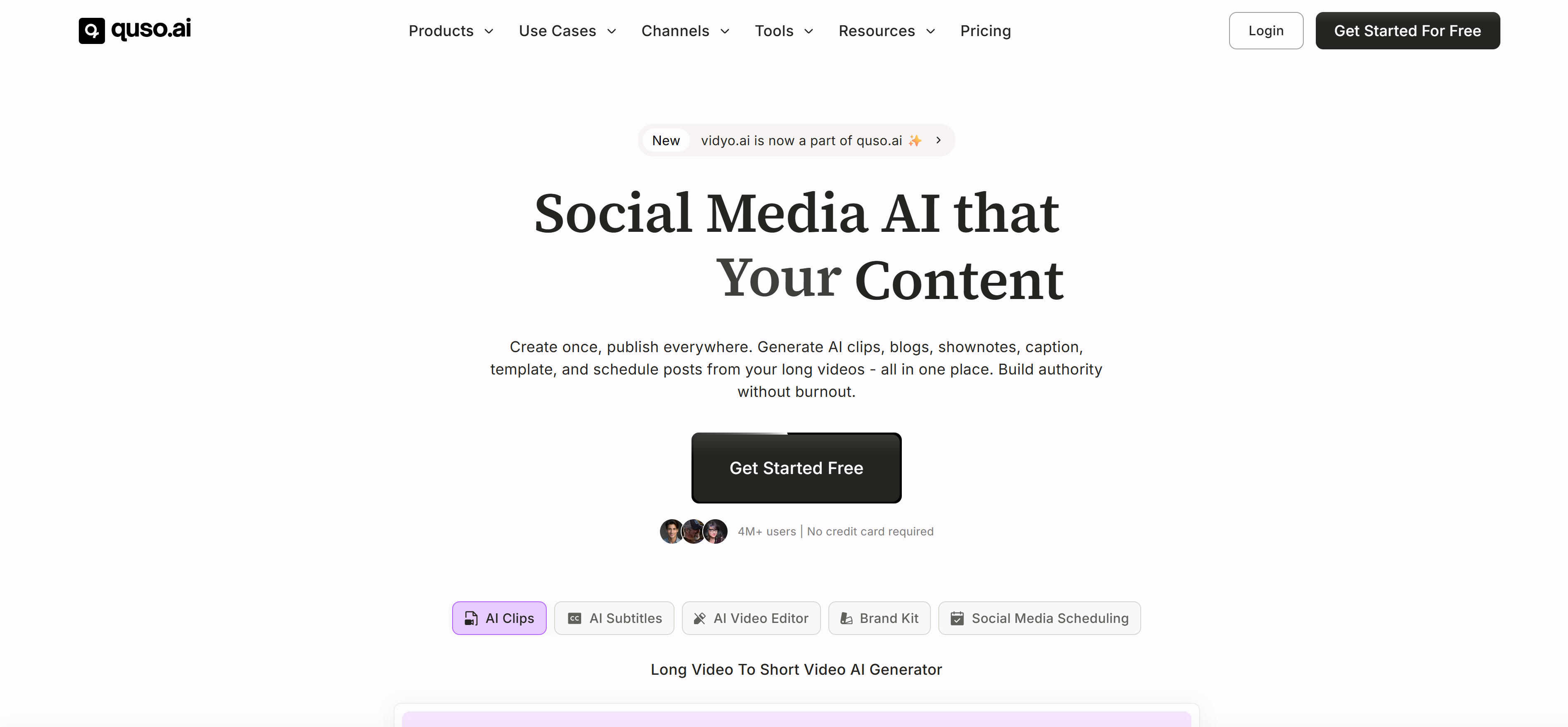
Quso (formerly vidyo.ai) is a comprehensive social media AI marketing platform providing AI video clipping, editing, subtitles, and scheduling in one solution. It converts long videos into multiple shorts with automatic subtitles and brand templates, plus social media scheduling. Key advantages include full-featured platform, AI video editing, and social media management. Ideal for creators, coaches, and marketing teams needing comprehensive social media management, integrating clipping, editing, subtitles, and scheduling. AI video editing adds brand logos, fonts, B-roll, music without editing experience. Social media scheduling enables automatic publishing across multiple platforms.
3. Klap: Viral Short Video Generator
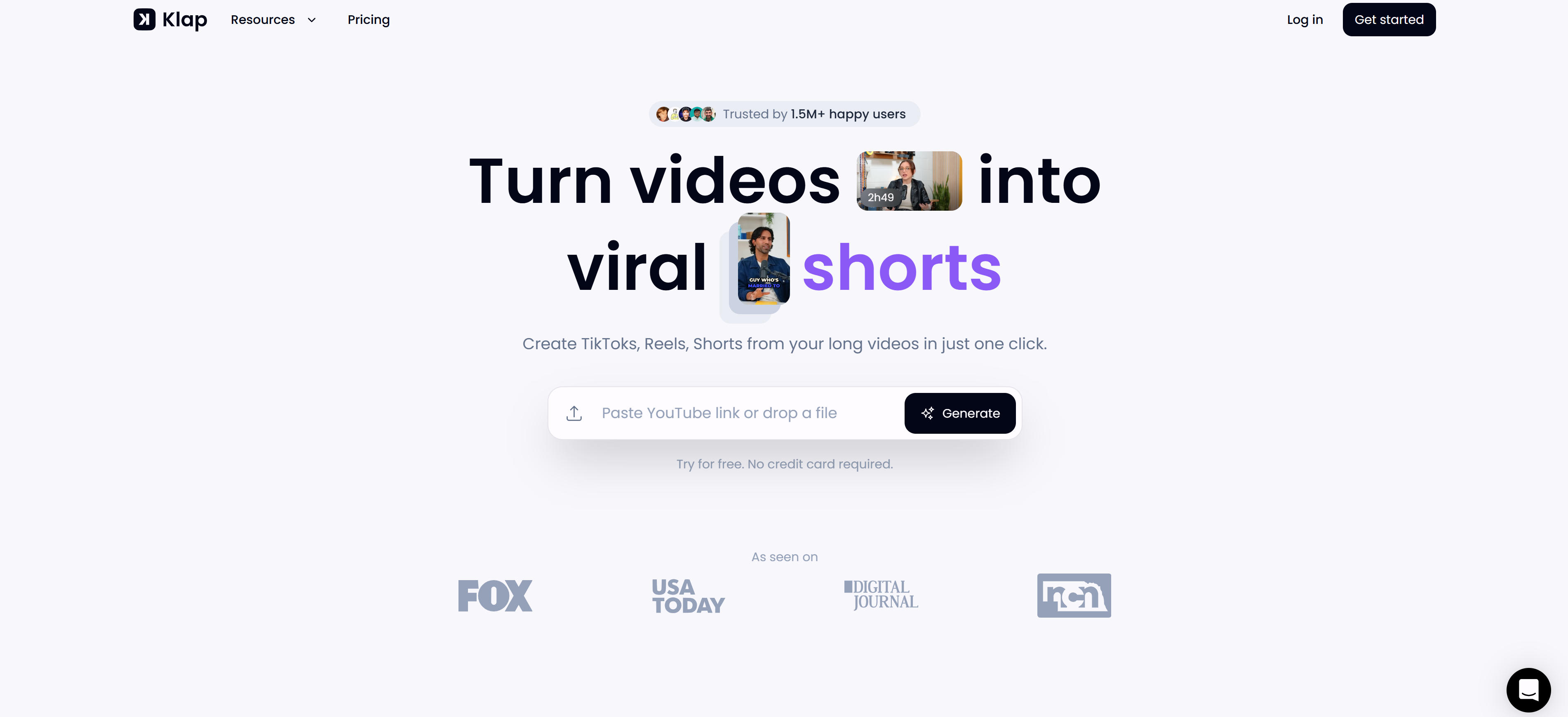
Klap is a professional AI video clipping tool focused on converting long videos into viral short videos. Using AI technology, it intelligently identifies highlights, automatically generating engaging shorts for social media, perfect for creators needing quick viral content production. Key advantages include viral content generation and rapid clipping capabilities. Ideal for content creators and marketing teams needing quick viral shorts, with powerful AI identifying highlights and generating multiple shorts in short time. Viral content generation identifies most engaging segments, rapid clipping creates multiple shorts quickly.
4. QuickReel: 1-Minute AI Editing
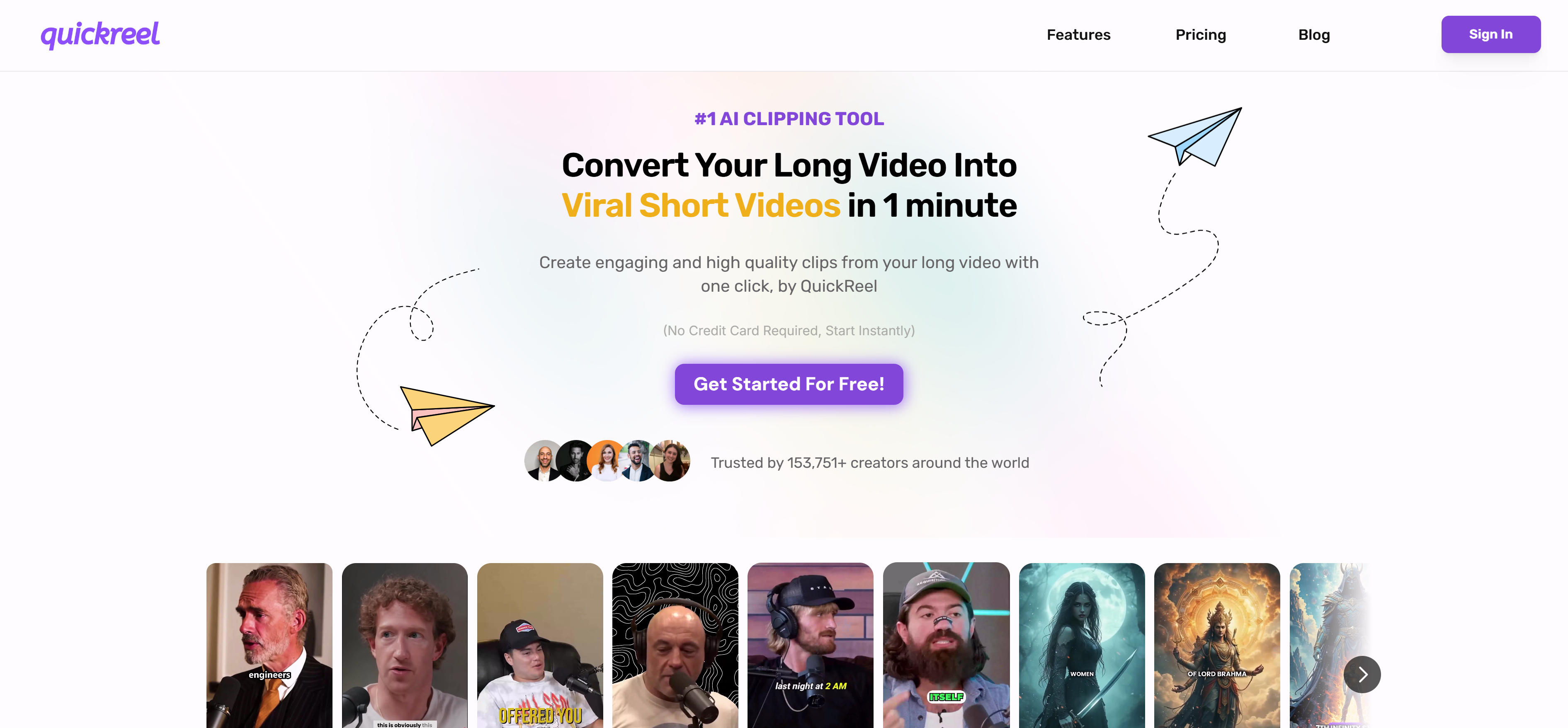
QuickReel is an efficient AI video editing tool that converts long videos into viral 60-second shorts in 1 minute. Supports YouTube links or direct uploads, automatically generating 60-second videos with subtitle generation and social media previews. Key advantages include ultra-fast clipping and automated processing. Perfect for content creators and marketing teams needing quick short video production, completing processing in 1 minute with AI automatic highlight identification and 60-second short generation. Automatic cropping adapts horizontal videos to vertical formats for different platforms. Automatic subtitle generation provides 98% accurate recognition.
5. Short.ai: AI Short Video Creator

Short.ai is a comprehensive AI short video creator providing AI video clipping, subtitle generation, and social media scheduling. It converts long videos into multiple shorts with automatic subtitles, AI story videos, Reddit story videos in various formats. Key advantages include full-featured platform and automated content generation. Perfect for creators and marketing teams needing comprehensive short video creation, with powerful AI generating multiple short video types including AI story videos, Reddit stories. AI video clipping converts long videos into 10+ viral shorts, automatic subtitle generation supports 32+ languages with 99% accuracy, dynamic subtitle styles. Social media scheduling enables automatic publishing to TikTok, YouTube, Twitter, Facebook, Instagram, LinkedIn, Pinterest.
6. LiveLink: Fast Social Media Clipping

LiveLink is a professional AI video editing tool focused on fast social media short video generation. Using AI technology, it intelligently identifies highlights, automatically generating platform-optimized shorts with automatic subtitles and brand templates. Key advantages include fast clipping and advanced speaker tracking. Perfect for content creators and marketing teams needing quick social media shorts, completing clipping in seconds with powerful AI. Advanced speaker tracking automatically keeps speakers centered, custom subtitle templates enhance brand consistency. Social media scheduling enables automatic publishing to YouTube Shorts, TikTok, Instagram.
7. Vizard: AI Video Editing & Clipping
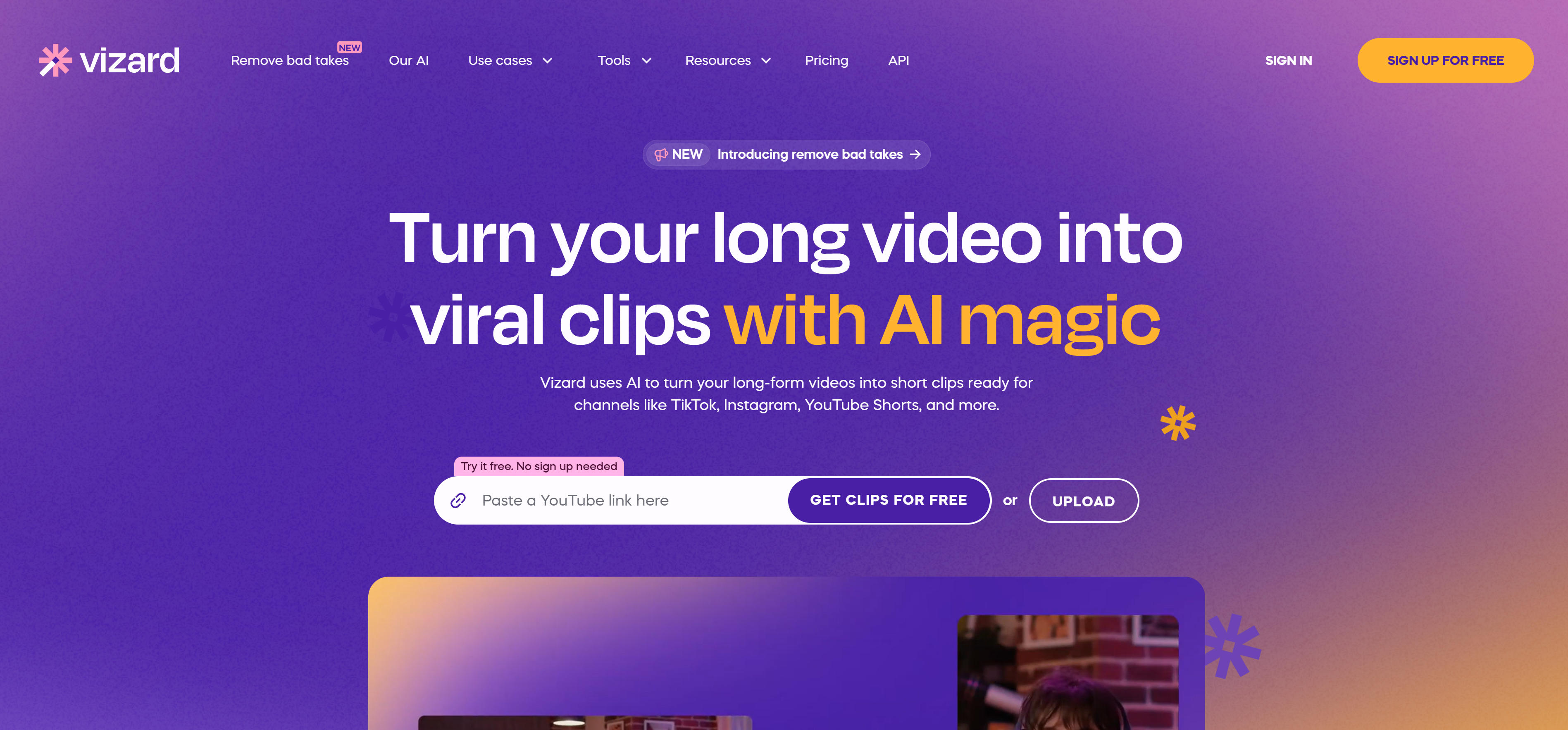
Vizard is a professional AI video editing and clipping tool that converts long videos into 30+ social media shorts. Using AI technology, it intelligently identifies highlights, automatically generating TikTok, Instagram, YouTube Shorts optimized videos with powerful editing features. Key advantages include batch clipping generation and strong editing capabilities. Perfect for content creators, podcasters, and marketing teams needing batch short production, generating 30+ shorts from one long video. AI clipping identifies highlights and generates multiple shorts, text editing enables video editing like document editing by deleting transcription text. Brand templates save and apply custom templates for consistency.
Video Clipping Tools Comparison
Here's a detailed comparison of major video clipping tools to help you quickly understand their features, applications, and suitability:
| Tool Name | Key Features | Main Applications | Pricing Model |
|---|---|---|---|
| OpusClip | ClipAnything model, multi-platform publishing, intelligent recognition | Content creation, social media, marketing videos | Paid subscription |
| Quso | Full-featured platform, AI editing, social media scheduling | Content creation, social media management, marketing | Paid subscription |
| Klap | Viral content generation, fast clipping, intelligent recognition | Content creation, viral marketing, social media | Paid subscription |
| QuickReel | 1-minute editing, automatic cropping, subtitle generation | Fast creation, social media, content marketing | Paid subscription |
| Short.ai | Full-featured platform, AI story generation, multi-platform scheduling | Content creation, social media, automated marketing | Paid subscription |
| LiveLink | Fast clipping, speaker tracking, automatic publishing | Content creation, podcasts, social media | Paid subscription |
| Vizard | Batch clipping, text editing, brand templates | Batch creation, team collaboration, content marketing | Paid subscription |
Use Cases: 3 Practical Applications
AI video clipping technology has significant applications in content creation, marketing promotion, and media production, greatly improving video content distribution efficiency and production quality.
Content Creation
AI video clipping tools play an important role in content creation, helping creators efficiently convert long videos into short formats suitable for social media distribution. Tools intelligently identify highlights, automatically generating multiple short clips, greatly improving content creation and distribution efficiency. Content creators can convert YouTube long videos, podcasts, or educational videos into TikTok, Instagram, YouTube Shorts formats, expanding content reach and audience groups. Multi-platform adaptation automatically adjusts video dimensions and formats to meet different social media platform requirements.
Social Media Marketing
In social media marketing, AI video clipping tools help marketing teams maximize video content utilization, achieving multiple marketing materials from one long video. Marketing teams can convert product demos, brand activities, or corporate promotional videos into multiple short clips for distribution across different social media platforms. This content recycling approach significantly improves marketing ROI while reducing content production costs. Fast clipping supports marketing teams producing high-quality short videos in short time to meet market demand timing.
Podcasts & Interviews
Podcast creators and interview producers can use AI video clipping tools to convert long interview content into multiple engaging short video clips, improving content distribution effects and audience retention. Tools intelligently identify interview highlights, key dialogues, and engaging moments, automatically generating social media optimized short videos. Podcast video clipping is particularly suitable for creators needing to convert audio podcasts to video or long interviews to multiple short clips. This approach not only improves content distribution efficiency but also attracts more audiences to engage with complete podcast content.
How to Choose Video Clipping Tools
Choose the right video clipping tool based on video type, platform needs, feature requirements, budget, and usability to maximize video processing efficiency and content creation results.
1. Assess Video Needs
Video type: First clarify video type. Interview videos suit transcription-based tools; demo videos suit visual recognition tools; live replays suit automated processing tools. Different tools excel at different video types, clarifying video type is the first step in tool selection.
2. Check Platform Support
Evaluate platform support. Focus on format compatibility (tool support for target platform formats), platform quantity (multi-platform support), publishing features (one-click publishing). Choose tools providing corresponding features based on platform needs to ensure multi-platform publishing requirements are met.
3. Evaluate Feature Requirements
Assess feature availability. Focus on clip recognition (highlight identification methods), editing features (editing capabilities), batch processing (batch support), automation level (automation degree). Choose tools providing corresponding features based on requirements to ensure video processing needs are met.
4. Consider Budget and Pricing
Pricing models vary significantly. Most tools offer free trials; OpusClip, Quso, Klap, QuickReel, Short.ai, LiveLink, Vizard require paid subscriptions. Choose appropriate plans based on usage frequency and budget; occasional use can select free versions, frequent use should subscribe.
5. Assess Usability
Evaluate usability. Focus on interface friendliness (intuitive interface), operation simplicity (easy learning), learning curve (quick mastery), documentation support (comprehensive docs). For individual users, usability is most important. Choose user-friendly tools with simple operations to ensure quick onboarding.
Conclusion
AI video clipping technology is reshaping the entire content creation ecosystem, providing powerful automated tools for creators, marketers, and content teams. From professional clipping platforms like OpusClip, to comprehensive marketing platforms like Quso and Short.ai, to fast editing tools like QuickReel and Klap, these tools build complete automated workflows from long to short videos. AI technology deep integration makes video clipping no longer a complex editing task, but an intelligent content production process, greatly reducing creation barriers and improving content output efficiency.
Different user types can choose most suitable tools based on specific needs: content creators can choose OpusClip's intelligent recognition, marketing teams can leverage Quso's comprehensive platform, enterprise users can adopt Vizard's batch processing, while individual creators can benefit from QuickReel's fast editing and Klap's viral content generation. These tools not only improve creation efficiency but also optimize content distribution effects through intelligent algorithms, ensuring generated shorts better attract target audiences and maximize content value. For more advanced video post-production features, combine with AI video editor tools for complete video production to final publishing optimization.