Article Introduction
This comprehensive guide explores the best AI productivity tools for 2026, providing detailed analysis of intelligent collaboration platforms and workflow optimization solutions. Whether you're looking to streamline personal tasks, enhance team collaboration, or optimize enterprise workflows, this article covers Notion, ClickUp, Asana, Monday.com, and Jira's AI capabilities to help you select the most suitable productivity enhancement tools for your specific needs.
What Are AI Productivity Tools
AI productivity tools are intelligent software platforms that leverage artificial intelligence to enhance work efficiency and streamline organizational processes. These tools combine traditional productivity features with advanced AI capabilities to automate tasks, provide intelligent recommendations, and optimize workflows for both individuals and teams.
Modern AI productivity tools typically integrate natural language processing, machine learning, and data analytics to understand user needs, predict requirements, and automate routine tasks. From document generation and task management to project tracking and team collaboration, these intelligent systems are transforming how we work and manage information.
The core value proposition of AI productivity tools lies in their ability to reduce manual effort, minimize errors, and accelerate decision-making processes. Leading platforms like Notion, ClickUp, and Asana demonstrate how AI can be seamlessly integrated into everyday work tools, creating more intelligent and efficient work environments for users across all organizational levels.
How AI Productivity Tools Work
AI productivity tools operate through sophisticated algorithms that combine natural language processing, machine learning, and workflow automation. Core technologies include intelligent task analysis, predictive scheduling, and automated resource allocation systems that adapt to user behavior patterns and organizational needs.
Different platforms specialize in various technical approaches: Notion emphasizes flexible knowledge management with AI-assisted content generation; ClickUp and Asana focus on intelligent project management with automated task distribution; Jira excels in agile development with AI-powered issue tracking and team analytics. The evolution includes deeper AI integration, enhanced automation capabilities, and more personalized user experiences as technology advances.
Best AI Productivity Tools 2026
Here are the most recommended AI productivity tools for 2026, covering various categories from workspace platforms to specialized project management solutions. Each tool offers unique AI capabilities to help you choose the most suitable productivity enhancement solution based on your specific requirements.
1. Notion: All-in-One Workspace
1. Notion: All-in-One Workspace
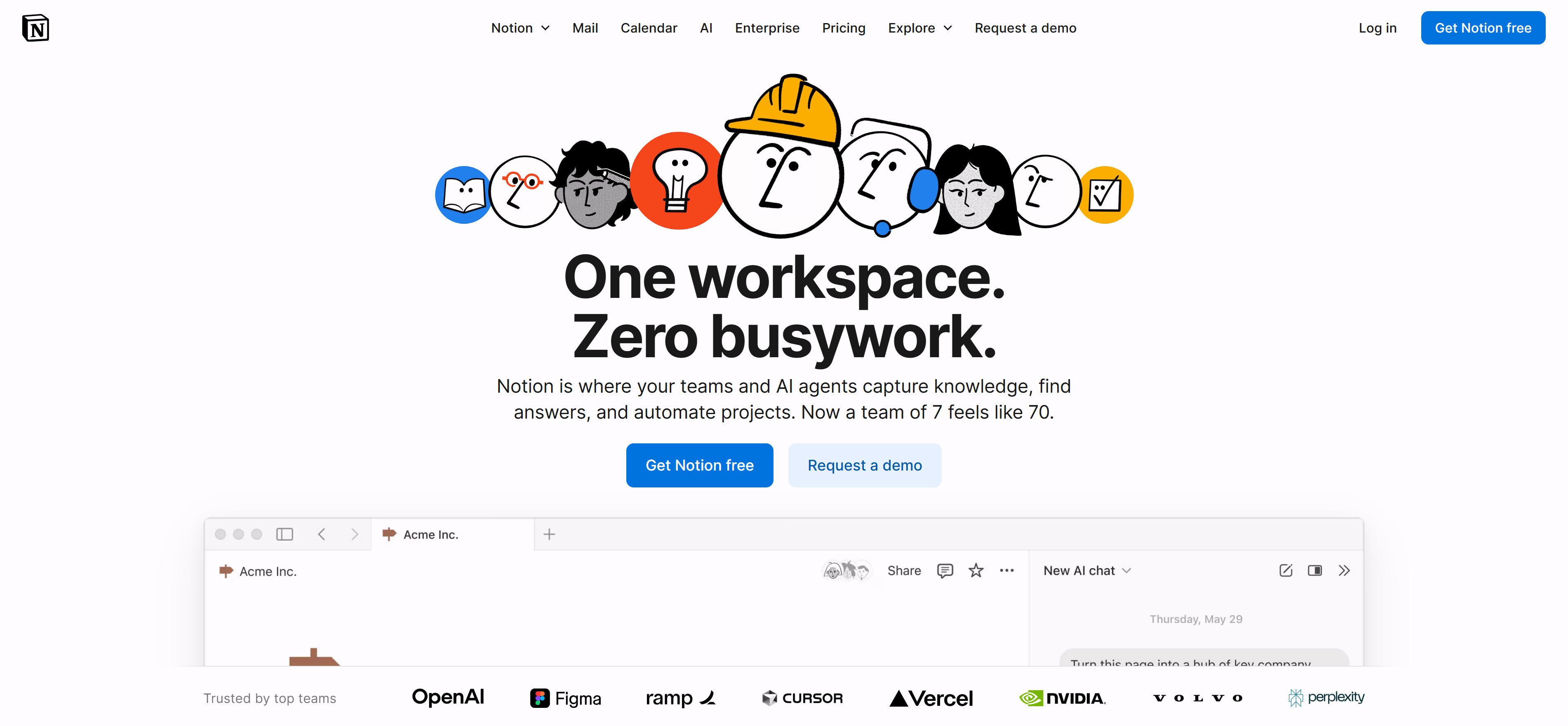
Notion provides an incredibly flexible all-in-one workspace platform enhanced with AI capabilities for intelligent document generation and knowledge management. The platform supports creating databases, kanban boards, calendars, and various view formats, with AI assistants helping generate document outlines, summarize content, and enable smart search. Particularly ideal for teams and individuals needing customizable workflows, Notion offers comprehensive productivity solutions from note-taking to project tracking through its AI-powered writing assistant, automatic tagging, and content recommendations for modern teams.
2. ClickUp: Intelligent Project Management
2. ClickUp: Intelligent Project Management
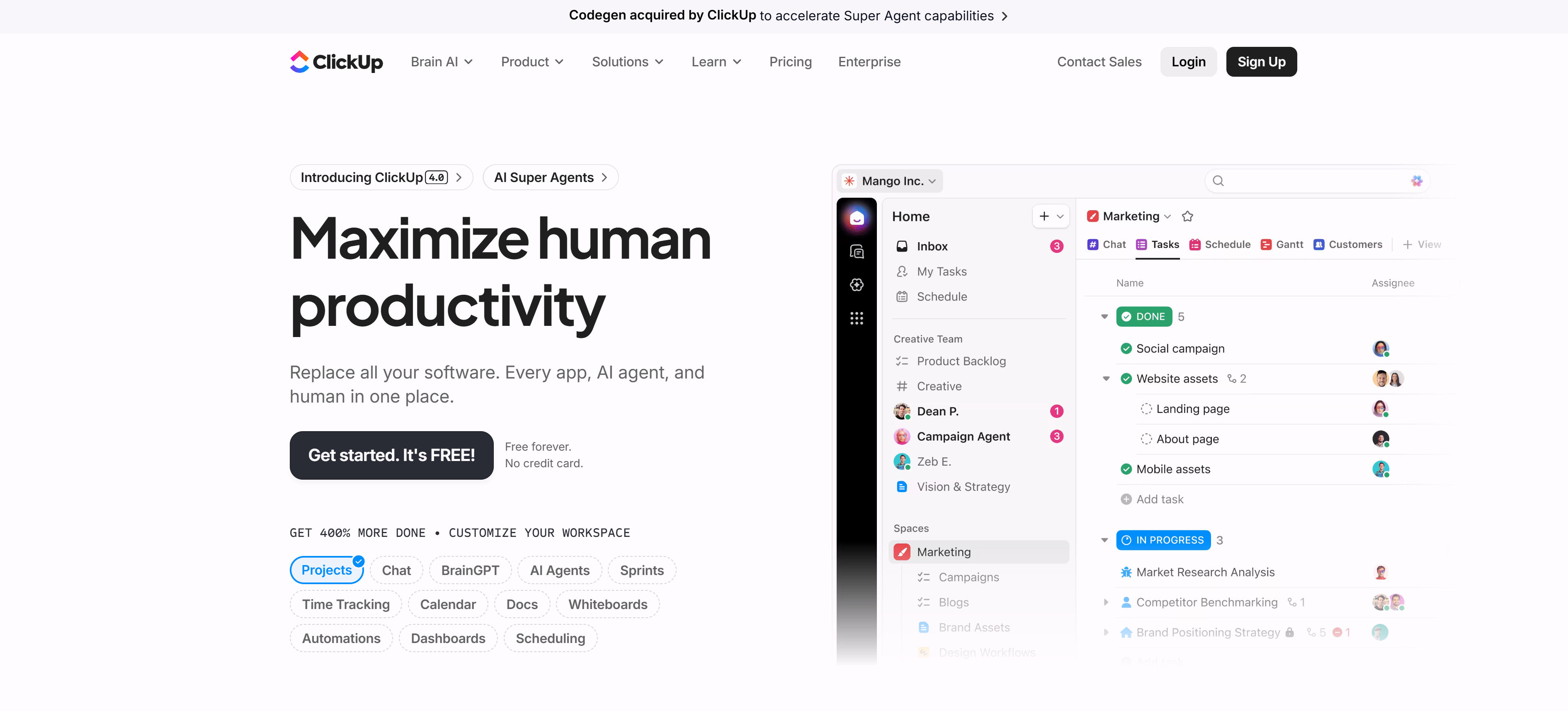
ClickUp delivers a powerful intelligent project management platform featuring AI-driven task allocation, time estimation, and progress prediction capabilities. By analyzing team work patterns through machine learning, the platform automatically recommends task priorities and optimizes resource distribution. Supporting multiple views including lists, kanban boards, calendars, and timelines, AI assistants can generate task descriptions, set reminders, and streamline workflows. Perfect for enterprises requiring complex project management and team collaboration, ClickUp provides comprehensive solutions from individual tasks to large-scale projects, making team collaboration more efficient and intelligent.
3. Asana: Team Task Collaboration
3. Asana: Team Task Collaboration
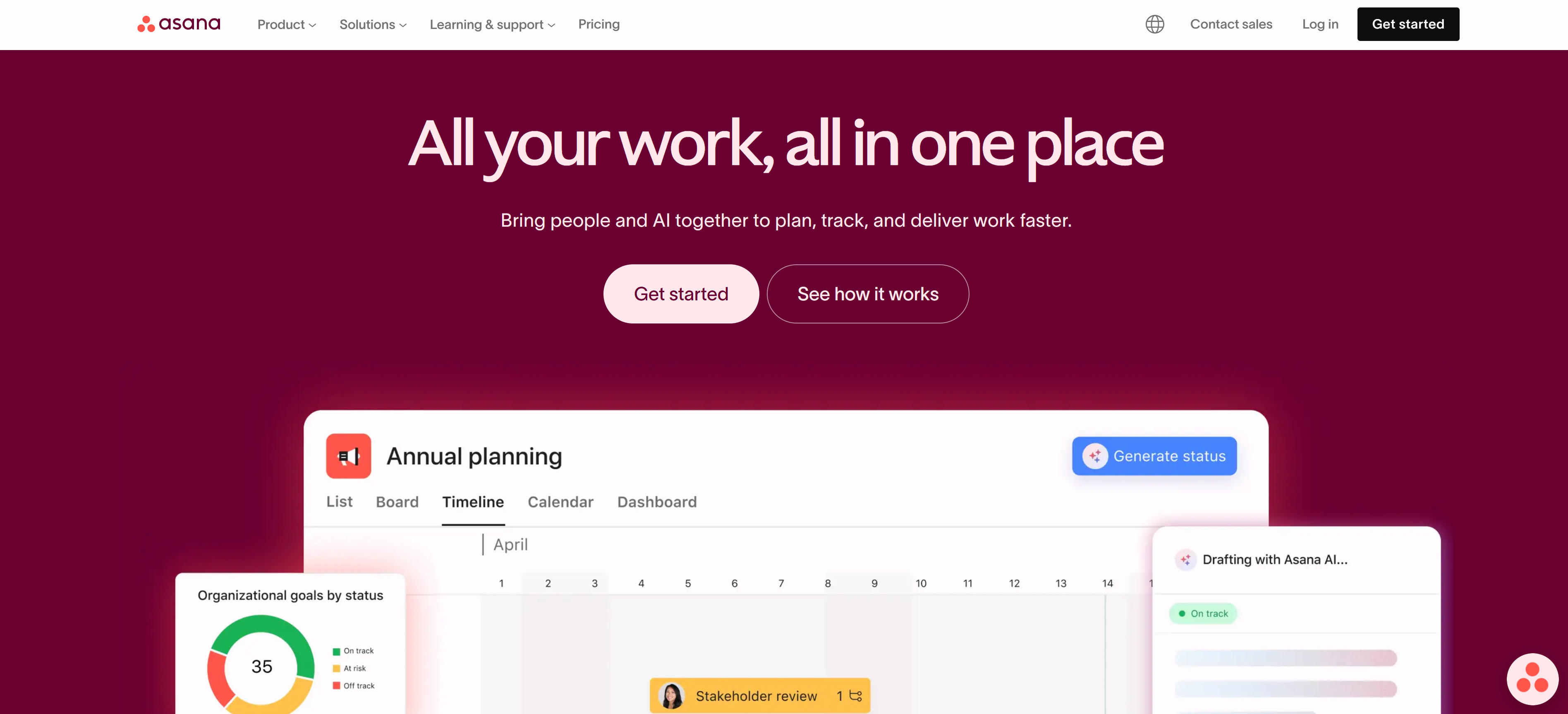
Asana specializes in team task collaboration and project tracking, offering AI-powered workload analysis, automated task distribution, and progress prediction. By analyzing team member work patterns and capacity, AI identifies bottlenecks and optimizes resource allocation. The platform provides clear task lists, timelines, and progress reports with AI assistants generating task summaries, sending intelligent reminders, and forecasting project delays. Ideal for medium to large enterprises requiring cross-departmental collaboration, Asana delivers end-to-end management from task assignment to project completion, making team collaboration smarter and more efficient.
4. Monday.com: Visual Workflow Management
4. Monday.com: Visual Workflow Management
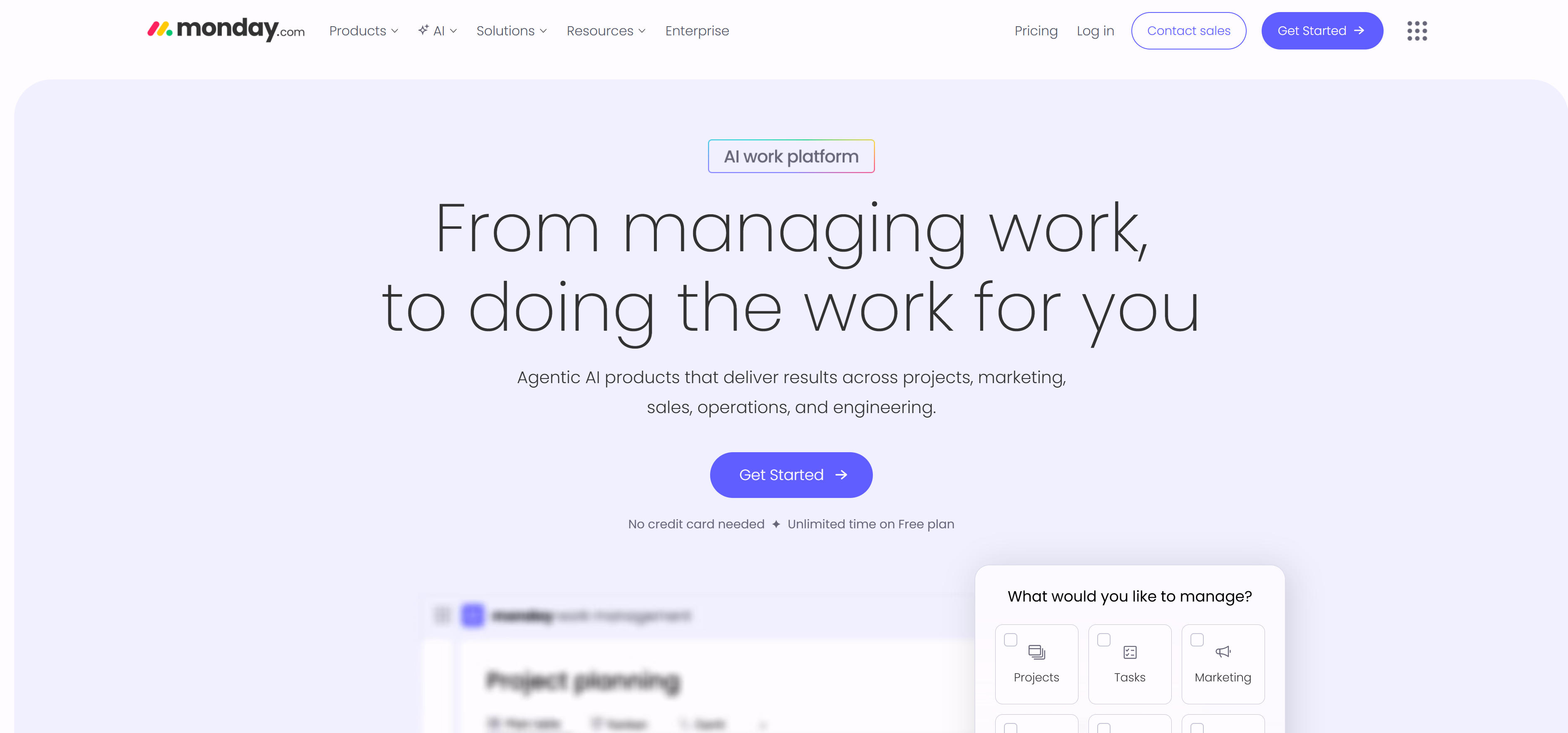
Monday.com excels in visual workflow management, utilizing AI-driven automation and intelligent insights to optimize work processes. The platform offers highly customizable kanban boards, timelines, and charts with AI automatically analyzing work data, predicting delays, and optimizing resource allocation. Supporting over 100 ready-made templates and custom automation rules, it's particularly well-suited for marketing, creative, and operations teams. AI features include intelligent notifications, progress forecasting, and automated workflows, making complex work management intuitive and efficient while helping teams achieve better workflow visualization and intelligent management.
5. Jira: Agile Development Management
5. Jira: Agile Development Management
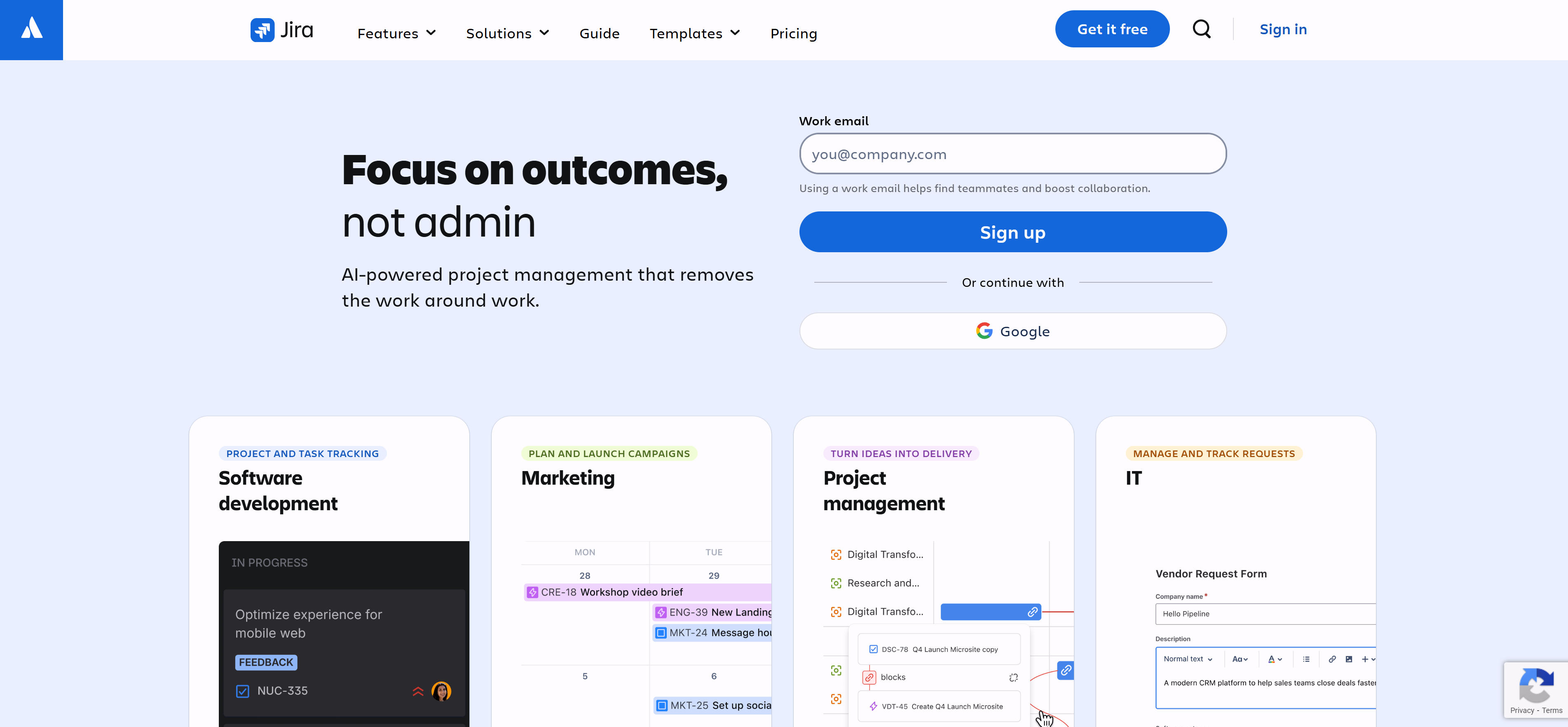
Jira serves as a professional agile development management tool with AI capabilities including intelligent issue categorization, automated task assignment, and team performance analysis. Through machine learning optimization of development processes, AI predicts development cycles, identifies risks, and optimizes resource allocation. Supporting Scrum and Kanban methodologies, the platform provides detailed reporting and analytics. Perfect for software development teams and technology companies, Jira offers complete development lifecycle management from requirements to product release. AI assistants automatically generate user stories, optimize task distribution, and predict project risks, delivering intelligent agile management solutions for modern software development teams.
AI Productivity Tools Comparison
| Tool Name | Core Advantages | Best For | AI Features | Pricing |
|---|---|---|---|---|
| Notion | Highly Flexible | Knowledge Management | Document Generation | Free-$8/user/mo |
| ClickUp | Feature-Rich | Project Management | Task Allocation | Free-$19/user/mo |
| Asana | Collaboration-Focused | Team Collaboration | Workload Analysis | Free-$24.99/user/mo |
| Monday.com | Strong Visualization | Workflow Management | Automation | $8-$16/user/mo |
| Jira | Professional Agile | Software Development | Issue Tracking | $7.75-$15.25/user/mo |
Use Cases: 5 Practical Applications
AI productivity tools have extremely broad application scenarios, covering all aspects of modern work that require organization, collaboration, and management. From personal task management to enterprise-level project collaboration, AI productivity tools provide effective assistance to make work more efficient and intelligent.
Project Management & Team Collaboration
In project management and team collaboration scenarios, AI productivity tools can automatically plan projects, assign tasks, and track progress. Tools like ClickUp and Asana use AI to predict project delays, optimize resource allocation, and generate automatic project reports. They support cross-departmental collaboration and real-time progress synchronization, helping team members better understand project status and improve overall work efficiency and project success rates.
Knowledge Management & Document Collaboration
In knowledge management and document collaboration scenarios, AI productivity tools can build intelligent knowledge bases and assist with document generation and content organization. Tools like Notion support real-time multi-user collaboration and version control, providing intelligent search, content recommendations, and automatic tag classification through AI. They help enterprises better accumulate and share knowledge, improving document management efficiency and team learning capabilities.
Software Development & Agile Management
In software development and agile management scenarios, AI productivity tools can optimize development processes and improve team efficiency. Professional tools like Jira help with issue categorization, risk prediction, and team performance analysis through AI. They integrate with code repositories and CI/CD tools to provide complete development process management, helping development teams better track progress, identify bottlenecks, and continuously improve.
Marketing & Content Management
In marketing and content management scenarios, AI productivity tools can optimize workflows and improve marketing efficiency. Tools like Monday.com automate content publishing, audience analysis, and performance tracking through AI. They support multi-channel marketing management, helping marketing teams better plan campaigns, assign tasks, and analyze marketing effectiveness, improving marketing ROI and team collaboration efficiency.
Personal Productivity & Time Management
In personal productivity and time management scenarios, AI productivity tools can provide intelligent reminders and task management. Individual users can build customized knowledge management systems using Notion, with AI assistants providing intelligent reminders, task priority sorting, and time management suggestions. They help individuals better organize work and life, improving personal productivity and work-life balance.
How to Choose AI Productivity Tools
Based on your usage scenarios, team size, integration needs, AI feature effectiveness, and budget, selecting appropriate AI productivity tools can significantly improve work efficiency and team collaboration quality.
1. Assess Team Size and Organization Structure
Choose appropriate tools based on team size: individual users select flexible Notion; small teams choose comprehensive ClickUp; large enterprises select professional-level Jira or Asana. Consider organizational structure and collaboration patterns to ensure tools can adapt to team work methods and processes.
2. Define Primary Workflows and Requirements
Analyze core workflows: if project-driven, choose Asana or ClickUp; if knowledge-intensive, choose Notion; if software development, choose Jira. Clearly define specific AI feature requirements to ensure tools can truly solve work pain points.
3. Check Integration Capabilities and Scalability
Evaluate integration capabilities with existing systems, including API, Zapier integration, and third-party app connections. Choose platforms that support your primary tool stack to ensure seamless integration into existing workflows and improve overall work efficiency.
4. Evaluate AI Feature Effectiveness and Accuracy
Test actual AI feature performance: accuracy of intelligent recommendations, practicality of automation rules, and value of data insights. Select AI features that genuinely improve efficiency rather than adding burden, ensuring AI capabilities bring real value to work.
5. Consider Budget and Long-term ROI
Comprehensively consider acquisition costs, training costs, and maintenance costs. Calculate efficiency improvements and time savings from tools, evaluate return on investment. Choose solutions with optimal cost-effectiveness to ensure long-term use brings sustained value returns.
Conclusion
AI productivity tools are fundamentally reshaping modern work methods, from basic task management to intelligent workflow optimization. These AI-enhanced platforms significantly improve individual and team work efficiency through technology. Selecting appropriate tools requires comprehensive evaluation based on specific needs, team size, and budget considerations.
Whether seeking flexible workspaces like Notion, focusing on project management with ClickUp, or requiring professional agile development like Jira, users can find ideal productivity enhancement solutions among these AI-powered tools. As AI technology continues to advance, productivity tools will become more intelligent and personalized, providing users with superior work experiences.