Article Introduction
This comprehensive guide introduces AI design tools, from basic concepts to detailed tool type analysis, helping you understand how to use AI technology to simplify design workflows and create professional visual content. We'll explore four major AI design tool categories: website builders, presentation generators, poster makers, and Logo generators, covering their features, applications, and selection guides. Through in-depth technical analysis and practical guidance, you'll master the key methods for selecting appropriate AI design tools and improve your design efficiency and quality.
What Are AI Design Tools
AI design tools are software platforms that use AI technology to simplify design workflows, covering website building, presentation generation, poster creation, Logo design, and more. These tools use machine learning algorithms to understand user design needs, automatically generating layouts, color schemes, fonts, and other design elements, enabling non-professional designers to create professional-quality work. AI design tools are an important part of AI tools. For more AI tool types, check our complete AI tools guide.
In the rapidly developing tech era, AI design tools are changing how we work. From website building to presentation generation, to Logo design, these tools not only improve efficiency but also make creation simpler and more fun. Whether professional designers or hobbyists, all can gain great convenience and creative inspiration from these tools.
AI design tools' core value lies in improving creation efficiency and lowering technical barriers, enabling users without professional design experience to create high-quality design works. However, AI design tools aren't universal. They excel at design tasks with clear patterns and rules, while professional designers remain essential for complex projects requiring deep creativity, brand strategy, and user experience optimization. The best approach is human-AI collaboration: AI tools handle repetitive, template-based design work, while humans focus on creative conception, strategy, and quality control.
AI Design Technology Overview
Modern AI design technology uses deep learning and neural networks to understand design needs, learn design patterns, and automatically generate visual content conforming to design principles. Compared to traditional design tools, AI design technology significantly improves creation efficiency, quality stability, and functional diversity.
Core advantages include: understanding (understanding natural language descriptions and design needs), generation (automatically generating layouts, color schemes, fonts, and other design elements), learning (learning design patterns and trends from vast design data), optimization (automatically optimizing design solutions based on user feedback). Different AI design tools use different technical architectures: website builders mainly rely on layout generation algorithms and component libraries, presentation tools use template matching and content generation technology, poster tools combine image generation and typography algorithms, Logo tools use symbol generation and style transfer technology.
Detailed Introduction to AI Design Tool Types
We've created detailed introductions for different AI design tool types, each containing comprehensive introductions, use cases, and selection guides. Below are detailed introductions to each tool type:
1. AI Website Builder: Build Professional Websites Quickly
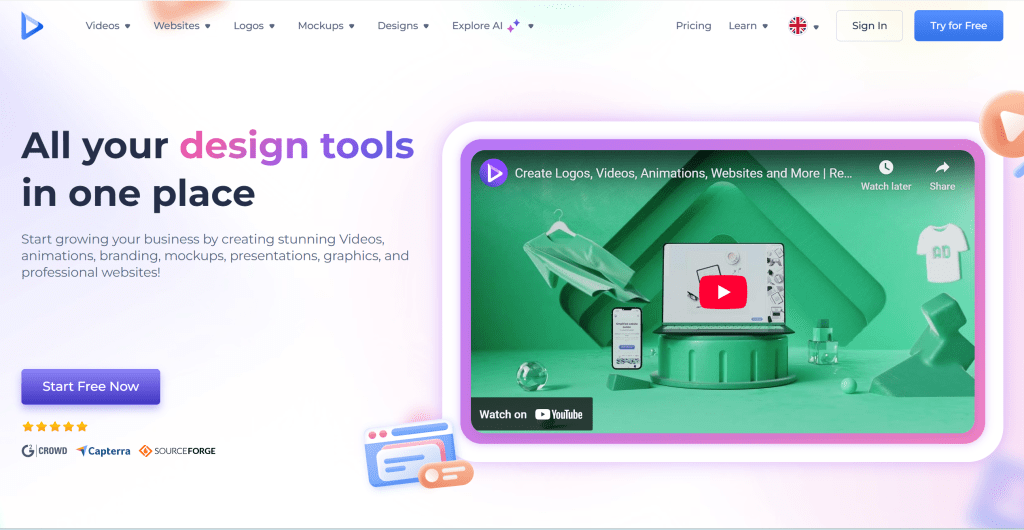
AI website builders use AI technology to simplify and automate website creation. Through intelligent algorithms and machine learning, these tools automatically generate website layouts, design elements, and content, enabling users to create high-quality websites without coding or professional design skills. Their core advantage lies in intelligent website generation capabilities, understanding user needs, automatically generating website structure and design, and providing real-time preview and editing. Whether for corporate websites, personal portfolios, e-commerce sites, or blog platforms, AI website builders provide efficient solutions, lowering website creation barriers.
2. AI Presentation Generator: Auto-Create Professional Slides
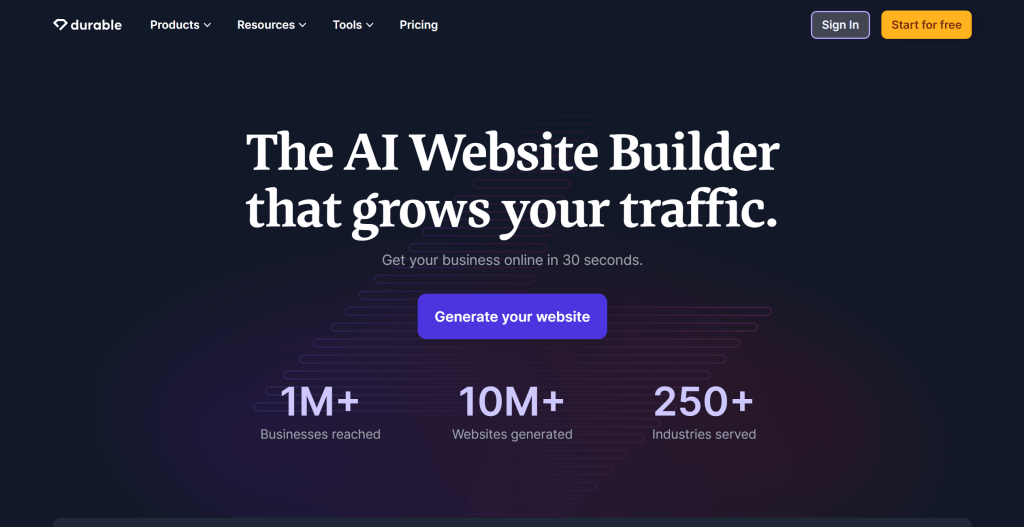
AI presentation generation tools use AI technology to automatically create presentations. These tools intelligently generate visually appealing, well-structured slides based on user-provided themes, text, and images, enabling users to quickly create professional PPT presentations. Their core advantage lies in intelligent presentation generation capabilities, understanding user needs, automatically generating slide structure and design, and providing multiple templates and style options. Whether for business presentations, education, product showcases, or academic reports, AI presentation generation tools provide efficient solutions, lowering presentation creation barriers.
3. AI Poster Generator: Auto-Design & Create Posters
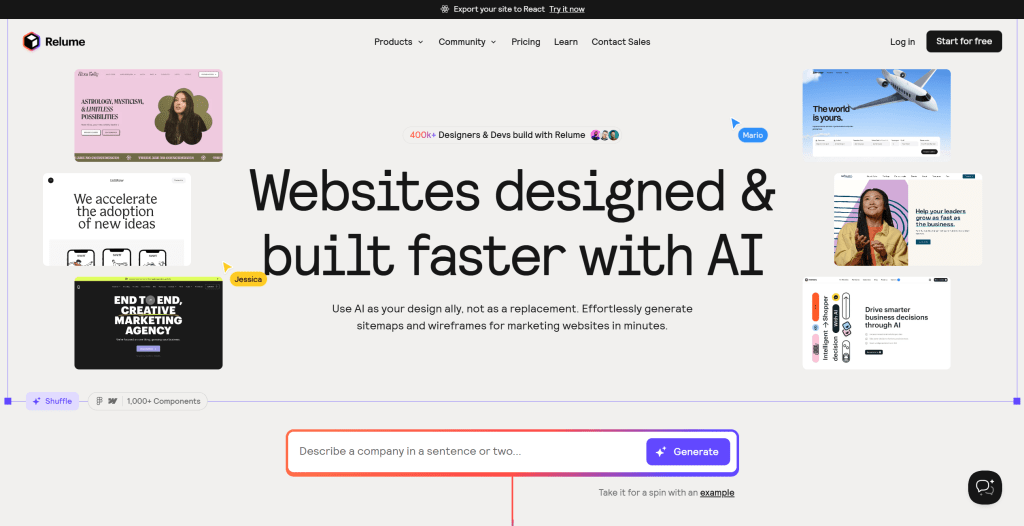
AI poster generation tools use AI technology to automatically design and create posters. Users just input basic information like theme, text content, and images, and AI tools automatically generate posters in multiple design styles and layouts, enabling users to easily create high-quality promotional materials. Their core advantage lies in intelligent poster design capabilities, understanding user needs, automatically generating multiple design options, and providing real-time preview and editing. Whether for marketing posters, event promotion, product promotion, or brand display, AI poster generation tools provide efficient solutions, lowering poster creation barriers.
4. AI Logo Generator: Auto-Create Brand Logo Designs
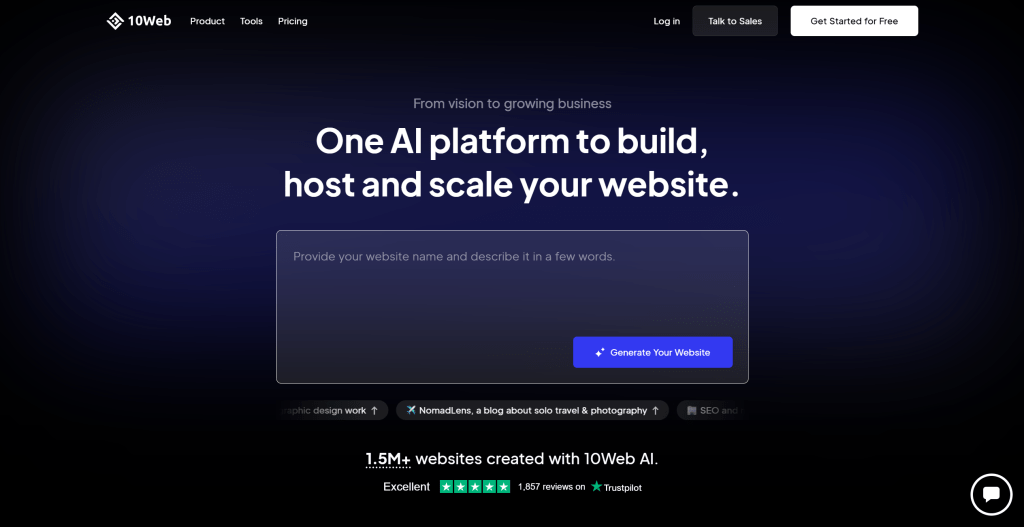
AI Logo generation tools use AI technology to automatically create logos. By inputting brand name, industry type, and design preferences, AI tools generate multiple Logo design solutions in various styles, helping users quickly find Logo designs matching brand image. Their core advantage lies in intelligent Logo design capabilities, understanding brand needs, automatically generating multiple design options, and providing real-time preview and editing. Whether for brand Logo design, corporate identity, product branding, or personal branding, AI Logo generation tools provide efficient solutions, lowering Logo design barriers.
AI Design Tools Use Cases
AI design tools have very wide applications, covering multiple fields from personal creation to enterprise marketing. In content creation, creators like bloggers and YouTubers can use AI tools to quickly generate cover images, posters, social media content, and other visual materials, greatly improving content creation efficiency. In enterprise marketing, marketers can use AI tools to quickly create marketing posters, promotional materials, presentations, reducing design costs and improving marketing efficiency.
In brand building, small businesses and entrepreneurs can use AI tools to quickly create Logos, websites, brand visuals, establishing professional brand image at lower costs. In education & training, teachers and educators can use AI tools to create teaching slides, posters, course materials, improving teaching effectiveness. In product design, product managers and designers can use AI tools to quickly generate product prototypes, interface designs, user interfaces, accelerating product development processes.
Getting Started with AI Design Tools
Getting started with AI design tools is very simple. Most tools provide friendly user interfaces and detailed usage guides. First, clarify your design needs, determine what type of design works to create (website, presentation, poster, or Logo). Then, choose suitable tools, select the most suitable AI design tools based on your needs, budget, and use cases.
Next, register accounts and familiarize with interfaces. Most AI design tools offer free trials. Register accounts first, familiarize with tool operation interfaces and basic functions. Then, start with templates, use templates provided by tools to quickly understand tool functions and operation methods. Finally, practice and optimize, practice through actual projects, gradually master tool usage skills, and continuously optimize your design works based on actual results.
Future Trends of AI Design Tools
Future development trends of AI design tools mainly manifest in: 1. Smarter Generation Capabilities: As AI technology continues to develop, AI design tools will more accurately understand user needs and generate higher quality design works; 2. Richer Functions: AI design tools will integrate more functions, developing from single tools to comprehensive design platforms; 3. Better User Experience: Tool interfaces will be more friendly, operations simpler, enabling more users to easily use; 4. Stronger Customization: Users will be able to more finely control design processes, achieving more personalized design works.
AI design tools will better integrate with professional design tools, forming more complete design workflows. Multimodal AI technology development will enable AI design tools to simultaneously handle text, images, audio, video, and other media types, further simplifying design processes. As AI technology continues to advance, AI design tools will upgrade from auxiliary tools to creative partners, co-creating better design works with human designers.
How to Choose AI Design Tools
Choose the right tool based on your design needs, budget, and skill level to maximize efficiency.
1. Evaluate Design Needs
First clarify your design needs: determine what type of design works you need to create (website, presentation, poster, Logo), understand your target audience and usage scenarios, assess your design skill level (beginner, intermediate, professional), consider your budget constraints. Different tools excel in different areas: website builders are suitable for quick website creation, presentation tools are good for business slides, poster tools are ideal for marketing materials, Logo tools focus on brand identity design. Choose tools matching your main needs.
2. Assess Quality Requirements
Evaluate design quality requirements: consider visual appeal (whether colors, layouts are attractive), professional level (whether suitable for commercial use), customization ability (whether can be personalized), consistency (whether design elements are unified). For professional commercial projects, choose tools with higher quality standards; for personal use or simple projects, choose more user-friendly tools. Test free versions first to assess whether quality meets your requirements.
3. Check Integration Capabilities
Check tool integration capabilities: consider compatibility with your existing workflow (whether integrates with design software you use), export formats (whether supports common formats like PDF, PNG, SVG), collaboration features (whether supports team collaboration), API integration (whether can be integrated into your systems). If you need to integrate with existing workflows, choose tools with good integration capabilities.
4. Consider Learning Curve
Consider tool learning curve: evaluate interface friendliness (whether easy to get started), tutorial resources (whether has detailed guides and tutorials), community support (whether has active user community), customer service quality (whether provides timely support). For beginners, choose tools with simple interfaces and comprehensive tutorials; for experienced users, choose tools with more advanced features and customization options.
5. Compare Pricing Models
Compare different pricing models: free tiers (basic features for free), freemium models (free basic version, paid premium features), subscription plans (monthly or annual subscriptions), one-time purchases (permanent ownership), pay-per-use (based on usage). Evaluate pricing based on your usage frequency: occasional users can choose free or low-cost options, frequent users should consider subscription plans, professional users may need premium plans for advanced features.
Frequently Asked Questions
Conclusion
AI design tools continue to evolve, providing more possibilities for designers and creators. Whether you're a professional designer or hobbyist, these tools can help you realize creativity and improve work efficiency. By choosing suitable tools, you can achieve greater success in the design field.
However, AI design tools aren't universal. They excel at design tasks with clear patterns and rules, while professional designers remain essential for complex projects requiring deep creativity, brand strategy, and user experience optimization. The best approach is human-AI collaboration: AI tools handle repetitive, template-based design work, while humans focus on creative conception, strategy, and quality control.
For more AI tool types, check our complete AI tools guide, covering AI LLMs, image tools, video tools, audio tools, 3D tools, and more.