AI Website Builders: Intelligent Design & Auto-Generation
Key Takeaways
This guide explores the best AI website builders for 2026, helping businesses and developers choose the right solution. It also covers selection criteria, comparisons, and practical tips for implementation. The sections below compare options, use cases, and practical selection criteria.
- AI website builders support smart templates, drag-and-drop, automated deployment for web creation.
- Compare Relume, Flint, Durable, Renderforest for features and use cases.
- Consider site type, feature needs, technical capability, and extensibility.
- Learn about technical principles and workflows with CMS, hosting, and SEO tools.
What Are AI Website Builders
AI website builders use AI to simplify and automate the website creation process. They combine deep learning and NLP to understand user needs. Suited for creators, small businesses, and freelancers.
In the workflow, AI design tools handle design; AI image generators handle imagery.
How AI Website Builders Work
Modern AI website building combines deep learning and NLP to understand user needs. Versus traditional tools, it improves efficiency and accessibility.
- Understanding: Understanding natural language descriptions, website requirements, and functional needs, translating user input into website specifications automatically.
- Generation: Generating site structures, page layouts, and design elements automatically, creating complete websites from text descriptions.
- Learning: Learning design patterns and best practices from large datasets, improving output quality and ensuring websites follow UX standards.
- Optimization: Automatic quality and UX improvements based on user feedback, refining layouts, content, and design elements to enhance effectiveness.
SaaS platforms offer cloud deployment. Local tools support privacy. Some focus on no-code; others on templates. Each optimizes for its use case.
2026 Best AI Website Builders: No-Code Creation & Automated Deployment
Here are the top professional AI website builders for 2026, designed for website construction, generating professional-quality content, supporting multiple website types and functional needs, ideal for users needing quick site creation, lacking technical experience, or wanting to explore multiple design styles.
1. Relume: Professional Collaboration Tool
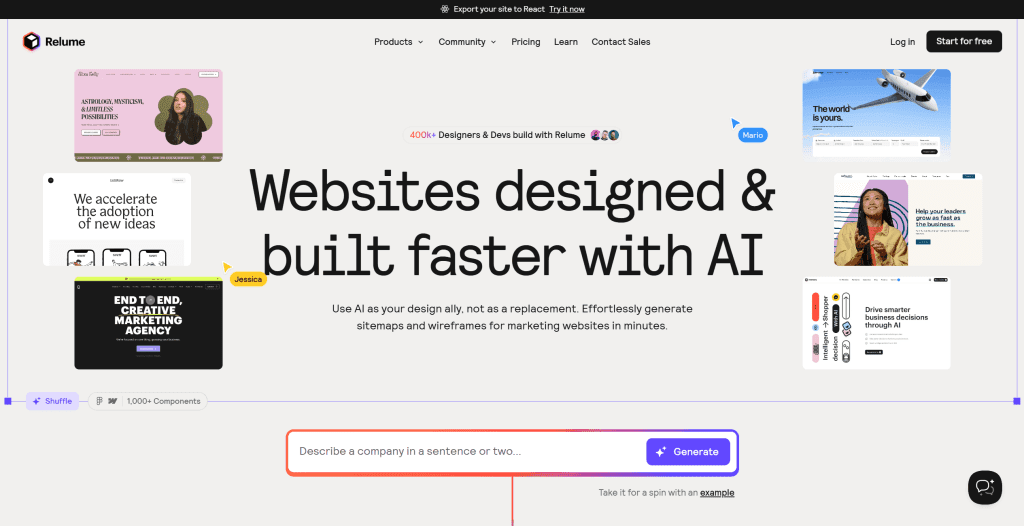
Relume is an AI website collaboration tool designed for designers and developers, with core features including AI-generated sitemaps and wireframes. Starting as a Webflow component library, Relume expanded into an AI-powered platform with over 1,000 human-designed standardized components, supporting seamless Figma and Webflow exports. Users input website descriptions, and AI generates complete architectures with multilingual copy in under one minute, significantly shortening proposal time. Relume excels at efficient collaboration (team comments, project sharing) and professional adaptability (especially for outsourced design teams needing quick delivery). It provides powerful component libraries and design systems, helping designers quickly create professional website prototypes. Relume also supports multilingual content generation, automatically generating website copy in different languages, greatly improving international website building efficiency. Relume suits professional designers and development teams, providing complete workflows from concept to implementation. Pricing is higher with a learning curve for beginners, but for professional teams needing quick delivery of high-quality websites, Relume provides powerful tool support.
2. Flint: Autonomous Website Platform

Flint is an innovative autonomous website platform designed for rapid creation and optimization of brand landing pages. Through AI technology, Flint can autonomously build websites without developers or rebuilding processes. Users simply provide their existing website URL, and Flint extracts the complete brand system (colors, fonts, components, assets), then automatically generates optimized pages based on provided content. Flint supports multiple page types including SEO/GEO pages, advertising landing pages, ABM microsites, etc., capable of rapidly generating dozens of page variations, supporting A/B testing and personalization. The platform is particularly suitable for marketing teams and growth teams, able to shorten the page creation process that originally took months to just minutes, significantly improving marketing efficiency and response speed.
3. Durable: Rapid Website Building
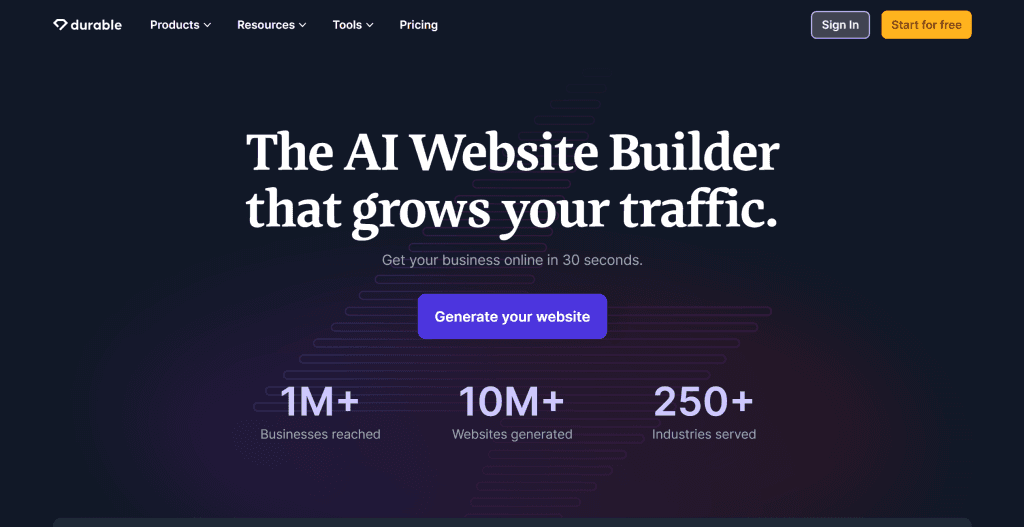
Durable is a "zero-code" rapid website builder for small businesses and individual entrepreneurs, advertising "complete website generation in 30 seconds." Durable's AI automatically generates page layouts, marketing copy, visual assets, and integrates CRM and invoice management tools, providing an all-in-one solution from building to marketing. Durable's highlights are extremely low barriers (no design or programming experience needed) and full-stack integration (all-in-one solution from building to marketing). It provides intelligent content generation, automatically creating website content, marketing copy, and visual assets based on user-input business information. Durable also integrates CRM and invoice management tools, enabling users to manage entire business processes on one platform. Durable suits small businesses and individual entrepreneurs needing quick basic website launches. Template personalization is limited, but for users needing quick online presence, Durable provides efficient solutions. The tool offers free trials and multiple subscription plans.
4. Renderforest: All-in-One Platform
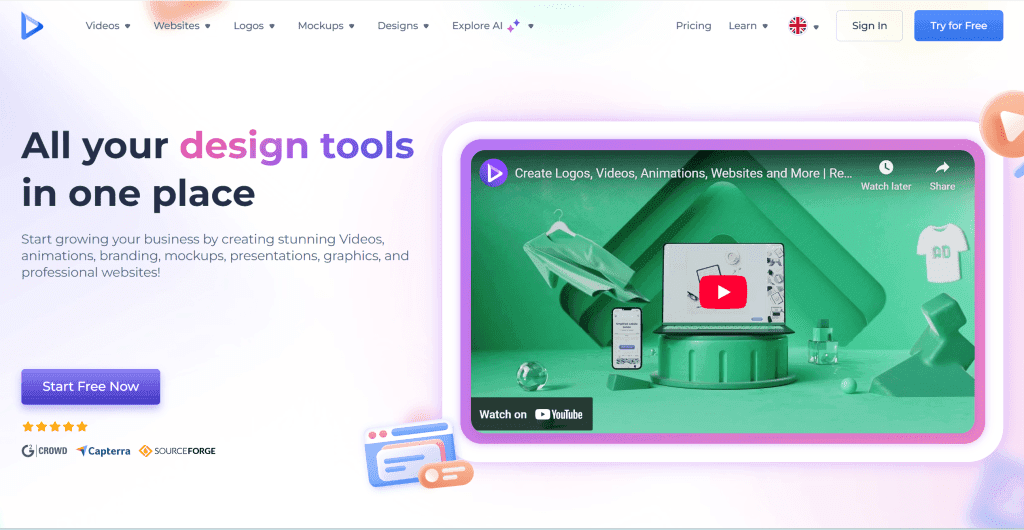
Renderforest is an all-in-one creative platform covering websites, videos, and logo design. Known for rich templates, users can quickly build responsive websites through drag-and-drop editors while supporting AI-generated brand visual assets (like animated logos). Renderforest provides rich template libraries and design tools, enabling users to quickly create professional websites. It also supports video production and logo design, helping users create unified brand visual identities. Renderforest's drag-and-drop editor is intuitive, enabling users without design experience to quickly get started. Renderforest suits small and medium businesses needing unified brand identities. It offers multiple subscription plans. However, scattered features may limit building depth; complex websites may need additional tools.
5. Code Design.ai: AI-Assisted Coding
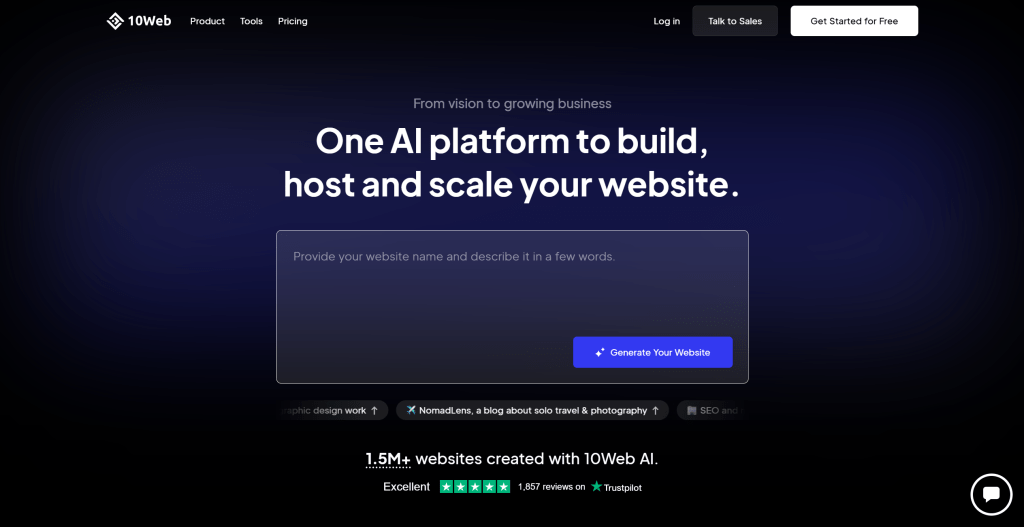
Code Design.ai is an AI-assisted web development platform that converts designs into clean, production-ready code. Through advanced AI algorithms, it can transform UI designs (images, mockups, Figma files) into pixel-perfect HTML/CSS/JavaScript code, supporting frameworks like React, Vue, and Angular. The platform excels at accurate code generation, automatically generating semantic HTML, optimized CSS, and interactive JavaScript. It also supports responsive design and cross-browser compatibility. Code Design.ai particularly suits developers and design teams needing to quickly convert designs to code, or businesses wanting to build MVPs rapidly. While it requires some technical knowledge, it significantly speeds up development workflows. The tool offers both free and paid plans with different feature sets.
6. 10Web: WordPress Cloning
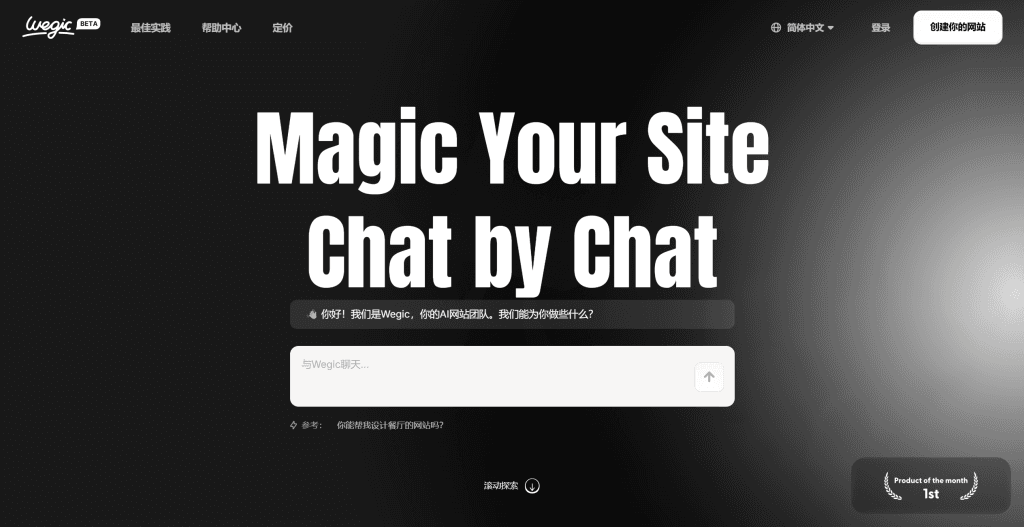
10Web is an AI-powered WordPress platform that can clone any website and rebuild it as a WordPress site. Using advanced AI and machine learning, it analyzes existing websites and automatically generates WordPress themes, plugins, and content structures. The platform excels at website cloning and migration, capable of transforming any website into a fully functional WordPress site. It also provides AI-powered content generation and SEO optimization. 10Web particularly suits agencies and businesses needing to migrate existing sites to WordPress or create new sites based on competitor designs. While focused on WordPress ecosystem, it provides powerful automation for WordPress users. Pricing includes hosting and various plan options.
7. Wegic: Dynamic Interactions
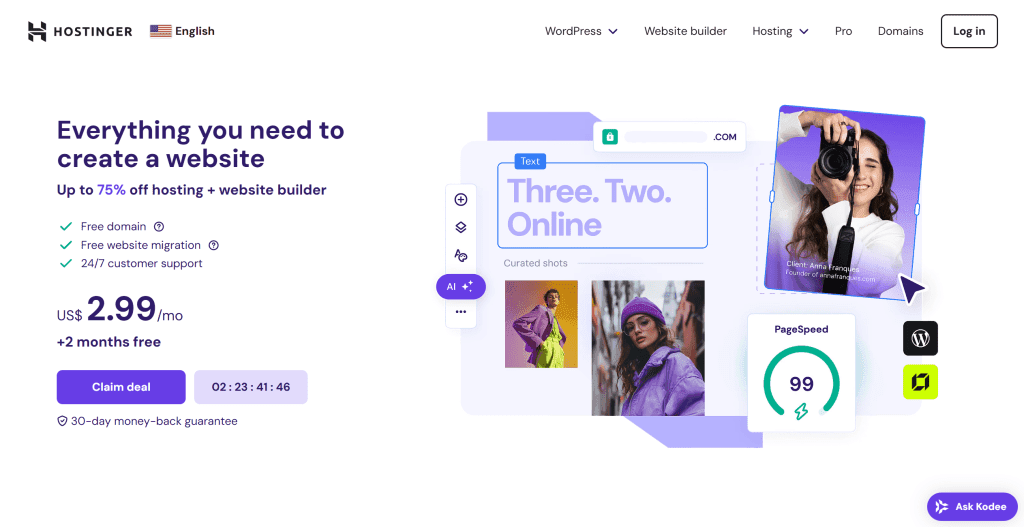
Wegic is a website building platform focused on dynamic interactions and animations. Through AI technology, it enables users to create websites with rich interactive elements without coding, supporting complex animations, micro-interactions, and dynamic content. The platform excels at creating engaging user experiences with interactive storytelling, animated transitions, and dynamic content loading. It provides visual editors for designing interactions and supports integration with various APIs and services. Wegic particularly suits creative agencies, designers, and brands wanting to create memorable web experiences. While requiring some design knowledge, it provides powerful tools for creating unique websites. The platform offers various pricing tiers based on features and usage.
8. Squarespace: Aesthetic Templates
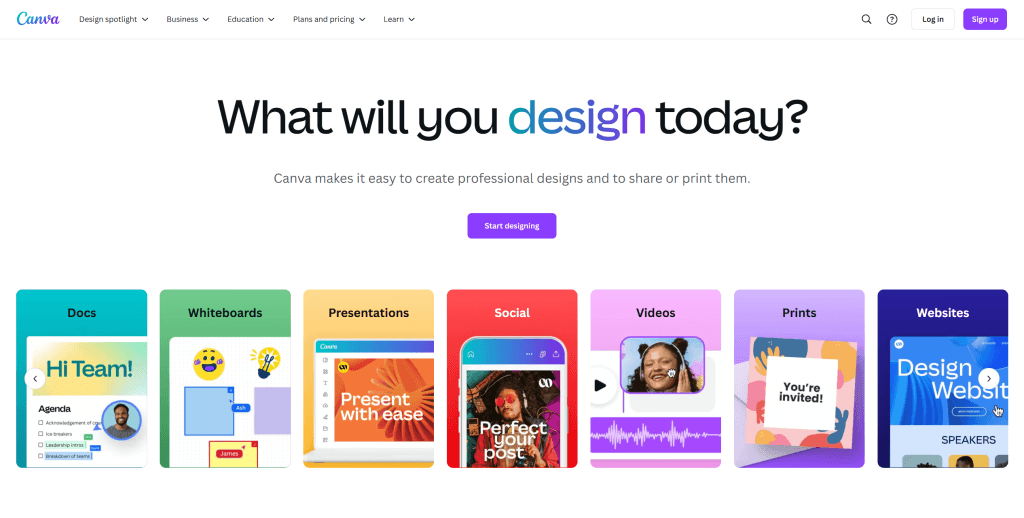
Squarespace is a website building platform known for beautiful, modern templates and user-friendly interface. While not heavily AI-focused, it incorporates AI features for content generation and design suggestions, making it easier for users to create professional websites. The platform provides hundreds of professionally designed templates optimized for different industries and purposes. It includes built-in blogging, e-commerce, and marketing tools. Squarespace's drag-and-drop editor is intuitive, and it offers excellent customer support. Squarespace suits individuals, small businesses, and creatives wanting beautiful, professional websites without technical complexity. It provides hosting, domain registration, and various plan options.
9. Hostinger: Affordable Solutions
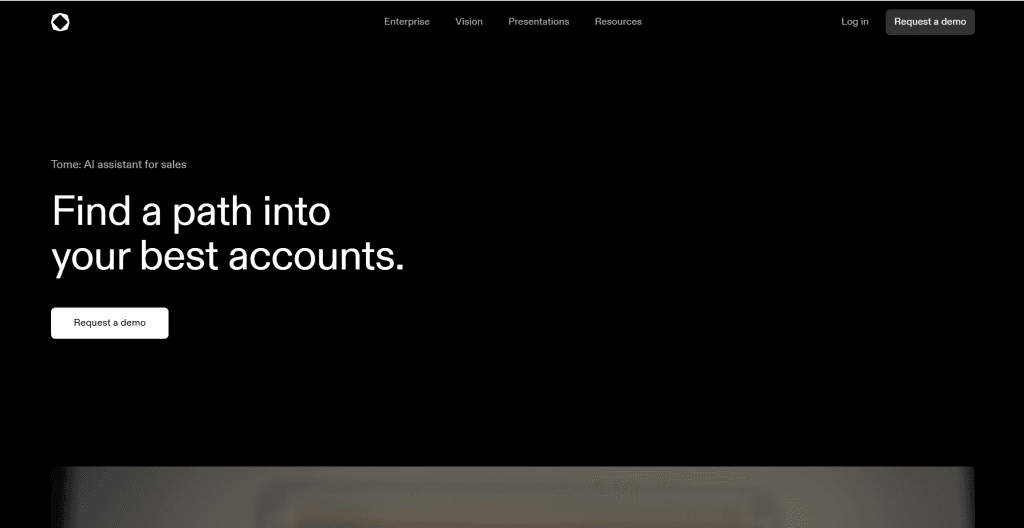
Hostinger is an affordable website building platform that combines hosting, domain registration, and website building tools. It offers AI-powered website builders with drag-and-drop functionality and template selection. The platform provides user-friendly website builders with AI assistance for content and design suggestions. It includes reliable hosting services and good performance. Hostinger's strength is providing complete solutions at competitive prices. Hostinger suits budget-conscious users and small businesses needing affordable website solutions. It offers various hosting and website building plan combinations.
Traditional CMS Website Builders
While AI website builders offer innovative approaches, traditional CMS platforms remain powerful options for complex websites requiring extensive customization and scalability.
1. WordPress: CMS Platform
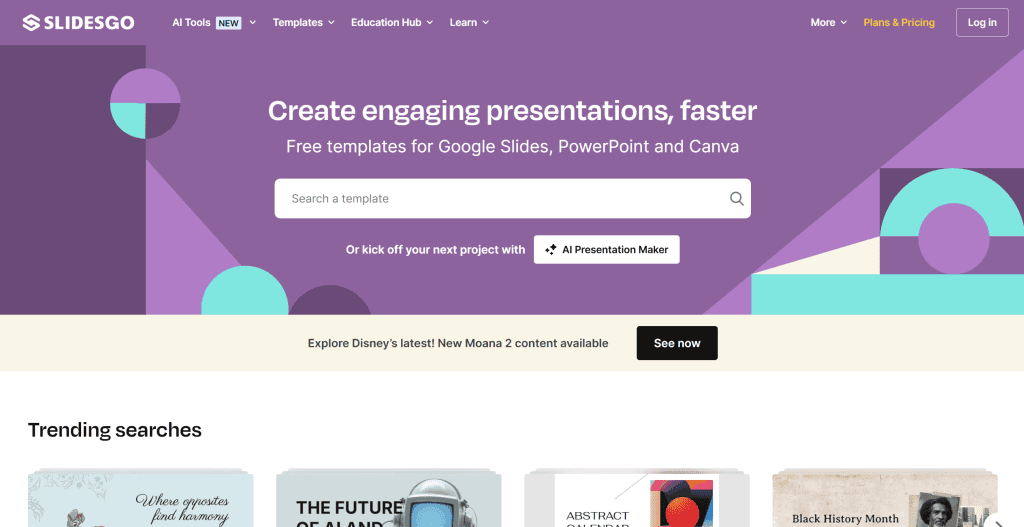
WordPress is the world's most popular content management system, powering over 40% of websites. While not primarily AI-driven, it incorporates AI plugins and integrates with various AI tools for content generation and optimization. The platform offers extensive customization through themes and plugins, supporting everything from simple blogs to complex e-commerce sites. WordPress has a massive community and ecosystem. It provides powerful content management and SEO capabilities. WordPress suits users needing highly customized websites with complex functionality. While having a learning curve, it offers unmatched flexibility and scalability.
2. Wix: Drag-and-Drop Building
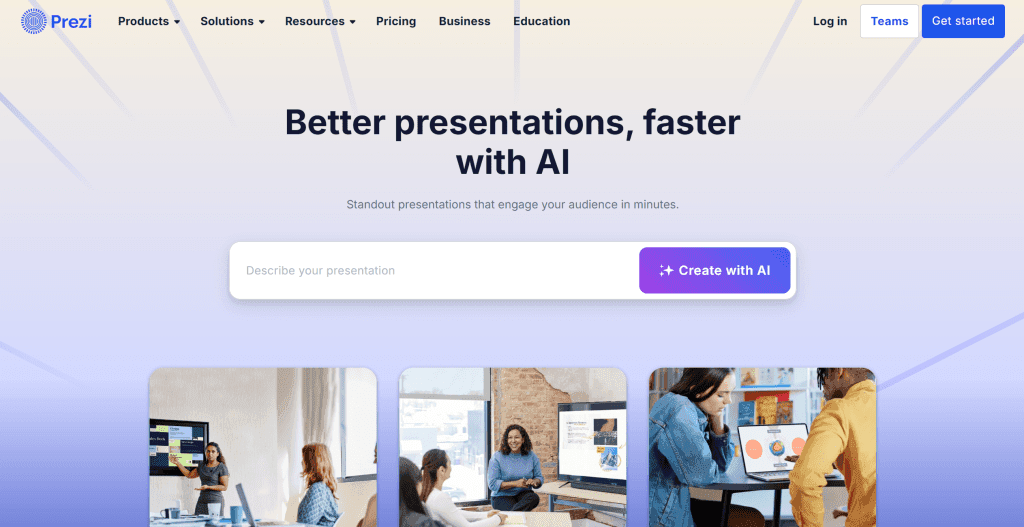
Wix is a popular drag-and-drop website builder with user-friendly interface and extensive template library. It incorporates AI features for design suggestions and content generation. The platform offers intuitive drag-and-drop editor, mobile-responsive designs, and built-in apps for various functionalities. Wix provides good customer support and reliable hosting. It supports e-commerce, blogging, and business websites. Wix suits beginners and small businesses wanting easy website creation. It offers various pricing plans and good scalability for growing businesses.
AI Coding Tools for Website Building
For developers and teams needing programmatic website building, AI coding tools provide advanced automation and code generation capabilities.
1. Lovable: Code Generation
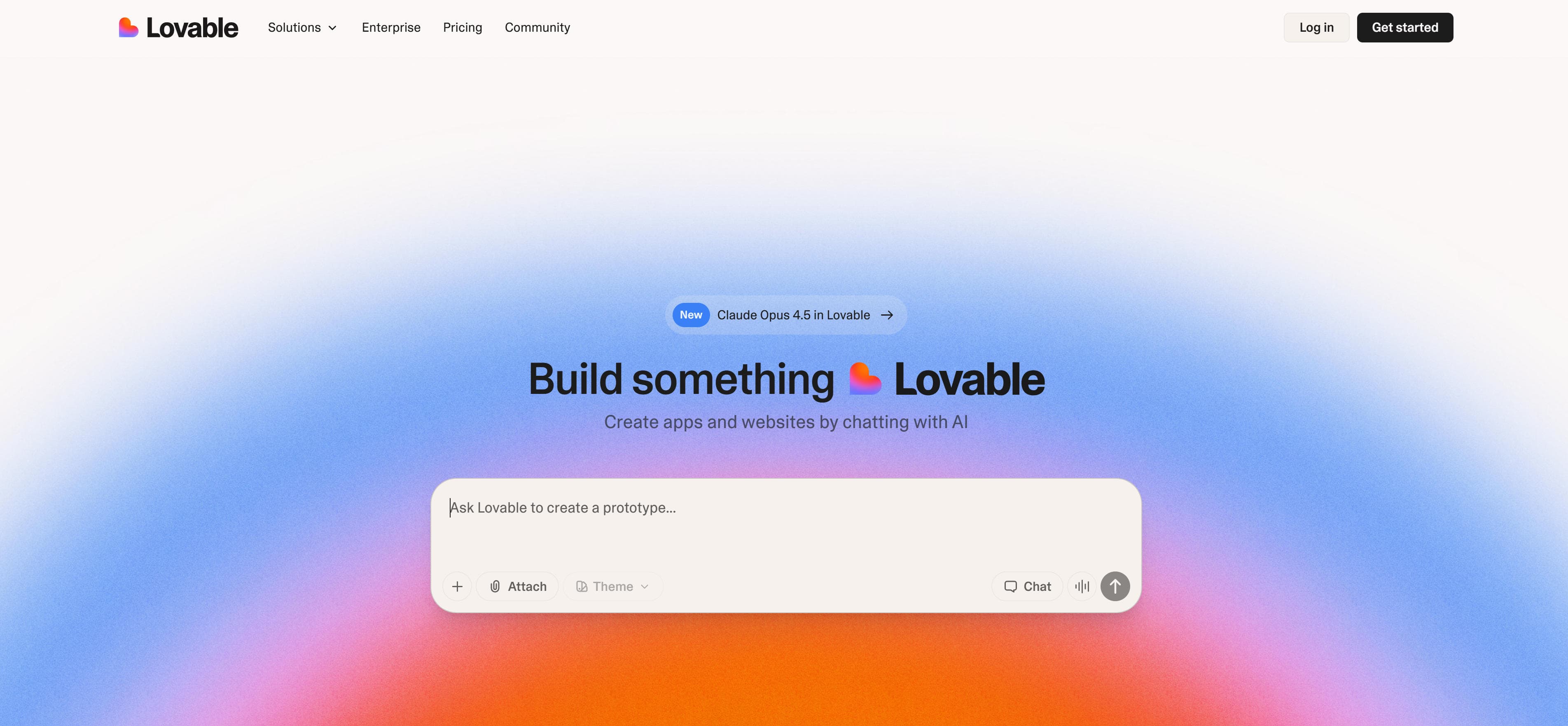
Lovable is an AI-powered platform that generates complete web applications from text descriptions. Users describe their desired website or app, and Lovable creates production-ready code with modern frameworks. The platform excels at rapid prototyping and full-stack development, generating both frontend and backend code. It supports deployment and provides collaborative features. Lovable particularly suits developers and product teams needing quick MVPs. While requiring some technical oversight, it significantly accelerates development workflows. The platform offers various pricing tiers.
2. Bolt: Full-Stack Development
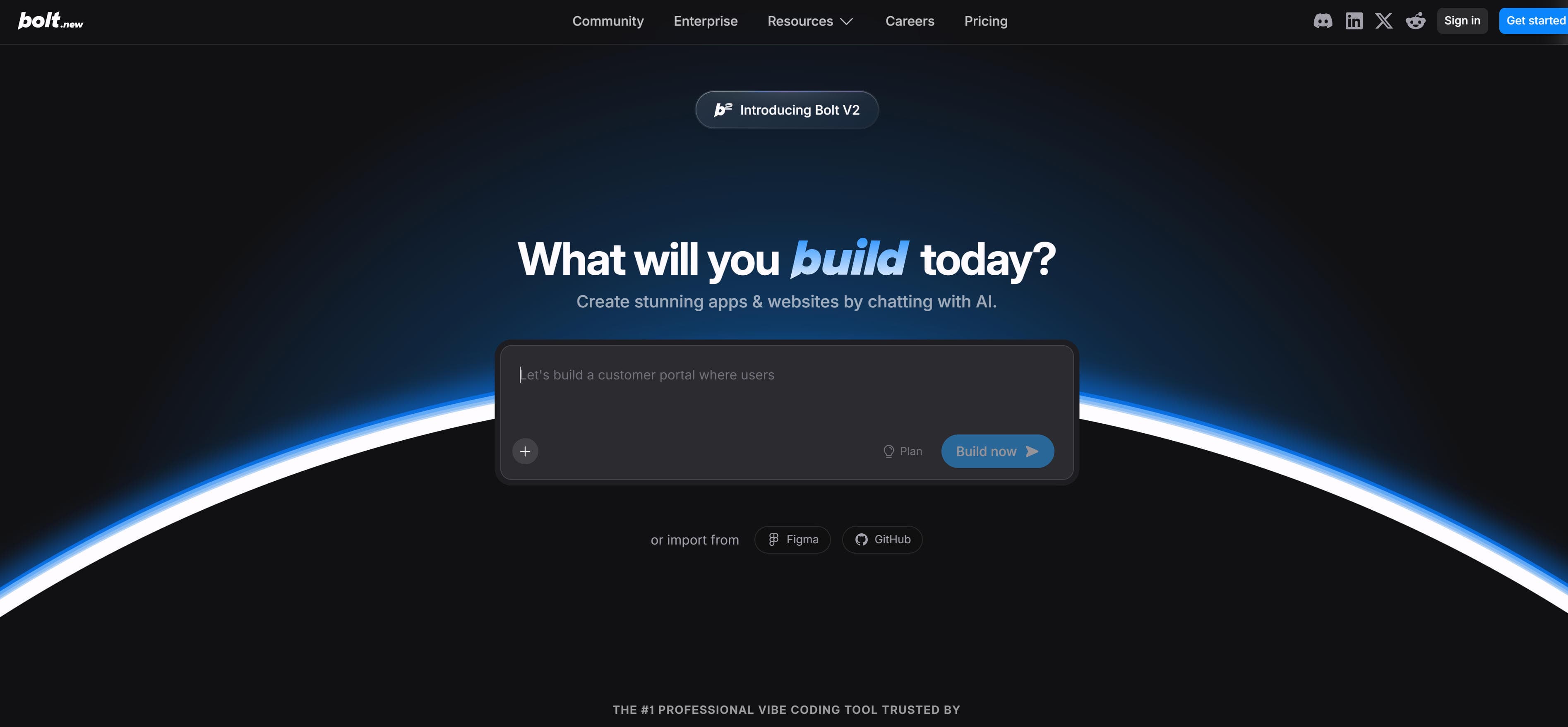
Bolt is an AI-powered full-stack development platform that can build complete web applications from scratch. It generates both frontend and backend code, sets up databases, and handles deployment automatically. The platform provides end-to-end development workflows, from idea to deployed application. It supports multiple frameworks and technologies. Bolt excels at rapid application development and prototyping. Bolt suits development teams and entrepreneurs needing quick application development. It offers powerful automation while maintaining code quality and best practices.
AI Website Builder Tools Comparison
Here's a detailed comparison of the top AI website builder tools to help you choose the best solution for your needs:
| Tool Name | Core Features | Best For | Pricing |
|---|---|---|---|
| Relume | Sitemap generation, wireframes, component library | Professional design teams, agencies | Subscription |
| Flint | Website cloning, autonomous building, A/B testing | Marketing teams, landing pages | Subscription |
| Durable | 30-second building, CRM integration, marketing tools | Small businesses, entrepreneurs | Subscription |
| Renderforest | Template library, drag-and-drop, AI assets | Small-medium businesses, brand identity | Subscription |
| WordPress | CMS, themes, plugins, customization | Complex websites, blogs, e-commerce | Free + Paid hosting |
| Lovable | Code generation, full-stack apps, deployment | Developers, MVPs, prototypes | Free + Paid |
Use Cases: Website Development & Management
Website builders create professional websites for corporate, e-commerce, and personal needs across multiple industries.
Corporate Websites
Corporate websites require strong brand presence, content management, and scalability. Tools excel at professional sites with advanced customization, providing elegant templates for modern businesses, supporting complex navigation and business integrations.
E-commerce Websites
E-commerce platforms need shopping carts, payments, and inventory management. Tools provide comprehensive functionality with multiple payment gateways and shipping integrations for online stores. These tools enable businesses to launch professional e-commerce sites quickly.
Personal Portfolios
Creative professionals showcase work through visually stunning portfolios. Tools offer beautiful templates with galleries, blogs, and contact forms, adding interactive elements for engaging presentations, helping creators stand out in competitive markets.
Web Application Development
Complex web applications need custom functionality and databases. Tools provide full-stack development with AI-generated code, accelerating development for production-ready applications, reducing time-to-market significantly.
Landing Pages
AI website builders create high-converting landing pages for marketing campaigns. Tools offer templates optimized for conversions. Creators build landing pages quickly with pre-designed sections and integrated forms, enabling rapid campaign deployment.
How to Choose Website Builders
When choosing website builders, consider multiple factors including website type, functional needs, technical ability, budget, and extension capabilities to find the best fit for your needs.
1. Determine Website Type
First, clarify website type: corporate websites need professional brand display and content management capabilities; e-commerce sites need shopping carts and payment functionality; personal portfolios need beautiful visual display; web applications need complex features and interactions. Different tools suit different scenarios, so match tool capabilities to your primary website goals.
2. Evaluate Functional Needs
Evaluate whether tools provide all needed features: content management requires powerful content editing and management; e-commerce needs shopping carts, payments, inventory management; SEO optimization needs SEO tools and optimization features; integration needs third-party service and API integration; customization needs highly customized design and features. Choose tools providing corresponding features based on needs.
3. Assess Technical Ability
Evaluate your technical ability: non-technical users suit visual builders with intuitive interfaces and drag-and-drop functionality; some technical background suits tools requiring some knowledge with more customization options; developers suit AI coding tools with code generation and advanced features. Choose tools matching your technical ability to greatly improve building efficiency.
4. Consider Budget and Pricing
Pricing models vary significantly: free versions enable testing with limitations; subscriptions provide monthly or annual payments for more features; one-time purchases suit specific themes and plugins. Choose based on usage frequency and budget, trying free trials first to compare different tools' cost-effectiveness and feature availability.
5. Evaluate Extension Capabilities
Evaluate extension capabilities: plugin ecosystems extend various features through third-party add-ons; API integration enables third-party service integration; code customization allows custom code providing higher flexibility. If future feature expansion is needed, choose tools with strong extension capabilities to ensure scalability.
Conclusion
AI website builders are streamlining website development, providing creators with substantial creative possibilities and efficiency improvements. From professional AI builders like Relume and Durable to traditional CMS like WordPress and Wix to AI coding tools like Lovable and Bolt, these tools cover the complete range from simple websites to complex applications, enabling users to build professional websites efficiently.
Choose the right builder based on your website needs: AI builders like Relume and Durable for quick building with automatic site structures, traditional CMS like WordPress for complex features and plugin ecosystems, AI coding tools like Lovable for web app development. Evaluate building requirements, feature needs, customization capabilities, and budget constraints to select the most suitable website builder solution.
AI website builders serve as collaborative partners in website building, not replacements for human creativity. They handle technical and repetitive work, allowing users to focus on content creation and business strategy. The best approach is human-AI collaboration: AI manages site generation and technical implementation, while users provide creative direction, content strategy, and quality control, maximizing both building efficiency and website quality.