AI Music Generators: Create Music from Text
Key Takeaways
This guide explores the best AI music generators for 2026, helping creators and musicians choose the right solution. It also covers selection criteria, comparisons, and practical tips for implementation. The sections below compare options, use cases, and practical selection criteria.
- AI music generators support text-to-music, style customization, and royalty-free output for content creation.
- Compare Suno, Udio, TemPolor, Ace Studio, Mureka, Producer for features and use cases.
- Consider output quality, style variety, royalty options, and ease of use.
- Learn about technical principles and workflows with video editors and music video generators.
What Are AI Music Generators
AI music generators use artificial intelligence to create complete music from themes, emotions, or text descriptions. They support royalty-free tracks and custom compositions. Suited for creators and video producers.
In the workflow, AI video editors handle video editing; AI music video generators handle MV creation.
How AI Music Generation Works
AI music generation uses deep learning on large music datasets to learn patterns and generate music. It improves efficiency and makes professional tools accessible to more users.
- Sequence-to-music: Encodes text or reference audio into tokens, then decodes to generate lyrics, melody, and vocals in one output.
- Multi-input support: Accepts text, style references, or melody prompts—different tools optimize for specific input types.
- Real-time and batch: Supports interactive generation and batch processing, with API access for application integration.
- Royalty-free licensing: Most tools offer commercial or royalty-free licensing for safe commercial use.
Text-to-music tools use encoders to convert descriptions into music sequences; melody tools use sequence gener
2026 Best AI Music Generators: Text to Music & Professional Composition
Here are the most recommended AI music generators for 2026, covering text-to-music generation, professional arrangement, collaborative generation, and royalty-free music creation.
1. TemPolor: Royalty-Free Music Generation
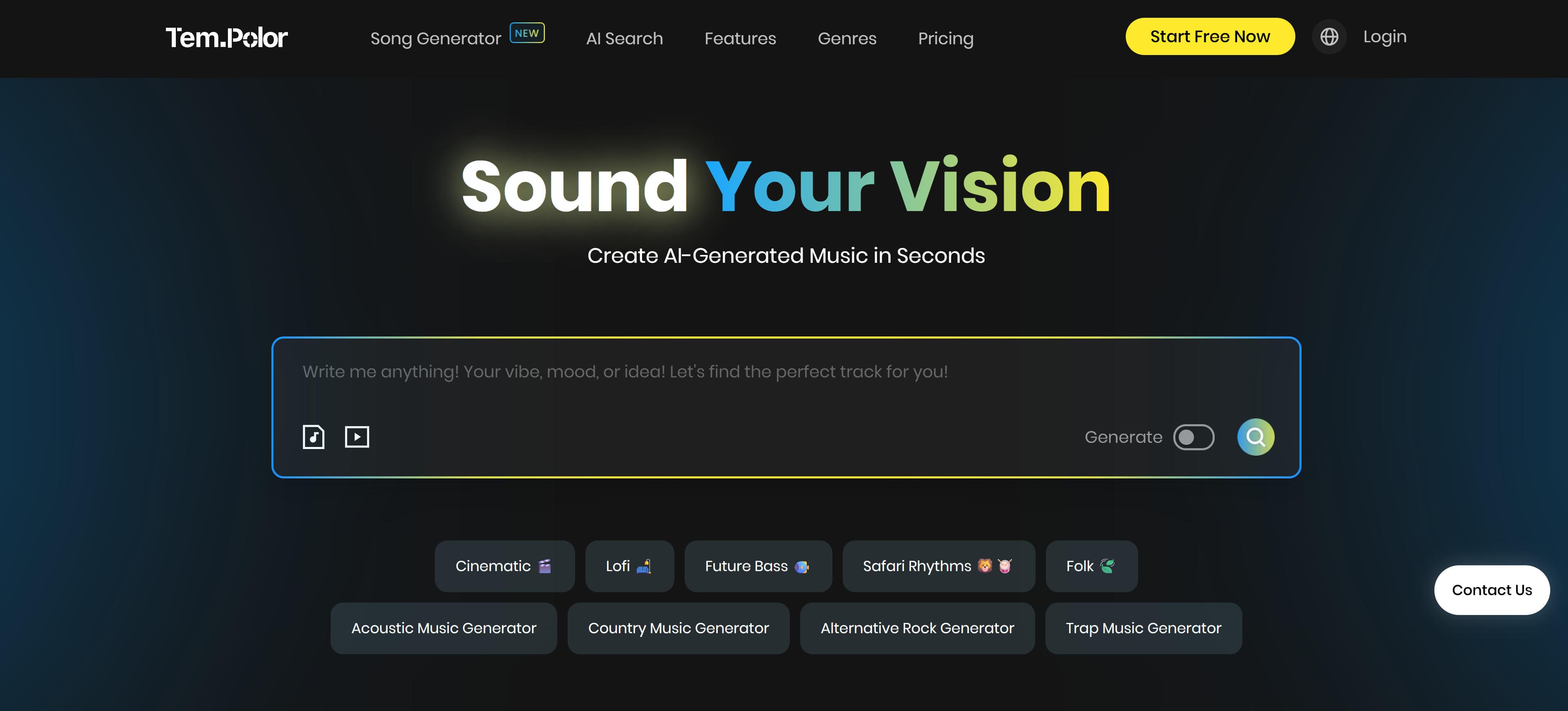
TemPolor is an AI-powered music generator where users can quickly create personalized music by inputting text or images. Generated music is royalty-free, suitable for videos, ads, and podcasts with lifetime usage after one-time payment. The generator supports multiple music styles and emotional expression, generating background music matching content needs. TemPolor provides AI-driven music search, video soundtrack matching, and advanced generation features, automatically matching music style and rhythm through intelligent algorithms. Ideal for content creators and enterprise users needing large amounts of background music.
2. Suno v5: Text-to-Music Generator
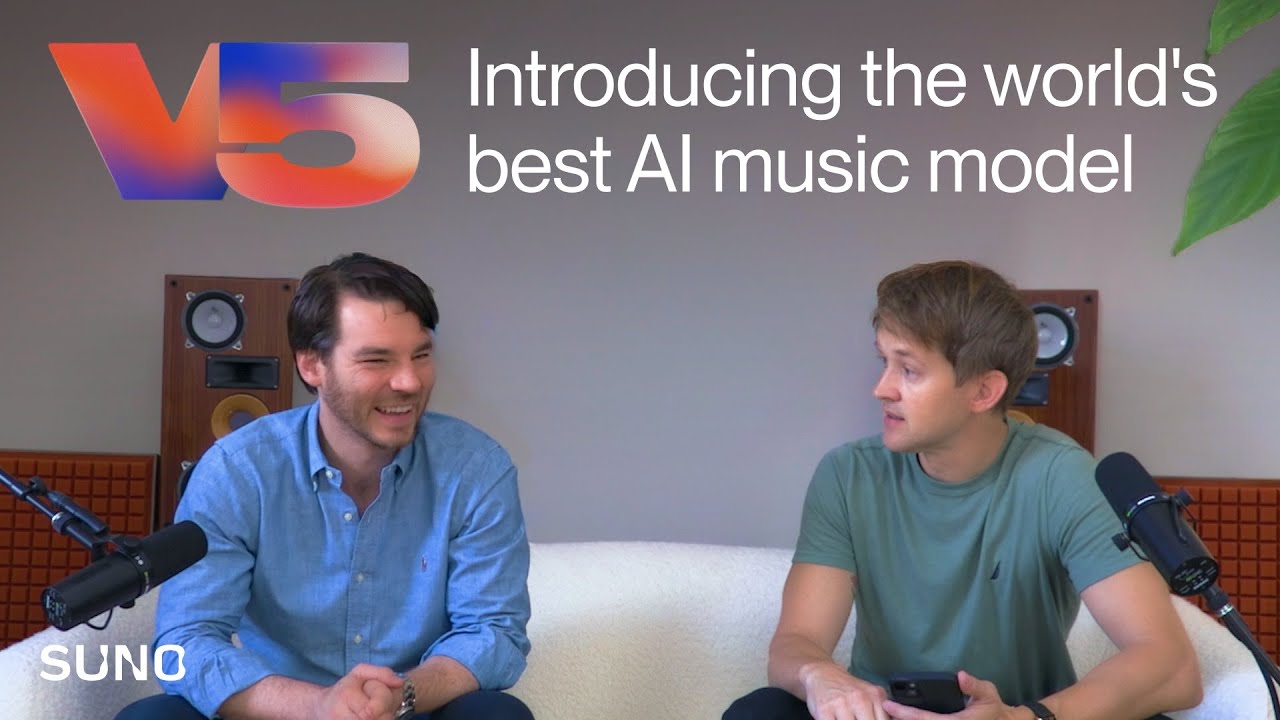
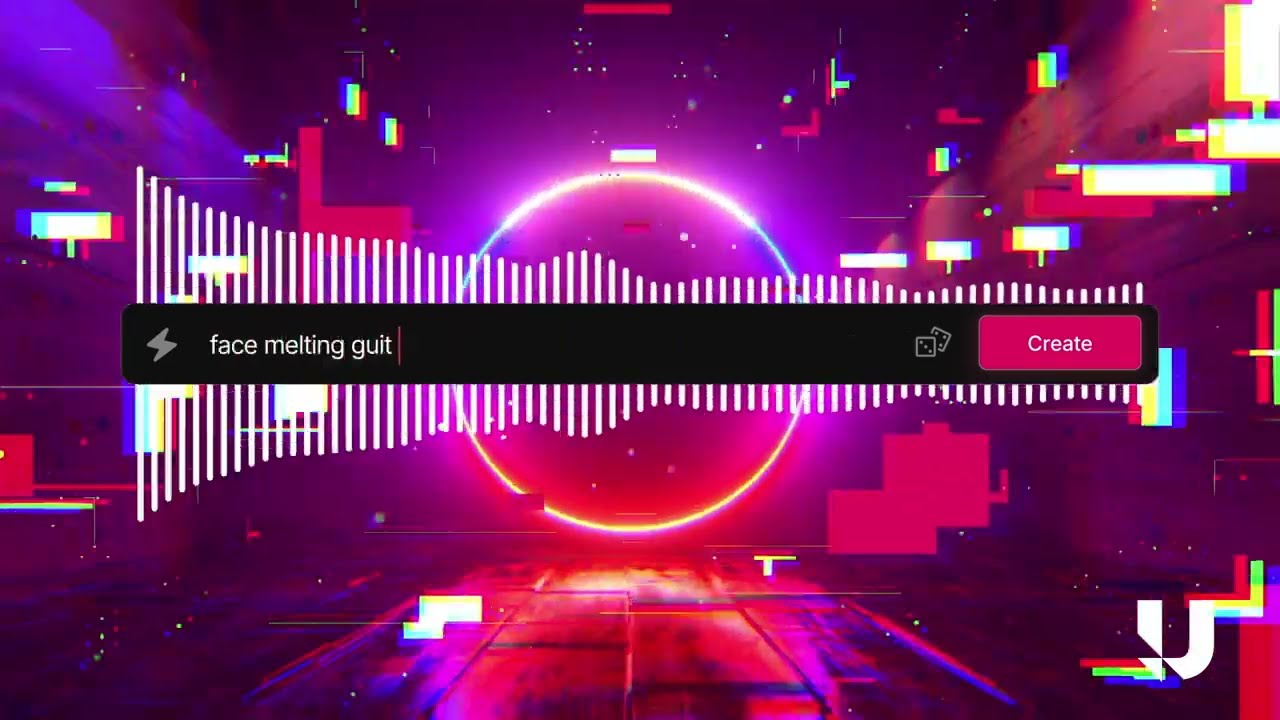
Suno v5 is a star tool in AI music generation, centered on "text-to-music." Users input simple themes or emotional keywords to automatically generate complete songs including lyrics, melody, and vocals. Its advantage lies in low entry barriers and fast output (generating nearly 2 minutes of music in 10 seconds), suitable for non-professional users creating meme songs or lightweight works. Suno supports multiple music styles including pop, rock, electronic, and classical, automatically matching music style based on text descriptions. Though users with higher audio quality requirements may find vocals somewhat synthetic, Suno provides efficiency and convenience for quick creation scenarios.
3. Ace Studio 2.0: Professional Arrangement

Ace Studio 2.0 is a professional music arrangement tool developed by a Chinese team, focusing on professional arrangement. It supports numbered notation input and lyric synthesis, with fine-tuned vocal performance and pitch adjustment. Its core advantage is generating near-studio-quality vocals, suitable for musicians creating demos and transforming ideas into high-quality music works. Ace Studio provides rich arrangement features and parameter adjustment options, including fine control over harmony, rhythm, and timbre. Though learning costs are higher for non-professional users, Ace Studio offers near-professional studio production experience for professional musicians, ideal for creating high-quality demos.
4. Udio: Collaborative Generation & Quality
Udio is Suno's strong competitor, focusing on "collaborative generation" and audio quality enhancement, excelling in rock, metal, and other complex styles. Users can mix different musical elements or specify genre tags to generate refined works, though single generation is limited to 30 seconds, requiring multiple extensions. Despite slightly complex operation, vocal detail and instrument separation are closer to professional levels. Udio is suitable for scenarios requiring high music quality, such as commercial ads and film/TV soundtracks. Through collaborative generation, users can gradually refine music works, creating precise and professional music content.
5. Mureka: Advanced Music Generation

Mureka is an advanced AI music generation platform combining cutting-edge technology with intuitive user experience. The platform excels in generating high-quality music across diverse genres, supporting both text-to-music and image-to-music workflows. Mureka's sophisticated algorithms understand complex musical structures and emotional nuances, enabling users to create professional-grade compositions with minimal technical knowledge. The tool offers extensive customization options, allowing fine-tuning of tempo, key, style, and instrumentation. Suitable for content creators, musicians, and businesses needing versatile music generation capabilities, Mureka provides a seamless workflow from concept to final production, making professional music creation accessible to everyone.
6. Producer: Music Creation Platform
Producer (formerly Riffusion) is a comprehensive music creation platform that evolved from the popular Riffusion project, offering powerful AI-driven music generation capabilities. The platform supports multiple input methods including text descriptions, audio prompts, and style references, enabling users to create original compositions across various genres. Producer's advanced technology generates high-quality music with natural instrument sounds and realistic arrangements, suitable for both amateur creators and professional musicians. The platform provides intuitive controls for tempo, key signature, and musical style, along with collaborative features allowing multiple users to work on projects together. Ideal for music producers, content creators, and artists seeking an all-in-one solution for music creation, Producer combines ease of use with professional-grade output quality.
Other Music Generators
The following generators also offer valuable AI music generation capabilities:
- Soundraw: Royalty-free music generation for videos and games
- Beatoven.ai: Video soundtracks with dynamic adjustment
- Soundful: High-fidelity music generation platform
- Musicfy: AI generation with custom mixing capabilities
- Loudly: Multi-style music generation platform
- Mubert: Real-time music generation for streaming
- AIVA: Film and game soundtrack generation
AI Music Generators Comparison
Here's a detailed comparison of the top AI music generators to help you choose the best solution for your needs:
| Tool Name | Core Features | Best For | Pricing | Integrations |
|---|---|---|---|---|
| TemPolor | Text/image input, royalty-free licensing | Video, ads, podcast background music | TBD | High (commercially friendly) |
| Suno v5 | Text-to-music, fast output | Quick meme songs, lightweight works | TBD | Medium (synthetic vocals) |
| Ace Studio 2.0 | Professional arrangement, numbered notation | Professional musicians creating demos | TBD | High (studio quality) |
| Udio | Collaborative generation, quality enhancement | Rock, metal, complex styles | TBD | High (near professional) |
| Mureka | Text/image-to-music, advanced generation | Content creators, musicians, businesses | TBD | High (professional grade) |
| Producer | Text/audio prompts, style references | Music producers, content creators, artists | TBD | High (professional grade) |
Use Cases
AI music generators are widely used in content creation, music production, commercial use, and real-time streaming. These generators can quickly generate music matching different scenario needs, improving creation efficiency and content quality.
Content Creation
Video production benefits from quickly adding background music without purchasing copyrighted music or hiring professional musicians. Podcast production uses AI generators to create opening music, transition music, and background music, enhancing podcast professionalism. Game development leverages AI-generated background music for different scenes, significantly reducing production costs while maintaining quality.
Music Production
Professional musicians use AI generators to gain inspiration and quickly create demos, exploring new creative directions. Musicians modify and refine AI-generated content to create unique music works, generating music segments in different styles that help discover new creative possibilities. This technology serves as a powerful creative tool for both established artists and emerging musicians.
Commercial Use
Businesses create music for ads, corporate videos, and training materials using AI generators. These tools provide copyright-safe music licensing, reducing commercial use costs and risks. Companies create customized music for brand videos and marketing campaigns, ensuring brand consistency while avoiding expensive licensing fees and legal complications.
Real-Time Streaming
Streamers generate background music in real-time for better viewing experiences, automatically adjusting music style and mood based on streaming content. These tools provide royalty-free music, avoiding copyright risks in streaming. The technology enables content creators to enhance their streams with appropriate background music without worrying about copyright strikes.
Education
Educational institutions use AI music generators to help students learn music theory and composition through AI-generated examples. Teachers provide music creation inspiration and reference materials, creating customized music teaching materials and examples. This approach makes music education more accessible and engaging for students at all skill levels.
Gaming & Entertainment
Game developers generate dynamic background music for different game scenes, creating music that adapts to user interactions. VR content creators use AI generators to produce immersive audio experiences that enhance virtual reality environments. The technology enables game studios to create rich audio landscapes without extensive music production resources.
How to Choose the Right AI Music Generator
Follow these 5 steps to select the perfect music generator for your needs. Evaluate music quality, style diversity, customizability, copyright issues, and ease of use to make an informed decision.
1. Evaluate Music Quality Requirements
Evaluate music quality: naturalness ensures realistic sound production; audio quality determines professional output standards; vocal quality affects singing and voice synthesis. For high-quality needs, test multiple generators to compare results before deciding.
2. Assess Style Diversity
Confirm generators support required music styles: complex styles like rock and metal require advanced generation capabilities; professional arrangement needs sophisticated composition features; diverse genre support enables creative flexibility across different musical styles.
3. Evaluate Customizability
For fine control over music parameters, choose generators supporting customizability: length adjustment allows precise duration control; style adjustment enables genre mixing and experimentation; parameter control provides detailed fine-tuning of musical elements.
4. Consider Copyright Issues
For commercial use, consider copyright issues: commercial licenses enable business use; copyright ownership determines usage rights; usage restrictions may limit distribution channels. Most generators provide commercial licenses, with some offering explicit royalty-free licensing for maximum flexibility.
5. Assess Ease of Use and Cost
Consider ease of use and cost: simple operation reduces learning curve; free tiers enable testing and basic use; subscription pricing provides predictable costs for regular work. For individual users, choose generators with free tiers; for large-scale use, consider enterprise plans with volume discounts.
Conclusion
AI music generators are democratizing music production, making professional music creation accessible to everyone. From text-to-music generation to professional arrangement, tools like Suno v5, Udio, and Ace Studio 2.0 improve creation efficiency and quality, enabling content creators, musicians, and enterprise users to produce high-quality music with minimal technical expertise.
Choose the right generator based on your needs: Suno v5 for beginners with simple text-to-music generation, Udio and Ace Studio 2.0 for professional musicians requiring high-quality production, Mureka for diverse style options, TemPolor for commercial use with royalty-free licensing. Evaluate music quality, style diversity, customizability, copyright issues, and ease of use to select the most suitable solution.
AI music generators serve as powerful assistants that enhance music creation efficiency, but they complement rather than replace human musical creativity and artistic expression. The best approach is human-AI collaboration: AI handles technical composition and arrangement, while musicians provide creative direction, emotional expression, and artistic vision, maximizing both production efficiency and musical quality.