Article Introduction
This comprehensive guide introduces AI accent conversion tools, from basic concepts to tool comparison analysis, helping you understand how to use AI technology to eliminate accent barriers and achieve clear, natural global communication. We'll explore Utell AI, Krisp, Tomato.ai, Sanas and other leading tools' features, pricing, and application scenarios. Through detailed technical analysis and usage guides, you'll master the key methods for selecting appropriate accent conversion tools and improve international communication efficiency.
What Are AI Accent Conversion Tools
AI accent conversion is real-time technology using deep learning to subtly modify a speaker's accent for clarity or to match the listener's familiar accent, without changing core voice, pitch, or emotion, enhancing understanding in global calls, customer service, and online meetings by reducing comprehension barriers.
Core features include voice separation (separating unique vocal identity from accent pronunciation), real-time adjustment (modifying phonetic elements to clearer, localized, or specified accents in real-time), and voice preservation (reconstructing speech while keeping original speaker's authentic tone and personality). Compared to general AI audio tools, accent conversion tools optimize for accent modification by analyzing speech patterns (phonetics) and adjusting them on the fly to sound more like standard or requested accents, enabling seamless global communication. If you need to convert speech from one language to another, see our AI audio translator tools guide.
How AI Accent Conversion Works
Modern AI accent conversion uses deep learning and neural networks to analyze speech patterns in real-time and adjust phonetic elements to sound more like standard or requested accents. These systems separate vocal identity from accent characteristics while maintaining original speaker tone and personality, improving speech clarity.
Key advantages include improved clarity (reducing misunderstandings in international calls and diverse teams), enhanced customer experience (matching agent speech to customer native accent for smoother interactions), wider talent pool (allowing companies to hire skilled agents globally regardless of accent), and increased confidence (boosting speaker confidence knowing they will be easily understood). Workflow: AI separates unique vocal identity (pitch, emotion, rhythm) from accent pronunciation (phonetic markers), modifies phonetic elements to clearer, localized, or specified accents in real-time, then reconstructs speech while keeping original speaker's authentic tone and personality intact.
Best AI Accent Conversion Tools 2026
Top AI accent conversion tools for 2026, including real-time accent conversion, call center solutions, and enterprise tools.
1. Utell AI: Real-Time Accent Conversion
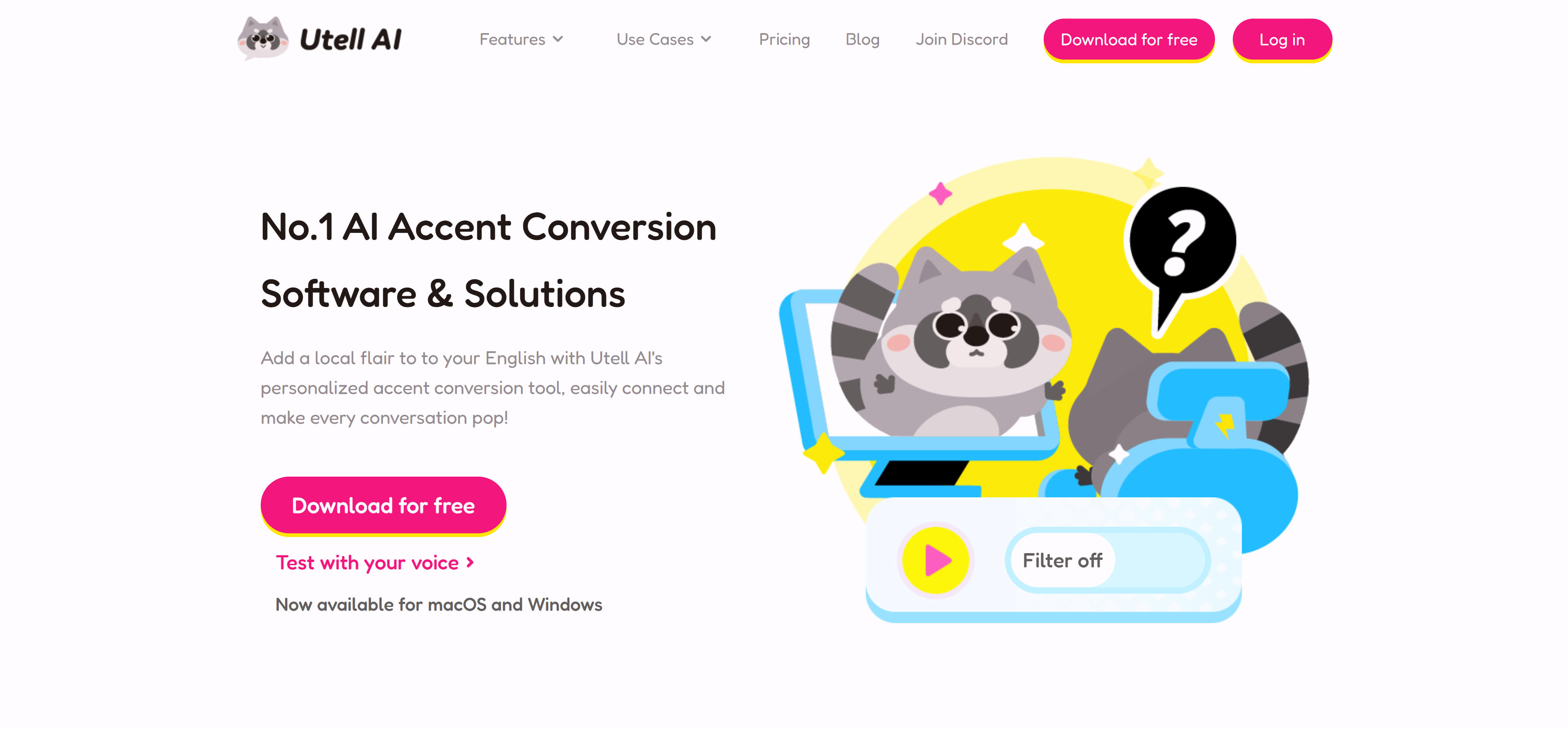
Utell AI is a professional AI accent conversion software and solution offering real-time accent conversion to enhance accent and comprehension for clearer online meeting communication. Uses advanced AI to adjust speaker accents in real-time for clarity and naturalness while preserving original voice characteristics. Utell AI provides real-time accent conversion, gently reducing strong accents while keeping speaker's original voice intact, ensuring clarity and authenticity. Also offers noise cancellation, sound quality improvement, live translation, and meeting assistant features. Supports multiple use cases including study and education, sales and success, travels and business trips, games and streaming. Free download available for macOS and Windows, suitable for individuals and businesses.
2. Krisp: AI Accent Conversion
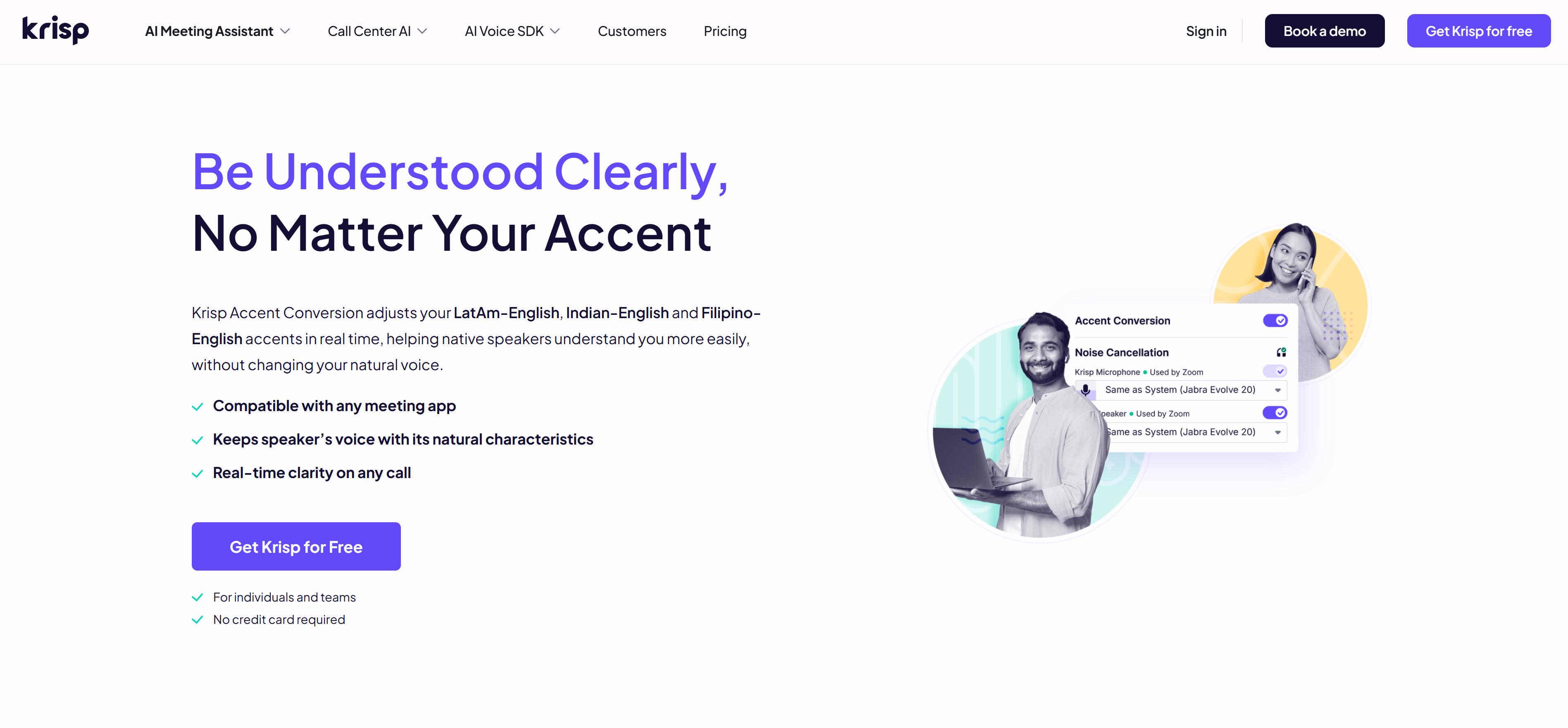
Krisp is a professional AI accent conversion tool offering real-time accent adjustment to help speakers be understood clearly regardless of accent. Supports LatAm-English, Indian-English, and Filipino-English accent conversion, helping native speakers understand more easily while preserving speaker's natural voice characteristics. Krisp provides AI accent conversion for real-time accent adjustment, enhancing clarity while preserving speaker's natural voice. Compatible with any meeting app, maintains speaker's voice and natural characteristics, provides real-time clarity on any call. Also offers AI noise cancellation, AI meeting transcription, AI note taker, meeting recording. Ideal for professionals in global teams, non-native English speakers, content creators, and podcasters. Free, Pro, and Business plans available.
3. Tomato.ai: Call Center Accent Reduction
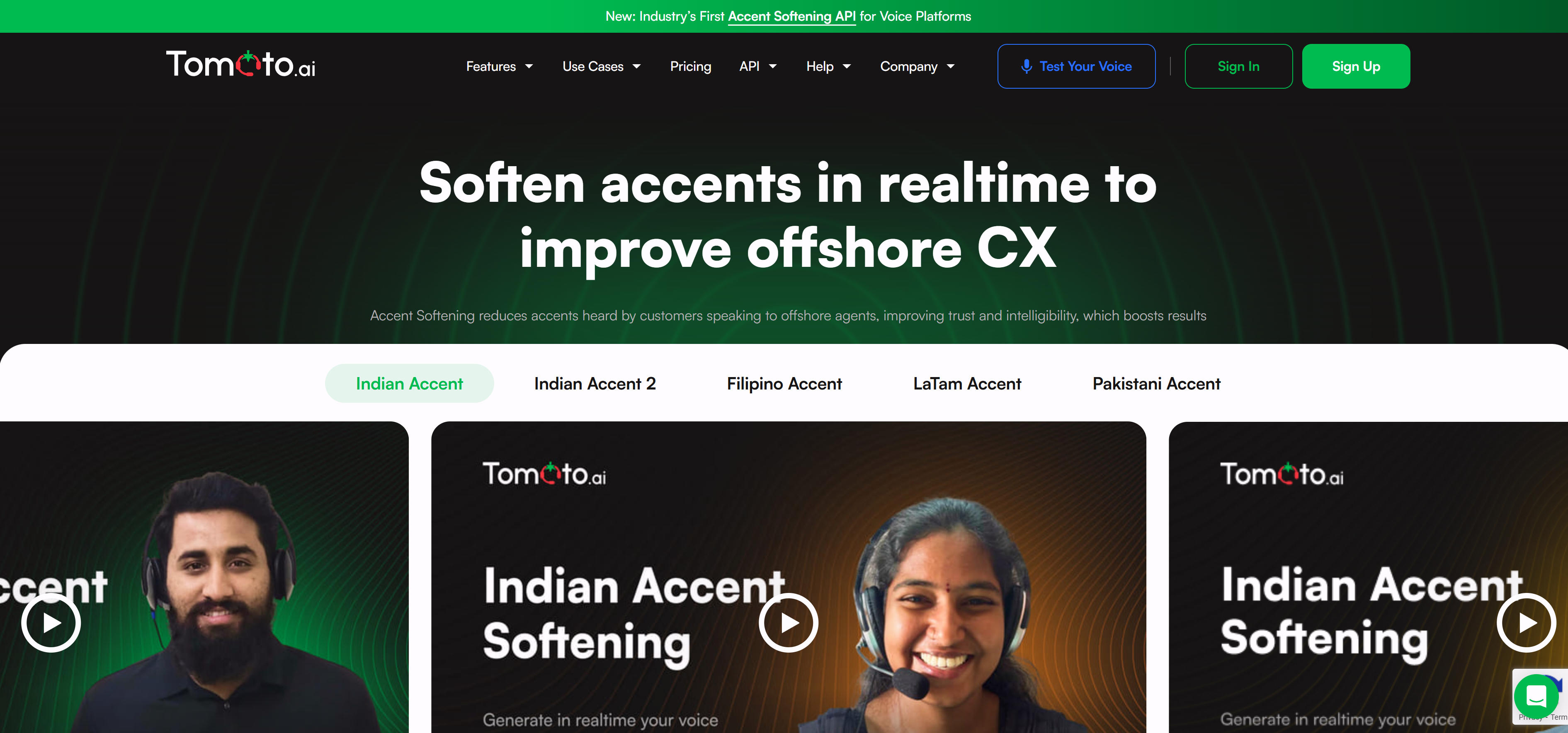
Tomato.ai is a professional AI accent reduction solution designed for call centers and BPOs. Uses AI-powered voice filters to clarify people's voices as they speak, improving communication quality and customer experience. Tomato.ai reduces any type of accent including Indian, Filipino, LatAm, Pakistani, Egyptian accents, making listeners hear speakers pronouncing words more like native speakers. Provides clearer pronunciation, noise cancellation, voice quality improvement, voice preservation. Ideal for call centers and BPOs, improving CSAT, reducing agent churn, boosting savings and sales, hiring more offshore agents. Also offers API integration for developers to build real-time accent softening into VOIP, CCaaS, UCaaS, gaming, or live streaming platforms.
4. Sanas: Enterprise Accent Conversion
Sanas is the world's best and broadest real-time Speech AI Platform, offering accent conversion, noise cancellation, and language translation. Uses real-time speech-to-speech AI technology for crystal clear communication, preserving unique voices and emotions to ensure natural and authentic interactions. Sanas provides accent conversion for real-time accent adjustment while preserving unique voices and emotions. Also offers noise cancellation with omni-directional capabilities and speech enhancement, eliminating noises and ambient voices from every angle in any environment. Sanas Language Translation mobile app supports 25+ languages while still sounding like you. Ideal for contact centers and enterprises, enhancing productivity, improving customer satisfaction, increasing confidence, reducing stress. Serves enterprise customers including Trajector, Wyndham, Alorica, TP, Transcom.
Tool Comparison
Comparison of mainstream AI accent conversion tools to help you quickly understand features and use cases:
| Tool Name | Key Features | Main Use Cases | Supported Accents |
|---|---|---|---|
| Utell AI | Real-time accent conversion, noise cancellation, sound quality | Study and education, sales, travel, gaming | Asian accents (more coming soon) |
| Krisp | AI accent conversion, noise cancellation, meeting transcription | Global teams, non-native speakers, content creation | LatAm-English, Indian-English, Filipino-English |
| Tomato.ai | Call center accent reduction, API integration, noise cancellation | Call centers, BPO, enterprise call centers | Indian, Filipino, LatAm, Pakistani, Egyptian, and more |
| Sanas | Enterprise accent conversion, noise cancellation, language translation | Contact centers, enterprises, global teams | Multiple accents (world's best and broadest) |
Use Cases: Clear Communication Across Industries
Call Centers and BPOs
Improve CSAT: Enhancing intelligibility of offshore agents in real-time using voice filters improves overall customer experience and CSAT scores. Reduce agent churn: Lowering abuse offshore agents encounter due to accent improves likelihood agents will stay on the job. Boost savings and sales: Improving offshore customer experience enables more offshoring, saving costs while increasing sales metrics. Hire more offshore agents: Improving agent intelligibility using voice filters makes it possible to hire candidates that otherwise would not be hireable.
Global Business
Enterprise meetings: Provide smoother communication for meetings and professional interactions with international clients, reducing misunderstandings and communication barriers. Global team collaboration: Help global teams collaborate more clearly, cutting through misunderstanding and fatigue, making meetings smoother, shorter, and more productive. Sales communication: Speak with confidence on every call. Accent conversion makes your message clearer and more persuasive to clients, building trust faster and closing more deals effortlessly.
Content Creation and Education
Content creation: Create content connecting with global audiences. Your unique voice stays yours, just clearer, smoother, and easier to understand, growing your audience across regions. Education: Help students prepare for exams like IELTS by improving pronunciation clarity and test performance. Gaming and streaming: Be heard in the heat of the moment. Accent conversion keeps your callouts clear even when accents or noise interfere, reducing repetition and improving team communication.
How to Choose AI Accent Conversion Tools
Choose the right tool based on your specific needs, quality requirements, budget, and ease of use.
1. Evaluate Your Needs
Accent support: Confirm whether tools support required accent types. Different tools vary significantly in accent coverage.
2. Assess Output Quality
Real-time needs: For real-time accent conversion, choose tools supporting real-time processing; for post-processing only, choose batch processing tools.
3. Consider Budget and Pricing
Use cases: Choose tools based on use cases like call centers, enterprise meetings, content creation; different tools excel in different scenarios.
4. Evaluate Usability
Quality and naturalness: Evaluate audio quality and naturalness to ensure converted speech is clear and natural, not robotic.
5. Check Feature Completeness
Integration and ease of use: Choose tools supporting required platform integrations with user-friendly interfaces, especially for team use.
Frequently Asked Questions
Conclusion
AI accent conversion tools demonstrate strong capabilities in call centers, global business, content creation, and education. These tools adjust speaker accents in real-time, improving speech clarity while preserving natural voice characteristics, enabling seamless global communication.
Whether real-time accent conversion tools like Utell AI and Krisp, or call center solutions like Tomato.ai and Sanas, all provide powerful accent conversion capabilities. Choosing the right tool and implementing clear communication and improved understanding based on specific needs can significantly improve efficiency and communication quality. For other types of AI audio tools, see our complete guide. If you need to convert speech from one language to another, see our AI audio translator tools guide.