Article Introduction
This comprehensive guide introduces AI audio translator tools, from basic concepts to tool comparison analysis, helping you understand how to use AI technology to break language barriers and achieve seamless multilingual communication. We'll explore Utell AI, Wordly, Transync AI, Maestra Live, Rask AI and other leading tools' features, pricing, and application scenarios. Through detailed technical analysis and usage guides, you'll master the key methods for selecting appropriate audio translation tools and improve global communication efficiency.
What Are AI Audio Translator Tools
AI audio translator tools use AI (speech recognition, machine translation, voice synthesis) to convert spoken audio from one language to another, creating new audio that sounds like the original speaker but in a different language, preserving tone and emotion for seamless, scalable content localization.
Core features include speech-to-text (ASR), machine translation (MT), and text-to-speech (TTS) with voice cloning. Compared to general AI audio tools, audio translators optimize for multilingual conversion, automating traditional dubbing for faster, cheaper localization of podcasts, videos, and meetings. If you need to improve speech clarity rather than translate languages, see our AI accent conversion tools guide.
How AI Audio Translation Works
Modern AI audio translation combines deep learning, speech recognition, NLP, and voice synthesis for high-quality speech-to-speech translation. These systems understand speech semantics, emotion, and context to generate natural translated audio.
Key advantages include authenticity (preserving original voice, tone, emotion), efficiency (dramatically reducing time and cost vs. human dubbing), scalability (quick translation into many languages), versatility (works for various audio types and formats), and real-time capability. Workflow: ASR transcribes original speech to text, MT translates text to target language, TTS and voice cloning synthesize translated text into speech while preserving original speaker characteristics.
Best AI Audio Translator Tools 2026
Top AI audio translator tools for 2026, including real-time translation, meeting translation, and video localization types.
1. Utell AI: Real-Time Audio Translation

Utell AI is a professional real-time audio translator supporting speech-to-text conversion and translation. It uses advanced AI to recognize and translate speech in real time, supporting Chinese-English translation, ideal for online meetings, education, and customer service. Utell AI offers an intuitive interface. Users record 15 seconds of speech or upload audio files for automatic accurate text translation. Supports multiple formats (MP3, WAV, MP4, OGG, FLAC, M4A), files under 15 seconds and 15MB. Also provides accent conversion and noise cancellation. Free trial and paid plans available for individuals and businesses.
2. Wordly: Meeting Translation Platform
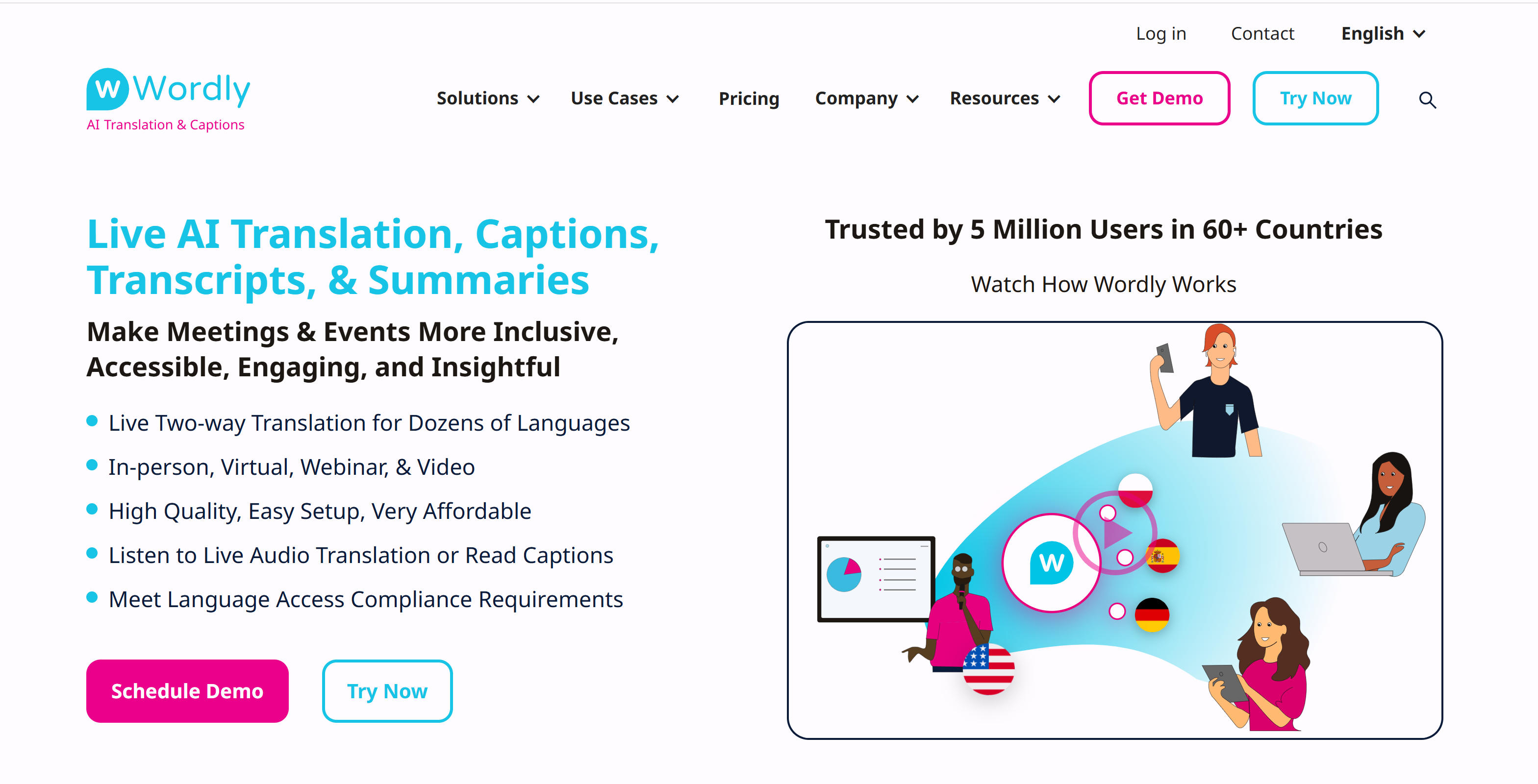
Wordly is a professional AI meeting translation platform offering real-time translation, captions, transcription, and summaries. Supports 60+ languages and 3000+ language pairs for in-person, virtual, webinar, and video meetings. Wordly provides 4 output options: AI translation, AI captions, AI summaries, and AI transcripts. Integrates with Zoom, Teams, Google Meet. Attendees access translations via phone, tablet, or computer. High-quality translation with customizable glossaries. Subscription plans for enterprises and meeting organizers. Serves 5 million users across 60+ countries.
3. Transync AI: Real-Time Translation Tool
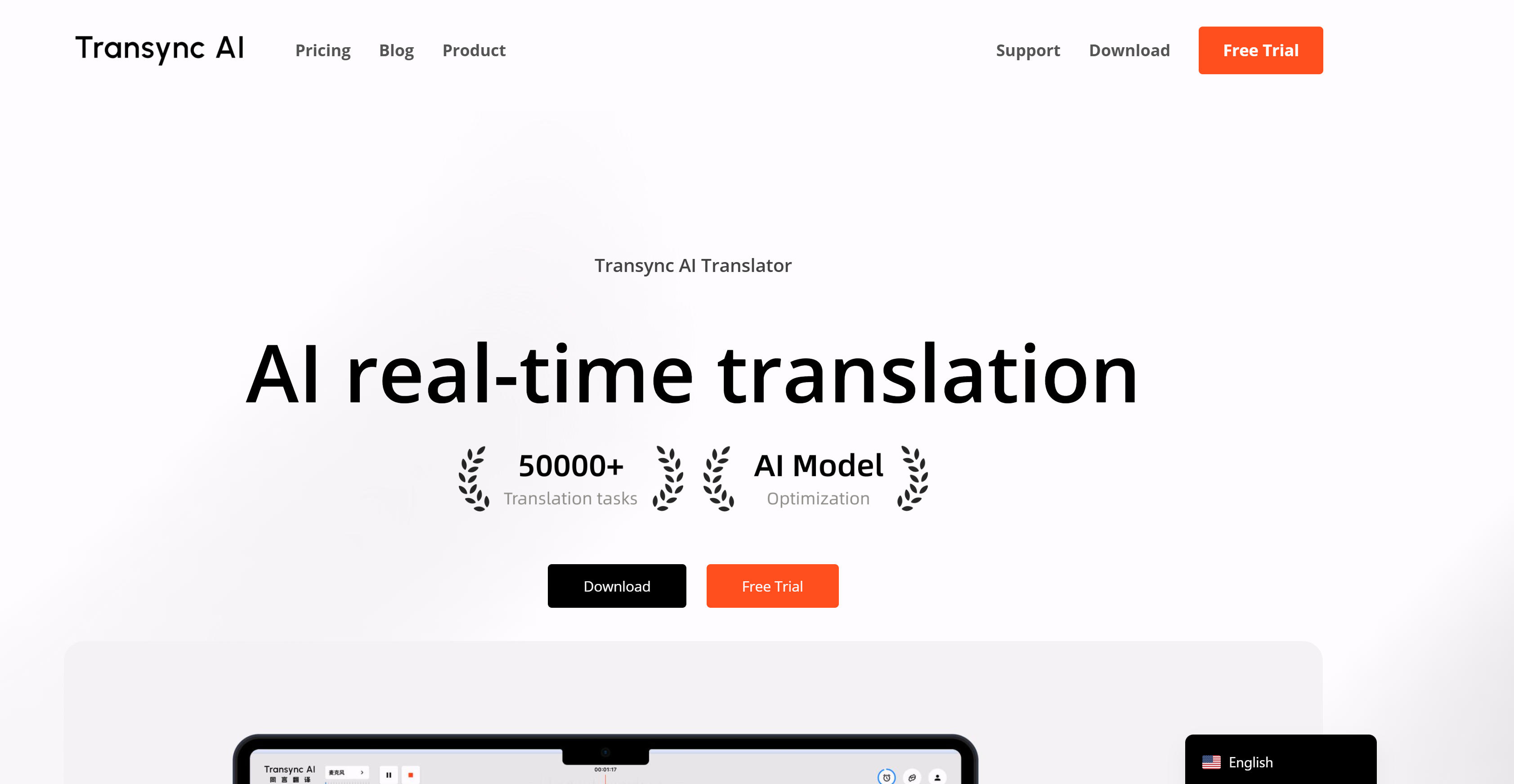
Transync AI is an AI real-time translator supporting low-latency translation in 60 languages. Uses end-to-end AI voice models for near-zero-latency dual-screen output, supporting Chinese, English, Japanese, Korean, Cantonese, German, French, Russian, Italian, Spanish, and more. Transync AI works with Google Meet, Zoom, Teams, Tencent Meeting, Slack without plugins. Auto-detects speaker language and displays in split screen. Supports AI anthropomorphic voice broadcast with natural tone. Also provides AI meeting notes and summaries. Ideal for online meetings, offline communication, and international travel. Supports Windows, Mac, iOS, Android.
4. Maestra Live: Online Audio Translation
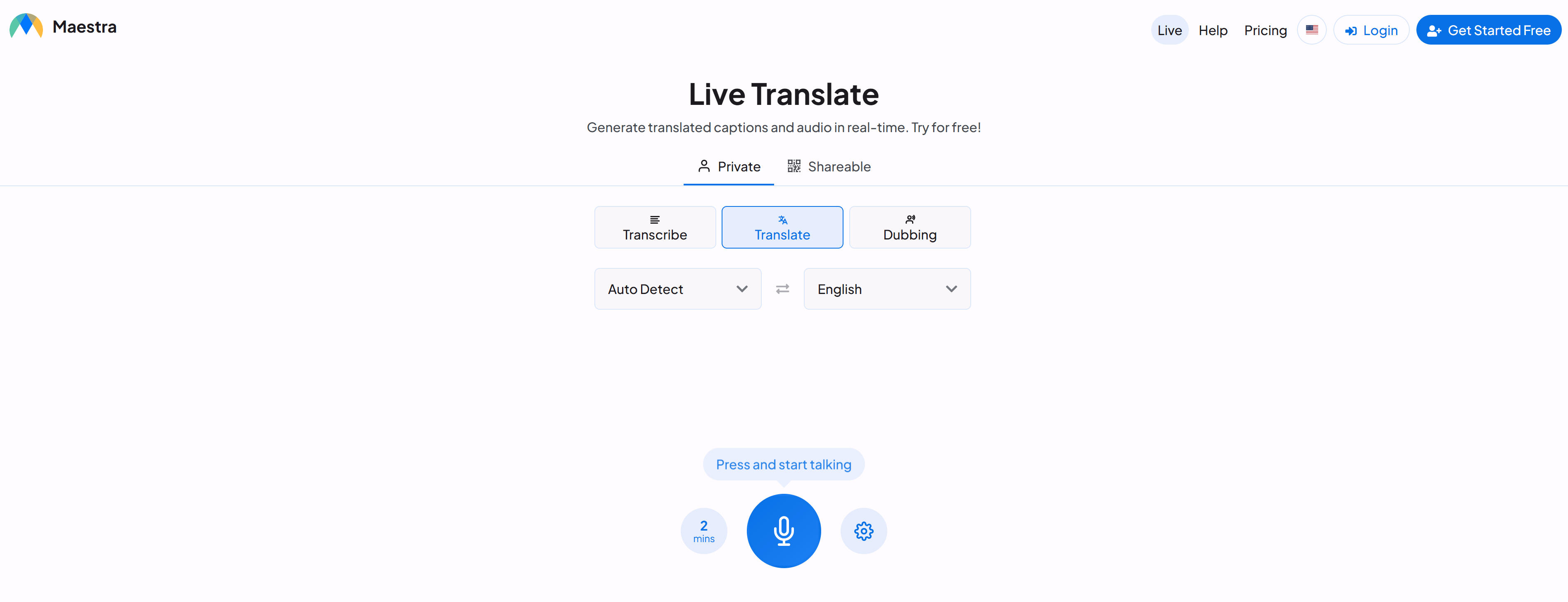
Maestra Live is a real-time online audio translator supporting real-time translated captions and audio generation. Supports 125+ languages for transcription and speech translation, ideal for meetings, webinars, and live streams. Maestra Live provides real-time translation as you speak, displaying translations on screen or playing them automatically. Supports AI voice dubbing and voice cloning, auto-detects language and diarizes multiple speakers. Custom dictionary feature adds industry-specific terms for accuracy. Integrates with OBS, Zoom, vMix, Microsoft Teams. Share sessions via link or QR code. Free trial available; paid plans include Basic, Premium, Business.
5. Rask AI: Video Localization Translation
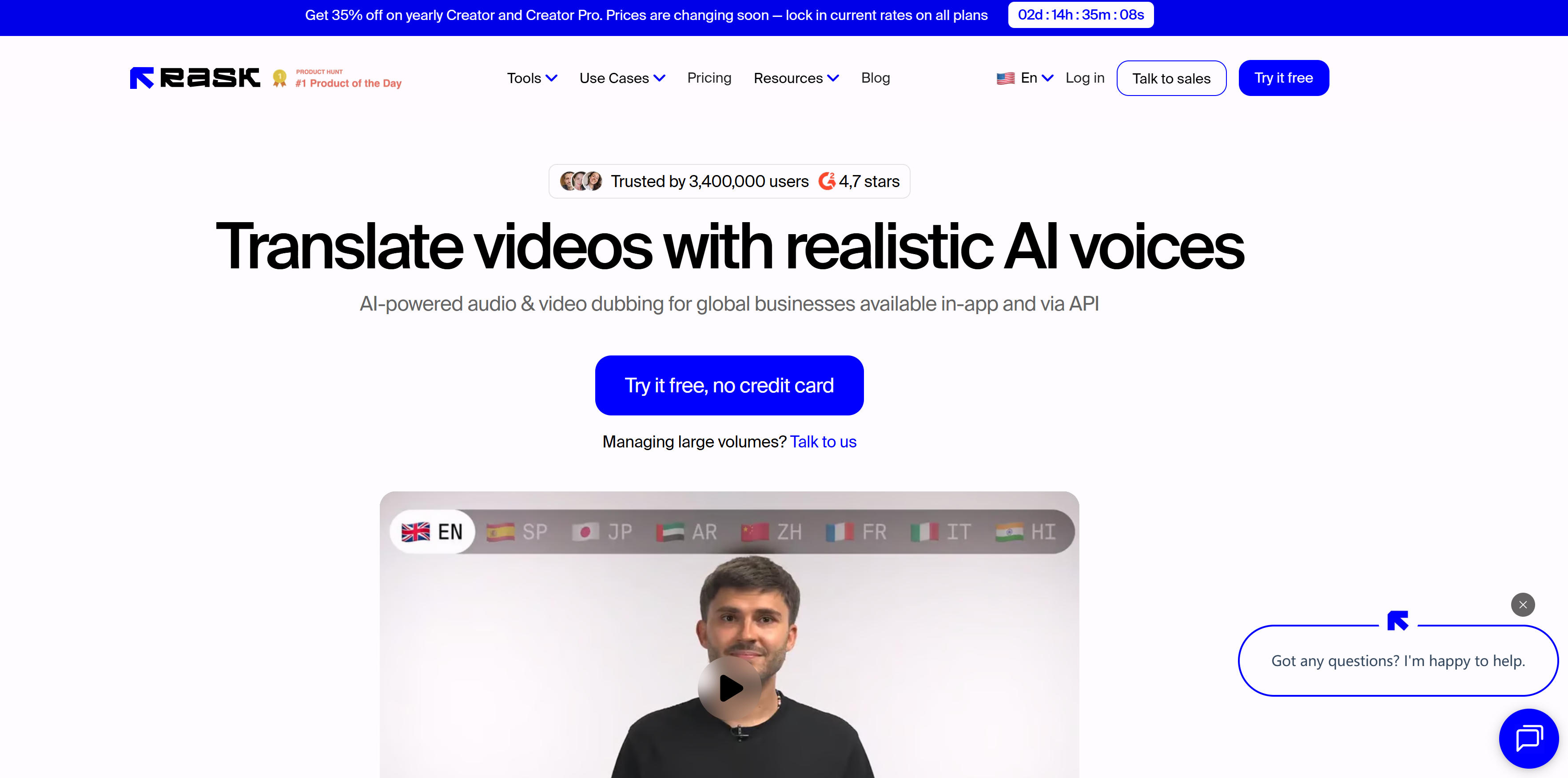
Rask AI is a professional AI video localization and dubbing tool supporting translation of video and audio into 130+ languages. Uses AI to automatically translate video and audio content while preserving original speaker voice characteristics, ideal for marketing videos, educational content, media, and entertainment. Rask AI offers VoiceClone for communicating in your own voice across 32 languages. Supports multi-speaker detection, lip-sync matching, auto-generated captions. Enterprise features include translation dictionary, teamspaces, voice presets, folders, and API integration for large-scale localization. Serves 3.4 million users with G2 4.7-star rating, used by Amazon, Semrush, Publicis.
Tool Comparison
Comparison of mainstream AI audio translator tools to help you quickly understand features and use cases:
| Tool Name | Key Features | Main Use Cases | Supported Languages |
|---|---|---|---|
| Utell AI | Real-time translation, accent conversion, noise cancellation | Online meetings, education, customer service | Chinese-English (more coming soon) |
| Wordly | Meeting translation, captions, transcription, summaries | Enterprise meetings, webinars, live events | 60+ languages, 3000+ pairs |
| Transync AI | Low-latency real-time translation, dual-screen display, AI voice | Online meetings, offline communication, travel | 60 languages |
| Maestra Live | Real-time translation, AI voice dubbing, multi-speaker detection | Meetings, webinars, live streams | 125+ languages |
| Rask AI | Video localization, VoiceClone, lip-sync | Video translation, content localization, marketing | 130+ languages |
Use Cases: Multilingual Communication
Meeting Translation
Multilingual meetings: Real-time translation enables participants speaking different languages to understand content, improving efficiency and engagement. Webinars: Provide real-time translation and captions for webinars, expanding audience reach and attracting global participants. Corporate training: Translate training content into multiple languages, supporting global employee participation and improving training effectiveness.
Content Localization
Video translation: Translate video content into multiple languages while preserving original speaker voice characteristics for high-quality localization. Podcast translation: Translate podcasts into multiple languages, expanding audience reach and increasing content impact and commercial value. Educational content: Translate courses and lectures into multiple languages, supporting global student participation and improving educational accessibility.
Customer Service
Cross-language support: Provide real-time translation for customer service teams, supporting multilingual customer inquiries and improving satisfaction. Phone translation: Provide real-time translation in phone customer service, eliminating language barriers and improving service quality and efficiency.
How to Choose AI Audio Translator Tools
Choose the right tool based on your specific needs, quality requirements, budget, and ease of use.
1. Evaluate Your Needs
Language support: Confirm whether tools support required language pairs and number of languages. Different tools vary significantly in language coverage.
2. Assess Output Quality
Real-time needs: For real-time translation, choose tools supporting real-time features; for post-processing only, choose batch translation tools.
3. Consider Budget and Pricing
Use cases: Choose tools based on use cases like meeting translation, video localization, content creation; different tools excel in different scenarios.
4. Evaluate Usability
Quality and accuracy: Evaluate translation accuracy and audio quality to ensure accurate, natural results.
5. Check Feature Completeness
Integration and ease of use: Choose tools supporting required platform integrations, with user-friendly interfaces, especially for team use.
Frequently Asked Questions
Conclusion
AI audio translator tools demonstrate strong capabilities in meeting translation, content localization, and customer service. These tools automate traditional dubbing workflows, dramatically reducing time and cost, making multilingual content creation more efficient and convenient.
Whether real-time tools like Utell AI, Wordly, Transync AI, Maestra Live, or video localization tools like Rask AI, all provide powerful audio translation capabilities. Choosing the right tool and implementing cross-language communication and content localization based on specific needs can significantly improve efficiency and content impact. For other types of AI audio tools, see our complete guide. If you need to improve speech clarity rather than translate languages, see our AI accent conversion tools guide.