AI Image Enhancers: Smart Repair & Quality Boost
Introduction
This guide explores the best AI image enhancers for 2026. We cover core concepts, technical fundamentals, and analysis of top tools. The guide includes feature comparisons, use cases, selection criteria, and frequently asked questions.
What Are AI Image Enhancers
AI image enhancers use artificial intelligence to improve and optimize image quality. Core functions include image sharpening (enhancing details and edges), noise reduction (removing image impurities), resolution boosting (enlarging images while maintaining quality), and color correction (automatically adjusting color balance and contrast), providing complete image processing solutions for photographers, designers, and content creators.
How AI Image Enhancement Works
Modern AI image enhancement uses convolutional neural networks (CNN) and generative adversarial networks (GAN) for multi-level image analysis and processing. The technology employs deep learning models trained on vast image datasets that learn to identify and fix various image quality issues. These technologies not only fix visible defects but also reconstruct missing image information, improving overall visual quality. Compared to traditional image editing methods requiring manual adjustments and professional software skills, AI image enhancement significantly automates the process, making professional-grade enhancement simpler and more efficient than ever.
- Automated processing: AI enhancement requires no manual parameter adjustments, automatically analyzing images and applying appropriate fixes without user intervention.
- Intelligent recognition: The technology automatically detects image quality issues and applies targeted fixes, identifying problems like noise, blur, low resolution, or color issues.
- High-quality output: AI enhancement maintains natural realism while improving image quality, ensuring enhanced images look authentic and professional.
- Batch processing: Many tools support batch processing capabilities, handling multiple images simultaneously and improving workflow efficiency for large-scale projects.
- Multi-level enhancement: The technology can enhance images at multiple levels, from basic noise reduction to advanced super-resolution and detail reconstruction.
Different AI image enhancement tools use different architectures optimized for their specific use cases. Super-resolution tools use CNN-based models to upscale images while maintaining quality, ideal for enlarging low-resolution photos. Noise reduction tools employ specialized denoising algorithms that remove grain and artifacts while preserving image details. Restoration tools combine GANs with inpainting techniques to reconstruct missing or damaged image areas. Creative enhancement tools use style transfer and artistic algorithms to apply creative effects while improving image quality. Some tools integrate multiple enhancement capabilities, supporting workflows that combine resolution upscaling, noise reduction, and detail enhancement in a single process.
Best AI Image Enhancers 2026
Here are the top recommended AI image enhancement tools for 2026, covering smart enhancement, creative upscaling, professional restoration, and HD upscaling. Each tool offers unique features to help you choose the perfect image enhancement solution for your needs.
1. Krea: Smart Enhancement
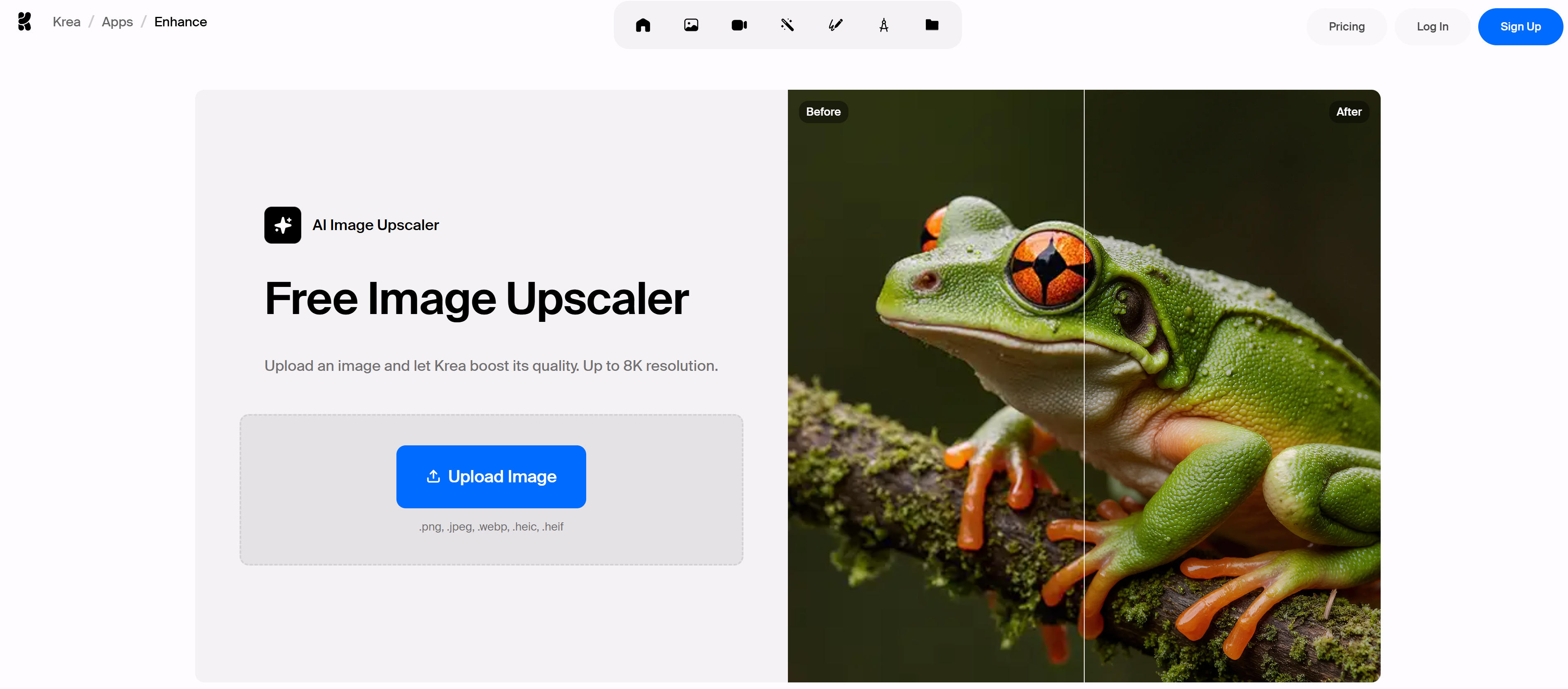
Krea provides powerful AI image enhancement with smart repair and quality improvement. Using advanced AI algorithms, it automatically identifies various image issues and offers targeted fixes. Krea supports multiple enhancement types including sharpening, noise reduction, color correction, and resolution boosting. Particularly suitable for users needing quick photo quality improvements, supporting various formats and batch processing. Krea offers an intuitive interface with real-time preview, making image enhancement simple and efficient. Whether personal photo beautification or professional processing, Krea delivers high-quality results.
2. Magnific: Creative Upscaling
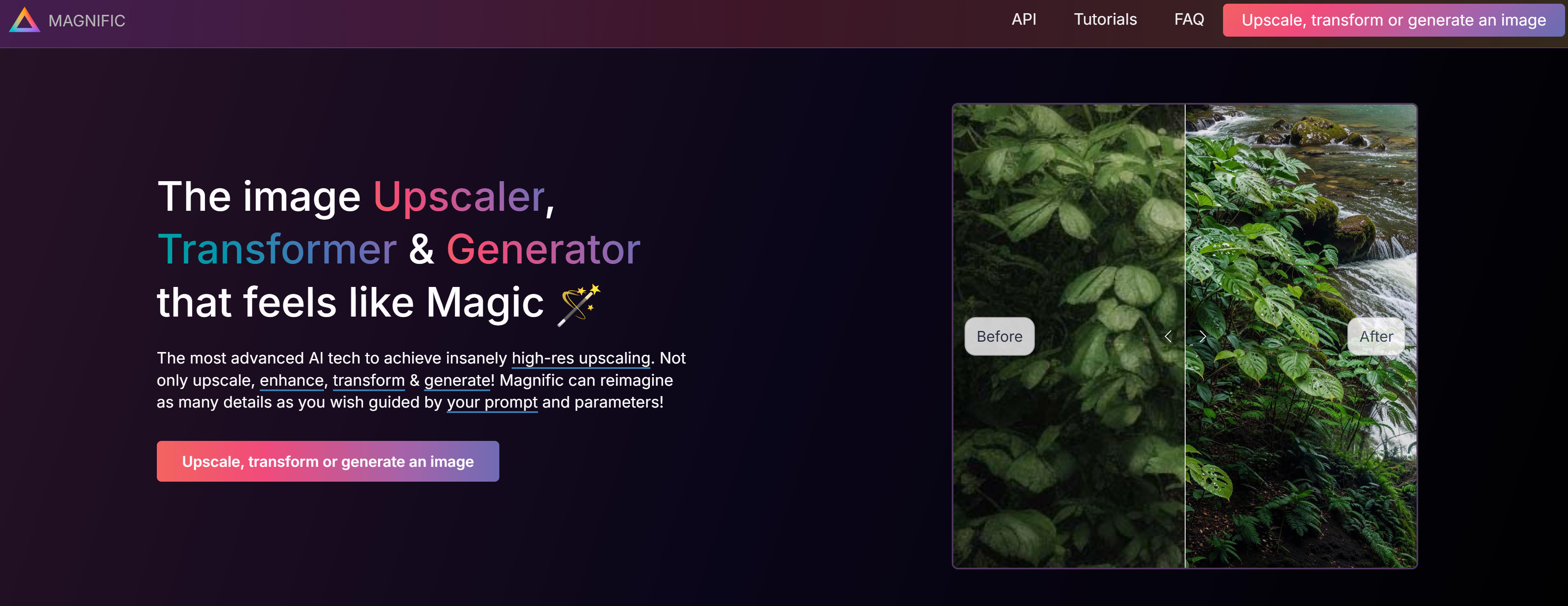
Magnific revolutionizes AI image upscaling and enhancement with creative magnification that maintains amazing detail. Using advanced algorithms, it not only boosts resolution but intelligently generates new details and textures. Magnific offers multiple enhancement modes including creative upscaling, detail enhancement, and smart repair. Excellent for processing artwork, photography, and digital content, supporting up to 16x magnification. Also provides real-time preview and adjustment, letting users precisely control enhancement effects. Perfect for enlarging old photos or optimizing digital art, Magnific delivers magical image enhancement.
3. Remini: Professional Restoration
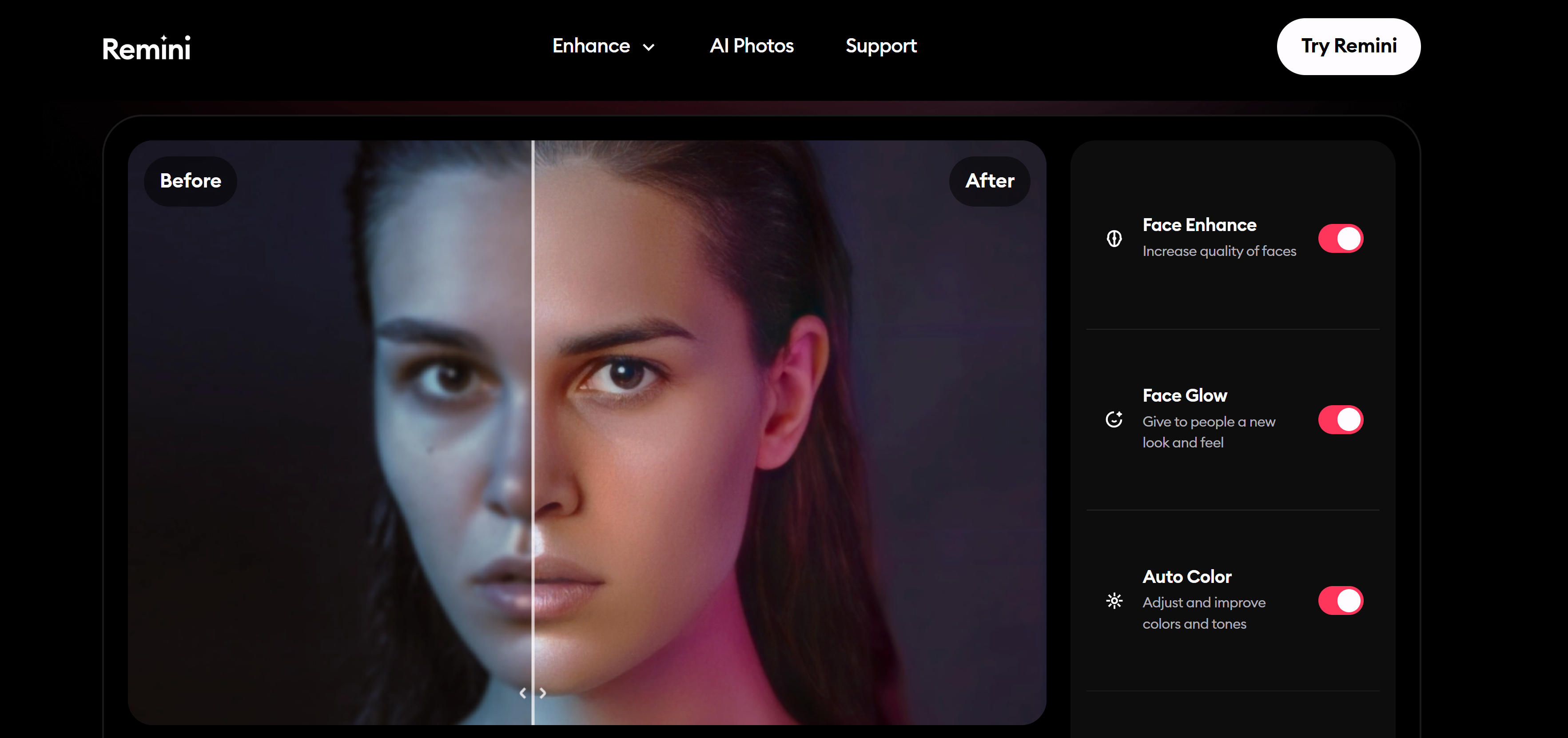
Remini provides professional AI photo enhancement and restoration with comprehensive quality improvement solutions. Using advanced algorithms, it converts low-quality photos to high-quality images, supporting multiple enhancement types and styles. Remini offers sharpening, noise reduction, color enhancement, and resolution boosting, excelling at old photo restoration and modern digital photo enhancement. Also provides AI face enhancement that intelligently identifies and beautifies facial features. Supports various photo types and processing scenarios, from personal photo beautification to professional post-processing. User-friendly interface supports one-click enhancement and batch processing, suitable for personal users and professional photographers.
4. Topaz Gigapixel: HD Upscaling
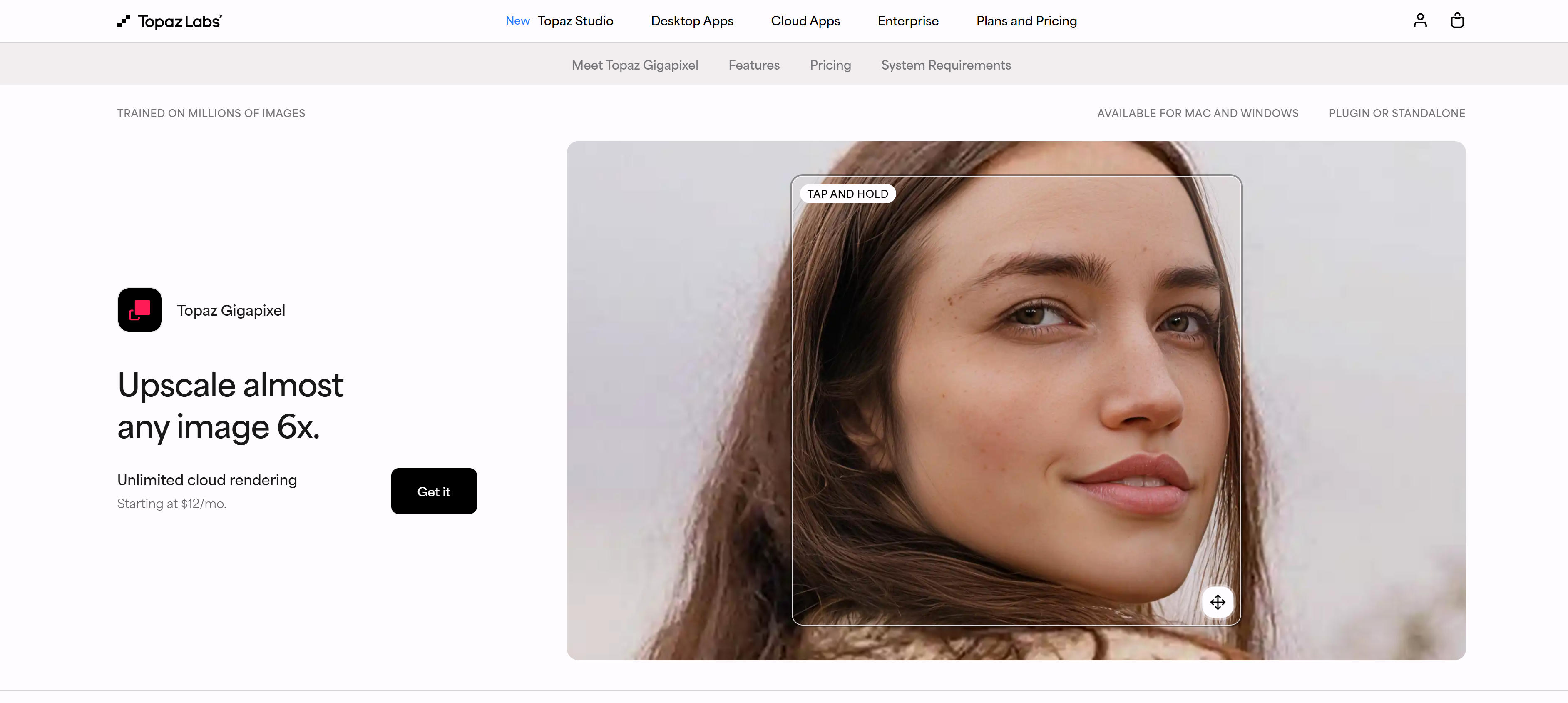
Topaz Gigapixel specializes in professional AI image upscaling, focusing on high-quality resolution enhancement and detail improvement. Using advanced algorithms, it enlarges low-resolution images to higher resolutions while maintaining amazing detail and clarity. Supports multiple magnification ratios from 2x to 6x, intelligently reconstructing lost pixel information. Particularly suitable for photography post-processing, digital art enlargement, and print preparation. Provides various presets and custom options, supporting RAW and multiple professional formats. Known for exceptional image quality and professionalism, it's the preferred upscaling tool for professional photographers and image processing experts.
AI Image Enhancer Comparison
Here's a detailed comparison of the top AI image enhancer tools to help you choose the best solution for your needs:
Use Cases: Quality Enhancement & Restoration
AI image enhancers restore old photos and optimize visual content for professionals across multiple industries.
Photo Restoration
AI enhancers restore old photos through deep learning, repairing blurry details and damage. These tools preserve family heirlooms and historical archives with enhanced clarity, enabling photographers and content creators to benefit from consistent quality improvements while restoring valuable memories and historical documents.
Professional Work
AI enhancers improve portrait details, landscape clarity, and product photography, enhancing skin textures and colors. Photographers and designers achieve professional output efficiently, while content creators save time with automated enhancement workflows that ensure consistent quality across all projects.
Social Media Optimization
AI enhancers optimize social media images for better engagement and batch processing. Tools enhance reflections, color saturation, and clarity, enabling content creators to improve visual appeal and product presentation quality for viral potential while maintaining consistent brand aesthetics across all social media content.
Resolution Enhancement
AI enhancers upscale images while maintaining quality, enhancing detail in upscaled images. Creators improve image quality for printing, display, and publication, enabling high-resolution output from lower-quality source material while preserving visual fidelity and preventing pixelation or blurriness.
Creative Enhancement
AI enhancers apply creative effects and artistic enhancements to images, enabling photographers and designers to experiment with different visual styles and effects. These tools support creative workflows that transform ordinary images into artistic masterpieces while maintaining professional quality and visual appeal.
Creative Enhancement
AI tools transform images with artistic effects. Krea provides smart repair and creative upscaling. These tools enhance creative projects with professional-quality improvements, enabling artists and designers to achieve stunning visual results without extensive manual editing.
How to Choose AI Image Enhancers
Selecting AI image enhancers requires considering enhancement type, quality requirements, features, budget, and workflow integration to find the best fit.
1. Identify Enhancement Type and Image Type
Determine primary enhancement needs: smart repair fixes damaged or low-quality images automatically; creative upscaling adds artistic details during enlargement; professional restoration restores old or damaged photos; resolution boosting increases image size without quality loss. Match enhancement type to your primary use case and image characteristics.
2. Evaluate Quality Requirements and Speed
Consider quality and processing speed needs: professional photography work requires high-quality processing with attention to detail; real-time enhancement needs quick optimization for immediate results; creative enhancement benefits from deep processing for artistic effects. Balance quality requirements with processing speed based on your workflow needs.
3. Assess Feature Requirements
Evaluate required features and capabilities: batch processing enables handling multiple images efficiently; format compatibility ensures support for your image formats; integration needs require API support for workflow automation. Choose tools providing features matching your workflow requirements and scale.
4. Check Format Support
Verify supported image formats and output options: professional work benefits from RAW and TIFF support for maximum quality; web use requires WebP and JPEG for optimal file sizes; creative work may need artistic formats for special effects. Ensure tools support your input and output format requirements.
5. Review Budget Options
Compare pricing models across tools: light use benefits from free or low-cost options for occasional enhancement; heavy professional use may justify investment in complete suites with advanced features; creative work requires professional tools with artistic capabilities. Choose pricing model matching your usage frequency and feature needs.
Conclusion
AI image enhancement tools provide powerful quality improvement capabilities, enabling automated and intelligent processing from simple photo beautification to professional-grade image processing. Tools like Krea, Magnific, and Remini boost efficiency while ensuring consistent output quality and professionalism, enabling users to achieve professional-grade image enhancement results.
Choose the right tool based on your enhancement needs: Krea for intelligent image optimization, Magnific for creative upscaling and enhancement, Remini for professional photo restoration and beautification, Topaz Gigapixel for high-resolution upscaling. Evaluate use cases, quality requirements, feature needs, and budget constraints to select the most suitable image enhancement solution.
AI image enhancement tools serve as powerful assistants that enhance image processing efficiency, but they complement rather than replace human artistic judgment and quality control. The best approach is human-AI collaboration: AI handles technical enhancement and automated processing, while creators provide artistic direction, quality verification, and creative vision, maximizing both processing efficiency and image quality.