AI Image Editors: Professional Editing Tools
Key Takeaways
This guide explores the best AI image editors for 2026, helping photographers, designers, and content creators choose the right solution. It also covers selection criteria, comparisons, and practical tips for implementation. The sections below compare options, use cases, and practical selection criteria.
- AI image editors support smart editing and batch processing for background removal, style transfer, and repair.
- Compare Gemini, Seedream, Adobe Firefly, remove.bg, Clipdrop for features and use cases.
- Consider editing quality, processing modes, batch capability, and ease of use.
- Learn about technical principles and workflows with image generators and enhancers.
What Are AI Image Editors
AI image editors use AI to automate and enhance image editing. They understand content, identify objects, and apply intelligent effects. Suited for designers and creators with support for background removal and style transfer.
In the workflow, AI image generators handle generate-then-edit; AI image enhancers handle enhancement.
How AI Image Editors Work
AI image editors use advanced machine learning models to understand image content, identify objects and regions, and apply intelligent editing effects.
- Content understanding: Understanding image content and identifying objects and regions automatically, enabling intelligent editing without manual selection.
- Intelligent editing effects: Applying intelligent editing effects using generative AI models, producing natural, high-quality editing results.
- Diffusion models: Using diffusion models and conditional generation techniques for high-quality image editing, enabling advanced editing capabilities.
- Computer vision integration: Combining computer vision algorithms for specific tasks like background removal and enhancement, providing comprehensive editing capabilities.
Different AI image editors use different architectures, optimized for their specific use cases.
2026 Best AI Image Editors: Professional Editing & Style Transfer
Here are the most recommended AI image editors for 2026, covering image-to-image editing, background removal, style transfer, and professional enhancement tools.
1. Gemini: Multimodal Image Editing

Gemini is Google's advanced image editing model supporting image-to-image editing and generation with multimodal capabilities. It understands image content and intelligently edits based on reference images, enabling simultaneous processing of text, images, and other inputs for cross-modal understanding. Core features include image-to-image editing, multimodal input support, intelligent content understanding, and high-quality natural editing results. Gemini provides API interfaces for integration into existing applications and workflows, suitable for scenarios requiring reference image-guided editing, natural language instruction editing, and batch processing. Its multimodal capabilities make it ideal for complex editing tasks combining text and visual inputs.
2. Seedream: High-Quality Fast Editing

Seedream is ByteDance's advanced image editing model (version 4.0) supporting image-to-image editing and generation with exceptional quality and speed. It understands image content and intelligently edits based on reference images, excelling in editing quality and processing speed. Core features include image-to-image editing, high-quality natural output, fast processing suitable for real-time editing, and API interfaces for easy integration. Seedream suits scenarios requiring high-quality image editing, fast processing, batch editing, and API integration. Its combination of quality and speed makes it ideal for professional editing workflows and real-time applications, providing comprehensive interface support for seamless workflow integration.
3. GPT Image: Intelligent Understanding
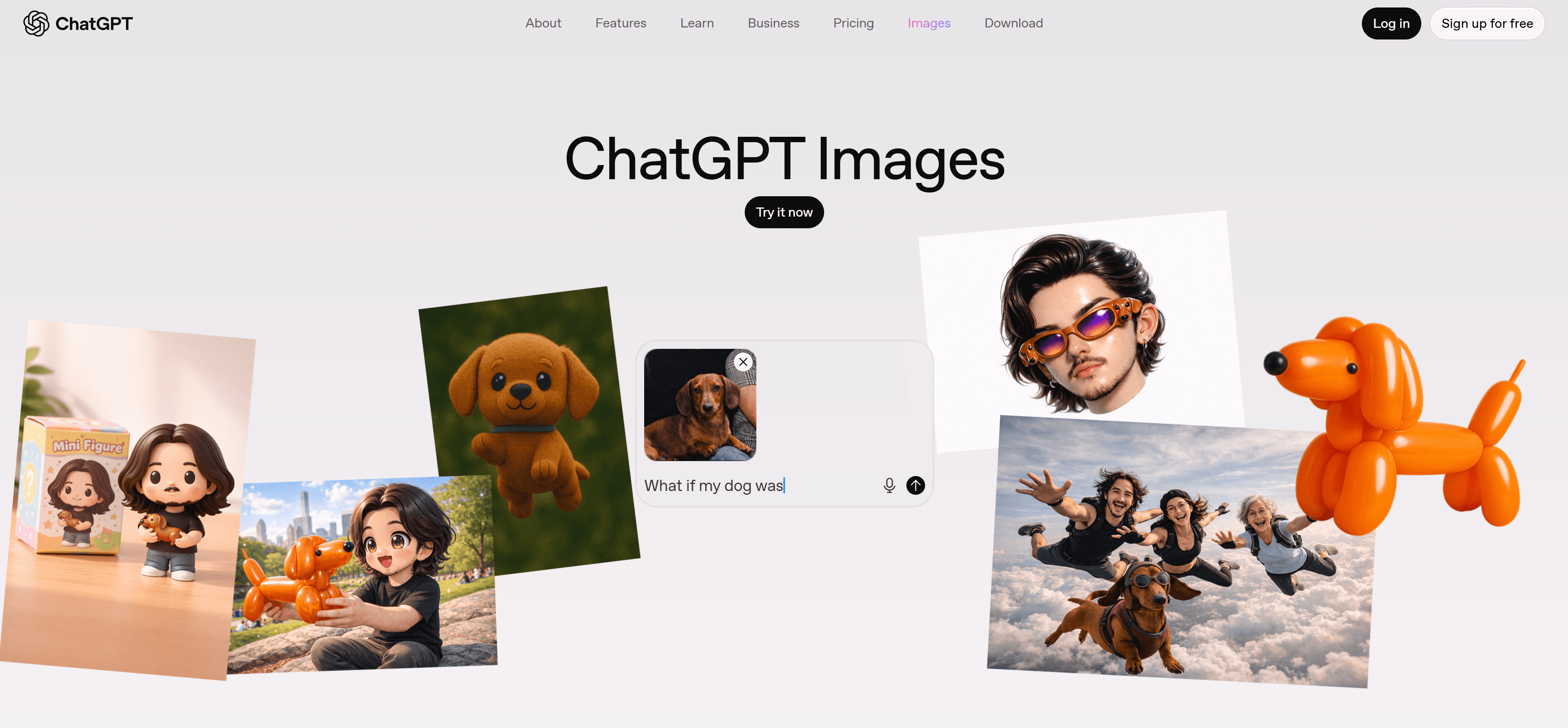
GPT Image is OpenAI's advanced image editing model (version 1) supporting image-to-image editing and generation with sophisticated AI technology. It understands image content and intelligently edits based on reference images, excelling in editing quality and understanding capabilities. Core features include image-to-image editing, intelligent content understanding, high-quality natural output, and API interfaces for easy integration. GPT Image suits scenarios requiring high-quality image editing, intelligent understanding, reference image-guided editing, and API integration. Its advanced AI technology enables deep content understanding, making it ideal for complex editing tasks requiring sophisticated image analysis and intelligent processing capabilities.
4. Qwen Image Edit: Chinese Optimization
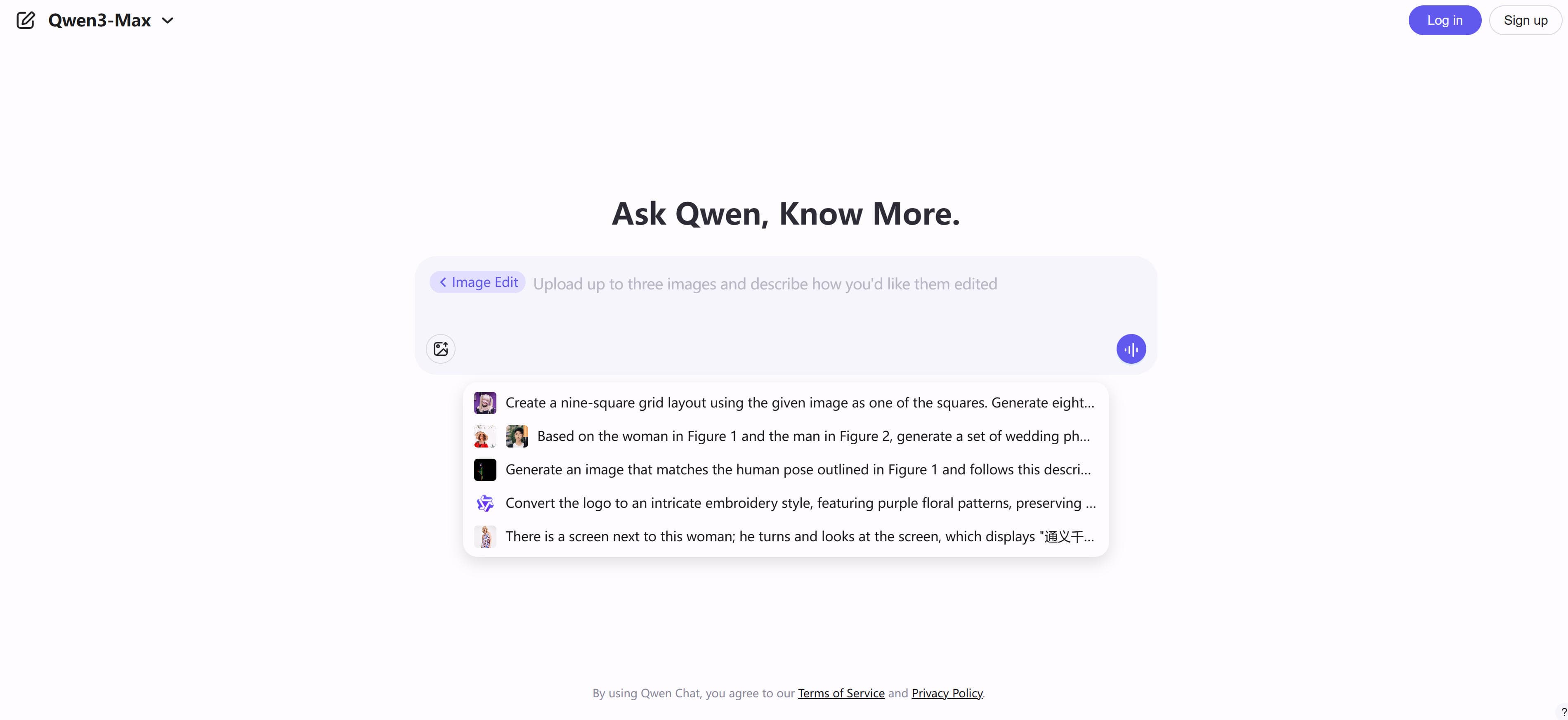
Qwen Image Edit is Alibaba's specialized image editing model supporting image-to-image editing and generation with Chinese optimization. It excels in Chinese image editing scenarios, especially suitable for Chinese users and enterprise applications. Core features include image-to-image editing, Chinese language and content optimization, enterprise-level capabilities, and API interfaces for easy integration. Qwen Image Edit suits Chinese users, enterprise applications, scenarios requiring Chinese content editing, and API integration. Its Chinese optimization provides significant advantages for Chinese image editing workflows and enterprise deployments, making it ideal for Chinese-language content processing and enterprise-level image editing solutions.
5. Reve: Efficient Batch Processing
Reve is an advanced image editing model (version 1) supporting image-to-image editing and generation with high quality and processing efficiency. It understands image content and intelligently edits based on reference images, excelling in editing quality and batch processing capabilities. Core features include image-to-image editing, high-quality natural output, efficient processing suitable for batch editing, and API interfaces for easy integration. Reve suits scenarios requiring high-quality image editing, batch processing, automated workflows, and API integration. Its efficiency makes it ideal for large-scale editing projects and production workflows, enabling automated processing and seamless integration into existing systems.
6. Flux Kontext: Creative Expression
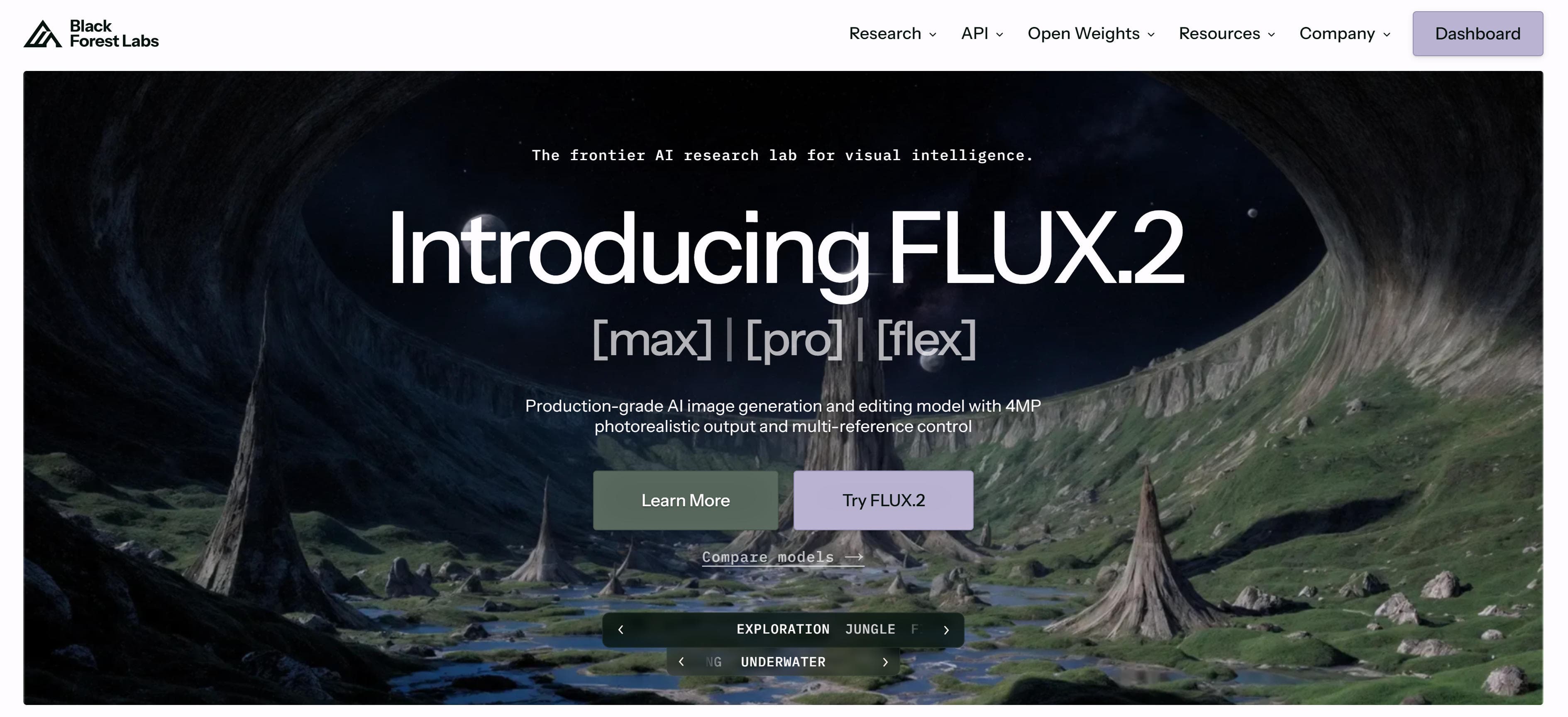
Flux Kontext is Black Forest Labs' advanced image editing model (version 1 Kontext) supporting image-to-image editing and generation with sophisticated AI technology. It understands image content and intelligently edits based on reference images, excelling in editing quality and creative expression. Core features include image-to-image editing, creative expression and style transfer capabilities, high-quality natural output, and API interfaces for easy integration. Flux Kontext suits scenarios requiring creative image editing, style transfer, artistic expression, and API integration. Its creative capabilities make it ideal for artistic projects and creative workflows, enabling unique visual effects and artistic expression through advanced style transfer techniques.
7. Adobe Firefly: Creative Cloud Integration
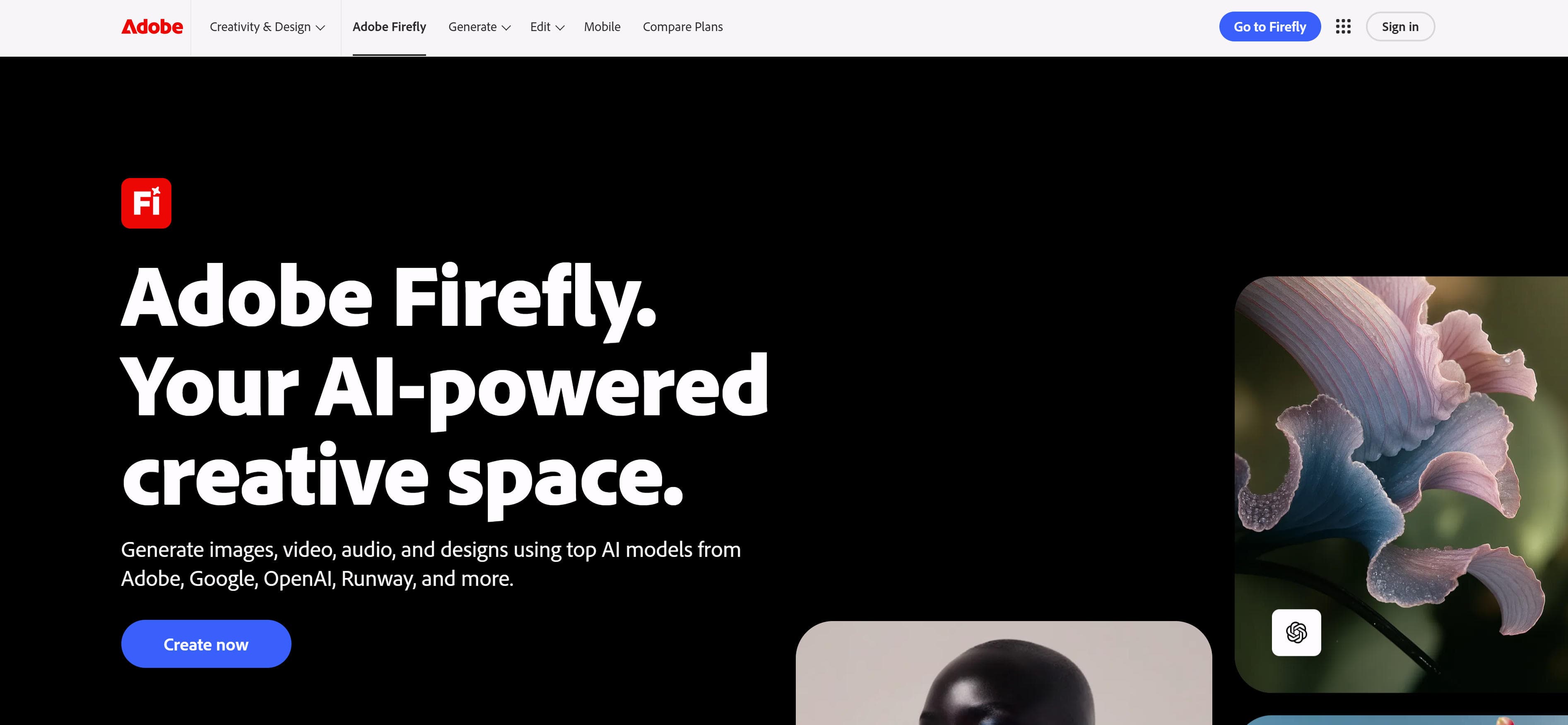
Adobe Firefly is Adobe's advanced image editing model (version 5 Preview) deeply integrated into Creative Cloud, providing generative fill, style transfer, intelligent repair, and professional editing tools. It intelligently generates fill content seamlessly blending into original images, supports multiple style transfers and creative effects, and repairs image defects intelligently. Core features include generative fill, style transfer, intelligent repair, seamless Creative Cloud integration, and professional tools with presets. Adobe Firefly suits users needing professional image editing, Creative Cloud integration, generative fill, style transfer, and intelligent repair. Its deep Creative Cloud integration makes it ideal for Adobe users and professional workflows.
8. remove.bg: Precision Background Removal

remove.bg specializes in one-click background removal with high precision and fast processing. It's ideal for e-commerce product images, social media content, and ID photos. The tool uses advanced AI to automatically detect and remove backgrounds while preserving image quality and fine details.
9. Clipdrop: Multifunctional Editing Suite
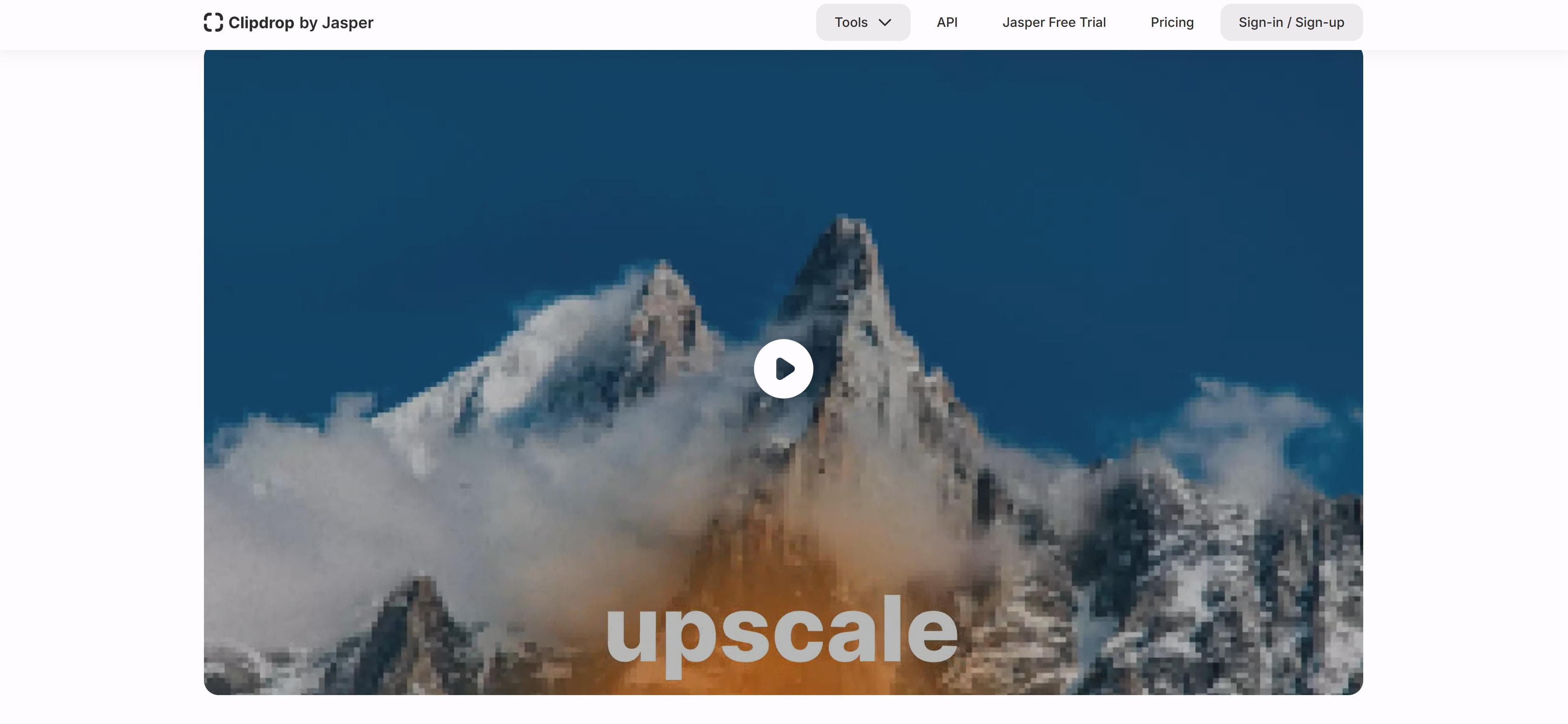
Clipdrop is a multifunctional suite offering background removal, variant generation, and advanced repair. It suits image editing, batch processing, and API integration scenarios. The platform provides comprehensive editing tools that combine AI precision with user-friendly workflows.
10. Skylum: Professional Photo Enhancement
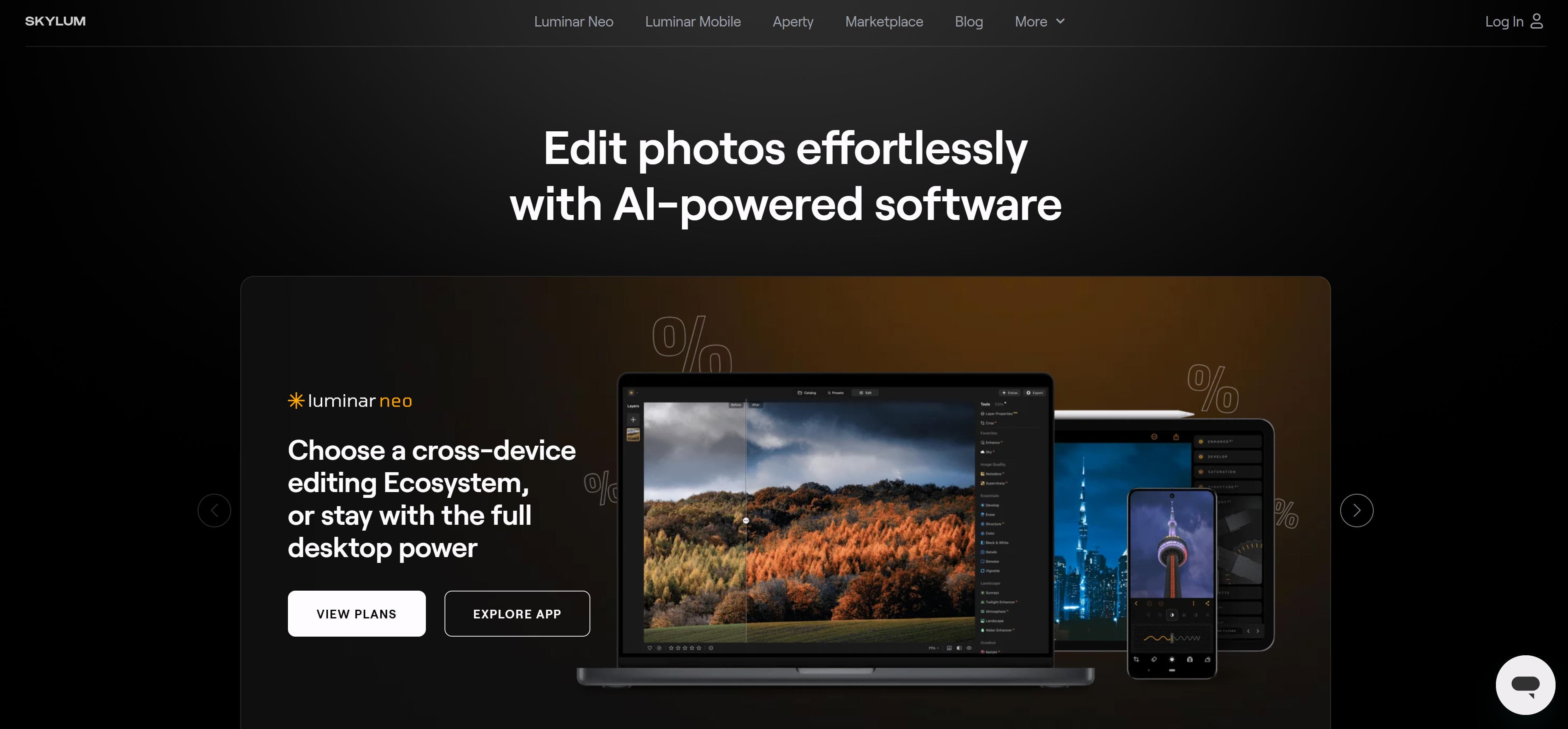
Skylum provides multifunctional enhancement, background removal, and lighting adjustment. It suits photo editing, professional enhancement, and batch processing. The tool offers comprehensive photo editing capabilities with AI-powered enhancements for professional results.
11. Fotor: One-Click Image Enhancement
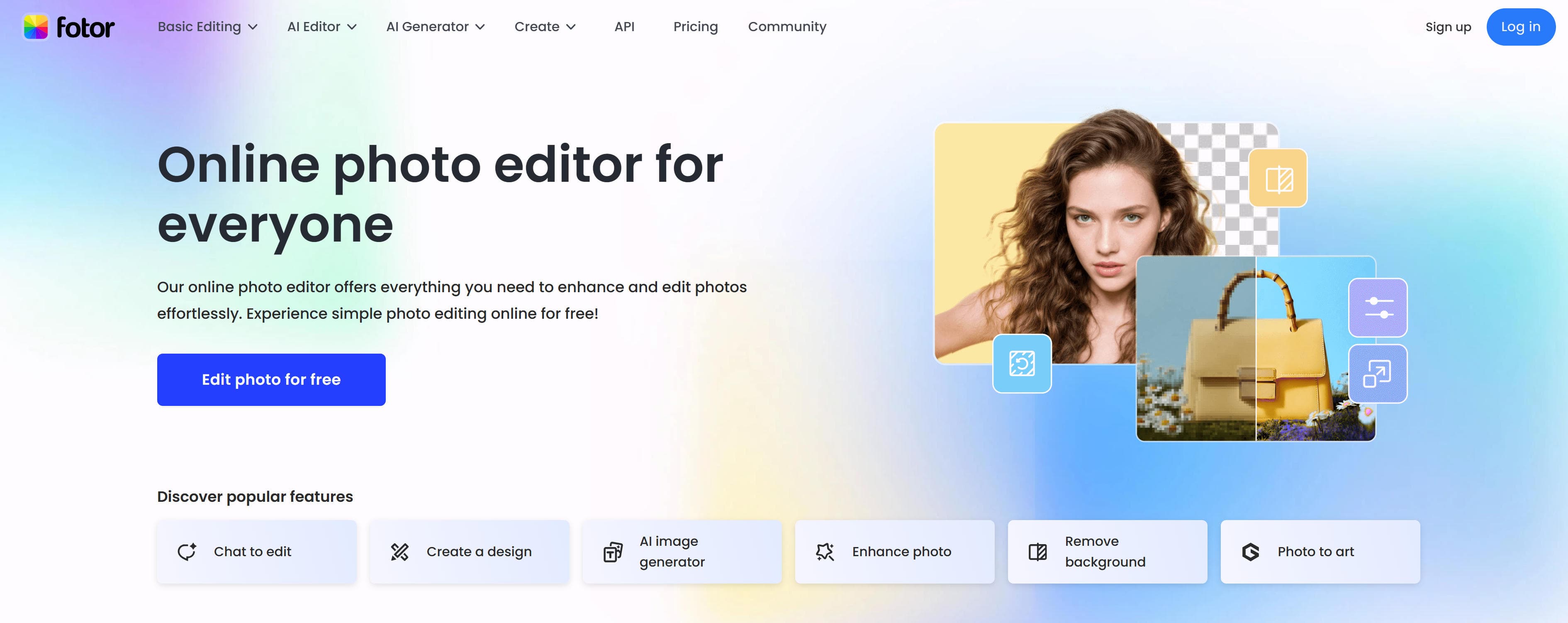
Fotor offers one-click enhancement, batch processing, background removal, and text-to-image capabilities. It suits online editing, quick processing, and batch editing scenarios. The platform combines AI automation with creative tools for efficient image processing.
AI Image Editors Comparison
Here's a detailed comparison of the top AI image editors to help you choose the best solution for your needs:
| Tool Name | Core Features | Best For | Pricing | Integrations |
|---|---|---|---|---|
| Gemini (Google) | Image-to-image editing, multimodal capabilities, intelligent understanding | Professional editing, API integration | API Paid | Real-time |
| Seedream (ByteDance) | High-quality output, fast processing, API integration | Enterprise editing, batch processing | API Paid | Minutes |
| GPT Image (OpenAI) | Intelligent understanding, high-quality output, API integration | Complex editing, intelligent applications | API Paid | Real-time |
| Adobe Firefly | Generative fill, style transfer, Creative Cloud integration | Professional workflows, Adobe ecosystem | Subscription | Real-time |
| remove.bg | One-click background removal, high precision | E-commerce, social media | Free + Paid | Seconds |
| Clipdrop | Multifunctional editing, background removal, repair | General editing, batch processing | Free + Paid | Minutes |
Use Cases: From Background Removal to Creative Editing
AI image editors transform how professionals and creators enhance images, from automated background removal to advanced creative editing.
Background Removal
AI image editors excel at background removal, automatically identifying and removing backgrounds with high precision. These tools quickly remove product image backgrounds, generating transparent or solid color backgrounds for e-commerce platforms. This automation saves significant time compared to manual cutout techniques, enabling efficient batch processing for large-scale image editing projects.
Image Retouching
AI image editors provide intelligent retouching capabilities, automatically enhancing images while maintaining natural appearance. These tools retouch portrait photos, removing blemishes, adjusting skin tone, and enhancing details. The AI understands facial anatomy and lighting principles to create professional results that rival traditional photo editing workflows, making professional retouching accessible to more users.
Style Transfer
AI image editors enable creative style transfer, converting images to different artistic styles and visual effects. These tools convert images to artistic styles like oil painting, watercolor, and sketch, transforming ordinary photos into artistic masterpieces with just a few clicks. This capability opens up new creative possibilities for digital artists and content creators seeking unique visual expressions.
Image Enhancement
AI image editors provide comprehensive enhancement capabilities, improving image quality, clarity, and visual appeal. These tools enhance image resolution, adjust color and contrast, and improve details. The AI analyzes image content to apply optimal enhancements that preserve natural appearance while dramatically improving visual quality, making professional enhancement accessible without extensive technical knowledge.
Creative Editing
AI image editors enable advanced creative editing, allowing users to add or remove objects and combine multiple images. These tools intelligently handle complex editing tasks like scene reconstruction and creative composition, opening up new possibilities for digital artists and content creators. The AI understands image context to seamlessly integrate new elements while maintaining visual coherence and natural appearance.
How to Choose the Right AI Image Editor
Select the perfect AI image editor for your editing needs based on use case, quality requirements, feature needs, budget, and workflow integration.
1. Identify Your Primary Use Case
Determine main editing needs: image-to-image editing with reference images requires advanced AI models capable of understanding visual context and style transfer; traditional editing tasks like background removal and enhancement need specialized algorithms optimized for specific operations. Match tool capabilities to your primary workflow requirements.
2. Evaluate Quality Requirements
Assess quality standards: professional projects require broadcast-level precision and natural results with minimal artifacts; commercial work needs consistent output quality across batches; personal projects may prioritize speed over absolute quality. Test tools with your specific image types to verify quality meets your standards.
3. Assess Feature Requirements
Evaluate required capabilities: API integration enables developers to automate workflows and integrate editing into applications; batch processing handles large volumes efficiently; specific features like style transfer, object removal, or enhancement require specialized algorithms. Choose tools matching your technical requirements and workflow needs.
4. Consider Budget and Pricing
Compare pricing models: free tiers suit occasional use and testing; subscriptions provide predictable costs for regular work; pay-per-use models offer flexibility for variable needs. Factor in usage volume, feature requirements, and long-term costs when selecting the most cost-effective solution.
5. Evaluate Workflow Integration
Check compatibility with existing tools and platforms: robust API support enables custom integrations and automation; ecosystem compatibility ensures seamless data flow between tools; export formats should match your downstream requirements. Evaluate integration capabilities to minimize workflow disruptions.
Conclusion
AI image editors transform professional photography workflows, offering remarkable automation and quality. From Gemini's multimodal capabilities to remove.bg's precision background removal, from Seedream's advanced editing to Clipdrop's traditional editing tasks, these tools serve diverse editing needs across industries, enabling users to achieve professional-quality results with minimal effort.
Choose the right tool based on your editing needs: Gemini and Seedream for advanced image-to-image editing and multimodal capabilities, remove.bg and Clipdrop for traditional editing tasks like background removal and object manipulation. Evaluate editing requirements, feature needs, quality standards, and budget constraints to select the most suitable AI image editor for your projects.
AI image editors serve as powerful assistants that enhance editing efficiency and quality, but they complement rather than replace human creativity and artistic vision. The best approach is human-AI collaboration: AI handles technical processing and repetitive tasks, while humans provide creative direction, quality control, and artistic judgment, maximizing both editing efficiency and creative value.