Article Introduction
This comprehensive guide explores the complete ecosystem of AI text tools, featuring 16 exceptional solutions across four core categories. From intelligent content generation to professional legal analysis, meeting transcription to academic writing assistance, we provide detailed introductions to each tool type with dedicated guide pages. Whether you're a content creator, business professional, legal expert, or student, discover the perfect AI text solutions to enhance your productivity and workflow efficiency.
What Are AI Text Tools
In 2026, AI technology has revolutionized text processing across industries. Here we present top AI text tools spanning generation, meeting notes, legal assistance, and academic writing. These tools enhance efficiency while democratizing access to advanced text processing capabilities for users across all skill levels.
AI text tools streamline workflows and reduce barriers, enabling users without specialized training to produce high-quality text content. Content creators, business professionals, legal practitioners, and students can all benefit from these intelligent solutions that transform how we work with text.
AI Text Technology Overview
Modern AI text technology leverages large language models and natural language processing to understand text semantics, structure, and style, generating high-quality, natural content. Compared to traditional methods, AI technology dramatically improves creation efficiency, quality consistency, and functional versatility.
Core foundations include large language models (LLMs), Transformer architecture, and attention mechanisms. LLMs learn language patterns from massive datasets; Transformer architecture excels at text generation and understanding; attention mechanisms focus on relevant information. Different tools employ specialized architectures: generation tools use GPT-series models for comprehensive text creation; meeting tools combine speech recognition with text summarization; legal assistants utilize domain-specific language models; academic tools integrate research methodologies with writing standards.
Detailed Introduction to AI Text Tool Types
We've created detailed guide pages for different AI text tool categories, each containing comprehensive introductions, tutorials, and selection guides. Below are detailed introductions to each tool type:
AI Text Generation Tools: Create content from text descriptions
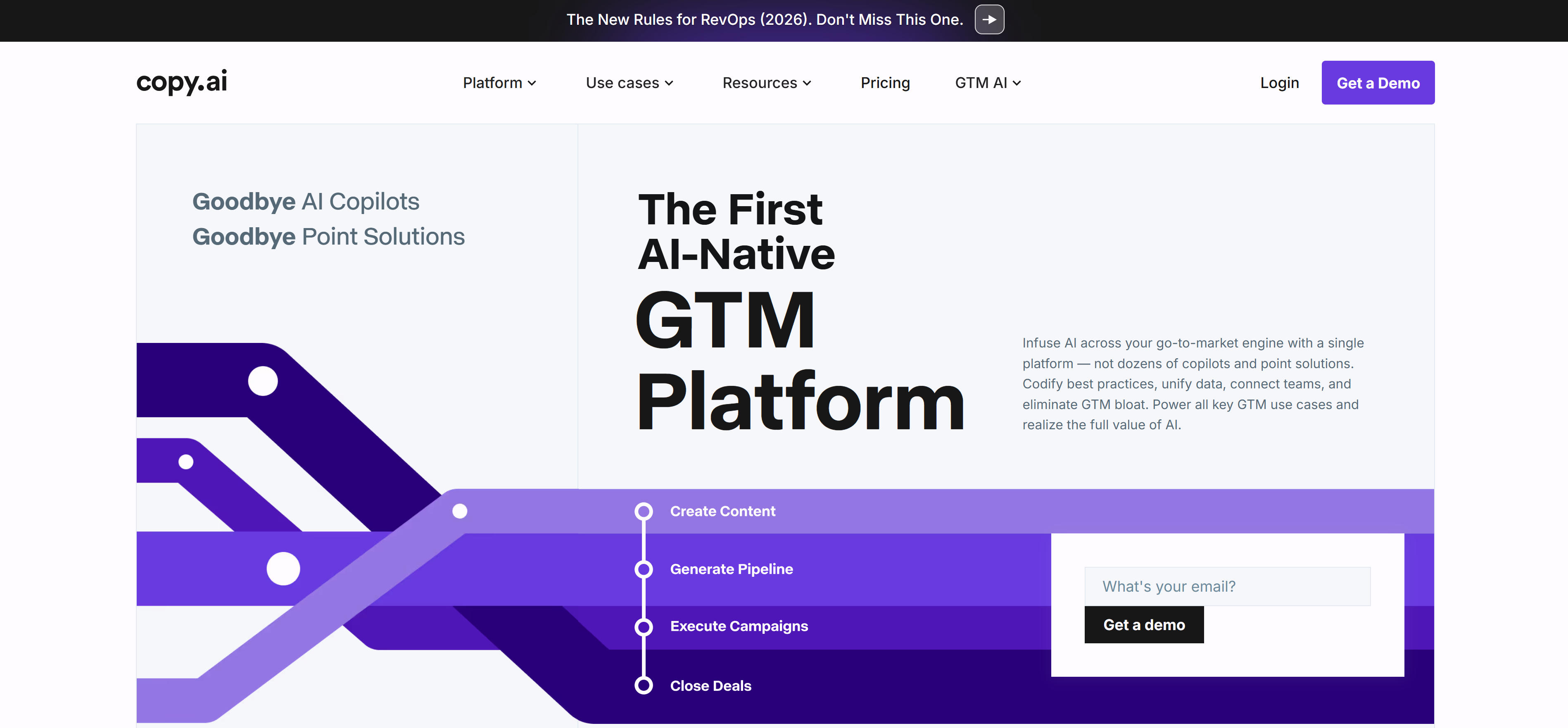
AI Text Generation Tools utilize advanced language models to create various types of content from user prompts. From creative writing to business communications, marketing copy to code generation, these tools provide high-quality text production services. Core features include multi-style writing, intelligent continuation, content optimization, and language translation. AI text generation tools significantly enhance content creation efficiency, enabling users to quickly generate high-quality text content.
AI Meeting Notes Tools: Automated transcription and summarization
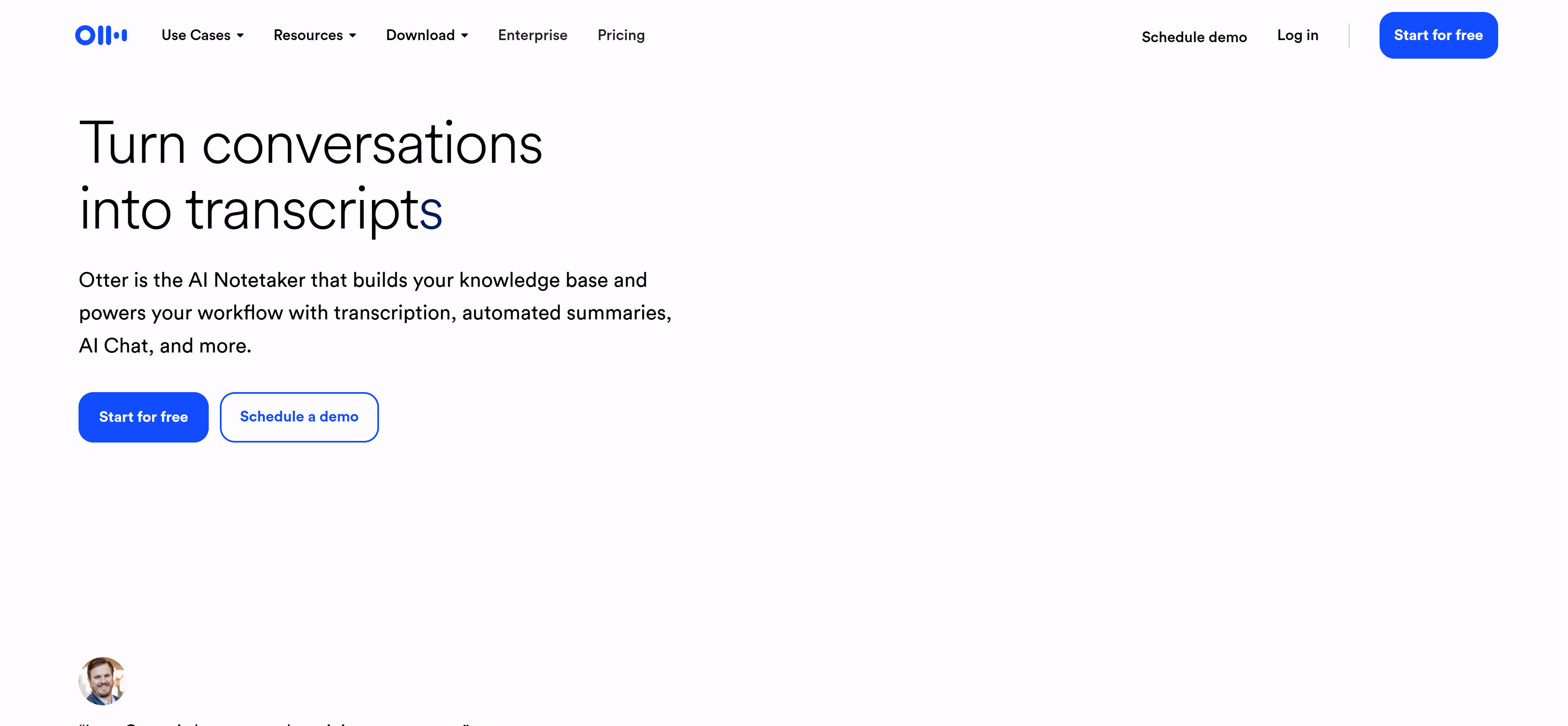
AI Meeting Notes Tools combine speech recognition with natural language processing to automatically transcribe meeting content, extract key information, and generate structured summaries. These tools support multi-language recognition, speaker identification, and intelligent summarization features, greatly improving meeting recording efficiency and quality. Core features include real-time transcription, smart summarization, action item extraction, and keyword highlighting. AI meeting notes tools revolutionize traditional meeting documentation methods, making meetings more efficient and productive.
AI Legal Assistant Tools: Legal document drafting and analysis

AI Legal Assistant Tools provide intelligent solutions designed for legal professionals, assisting with legal research, contract drafting, case analysis, and compliance checks. These tools utilize specialized legal language models familiar with legal terminology and precedents, offering accurate legal advice and document generation services. Core features include intelligent contract review, legal research assistance, document automation, and risk assessment. AI legal assistant tools enhance legal work efficiency and accuracy, transforming legal practice workflows.
AI Essay Writing Tools: Academic writing and research assistance
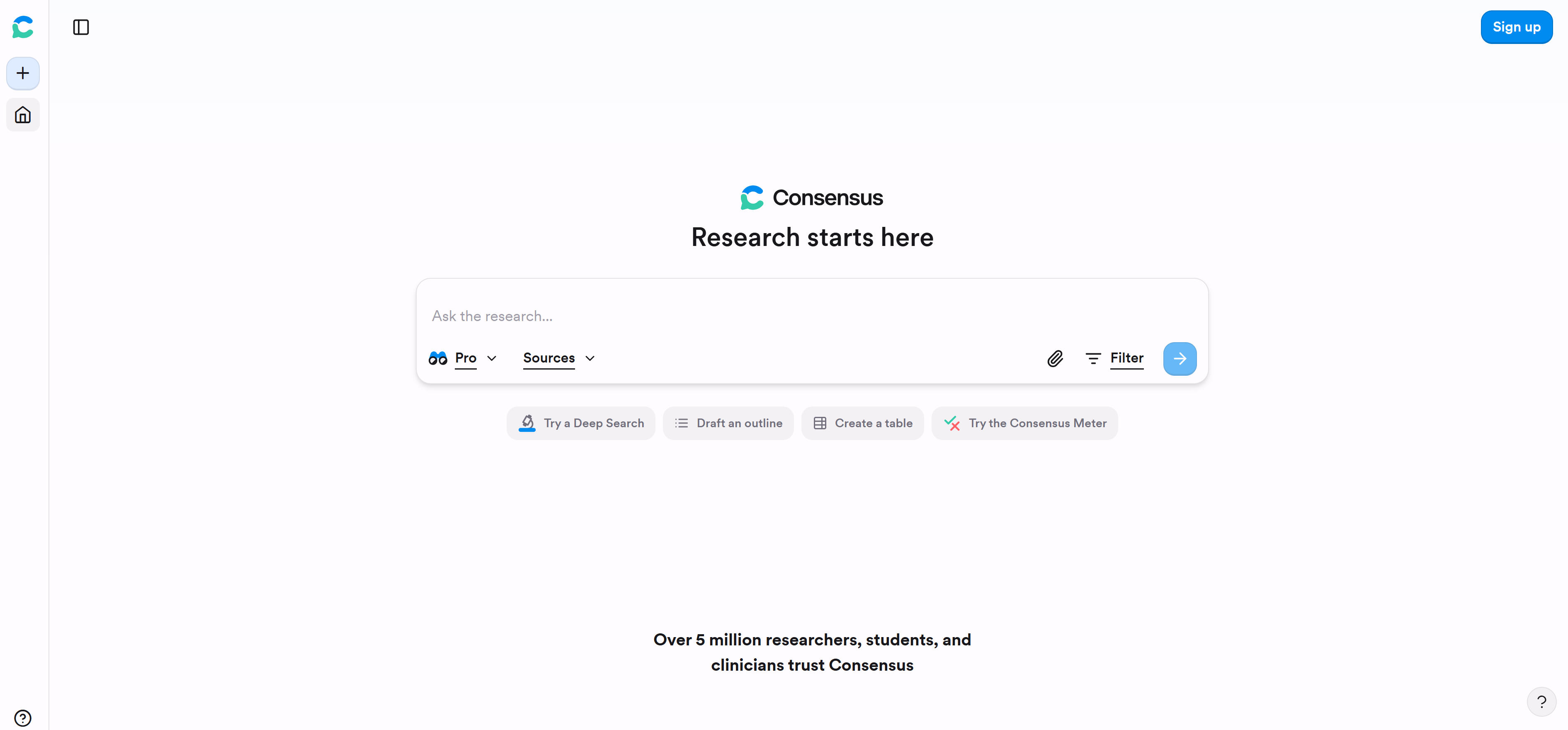
AI Essay Writing Tools provide intelligent assistance for academic research and paper writing, helping students and researchers with literature reviews, outline generation, content creation, and citation management. These tools combine academic writing standards with AI generation technology to produce academically compliant content. Core features include intelligent writing assistance, citation management, plagiarism checking, and academic formatting. AI essay writing tools make academic writing more efficient and standardized, supporting research and scholarly work.
AI Text Tools Comparison
| Tool Type | Representative Tools | Core Advantages | Use Cases | Technical Features |
|---|---|---|---|---|
| Text Generation | ChatGPT, Jasper AI | High content creation efficiency | Marketing copy, creative writing | LLMs, multimodal |
| Meeting Notes | Otter.ai, Fireflies.ai | Accurate automated recording | Meeting records, knowledge management | Speech recognition, NLP |
| Legal Assistant | Supio, Harvey | Rich professional legal knowledge | Legal research, contract drafting | Legal models, compliance checking |
| Essay Writing | Jenni AI, Aithor | Strong academic writing standards | Academic papers, research reports | Academic models, citation management |
AI Text Tools Use Cases: 6 Practical Applications
1. Content Creation and Marketing Copy
AI text generation tools can quickly create various marketing content, from social media posts to product descriptions, email marketing to blog articles. Tools can automatically adjust writing style based on brand voice and target audience, providing multiple creative suggestions. AI text tools also help generate advertising headlines, descriptions, and creative copy to improve ad effectiveness.
2. Business Communication and Email Processing
Intelligent writing assistants help compose professional business emails including client communications, meeting invitations, project updates, etc. AI can analyze communication context and recipient information to provide appropriate language styles and structures, enhancing business communication professionalism and efficiency. AI text tools can also generate business reports, project documents, meeting minutes, etc., improving document creation speed and quality.
3. Meeting Records and Knowledge Management
AI meeting notes tools can transcribe meeting content in real-time, automatically extract key decisions, action items, and follow-up tasks. Generated structured summaries can be directly shared with team members, supporting multi-language and multi-format export. AI text tools can also summarize meeting highlights, generate action checklists, and track task completion, greatly improving meeting efficiency.
4. Academic Research and Paper Writing
Academic writing tools provide functions like paper outline generation, literature review assistance, and citation management. AI helps students and researchers improve paper quality and writing efficiency. AI text tools can also generate research reports, literature reviews, conference abstracts, etc., helping researchers better organize and express research results.
5. Legal Documents and Compliance Management
AI legal assistants can assist with contract drafting, clause review, and compliance checks. Tools understand legal terminology and precedents, providing professional legal suggestions and document templates. AI text tools can also generate legal opinions, contract templates, and compliance reports, improving legal work efficiency and accuracy.
6. Multilingual Communication and Translation
AI text tools support multi-language generation and translation, helping users overcome language barriers in international communication. Tools can maintain original style and cultural context, providing natural and fluent translations. AI text tools can also generate multi-language content, translate documents, and support cross-cultural communication.
How to Choose AI Text Tools
Choose the right AI text tool based on specific needs, workflow, and technical level to truly improve work efficiency.
1. Clarify Specific Requirements
First clarify what problems you need AI text tools to solve: content creation, meeting records, legal analysis, or academic writing? Different tool types are optimized for different scenarios, choosing tools that match your main workflow can maximize value.
2. Assess Output Quality and Accuracy
Test or review tool examples, particularly professional field content. Legal tools need to ensure legal advice accuracy, academic tools need to comply with writing standards, content creation tools need creative and brand consistency.
3. Check Integration and Scalability
Consider whether tools support integration with existing workflows like CRM systems, project management tools, or content management systems. Good API and expansion capabilities allow AI tools to seamlessly integrate into your work environment.
4. Focus on Data Privacy and Security
When handling sensitive information, choose tools with good privacy policies. Understand data storage locations, encryption measures, and compliance certifications to ensure your content and data security.
5. Test Usability and Learning Curve
Evaluate interface design, operation flow, and learning curve, especially for beginners. Choose tools with user-friendly interfaces and detailed documentation to resolve issues quickly, reducing team training costs and adoption barriers.
Conclusion
AI text tools are transforming content creation and document processing approaches, from simple text generation to complex professional analysis, from daily communication to academic research. Choosing appropriate tools requires comprehensive evaluation of output quality, integration capabilities, privacy protection, and usability factors.
With continuous AI technology advancement, text tools will become more intelligent and professional, providing better user experiences. Whether content creators, professionals, or ordinary users, everyone can find solutions to improve efficiency and quality in these AI text tools. Reasonable utilization of AI text tools not only improves work efficiency but also stimulates more creativity and innovation.