What Are AI Video Editors
AI video editor tools use AI to assist traditional video editing functions, including video enhancement, background removal, captions, and resize/format conversion. Unlike AI video-to-video tools, traditional editors adjust existing video pixels and parameters rather than generating new visual content.
Traditional AI video editors include video enhancement (improving resolution and clarity via AI), background removal (auto-identifying and removing backgrounds), captions (auto-generating and adding subtitles), and resize & format conversion (changing dimensions, frame rates, formats). These tools suit quick processing, quality improvement, and basic editing. The key difference is they adjust existing content rather than generating new visuals. For example, enhancement tools optimize existing pixels rather than generating new details; background removal identifies and removes backgrounds rather than generating new ones. These tools better suit everyday editing needs. For creative editing and style transfer, see our AI video-to-video tools guide. For long-to-short video clipping, check our video clipping tools guide.
How AI Video Editing Works
Traditional AI video editing uses computer vision and machine learning to auto-identify content, optimize parameters, and process effects. Compared to manual editing, AI editing automates repetitive tasks and improves efficiency.
Core advantages include automation (auto-completing repetitive tasks), intelligence (identifying content and applying appropriate processing), efficiency (quickly processing large volumes), and quality optimization (improving quality via AI algorithms). Different tools use different technologies: enhancement tools use super-resolution algorithms, background removal uses semantic segmentation, caption tools combine speech recognition and text processing.
Video Enhancement Tools
Video enhancement tools use AI algorithms to improve resolution and clarity, ideal for old or low-resolution videos. Unlike generative enhancement tools (like Magnific), traditional tools optimize existing pixels rather than generating new details.
Topaz Video: Enhancement
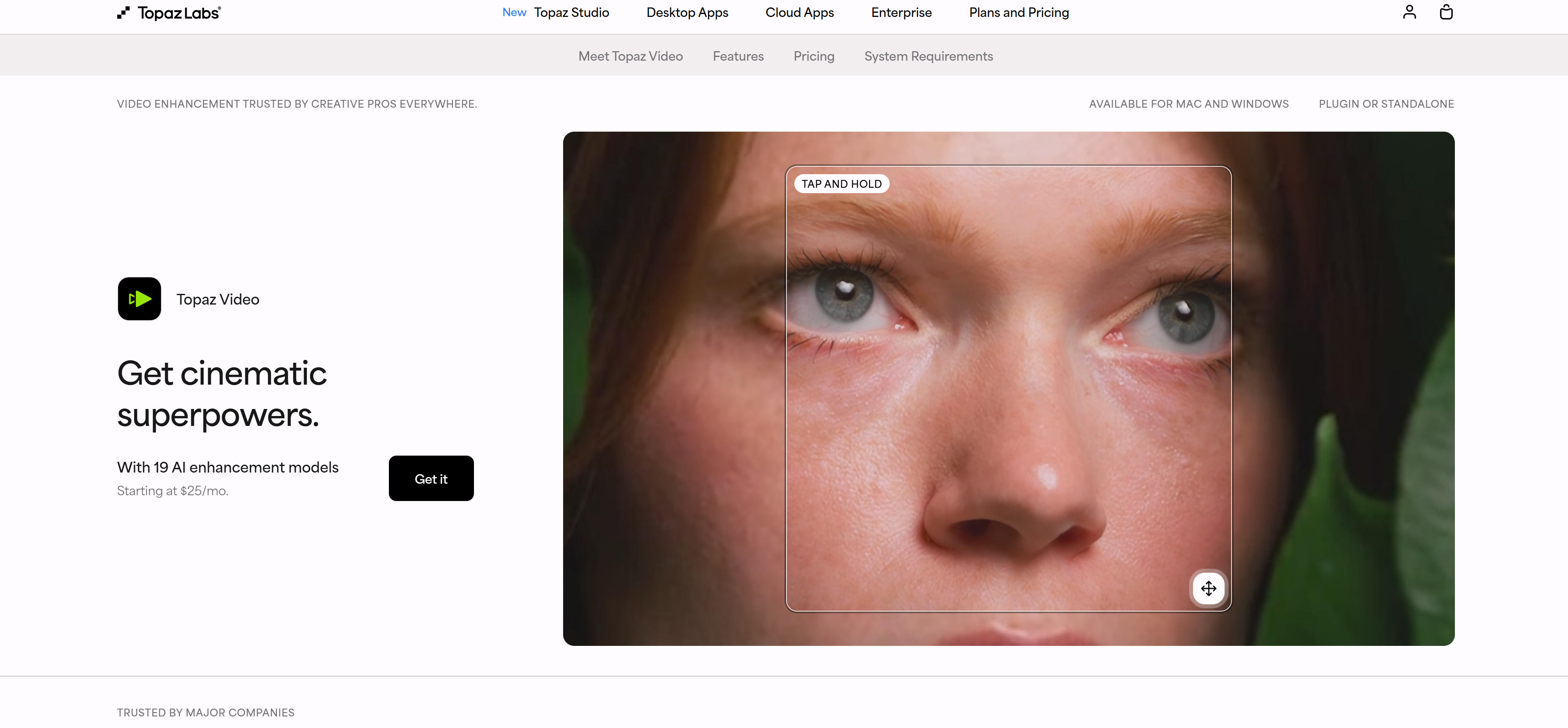
Topaz Video is a professional video enhancement tool using AI to improve resolution and clarity. It supports 19 AI enhancement models including upscaling, denoising, restoration, stabilization, and slow motion. Topaz Video offers local and cloud rendering, supports batch processing, and suits professional production and restoration. Pricing starts at $25/month, ideal for professionals and creators needing high-quality output.
Video Background Removal Tools
Background removal tools use AI to auto-identify foreground and background, removing backgrounds for scenarios needing background replacement or transparent backgrounds.
Runway: Background Removal
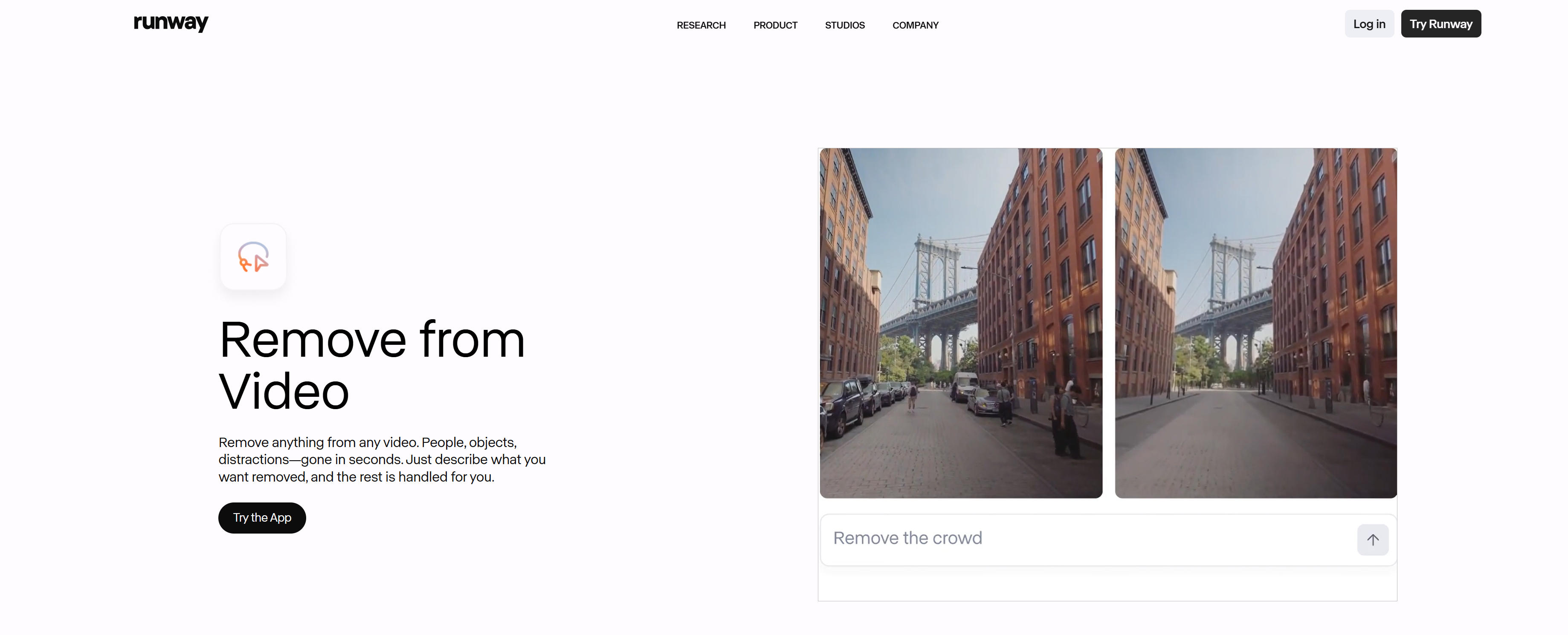
Runway is a powerful AI video editor offering background removal, video generation, and editing. Its "Remove from Video" feature uses advanced AI models to precisely identify foreground objects and remove backgrounds, supporting complex scenes and fast motion. Runway provides an easy interface: users describe what to remove, and the tool auto-removes it. It supports real-time preview and fine-tuning for edge smoothing and background replacement. Runway uses subscription pricing with free tier limitations; paid users get faster processing and more features.
Video Caption Tools
Caption tools use AI speech recognition to auto-generate video subtitles, ideal for social media content, educational videos, and multilingual content.
Mirage: AI Caption Generator
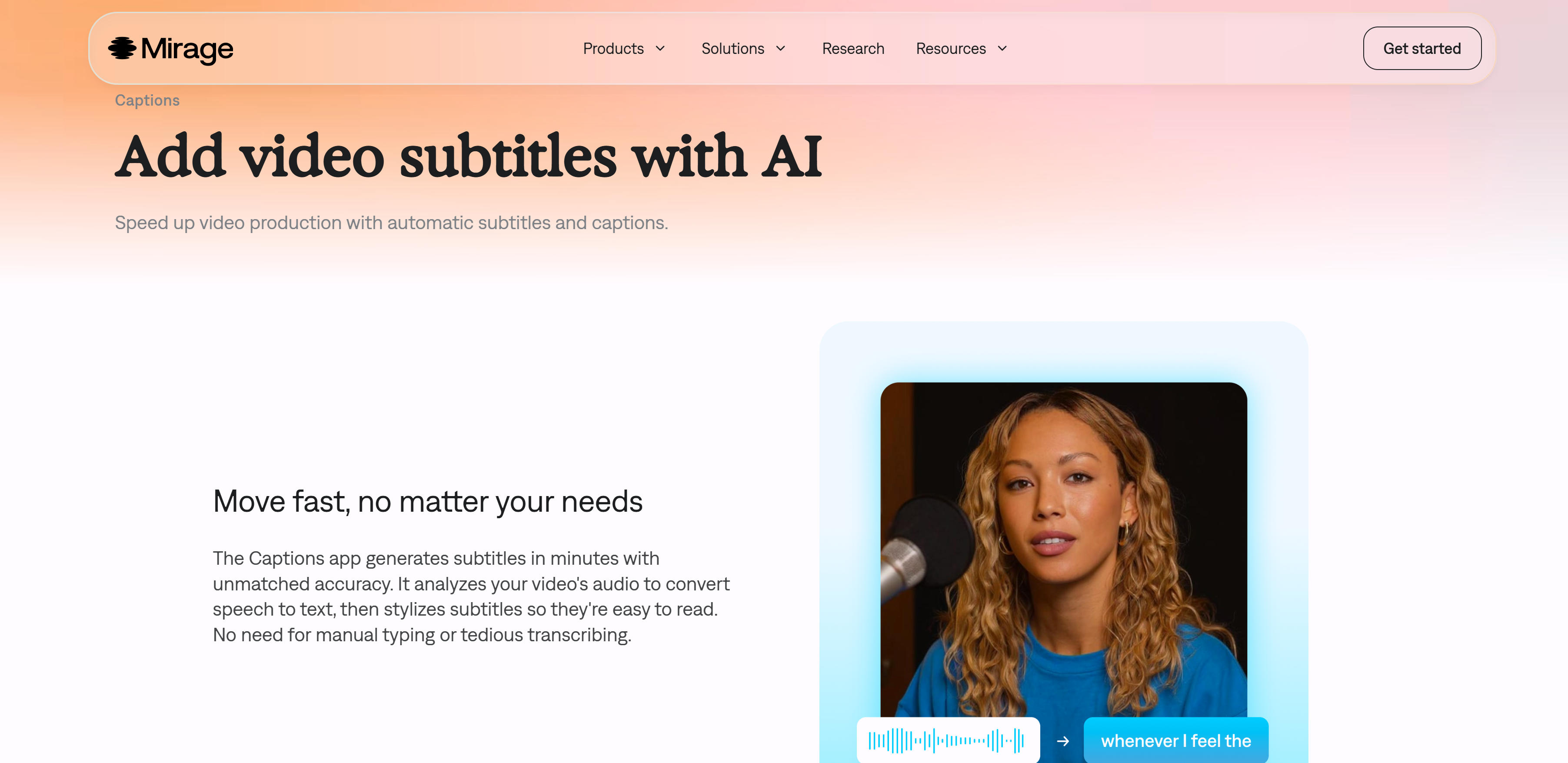
Mirage Captions is a professional AI video caption generator that quickly converts speech to text. It uses advanced AI speech recognition to analyze video audio and auto-generate captions with high accuracy. Mirage Captions supports multiple caption styles and customization: users can adjust colors, fonts, sizes, and apply AI Edit styles for instant visual adjustments. It supports multilingual caption generation, creating multiple language versions for targeted marketing. Mirage Captions suits quick caption addition for social media, short videos, and educational content.
Riverside: Professional Captions
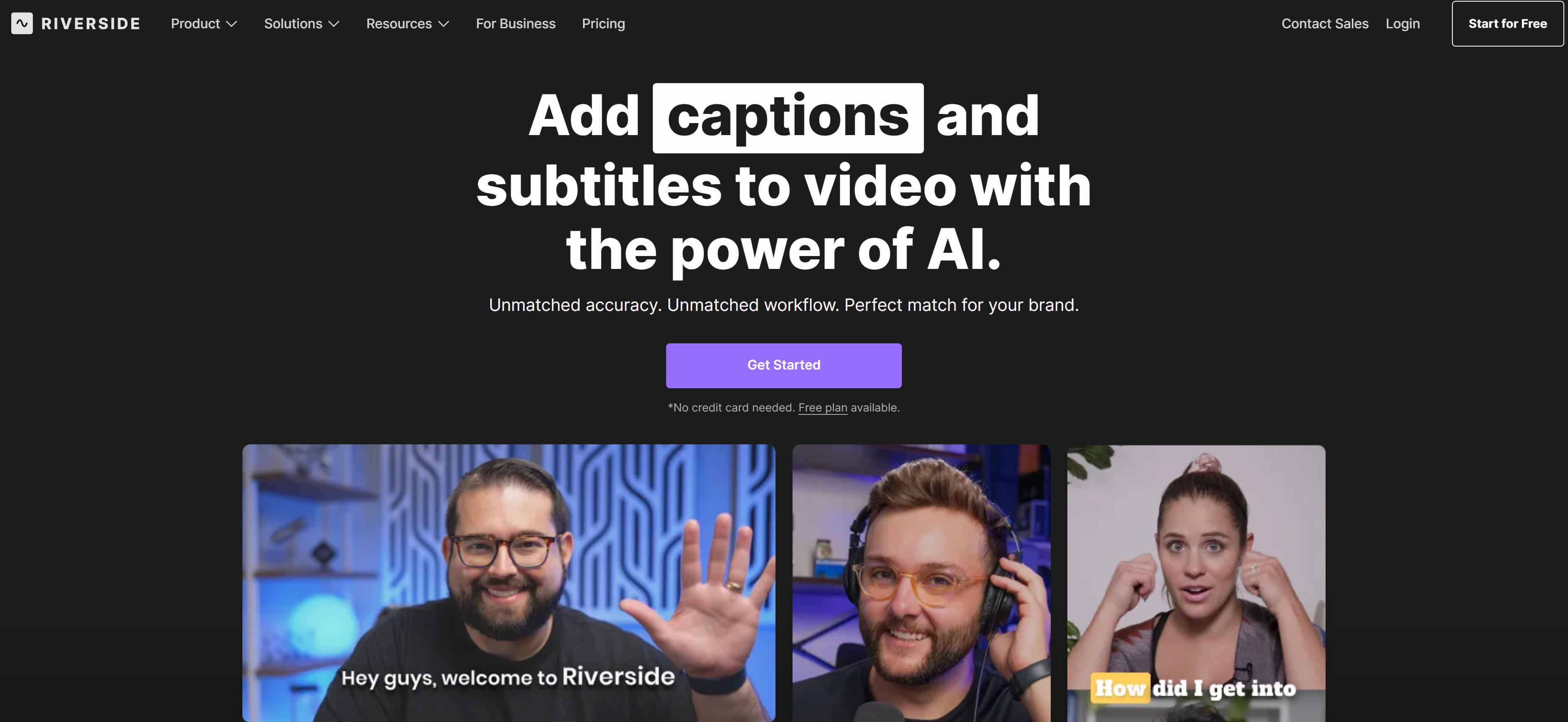
Riverside is a professional video recording and editing tool with powerful AI caption generation. Its AI transcriber achieves 99% accuracy and supports 100+ languages, auto-generating video captions. Riverside offers rich caption style customization: users can choose fonts, colors, positions, alignment, and animations to match brand style. It supports one-click layout switching for different platforms (Reels, TikTok, Shorts), enabling content repurposing. Riverside suits professional caption creation and brand consistency for podcasts, interviews, and educational content.
Video Resize & Format Conversion Tools
Resize and format conversion tools change video dimensions, frame rates, and formats, ideal for adapting to different platforms or devices. These tools typically use AI algorithms to optimize quality, ensuring converted videos maintain best results.
Common tools include HandBrake (open-source converter), FFmpeg (command-line processor), and CloudConvert (online service). These support multiple formats including MP4, AVI, MOV, MKV, meeting various platform and device needs.
Tools Comparison
Traditional AI video editors differ by use case. Enhancement tools (like Topaz) suit quality improvement, background removal (like Runway) suits background removal/replacement, caption tools (like CapCut) suit subtitle addition.
Compared to AI video-to-video tools, traditional editors offer faster processing, lower cost, and simpler operation, better suited for everyday editing. However, traditional tools cannot achieve creative editing and style transfer, which require AI video-to-video tools.
Application Scenarios
Applications include quality improvement (enhancing old or low-resolution videos via AI), background processing (removing or replacing backgrounds, creating transparent backgrounds), caption addition (auto-generating and adding subtitles for accessibility), format conversion (adjusting dimensions and formats for different platforms), and batch processing (quickly processing large volumes).
For creative editing and style transfer (converting videos to animation styles, adding AI-generated effects), use AI video-to-video tools. For traditional editing needs, traditional editors are better choices. For more video editing features, see our AI video tools complete guide.
How to Choose AI Video Editors
Select AI video editor tools based on feature needs, quality requirements, processing speed, budget, and usability for significantly enhanced video editing efficiency and quality.
1. Evaluate Feature Needs
Determine if you need enhancement, background removal, captions, or format conversion. If you need creative editing and style transfer (style migration, generative enhancement), use AI video-to-video tools. If you need traditional editing (cutting, splicing, parameter adjustment), traditional editors are better choices.
2. Assess Quality Requirements
Output quality varies significantly between tools. Professional production suits high-quality tools like Topaz Video Enhance AI; fast content creation suits faster processing tools. Choose based on project needs and quality standards.
3. Evaluate Processing Speed
Traditional tools typically process faster, suitable for batch processing. If you need quick turnaround, choose tools with faster processing speeds. For more video editing tools and features, see our AI video tools complete guide.
4. Consider Budget and Pricing
Pricing models vary significantly, from free tools (like CapCut) to professional tools (like Topaz Video Enhance AI, starting at $199). Most offer free trials or free versions with limitations. Choose based on usage frequency and budget.
5. Assess Ease of Use
Tool operation difficulty varies. User-friendly tools like CapCut suit beginners; professional tools like Topaz Video Enhance AI require more technical knowledge. Choose tools that match your team's skill level.
Conclusion
Traditional AI video editors demonstrate powerful capabilities in enhancement, background removal, captions, and format conversion. These tools automate repetitive tasks, improve efficiency, and suit everyday editing needs.
However, traditional tools cannot achieve creative editing and style transfer. For these needs, AI video-to-video tools are better choices. Best practice: choose appropriate tools based on needs—traditional editing uses traditional tools, creative editing uses AI video-to-video tools. For more video editing tools and features, see our AI video tools complete guide.