What Are AI Coding Tools
In 2025, AI technology is fundamentally transforming the software development industry. According to a16z's analysis, there are approximately 30 million software developers worldwide, with each developer creating about $100,000 in economic value annually. This suggests the AI software development market could reach $3 trillion—equivalent to France's GDP. AI coding tools are evolving from simple code generators into comprehensive development stack partners.
AI coding tools' core value lies in liberating developers from repetitive coding tasks, enabling them to focus on architecture design, business logic, and innovation. Current AI tools can boost developer productivity by 20-100% through a "Plan → Code → Review" collaborative cycle, forming genuine partnerships with human developers. Whether seasoned senior engineers or programming beginners, everyone can benefit immensely from these intelligent tools.
Modern AI coding tools are built on large language models (LLMs) and code understanding models, capable of comprehending natural language instructions, analyzing code context, and automatically generating code that meets programming standards. We've created detailed guides for different types: AI IDE tools for users needing integrated development environments, AI CLI tools for command-line developers, and Vibe Coding tools designed specifically for non-programmers. Together, these tools form a complete AI software development ecosystem.
How AI Coding Tools Work
Modern AI coding technology uses LLMs and code understanding models to understand natural language instructions, analyze code context, and automatically generate code conforming to programming standards. Compared to traditional coding tools, AI coding technology significantly improves code generation efficiency, quality stability, and feature diversity.
Core foundations include code understanding models, code generation models, context awareness, and multi-language support. Code understanding models analyze code structure and semantics to understand code intent and functionality. Code generation models learn code generation capabilities from massive code data, generating code based on natural language descriptions. Different tools use different architectures: IDE tools mainly integrate into development environments, providing real-time code completion and suggestions; CLI tools provide code generation and optimization through command-line interfaces.
Best AI Coding Tools 2026
1. AI Code Completion Tools: Real-Time Code Suggestions
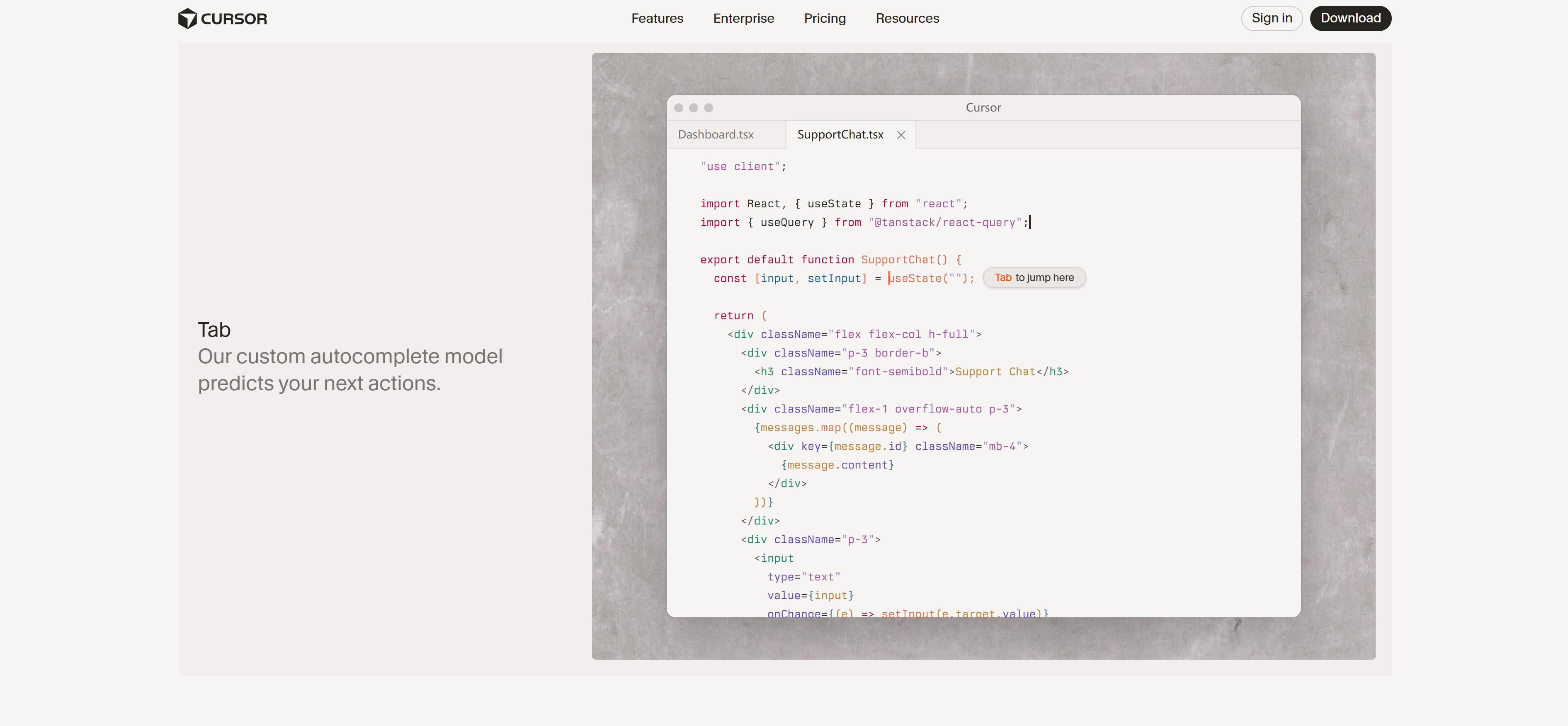
AI code completion tools use AI to suggest code snippets, functions, and entire blocks in real-time, boosting developer productivity by reducing typing and cognitive load. These tools understand code context, analyze project structure, and provide personalized intelligent suggestions. Their core advantage lies in powerful code understanding capabilities, understanding code context and project structure, providing precise code suggestions, and supporting multiple programming languages and frameworks. Cursor, GitHub Copilot, Tabnine each have unique features for different use cases. Whether for code writing, function completion, code refactoring, or error fixing, AI code completion tools provide efficient solutions, significantly improving development efficiency.
2. AI IDE Tools: Integrated Development Environment Assistant
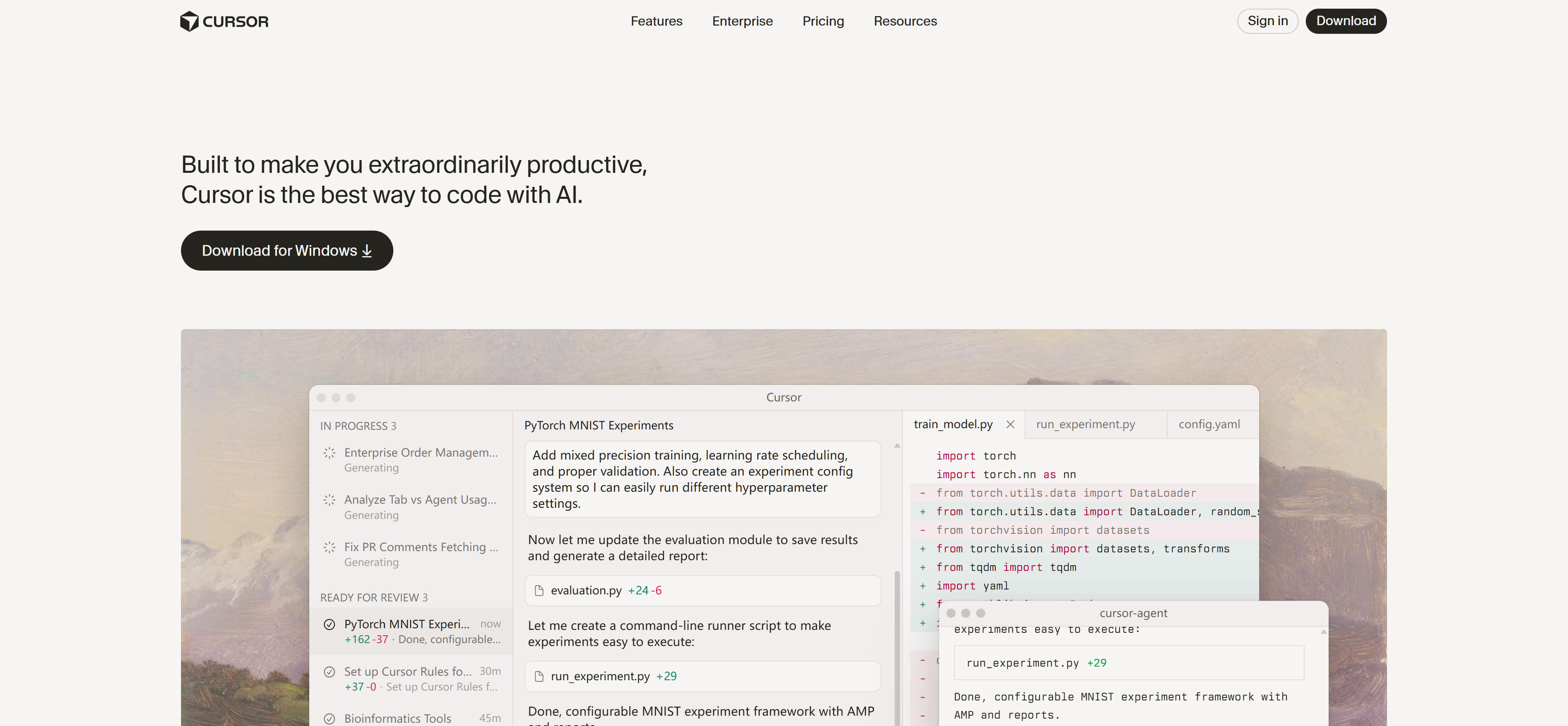
AI IDE tools are AI programming assistants integrated into development environments, providing real-time code completion, intelligent suggestions, code refactoring, and debugging assistance. These tools use deep learning to understand code context and generate code conforming to programming standards. Their core advantage lies in powerful IDE integration capabilities, seamlessly integrating into development environments, providing real-time code suggestions and assistance, and supporting multiple programming languages and frameworks. Cursor, Windsurf, GitHub Copilot each have unique features for different use cases. Whether for code writing, code review, debugging assistance, or project refactoring, AI IDE tools provide efficient solutions, significantly improving development efficiency.
3. AI CLI Tools: Command-Line AI Code Assistant
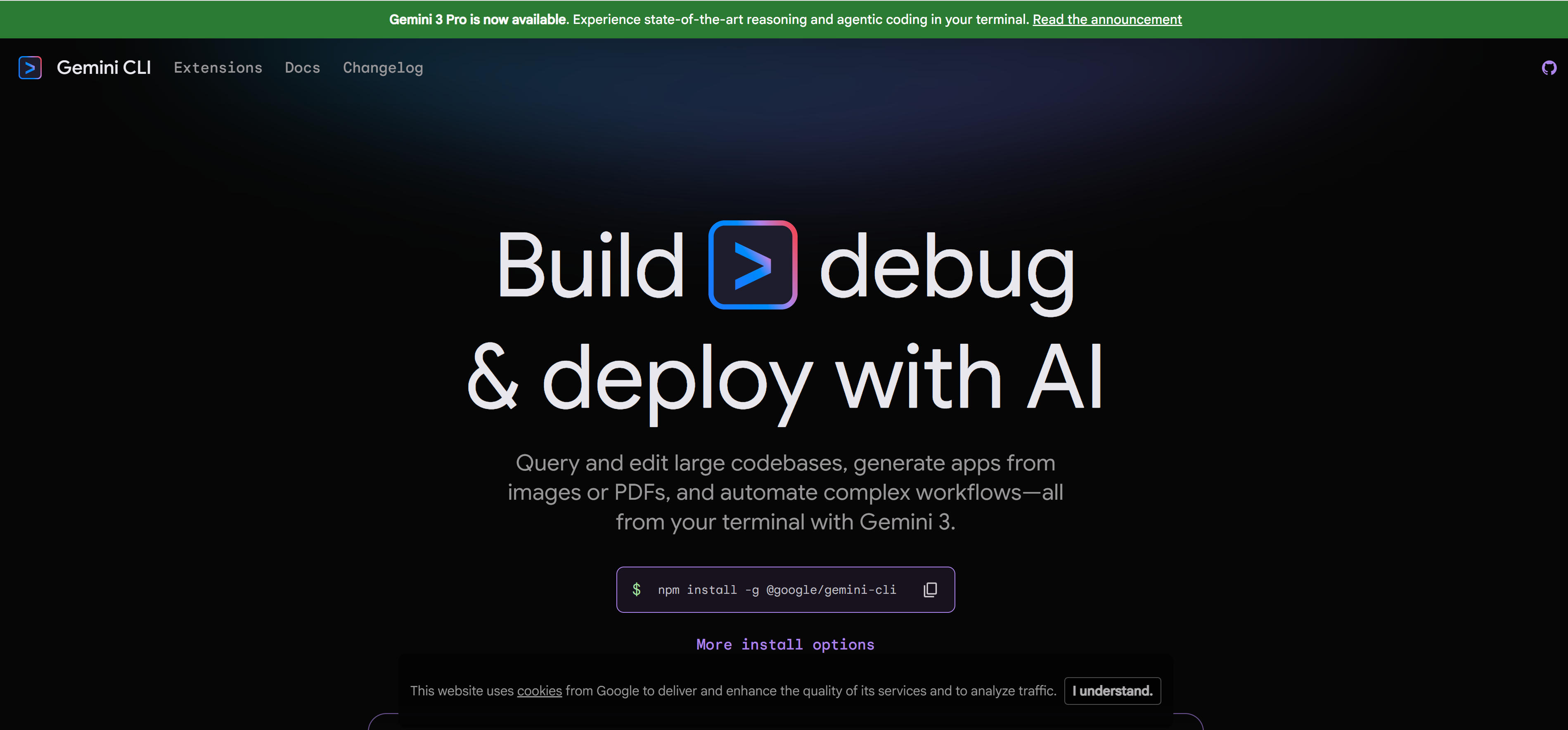
AI CLI tools are AI programming assistants providing code generation, code review, error fixing, and automation tasks through command-line interfaces. These tools use deep learning to understand natural language instructions and execute corresponding programming tasks. Their core advantage lies in powerful command-line integration capabilities, quickly executing programming tasks via command line, providing code generation and review functions, and supporting automated workflows. Claude Code, Gemini CLI, Codex CLI each have unique features for different use cases. Whether for code generation, code review, error fixing, or automation tasks, AI CLI tools provide efficient solutions, significantly improving development efficiency.
4. Vibe Coding Tools: Generate Code & Apps from Natural Language
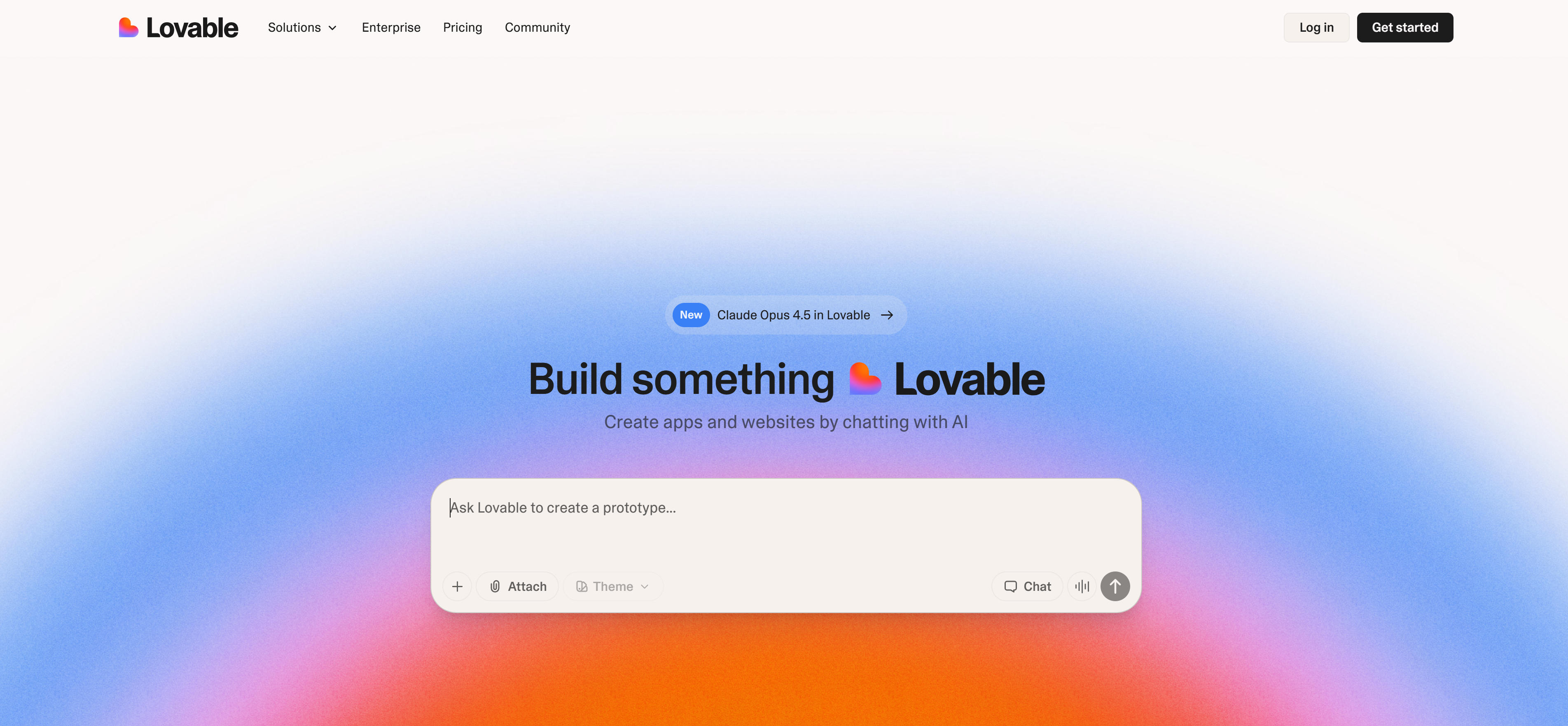
Vibe Coding tools allow users to describe needs in natural language, with AI automatically generating code and applications. These tools suit users without programming foundations, enabling intuitive AI interaction and quickly transforming ideas into running products. Their core advantage lies in powerful natural language understanding capabilities, understanding user needs, automatically generating code and applications, and supporting real-time preview and iterative optimization. Lovable, Bolt, Antigravity, Trickle make app development as simple as conversation—users describe needs in plain language, AI understands and generates corresponding applications. Whether for prototype development, rapid validation, app building, or creative implementation, Vibe Coding tools provide efficient solutions, lowering app development barriers.
5. No-Code App Builder: Visual Interface App Building
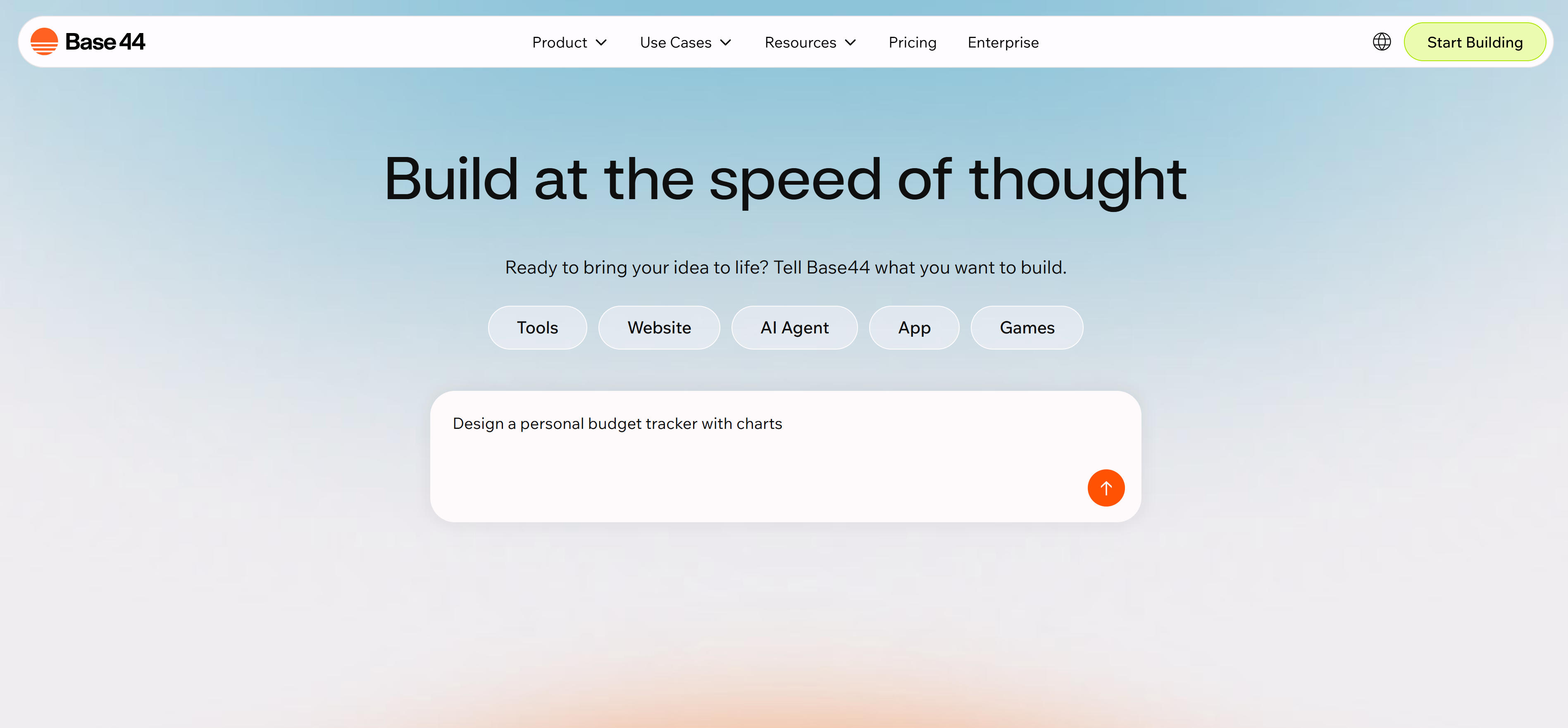
No-code app builder platforms let users build apps using visual interfaces (drag-and-drop) and pre-built components without writing code. AI app builders are evolved no-code platforms integrated with AI to accelerate app creation. Their core advantage lies in powerful visual development capabilities, quickly building apps through drag-and-drop operations, providing rich pre-built components, and supporting AI-assisted development. Platforms like Base44, Create.xyz, Replit, Glide, Microsoft Power Apps, and Softr provide powerful no-code and AI-driven development capabilities. Whether for enterprise apps, internal tools, data management, or business process automation, no-code app builder platforms provide efficient solutions, lowering app development barriers.
Comparison
Here's a comparison of two main AI coding tool types to help you quickly understand features and use cases:
| Feature Type | Core Features | Main Use Cases | Representative Tools |
|---|---|---|---|
| AI IDE Tools | Integrated into development environments, providing real-time code completion, intelligent suggestions, code refactoring, and debugging assistance | Full-stack development, code refactoring, rapid prototyping, daily programming | Cursor, Windsurf, GitHub Copilot, Clacky AI |
| AI CLI Tools | Providing code generation, code review, error fixing, and automation tasks through command-line interfaces | Code review, batch processing, automation tasks, server environment development | Claude Code, Gemini CLI, Codex CLI |
| Vibe Coding Tools | Quickly building applications through natural language interaction, no programming foundation required | Rapid prototyping, personal projects, small business applications, tech stack migration | Lovable, Bolt, Antigravity, Trickle |
Use Cases
Rapid Prototyping
AI coding tools are widely used across almost all software development fields. From rapid prototyping to code refactoring, from learning programming to production development, AI coding tools provide effective assistance. Proof of concept: AI IDE tools like Cursor, Windsurf quickly generate code prototypes based on natural language descriptions, helping developers quickly validate ideas and concepts. Rapid iteration: AI CLI tools like Claude Code, Gemini CLI quickly generate and modify code through command lines, suitable for projects needing rapid iteration.
Code Completion and Generation
Intelligent completion: AI IDE tools provide intelligent code completion based on context, reducing repetitive coding work. Code generation: AI CLI tools generate complete code based on natural language descriptions, greatly simplifying development workflows.
Code Refactoring and Optimization
Code refactoring: AI IDE tools analyze code structure, identify optimization opportunities, and suggest refactoring solutions. This is particularly helpful for maintaining large codebases. Performance optimization: AI CLI tools detect performance issues in code and provide optimization suggestions.
Learning and Teaching
Programming education: AI IDE tools provide real-time error prompts and fixes, helping beginners quickly master programming concepts. Skill development: AI CLI tools generate detailed code explanations and examples, helping learners understand complex programming concepts.
How to Choose
1. Define Needs and Use Cases
First identify your specific needs: IDE-integrated code completion tools or command-line batch processing CLI tools? Professional developers seeking efficiency or non-programmers wanting to build apps quickly? Different scenarios require different tool types. For example, professional development teams may prefer AI IDE tools like Cursor, while startups may prefer Vibe Coding tools for rapid prototyping.
2. Evaluate Features and Integration
Deeply understand core features: code generation quality? Supported programming languages? Tech stack compatibility? Integration capabilities? For example, AI IDE tools need seamless IDE integration, AI CLI tools need server environment deployment support. Test response speed, accuracy, and usability, focusing on code quality and error handling. Choose comprehensive, well-integrated tools, avoiding single-function "toy" products.
3. Consider Learning Curve and Usability
Evaluate learning curve: intuitive interface? Complete documentation? Strong community support? For team use, consider member adoption and training costs. Some tools like Vibe Coding lower barriers through natural language interaction, ideal for non-technical personnel; AI IDE tools may require programming basics. Choose easy-to-learn tools with complete documentation and active communities to reduce learning costs and usage resistance.
4. Analyze Cost-Effectiveness and Scalability
Pricing models vary significantly: some offer free versions (Gemini CLI, Qwen Code), others require subscriptions (Claude Code, Codex CLI, Groq Code). Choose plans matching usage frequency and budget. Consider long-term costs and team scaling. Free tools suit experimentation; paid tools provide more features, better support, and higher quality output. Evaluate vendor stability, update frequency, and long-term viability to avoid vendor lock-in risks.
5. Try and Evaluate Multiple Tools
Most AI coding tools offer free trials—try before deciding to pay. During trials, focus on ease of use, code quality, and response speed. Master prompt writing: clear, specific prompts including sufficient context work best. For example, specify functionality (e.g., "create user login function"), tech stack (e.g., "using React and TypeScript"), requirements (e.g., "include error handling"), and style (e.g., "follow ES6 standards"). Try 2-3 tools first, compare suitability for your specific workflow, then choose the best fit.
Conclusion
Recommended AI coding tools excel in their respective fields, providing rich choices for developers with different needs. From IDE integrated development environments to CLI command-line tools, these tools will continue driving programming technology development, helping developers achieve more efficient and higher-quality code creation.
However, AI coding tools aren't omnipotent. They best handle tasks with clear patterns and rules. For complex projects requiring deep thinking, architecture design, and business logic understanding, human developers remain indispensable. Best practice is human-AI collaboration: let AI tools handle repetitive, templated coding work, humans focus on architecture design, business logic, and quality control. If you want to learn more about AI IDE tools, CLI tools, Vibe Coding tools, and no-code app builder platforms, check our complete AI IDE tools guide, complete AI CLI tools guide, complete Vibe Coding tools guide, and complete no-code app builder platforms guide.