No-Code App Builder Platforms: Build Apps Without Coding
Key Takeaways
This guide explores the best no-code app builders for 2026, helping entrepreneurs, designers, and SMBs choose the right solution. It also covers selection criteria, comparisons, and practical tips for implementation. The sections below compare options, use cases, and practical selection criteria.
- No-code app platforms support visual interfaces, logic flows, and data integration for enterprise apps, prototypes, and rapid deployment.
- Compare Base44, Create.xyz, Replit, Glide, Microsoft Power Apps for features, pricing, and use cases.
- Consider dev requirements, component capabilities, AI assistance, and deployment options.
- Learn about technical principles and workflows with Vibe Coding and AI website builders.
What Are No-Code App Builder Platforms
No-code app builder platforms let users build apps with visual interfaces and pre-built components. They offer drag-and-drop, logic flows, and data integration. Suited for non-technical users and teams building apps quickly.
Vibe Coding tools enable natural language programming; AI website builders handle sites. Together they complete the pipeline.
How No-Code App Development Platforms Work
Modern no-code app development centers on visual design, component libraries, and logic flows. AI tools add natural language understanding and code generation. Versus traditional coding, it lowers barriers.
- Visual interface design: Drag-and-drop editors for building app interfaces visually, eliminating the need for manual coding.
- Component library management: Pre-built components including forms, lists, charts, and buttons, enabling rapid app development through reuse.
- Logic flow construction: Visual workflow editors allowing users to build app logic by connecting nodes, setting conditions, and defining actions.
- Data integration: Connecting external data sources including databases, APIs, and spreadsheets, enabling comprehensive app functionality.
- AI capabilities: Natural language understanding, automatic code generation, and intelligent suggestions, further simplifying app development.
Visual editors use drag-and-drop. AI builders add natural language. Some focus on web; others on mobile. Each optimizes for its use case.
Best No-Code App Builder Platforms 2026
Leading no-code app builder platforms offer comprehensive development solutions for different user needs. These platforms provide intuitive interfaces, powerful AI capabilities, and enterprise-grade features for building professional applications without coding expertise.
1. Base44: AI App Builder
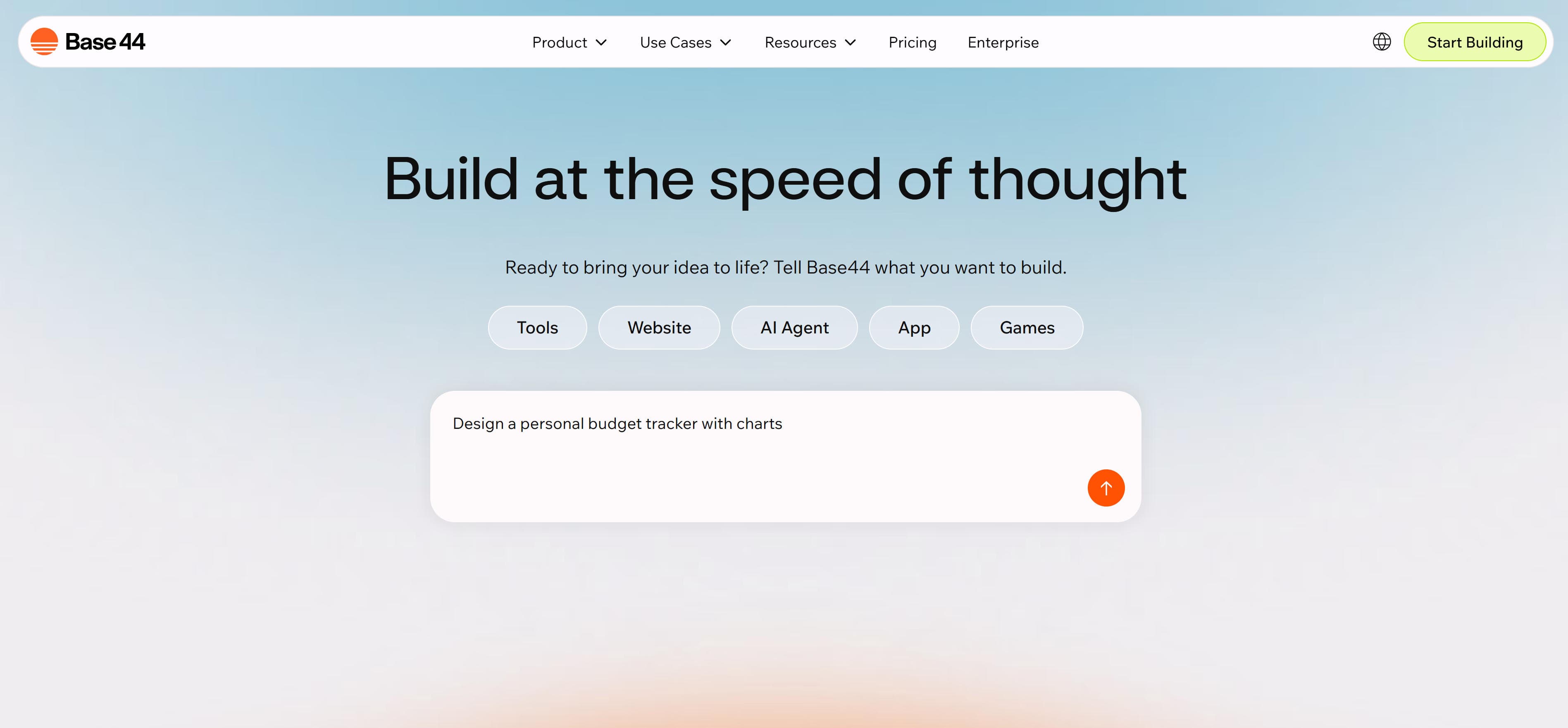
Base44 is an AI-powered no-code app builder letting users build fully-functional apps in minutes with just words. The platform supports the complete flow from idea to app, automatically handling backend construction, user authentication, and database functionality. Features include natural language app creation, automatic backend building, built-in hosting, and instant deployment. Rich template libraries cover productivity, education, entertainment, health, e-commerce, and finance. For entrepreneurs and non-technical users needing to quickly turn ideas into apps, Base44 provides powerful AI-driven development.
2. Create.xyz (Anything): AI App Builder
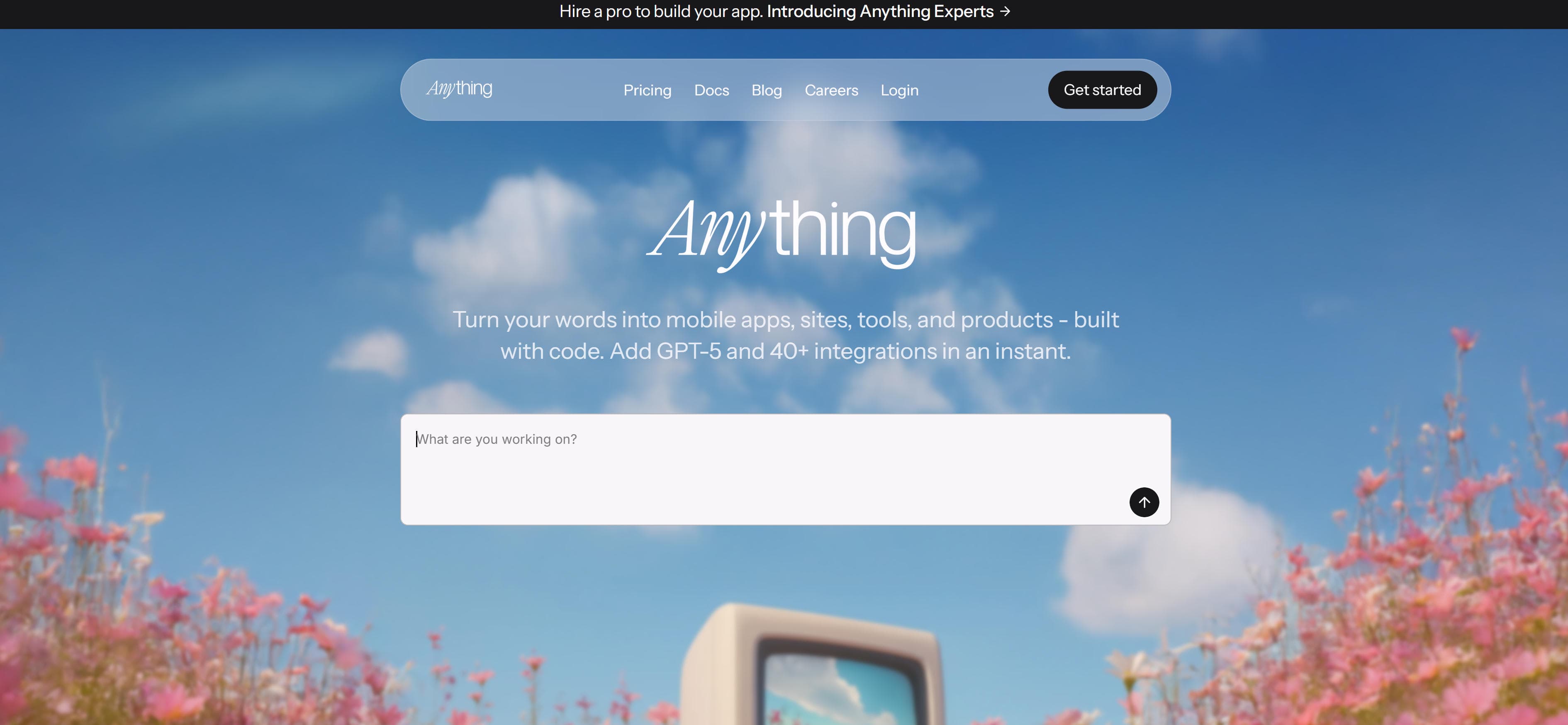
Create.xyz (Anything) is an AI app builder platform allowing users to turn words into mobile apps, sites, tools, and products. The platform supports GPT-5 and 40+ integrations for quickly building fully-functional apps. Features include multi-platform support (mobile apps, websites, tools), powerful AI model integration (GPT-5), and rich third-party integrations (40+). The platform supports complete conversion from text descriptions to code—users describe app needs, and AI automatically generates app code. Instant integration features support quickly adding AI capabilities and third-party services. For users needing to quickly build multi-platform apps, Anything provides powerful AI-driven development capabilities.
3. Replit: AI App Builder Platform
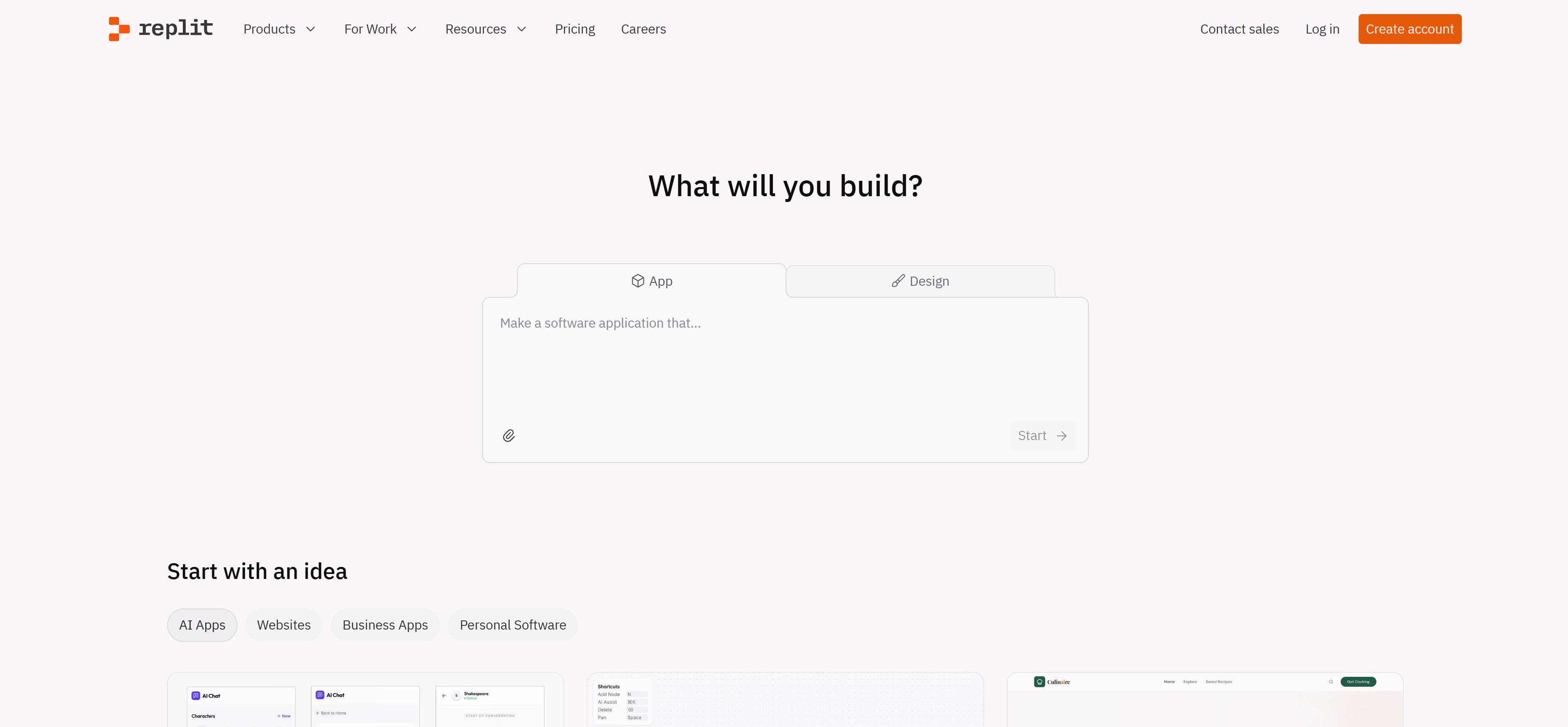
Replit is an AI-driven app builder platform allowing users to quickly build apps and sites through natural language descriptions. The platform provides Agent 3 autonomous agent for automatically building, testing, and optimizing apps. Features include AI agent auto-building, built-in database and authentication, secure deployment options, and rich integration support. The platform supports complete development flow from prompts to apps—Agent 3 automatically searches the web, tests code, and fixes errors. Enterprise-grade security features include SSO, SOC 2 compliance, and private deployments. For teams needing enterprise app development capabilities, Replit provides complete AI-driven development solutions.
4. Glide: Spreadsheet-to-App Platform
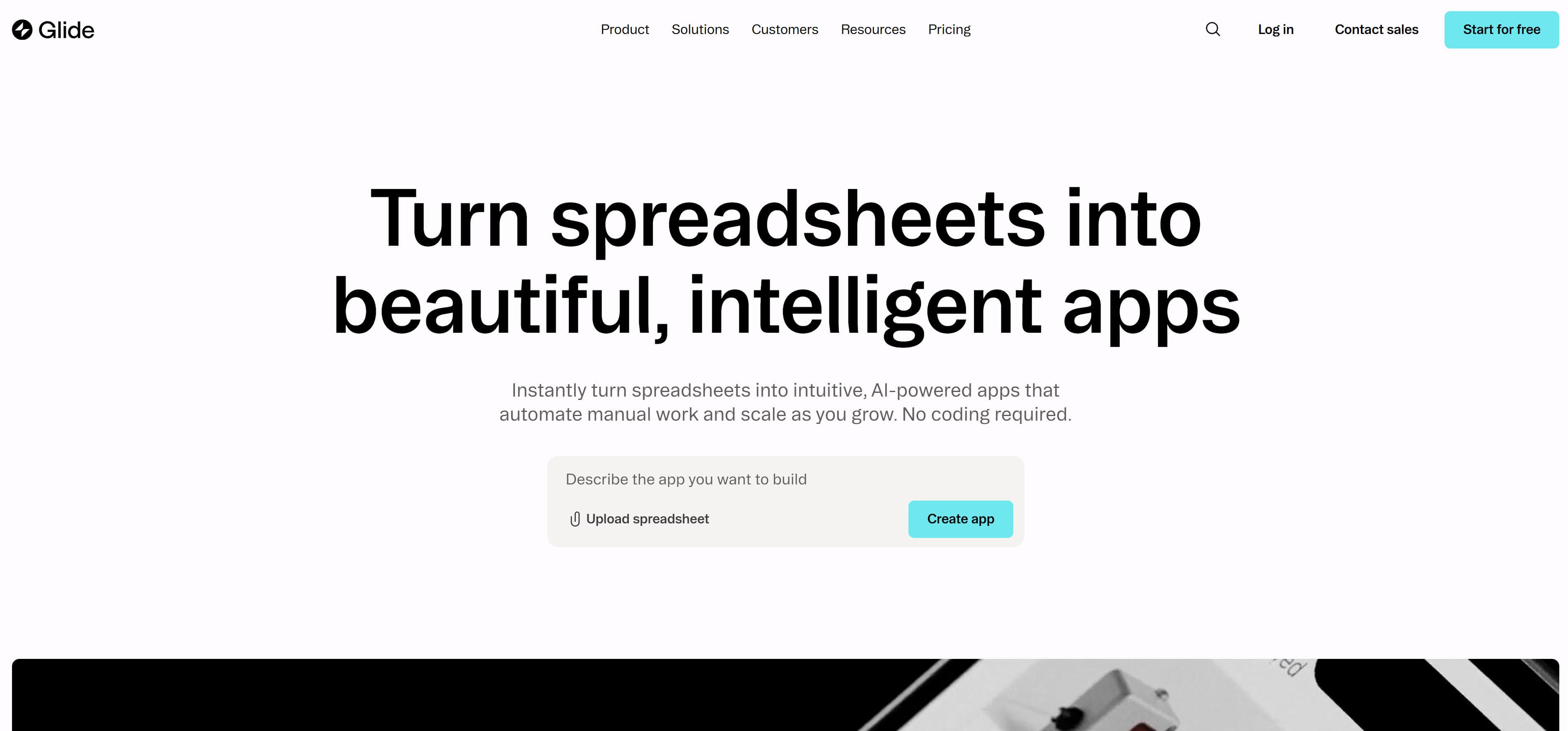
Glide is a no-code app builder platform that quickly converts spreadsheets into beautiful, intelligent apps. The platform supports syncing data from Google Sheets, SQL, and other sources, building app interfaces and logic through visual interfaces. Features include spreadsheet-to-app conversion, real-time data synchronization, visual workflow building, and built-in AI capabilities. The platform supports importing data from Google Sheets, SQL, Airtable, and other sources, automatically generating app interfaces. Glide AI can generate custom apps or create AI agents to handle tasks. For enterprise users needing to quickly convert existing data into apps, Glide provides powerful no-code development capabilities.
5. Microsoft Power Apps: Enterprise Low-Code Platform
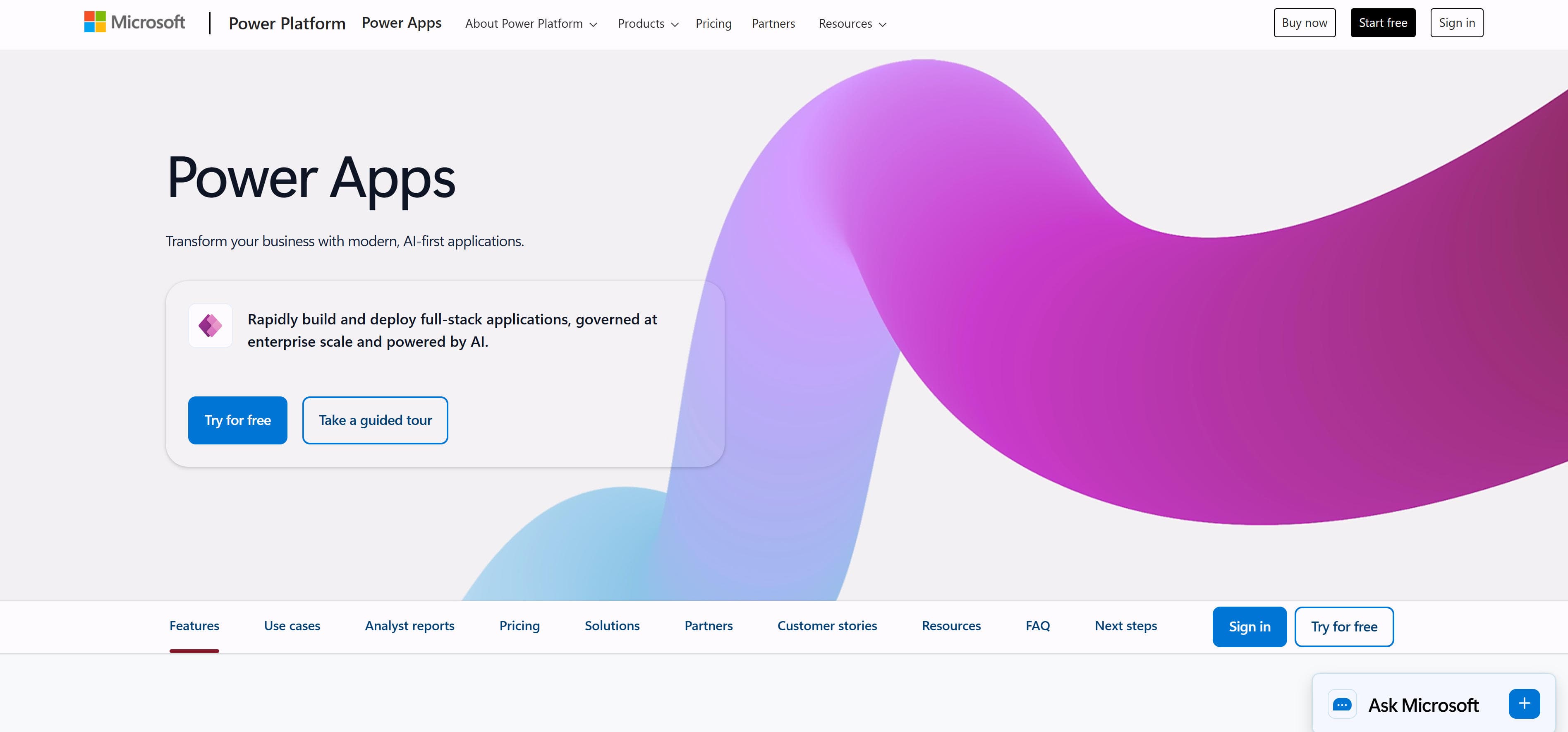
Microsoft Power Apps is Microsoft's enterprise low-code app builder platform supporting rapid building and deployment of full-stack applications. The platform provides AI-first development experiences supporting natural language app creation, AI-assisted UI design, and data modeling. Features include enterprise-grade governance and scalability, AI-driven development assistance, deep integration with Microsoft 365 and Azure, and powerful security and control features. The platform supports hybrid development combining drag-and-drop, generative AI, and custom code. AI agent features support embedding AI-driven guidance and automation in apps. For organizations needing enterprise app development capabilities, Power Apps provides complete low-code development solutions.
6. Softr: AI Business App Builder
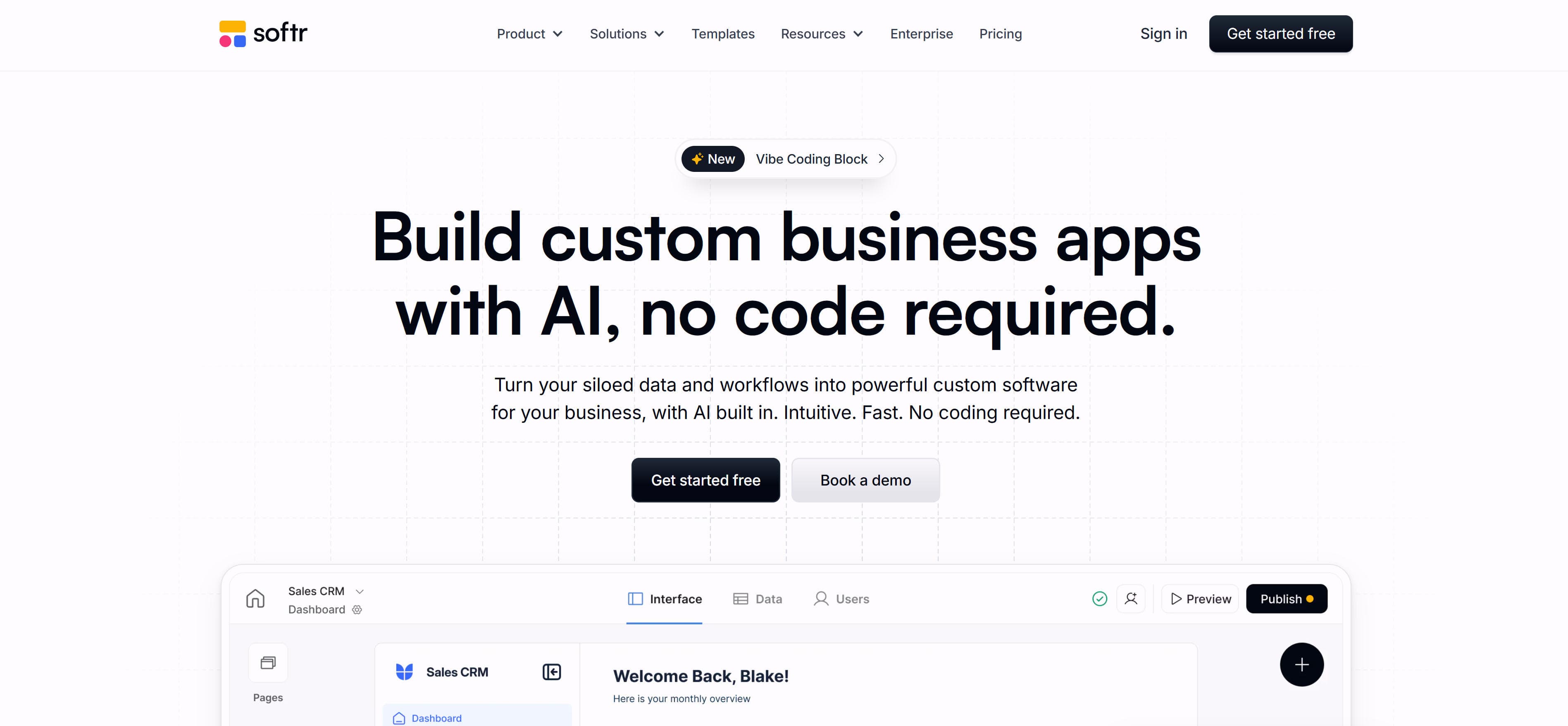
Softr is an AI-driven no-code business app builder supporting client portals, internal tools, dashboards, and more. The platform builds real-time apps from 14+ data sources (Airtable, Google Sheets, SQL), providing built-in databases and workflow automation. Features include AI app generator, built-in databases, workflow automation, Ask AI assistant, and database AI agents. The platform supports quickly building apps from existing data sources, offering rich pre-built components and templates. Ask AI allows users to query real-time data in apps and get instant answers. For enterprise users needing to quickly build business apps like CRM, project management, inventory management, replacing expensive custom development.
7. Rocket: AI-Powered App Builder
Rocket is an AI-powered no-code app builder that transforms ideas into fully functional apps through natural language descriptions. The platform uses advanced AI to understand user requirements and automatically generate complete applications with backend logic, databases, and user interfaces. Features include natural language app creation, automatic code generation, real-time collaboration, and one-click deployment. The platform supports building web apps, mobile apps, and progressive web apps from simple text prompts. Rocket's AI understands complex business logic and generates production-ready code that can be customized further. For entrepreneurs and developers who want to quickly prototype and build MVPs without extensive coding knowledge, Rocket provides an intelligent development experience that bridges the gap between ideas and implementation.
Use Cases: Rapid Prototyping & Business Automation
No-code app builders create functional apps from prototypes to production across multiple business scenarios.
Rapid Prototyping
AI-powered platforms build app prototypes in hours or days. Visual interfaces reduce technical barriers, helping entrepreneurs test market responses and gather user feedback before full development investment, enabling faster time-to-market and reduced development costs.
Internal Business Tools
Build custom internal tools to improve operational efficiency. Create dashboards, inventory systems, and project management tools. Business teams build tailored solutions without IT delays, enabling rapid deployment of business-critical applications.
Client Portals
Build client portals with real-time order tracking and project status. Data dashboards display business metrics. AI features generate personalized views for enhanced user experience, improving client engagement and satisfaction.
Business Process Automation
Create automated workflows reducing manual operations. Visual workflow editors connect systems for end-to-end automation. AI agents handle repetitive tasks, improving business efficiency and response speed significantly.
Mobile App Development
No-code platforms build responsive mobile apps for iOS and Android. These tools convert spreadsheets to mobile-friendly apps and generate native mobile experiences with smooth navigation and user-friendly interfaces, enabling businesses to reach mobile users without native development expertise.
How to Choose No-Code App Builder Platforms
Choose the right no-code app development platform based on your app type needs, AI capability requirements, data integration capabilities, enterprise-level needs, and pricing models to significantly improve app development efficiency and quality.
1. Define App Type and Core Needs
Determine app type and core feature needs. For rapid prototyping, AI-driven platforms with natural language app generation are more suitable; for converting spreadsheets to apps, platforms with spreadsheet integration work better; for enterprise apps, platforms with advanced security and governance are preferred.
2. Evaluate AI Capability Requirements
Consider if AI-driven app creation is needed. AI app builders support generating apps from natural language descriptions and provide intelligent code generation; traditional no-code platforms focus more on visual editing and drag-and-drop interfaces. Choose based on your team's technical expertise and development speed requirements.
3. Evaluate Data Integration Capabilities
Evaluate if platforms support your existing data sources. Some platforms support popular spreadsheet tools and databases; others integrate with specific ecosystems (like Microsoft or Google); API-first platforms offer flexible integration options. Ensure the platform can connect to your current data infrastructure.
4. Evaluate Enterprise-Level Needs
For enterprise users, evaluate platform security, compliance, and governance capabilities. Look for enterprise-grade security features, compliance certifications (SOC 2, ISO 27001), private deployment options, and advanced user management. Consider whether the platform meets your organization's security and compliance requirements.
5. Consider Budget and Pricing Models
Consider platform pricing models and scaling capabilities. Most platforms offer free trials or free plans, but full features require payment. Evaluate usage scale, user count, data volume, and feature requirements to choose the most economical solution that scales with your growth.
Conclusion
No-code app builder platforms provide important tool choices for app development, from rapid prototyping to enterprise app building, offering rich options for users with different needs. AI app builders like Base44, Create.xyz, and Replit quickly generate apps from natural language descriptions, while traditional no-code platforms like Glide and Softr enable data-driven app development through visual interfaces.
Choose the right platform based on your app development needs: AI-driven platforms like Base44 for rapid idea validation, traditional no-code platforms like Glide for data-driven app development, enterprise platforms like Microsoft Power Apps for complete governance and security. Evaluate development requirements, technical capabilities, integration needs, and budget constraints to select the most suitable app builder solution.
No-code app builders serve as powerful assistants that enhance app development efficiency, but they complement rather than replace strategic app design and user experience planning. The best approach is human-AI collaboration: AI handles code generation and technical implementation, while developers provide strategic design, user experience optimization, and quality control, maximizing both development efficiency and app quality.