AI Talking Avatar Generators: Bring Characters to Life
Introduction
This guide explores the best AI talking avatar generators for 2026. We cover core concepts, technical fundamentals, and analysis of top tools. The guide includes feature comparisons, use cases, selection criteria, and frequently asked questions.
What Are AI Talking Avatar Generators
AI talking avatar generators use artificial intelligence to create realistic virtual character videos from text input. These tools enable users to generate professional avatar videos with synchronized lip movements and natural expressions, providing complete video production solutions for content creators, marketers, and businesses.
Two Meanings of Avatar
In English, "Avatar" has two meanings. The first is Digital Human/Talking Avatar—AI-generated virtual character videos that speak and express emotions, used for video production, live streaming, and marketing. This is what this article covers.
The second meaning is Profile Picture/Avatar Image—personal profile images on platforms, used for social media, games, and forums. For avatar images, use
This article focuses on talking avatar generators for creating speaking digital human videos. For avatar images, see our AI image tools pages.
How AI Talking Avatar Generation Works
Modern AI talking avatar technology uses deep learning and neural networks, combining speech synthesis (TTS), facial animation, lip sync, and expression generation. The technology employs neural networks trained on vast video datasets that learn facial movements, expressions, and speech synchronization patterns. These technologies understand text, generate corresponding speech, and synchronize realistic facial animations and lip movements. Compared to traditional video production requiring actors, filming, and post-production, AI talking avatar technology significantly simplifies the process, making professional digital human videos accessible to users without production expertise.
- Naturalness: The technology generates natural speech and facial animation that closely resembles human presenters, ensuring realistic and engaging video content.
- Consistency: AI maintains character appearance and style throughout videos, ensuring consistent visual presentation across different scenes and content.
- Multilingual support: Advanced tools support multiple languages, enabling users to create talking avatar videos in different languages without native speakers.
- Customization: Users can create custom avatars, voices, and expressions, tailoring digital humans to match specific brand identities or character requirements.
- Efficiency: The technology enables rapid content generation, creating talking avatar videos in minutes compared to days required for traditional production.
Different AI talking avatar tools use different architectures optimized for their specific use cases. Some tools use pre-trained avatar models that provide ready-to-use digital humans with fixed appearances and styles. Other tools allow user uploads, enabling users to create custom avatars from photos or videos. Some tools provide APIs for developers, enabling integration into custom applications and workflows. Advanced tools combine multiple techniques, using TTS for speech generation, facial animation models for expressions, and lip sync algorithms for accurate mouth movements. Real-time tools optimize for low latency, enabling live streaming and interaction, while batch processing tools focus on quality. The choice of architecture affects customization options, processing speed, and integration capabilities.
Best AI Talking Avatar Generators 2026
Here are the top AI talking avatar generators for 2026, achieving professional quality in speech, facial animation, and lip sync.
1. Topview AI Avatar Generator: AI-Driven Voiceover
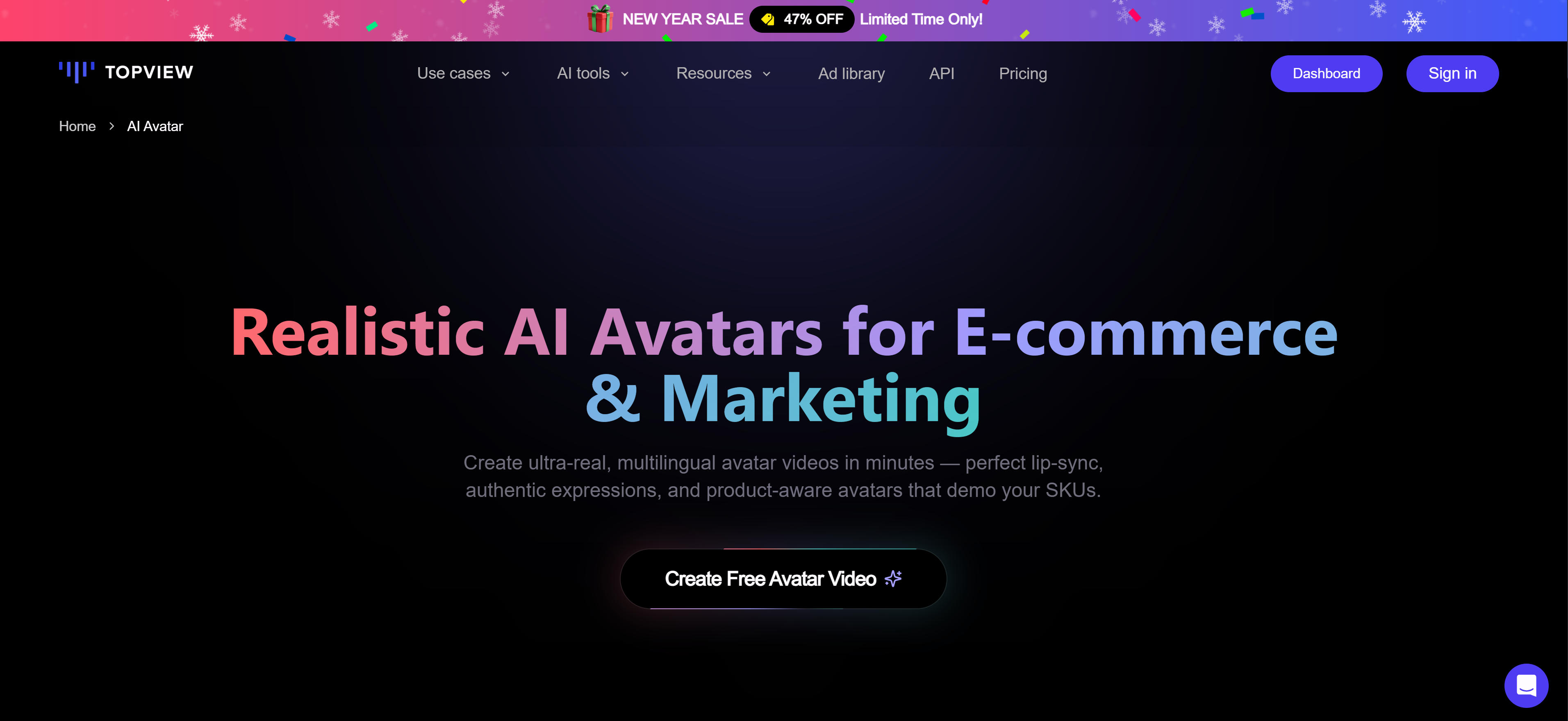
Topview AI Avatar Generator is an AI-powered platform that creates realistic digital humans with natural voice synthesis. It specializes in AI-driven voiceover technology, enabling users to generate lifelike virtual presenters from text inputs. The platform supports multiple languages and voice styles, with advanced lip sync and facial animation capabilities. Topview AI focuses on creating professional-grade avatars for business presentations, educational content, and marketing materials. It provides easy-to-use tools for customizing avatar appearance, voice characteristics, and presentation styles. The platform excels in generating consistent, high-quality avatar videos with natural speech patterns and expressive gestures. Ideal for enterprises and content creators needing professional virtual presenters.
2. HeyGen: Marketing Video Creation
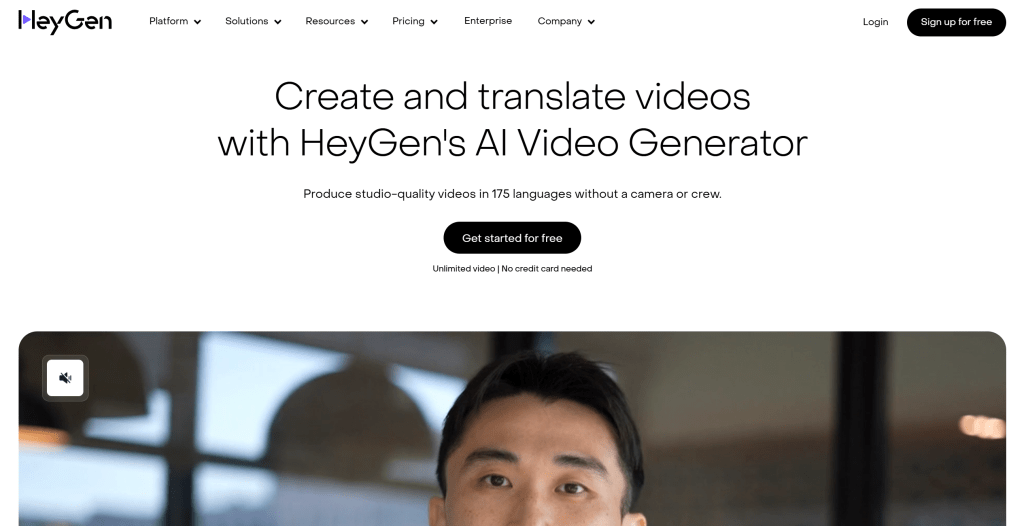
HeyGen is a powerful AI talking avatar generator creating realistic videos from text. Supports multiple avatar options, allowing users to choose virtual characters or upload their own images. Core features include high-quality speech synthesis, precise lip sync, natural expressions and gestures, multilingual support, and real-time streaming. Offers an easy interface: users input text, select an avatar and voice, and the tool generates videos. Supports batch generation, API integration, custom backgrounds, and live streaming. Ideal for marketing videos, product introductions, brand promotion, and live streaming, quickly generating high-quality avatar videos.
3. Synthesia: Enterprise Platform
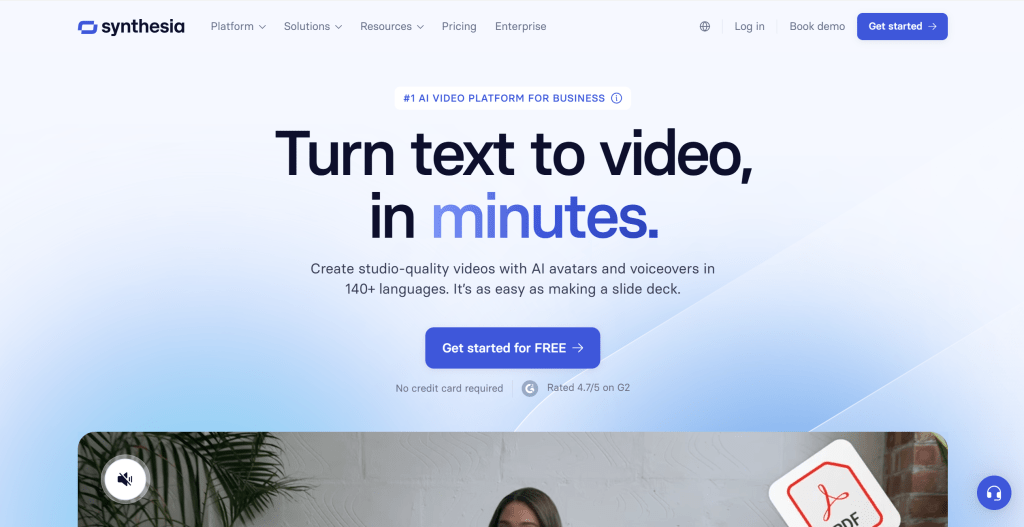
Synthesia is an enterprise-grade platform providing high-quality avatar video generation. Supports 140+ languages, offers 150+ avatars, and supports custom avatars and voices, ideal for enterprise training, marketing videos, and multilingual content. Provides batch generation, team collaboration, brand customization, and API integration. Offers rich template libraries for quick video creation. Uses subscription pricing with individual, team, and enterprise plans. Ideal for enterprise users, enabling rapid generation of large volumes of high-quality avatar videos for training and marketing.
4. D-ID: Developer-Friendly
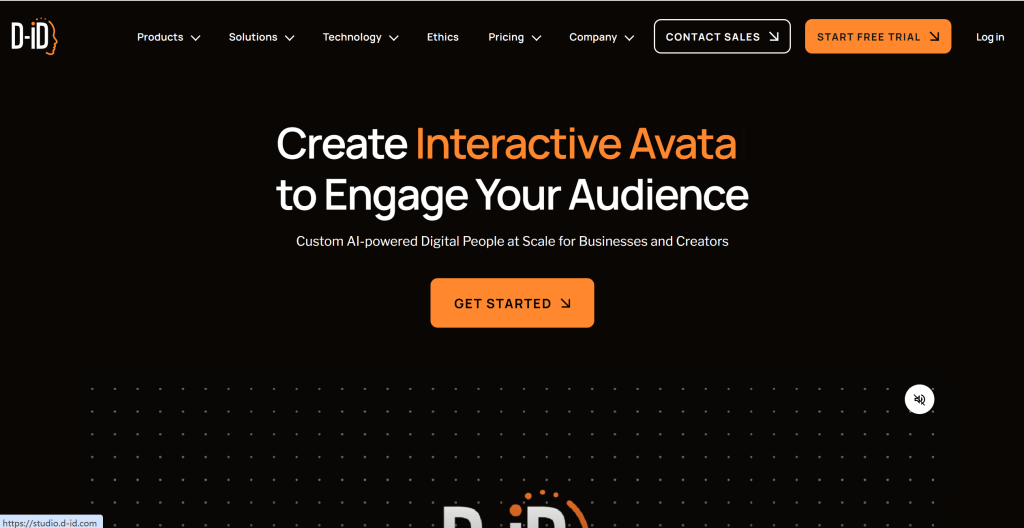
D-ID provides advanced AI talking avatar technology supporting multilingual input and emotional expression. Core features include high-quality speech synthesis, precise lip sync, natural expressions, and multilingual support. Allows users to upload their own images or choose pre-trained avatars. Offers easy-to-use API interfaces for developer integration and a web interface for browser use. Uses pay-per-use pricing, suitable for individuals and small teams. Ideal for developers and small teams, offering flexible APIs and pay-per-use pricing for different scales.
5. Colossyan: Education & Training
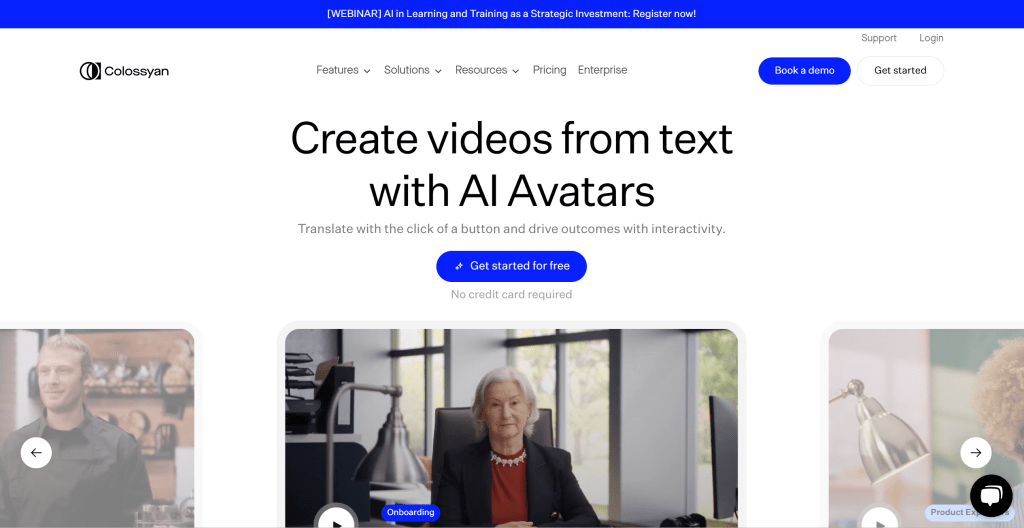
Colossyan generates high-quality avatar videos with customizable virtual characters and backgrounds, ideal for education and enterprise training. Core features include high-quality speech synthesis, precise lip sync, natural expressions, and multilingual support. Provides rich template libraries for quick training video creation. Offers an easy interface: users input text, select an avatar and background, and the tool generates videos. Supports team collaboration, brand customization, and batch generation. Uses subscription pricing with free trials and paid plans. Ideal for education and enterprise training, providing rich templates and an easy interface for quick high-quality training videos.
Other AI Talking Avatar Generators
Several other tools complement the main avatar generators, providing specialized capabilities or alternative approaches for different use cases and requirements.
Elai.io offers a user-friendly platform for creating AI avatars with natural speech and expressions, making it suitable for marketing videos and educational content creation.
Veed.io provides video editing capabilities combined with AI avatar features, offering text-to-speech functionality and avatar generation for comprehensive video production.
Steve.ai focuses on creating professional video presentations with AI avatars, ideal for business communications and corporate presentations.
Raw Shorts specializes in short-form video creation with AI avatars, optimized for social media content and quick video production workflows.
Avatar Generator Tools Comparison
Here's a detailed comparison of the top avatar generator tools to help you choose the best solution for your needs:
Use Cases: Virtual Presenters & Avatars
AI talking avatar generators enable brands to create engaging video content with virtual presenters across marketing, education, and customer service.
Marketing Video Production
AI talking avatar generators excel in marketing video production, enabling brands to create engaging promotional content. Marketers can generate product demonstration videos, brand stories, and promotional materials with tools that support multiple languages and avatar styles, meeting diverse marketing campaign needs while reducing production costs and time.
Education and Training
Educational institutions and corporate training programs benefit from AI avatar videos for creating engaging learning materials. Educators can generate training videos, tutorials, and instructional content with tools that provide rich template libraries and support multiple languages, making them suitable for diverse learning audiences while ensuring consistent quality and messaging.
Customer Service
Customer service departments can use avatar videos for creating consistent, professional support materials. Service teams can generate FAQ videos, product tutorials, and support documentation with tools that support multiple languages and maintain consistent avatar appearance, ensuring professional customer interactions while reducing support workload.
Virtual Character Voiceover
Game developers, animators, and content creators can use avatar generators for virtual character voiceover. Creators can generate natural dialogue and expressions for animated characters with tools that support emotional expression and precise lip sync, meeting virtual character requirements while enabling scalable character voice production.
Live Streaming
E-commerce businesses use avatar generators for 24/7 live streaming of product showcases and sales. These tools support real-time streaming with consistent avatar appearance, enabling avatars to operate without time restrictions and significantly improving efficiency and conversion rates while reducing operational costs.
Talking Avatar Live Streaming in E-commerce
Talking avatar live streaming is a key application, especially in e-commerce. Avatars can stream 24/7 for product showcases and sales, unrestricted by time or location, significantly improving efficiency and conversion rates.
Advantages include 24/7 operation (unlimited by human host schedules), cost reduction (no need to hire hosts), consistency (consistent avatar appearance and style), multilingual support (simultaneous multi-language streaming), customization (brand-aligned avatars), and data analytics (real-time collection and analysis).
Applications include product showcases, promotional campaigns, brand promotion, customer service, and multi-platform streaming. For e-commerce businesses needing live streaming, choose tools with real-time streaming like HeyGen and Synthesia.
How to Choose AI Talking Avatar Generator
Choose the right AI talking avatar generator based on your video quality requirements, feature needs, use cases, budget considerations, and ease of use to significantly improve video creation efficiency and quality.
1. Evaluate Video Quality Requirements
Assess video quality needs for your use case. Marketing videos require high-quality, professional-looking avatars with realistic expressions; training videos need clear, consistent avatars suitable for educational content; demo videos benefit from customizable avatars that match brand identity. Test output quality through sample generations.
2. Assess Feature Requirements
Identify required features: multilingual support for global audiences, API integration for automated workflows, live streaming capabilities for real-time presentations, custom avatar creation for brand consistency, and voice cloning for specific voice requirements. Evaluate which features are essential versus nice-to-have.
3. Determine Use Cases
Choose tools based on primary scenarios. Marketing videos need high-quality output and brand customization; training videos require consistent avatars and educational-friendly features; live streaming needs real-time generation and low latency. Different use cases have different priorities and requirements.
4. Consider Budget and Pricing Models
Evaluate pricing models: pay-per-use suits occasional users with variable needs; subscription plans work better for regular users with consistent monthly usage; enterprise plans offer volume discounts and dedicated support. Consider total cost of ownership including usage volume, feature requirements, and scaling needs.
5. Evaluate Ease of Use
Assess user interface complexity and learning curve. Simple interfaces with drag-and-drop editors suit non-technical users and quick content creation; API-based platforms offer more flexibility for developers and custom integrations. Consider your team's technical expertise and time available for learning.
Ethical and Legal Considerations
Ethical and legal issues include identity theft and deepfakes (unauthorized use of real people's images and voices), informed consent (explicit consent required), misinformation (potential for false information), copyright (using protected content), and privacy (biometric data collection must comply with regulations).
Mitigation: obtain authorization (written consent before using real people's images/voices), clear labeling (identify AI-generated content), comply with laws (follow local regulations on deepfakes and portrait rights), responsible use (avoid fraud, defamation, or illegal purposes), and choose trusted platforms (select reputable, ethics-focused platforms).
Conclusion
AI talking avatar generators demonstrate powerful capabilities in virtual character dubbing, marketing videos, education, customer service, and e-commerce live streaming. Tools like Topview AI, HeyGen, and Synthesia quickly generate high-quality videos, significantly lowering production barriers and enabling users to create professional avatar videos efficiently.
Choose the right tool based on your avatar video needs: Topview AI for professional presentations with custom avatars, HeyGen for marketing videos with real-time streaming, Synthesia for enterprise-scale video production. Evaluate video quality requirements, feature needs, language support, and budget constraints to select the most suitable avatar generator solution.
AI talking avatar generators serve as powerful assistants that enhance video production efficiency, but they complement rather than replace human creativity and content strategy. The best approach is human-AI collaboration: AI handles avatar generation and technical processing, while creators provide creative direction, content quality, and ethical oversight, maximizing both production efficiency and video quality while ensuring responsible use.