Article Introduction
This comprehensive guide introduces the best AI tattoo generator tools for 2026, covering specialized tattoo tools and general image generators. The article first introduces the basic concepts and technical principles of AI tattoo generator tools, then comprehensively evaluates the features, functions, and applicable scenarios of 6 mainstream tools. Through in-depth technical analysis and practical cases, it helps readers understand the latest developments in AI tattoo generation technology, master key elements for selecting appropriate tools, and provide practical decision-making guidance for tattoo enthusiasts and practitioners.
What Are AI Tattoo Generator Tools
AI tattoo generator tools are software or online services that use artificial intelligence technology to automatically generate tattoo designs based on text descriptions or reference images. These tools are based on deep learning technology and can understand natural language descriptions and convert them into high-quality tattoo design graphics, supporting text-to-image, image-to-image, and virtual try-on functions.
Core features of AI tattoo generator tools include: text-to-tattoo (automatically generating tattoo designs from text descriptions), image-to-tattoo (converting photos or images into tattoo designs), virtual try-on (previewing tattoo effects on different body parts), multiple style support (traditional, realistic, watercolor, geometric, minimalist, etc.), and high-resolution output (generating professional design graphics that can be used directly for tattooing). Compared to traditional AI image generators, tattoo generator tools are specifically optimized for tattoo design and can generate lines, shading, and styles more suitable for tattoos.
AI tattoo generator tools are mainly used in scenarios such as: tattoo design exploration (exploring different design directions and styles), tattoo artist assistance (providing design inspiration and references for tattoo artists), client communication (helping clients visualize tattoo effects), and design customization (generating exclusive tattoo designs based on personal needs). These tools greatly lower the threshold for tattoo design, enabling users without professional design skills to create high-quality tattoo designs.
How AI Tattoo Generators Work
Modern AI tattoo generation technology is based on deep learning and neural network models that understand text semantics and contexts, generating tattoo-appropriate design graphics. These technologies combine image generation, style transfer, and line optimization to produce clear lines, appropriate shading, and tattoo-style images.
Core advantages of AI tattoo generation technology include: comprehension ability (understanding natural language descriptions and visual content), generation ability (automatically generating tattoo design graphics), style adaptation (adapting to different tattoo styles and artistic directions), optimization ability (optimizing lines and details based on tattoo characteristics), and virtual preview (supporting virtual try-on and preview functions). Different types of AI tattoo generator tools use different technical architectures: specialized tattoo tools are specifically optimized for tattoo design, while general image generators offer broader image generation capabilities.
Best AI Tattoo Generator Tools 2026
Here are the top AI tattoo generator tools for 2026, including specialized tools optimized for tattoo design and general image generators that support tattoo creation, helping you choose the most suitable tattoo design solution based on your needs.
Specialized Tattoo Generator Tools
These tools are specifically optimized for tattoo design, providing tattoo-specific features and style support.
1. ChatTattoo: AI Tattoo Design Generator
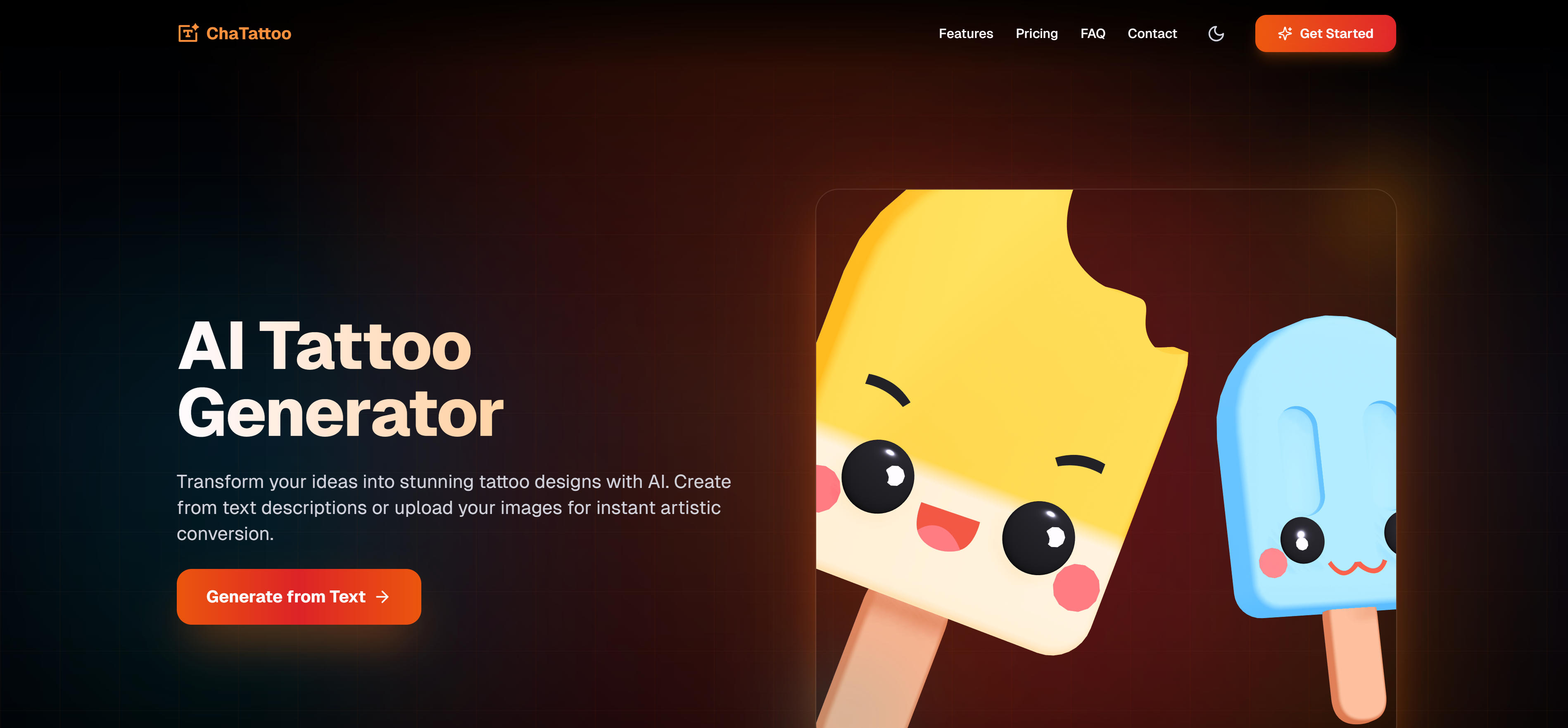
ChatTattoo is a professional AI tattoo generator tool supporting text-to-tattoo, image-to-tattoo, and virtual try-on functions. The tool uses advanced AI technology to convert text descriptions or uploaded images into high-quality tattoo design graphics, supporting multiple tattoo styles including traditional, realistic, watercolor, geometric, and minimalist. ChatTattoo provides a simple and user-friendly interface where users just need to input text descriptions or upload images for the tool to automatically generate tattoo designs. The tool supports virtual try-on functionality, allowing users to preview tattoo effects on different body parts. ChatTattoo also supports high-resolution output, with generated tattoo designs usable directly for tattooing. The tool uses a subscription model, providing free trials and multiple paid plans, suitable for individual users and tattoo artists.
2. BlackInk.ai: AI Tattoo Design Platform
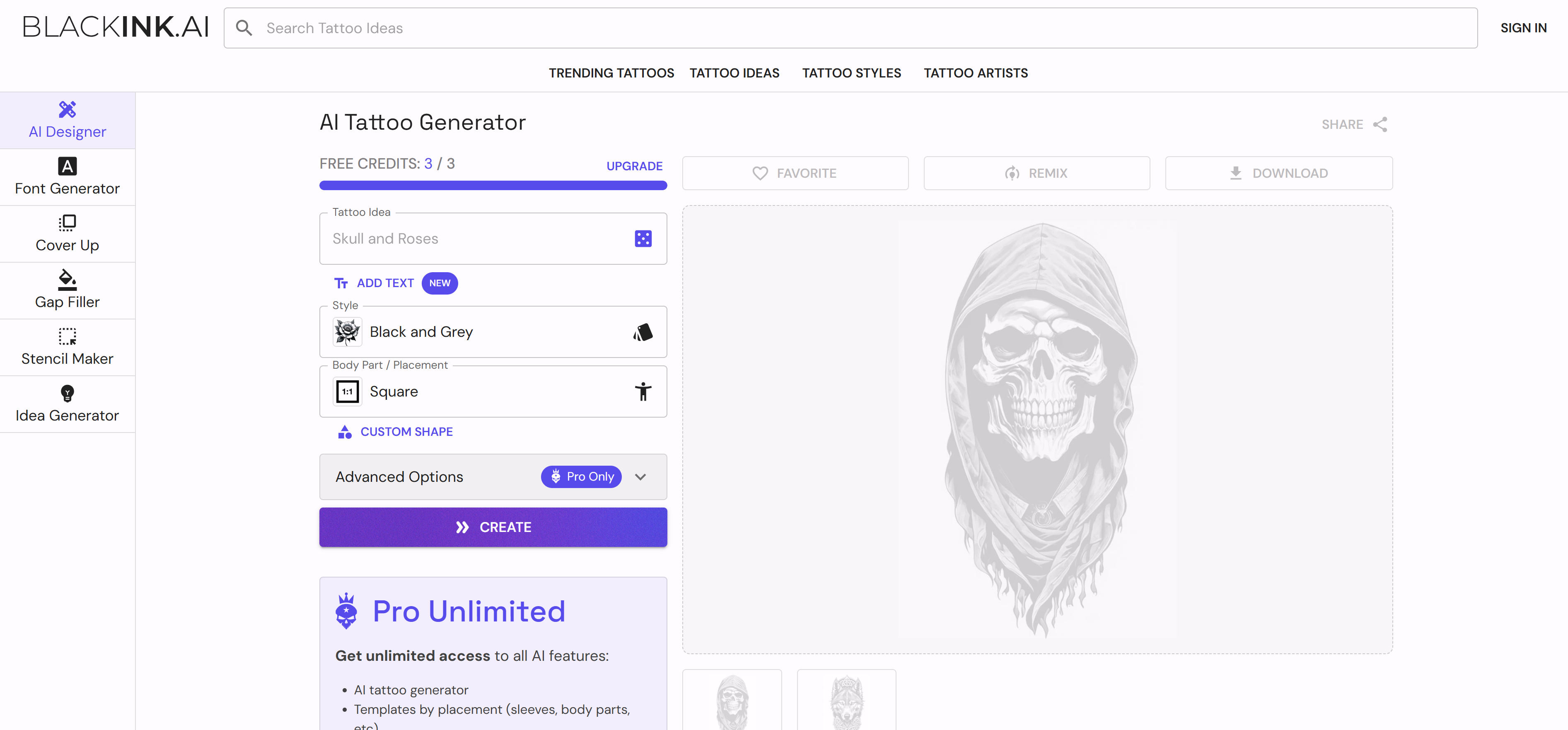
BlackInk.ai is an AI platform focused on tattoo design, offering text-to-tattoo and image-to-tattoo generation in styles like traditional, neo-traditional, realistic, and geometric. Ideal for tattoo artists and enthusiasts, it provides a rich style library and design templates for combining different styles and elements. High-resolution output suits actual tattooing. Design editing allows fine-tuning and optimization. Subscription plans include free trial and paid tiers for different needs.
3. Tattoo.ai: AI Tattoo Generator
Tattoo.ai is an AI-powered tattoo generator that creates high-quality designs from text descriptions or uploaded images. It supports multiple styles including traditional, realistic, watercolor, geometric, and minimalist, ideal for quick design generation. Tattoo.ai offers an intuitive interface for generating designs from text or images. Batch generation creates multiple design variants at once. Design editing allows adjustments and optimization. Subscription plans include free trial and paid tiers for individuals and tattoo artists.
4. Inker.ai: Free AI Tattoo Generator
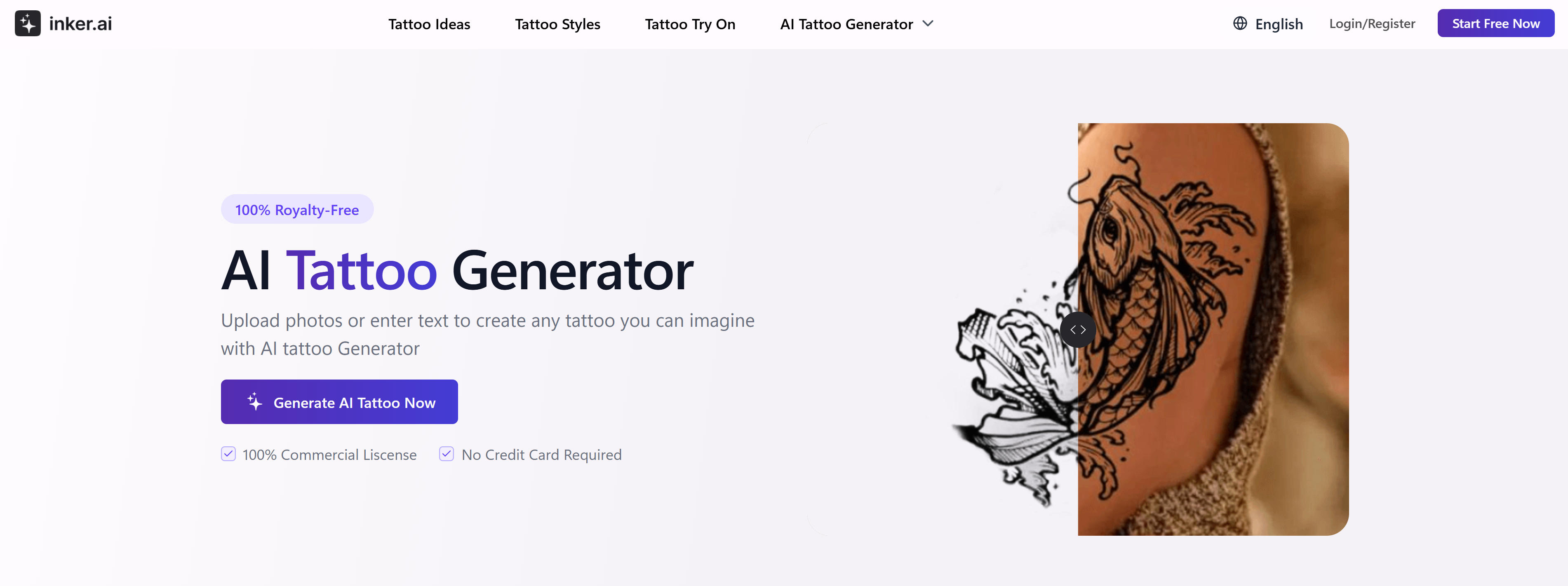
Inker.ai is a free AI tattoo generator supporting text-to-tattoo and image-to-tattoo conversion. It converts text descriptions or uploaded images into high-quality designs in styles like traditional, realistic, watercolor, geometric, and minimalist. Inker.ai offers free monthly credits for new users. Virtual try-on previews tattoos on different body parts. High-resolution output and watermark removal are available for paid users who unlock more features and higher generation limits. Ideal for individuals and enthusiasts with an intuitive interface.
General Image Generator Tools
General AI image generators that also support tattoo design, offering broader image generation capabilities.
5. Canva AI Tattoo Generator
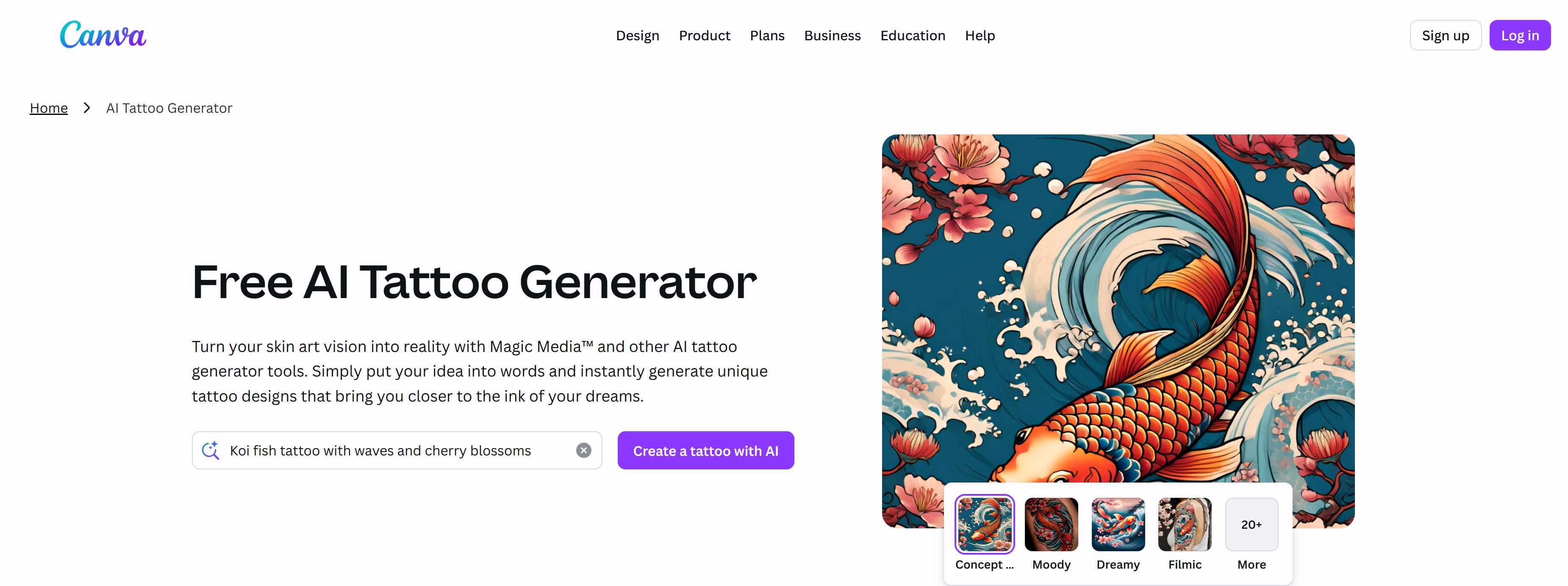
Canva AI Tattoo Generator is Canva's built-in AI image generation feature for tattoo design. As a general design tool, Canva offers rich templates and editing features, allowing users to generate tattoo designs and further edit them. Canva AI Tattoo Generator integrates with Canva's design platform, generating designs from text descriptions and editing them with Canva's tools. Multiple design styles and templates enable quick professional tattoo creation. Free and paid plans unlock more features and templates. Ideal for users needing comprehensive design capabilities.
6. Adobe Firefly Tattoo Generator
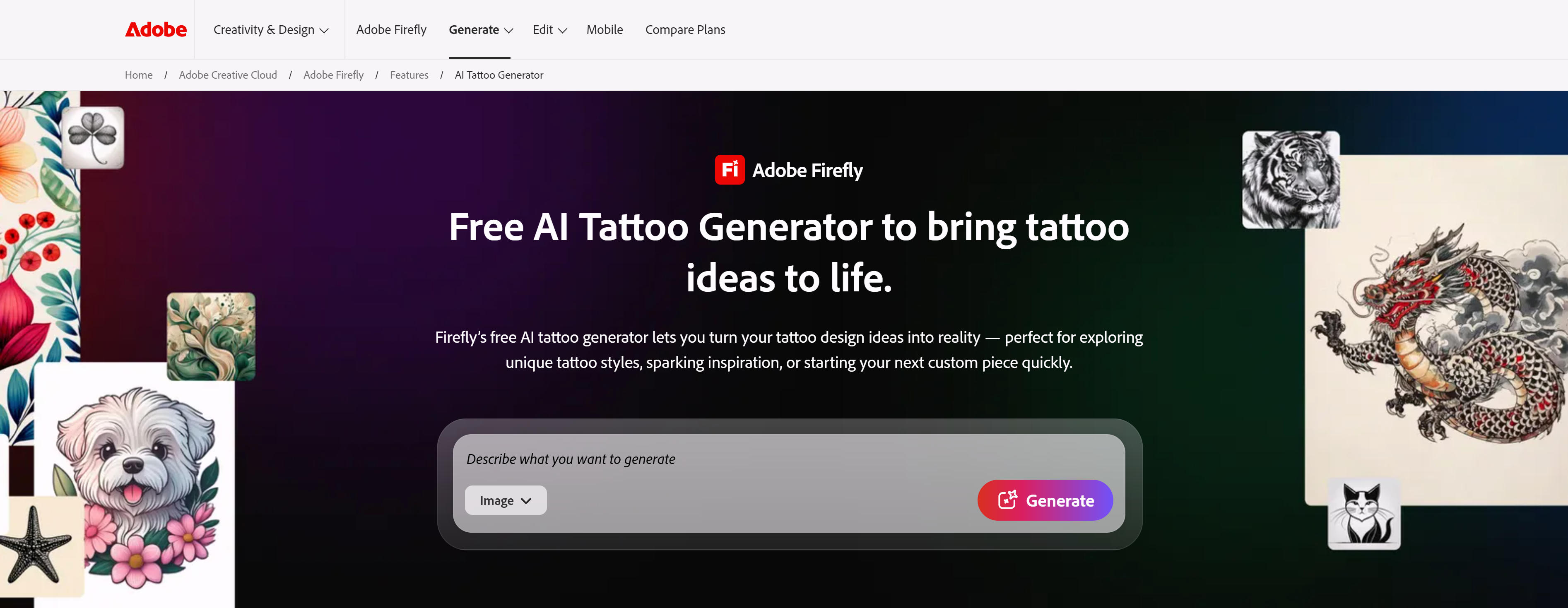
Adobe Firefly Tattoo Generator is Adobe Firefly's AI image generation feature for tattoo design. As Adobe's AI image generator, Firefly provides commercially safe images, ideal for professional designers needing commercial use. Adobe Firefly supports text-to-image generation from natural language descriptions. Multiple artistic styles and design directions enable exploration of different tattoo styles. Firefly's key advantage is commercial-safe certification, allowing safe commercial use. Deep integration with Adobe Creative Cloud enables seamless import into Photoshop and other tools for further editing.
Tool Comparison
Comparison of mainstream AI tattoo generator tools to help you quickly understand features and applicable scenarios:
| Tool Name | Key Features | Primary Use Cases | Pricing Model |
|---|---|---|---|
| ChatTattoo | Text-to-tattoo, image-to-tattoo, virtual try-on | Design exploration, client communication | Subscription |
| BlackInk.ai | Style library, design templates, editing | Tattoo artists, enthusiasts | Subscription |
| Tattoo.ai | Batch generation, design editing, multiple styles | Quick design generation, batch processing | Subscription |
| Inker.ai | Free credits, virtual try-on, high-res output | Individuals, enthusiasts | Free + Subscription |
| Canva AI | Platform integration, template library, editing | Comprehensive design needs | Free + Subscription |
| Adobe Firefly | Commercial-safe, Creative Cloud integration | Professional design, commercial use | Subscription |
Use Cases
AI tattoo generator tools play important roles in multiple fields, helping users quickly generate high-quality tattoo designs.
Tattoo Design Exploration
Generate designs in different styles like traditional, realistic, watercolor, geometric, and minimalist to find the best direction. Quickly generate multiple design variants from text or images for creative inspiration. Combine different design elements and symbols to create unique tattoos.
Tattoo Artist Assistance
Generate design references for tattoo artists to provide creative inspiration and direction. Quickly generate multiple design options to help artists communicate and confirm designs with clients. Use AI tools to optimize existing designs, adjusting lines, shading, and details.
Client Communication
Use virtual try-on to preview tattoos on different body parts, improving communication efficiency. Quickly generate multiple design variants for clients to choose their favorite. Generate exclusive tattoo designs based on individual needs and preferences.
How to Choose AI Tattoo Generator Tools
Follow these 5 steps to select the perfect tattoo generator tool for your needs. Evaluate feature requirements, design quality, style support, budget, and commercial use to make an informed decision.
1. Evaluate Feature Requirements
Determine needed features like text-to-tattoo, image-to-tattoo, virtual try-on, and design editing. Specialized tools offer more tattoo-specific features; general tools provide broader image generation. For users needing specialized tattoo features, choose specialized tattoo generators; for users needing comprehensive design capabilities, choose general image generators.
2. Assess Design Quality
Evaluate generated design quality, focusing on line clarity, shading effects, and style accuracy. Quality varies significantly between tools. Try 2-3 tools first, then compare and choose the best fit based on design quality and your specific requirements.
3. Evaluate Style Support
Choose tools supporting required styles like traditional, realistic, watercolor, geometric, and minimalist. Different tools excel in different style areas. Ensure the tool supports your preferred tattoo styles and can generate designs matching your aesthetic preferences.
4. Consider Budget and Ease of Use
Select pricing plans based on usage frequency and budget, choosing user-friendly tools, especially for beginners. Many tools offer free tiers with limitations; paid plans provide more features and higher quality. Evaluate interface simplicity and learning curve.
5. Evaluate Commercial Use Requirements
For commercial use, confirm licensing policies and copyright ownership. Adobe Firefly provides commercial-safe certification, ideal for commercial applications. Read terms and licenses carefully before use, especially for professional tattoo design businesses.
Conclusion
AI tattoo generator tools demonstrate strong capabilities in tattoo design exploration, artist assistance, and client communication. These tools quickly generate high-quality designs, lowering the barrier to tattoo design and enabling users without professional design skills to create quality designs.
Whether specialized tools like ChatTattoo, BlackInk.ai, Tattoo.ai, and Inker.ai, or general generators like Canva and Adobe Firefly, all provide powerful tattoo design generation. Choosing the right tool and generating high-quality designs based on specific needs can significantly improve design efficiency and client satisfaction. If you need more SEO tools and content optimization strategies, check our SEO Tools Complete Guide. For users needing academic paper generation, check our AI Essay Writer Tools Complete Guide to learn how to generate papers undetectable by AI detection tools.