What Are AI Video Translator Tools
AI video translator tools use AI to translate video content into multiple languages, translating speech and generating synchronized subtitles and dubbing. These tools combine speech recognition (ASR), machine translation, speech synthesis (TTS), and lip sync, enabling rapid localization for cross-border marketing, education, enterprise training, and content localization.
Core features include speech recognition (extracting audio and converting to text), text translation (translating source text to target language), speech synthesis (converting translated text to target language speech), lip sync (adjusting speaker lip movements to match new speech), subtitle generation (auto-generating synchronized subtitles), and audio-video synthesis (combining translated speech with video). Unlike traditional video editors, AI video translators are optimized for multilingual content creation, significantly simplifying localization workflows.
Applications include cross-border marketing (translating marketing videos to multiple languages), educational content (translating educational videos for broader reach), enterprise training (providing multilingual training for multinational companies), content localization (localizing videos to different markets), and social media (adding multilingual versions). These tools greatly simplify localization, enabling creators to quickly promote content globally.
How AI Video Translator Tools Work
Modern AI video translation uses deep learning and neural networks, combining ASR, machine translation, TTS, lip sync, and subtitle generation. These technologies understand video speech content, translate to target languages, and generate natural multilingual videos.
Workflow includes: 1. Speech recognition (ASR): Extract audio and convert speech to text; 2. Text translation: Translate source text to target language; 3. Speech synthesis (TTS): Convert translated text to target language speech; 4. Lip sync: Adjust speaker lip movements to match new speech; 5. Subtitle generation: Auto-generate synchronized subtitles; 6. Audio-video synthesis: Combine translated speech with video to generate final multilingual video.
Core advantages include automation (auto-completing entire translation workflow), multilingual support (supporting dozens or hundreds of languages), high quality (providing natural speech synthesis and precise lip sync), efficiency (quickly processing large volumes), and cost reduction (significantly lower than manual translation).
Best AI Video Translator Tools 2026
Top AI video translator tools for 2026, achieving professional quality in translation, speech synthesis, and lip sync, especially suitable for multilingual video content needs.
Rask AI: Professional Localization
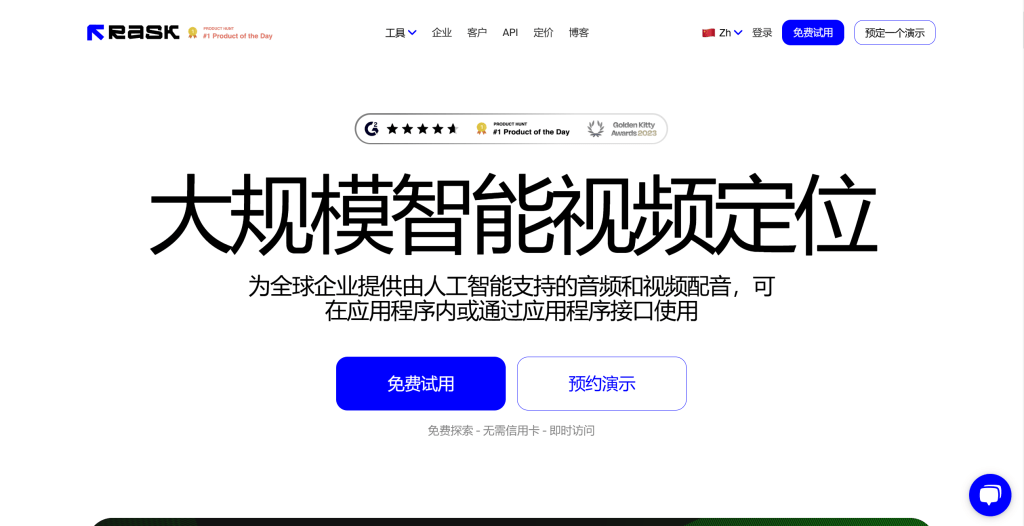
Rask AI is a professional AI video translator supporting 100+ languages, providing high-quality speech synthesis and lip sync, suitable for professional video localization. Core features include high-precision speech recognition, natural speech synthesis, precise lip sync, and multilingual subtitle generation.
Rask AI provides an easy interface: users upload videos and select target languages, and the tool auto-completes translation and generation. It supports batch processing, custom translation, voice selection, and API integration. Rask AI uses subscription pricing with free trials and paid plans offering higher quality, more processing time, and more features.
Rask AI suits professional video localization and enterprise applications, providing high-quality translation and natural speech synthesis for professional users.
FalcoCut: Easy to Use

FalcoCut is a video translator supporting multiple languages with simple operation, suitable for individual creators. Core features include easy interface, fast processing, multilingual support, and subtitle generation.
FalcoCut provides an intuitive interface: users upload videos and select target languages, and the tool auto-completes translation. It supports batch processing and custom subtitle styles. FalcoCut uses subscription pricing with free trials and paid plans offering higher quality and more processing time.
FalcoCut suits individual creators and small teams, providing an easy interface and fast processing for daily translation needs.
Blipcut AI Video Translator: Multilingual Support
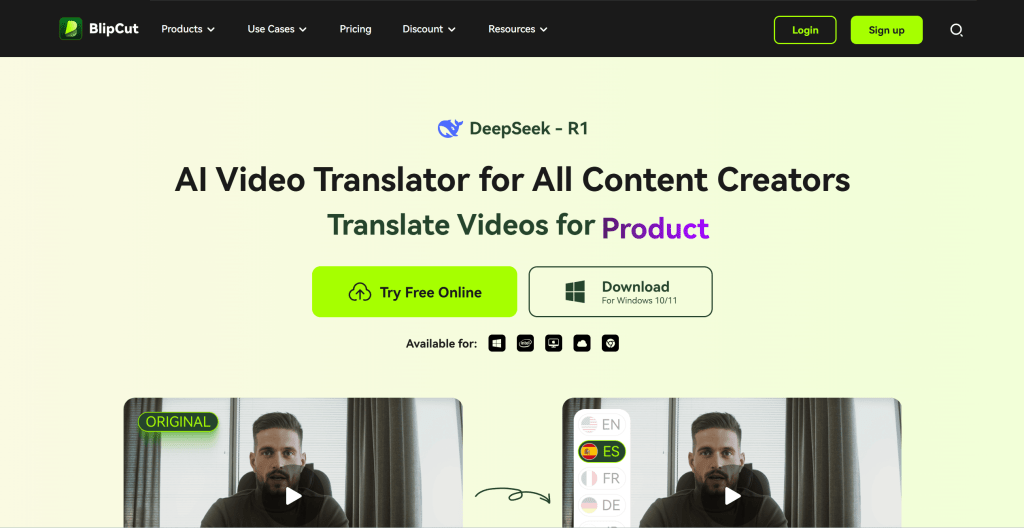
Blipcut AI Video Translator focuses on video translation, supporting multiple languages and accents, quickly translating video content to target languages. Core features include high-precision speech recognition, natural speech synthesis, multilingual support, and subtitle generation.
Blipcut provides an easy interface: users upload videos and select target languages, and the tool auto-completes translation. It supports batch processing, custom translation, and voice selection. Blipcut uses subscription pricing with free trials and paid plans.
Blipcut suits users needing multilingual and accent support, providing high-quality translation and natural speech synthesis.
Vozo AI: Enterprise Applications
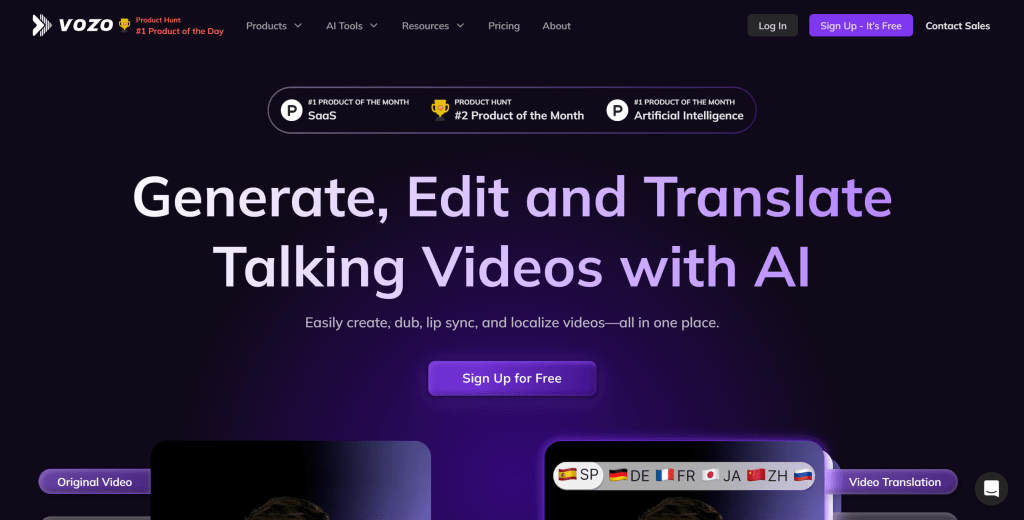
Vozo AI provides video translation and subtitle generation services, supporting multiple languages and high-precision synchronization, suitable for multinational companies and multilingual content creation. Core features include high-quality speech synthesis, precise lip sync, multilingual support, and subtitle generation.
Vozo AI provides an easy interface: users upload videos and select target languages, and the tool auto-completes translation. It supports batch processing, custom translation, voice selection, and API integration. Vozo AI uses subscription pricing with free trials and paid plans.
Vozo AI suits multinational companies and multilingual content creation, providing high-quality translation and precise lip sync for enterprise users.
Captions AI: Subtitle Generation
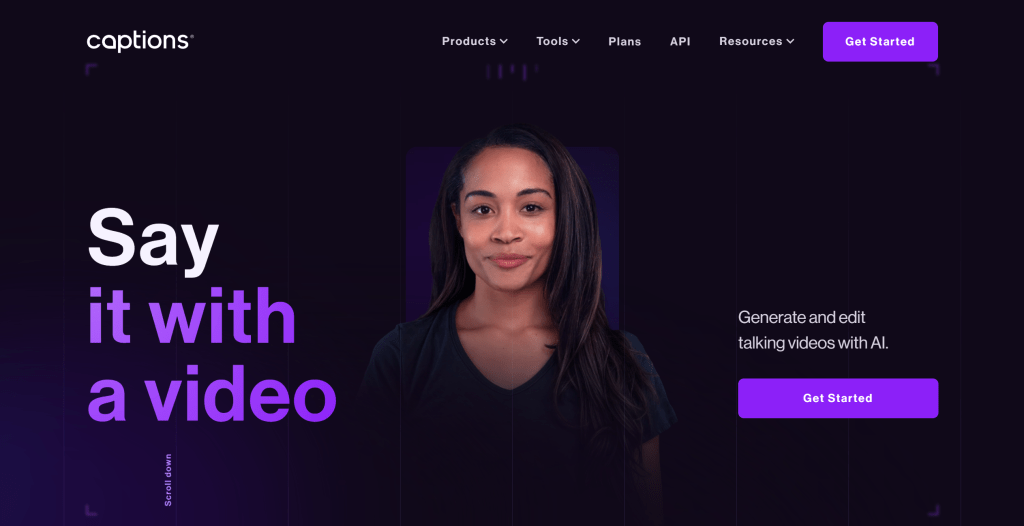
Captions AI focuses on video subtitle generation and translation, providing multilingual support and high-precision synchronization, suitable for content creators and enterprise users. Core features include high-precision speech recognition, auto subtitle generation, multilingual translation, and subtitle style customization.
Captions AI provides an easy interface: users upload videos, and the tool auto-generates subtitles and performs translation. It supports batch processing, custom subtitle styles, and timeline adjustments. Captions AI uses subscription pricing with free trials and paid plans.
Captions AI suits content creators needing subtitle generation and translation, providing high-precision synchronization and multilingual support.
Akool: Fast Translation
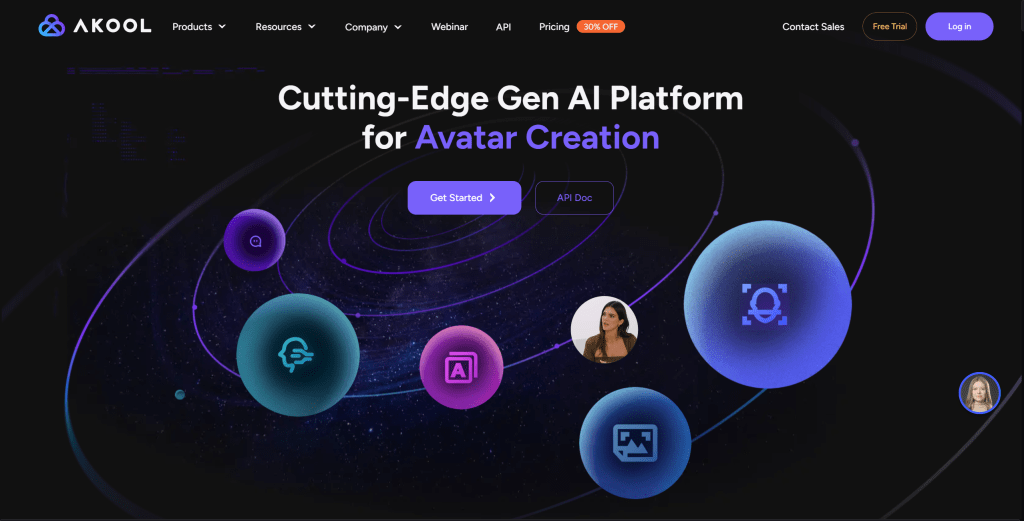
Akool is a video translator supporting multilingual input and output, allowing users to quickly generate translated videos and synchronized subtitles. Core features include high-quality speech synthesis, precise lip sync, multilingual support, and subtitle generation.
Akool provides an easy interface: users upload videos and select target languages, and the tool auto-completes translation and generation. It supports batch processing, custom translation, and voice selection. Akool uses subscription pricing with free trials and paid plans.
Akool suits users needing quick video translation, providing an easy interface and fast processing for daily translation needs.
Other AI Video Translator Tools
Other notable tools include Dubverse (multilingual translation and dubbing), HeyGen (talking avatar platform with multilingual generation and translation), Synthesia (enterprise talking avatar platform). Each has unique features; choose based on specific needs.
Tools Comparison
Tools differ by use case: Rask AI suits professional localization and enterprise applications, FalcoCut suits individual creators and small teams, Blipcut suits multilingual and accent support, Vozo AI suits multinational companies and multilingual content, Captions AI suits subtitle generation and translation, Akool suits quick translation.
Consider: translation quality (speech recognition precision, translation accuracy, speech synthesis naturalness), feature richness (languages supported, lip sync precision, subtitle generation), ease of use, cost (free tier, subscription, pay-per-use), and integration (APIs, batch processing).
Application Scenarios
Applications include cross-border marketing (translating marketing videos to multiple languages), educational content (translating educational videos for broader reach), enterprise training (providing multilingual training for multinational companies), content localization (localizing videos to different markets), social media (adding multilingual versions), and customer service (adding multilingual support to service videos).
For traditional editing needs (cutting, splicing, parameter adjustment), use traditional editors. For generative editing and style transfer, see AI video-to-video tools. For talking avatar generation, see AI talking avatar generators.
How to Choose AI Video Translator Tools
Select AI video translator tools based on translation quality requirements, feature needs, use scenarios, budget, and usability for significantly enhanced video localization efficiency and quality.
1. Evaluate Translation Quality Requirements
Translation quality varies significantly between tools. Quality includes speech naturalness, translation accuracy, lip sync precision, and subtitle quality. Choose based on project needs: professional production suits high-quality tools like Rask AI and Vozo AI; quick content creation suits simpler tools like FalcoCut and Akool.
2. Assess Feature Needs
Determine required features like multilingual support (dozens or hundreds of languages), lip sync (auto-adjusting lip movements to match new speech), subtitle generation (auto-generating synchronized subtitles), API integration (for developer integration). For content creators needing subtitle generation and translation, choose professional tools like Captions AI.
3. Evaluate Use Cases
Choose based on scenarios: cross-border marketing (translating marketing videos to multiple languages), education (translating educational videos for broader reach), enterprise training (providing multilingual training for multinational companies), content localization (localizing videos to different markets). Different scenarios may require different tools.
4. Consider Budget and Pricing
Pricing models vary significantly, from free trials to hundreds of dollars per month. Most tools offer free trials with limitations or watermarks. Paid users get higher translation quality, more processing time, and more features. Some tools (like Rask AI) use pay-per-use pricing, suitable for occasional users. Choose based on usage frequency and budget.
5. Assess Ease of Use
Consider team skills and tool complexity. For individuals and small teams, choose simple, affordable tools like FalcoCut and Akool. For enterprises, choose feature-rich tools with batch processing like Rask AI and Vozo AI. User-friendly tools suit beginners; professional tools require more technical knowledge.
Conclusion
AI video translator tools demonstrate powerful capabilities in cross-border marketing, education, enterprise training, and content localization. These tools quickly translate video content to multiple languages, greatly simplifying localization workflows, enabling creators to quickly promote content globally.
However, AI video translators aren't universal. For traditional editing needs, use traditional editors. For generative editing and style transfer, see AI video-to-video tools. Best practice: choose appropriate tools based on needs—traditional editing uses traditional tools, multilingual translation uses AI video translators.