I built Oginify — a free OG image generator. 3x daily, no signup. Try it →

AI Text & Writing

AI Note Takers: Smart Transcription and Organization

Transform your meetings into actionable insights with intelligent AI note takers. Discover tools that provide automatic transcription, smart summaries, and seamless CRM integration to eliminate manual note-taking and boost team productivity.

·Updated February 11, 2026·12 min read
AI Note Takers: Smart Transcription and Organization — hero illustration

How AI Note Takers Work

AI note-taking tools use artificial intelligence to capture, organize, summarize, and retrieve information from meetings, lectures, research sessions, and personal knowledge management. Their core value lies in offloading the cognitive burden of manual note-taking—automatically generating structured notes with action items, key decisions, and topic summaries while keeping information searchable and connected. Modern AI note-taking platforms support real-time meeting transcription with speaker identification, automated summarization and action item extraction, semantic search across all notes, integration with calendars and video conferencing tools, and knowledge graph features that connect related notes and ideas. They serve professionals managing meeting-heavy schedules, students capturing and reviewing lecture content, researchers organizing literature notes, and teams building shared knowledge bases from meeting discussions.

In the personal productivity ecosystem, AI note takers complement other information management tools. Notes Generator focus on creating structured notes and study materials from source content, while Speech To Text provide the raw transcription that note takers then organize and summarize. Clinical encounter documentation is a different compliance domain—see our AI Medical Scribe Guide.

AI note-taking tools combine real-time transcription, semantic organization, and intelligent retrieval to capture and manage information. The technical stack includes: ASR models for meeting transcription with speaker diarization, NLP models for key point extraction and action item detection, embedding-based semantic search for retrieving notes by meaning rather than keywords, and LLM-powered summarization that condenses hours of meetings into structured summaries. Some tools use knowledge graph construction to link related notes, people, projects, and topics, creating a personal knowledge network that grows more useful over time.

  • Speech recognition: Advanced neural networks for speech-to-text conversion, accurately transcribing audio conversations into text.
  • Speaker identification: Machine learning models for speaker identification and diarization, distinguishing between different speakers in conversations.
  • Content analysis: NLP algorithms for content analysis and summarization, identifying keywords, action items, and key insights.
  • Contextual summaries: Generating contextual summaries that capture the essence of meeting discussions, providing actionable insights.
  • Integration capabilities: Connecting with meeting platforms, calendar systems, and business applications, creating seamless workflows from meeting to action.

Note-taking tools differ in their capture modality: meeting-focused tools prioritize transcription and action items, while personal knowledge management tools prioritize linking and retrieval. Integration with calendars and communication tools enables automatic meeting note creation and context awareness. For team-wide knowledge management rather than personal notes, Knowledge Base provide shared document indexing and retrieval.

2026 Best AI Note Takers: Smart Transcription & Automated Summaries

Here are the most recommended AI note takers for 2026, covering various categories from real-time transcription to specialized business integrations. Each platform offers unique AI capabilities to help you choose the most suitable meeting intelligence solution based on your specific requirements.

1. Otter.ai: Meeting Notes

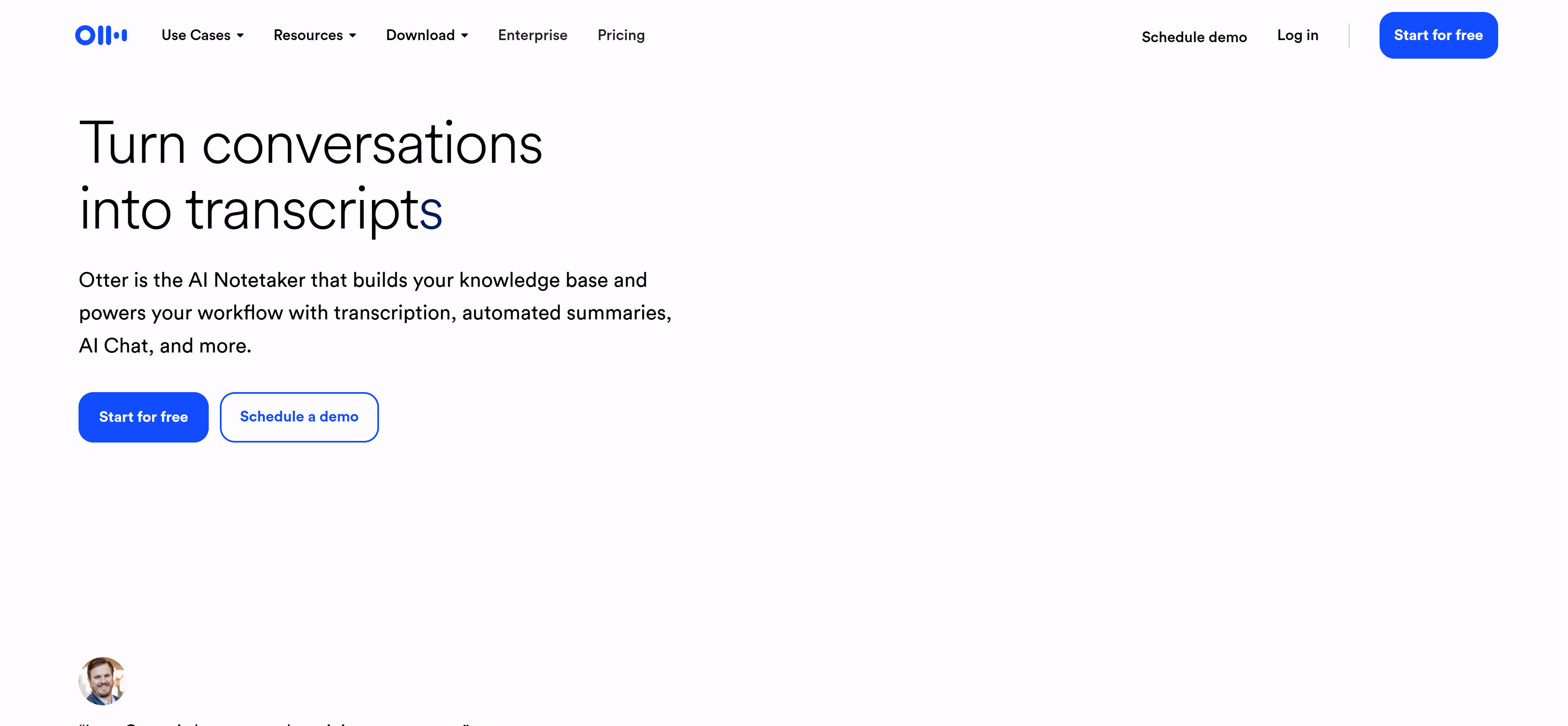
Otter.ai note-taking interface with rich text editor, tag sidebar, and knowledge graph view — Meeting Notes

Try Otter.ai

delivers professional AI meeting transcription with real-time conversion, speaker identification, and intelligent summarization. Supporting Zoom, Google Meet, and Microsoft Teams, Otter.ai joins meetings as a virtual assistant for automatic recording and transcription. Core strengths include real-time transcription and speaker identification, converting meeting content to text instantly. Additional features include action item extraction, keyword highlighting, and meeting summary generation, helping users quickly grasp key points and decisions.

2. Fireflies.ai: CRM Integration

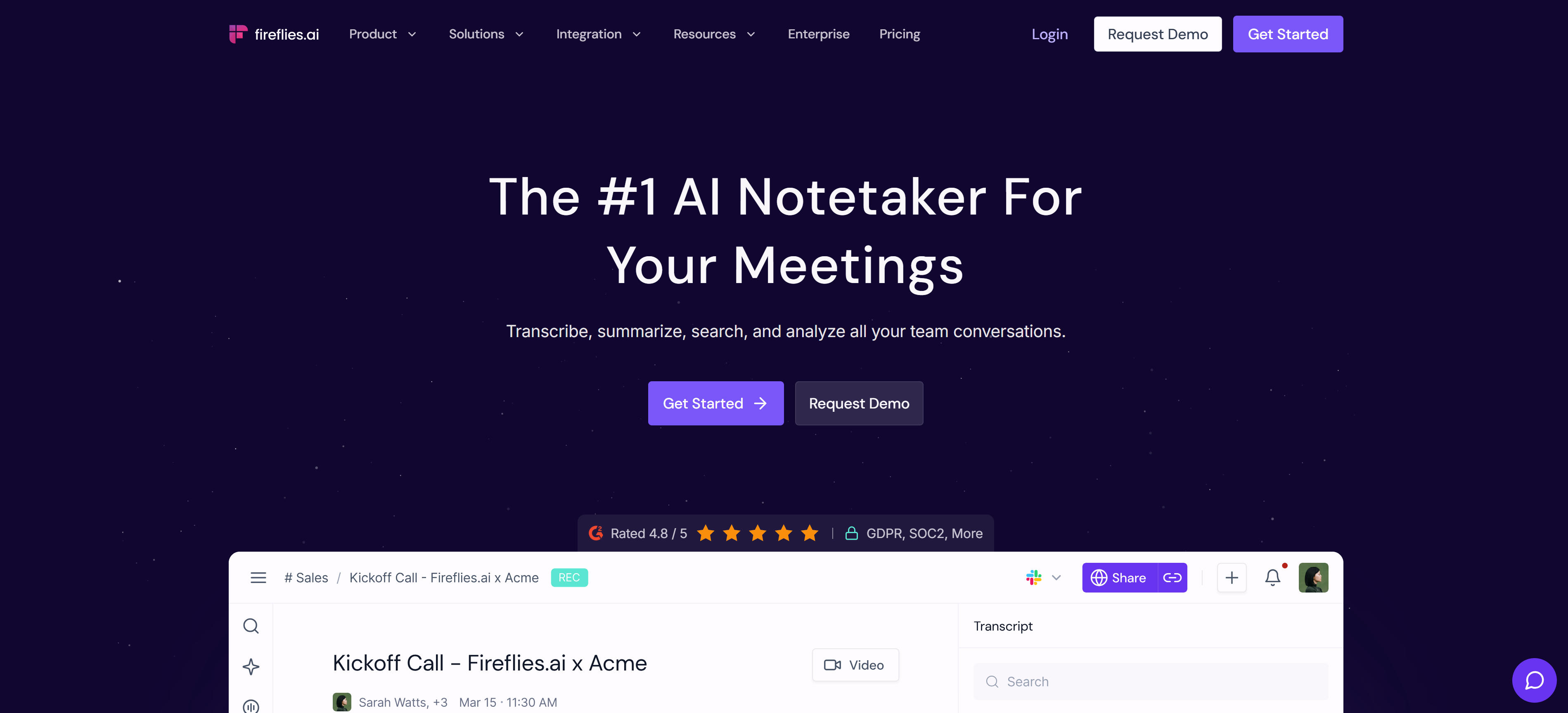
Fireflies.ai note-taking interface with rich text editor, tag sidebar, and knowledge graph view — CRM Integration

Try Fireflies.ai

specializes in AI meeting documentation focused on sales and customer communication, offering automatic recording, transcription, summarization, and CRM integration. Acting as a virtual assistant in meetings, Fireflies.ai automatically captures and transcribes content while generating intelligent summaries. Its core strength lies in CRM integration and sales intelligence, automatically syncing meeting records to Salesforce, HubSpot, and other CRM platforms, extracting key information and action items to help sales teams better track customer communication. Custom keyword tracking, meeting scoring, and engagement analysis provide deep sales insights for improved customer relationship management.

3. Tactiq: Meeting Insights

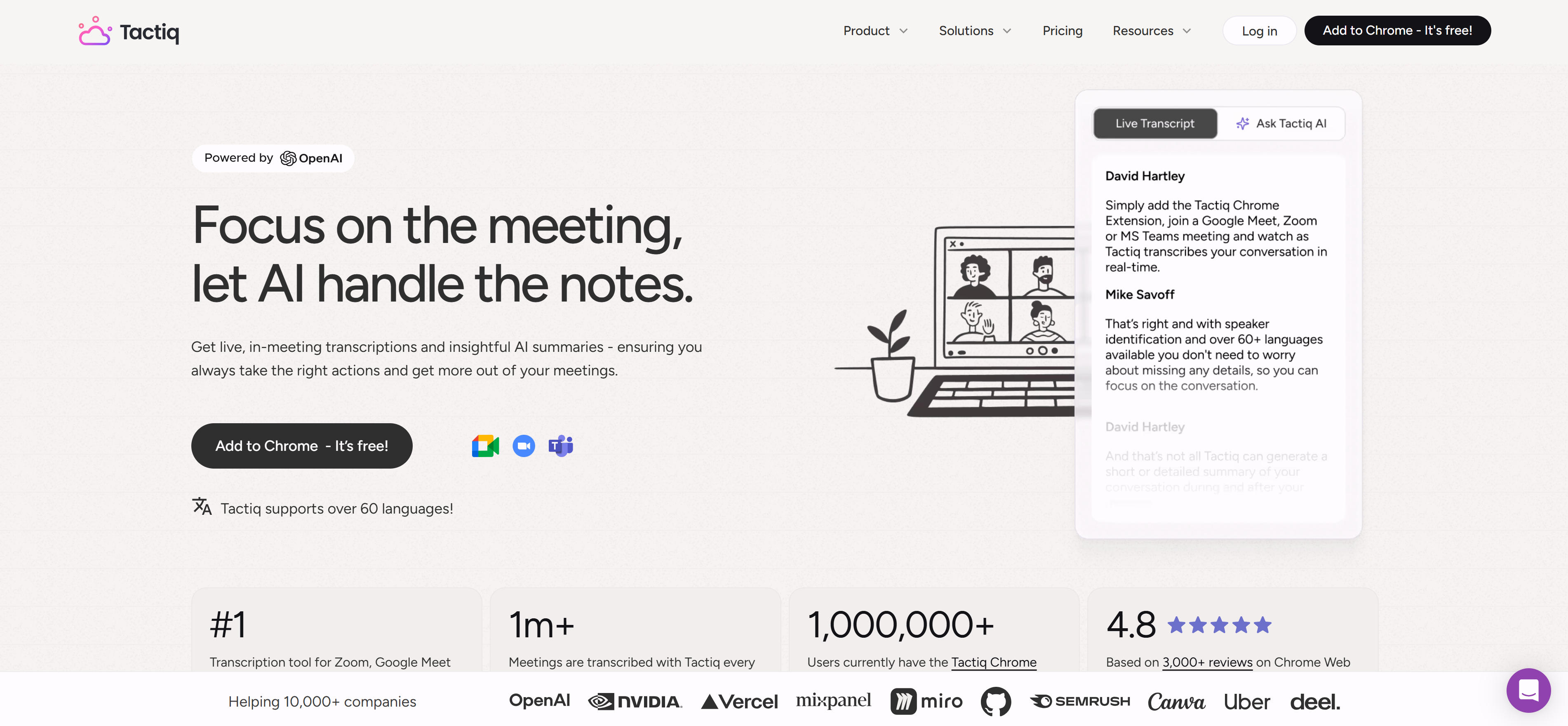
Tactiq note-taking interface with rich text editor, tag sidebar, and knowledge graph view — Meeting Insights

Try Tactiq

focuses on meeting insights with AI-powered real-time transcription, intelligent summarization, and action item extraction. Available as a Chrome extension or desktop application, Tactiq supports Zoom, Google Meet, and Microsoft Teams. Its core strength lies in intelligent summarization and meeting insights, automatically generating meeting summaries, extracting key decisions, action items, and important insights to help users quickly understand meeting outcomes. Meeting replay functionality, timestamp navigation, and keyword search enable users to quickly locate important discussion points, providing comprehensive meeting intelligence and improved follow-up efficiency.

4. Read.ai: Engagement Analysis

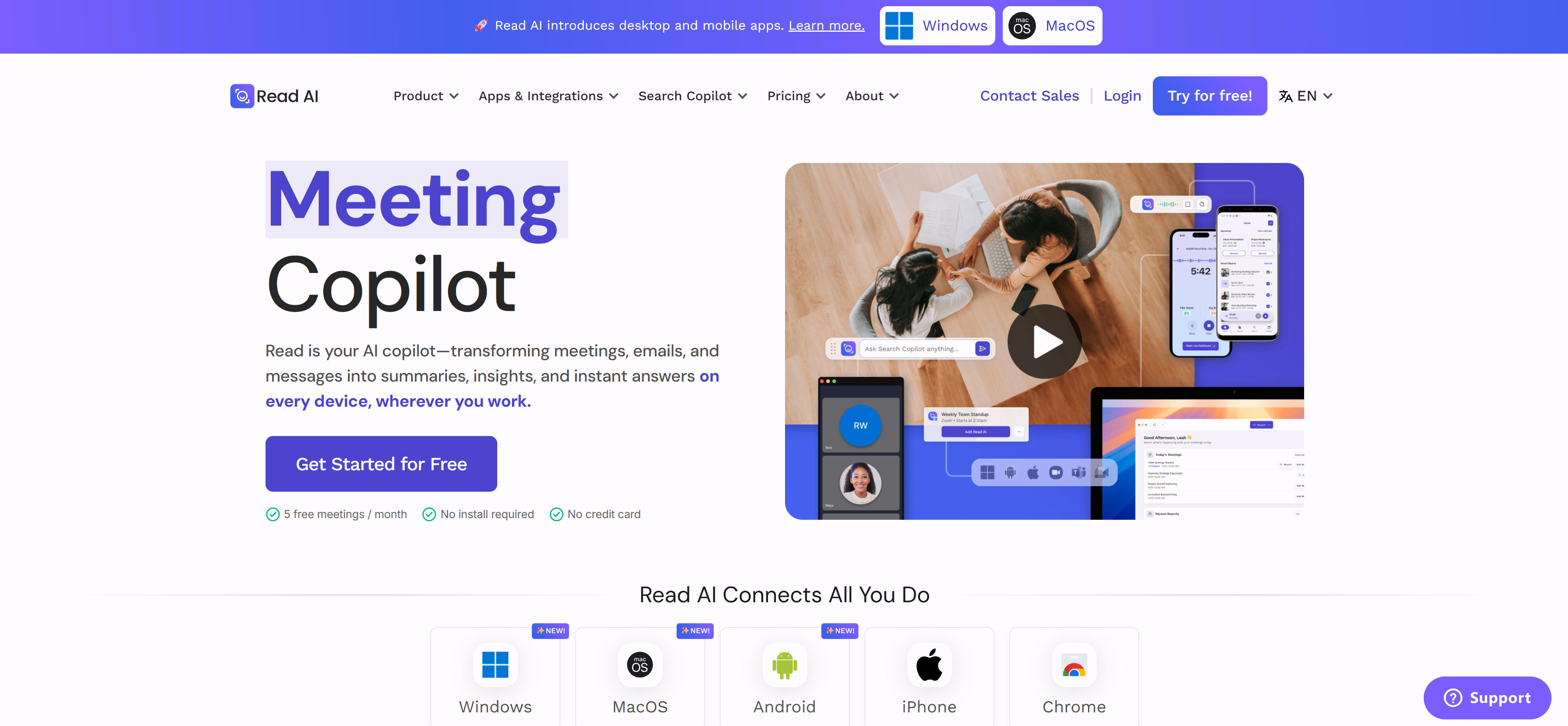
Read.ai note-taking interface with rich text editor, tag sidebar, and knowledge graph view — Engagement Analysis

Try Read.ai

specializes in meeting engagement analysis, providing real-time transcription, participation metrics, meeting insights, and action item tracking. Its core innovation lies in engagement analysis capabilities, measuring participant involvement, conversation flow, and decision-making patterns to provide deep insights into meeting effectiveness. Real-time transcription ensures comprehensive content capture while intelligent analysis identifies key discussion points and tracks action item completion. Particularly valuable for teams focused on meeting quality improvement and leadership development, Read.ai transforms meetings into data-driven improvement opportunities.

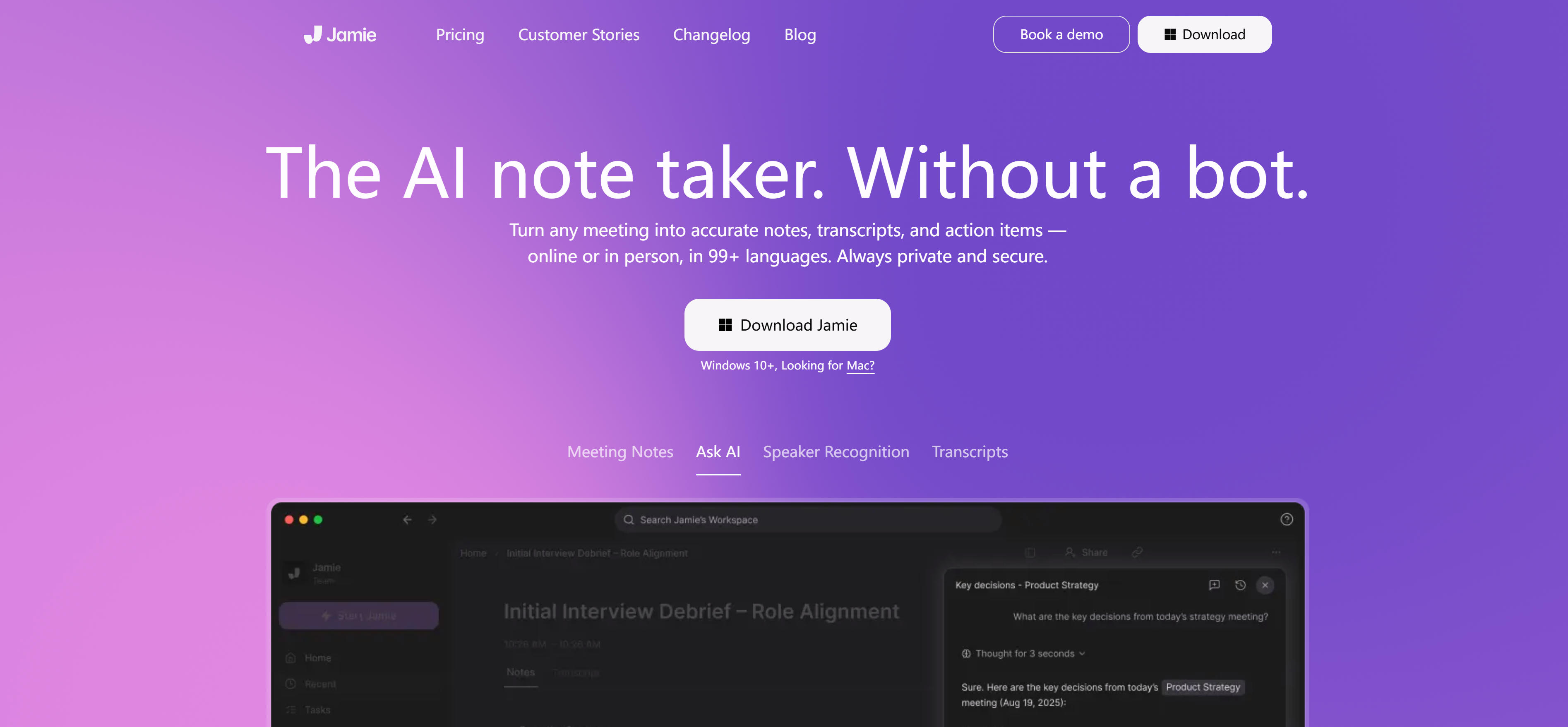
5. MeetJamie.ai: Email Generation

MeetJamie.ai note-taking interface with rich text editor, tag sidebar, and knowledge graph view — Email Generation

Try MeetJamie.ai

streamlines post-meeting workflows with automatic transcription, intelligent summarization, action item extraction, and automated email generation. Its unique value proposition lies in eliminating manual follow-up work by automatically generating meeting summaries, action item lists, and personalized follow-up emails to all participants. Supporting multiple meeting platforms, MeetJamie.ai captures comprehensive meeting content while intelligent analysis identifies key decisions and assigns action items. Particularly valuable for busy professionals and teams requiring efficient meeting follow-up, it transforms meeting outcomes into immediate, actionable communications.

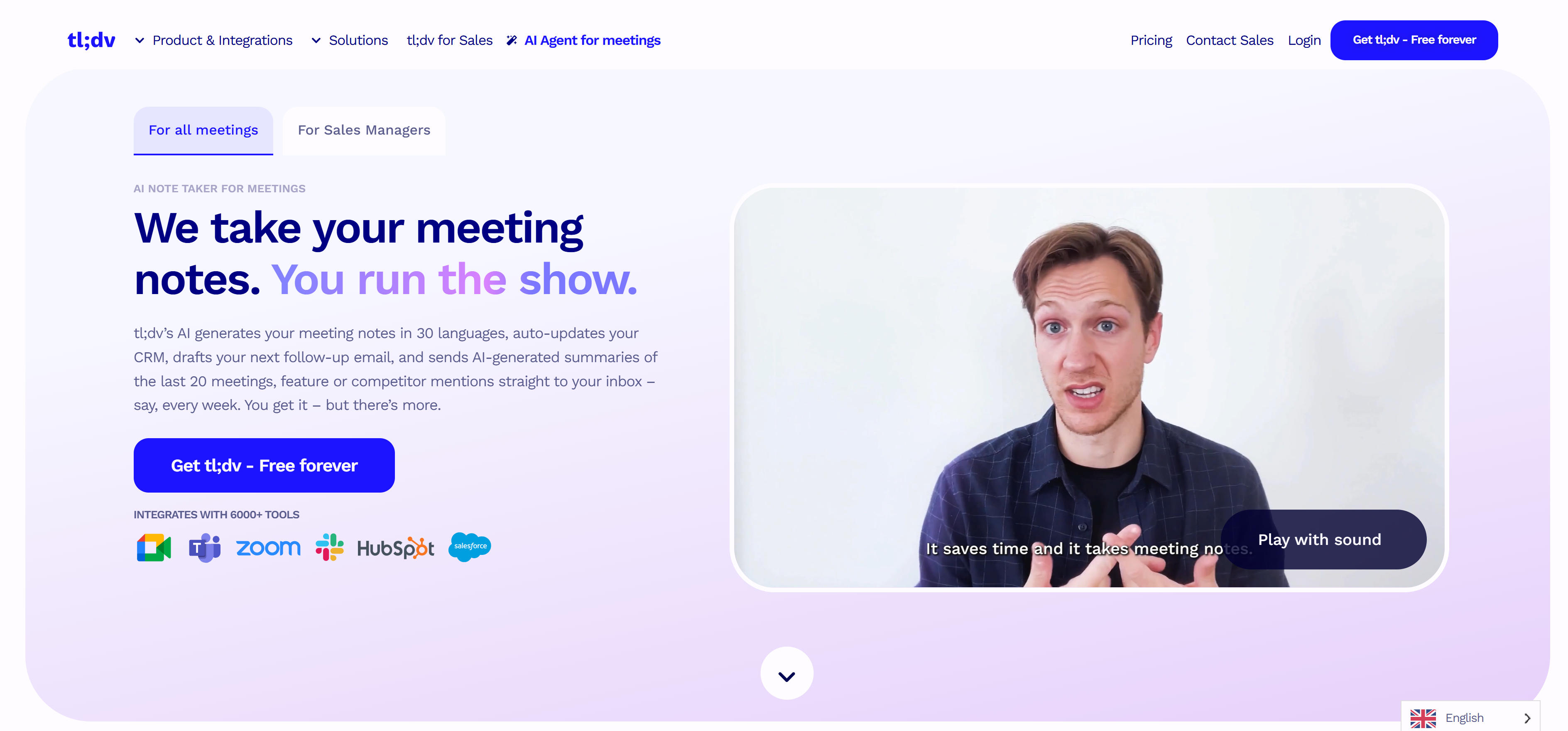
6. Tl;dv: Video Recording

tl;dv note-taking interface with rich text editor, tag sidebar, and knowledge graph view — Video Recording

Try tl;dv

specializes in video meeting documentation, providing comprehensive recording, transcription, summarization, clip sharing, and timestamp navigation. Its core strength lies in video-centric workflows, automatically recording meetings while providing searchable transcripts with timestamp links to specific video segments. Intelligent clip identification and sharing capabilities allow teams to extract and distribute key moments without full video sharing. Particularly valuable for product teams, sales organizations, and training departments requiring video documentation and selective content sharing, tl;dv transforms lengthy recordings into accessible, actionable video assets.

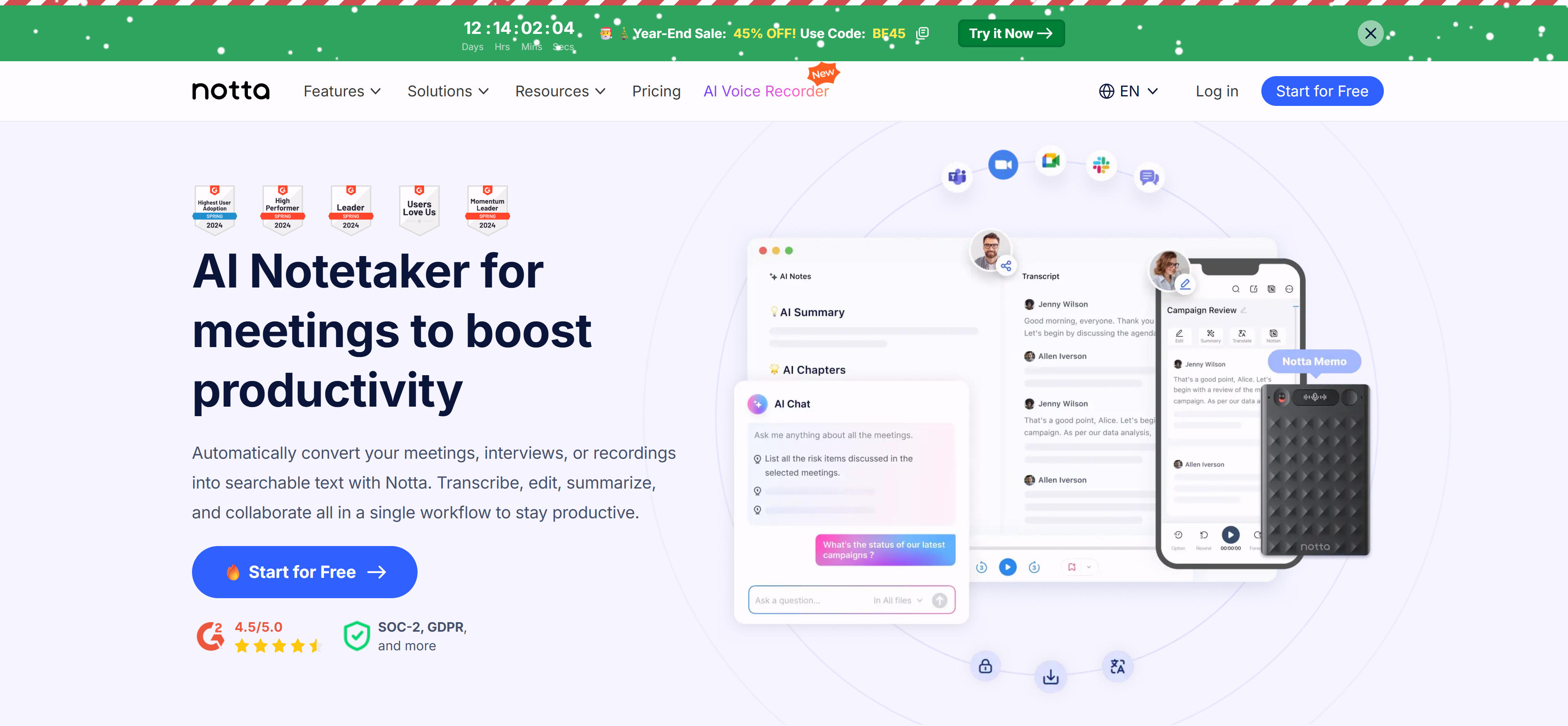
7. Notta.ai: Multi-Language Support

Notta.ai note-taking interface with rich text editor, tag sidebar, and knowledge graph view — Multi-language Support

Try Notta.ai

enables global collaboration with real-time transcription, extensive multi-language support, intelligent summarization, and action item extraction. Supporting over 50 languages and dialects, Notta.ai breaks down language barriers in international meetings through accurate translation and transcription. Its core value lies in direct cross-cultural communication, automatically transcribing and translating content while maintaining contextual accuracy. Particularly valuable for multinational companies, international teams, and global client communications, Notta.ai ensures all participants can fully engage regardless of language, creating truly inclusive meeting environments.

8. NotebookLM: Smart Document Analysis

NotebookLM note-taking interface with rich text editor, tag sidebar, and knowledge graph view — Smart Document Analysis

Try NotebookLM

is Google's innovative AI document analysis tool that transforms static notes and documents into interactive knowledge resources. Through deep analysis of uploaded materials, NotebookLM creates intelligent Q&A systems and automatically generates conversational audio podcasts based on document content. Its core strength lies in powerful document comprehension and audio generation capabilities, creating natural dialogue-style audio that helps users better understand and retain complex information. Particularly suitable for academic research, knowledge organization, and content creation scenarios, NotebookLM converts static documents into dynamic, interactive learning experiences that enhance comprehension and retention of detailed information.

AI Note Takers Comparison

Here's a detailed comparison of the top AI note takers to help you choose the best solution for your needs:

Tool NameCore FeaturesBest ForPricing
Otter.aiReal-time transcription, speaker identification, action item extraction, meeting summariesVideo meetings, in-person meetings, lecture recordingFree tier, paid subscription
Fireflies.aiAuto recording, transcription, summaries, CRM integrationSales meetings, customer communication, team collaborationFree tier, paid subscription
TactiqReal-time transcription, AI summaries, action item extraction, meeting insightsZoom, Google Meet, Microsoft TeamsPaid subscription
Read.aiReal-time transcription, engagement analysis, meeting insights, action item trackingTeam meetings, customer meetings, training meetingsPaid subscription
MeetJamie.aiAuto transcription, intelligent summaries, action item extraction, email generationBusiness meetings, customer communication, team collaborationPaid subscription
tl;dvVideo recording, transcription, summaries, clip sharingProduct demos, customer interviews, training recordingFree tier, paid subscription
Notta.aiReal-time transcription, multi-language support, summary generation, action item extractionMulti-language meetings, international team collaboration, cross-cultural communicationFree tier, paid subscription
NotebookLMDocument analysis, intelligent Q&A, audio podcast generation, knowledge managementAcademic research, knowledge organization, content creation, learning notesFree tier, Google Workspace integration

Use Cases: 5 Practical Applications

AI note takers have extremely broad application scenarios, covering all aspects of modern meetings that require recording and summarization. From video conferences to in-person meetings, AI platforms provide effective assistance.

Business Meetings

In business meeting scenarios, AI note takers automatically record customer communications, extract key information and action items, helping sales teams track customer needs and follow up effectively. They capture customer feedback and suggestions, generate meeting summaries to facilitate subsequent service improvements, and support internal team discussions by extracting decisions and action items. Common pairing: Documentation.

Team Collaboration

In team collaboration scenarios, AI note takers record project progress discussions and decisions, extract tasks and deadlines to help teams track project status. They facilitate brainstorming sessions by capturing ideas and thoughts, generating summaries for easier follow-up organization. For training meetings, they record content and generate notes to help participants review and learn.

Academic & Education

In academic and educational scenarios, AI note takers record academic discussions and research findings, generate summaries to facilitate academic exchange and publication. They support lecture recording with automatic note generation for student review and researcher reference. For seminars, they capture discussion viewpoints and extract key insights, facilitating subsequent research and application.

Remote Work

In remote work scenarios, AI note takers ensure distributed teams have equal access to meeting information through automatic recording and transcription. They provide searchable archives of all remote meetings, enabling team members to catch up on missed discussions. Real-time transcription helps overcome communication barriers in distributed teams, ensuring all participants fully engage in discussions.

Customer Service

In customer service scenarios, AI note takers record customer interaction details, extract key requirements and feedback for improved service quality. They generate comprehensive interaction logs for quality assurance and training purposes. Automated summarization and action item tracking ensure customer issues receive prompt follow-up, enhancing customer satisfaction and service consistency. Ambient clinical documentation (SOAP, EHR write-back) is a separate buying path — see our AI Medical Scribe Guide.

How to Choose AI Note Takers

Begin with capture modality — meeting-focused tools with transcription and action items versus personal-knowledge tools with linking and retrieval. Then integration, language, and privacy.

Lock capture modality

Choose tools based on meeting formats: video conferencing requires direct integration with Zoom, Teams, or Meet for automatic recording and transcription; in-person meetings need device-level recording capabilities with mobile or desktop apps. Consider platform compatibility with existing meeting software to ensure seamless workflow integration.

Check integration depth

Evaluate integration capabilities with existing business systems: CRM platforms enable automatic contact and deal updates; calendar applications sync meeting schedules and notes; communication tools facilitate team sharing and collaboration. Tools with seamless API integrations and Zapier support enhance workflow efficiency and reduce manual data entry.

Verify language coverage

For multilingual teams, prioritize tools with extensive language support and dialect recognition: test transcription accuracy for technical terminology, industry jargon, and regional accents. Ensure the tool can handle your team's primary languages and provides accurate transcription across different speaking styles and contexts.

Set accuracy bar

Test transcription accuracy across different scenarios: technical discussions require precise terminology capture; multiple speakers need speaker diarization to identify who said what; varying audio quality needs advanced noise reduction. Consider tools with advanced noise reduction and speaker diarization capabilities for complex meeting environments.

Verify privacy

Verify security measures: data encryption protects sensitive information in transit and at rest; access controls ensure only authorized users can view notes; compliance certifications (HIPAA, GDPR) demonstrate commitment to data protection. For sensitive business discussions, choose tools with enterprise-grade security features and clear data handling policies.

Conclusion

Note takers now converge on two distinct jobs: real-time transcription with speaker attribution (Otter.ai, tl;dv) and follow-up action extraction (MeetJamie.ai, Tactiq). Sales teams typically pick Fireflies.ai or Notta.ai for CRM sync and multilingual calls, while Read.ai adds engagement analytics. NotebookLM occupies the other end of the spectrum—it analyzes documents you bring, not conversations you host.

The choices that actually differ between tools are speaker accuracy on overlapping speech, how cleanly action items land in your CRM or project tracker, consent and retention defaults for recordings, and whether the transcript stays searchable after the call. Test against your own recurring meetings rather than vendor demos.

Keep facilitation human: AI drafts the record; people confirm decisions and next steps. Consent, retention, and CRM export matter more than speaker-diarization demos—and a meeting note taker is not a study-notes or essay generator.

References

  1. Stanford AI Index Report (Stanford HAI · 2025)Annual AI adoption data including meeting transcription and productivity tooling trends, with further context from Stanford AI Index Report.
  2. International AI Safety Report 2026 (International AI Safety Report · 2026)Multilateral analysis of AI system risks including data handling in meeting assistants.

Listen Fully. Let AI Take the Notes.

People who write while listening always miss something. Free your attention for the words that matter.

Get help

This site uses cookies and similar technologies for analytics, personalized ads (via Google AdSense), and essential functions. By clicking “Accept All”, you consent to our use of cookies. You can reject non-essential cookies by clicking “Reject All”.

Privacy Policy