AI Video Effects Tools: Professional Templates & Effects
Introduction
This guide explores the best AI video effects tools for 2026. We cover core concepts, technical fundamentals, and analysis of top tools. The guide includes feature comparisons, use cases, selection criteria, and frequently asked questions.
What Are AI Video Effects Tools
AI video effects tools use artificial intelligence to add stunning visual effects and animations to videos, generating new visual elements like particles, lighting, and background replacement. These tools provide rich effect template libraries for one-click video enhancement. Modern AI video effects tools support multiple effect types and template libraries, providing complete video effects solutions for content creators, video editors, and filmmakers.
How AI Video Effects Work
Modern AI video effects technology uses generative AI models, particularly diffusion models and GANs, to understand image and video content and generate new visual elements. The technology employs neural networks trained on vast video datasets that learn visual patterns, motion dynamics, and effect characteristics. Unlike traditional video effects technology that only applies preset effects, AI video effects can create new content, enhancing videos with details that weren't in the original footage. Compared to traditional video effects requiring manual frame-by-frame adjustments and professional software skills, AI video effects significantly automate the enhancement process, making professional video effects accessible to more users.
- Generation capability: Creating new visual elements and effects that weren't in the original video, generating enhanced versions with improved quality and detail.
- Template richness: Providing many preset templates covering various scenarios and styles, enabling users to quickly generate professional effects.
- Ease of use: One-click generation requiring no professional skills, making video effects accessible to users without video editing expertise.
- Temporal consistency: Maintaining coherence between frames, ensuring smooth transitions and consistent visual quality throughout the video sequence.
- Creativity: Achieving effects difficult or impossible with traditional tools, expanding creative possibilities for video content.
Different AI video effects tools use different architectures, optimized for their specific use cases. Some tools use diffusion models for high-quality effect generation, suitable for creative effects. Others use GANs for realistic effect synthesis, suitable for natural-looking enhancements. Advanced tools combine multiple techniques, using diffusion models for generation and GANs for refinement. These developments not only improve video effects quality and efficiency but also provide more possibilities for video creation, making AI video effects tools more widespread.
2026 Best AI Video Effects Tools: Professional Templates & Stunning Videos
Here are the top AI video effects tools for 2026, covering professional platforms, effect template libraries, and free tools to help you choose the right solution.
1. Higgsfield: Professional Platform
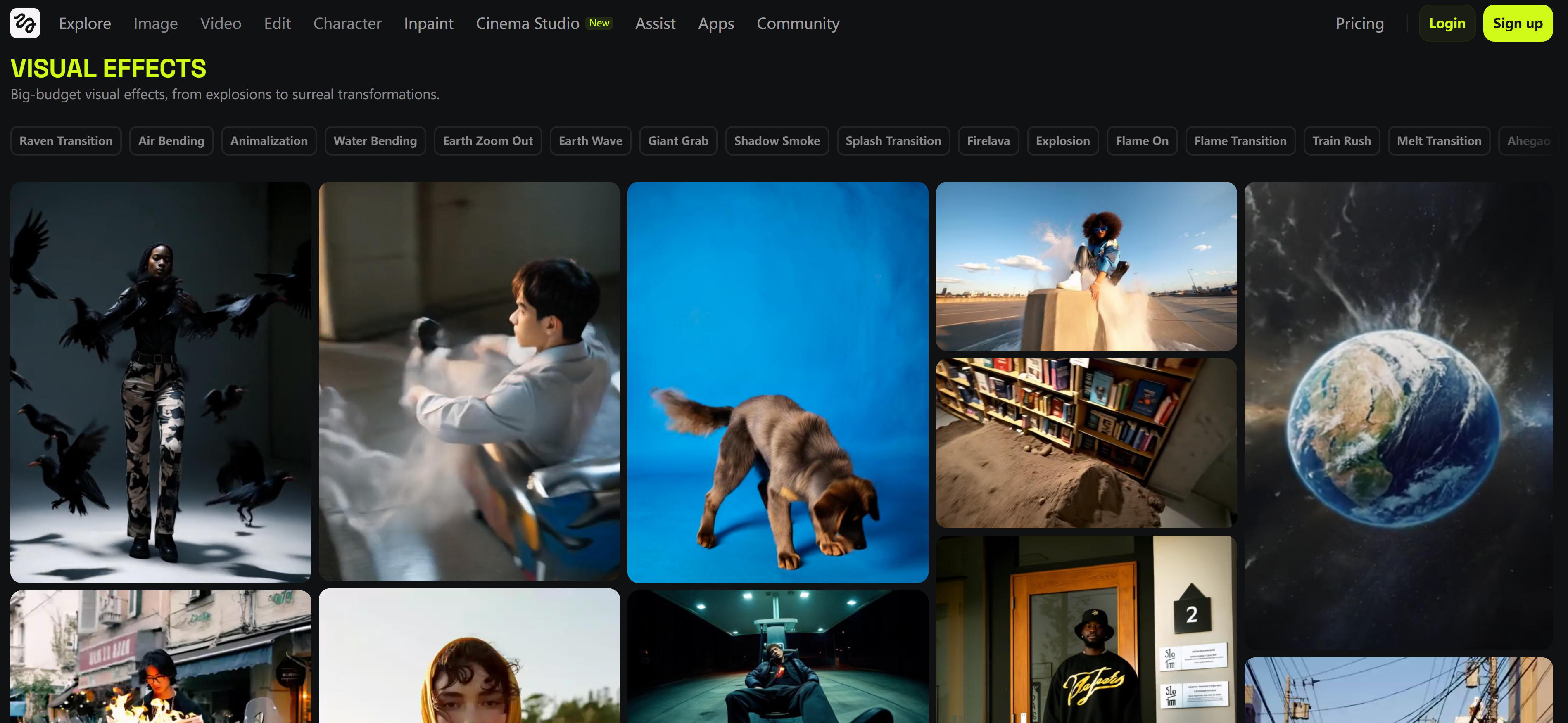
Higgsfield is a professional AI video effects platform providing rich visual effects and camera controls. Supports visual effects (explosions, flames, transitions, water waves, earth zoom), camera controls (dolly, rotation, zoom), viral effects (group photos, money rain, building explosions). Includes UGC and commercial-grade templates for different video production needs. Ideal for professional video production and creative projects, offering advanced camera controls and professional visual effects. Supports multiple video models and can combine effect templates for high-quality content. Also provides API access and batch processing for enterprise users.
2. Kling AI: Effects Template Library
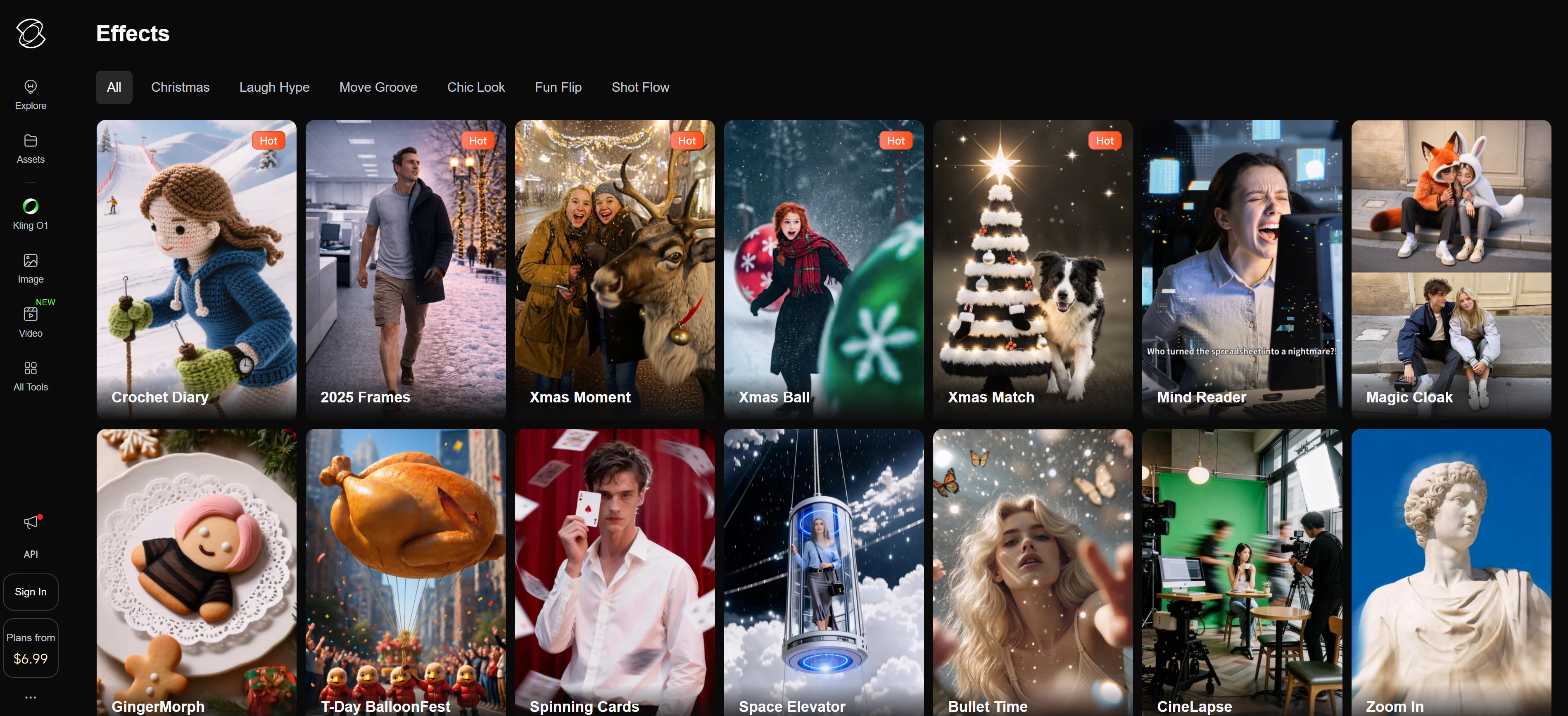
Kling AI provides a rich AI video effects template library where users select multiple effect templates to add stunning effects to videos. Templates cover visual effects, transitions, and animations. Upload images or videos, select templates, and generate effect videos quickly. Template library continuously updates with the latest effects and creative templates. Supports multiple video generation models and can combine templates for high-quality content. Perfect for social media content creation and creative video production, rapidly enhancing visual appeal.
3. MindVideo: Free Effects
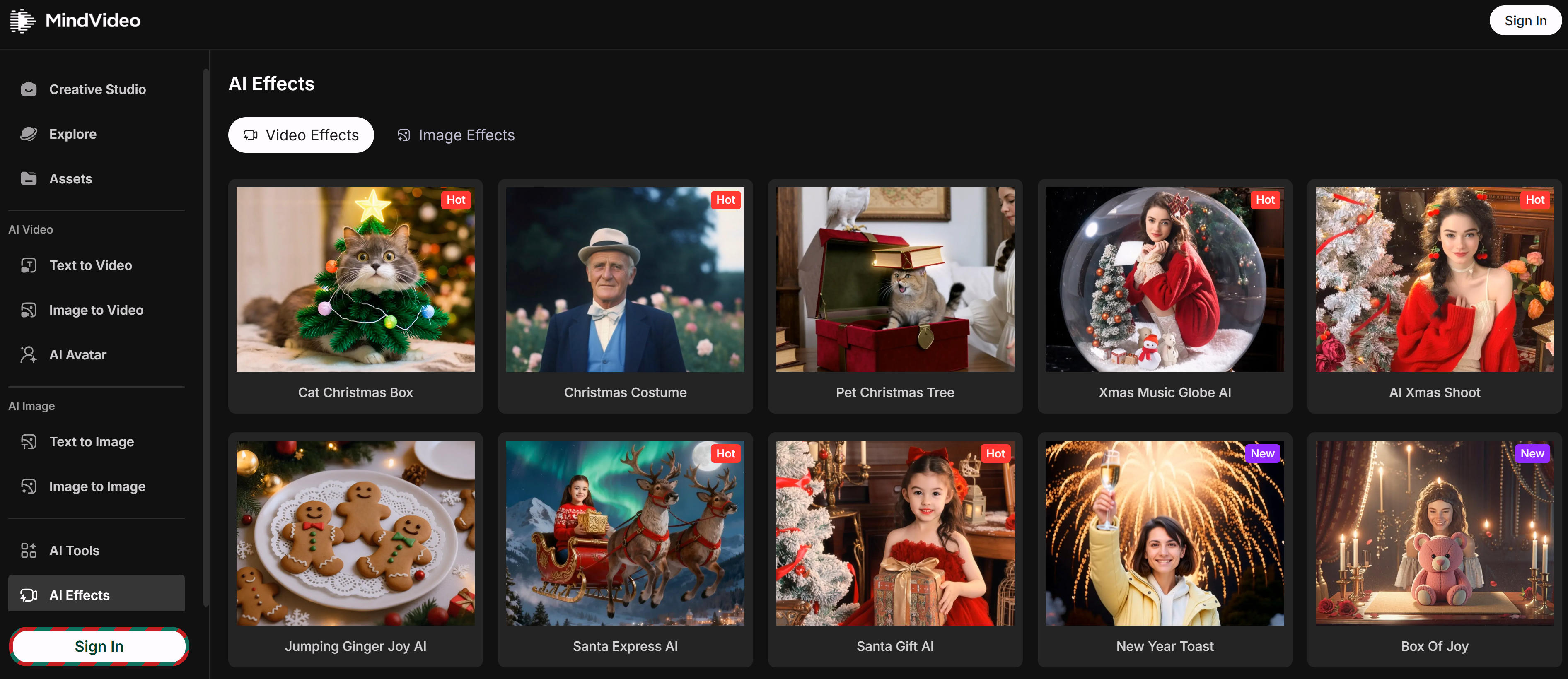
MindVideo provides free AI video effects tools where users apply multiple effect templates to images and videos. Templates include AI kissing video generator, AI hug generator, AI dance effects, AI squish effects, AI twerk generator, AI bikini effects, covering various creative scenarios. Ideal for social media and entertainment video production with simple interfaces and rich templates. Supports free use with credit costs per template; paid users get more features and higher quality. Also supports holiday effects (Halloween, Christmas) for seasonal content creation.
4. Pollo AI: Custom Effects
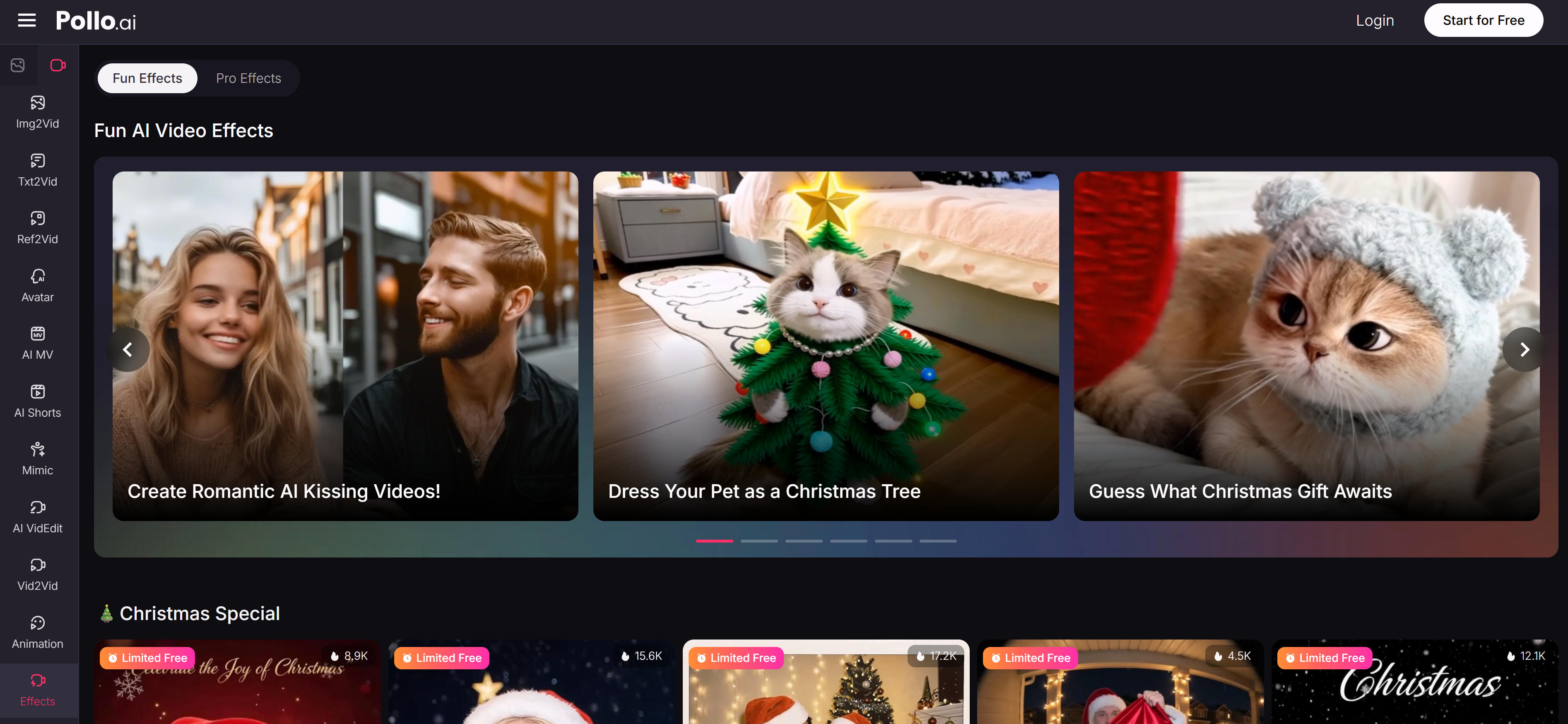
Pollo AI provides powerful AI video effects with custom effect templates and parameters for creative projects and commercial advertising. Supports preset effects and allows custom reference images for personalized effects. Provides advanced controls including effect strength, detail retention, and motion smoothing. Supports batch processing and API integration for enterprise users. Perfect for professional users needing custom effects and fine control, achieving unique creative effects and brand consistency.
5. GoEnhance: Diverse Templates
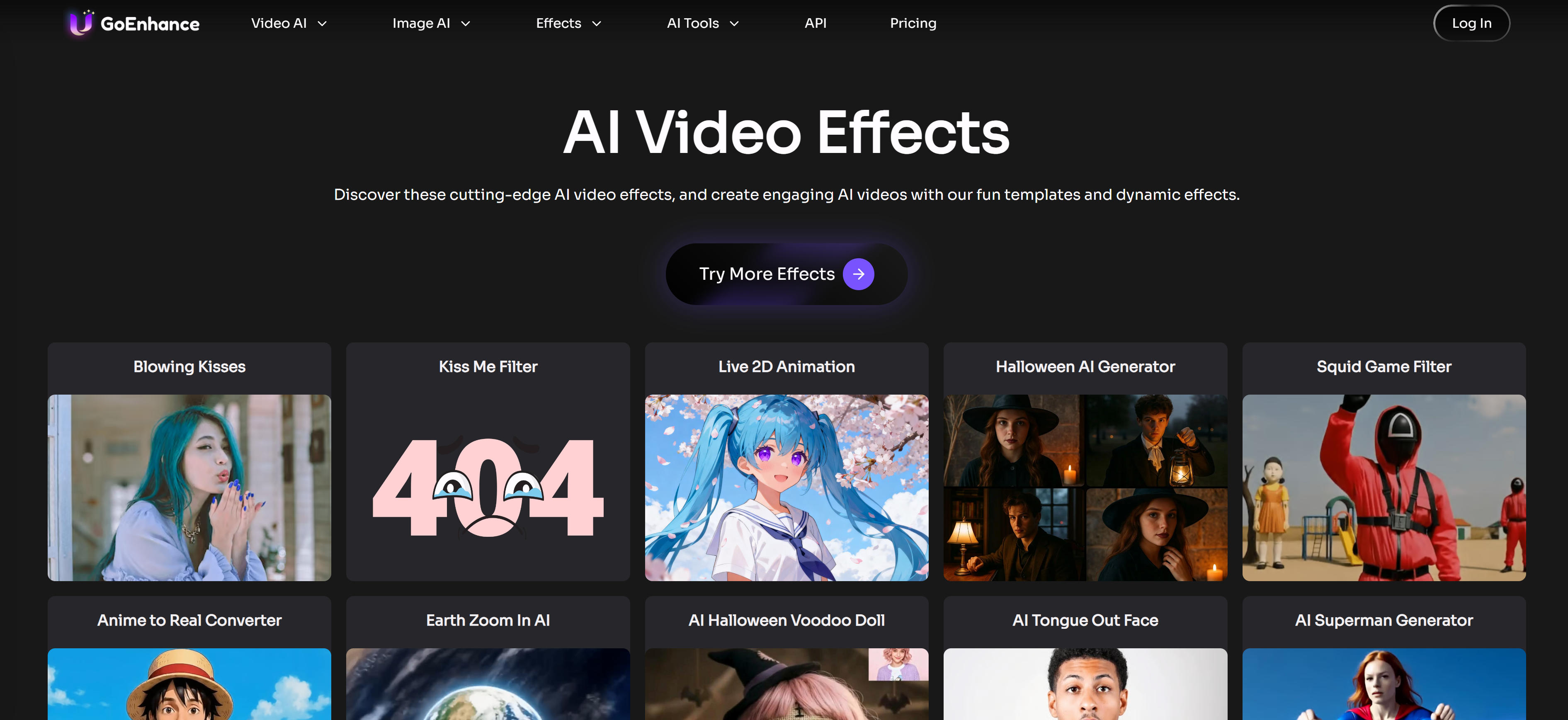
GoEnhance provides diverse AI video effect templates including AI kissing video generator, AI hug effects, earth zoom effects, AI squish effects, AI twerk generator, AI bikini effects, animate old photos, AI fight generator. Templates cover creative scenarios and entertainment needs. Upload images, select templates, and generate effect videos quickly. Ideal for social media and entertainment video production with simple interfaces. Supports multiple video generation models and can combine templates for high-quality content. Also supports holiday effects (Halloween) for seasonal marketing campaigns.
Video Effects Types: 5 Categories
AI video effects tools offer diverse effect types covering camera controls to creative visual effects. Here are the main categories, each with specific effects to help you choose based on your needs.
Camera Control Effects
Simulate professional camera movements for dynamic feel from static images. Includes zoom effects, dolly movements, rotations, and tilts. Perfect for product showcases and brand promotions, adding cinematic quality.
Character Action Effects
Generate rich action effects from static character photos for fun interactive scenes. Includes kissing, hugging, dancing, and twerking effects. Ideal for social media entertainment content, boosting engagement and shares.
Visual Effects
Core effects for visual impact including particles (explosions, flames), lighting effects, transitions (smooth, melt, flame), and transformations. Suitable for advertising and creative videos, significantly enhancing visual appeal.
Holiday Effects
Specialized effects for seasonal content, quickly adding holiday atmosphere. Includes Christmas themes, Halloween elements, Valentine's Day effects. Perfect for seasonal marketing, adapting to different holiday themes.
Creative Effects
Achieve artistic effects impossible with traditional tools, showing infinite creative possibilities. Includes animation styles, artistic conversions, background replacement, character swapping. Suitable for artistic creation and high-end content, enabling unique visual expression.
Use Cases: Creative Effects & Production Enhancement
AI video effects tools boost visual appeal from social media to professional production across multiple industries.
Social Media Content Creation
Social media is the most active area for AI video effects. Creators use character action effects like kissing and dancing, while holiday effects enhance seasonal content during Christmas or Halloween, boosting timeliness and virality. These tools enable rapid content production without professional editing skills, helping creators maintain consistent posting schedules.
Advertising Production
AI video effects boost visual impact and professionalism in advertising. Teams use camera control effects for cinematic product presentations. Visual and creative effects enhance brand image through particle effects and lighting, creating stronger brand recall while maintaining consistent brand messaging across all advertising materials.
Creative Video Production
AI video effects offer unlimited artistic possibilities impossible with traditional tools. Creators use custom effects for style transfers and background replacements, while rich templates provide cinematic visuals, enabling professional-quality results without extensive post-production work and reducing production costs significantly.
Education Content Creation
Educators use animation and transition effects for engaging videos. Visual effects like lighting and particles highlight key concepts, while creative effects for style transfers make learning content more interesting and attractive, enhancing student engagement and improving learning outcomes through visual storytelling.
Brand Marketing Campaigns
Brand marketing requires strong visual impact and consistency. Teams use professional platforms with camera control and visual effects to create unified brand language. Holiday effects maintain consistency during seasonal campaigns, ensuring cohesive brand messaging across all marketing materials while reducing production time and costs.
How to Choose AI Video Effects Tool
Choose the right video effects tool by evaluating effect types, template richness, customization needs, budget, and ease of use to maximize your video creation efficiency and results.
1. Evaluate Effect Type Needs
Determine needed effect types: camera control enables dynamic camera movements and angles; character actions add motion and animation to subjects; visual effects provide filters, transitions, and enhancements; holiday effects offer themed templates for special occasions. Different tools specialize in different effect categories, so match tool capabilities to your primary needs.
2. Assess Template Richness
Effect template quantity and quality vary significantly: professional platforms provide more professional effects with higher quality and variety; free tools provide basic templates suitable for simple projects. Evaluate based on your project needs to ensure requirements are met, considering both quantity and quality of available templates.
3. Evaluate Customization Needs
For custom effects and fine control, choose tools supporting customization with parameter adjustment and advanced settings; for preset templates only, choose tools with rich template libraries that require minimal customization. Match customization capabilities to your creative requirements and technical skills.
4. Consider Budget and Pricing
AI video effects tools typically require paid subscriptions or pay-per-use, ranging from free tiers with limitations to tens of dollars per month for professional features. Choose based on usage frequency and budget: occasional use benefits from free or low-cost options; frequent use may justify subscription plans with advanced features.
5. Assess Ease of Use
Tool operation difficulty varies: simple tools suit quick start with intuitive interfaces and minimal learning curve; tools with rich controls suit professional users requiring advanced features and fine control. Try multiple tools first, compare results and ease of use, then choose the most suitable based on your skill level and project requirements.
Conclusion
AI video effects tools demonstrate powerful capabilities in providing rich effect templates and simplifying video production workflows. Tools like Higgsfield, Kling AI, and GoEnhance generate new visual elements and effects through AI, achieving creative effects difficult with traditional video editors, especially suitable for social media content creation, advertising, and creative video production.
Choose the right tool based on your video effects needs: Higgsfield for professional visual effects and camera controls, Kling AI and GoEnhance for rich preset templates, MindVideo for basic effect functions. Evaluate effect requirements, template availability, quality standards, and budget constraints to select the most suitable video effects solution.
AI video effects tools serve as powerful assistants that enhance video production efficiency, but they complement rather than replace human creativity and artistic vision. The best approach is human-AI collaboration: AI handles effect generation and technical processing, while creators provide creative direction, quality control, and artistic vision, maximizing both production efficiency and visual quality.