What Are AI Music Video Generators
AI music video generators use AI technology to automatically create synchronized video content from music, converting audio into visual MV works. These tools combine audio analysis, visual generation, and rhythm synchronization, enabling music creators to quickly produce professional music videos without complex video production skills.
Core functions include audio synchronization, visual generation, style customization, and multi-format export. Compared to traditional AI video tools, music video generators are optimized for music content, automatically analyzing rhythm, emotion, and structure to generate perfectly synchronized visuals, significantly lowering MV production barriers and costs. For advanced editing needs like enhancement, background removal, or captions, see our AI video editor tools guide. For creative video editing and style transfer, see our AI video-to-video tools guide.
How AI Music Video Generators Work
Modern AI music video generation technology uses deep learning and neural networks to analyze audio rhythm, beat, emotion, and structure, automatically generating synchronized visual content. These technologies combine audio feature extraction, visual generation models, and temporal synchronization algorithms, enabling AI to understand musical emotional expression and generate matching visual narratives.
Core advantages include automatic audio analysis, perfect rhythm synchronization, diverse visual styles, fast generation speed, and multi-format support. Different tools use different architectures: some support direct music link input (Spotify, Suno, Udio), some provide professional audio analysis, and others offer timeline editing and fine control.
Best AI Music Video Generators 2026
Here are the most recommended AI music video generators for 2026, achieving professional standards in audio synchronization, visual quality, and ease of use, especially suitable for scenarios requiring quick high-quality MV production.
1. Mirelo: Smart Music Video Production

Mirelo is an AI music video generation platform designed for music creators, transforming music into visual artworks through intelligent algorithms. The tool supports multiple music format inputs, automatically analyzing music rhythm, melody, and emotional characteristics to generate perfectly synchronized dynamic visual effects. Mirelo is particularly suitable for independent musicians to quickly create professional music videos, with its simple interface design and intelligent generation algorithms greatly lowering the technical threshold for MV production, allowing music creators to focus on music creation itself.
2. Freebeat: Music Link Input
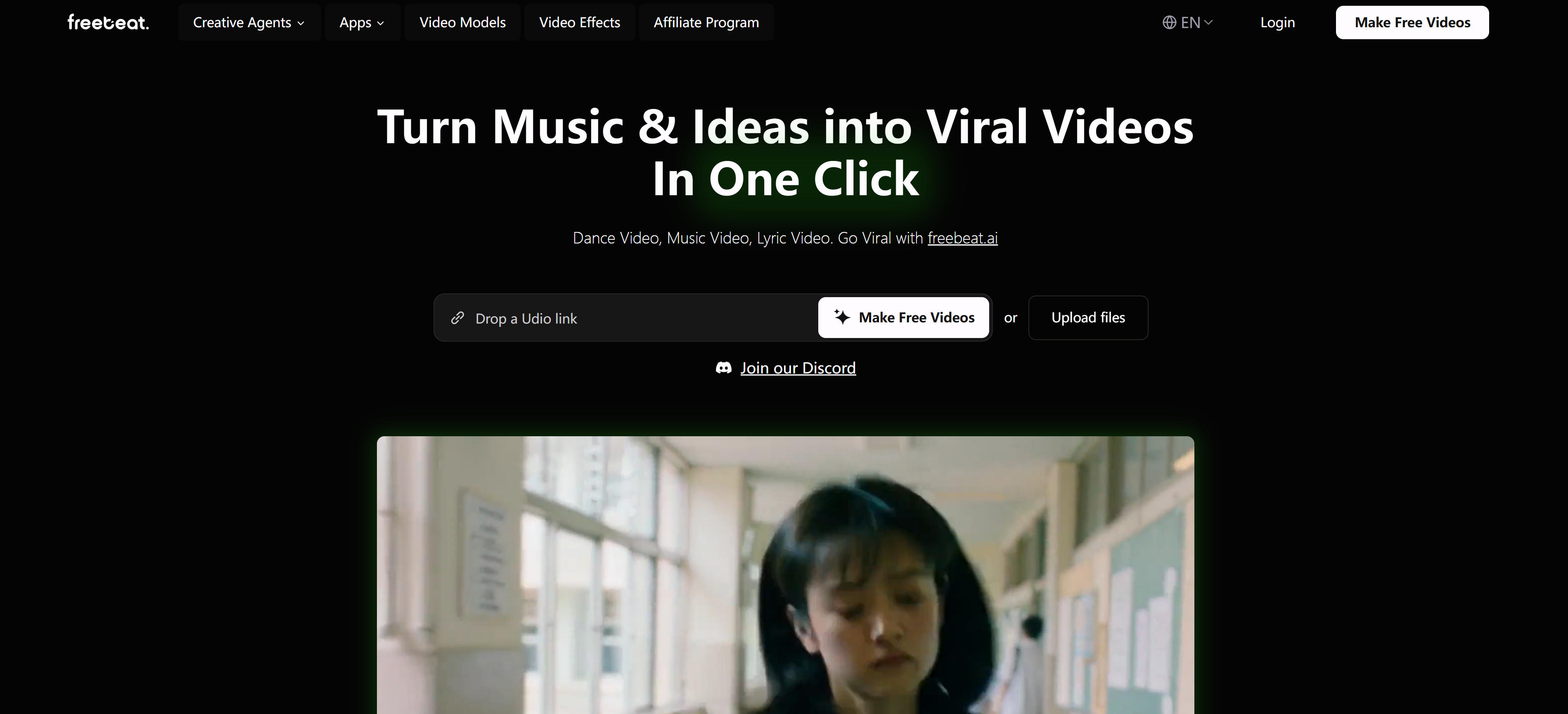
Freebeat is a powerful AI music video generator, best known for supporting direct music link input. It supports music links from Spotify, SoundCloud, YouTube, Suno, Udio, TikTok, Stable Audio, and Riffusion. Users simply paste links to automatically generate synchronized music videos. Freebeat also provides AI music video agent functionality, automatically handling the full workflow from storyboard to video editing. Freebeat offers an easy-to-use interface supporting dance, music, and lyric videos. Features: AI video effects, theme references, free asset library. Ideal for quick MVs from Suno, Udio AI-generated music, generating videos directly from links without downloading audio files, significantly improving creation efficiency.
3. Neural Frames: Professional Music Visualization

Neural Frames is an AI music video generator designed for musicians, providing industry-leading audio-reactive video generation. It automatically extracts 8 different audio tracks (drums, bass, vocals, etc.), allowing users to map any audio parameter to any visual effect. Neural Frames offers three creation modes: Autopilot automatic mode, frame-by-frame editor, and text-to-video editor, meeting different professional needs. Neural Frames integrates Kling, Seedance, Runway models, providing audio-reactive capabilities, character consistency, professional DAW editing. Supports 4K export up to 10 minutes, formats for YouTube, Instagram Reels, TikTok, Spotify Canvas. Ideal for professional musicians and visual artists, providing unparalleled creative control.
4. Wondera: Free MV Generation
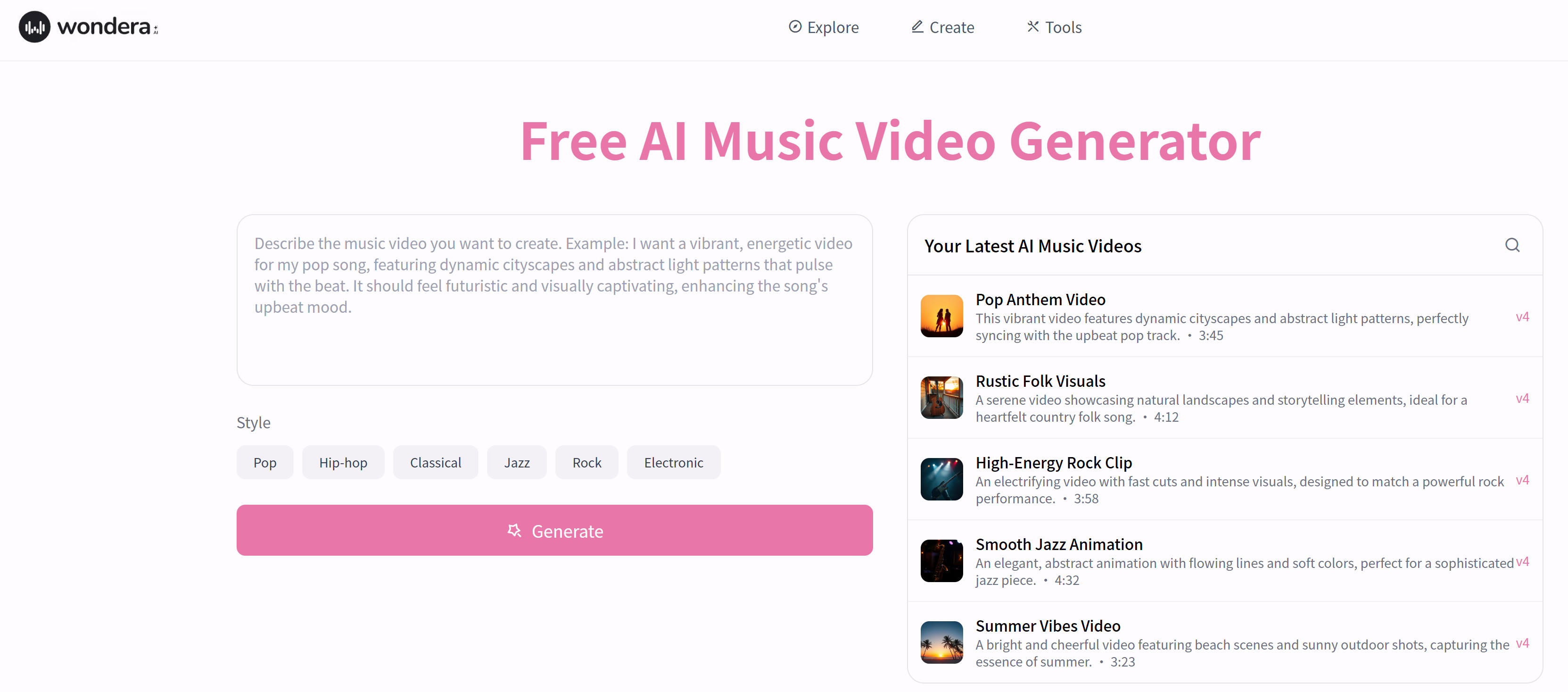
Wondera is a free AI music video generator offering an easy-to-use interface and powerful visual generation. It supports multiple music styles including pop, hip-hop, classical, jazz, rock, and electronic. Users simply describe song emotion, style, and desired visual effects, and AI automatically generates unique music videos. Wondera's AI is specifically trained to create visuals perfectly synchronized with music rhythm and emotion. Wondera offers a free plan with 10 AI songs monthly, no credit card required. Supports custom themes, styles, visual effects. Excels in visual-audio synchronization accuracy, ideal for independent musicians and content creators, producing professional music videos without editing experience.
5. 1 More Shot: Perfect Sync
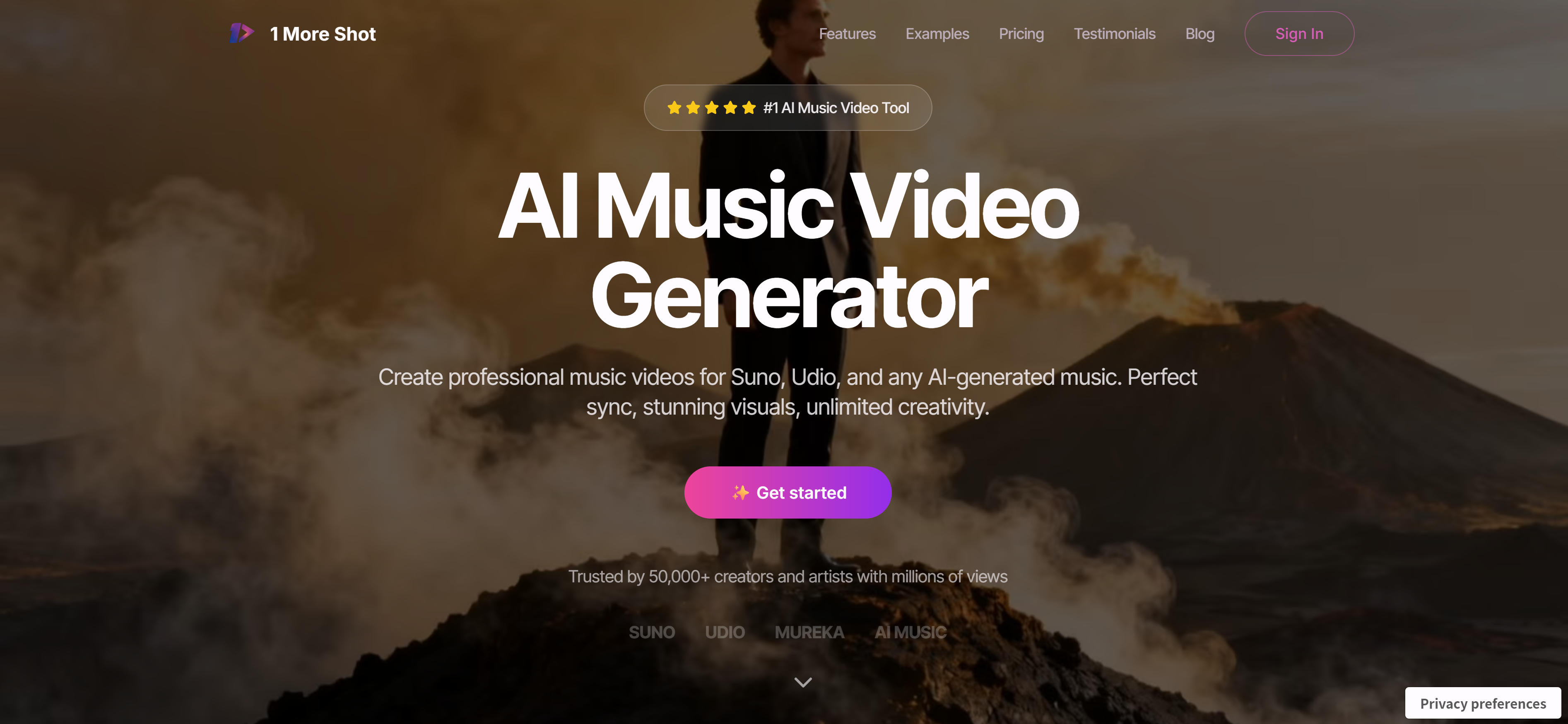
1 More Shot is a music video production tool designed for AI-generated music from Suno, Udio, and others, providing perfect audio synchronization and professional visuals. It supports Suno, Udio, Mureka, and other AI music platforms, quickly generating video content perfectly synchronized with music. 1 More Shot provides advanced lip-sync technology for precise mouth movement synchronization, ideal for music videos requiring human subjects. 1 More Shot provides powerful AI enhancement, with neural networks understanding music theory and visual aesthetics. Supports vertical, horizontal, square exports for TikTok, YouTube, Instagram. Generates high-quality videos in 5 minutes with full HD export, no watermarks, ideal for quick professional MVs.
6. LTX Studio: Professional Production

LTX Studio is a professional AI video production platform offering powerful music vid...(1365 chars omitted)...
Tool Comparison
Use Cases
AI music video generators have wide applications across music creation and promotion needs.
Music Promotion
New song releases: Quickly create MVs for new songs, enhancing visual appeal and reach. Spotify Canvas: Create looping Canvas videos for Spotify, improving platform performance. YouTube music videos: Produce professional YouTube music videos, boosting channel subscriptions and views.
Social Media Content
TikTok videos: Create vertical format music videos for TikTok short-form content. Instagram Reels: Create Instagram Reels format music videos, boosting social media influence. Social media promotion: Create multi-format music videos for social platforms, expanding music reach.
Live Performance
Performance background videos: Create background videos for live performances, enhancing visual experience. VJ performance: Create audio-reactive visuals for VJ shows and live music events. Festival visuals: Create professional visuals for music festivals and performance events.
For users needing traditional video editing like cropping, splicing, parameter adjustment, consider traditional video editing tools. For generative video editing and style conversion, see AI video-to-video tools. For music generation, see AI music generators.
How to Choose AI Music Video Generators
Follow these 5 steps to select the perfect music video generator for your needs. Evaluate audio input, sync precision, visual quality, budget, and ease of use to make an informed decision.
1. Evaluate Audio Input Requirements
Determine your audio source: for Suno, Udio AI-generated music, recommend Freebeat and Mirelo (direct link input); for file uploads, choose Neural Frames, LTX Studio; for API integration, recommend Neural Frames. For quick MVs for AI-generated music, strongly recommend Freebeat and Mirelo, supporting direct input of Suno, Udio, Spotify links.
2. Assess Sync Precision Requirements
Different tools have different audio-visual sync accuracy. For perfect sync, recommend Neural Frames (8-track analysis) and 1 More Shot (advanced sync). For general needs, Freebeat, Mirelo, and Wondera provide good sync. Choose based on your sync precision requirements.
3. Evaluate Visual Quality Requirements
Choose based on project requirements: professional MV production suits Neural Frames (4K support) and LTX Studio (cinematic quality); quick production suits Freebeat, Mirelo, and Wondera; lip-sync needed suits 1 More Shot. Learn more about AI video tools to better understand AI music video generators' position in the AI video ecosystem.
4. Consider Budget and Pricing
Different pricing models: limited budget suits Wondera (free plan); high-frequency use suits Freebeat, Mirelo, and Neural Frames subscriptions; professional teams suit LTX Studio enterprise plans. Choose based on usage frequency and budget.
5. Assess Ease of Use and Control
Choose based on team skills: non-technical users suit Freebeat, Mirelo, and Wondera (simple); fine control needed suits Neural Frames (frame-by-frame) and LTX Studio (professional editing); quick production suits 1 More Shot (5-minute generation). For individuals and small teams, choose simple, affordable tools like Freebeat, Mirelo, Wondera. For professional musicians and visual artists, choose feature-rich, fine-control tools like Neural Frames, LTX Studio.
Conclusion
AI music video generators demonstrate powerful capabilities and broad applications in music promotion, social media content, and live performances. These tools quickly generate high-quality music videos, significantly lowering MV production barriers and costs, enabling music creators without professional video skills to create professional MV works.
When choosing tools, consider audio input, sync precision, visual quality, budget, and ease of use. For users of Suno, Udio AI-generated music, Freebeat provides the most convenient solution, supporting direct music link input. For smart music video production, Mirelo offers intelligent algorithms and easy-to-use interface. For professional production and fine control, Neural Frames and LTX Studio offer the most powerful features. Best practice: choose appropriate tools, generate high-quality music videos based on specific needs, enhancing music visual appeal and reach.