What are AI Video-to-Video Tools
AI video-to-video tools use generative AI to intelligently edit and enhance existing videos, generating new visual content to improve quality, change styles, or add effects. Unlike traditional video editors, these tools use generative AI models to "create" new visual content rather than just adjusting existing pixels.
These tools include two main categories: generative video enhancement (like Magnific, generating details to improve clarity) and video style transfer (converting videos to different artistic styles like animation, oil painting). These tools suit creative editing scenarios, achieving effects difficult with traditional editors. For adding video effects, see our AI video effects tools guide.
Compared to traditional editors, AI video-to-video tools can generate new visual content rather than just adjusting existing content. For example, generative enhancement tools can "imagine" and generate details to improve resolution, style transfer tools can convert real videos to completely different artistic styles. These capabilities make AI video-to-video tools essential for creative video production.
AI Video-to-Video Technology Overview
Modern AI video-to-video technology uses generative AI models, particularly diffusion models and GANs, to understand video content and generate new visual elements. Unlike traditional editing, AI video-to-video technology can "create" new content rather than just adjusting existing pixels.
Core advantages include generation capability (generating new visual content and details), style understanding (understanding and converting different artistic styles), temporal consistency (maintaining coherence between frames), and creativity (achieving creative effects difficult with traditional tools). Different tools use different architectures: generative enhancement uses super-resolution diffusion models, style transfer uses style transfer neural networks.
Generative Video Enhancement Tools
Generative enhancement tools use AI models to "generate" new details and content, improving video clarity and quality. Unlike traditional enhancement tools (like Topaz Video Enhance AI), generative tools don't simply upscale pixels but "imagine" and generate new details through AI.
1. Magnific
Magnific is a generative AI-based video and image enhancement tool that significantly improves resolution and clarity by generating details. Magnific's core feature is using generative AI models to "create" new details rather than just upscaling existing pixels, producing more natural and clearer results than traditional tools.
Magnific supports multiple enhancement modes including natural, artistic, and detail enhancement. It provides creative controls for adjusting enhancement strength and detail generation. Magnific uses free trial and paid subscription pricing; paid users get higher resolution output and faster processing.
Magnific suits scenarios needing significant quality improvement, such as old video restoration, low-resolution enhancement, and creative production. Its generative AI technology creates details and clarity impossible with traditional tools.
Visit Magnific →
Video Style Transfer Tools
Style transfer tools convert existing videos to different artistic styles like animation, oil painting, watercolor, cartoon. These tools use AI models to understand video content and apply target styles while maintaining temporal coherence and motion smoothness.
1. GoEnhance
GoEnhance focuses on video style conversion, transforming regular videos into high-resolution animated videos in over 30 animation styles. GoEnhance supports multiple artistic styles including 2D animation, 3D animation, cartoon, anime, allowing users to choose based on needs.
GoEnhance provides an easy interface: users upload videos and select target styles, and the tool auto-completes conversion. It supports batch processing for multiple videos. GoEnhance uses free trial and paid subscription pricing; paid users get higher resolution and faster processing.
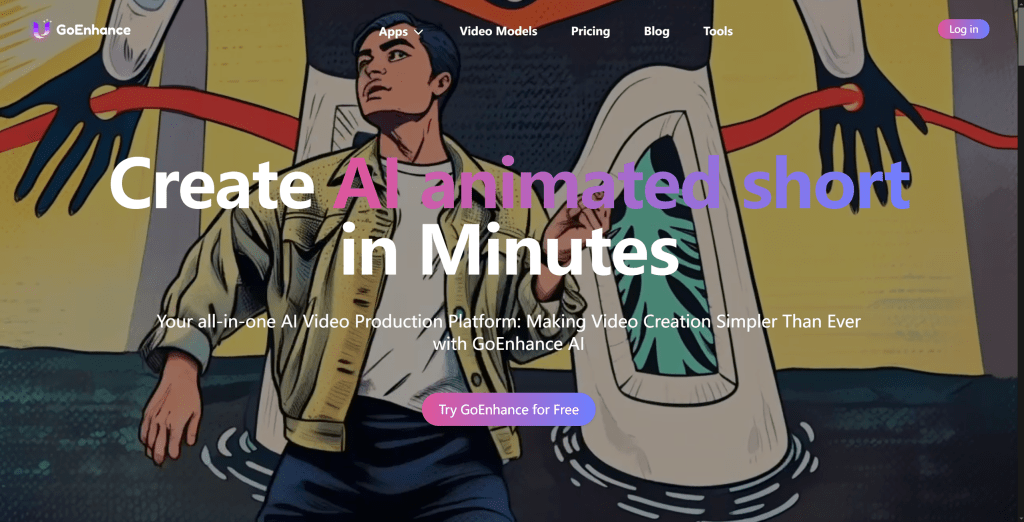
GoEnhance suits creative projects and commercial advertising, quickly converting real videos to attractive animation styles, enhancing visual appeal and brand recognition.
Visit GoEnhance →
2. Domo AI
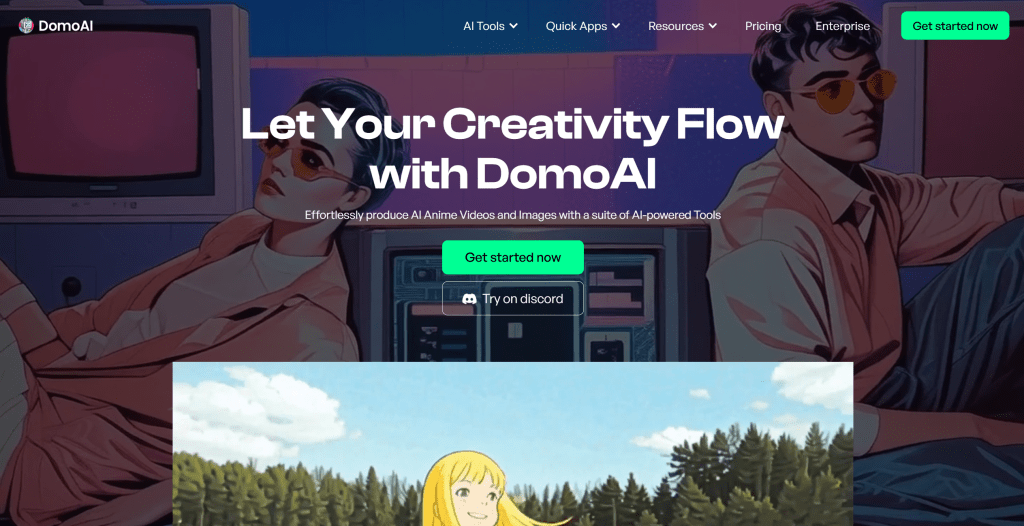
Domo AI supports video-to-video style conversion with multiple style templates, converting regular videos into works with unique visual effects. Domo AI supports various artistic styles including oil painting, watercolor, cartoon, abstract, allowing users to choose based on creative needs.
Domo AI provides an intuitive interface with real-time preview, allowing users to preview conversion effects before processing full videos. It supports custom style parameters for adjusting style strength and detail retention.
Domo AI suits creative projects and visual enhancement, quickly achieving complex artistic style conversions without professional post-production skills.
Visit Domo AI →
3. Pollo AI
Pollo AI provides powerful style conversion supporting custom style templates, ideal for creative projects and commercial advertising. Pollo AI supports multiple preset styles and allows users to upload their own style reference images for personalized conversion.
Pollo AI provides advanced controls including style strength, detail retention, and motion smoothing. It supports batch processing and API integration, suitable for enterprise users processing large volumes.
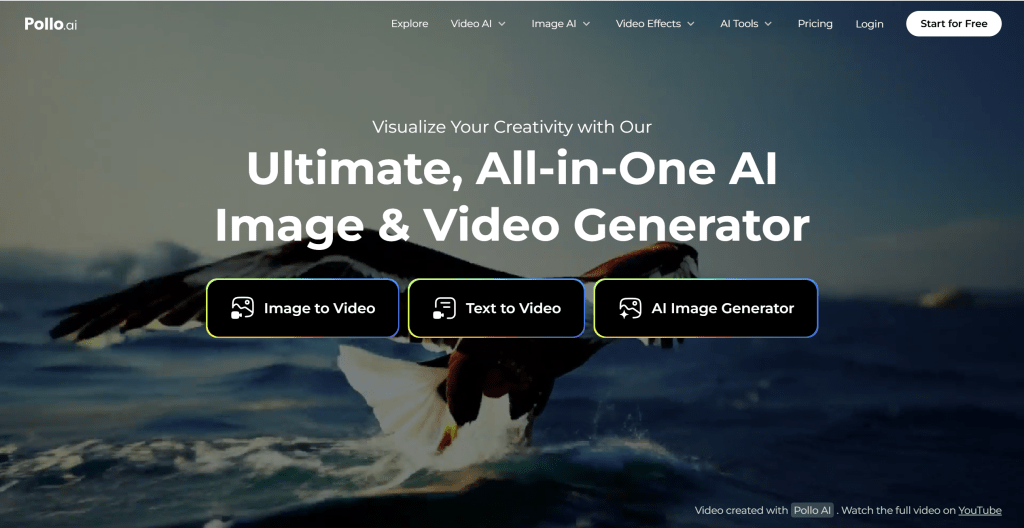
Pollo AI suits professional users needing custom styles and fine control, achieving unique creative effects and brand consistency.
Visit Pollo AI →
Tools Comparison
AI video-to-video tools differ by use case. Generative enhancement tools (like Magnific) suit significant quality improvement, style transfer tools (like GoEnhance, Domo AI, Pollo AI) suit creative style conversion. For adding video effects, see our AI video effects tools guide.
Compared to traditional editors, AI video-to-video tools can generate new visual content, achieving creative effects difficult with traditional tools. However, AI tools typically require more computing resources and processing time, with higher costs.
Application Scenarios
Applications include creative production (converting regular videos to unique artistic styles), commercial advertising (creating ad videos with specific styles), social media content (creating unique styles for short video platforms), quality improvement (enhancing old or low-resolution videos via generative AI), and brand marketing (creating video styles consistent with brand image).
For traditional editing needs (cutting, splicing, adjusting brightness/contrast), use traditional editors. For creative editing and style conversion, AI video-to-video tools are better choices.
How to Choose AI Video-to-Video Tools
Consider: 1. Feature needs: Determine if you need enhancement or style transfer. For clarity improvement, choose generative enhancement tools (like Magnific); for style conversion, choose style transfer tools (like GoEnhance, Domo AI, Pollo AI). For adding video effects, see our AI video effects tools guide; 2. Quality requirements: Output quality varies; choose based on project needs; 3. Processing speed: AI processing typically takes longer; consider speed; 4. Budget: AI tools usually require paid subscriptions; choose based on budget; 5. Ease of use: Consider team skills and tool complexity.
If your needs are mainly traditional editing (cutting, splicing, parameter adjustment), use traditional editors. If your needs are creative editing and style conversion, AI video-to-video tools are better choices.
Conclusion
AI video-to-video tools demonstrate powerful capabilities in generative enhancement and style transfer. These tools can generate new visual content, achieving creative effects difficult with traditional editors, especially suitable for creative editing scenarios. Generative enhancement tools (like Magnific) can improve clarity by generating details; style transfer tools (like GoEnhance, Domo AI, Pollo AI) can convert videos to different artistic styles. For adding video effects, see our AI video effects tools guide.
However, AI video-to-video tools aren't universal. For traditional editing needs (cutting, splicing, parameter adjustment), traditional editors remain better choices. Best practice: choose appropriate tools based on needs—traditional editing uses traditional tools, creative editing uses AI video-to-video tools.