What are AI Website Builders
AI website builders use artificial intelligence to simplify and automate website creation. Through intelligent algorithms and machine learning, these tools automatically generate layouts, design elements, and content, enabling users to create high-quality websites without coding or professional design skills. Unlike traditional AI design tools, AI website builders are optimized for website building, understanding site structure, automatically generating page layouts, optimizing user experience, and supporting multiple website types and functional needs. For users needing code generation features, check our AI coding tools guide; for more design features, check our AI design tools guide; learn more about AI tools.
AI website builders excel at automatically generating site structures, intelligently optimizing layouts, providing rich template resources, and supporting multiple website types. These tools generate complete websites from scratch or intelligently edit existing sites, add features, and optimize SEO. Modern AI website builders produce professional-quality sites meeting standards in visual design, user experience, and functional completeness.
AI Website Building Technology Overview
Modern AI website building technology uses deep learning and natural language processing to understand user needs, learn website design patterns, and automatically generate content matching design principles and user experience standards. Compared to traditional website building, AI technology significantly improves creation efficiency, quality consistency, and functional diversity.
Core advantages include: understanding (natural language descriptions, website needs, functional requirements), generation (site structures, page layouts, design elements), learning (design patterns and best practices from large datasets), and optimization (automatic quality and UX improvements based on user feedback). Different tools use different architectures: visual builders rely on drag-and-drop editors and template libraries, AI-assisted coding tools use NLP and code generation, traditional CMS platforms combine plugin ecosystems and theme systems, while AI Coding tools integrate multimodal AI and automated development workflows. Multimodal AI development enables single tools to process text, images, layouts, and code simultaneously, further simplifying website building workflows.
Best AI Website Builders 2025
Here are the top professional AI website builders for 2025, designed for website building, generating professional-quality content, supporting multiple website types and functional needs, ideal for users needing quick site creation, lacking technical experience, or wanting to explore multiple design styles.
1. Relume
Relume is an AI website collaboration tool for designers and developers, with core features including AI-generated sitemaps and wireframes. Starting as a Webflow component library, Relume expanded into an AI-powered platform with over 1,000 human-designed standardized components, supporting seamless Figma and Webflow exports. Users input website descriptions, and AI generates complete architectures with multilingual copy in under one minute, significantly shortening proposal time.
Relume excels at efficient collaboration (team comments, project sharing) and professional adaptability (especially for outsourced design teams needing quick delivery). It provides powerful component libraries and design systems, helping designers quickly create professional website prototypes. Relume also supports multilingual content generation, automatically generating website copy in different languages, greatly improving international website building efficiency.
Relume suits professional designers and development teams, providing complete workflows from concept to implementation. Pricing is higher with a learning curve for beginners, but for professional teams needing quick delivery of high-quality websites, Relume provides powerful tool support.
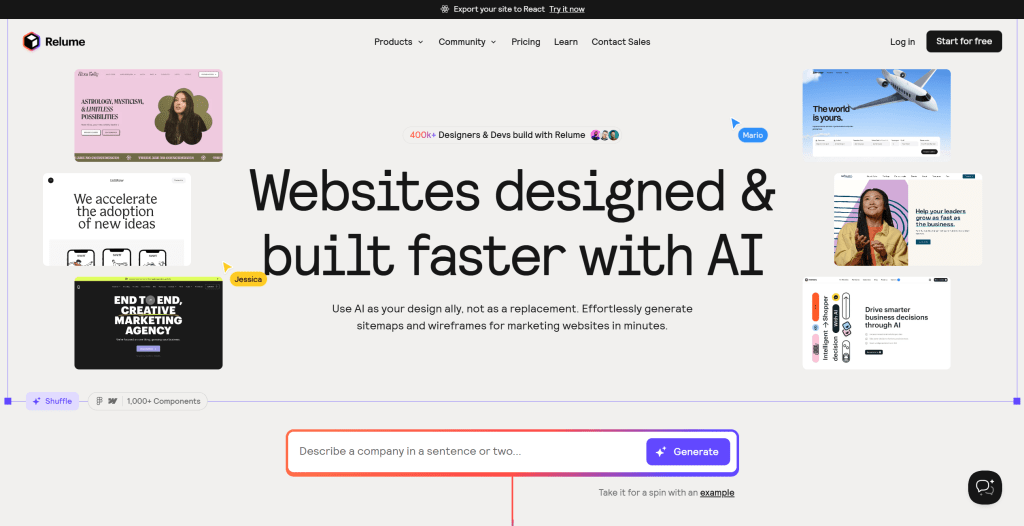
Relume excels at efficient collaboration (team comments, project sharing) and professional adaptability, especially for outsourced design teams needing quick delivery. It provides powerful component libraries and design systems, helping designers quickly create professional website prototypes. Relume also supports multilingual content generation, automatically generating website copy in different languages, greatly improving international website building efficiency.
2. Durable
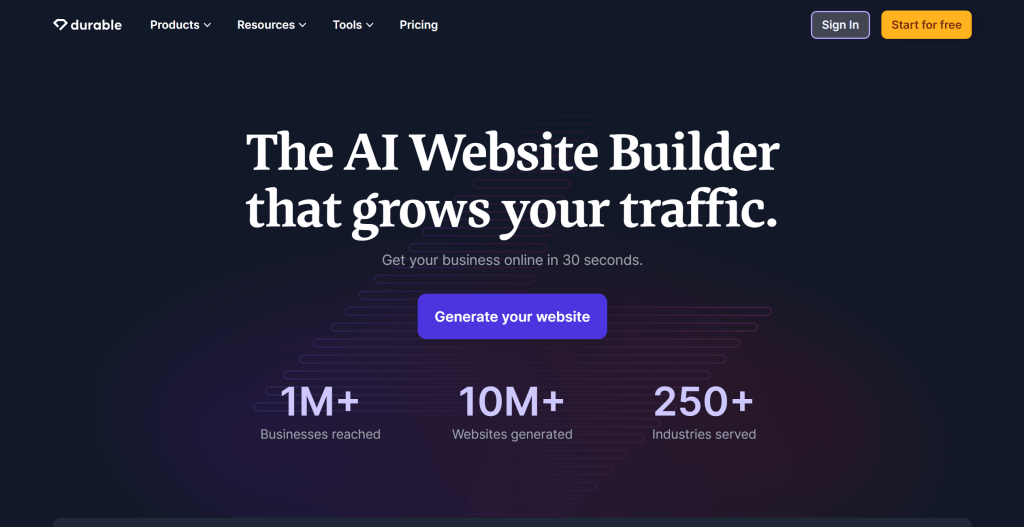
Durable is a "zero-code" quick website builder for small businesses and individual entrepreneurs, selling "30-second complete website generation." Durable's AI automatically generates page layouts, marketing copy, visual assets, and integrates CRM and invoice management tools, providing an all-in-one solution from building to marketing.
Durable's highlights are extremely low barriers (no design or programming experience needed) and full-stack integration (all-in-one solution from building to marketing). It provides intelligent content generation, automatically creating website content, marketing copy, and visual assets based on user-input business information. Durable also integrates CRM and invoice management tools, enabling users to manage entire business processes on one platform.
Durable suits small businesses and individual entrepreneurs needing quick basic website launches. Template personalization is limited, but for users needing quick online presence, Durable provides efficient solutions. The tool offers free trials and multiple subscription plans.
Durable's highlights are extremely low barriers (no design or programming experience needed) and full-stack integration (all-in-one solution from building to marketing). It provides intelligent content generation, automatically creating website content, marketing copy, and visual assets based on user-input business information. Durable also integrates CRM and invoice management tools, enabling users to manage entire business processes on one platform.
3. Renderforest
Renderforest is an all-in-one creative platform covering websites, videos, and logo design. Known for rich templates, users can quickly build responsive websites through drag-and-drop editors while supporting AI-generated brand visual assets (like animated logos).
Renderforest provides rich template libraries and design tools, enabling users to quickly create professional websites. It also supports video production and logo design, helping users create unified brand visual identities. Renderforest's drag-and-drop editor is intuitive, enabling users without design experience to quickly get started.
Renderforest suits small and medium businesses needing unified brand identities. It offers multiple subscription plans. However, scattered features may limit building depth; complex websites may need additional tools.
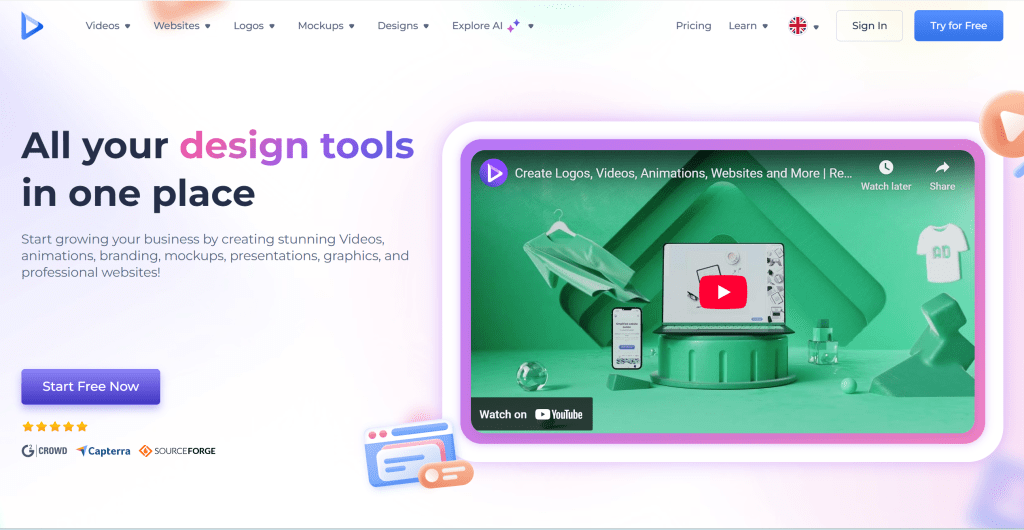
Renderforest's all-in-one platform makes it ideal for businesses needing unified brand identities. Its rich template libraries and design tools help users quickly create professional websites and brand visual assets.
4. Code Design.ai
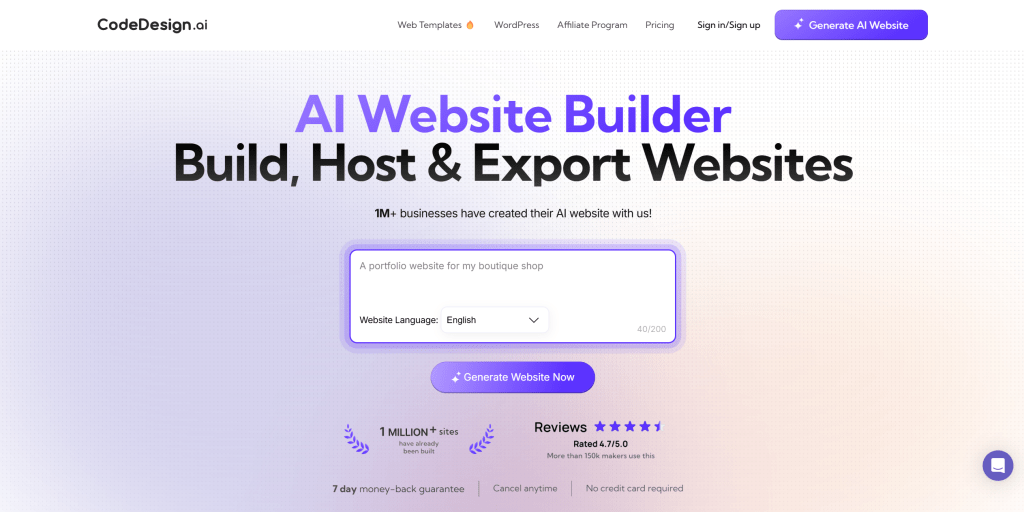
Code Design.ai is an AI-assisted coding website builder for developers, combining natural language instructions to generate frontend code (like HTML/CSS), supporting real-time debugging and component library calls. The tool understands developer needs, automatically generating standards-compliant code, greatly improving development efficiency.
Code Design.ai's core features are AI-assisted coding and real-time debugging. Developers describe needs in natural language, and the tool automatically generates corresponding frontend code. It also supports component library calls, quickly integrating common UI components. Real-time debugging enables developers to immediately see code effects, greatly improving development efficiency.
Code Design.ai suits users with technical backgrounds needing quick customized website building. It provides powerful code generation capabilities, helping developers quickly realize design ideas. However, generated code may need manual compatibility optimization; complex projects still require professional developer involvement.
Code Design.ai's AI-assisted coding capabilities make it ideal for developers. Its natural language to code conversion helps developers quickly realize design ideas, greatly improving development efficiency.
5. 10Web
10Web is a WordPress-based AI website platform focusing on template cloning and automated operations. 10Web analyzes existing WordPress sites and mimics their layouts to generate adapted templates, suitable for designers needing to batch-create similar sites.
10Web's core features are template cloning and automated operations. The tool analyzes existing WordPress site designs and layouts, automatically generating similar templates. This is useful for designers needing to batch-create similar sites. 10Web also provides automated operations, automatically updating WordPress and plugins to ensure site security and performance.
10Web suits designers and developers needing to batch-create WordPress sites. It provides powerful template cloning capabilities, significantly shortening website building time. However, limitations include WordPress ecosystem dependency, free version word limits, and less user-friendly for non-technical users.
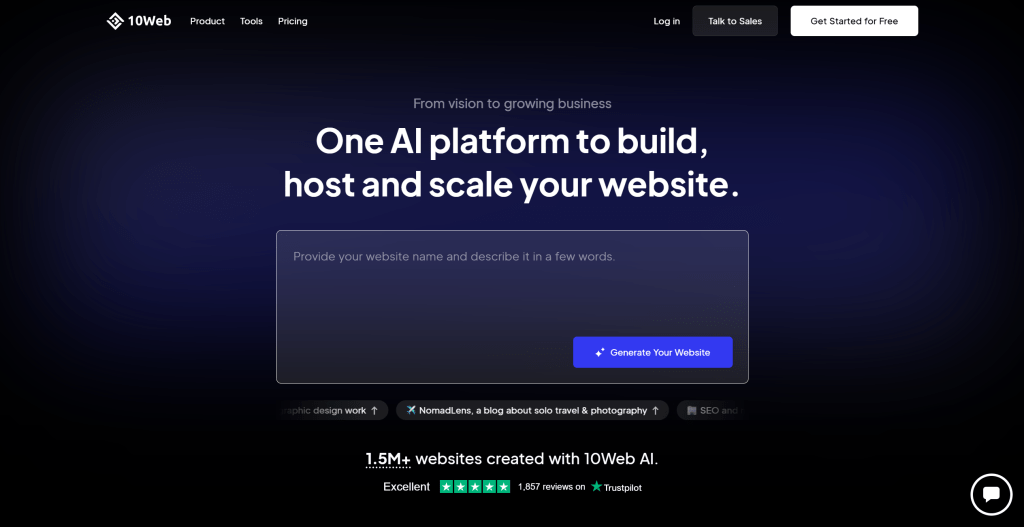
10Web's template cloning capabilities make it ideal for designers needing to batch-create WordPress sites. Its automated operations help users easily manage multiple WordPress sites.
6. Wegic
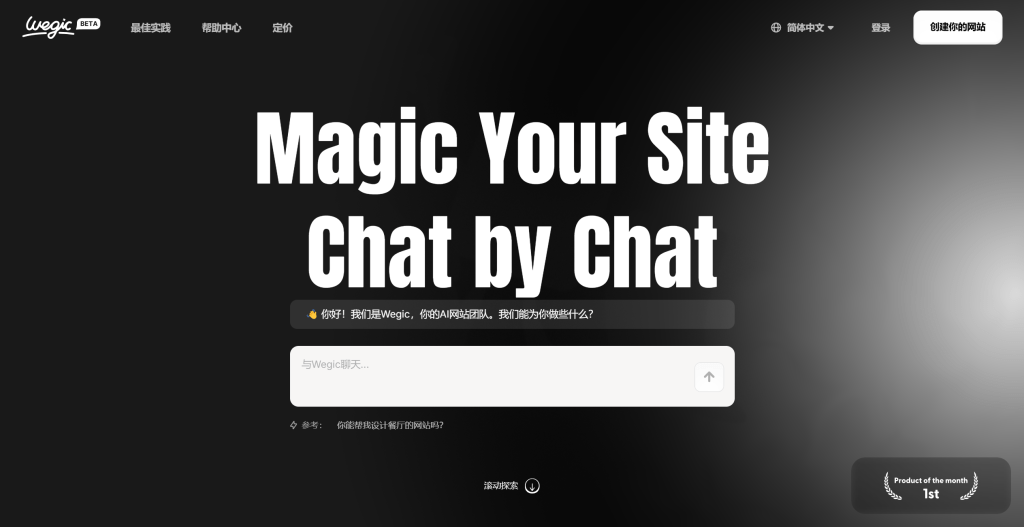
Wegic is an emerging AI-driven visual website builder featuring dynamic interactive design. Users generate dynamic web elements (like scroll animations, 3D effects) through voice or text descriptions, creating engaging interactive websites.
Wegic's core features are dynamic interactive design and voice/text input. The tool understands user descriptions, automatically generating corresponding dynamic web elements. This is useful for users needing creative websites. Wegic also provides rich animation effects and 3D elements, helping users create visually striking sites.
Wegic suits users pursuing visual creativity, helping create unique interactive websites. However, dynamic effects may slow loading speeds, and SEO optimization may be limited. Sites needing fast loading and good SEO may need to balance dynamic effect usage.
Wegic's dynamic interactive design capabilities make it ideal for users pursuing visual creativity. Its voice and text input enable users to create complex dynamic web elements through simple descriptions.
7. Squarespace
Squarespace is a premium website platform integrating AI design optimization. Known for aesthetic templates and brand tone management, AI-assisted features include automatic color matching, layout adjustments, and content recommendations, helping users create professional-quality websites.
Squarespace's core features are aesthetic templates and brand tone management. It provides numerous carefully designed templates, each optimized by professional designers. Squarespace's AI-assisted features automatically recommend color schemes and adjust layouts, ensuring professional quality. It also provides powerful brand management, helping users maintain brand consistency.
Squarespace suits enterprises or personal brands focusing on design quality. It offers multiple subscription plans. However, subscription costs are higher, and customization flexibility is lower; highly customized sites may need other tools.
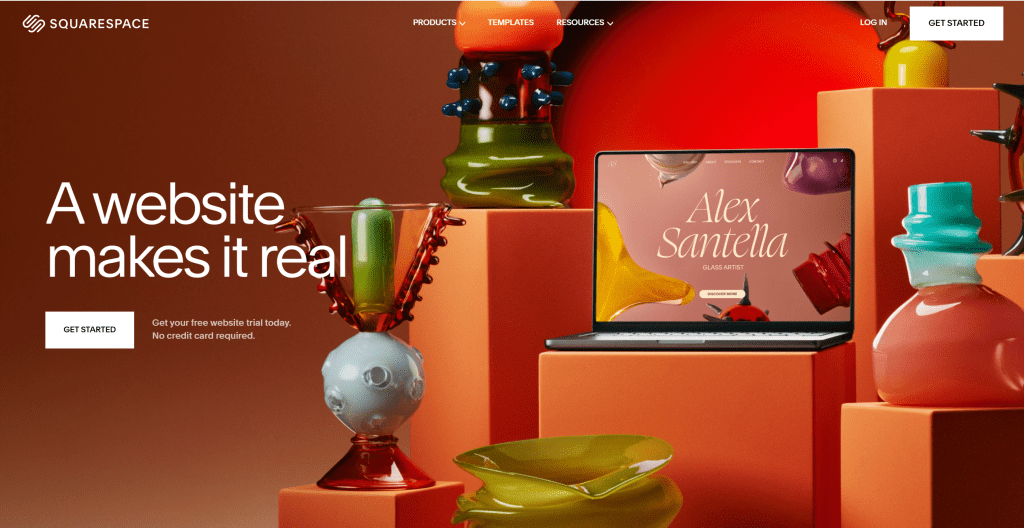
Squarespace's aesthetic templates and brand management make it ideal for users focusing on design quality. Its AI-assisted design helps users create professional-quality websites without professional design skills.
8. Hostinger
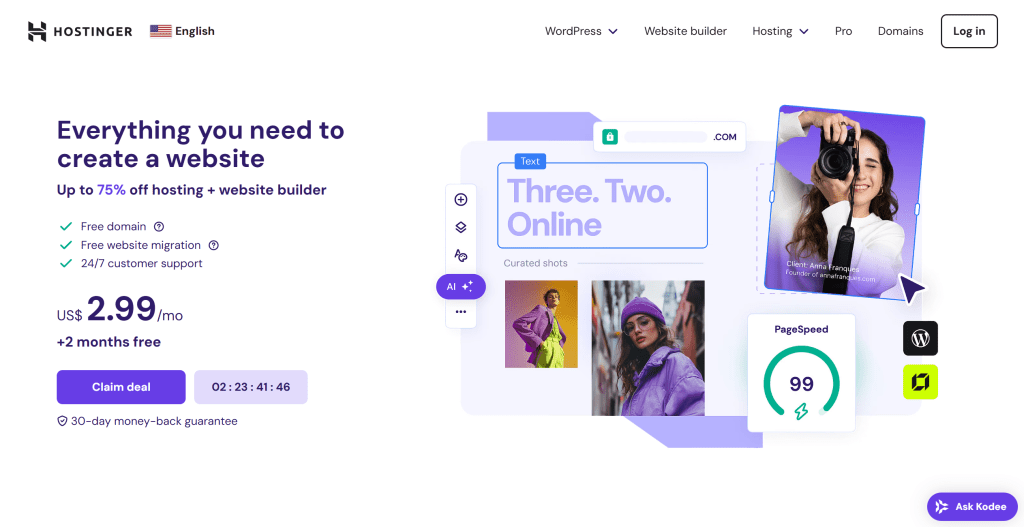
Hostinger is an AI website building add-on tool from a comprehensive hosting service provider, extending traditional hosting services, providing AI-generated basic websites bundled with hosting packages at affordable prices (starting at $2.99/month).
Hostinger's core features are low cost and convenient operations. The tool provides AI-generated basic website functionality, enabling users to quickly create sites through simple steps. Hostinger also provides hosting services, enabling users to complete building and hosting on one platform, greatly simplifying website management.
Hostinger suits small and micro businesses needing simple corporate websites. It provides affordable packages, enabling budget-limited users to quickly establish online presence. However, features are basic; sites needing complex features may need to upgrade to higher packages or use other tools.
Hostinger's affordability makes it ideal for budget-limited users. Its all-in-one building and hosting service enables users to easily manage entire websites without worrying about technical details.
Traditional CMS Website Builders
Traditional content management systems (CMS) like WordPress and Wix provide rich templates and plugin ecosystems, enabling users to create and manage websites without coding. These tools have developed mature ecosystems over years, with numerous themes, plugins, and extensions. Compared to AI website builders, traditional CMS tools provide more customization options and extension capabilities, especially suitable for sites needing complex features and high customization.
Traditional CMS tools excel at mature ecosystems and rich extension capabilities. These tools have numerous third-party themes and plugins, enabling users to choose appropriate extensions. Traditional CMS tools also provide powerful content management, helping users easily manage website content. However, traditional CMS tools typically require more technical knowledge, with learning curves for non-technical users.
1. WordPress
WordPress is the world's most popular content management system (CMS), holding over 40% of website market share. WordPress provides powerful content management, rich theme and plugin ecosystems, and flexible customization, making it the preferred platform from personal blogs to enterprise websites.
WordPress excels at its massive plugin ecosystem and theme library. WordPress has over 60,000 free and paid plugins covering SEO optimization, e-commerce, form building, and social media integration. WordPress's theme library is also rich, enabling users to choose free or paid themes to quickly build professional sites. WordPress also provides powerful content management including post editing, media management, and user permissions.
WordPress suits sites needing complex features and high customization. Whether personal blogs, corporate websites, e-commerce sites, or member communities, WordPress provides corresponding solutions. However, WordPress requires some technical knowledge; non-technical users may need to learn usage. WordPress provides hosted (WordPress.com) and self-hosted (WordPress.org) versions.
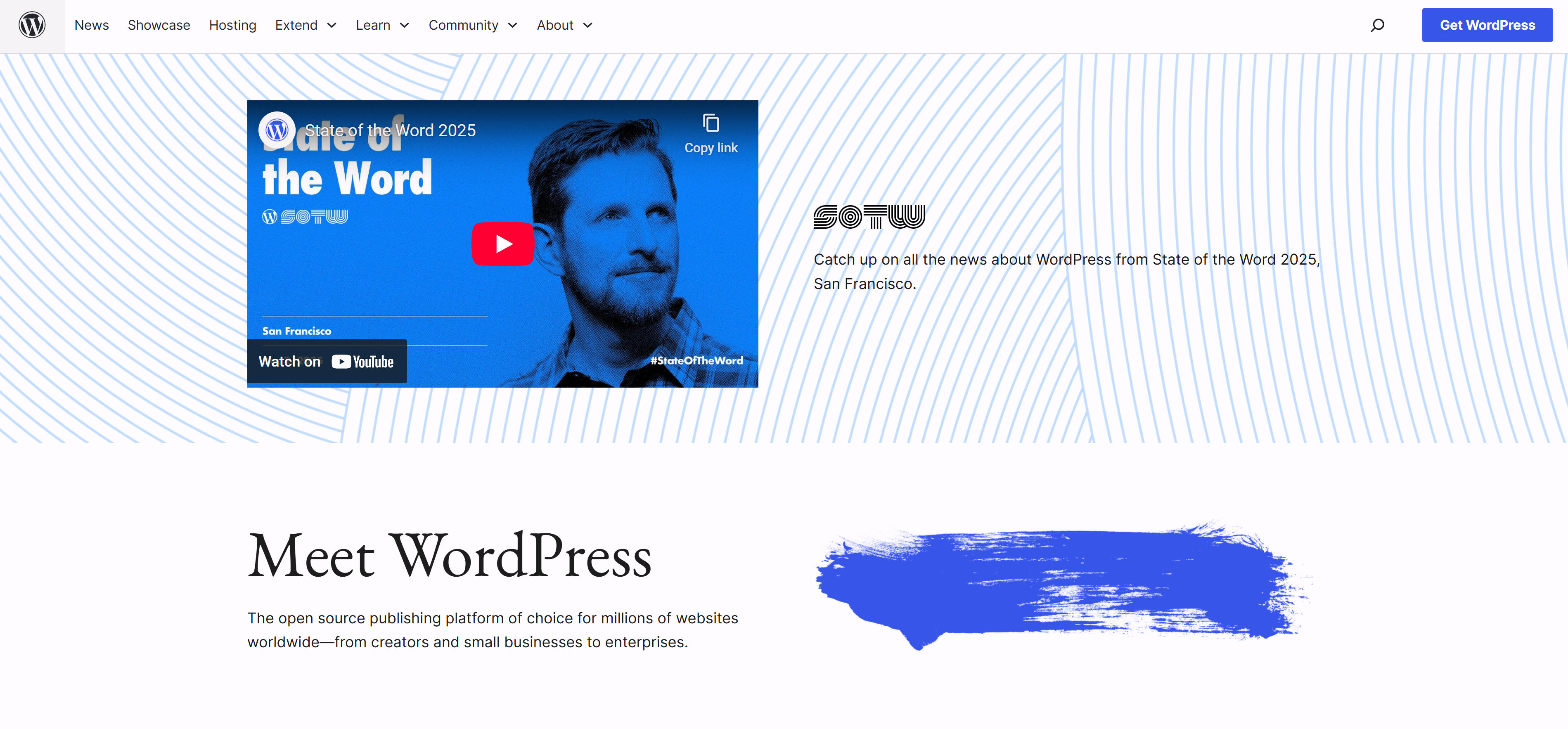
WordPress's massive ecosystem makes it ideal for sites needing complex features and high customization. Its rich plugins and theme libraries meet various website needs, from simple blogs to complex enterprise sites.
2. Wix
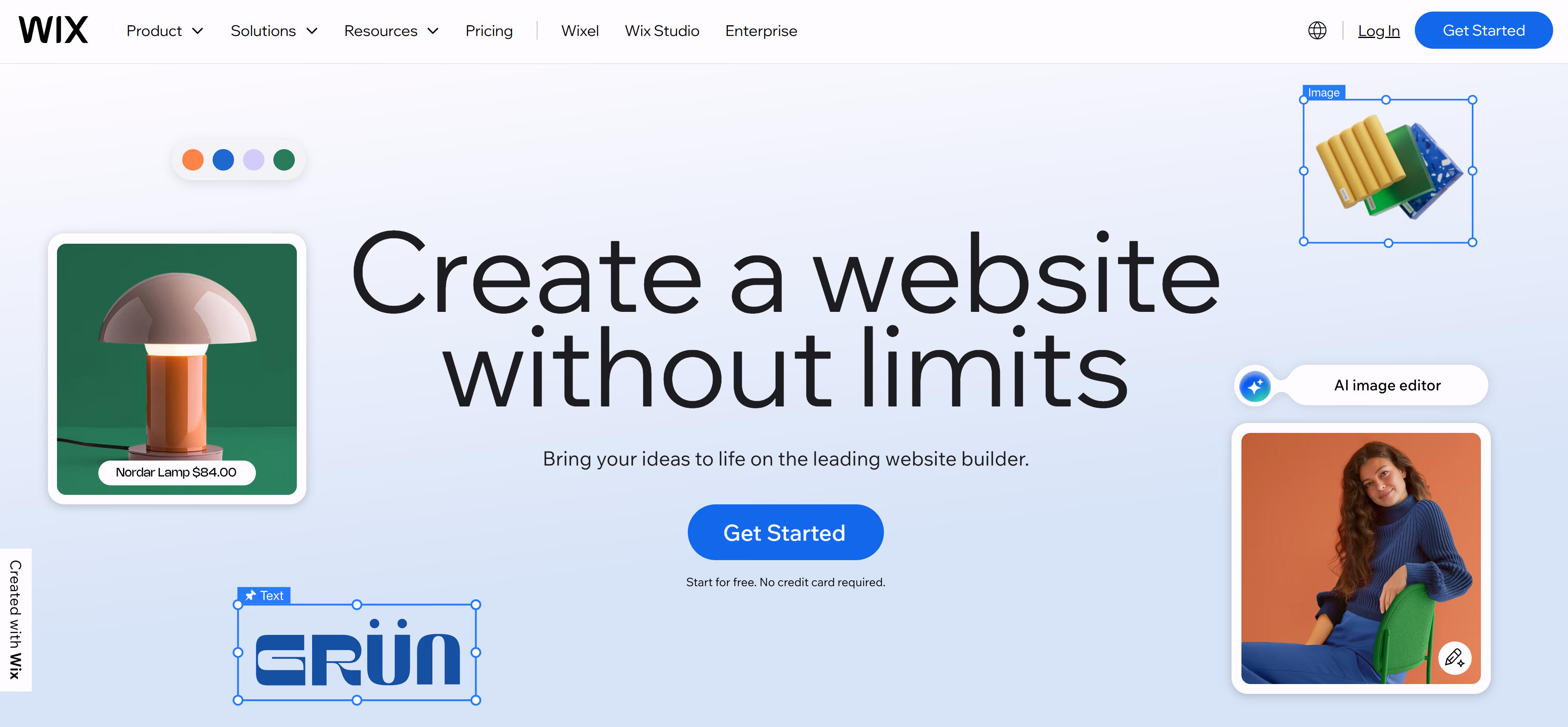
Wix is a popular drag-and-drop website platform known for its intuitive editor and rich template library. Wix provides over 800 professionally designed templates covering various industries and purposes, enabling users to quickly create professional websites through simple drag-and-drop operations.
Wix excels at ease of use and rich template library. Wix's drag-and-drop editor is intuitive, enabling users without technical backgrounds to quickly get started. Wix provides numerous templates, each optimized by professional designers, enabling users to choose appropriate templates and customize. Wix also provides a rich app market, enabling users to extend site functionality by adding apps.
Wix suits users needing quick site building and lacking technical experience. Whether personal portfolios, small business websites, or online stores, Wix provides corresponding solutions. Wix offers free and multiple paid plans. However, customization flexibility is relatively low; highly customized sites may need other tools.
Wix's ease of use and rich template library make it ideal for users needing quick site building. Its intuitive drag-and-drop editor enables users without technical backgrounds to quickly create professional websites.
AI Coding Tools for Website Building
AI Coding tools are emerging website building tools using artificial intelligence to assist code generation and website development. These tools understand natural language descriptions, automatically generating corresponding code, greatly lowering technical barriers for website development. Compared to traditional visual builders, AI Coding tools provide higher flexibility and customization, especially suitable for sites needing complex features and unique designs. Learn more about Vibe Coding tools.
AI Coding tools excel at code generation and development efficiency. These tools understand user need descriptions, automatically generating corresponding frontend code, backend logic, and database structures. AI Coding tools also provide real-time preview and debugging, enabling developers to immediately see code effects and make adjustments. However, AI Coding tools typically require some programming knowledge, with learning curves for users completely unfamiliar with code.
1. Lovable
Lovable is an AI-driven code generation tool focusing on helping developers quickly create web applications and websites. Lovable understands natural language descriptions, automatically generating code for modern frontend frameworks like React and Vue, greatly improving development efficiency.
Lovable's core features are AI-assisted code generation and rapid prototyping. Developers describe needs in natural language, and Lovable automatically generates corresponding code structures, components, and styles. The tool also provides real-time preview, enabling developers to immediately see code effects and make adjustments. Lovable supports multiple frontend frameworks including React, Vue, Next.js, meeting different project needs.
Lovable suits developers needing rapid prototyping and code generation. Whether personal projects, startups, or enterprise applications, Lovable provides efficient development support. The tool offers free and paid versions. However, generated code may need manual optimization and adjustment; complex projects still require professional developer involvement.
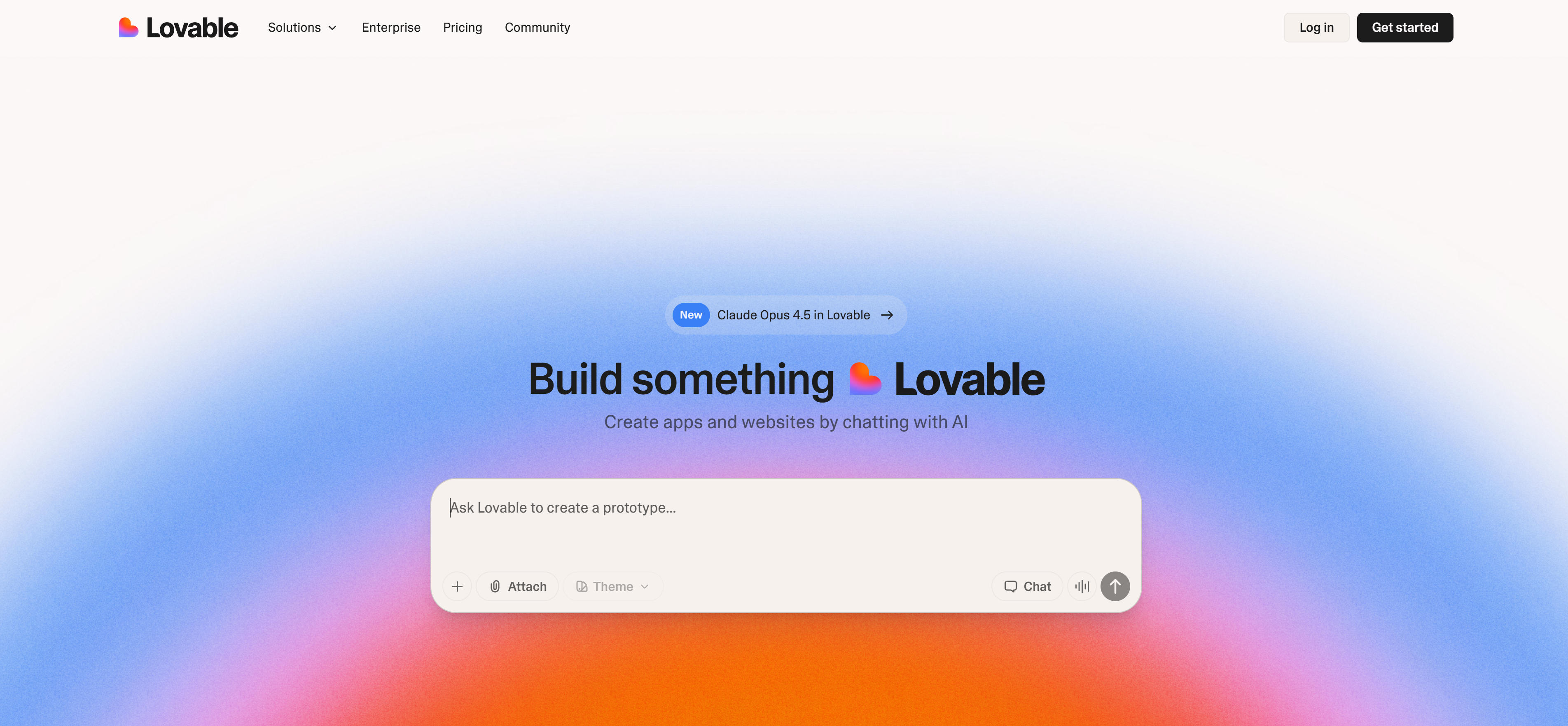
Lovable's AI code generation capabilities make it ideal for projects needing rapid development. Its natural language to code conversion helps developers quickly realize design ideas, greatly improving development efficiency. Learn more about Vibe Coding tools.
2. Bolt
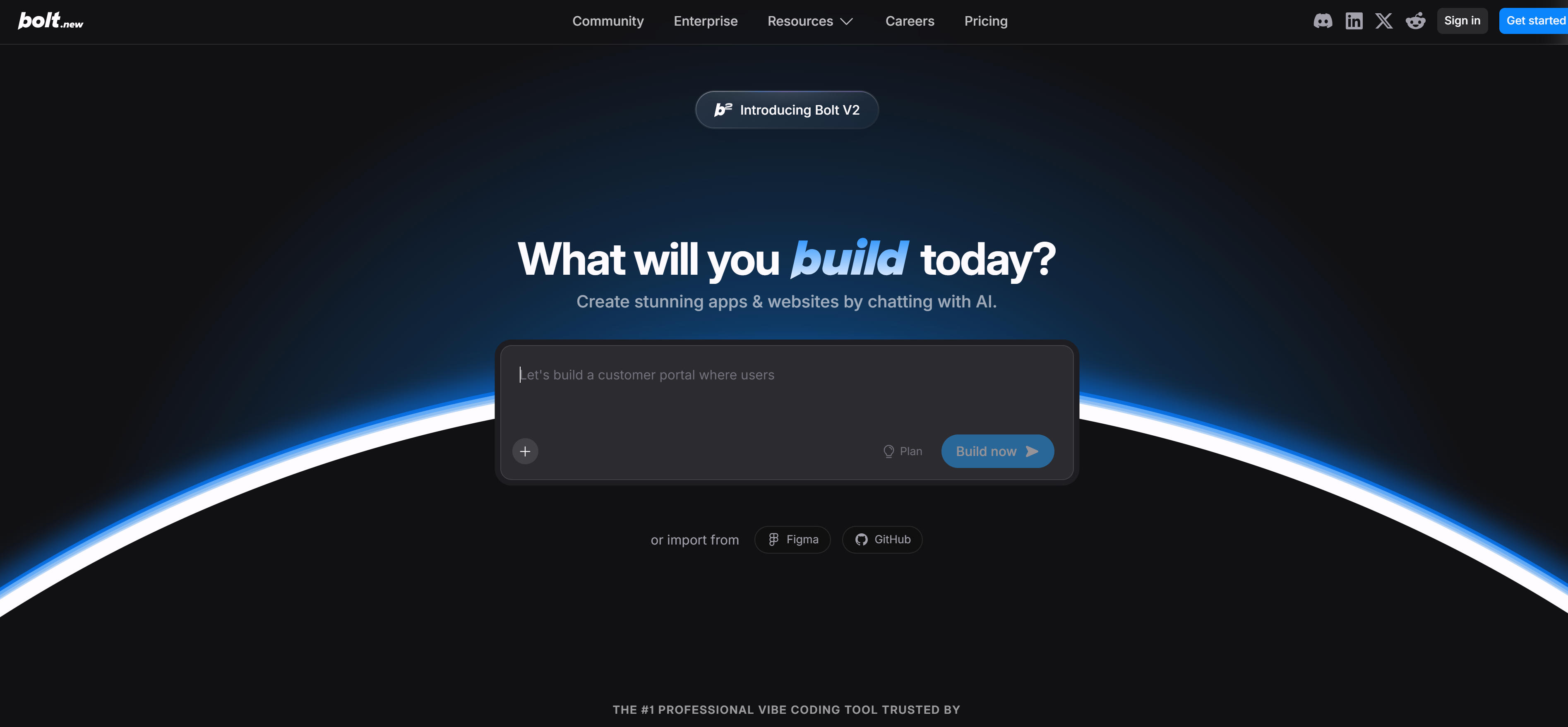
Bolt is an AI-driven full-stack development platform helping developers quickly build web applications and websites. Bolt combines AI code generation, automated deployment, and cloud services, providing complete solutions from development to deployment.
Bolt's core features are AI-driven building and automated development workflows. Developers describe needs in natural language, and Bolt automatically generates corresponding frontend code, backend APIs, and database structures. The tool also provides automated deployment, enabling developers to deploy to cloud with one click without worrying about server configuration and operations. Bolt also integrates multiple cloud services including databases, storage, and authentication, enabling developers to quickly build complete applications.
Bolt suits developers needing to quickly build full-stack applications. Whether MVP development, prototype validation, or production applications, Bolt provides powerful support. The tool offers free and paid versions. However, Bolt's learning curve is relatively steep; users unfamiliar with full-stack development may need learning time.
Bolt's full-stack development capabilities make it ideal for developers needing to quickly build complete applications. Its AI-driven building and automated deployment help developers quickly move from concept to launch, greatly improving development efficiency.
Website Builder Comparison
Here's a detailed comparison of leading website builders to help you quickly understand each tool's features, use cases, and suitability:
| Tool Name | Core Features | Main Use Cases | Pricing Model |
|---|---|---|---|
| Relume | AI sitemap/wireframe generation, professional collaboration | Professional design teams, outsourced projects | Subscription |
| Durable | 30-second quick building, full-stack integration | Small businesses, individual entrepreneurs | Free + Paid |
| Renderforest | All-in-one platform, rich template library | SMBs, unified brand identity | Free + Paid |
| Code Design.ai | AI-assisted coding, real-time debugging | Developers, customized websites | Subscription |
| 10Web | WordPress template cloning, automated operations | Batch WordPress site creation | Free + Paid |
| Wegic | Dynamic interactive design, voice input | Creative websites, visual showcases | Subscription |
| Squarespace | Aesthetic templates, brand management, AI design optimization | Enterprise brands, personal portfolios | Subscription |
| Hostinger | Affordable, integrated building and hosting | Small/micro businesses, simple corporate sites | From $2.99/month |
| WordPress | Massive plugin ecosystem, rich theme library, flexible customization | Complex feature sites, high customization | Free open-source + paid themes/plugins |
| Wix | Drag-and-drop editor, rich templates, ease of use | Quick building, non-technical users | Free + Paid |
| Lovable | AI code generation, rapid prototyping | Web app development, rapid prototyping | Free + Paid |
| Bolt | AI full-stack development, automated deployment | Full-stack app development, MVP development | Free + Paid |
Application Scenarios
Website builders play important roles across multiple fields, from corporate websites to personal portfolios, e-commerce sites to blog platforms, with different tools suited to different scenarios.
Corporate Websites
- Durable, Hostinger help businesses quickly establish online presence, providing basic website functionality and marketing tools.
- WordPress, Squarespace provide powerful content management and brand management, suitable for enterprise sites needing complex features.
- Relume, Code Design.ai provide professional collaboration and customization, suitable for projects needing high-quality design.
E-commerce Websites
- Wix, Squarespace provide e-commerce functionality, enabling quick online store building.
- WordPress with WooCommerce plugin provides powerful e-commerce features and extension capabilities.
Personal Portfolios
- Squarespace, Wix provide beautiful templates suitable for showcasing design work. Learn more about AI design tools.
- Vibe Coding tools like Lovable, Bolt help developers quickly create sites showcasing projects.
Web Application Development
- Vibe Coding tools like Lovable, Bolt help developers quickly create web application prototypes.
- Bolt provides complete full-stack development support from frontend to backend to deployment.
How to Choose Website Builders
When choosing website builders, consider multiple factors including website type, functional needs, technical ability, and budget. Key factors to consider:
- Website Type: First, clarify website type. Corporate websites need professional brand display and content management, suitable for WordPress, Squarespace; e-commerce sites need shopping carts and payment functionality, suitable for WordPress+WooCommerce, Wix; personal portfolios need beautiful visual display, suitable for Squarespace, Wix; web applications need complex features and interactions, suitable for Vibe Coding tools like Lovable, Bolt. Different tools suit different scenarios.
- Functional Needs: Evaluate whether tools provide all needed features. Content management (need powerful content editing and management), e-commerce (need shopping carts, payments, inventory management), SEO optimization (need SEO tools and optimization), integration (need third-party service and API integration), customization (need highly customized design and features). Choose tools providing corresponding features based on needs.
- Technical Ability: Evaluate your technical ability. Non-technical users suit visual builders like Durable, Wix, Squarespace; some technical background suit tools requiring some knowledge like WordPress, 10Web; developers suit Vibe Coding tools like Lovable, Bolt, Code Design.ai. Choose tools matching your technical ability to greatly improve building efficiency.
- Budget Considerations: Pricing models vary significantly. Free versions (many tools offer free trials with limitations), subscriptions (monthly or annual payments for more features), one-time purchases (some themes and plugins require one-time purchases). Choose based on usage frequency and budget.
- Extension Capabilities: Evaluate extension capabilities. Plugin ecosystems (WordPress has massive plugin ecosystem extending various features), API integration (some tools provide API interfaces for third-party service integration), code customization (some tools allow custom code providing higher flexibility). If future feature expansion is needed, choose tools with strong extension capabilities.
Try 2-3 tools first, then choose the best fit after comparison. Different scenarios may require different tools. For example, quick building may suit Durable, Wix better, complex features may suit WordPress better, web app development may suit Vibe Coding tools like Lovable, Bolt better. Understand that AI tools should serve as collaborative partners in website building, handling technical and repetitive work so users can focus on content creation and business strategy.
Conclusion
AI website builders are revolutionizing website building, providing creators with unprecedented creative possibilities and efficiency improvements. From professional AI builders like Relume, Durable to traditional CMS like WordPress, Wix to Vibe Coding tools like Lovable, Bolt, these tools cover the complete range from simple websites to complex applications.
For quick building needs, AI website builders automatically generate site structures and optimize layouts, significantly shortening building time. For complex feature needs, traditional CMS tools provide powerful extension capabilities and plugin ecosystems. For web app development, AI Coding tools provide efficient code generation and automated development workflows. Understand that AI tools should serve as collaborative partners in website building, not replacements for human creativity, handling technical and repetitive work so users can focus on content creation and business strategy. Whether you're an individual user, small business, or large enterprise, choosing the right website builder can significantly improve your work efficiency and website quality.