What are AI Logo Generators
AI logo generators use artificial intelligence to automatically create logos. By inputting brand name, industry type, and design preferences, these tools generate multiple logo design options, helping users quickly find designs that match their brand identity. Compared to traditional AI design tools, AI logo generators are optimized for logo design, understanding brand needs and generating designs that match brand tone, supporting multiple output formats and brand guide generation.
AI logo generators excel at quickly generating multiple design options, intelligently optimizing design elements, providing brand guides, and supporting various output formats. These tools can generate complete logo designs from scratch or intelligently edit existing logos, adjust color schemes, and optimize font choices. Modern AI logo generators produce professional-quality designs that meet commercial standards in visual design, brand consistency, and usability. They're ideal for users who need quick logo creation, lack design experience, or want to explore multiple design styles.
AI Logo Generation Technology Overview
Modern AI logo generation technology uses deep learning and symbol generation models to understand brand needs, learn logo design patterns, and automatically generate logo content that matches brand tone and design principles. Compared to traditional logo design, AI logo generation significantly improves creation efficiency, quality consistency, and design diversity.
Core advantages include: understanding (brand names, industry types, design preferences), generation (logo symbols, fonts, color schemes), learning (design patterns and brand tones from large datasets), and optimization (automatic quality and brand consistency improvements based on user feedback). Different tools use different architectures: professional logo tools rely on symbol generation and brand guide systems, general image tools use image generation and style transfer, while hybrid tools combine professional design and image generation capabilities. Multimodal AI development enables single tools to process text, images, symbols, and fonts simultaneously, further simplifying logo design workflows.
Professional Logo Generation Tools
Professional AI logo generators are optimized for logo design, providing complete brand identity solutions. These tools generate logo designs and offer brand guides, multiple format outputs, and font recommendations, ideal for users needing professional brand identities.
Professional tools understand logo design principles like simplicity, recognizability, and scalability, generating commercial-standard designs. They also provide brand guide generation, automatically creating usage guidelines, color schemes, and font selections to help users build complete brand visual systems.
1. LogoAI: Quick Generation
LogoAI is an AI-driven logo design tool that quickly generates professional logos. Its powerful AI engine creates multiple logo design options in minutes, each optimized to meet logo design principles. LogoAI also provides brand guide generation, automatically creating usage guidelines, color schemes, and font recommendations to help users build complete brand visual systems.
LogoAI suits users needing quick professional logo creation, whether for startups, personal brands, or product identities. The tool offers free and paid versions, with clear commercial licensing for business use. Its quick generation and brand guide features help users quickly build complete brand visual systems.
2. Looka: Extensive Options
Looka offers extensive logo design options for various brand needs. Its powerful AI design engine provides hundreds of design styles and industry templates, enabling users to quickly generate professional logos through simple steps. Looka also provides brand guide generation, automatically creating usage guidelines, color schemes, and font recommendations.
Looka suits users needing diverse design options, whether for traditional or emerging industries. The tool offers free and paid versions with clear commercial licensing. Its extensive design options and brand guide features help users quickly build complete brand visual systems.
3. Logomaster.ai: Ease of Use
Logomaster.ai is known for ease of use and design quality. It provides an intuitive interface that even users without design experience can quickly master. Its AI design engine, trained on extensive logo data, generates commercial-standard designs and offers real-time preview, allowing users to view and adjust designs during generation.
Logomaster.ai suits users needing quick high-quality logo creation for startups, personal brands, or product identities. The tool offers free and paid versions. Its ease of use and high-quality design help users quickly build professional brand identities.
4. Brandmark: Automated Design
Brandmark provides automated logo design for quick brand identity creation. It automatically generates multiple logo design options, each AI-optimized to meet logo design principles. Brandmark also provides brand guide generation, automatically creating usage guidelines, color schemes, and font recommendations.
Brandmark suits users needing quick brand identity creation for startups, personal brands, or product identities. The tool offers free and paid versions. Its automated design and brand guide features help users quickly build complete brand visual systems.
5. LOGO.com: Multiple Styles
LOGO.com is an online logo generator supporting multiple design styles. It provides hundreds of design templates and style options, enabling users to quickly generate professional logos through simple steps. LOGO.com also offers real-time editing, allowing users to adjust design elements, color schemes, and font choices during generation.
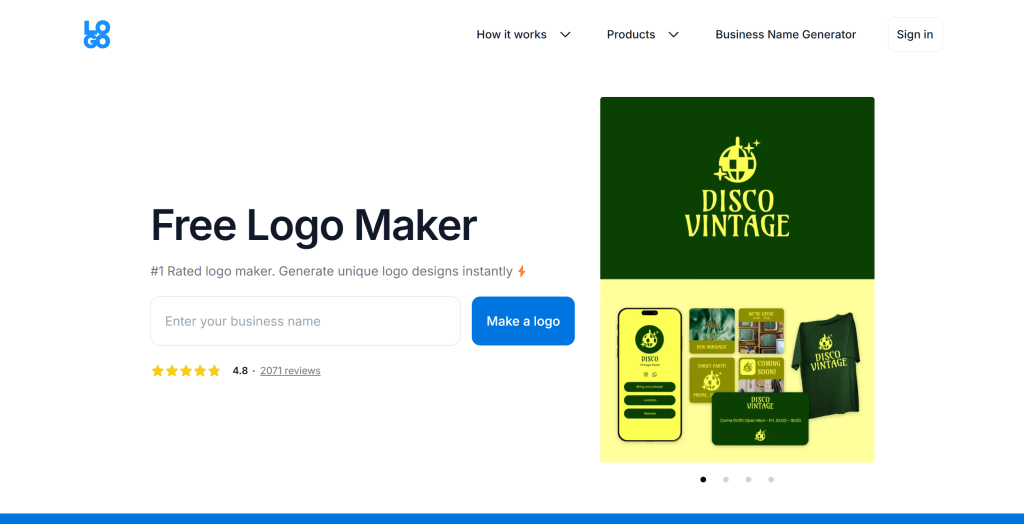
LOGO.com suits users needing diverse design options for traditional or emerging industries. The tool offers free and paid versions. Its extensive design templates and real-time editing help users quickly create logos matching brand positioning.
6. Turbologo: Simple & Quick
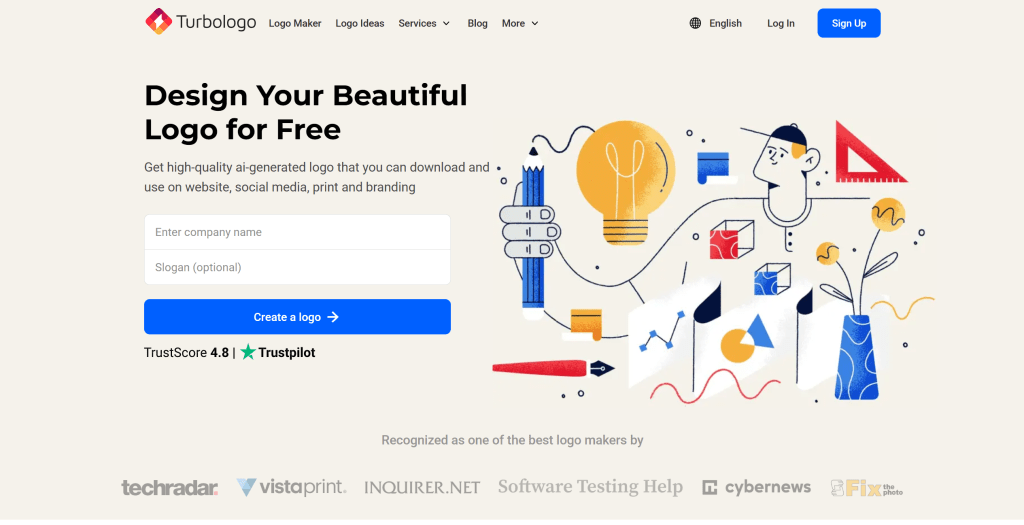
Turbologo provides a simple logo design tool with an intuitive interface that even users without design experience can quickly master. Its AI design engine quickly generates multiple logo design options, each optimized to meet logo design principles.
Turbologo suits users needing quick logo creation for startups, personal brands, or product identities. The tool offers free and paid versions. Its simplicity and quick generation help users quickly build professional brand identities.
7. Logopony
Logopony is known for innovative design options. It provides innovative features like animated logos and 3D effects, helping users create unique brand identities. Logopony also provides brand guide generation, automatically creating usage guidelines, color schemes, and font recommendations.
Logopony suits users needing innovative logo designs for tech companies, creative brands, or emerging industries. The tool offers free and paid versions.
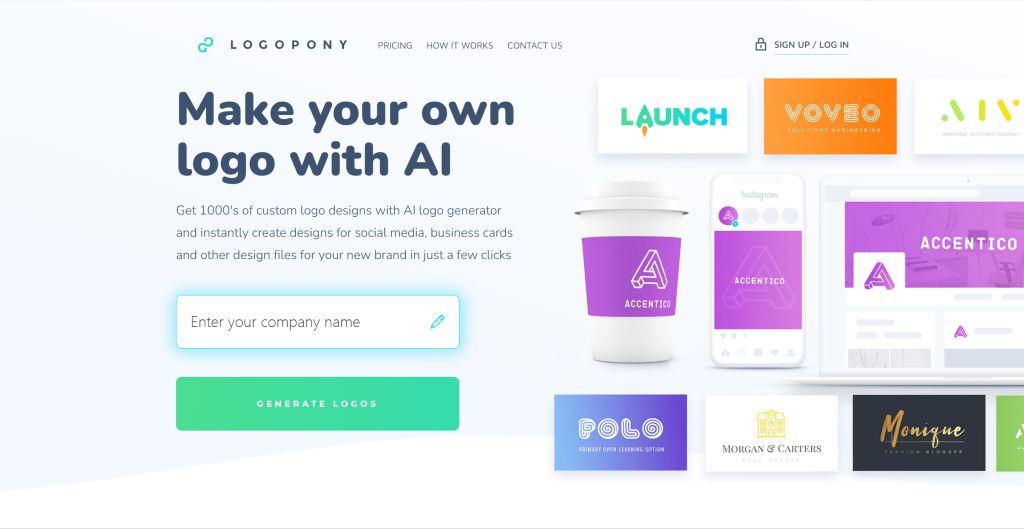
Logopony's innovative design options and brand guide features help users quickly build complete brand visual systems, ideal for users needing unique logo designs.
8. Logo Diffusion
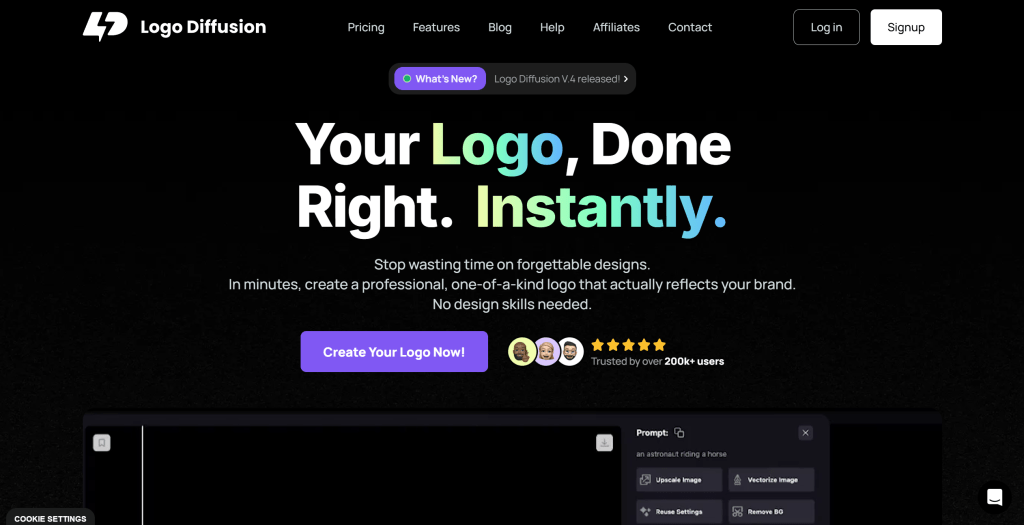
Logo Diffusion is an emerging logo design tool supporting AI generation. Based on advanced diffusion model technology, it generates high-quality logos with rich details and diverse styles. Logo Diffusion also provides multiple design style options, allowing users to choose styles matching brand positioning.
Logo Diffusion suits users needing high-quality logo designs for startups, personal brands, or product identities. The tool offers free and paid versions.
Logo Diffusion's high-quality generation makes it ideal for users needing professional logo designs. Its multiple design styles and quick generation help users quickly build logos matching brand positioning.
General Image Generation Tools
Beyond professional logo tools, many general AI image generation tools can also create logos. While not specifically designed for logos, these tools provide strong support in image generation, style transfer, and creative expression, ideal for unique designs and highly customized logo projects.
General image tools excel in flexibility and creative expression. They can generate images in various styles, allowing users to create unique logo designs through detailed prompts. However, using these tools requires more prompt skills and post-processing, which may not be efficient for users needing quick standard logos.
1. Midjourney
Midjourney is a powerful AI image generation tool known for high-quality artistic images. While not specifically designed for logos, users can create unique logo designs through detailed prompts. Based on advanced diffusion model technology, it generates images with rich details and diverse styles, supporting multiple artistic styles and visual effects, creating logos with strong visual impact.
Midjourney suits users needing unique logo designs for artistic brands, creative companies, or emerging industries. The tool offers subscription plans with clear commercial licensing. However, creating logos requires detailed prompt skills and post-processing, which may not be efficient for users needing quick standard logos.
Midjourney's high-quality generation and multiple artistic styles help users create brand identities with strong visual impact, ideal for users needing unique logo designs.
2. DALL-E
DALL-E is OpenAI's AI image generation tool known for powerful image generation. While not specifically designed for logos, users can create unique logo designs through detailed prompts. Based on advanced GPT model technology, it understands natural language descriptions and generates corresponding images, supporting multiple image styles and visual effects, creating logos matching brand positioning.
DALL-E suits users needing unique logo designs for tech companies, creative brands, or emerging industries. The tool offers pay-per-use and subscription plans with clear commercial licensing. However, creating logos requires detailed prompt skills and post-processing.
DALL-E's powerful image generation makes it ideal for users needing unique logo designs. Its multiple image styles and quick generation help users create logos matching brand positioning.
3. Stable Diffusion
Stable Diffusion is an open-source AI image generation tool known for flexibility and customizability. While not specifically designed for logos, users can create unique logo designs through detailed prompts and model fine-tuning. Based on open-source diffusion model technology, users can freely use and modify it, with multiple models and style options to choose from.
Stable Diffusion suits users needing highly customized logo designs for tech companies, open-source projects, or emerging industries. The tool offers free open-source versions. However, creating logos requires more technical knowledge and post-processing.
Stable Diffusion's open-source nature and flexibility make it ideal for users needing highly customized logo designs. Its multiple models and style options help users create logos matching brand positioning.
4. Adobe Firefly
Adobe Firefly is Adobe's AI image generation tool known for integration with Adobe Creative Cloud. While not specifically designed for logos, users can create unique logo designs through detailed prompts and use Adobe's other design tools for post-processing. It seamlessly integrates with tools like Photoshop and Illustrator, allowing direct post-processing after generation, with multiple image style options.
Adobe Firefly suits users needing integration with Adobe design tools, whether professional designers, design teams, or enterprise users. The tool offers subscription plans with clear commercial licensing.
Adobe Firefly's integration with Adobe Creative Cloud makes it ideal for users needing professional design workflows. Its multiple image styles and commercial licensing help users create logos matching brand positioning.
Logo Generation Tools Comparison
Below is a detailed comparison of mainstream logo generation tools to help you quickly understand each tool's features, application scenarios, and suitability:
| Tool Name | Core Features | Main Use Cases | Pricing Model |
|---|---|---|---|
| LogoAI | Quick generation, multiple designs, brand guides | Quick professional logo creation | Free + Paid |
| Looka | Extensive design options, brand guides, multiple formats | Diverse logo designs | Free + Paid |
| Logomaster.ai | Ease of use, design quality, quick generation | Quick high-quality logo creation | Free + Paid |
| Brandmark | Automated design, brand guides, multiple formats | Quick brand identity creation | Free + Paid |
| LOGO.com | Extensive templates, multiple styles, real-time editing | Diverse logo designs | Free + Paid |
| Turbologo | Simple, quick generation, multiple formats | Quick logo creation | Free + Paid |
| Logopony | Innovative design options, brand guides, multiple formats | Innovative logo designs | Free + Paid |
| Logo Diffusion | High-quality generation, multiple styles, quick generation | High-quality logo designs | Free + Paid |
| Midjourney | High-quality generation, artistic styles, creative expression | Unique logos, artistic styles | Subscription |
| DALL-E | Powerful image generation, multiple styles, quick generation | Unique logos, multiple styles | Pay-per-use + Subscription |
| Stable Diffusion | Open-source free, flexibility, customizability | Highly customized logo designs | Free open-source |
| Adobe Firefly | Adobe integration, multiple styles, commercial licensing | Professional design workflows | Subscription |
Application Scenarios
Logo generation tools play important roles across multiple fields, from brand building to product identities, from personal brands to corporate images. Different tools suit different application scenarios.
Brand Building
- Professional tools like LogoAI and Looka quickly help businesses build brand identities, providing brand guides and multiple format outputs.
- Tools like Turbologo and Logomaster.ai provide simple interfaces, suitable for individual users to quickly create brand identities.
- Tools like Brandmark and LogoAI provide brand guide generation, suitable for enterprises needing complete brand visual systems. Learn more about AI design tools.
Product Identities
- Professional logo tools quickly generate logos matching product positioning, supporting multiple format outputs.
- AI image generator tools like Midjourney and DALL-E create unique event logo designs with strong visual impact.
Creative Design
- AI image generator tools like Midjourney and Stable Diffusion create artistic-style logo designs.
- Tools like Logopony and Logo Diffusion provide innovative design options, suitable for brands needing unique designs.
How to Choose Logo Generation Tools
When choosing logo generation tools, consider multiple factors including brand needs, design style, technical ability, and budget. Key factors to consider:
- Brand Needs: First, clarify brand needs. Quick standard logo creation suits professional tools like LogoAI and Looka; brand guides needed suits tools providing brand guide generation like Brandmark and LogoAI; unique designs needed suits AI image generator tools like Midjourney and DALL-E; high customization needed suits open-source tools like Stable Diffusion. Different tools suit different needs.
- Design Style: Evaluate whether tools provide needed design styles. Traditional styles suit professional tools like LogoAI and Looka; modern styles suit tools like Logomaster.ai and Turbologo; artistic styles suit AI image generator tools like Midjourney and Stable Diffusion; innovative styles suit tools like Logopony and Logo Diffusion.
- Technical Ability: Evaluate your technical ability. Non-technical users suit simple professional tools like LogoAI, Looka, and Turbologo; some technical background suits tools requiring some operation like Logomaster.ai and Brandmark; technical users suit open-source tools requiring technical knowledge like Stable Diffusion.
- Budget Considerations: Pricing models vary significantly. Free versions (many tools offer free trials with limitations), subscriptions (monthly or annual payments for more features), pay-per-use (pay per generation, suitable for occasional users), open-source free (tools like Stable Diffusion offer free open-source versions). Choose based on usage frequency and budget.
- Output Formats: Evaluate whether tools provide needed output formats. PNG (most tools support), SVG (professional tools usually support), PDF (some tools support), AI format (some tools support Adobe Illustrator format).
Try 2-3 tools first, then choose the most suitable. Different scenarios may require different tools. For example, quick standard logo creation may suit LogoAI and Looka better, unique designs may suit AI image generator tools like Midjourney and DALL-E better, high customization may suit Stable Diffusion better. Understand that AI tools should serve as collaborative partners in logo design, handling technical and repetitive work so users can focus on brand strategy and creative expression.
Logos as Brand Assets
Logos are core elements of brand visual identity, playing crucial roles in brand building. AI-generated logos can serve as brand assets for building complete brand visual systems. Whether for corporate websites, marketing materials, social media, or product packaging, logos are important carriers of brand image.
After generating logos with AI tools, ensure they match brand positioning and usage guidelines. Professional logo generators usually provide brand guide generation, automatically creating usage guidelines, color schemes, and font recommendations. Logos generated with general image tools may require additional post-processing and brand guide development.
AI-generated logos can serve as important components of brand assets for building complete brand visual systems. Logos are not only core elements of brand identity but also important components of Media Kit and brand materials. Media Kits typically include brand logos, brand patterns, and brand guides for media coverage, partner presentations, and marketing activities. Brand materials include logos, color schemes, font guidelines, and brand patterns for establishing unified brand visual images.
If you need to download and use brand logo assets, visit our Media Kit page to download Alignify brand logos and assets. The Media Kit page provides logo files in multiple formats including PNG and SVG, suitable for different backgrounds and use cases. It also provides brand usage guidelines to help you correctly use brand logos and assets.
When using AI-generated logos as brand assets, note: 1. Ensure uniqueness: Ensure generated logos don't conflict with existing brands; 2. Check trademark registration: For important brand logos, consider trademark registration; 3. Build brand guides: Establish logo usage guidelines to ensure brand consistency; 4. Multiple format outputs: Ensure logos have multiple formats for different use cases; 5. Regular updates: Update and optimize logo designs based on brand development needs.
Conclusion
AI logo generators are revolutionizing the logo design industry, providing creators with unprecedented creative possibilities and efficiency improvements. From professional logo tools like LogoAI and Looka to AI image generator tools like Midjourney and DALL-E, these tools cover the complete range from standard logos to unique designs.
For quick standard logo needs, professional logo tools automatically generate commercial-standard designs, providing brand guides and multiple format outputs, significantly shortening logo design time. For unique design needs, general image tools provide powerful creative expression and flexibility, creating logos with strong visual impact. Understand that AI tools should serve as collaborative partners in logo design, not replacements for human creativity, handling technical and repetitive work so users can focus on brand strategy and creative expression. Whether you're a startup, personal brand, or large enterprise, choosing the right logo generation tool can significantly improve your work efficiency and logo quality.