What are AI 3D Generator Tools
AI 3D generator tools use AI to convert text descriptions, images, or videos into 3D models. They support multiple input modes: text-to-3D (generating 3D models from text), image-to-3D (creating 3D models from 2D images), and video-to-3D (extracting 3D scenes from videos). Compared to traditional 3D modeling, AI tools significantly lower technical barriers, enabling users without professional modeling experience to quickly create high-quality 3D content.
AI 3D generators improve efficiency and lower barriers, enabling rapid concept-to-3D conversion. They're essential for game development, product design, architectural visualization, and content creation. Modern tools generate high-quality geometry, textures, materials, and format conversion. Unlike traditional 3D modeling tools that offer fine control, AI generators focus on automated creation. The best approach combines both: use AI tools for quick drafts, then traditional tools for refinement. For scanning real objects, see our 3D scanner tools guide.
AI 3D Generation Technology Overview
Modern AI 3D generation uses deep learning and neural networks to understand text semantics, image content, and video scenes, generating high-quality 3D models. Core technologies include 3D diffusion models, Neural Radiance Fields (NeRF), and point cloud generation. Compared to traditional 3D modeling, AI generation improves efficiency, quality stability, and functional diversity.
Core advantages include understanding (natural language and visual content), generation (3D geometry, textures, materials), multimodal support (text, image, video inputs), and rapid iteration (multiple design options quickly). Different tools use different architectures but all aim to simplify 3D creation workflows.
Best AI 3D Generator Tools 2025
Top AI 3D generator tools for 2025, covering text-to-3D, image-to-3D, and video-to-3D modes to help you choose the best solution.
1. Tripo
Tripo is an innovative AI 3D generator that creates detailed 3D models from text descriptions and images. Using advanced deep learning, Tripo understands natural language and generates high-quality 3D models, supporting multiple formats including OBJ, GLB, and USDZ. The tool supports text-to-3D and image-to-3D modes, generating complete 3D models with textures and materials.
Tripo offers free trials and subscription plans, plus API access for batch generation and workflow integration. Suitable for both individual creators and enterprise users.
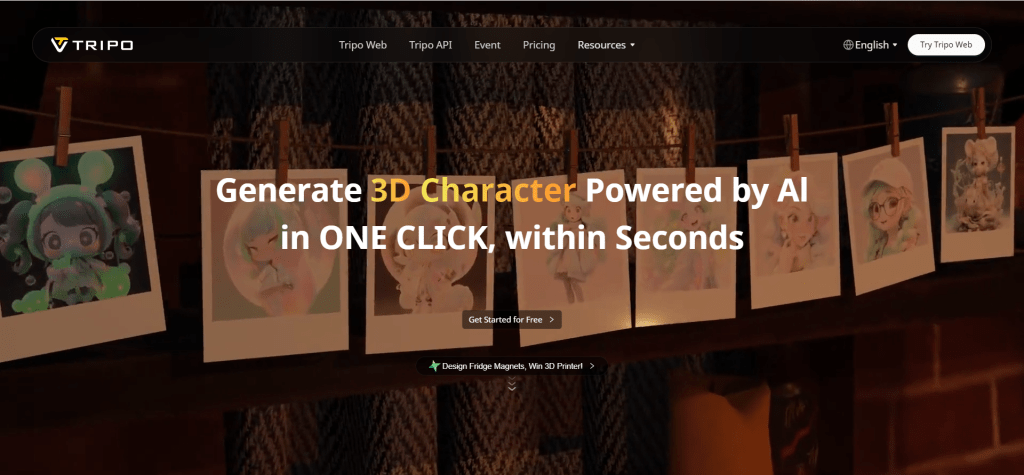
Tripo suits users needing rapid concept-to-3D conversion for game development, product design, and content creation.
2. Meshy
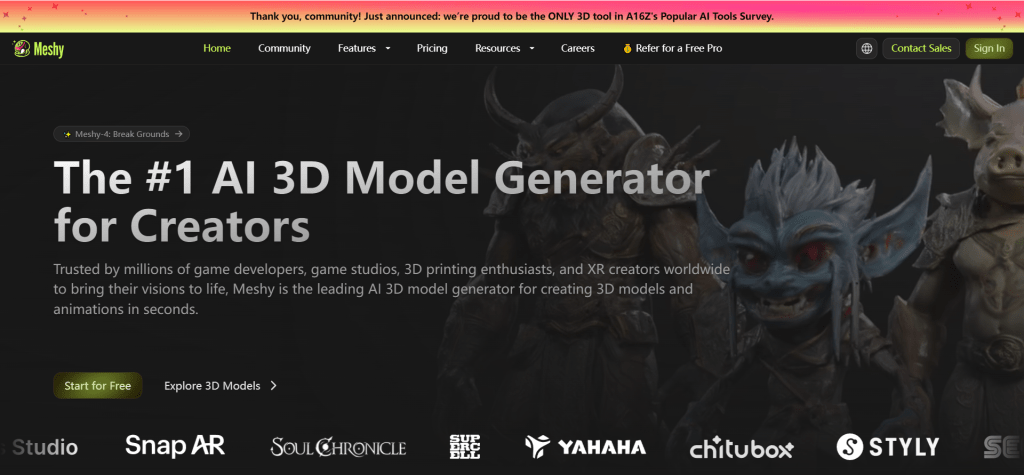
Meshy converts text and images into fully textured 3D models. Its core strength is generating complete 3D models with textures and materials, not just geometry. The tool offers three modes: text-to-3D, image-to-3D, and texture generation.
Meshy provides free trials and subscription plans (Starter, Pro, Enterprise), supporting exports in OBJ, FBX, GLB formats. Even beginners can create impressive models in minutes.
Meshy suits users needing complete textured 3D models for game development, product visualization, and digital art.
3. Rodin
Rodin excels at creating high-fidelity 3D avatars from single photos. Using advanced AI, Rodin captures facial details to generate realistic 3D avatars, supporting customization options including hairstyles, clothing, and expressions.
Rodin suits virtual avatar applications like games, virtual meetings, and social media. Users upload one photo and receive high-quality 3D avatars in minutes, supporting multiple export formats.

Rodin's high-fidelity generation makes it ideal for virtual avatars in games, virtual meetings, and social media.
4. Genie by Luma
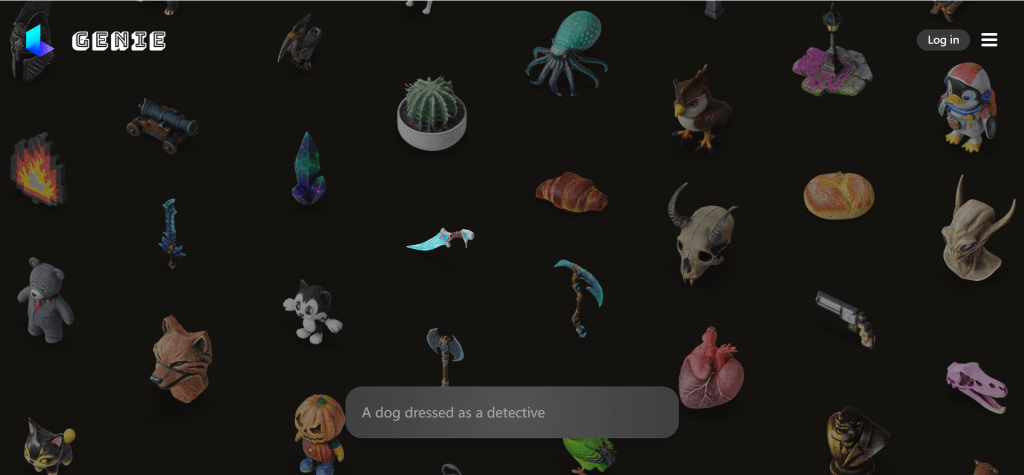
Genie by Luma generates realistic 3D models from text and creates 3D scenes from videos. Based on Luma AI's advanced technology, Genie understands natural language and generates high-quality 3D models, supporting text-to-3D and video-to-3D modes.
Genie suits projects needing rapid 3D scene and environment generation, extracting 3D information from videos to create high-quality models. Generated models feature rich details, ideal for game development, VR, and AR applications, supporting multiple export formats.
Genie's multimodal input capabilities make it powerful for creating 3D content from text descriptions or video scenes.
5. Spline
Spline provides an intuitive platform for creating interactive 3D designs using AI, suitable for web and mobile. Spline is a complete 3D design and publishing platform supporting real-time collaboration, animation, and interactive experiences with an intuitive interface for creating 3D scenes, animations, and interactive elements.
Spline supports multiple export formats for web, mobile apps, and game engines, plus rich templates and resource libraries. For web 3D experiences, Spline offers a complete solution.
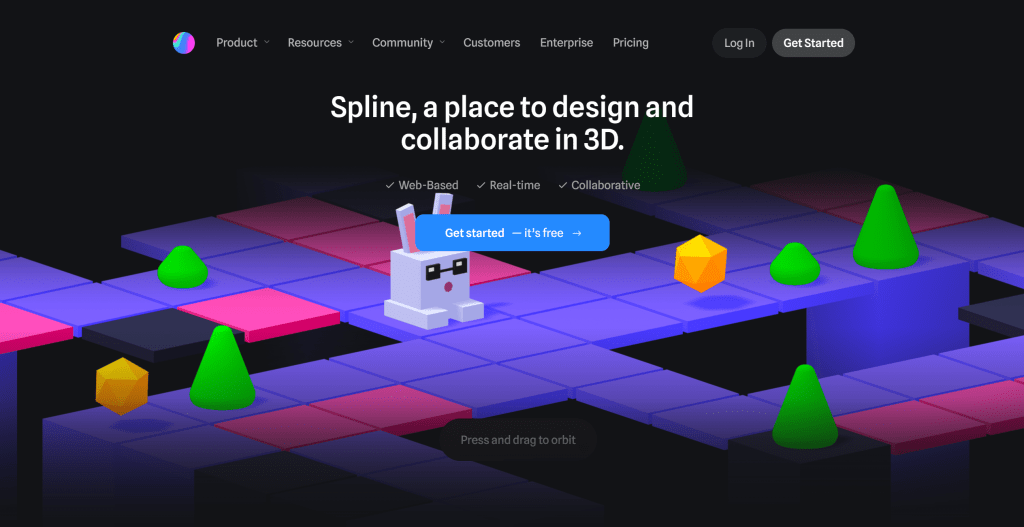
Spline's interactive design capabilities make it ideal for web 3D experiences in product showcases, brand websites, and interactive applications.
6. 3DFY
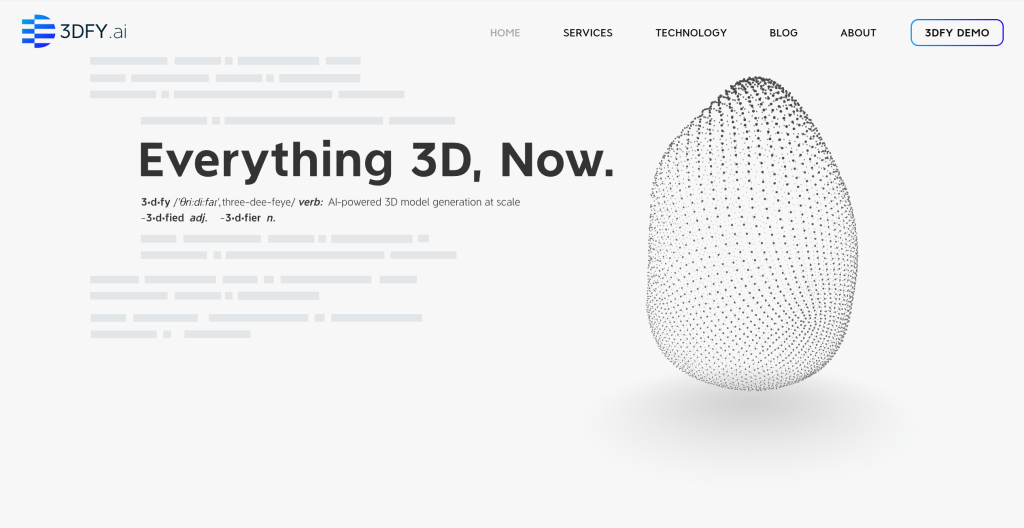
3DFY converts 2D images into detailed 3D models through simple operations. Using advanced deep learning, 3DFY generates high-quality 3D models from single 2D images, supporting multiple image and output formats. Its core strength is understanding 2D image depth information to generate correctly shaped 3D models.
3DFY supports various image types including product photos, portraits, and architecture, generating 3D models of different complexities. The tool also provides texture generation for realistic textures and materials. 3DFY suits users needing 3D models from existing 2D images.
3DFY's 2D-to-3D conversion makes it convenient for creating 3D content for product showcases, e-commerce, and digital art.
7. Alpha3D
Alpha3D is a flexible tool supporting multiple input types for 3D model generation, suitable for game development and design. Alpha3D offers multiple modes including text-to-3D, image-to-3D, and model optimization, generating complete 3D models with textures and materials from text descriptions, 2D images, or existing 3D models.
Alpha3D provides model optimization to improve geometry and texture quality. The tool offers API access for integration with game engines and design software. For game development and design projects needing batch 3D generation, Alpha3D provides efficient solutions.

Alpha3D's flexibility and multiple input modes make it ideal for game development and design, suitable for rapid prototyping, game asset generation, and design visualization.
3D Generator Tools Comparison
Comparison of leading AI 3D generator tools to help you understand features and use cases:
| Tool Name | Core Features | Main Use Cases | Pricing Model |
|---|---|---|---|
| Tripo | Text-to-3D, image-to-3D, fast generation, multiple formats | Game development, product design, content creation | Free trial + subscription |
| Meshy | Complete texture generation, material addition, high-quality output | Game development, product visualization, digital art | Free trial + subscription |
| Rodin | High-fidelity avatar generation, fast creation, personalization | Game characters, virtual meetings, social media | Subscription |
| Genie by Luma | Text-to-3D, video-to-3D, multimodal input | Game development, VR, AR | Pay-per-use |
| Spline | Interactive design, real-time collaboration, web publishing | Product showcases, brand websites, interactive apps | Free + subscription |
| 3DFY | 2D-to-3D conversion, depth understanding, texture generation | Product showcases, e-commerce, digital art | Subscription |
| Alpha3D | Multiple input modes, API integration, model optimization | Game development, design prototyping, batch generation | Pay-per-use |
Application Scenarios
AI 3D generator tools have wide applications from game development to product design. In game development, developers use AI tools to quickly generate game characters, props, and scenes, significantly improving efficiency. In product design, designers use AI tools to rapidly create product prototypes, concepts, and visualizations, accelerating development.
In architecture and interior design, architects and interior designers use AI tools to quickly generate building models, interior scenes, and visualizations. In e-commerce, sellers use AI tools to create product 3D models for better shopping experiences. In content creation, creators use AI tools to create 3D content for videos and animations.
How to Choose 3D Generator Tools
When choosing AI 3D generator tools, consider: 1. Input mode needs: Determine if you primarily use text-to-3D, image-to-3D, or video-to-3D; 2. Output quality requirements: Evaluate 3D model quality based on project needs; 3. Feature requirements: Assess if tools provide needed features like texture generation, batch processing, API access; 4. Budget: Choose pricing plans based on usage frequency and budget; 5. Ease of use: Select user-friendly tools; 6. Format compatibility: Consider supported 3D formats and workflow compatibility.
Try 2-3 tools first, then choose the best fit. Different scenarios may require different tools. For example, game development may suit Meshy or Alpha3D, product design may suit Tripo, web applications may suit Spline.