What are AI CLI Tools
AI CLI tools are AI programming assistants providing code generation, code review, error fixing, and automation tasks through command-line interfaces. These tools understand natural language instructions, analyze code context, and automatically execute corresponding programming tasks, helping developers code efficiently and automate tasks via command line.
AI CLI tools' core advantage is quickly executing programming tasks through command-line interfaces without opening graphical interfaces. Based on different AI models (Claude, Gemini, Codex, Groq, Qwen), they understand entire codebase context, provide accurate code suggestions, support multiple programming languages and frameworks, and automate repetitive tasks. Modern AI CLI tools deliver professional programming assistance with high code generation quality, response speed, and feature completeness.
AI CLI tools are widely used in code review, batch processing, and automation tasks. They suit developers working in server environments, remote development, or command-line environments. AI tools should act as collaborative partners in coding, handling repetitive, templated coding work, allowing developers to focus on architecture design and business logic. Learn more about AI coding tools, check our AI IDE tools and Vibe Coding tools guides.
AI CLI Technology Overview
Modern AI CLI technology uses large language models (LLM) and code understanding models to understand natural language instructions, analyze code context, and execute corresponding programming tasks through command-line interfaces. Compared to traditional CLI tools, AI CLI technology significantly improves code generation efficiency, quality stability, and feature diversity.
Core advantages include command-line interface (quickly executing tasks via command line), code understanding (understanding entire codebase structure and relationships), code generation (generating code based on natural language descriptions), and automation (automating repetitive tasks). Different tools use different architectures: tools based on general models like Claude, Gemini provide powerful code understanding; tools based on code-specific models like Codex excel at code generation; tools based on high-speed inference engines like Groq provide extremely fast response speeds; code review tools like CodeRabbit combine code analysis and error detection.
Best AI CLI Tools 2025
Here are the top professional AI CLI tools for 2025, based on different AI models, designed specifically for command-line environments, providing high-quality code generation and automation, supporting multiple programming scenarios and development methods, ideal for developers working in command-line environments.
1. Claude Code: Anthropic AI Code Assistant
Claude Code is Anthropic's agentic coding tool running in your terminal, understanding codebases and helping you code faster. It improves development efficiency by executing routine tasks, explaining complex code, and handling Git workflows, all through natural language commands.
Kostja在努力寻找配图
Claude Code suits developers needing high-quality code generation and complex code understanding. Its powerful capabilities based on Claude model understand entire codebase structure and relationships, providing accurate code modification suggestions. Terminal-first experience designed for command-line environments; action-oriented features directly edit files, run commands, create commits; enterprise-grade security supports AWS or GCP deployment; Git workflow integration automates Git operations and conflict resolution.
2. Gemini CLI: Google AI Code Assistant
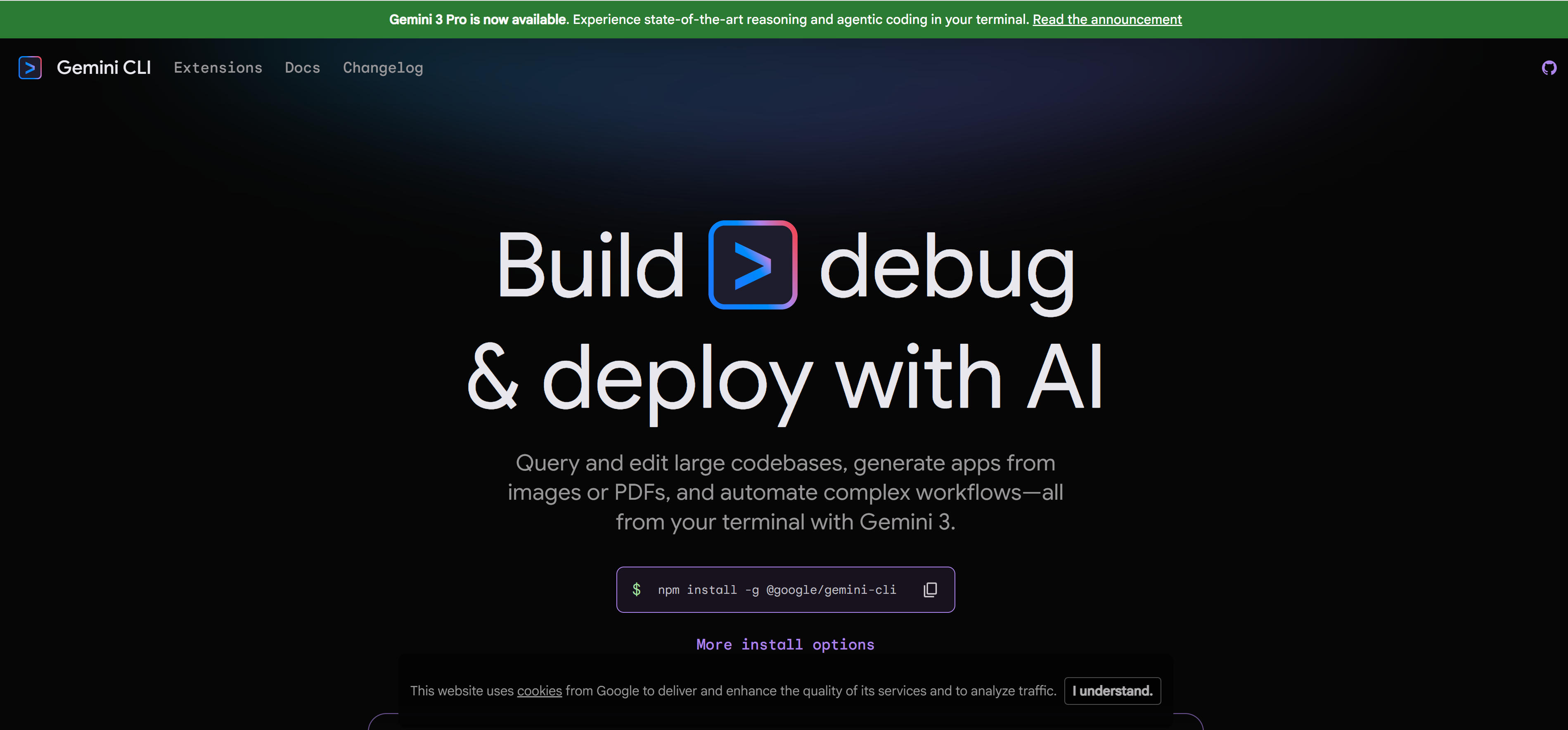
Gemini CLI is Google's open-source AI agent tool bringing Gemini 2.5 Pro's powerful capabilities directly to your terminal. It uses ReAct (Reasoning and Acting) loop architecture, understanding complex development contexts, executing commands, operating files, and interacting with external services.
Gemini CLI suits developers needing multimodal code understanding and rapid code generation. Its multimodal capabilities based on Gemini model simultaneously process code, documentation, and natural language. Terminal-first experience for command-line developers; powerful Gemini 2.5 Pro model with 1M token context window; built-in developer tools including Google search, file operations, shell commands, web scraping; GitHub integration supports automated PR review and issue classification.
3. Codex CLI: OpenAI Code Generation Tool
Codex CLI is OpenAI's lightweight open-source coding agent designed to run entirely on your local machine. Built on Rust for optimal speed and efficiency, it reads, modifies, and executes code in your chosen directory with configurable permission levels.
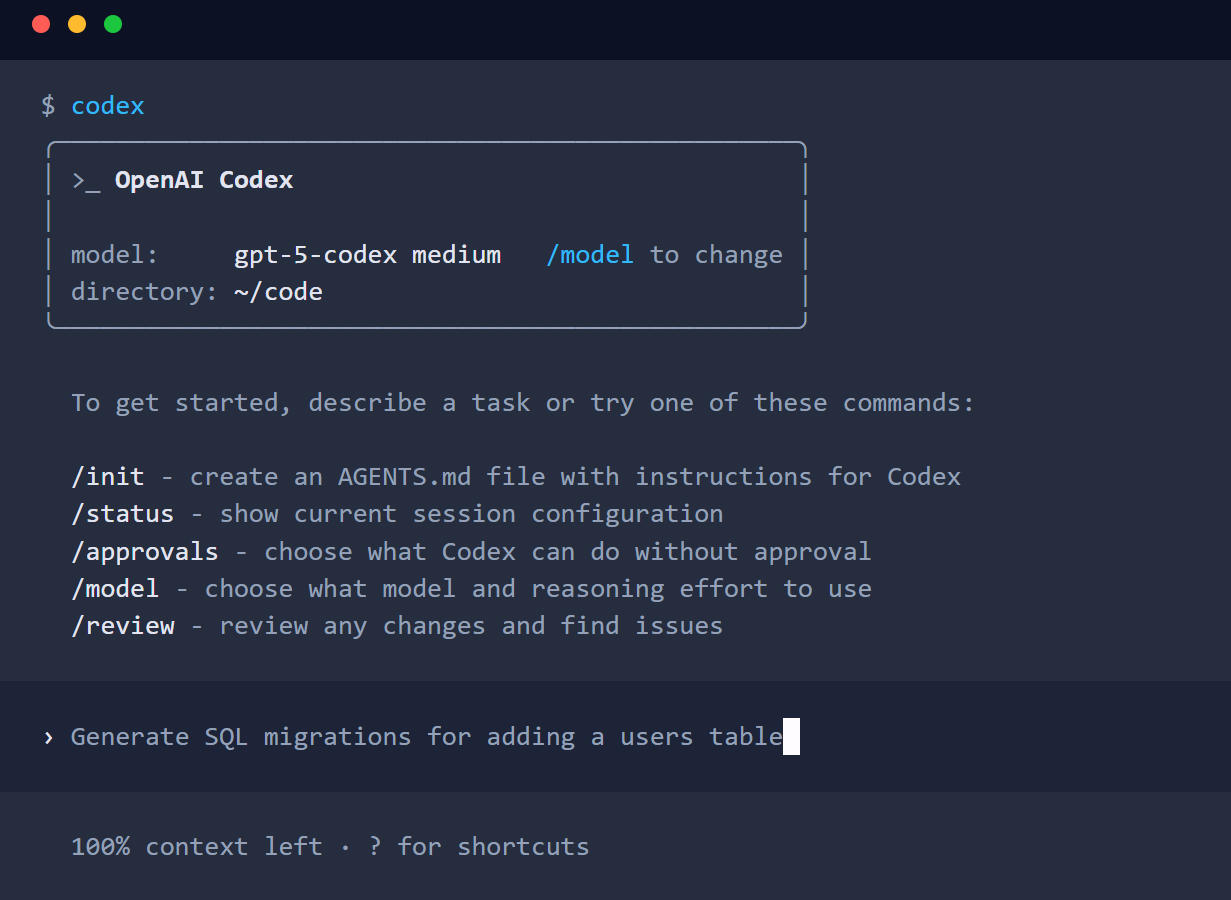
Codex CLI suits developers needing local execution and complete privacy control. Rust-based architecture provides lightning-fast performance; GPT-5-Codex model provides excellent code understanding. Local coding agent runs entirely on your machine, no cloud dependencies; Rust performance optimization for complex coding tasks; GPT-5-Codex model optimized for agentic coding; multimodal support accepts image input directly in terminal; flexible approval modes with configurable permission levels from read-only to full access.
4. Groq Code: High-Speed AI Code Generation
Groq Code CLI is a highly customizable, lightweight, open-source coding CLI powered by Groq, enabling instant iteration. It serves as a blueprint for developers to create custom AI coding assistants.
Groq Code suits developers needing rapid code generation and low-latency interaction. Its custom LPU (Language Processing Unit) silicon chip provides lightning-fast inference speeds, making coding feel instant. Lightning-fast inference, Groq LPU provides instant responses; highly customizable, serves as blueprint for building custom CLIs; lightweight architecture minimizes bloat, maximizes performance; developer-friendly, clear codebase design for extension and customization; multi-model support, access various Groq models and switch instantly; extensible tools, add custom tools, slash commands, and features matching your workflow.
5. Qwen Code: Alibaba Cloud AI Code Assistant
Qwen Code CLI is a powerful command-line AI workflow tool adapted from Gemini CLI, specifically optimized for Qwen3-Coder model. It enhances your development workflow through advanced code understanding and intelligent assistance.
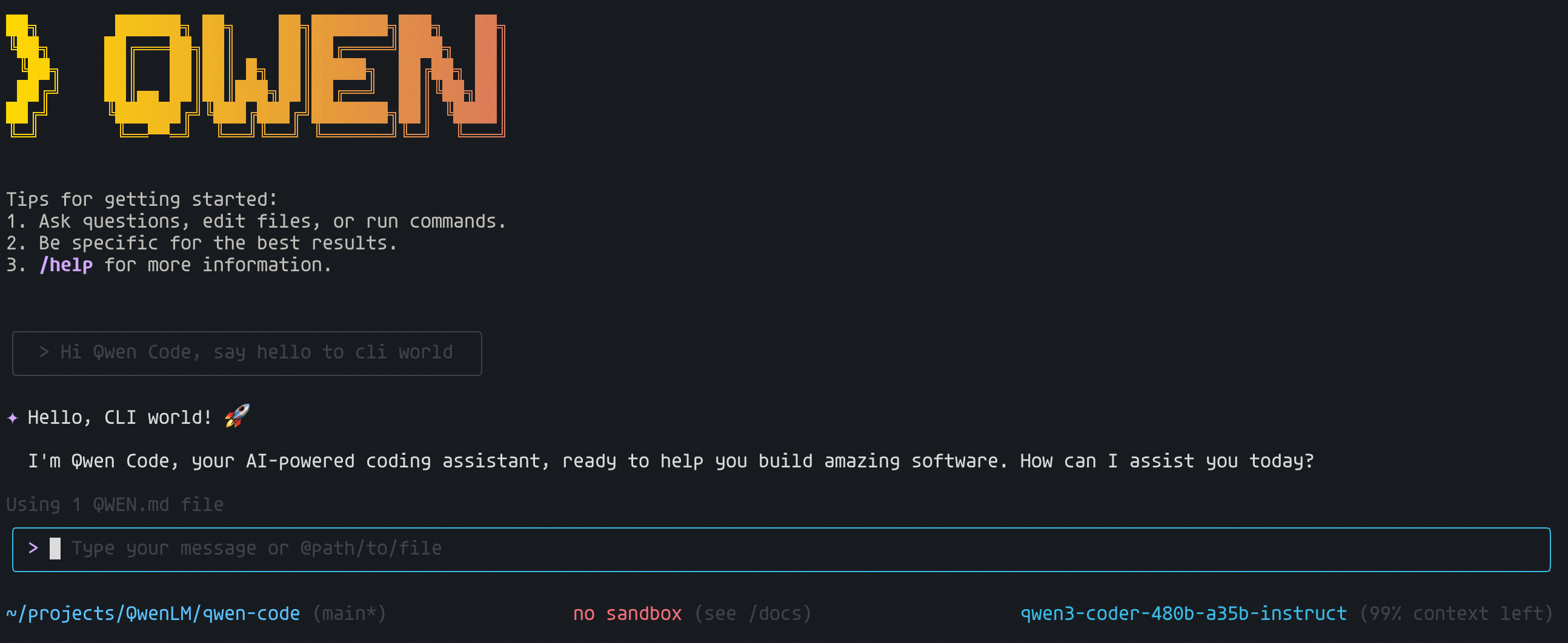
Qwen Code suits developers needing Chinese code understanding and localized support. Its optimization based on Qwen3-Coder model understands Chinese comments and documentation, providing code suggestions more aligned with Chinese developer habits. Performance optimization based on proven Gemini CLI architecture, specifically optimized for Qwen3-Coder model; advanced features with vision model support, enhanced parser, intelligent session management; code understanding and editing queries and edits large codebases beyond traditional context window limits; workflow automation automates operational tasks like handling pull requests, complex rebases, development workflows; free options provide multiple free authentication options including Qwen OAuth, 2000 requests per day.
6. CodeRabbit CLI: AI Code Review Tool
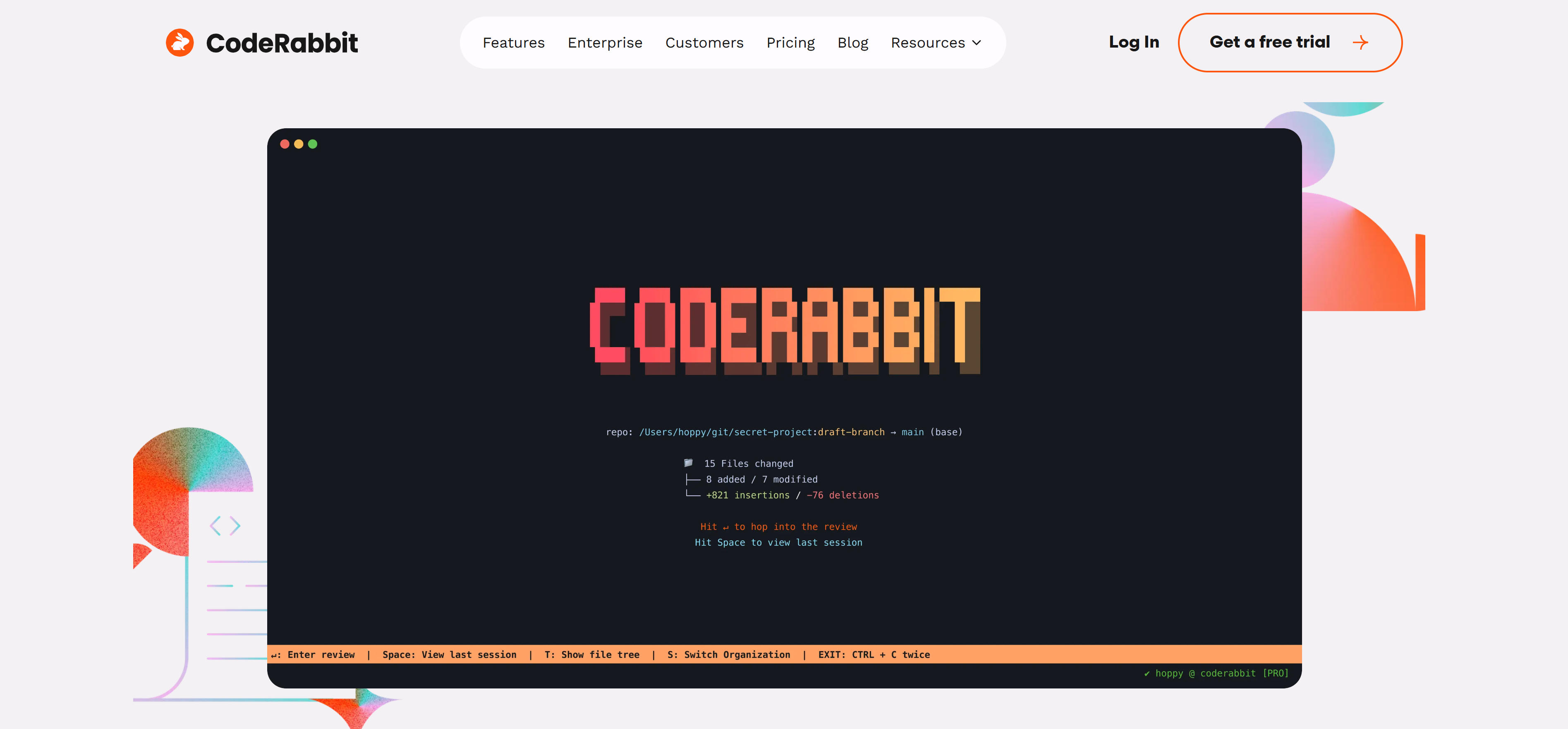
CodeRabbit CLI is an AI code review tool running directly in your terminal, providing intelligent code analysis and catching issues early in development workflows. It seamlessly integrates with AI coding agents like Claude Code, Cursor CLI, and Gemini CLI, ensuring your code meets standards before production readiness.
CodeRabbit CLI suits development teams needing automated code review and quality assurance. Its powerful review capabilities automatically detect potential issues, providing instant feedback and improvement suggestions. Line-by-line review with senior developer-level attention, AI-driven inline review comments; one-click fixes easily incorporate review comments into codebase in CLI; review uncommitted changes get instant feedback on code including staged and unstaged commits without waiting for PR; use AI fixes CodeRabbit CLI passes recommended code changes and deep context to your AI agent via prompts; context-aware review truly understands context and complex dependencies behind code changes; free terminal review provides senior engineer-level review in CLI at no cost.
AI CLI Tools Comparison
Here's a detailed comparison of leading AI CLI tools to help you quickly understand features, use cases, and suitability:
| Tool Name | Core Features | Main Use Cases | Pricing Model |
|---|---|---|---|
| Claude Code | Anthropic AI code assistant, enterprise security, Unix philosophy | Code generation, code editing, Git workflows, enterprise development | Paid subscription |
| Gemini CLI | Google AI code assistant, open-source free, multimodal understanding | Code generation, code review, GitHub integration, multimodal analysis | Free to use |
| Codex CLI | OpenAI code generation tool, local execution, Rust performance | Code generation, code completion, local development, privacy protection | Paid subscription |
| Groq Code | High-speed AI code generation, customizable, lightweight | Rapid code generation, real-time iteration, custom CLI development | Paid subscription |
| Qwen Code | Alibaba Cloud AI code assistant, Chinese code understanding, free to use | Chinese code generation, code review, workflow automation | Free to use |
| CodeRabbit CLI | AI code review tool, pre-commit review, AI agent integration | Code review, quality assurance, error detection, AI code quality gates | Free to use |
Use Cases
AI CLI tools play important roles across multiple fields, from code review and batch processing to automation tasks, with different tools suited to different scenarios.
Code Generation and Editing
- Code generation:Claude Code, Gemini CLI, Codex CLI generate code based on natural language descriptions, helping developers quickly implement features.
- Code editing:Groq Code, Qwen Code quickly edit code via command line, suitable for scenarios needing quick code modifications.
Code Review and Quality Assurance
- Automated review:CodeRabbit CLI automatically detects potential issues, provides improvement suggestions, helping developers improve code quality.
- Error detection:Gemini CLI, Qwen Code analyze code structure, identify optimization opportunities, suggest optimization solutions.
Server Environment Development
- Remote development:AI CLI tools suit server environments, remote development, or command-line environments, completing development tasks without graphical interfaces.
- Rapid response:Groq Code provides extremely fast response speeds, suitable for development scenarios needing rapid iteration.
How to Choose AI CLI Tools
When choosing AI CLI tools, consider multiple factors including AI model selection, programming languages, feature needs, and budget. Here are key factors to consider:
AI model selection:Different tools based on different AI models have unique advantages. Claude Code suits complex code understanding and enterprise development; Gemini CLI suits multimodal code understanding and open-source needs; Codex CLI suits local execution and privacy protection; Groq Code suits rapid response and custom development; Qwen Code suits Chinese code understanding; CodeRabbit CLI suits code review. Choose appropriate models based on needs.
Programming languages:Evaluate language support, framework support, and library support. Choose tools providing required support based on programming languages.
Feature needs:Evaluate code generation, code review, automation tasks, and error fixing features. Choose tools providing required features based on feature needs.
Response speed:Response speeds vary significantly. Groq Code provides extremely fast response; Claude Code, Gemini CLI provide balanced speed and quality; CodeRabbit CLI focuses on code review. Choose appropriate tools based on response speed requirements.
Budget considerations:Pricing models vary significantly. Gemini CLI, Qwen Code, CodeRabbit CLI offer free use; Claude Code, Codex CLI, Groq Code require paid subscriptions. Choose appropriate plans based on usage frequency and budget.
Try 2-3 tools first, compare, then choose the best fit. Different scenarios may require different tools. For example, code generation may suit Claude Code or Codex CLI better, code review may suit CodeRabbit CLI better, rapid response may suit Groq Code better. AI tools should act as collaborative partners in coding, not replacements for human programming capabilities. They handle repetitive, templated coding work, allowing developers to focus on architecture design, business logic, and quality control. Learn more about AI coding tools and AI IDE tools to better utilize AI CLI tools.
Conclusion
AI CLI tools are revolutionizing command-line development, providing unprecedented automation for developers. From code assistants based on general models like Claude, Gemini to professional code generation tools based on Codex, to high-speed inference engines based on Groq, these tools cover complete development workflows from code generation to automation tasks.
For code generation needs, Claude Code, Gemini CLI, Codex CLI generate high-quality code based on natural language descriptions, significantly improving development efficiency. For code review needs, CodeRabbit CLI automatically detects potential issues, provides improvement suggestions, significantly improving code quality. For rapid response needs, Groq Code provides extremely fast response speeds, suitable for development scenarios needing rapid iteration. AI tools should act as collaborative partners in coding, handling repetitive, templated coding work, allowing developers to focus on architecture design, business logic, and quality control.