What are 3D Modelling Tools
3D modelling tools are professional software for designers and artists to create and edit 3D models. These tools provide rich modelling features including polygon modelling, NURBS modelling, sculpting, and procedural modelling, creating everything from simple geometry to complex organic shapes. They're widely used in architecture, industrial design, game development, film production, and product design.
3D modelling tools provide fine control and professional features for creating high-quality 3D models. Unlike AI 3D generators that quickly generate drafts, modelling tools focus on fine-tuning and professional production. Best practice combines both: use AI tools for quick drafts, then modelling tools for refinement and optimization. Modern tools integrate modelling, rendering, animation, and physics simulation, forming complete 3D creation workflows.
3D Modelling Technology Overview
Modern 3D modelling uses polygon modelling, NURBS modelling, sculpting, and procedural modelling. Polygon modelling manipulates vertices, edges, and faces, the most common method; NURBS uses mathematical curves and surfaces for precise models, suitable for industrial design and architecture; sculpting creates organic shapes like sculpture, suitable for characters and creatures; procedural modelling uses algorithms and parameters to auto-generate models, suitable for complex scenes and repetitive elements.
Core advantages include fine control (precise adjustment of every detail), professional features (rich tools and functions), industry standards (compliance for collaboration and export), and complete workflows (integrated modelling, rendering, animation). Different tools use different methods but all aim to provide powerful modelling capabilities and professional workflows.
Best 3D Modelling Tools 2025
Top 3D modelling tools for 2025, covering architecture, industrial design, game development, and film production to help you choose the best solution.
1. SketchUp
SketchUp is renowned for ease of use and powerful features, the preferred tool for architecture and design. SketchUp provides an intuitive interface and rich modelling tools for rapid 3D model creation, ideal for architecture, interior design, and product design. The tool offers intuitive push-pull tools for quick 3D geometry creation.
SketchUp provides a rich plugin library including rendering, animation, and import/export plugins. The tool supports multiple versions including free, professional, and Studio versions. SketchUp also provides cloud collaboration for real-time team editing of 3D models.

SketchUp suits architects and designers needing rapid building model and design prototype creation for architecture, interior design, and product design.
2. Autodesk 3ds Max
Autodesk 3ds Max is a professional 3D modelling software widely used in games, film, and architecture. 3ds Max provides powerful modelling, rendering, and animation features, the preferred tool for professional 3D artists and designers. The tool offers multiple modelling methods including polygon, NURBS, and procedural modelling.
3ds Max provides powerful rendering engines including Arnold and V-Ray for photorealistic rendering. The animation system supports keyframe animation, skeletal animation, and physics simulation. The tool also provides a rich plugin ecosystem and script support for extending functionality.
3ds Max suits professional users needing complex 3D models for game development, film production, and architecture.
3. Blender
Blender is a free, open-source 3D modelling tool supporting multiple features, popular in creative communities. Blender provides a complete 3D creation toolkit including modelling, animation, rendering, and video editing, completely free and open-source. The tool offers multiple modelling methods including polygon, sculpting, and procedural modelling.
Blender provides powerful Cycles and EEVEE rendering engines for high-quality rendering. The animation system supports keyframe animation, skeletal animation, physics simulation, and particle systems. The tool also provides rich plugins and script support for extending functionality.
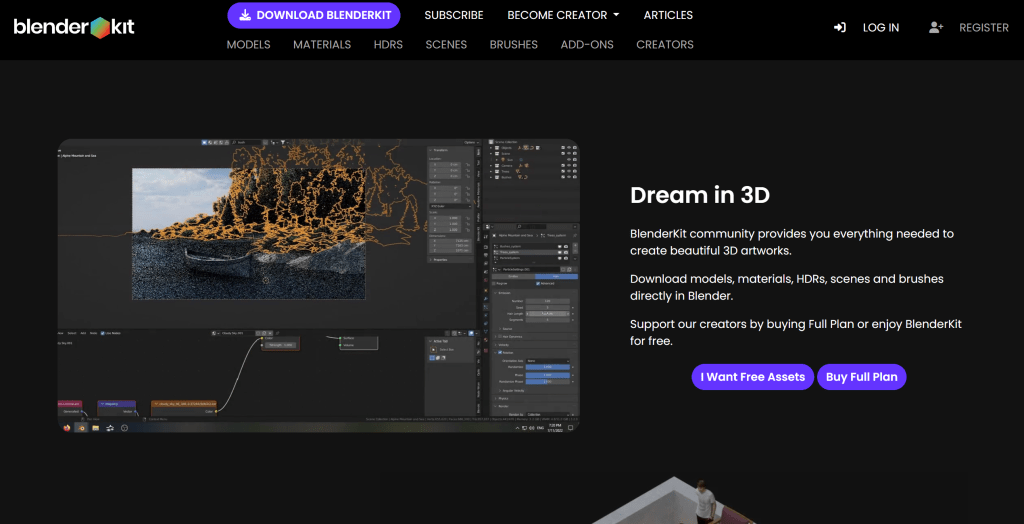
Blender suits users needing free 3D modelling tools for personal creation, education, and commercial projects.
4. Rhinoceros
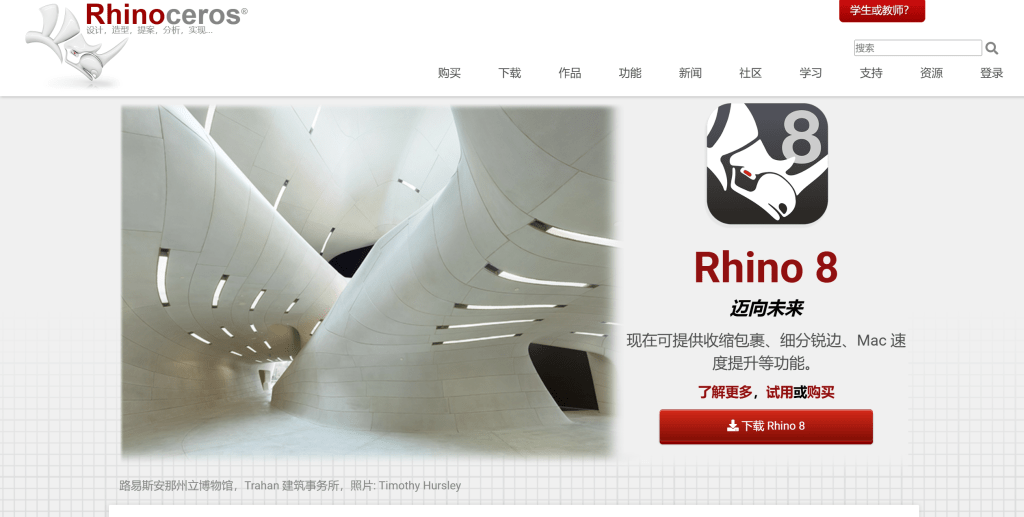
Rhinoceros excels at precise modelling and rich plugins, suitable for industrial design and architecture. Rhinoceros focuses on NURBS (Non-Uniform Rational B-Spline) modelling, creating precise curves and surfaces, ideal for industrial design and architecture requiring precise modelling. The tool provides a complete NURBS modelling toolkit for complex curves and surfaces, supporting precise mathematical modelling.
Rhinoceros provides a rich plugin ecosystem including Grasshopper parametric modelling, V-Ray rendering, and various import/export plugins. The tool offers Windows and Mac versions. For industrial design, architecture, and product design projects needing precise 3D models, Rhinoceros provides complete solutions.
Rhinoceros suits industrial designers and architects needing precise modelling for product design, architecture, and industrial design.
5. Shapr3D
Shapr3D is a 3D modelling tool designed for iPad, supporting touch operations, suitable for mobile work. Shapr3D uses iPad touch screens and Apple Pencil for intuitive 3D modelling, enabling professional 3D model creation on mobile devices. The tool provides a complete 3D modelling toolkit including sketching, 3D modelling, assembly, and rendering.
Shapr3D provides cloud sync for accessing and editing 3D models across devices, convenient for mobile work and collaboration. The tool offers multiple subscription plans including free, Pro, and Enterprise versions. For product design, industrial design, and architecture projects needing mobile 3D modelling, Shapr3D provides efficient solutions.
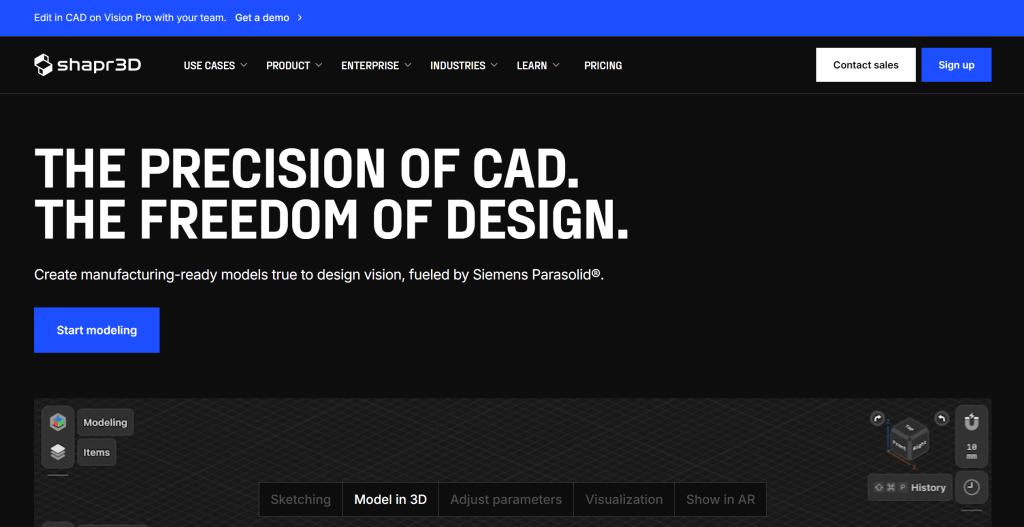
Shapr3D suits users needing 3D modelling on mobile devices for product design, industrial design, and architecture.
3D Modelling Tools Comparison
Comparison of leading 3D modelling tools to help you understand features and use cases:
| Tool Name | Core Features | Main Use Cases | Pricing Model |
|---|---|---|---|
| SketchUp | Ease of use, rapid modelling, rich plugin ecosystem | Architecture, interior design, product design | Free + subscription |
| Autodesk 3ds Max | Professional features, powerful rendering, complete animation | Game development, film production, architecture | Subscription |
| Blender | Free open-source, complete toolkit, active community | Personal creation, education, commercial projects | Completely free |
| Rhinoceros | Precise NURBS modelling, rich plugins, parametric design | Industrial design, architecture, product design | One-time purchase |
| Shapr3D | Mobile modelling, touch operation, cloud sync | Product design, industrial design, architecture | Free + subscription |
Application Scenarios
3D modelling tools have wide applications from architecture to game development. In architecture, architects use 3D tools to create building models, interior scenes, and visualizations, improving design efficiency and communication. In industrial design, designers use 3D tools to create product prototypes, concepts, and engineering drawings, accelerating development.
In game development, developers use 3D tools to create game characters, props, and scenes, providing rich visual assets. In film production, 3D artists use 3D tools to create effects, scenes, and characters, providing powerful visual support. In product design, designers use 3D tools to create product prototypes and visualizations, helping clients better understand and evaluate designs.
How to Choose 3D Modelling Tools
When choosing 3D modelling tools, consider: 1. Application field: Determine primary use (architecture, industrial design, game development, etc.); 2. Feature requirements: Assess if tools provide needed features like modelling, rendering, animation; 3. Learning curve: Consider learning difficulty and onboarding time; 4. Budget: Choose plans based on budget, some tools offer free versions; 5. Platform support: Select tools supporting your primary devices; 6. Community and support: Choose tools with active communities, complete documentation, and good customer support.
Try several tools first, then choose the best fit. Different scenarios may require different tools. For example, architecture may suit SketchUp, game development may suit 3ds Max or Blender, industrial design may suit Rhinoceros.