What are AI Browsers
AI browsers are web browsers integrated with artificial intelligence technology, capable of understanding natural language instructions, automatically executing complex web tasks, and providing intelligent interactions. Unlike traditional search engines, AI browsers can not only search for information but also automatically complete data collection, form filling, content analysis, and other operations, significantly improving browsing efficiency and productivity.
Compared to traditional browsers, AI browsers excel at automatic task execution, intelligent data processing, and personalized services. These browsers feature built-in AI agents that understand user intent, create execution plans, and automatically complete multi-step tasks. Modern AI browsers can handle login authentication, CAPTCHA verification, cross-platform data synchronization, and other complex scenarios, truly transforming from passive browsing to active execution.
AI Browser Technology Overview
Modern AI browser technology is based on large language models (LLM) and intelligent agent architectures, capable of understanding natural language instructions, learning user behavior patterns, and automatically executing complex web operations. Compared to traditional browser technology, AI browsers significantly improve task automation, intelligent interaction, and personalized services.
Core advantages include: understanding (natural language descriptions and user intent), execution (automatic web operations like clicking, typing, scrolling), learning (learning preferences and patterns from user behavior), planning (breaking down complex tasks into steps and executing them in order). Different browsers use different architectures: native AI browsers build AI capabilities from the ground up, traditional browsers integrate AI services (like Chrome with Gemini), hybrid browsers combine traditional browsing with AI agent capabilities.
Native AI Browsers
Native AI browsers are designed specifically for AI functionality, integrating AI capabilities at the architectural level, providing more powerful automation and intelligent features. These browsers typically feature built-in AI agent systems that understand user intent, automatically execute tasks, and provide intelligent suggestions.
1. ChatGPT Atlas
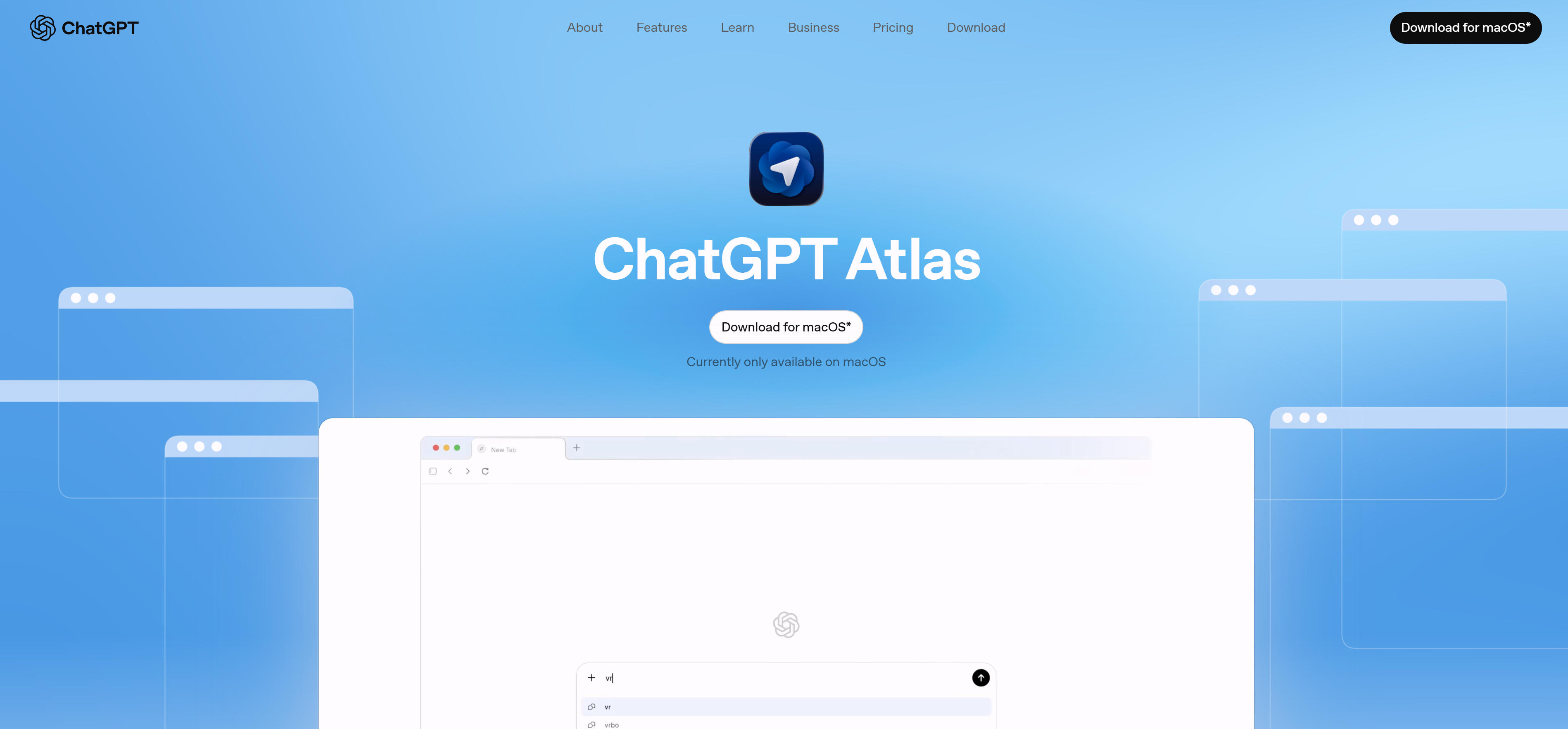
ChatGPT Atlas is OpenAI's AI browser, based on GPT model technology, capable of understanding natural language instructions and automatically browsing web pages, extracting information, and executing tasks. Atlas's core feature is deep ChatGPT integration, allowing users to control browser behavior through conversation, achieving intelligent web browsing and task execution.
Atlas suits users needing deep information research and automated tasks, whether for academic research, market analysis, or content creation. The tool provides strong context understanding, remembering conversation history for coherent browsing experiences.
Atlas's deep ChatGPT integration makes it ideal for users needing intelligent conversational browsing. Its strong natural language understanding helps users quickly find information and automatically execute related tasks.
2. Arc
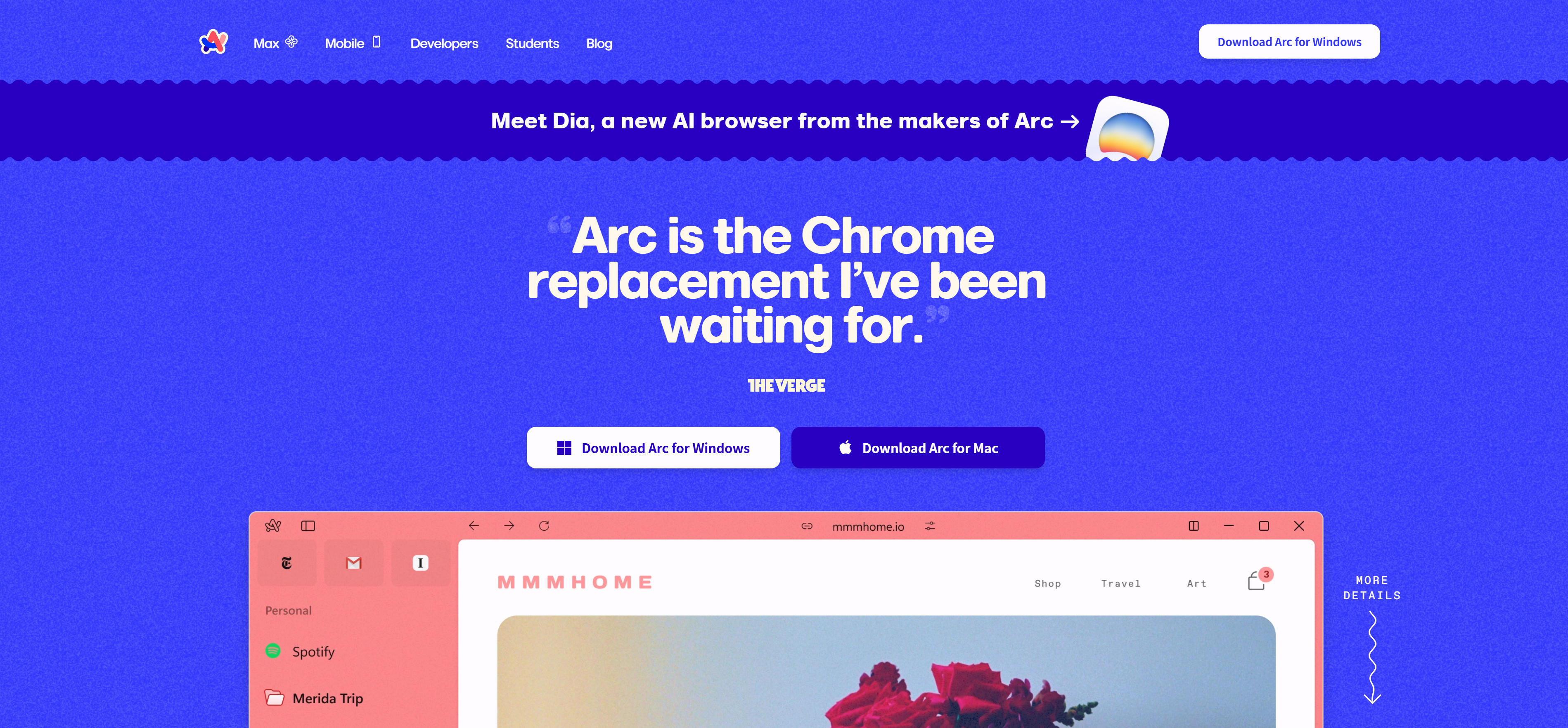
Arc is a modern browser developed by The Browser Company, known for its innovative interface design and AI-assisted features. Arc provides Spaces and Profiles functionality to help users organize different online activities, while integrating AI assistant features for intelligent suggestions and automation.
Arc suits users needing efficient organization and multitasking, whether for work, study, or personal projects. The tool also provides innovative features like Split View and Themes, allowing users to create personalized browsing environments.
Arc's innovative interface design and AI-assisted features make it ideal for users seeking efficient browsing. Its Spaces and Profiles help users better organize and manage online activities.
3. Perplexity Comet
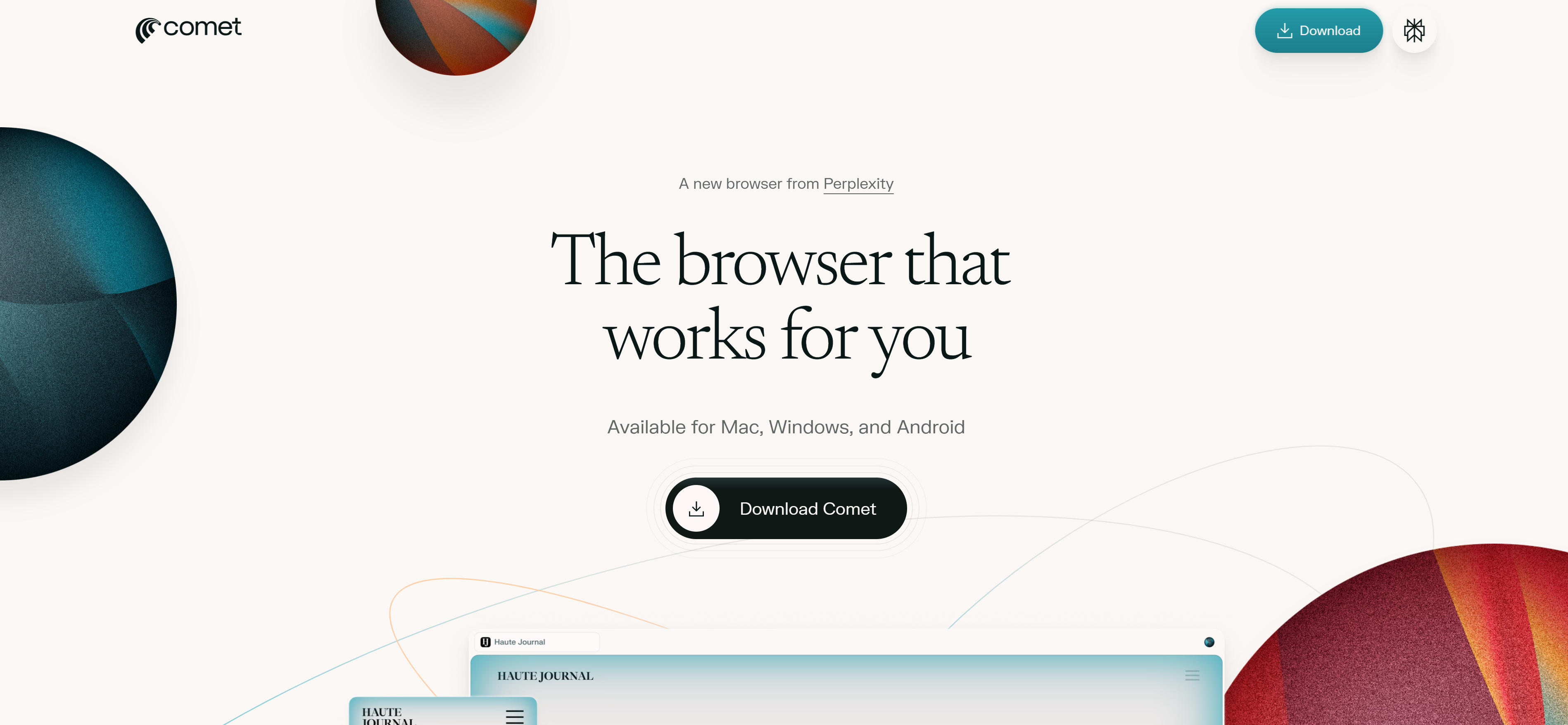
Perplexity Comet is Perplexity's AI browser, focused on intelligent search and answer generation. Comet combines search engine and AI conversation capabilities, understanding user questions, searching relevant information, generating comprehensive answers, and providing verifiable source citations.
Comet suits users needing deep research and information verification, whether for academic research, news analysis, or technical research. The tool also provides real-time search capabilities to access the latest web information.
Comet's intelligent search and answer generation make it ideal for users needing high-quality information research. Its verifiable source citations help users quickly verify information accuracy.
4. Fellou
Fellou is a powerful AI browser focused on automating complex web tasks and workflows. Fellou provides Deep Action Agent functionality, understanding user intent, creating execution plans, and automatically completing cross-platform tasks including data collection, form filling, report generation, and more.
Fellou suits users needing automation of repetitive tasks, whether for market research, data analysis, or content management. The tool also provides Agentic Memory functionality, learning user behavior patterns to offer personalized automation suggestions.
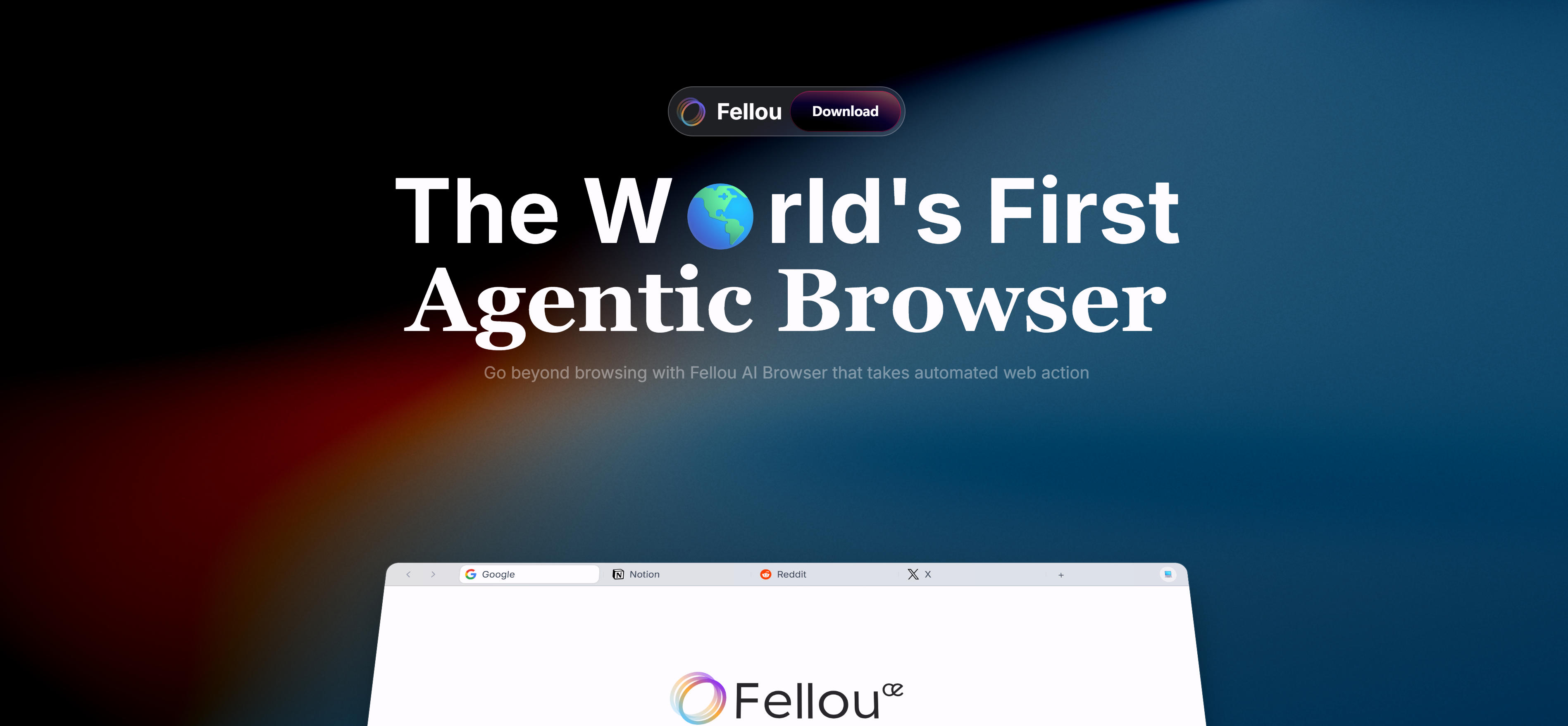
Fellou's deep action agent and automation capabilities make it ideal for users needing complex task automation. Its cross-platform workflow support helps users significantly improve work efficiency.
5. Dia Browser
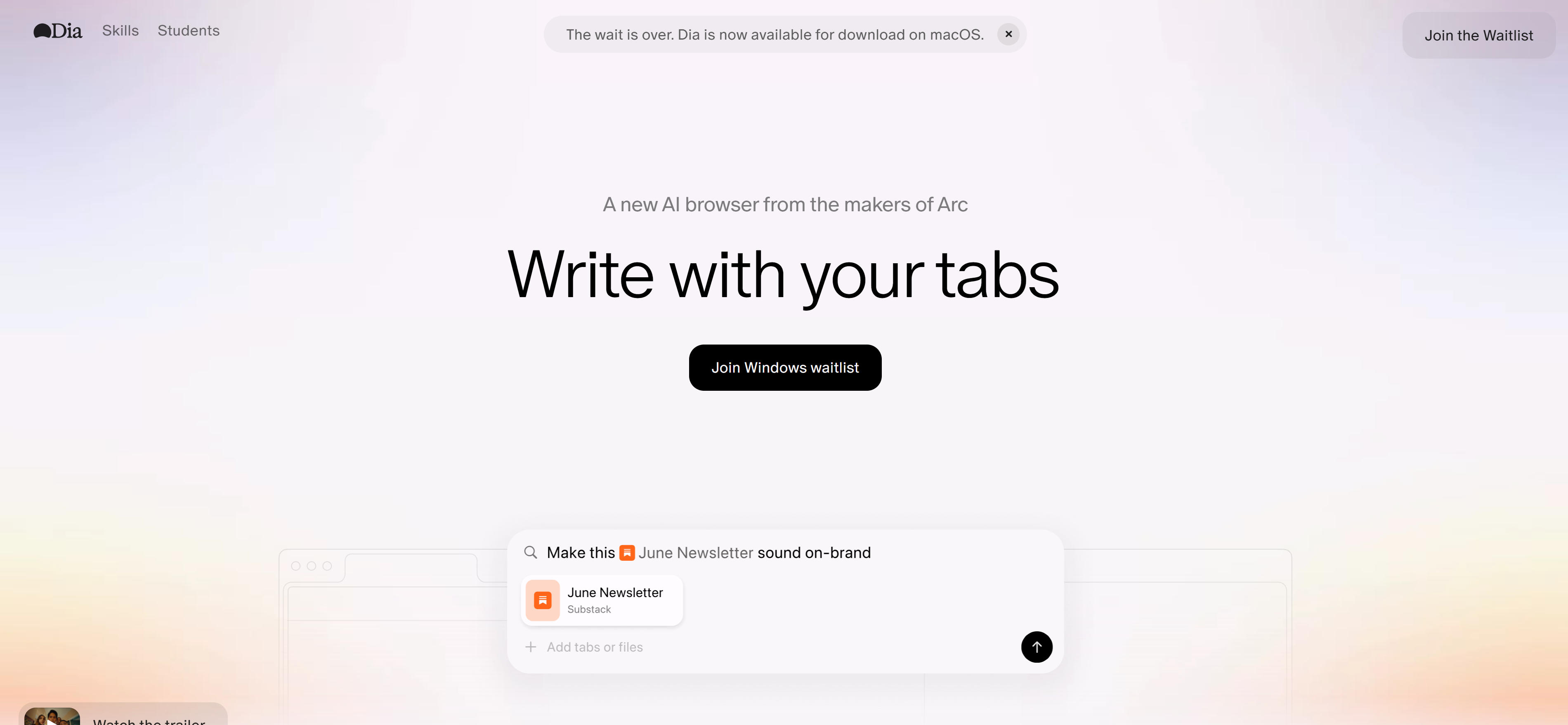
Dia Browser is an AI browser developed by the Arc team, focused on intelligent writing and learning assistance. Dia provides inline AI assistant functionality, offering writing suggestions, translation services, content summaries, and more in any text box, making AI assistants writing partners in every text field.
Dia suits users needing writing assistance and learning support, whether for content creation, academic research, or language learning. The tool also provides YouTube timestamps, meeting summary generation, and other features, significantly improving information processing efficiency.
Dia's inline AI assistant and writing support make it ideal for users needing real-time AI help. Its intelligent learning features help users better understand and master new knowledge.
6. Yandex Browser
Yandex Browser is a browser developed by Russian company Yandex, featuring built-in AI assistant functionality for intelligent search, content recommendations, translation services, and more. Yandex Browser integrates Yandex's AI technology, understanding Russian and multiple languages, providing localized intelligent services.
Yandex Browser suits Russian-speaking users and those needing multilingual support, providing strong localization features and AI assistance. The tool also provides Turbo mode, data synchronization, and other features to improve browsing speed and user experience.
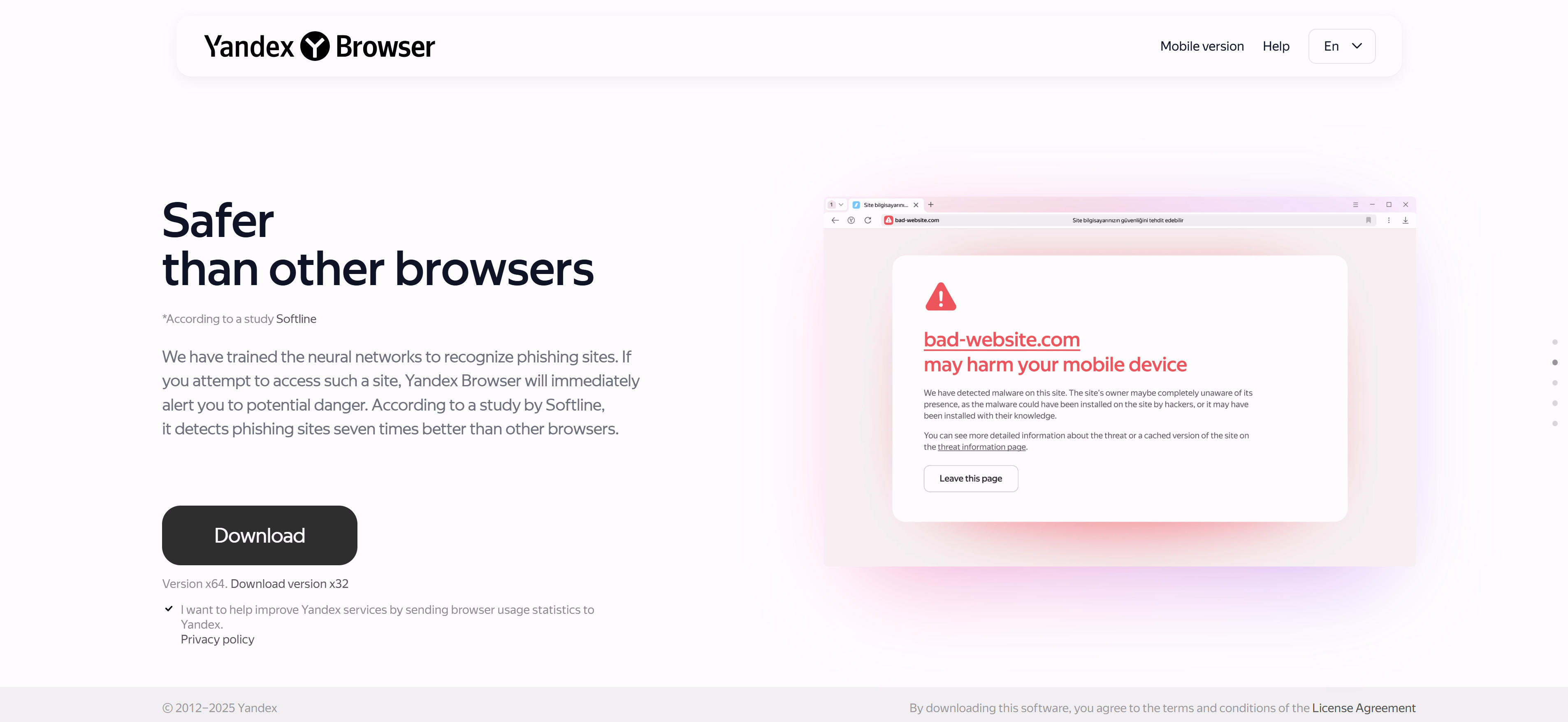
Yandex Browser's multilingual support and localization features make it ideal for users needing Russian AI services. Its intelligent search and content recommendations help users quickly find needed information.
7. Strawberry Browser
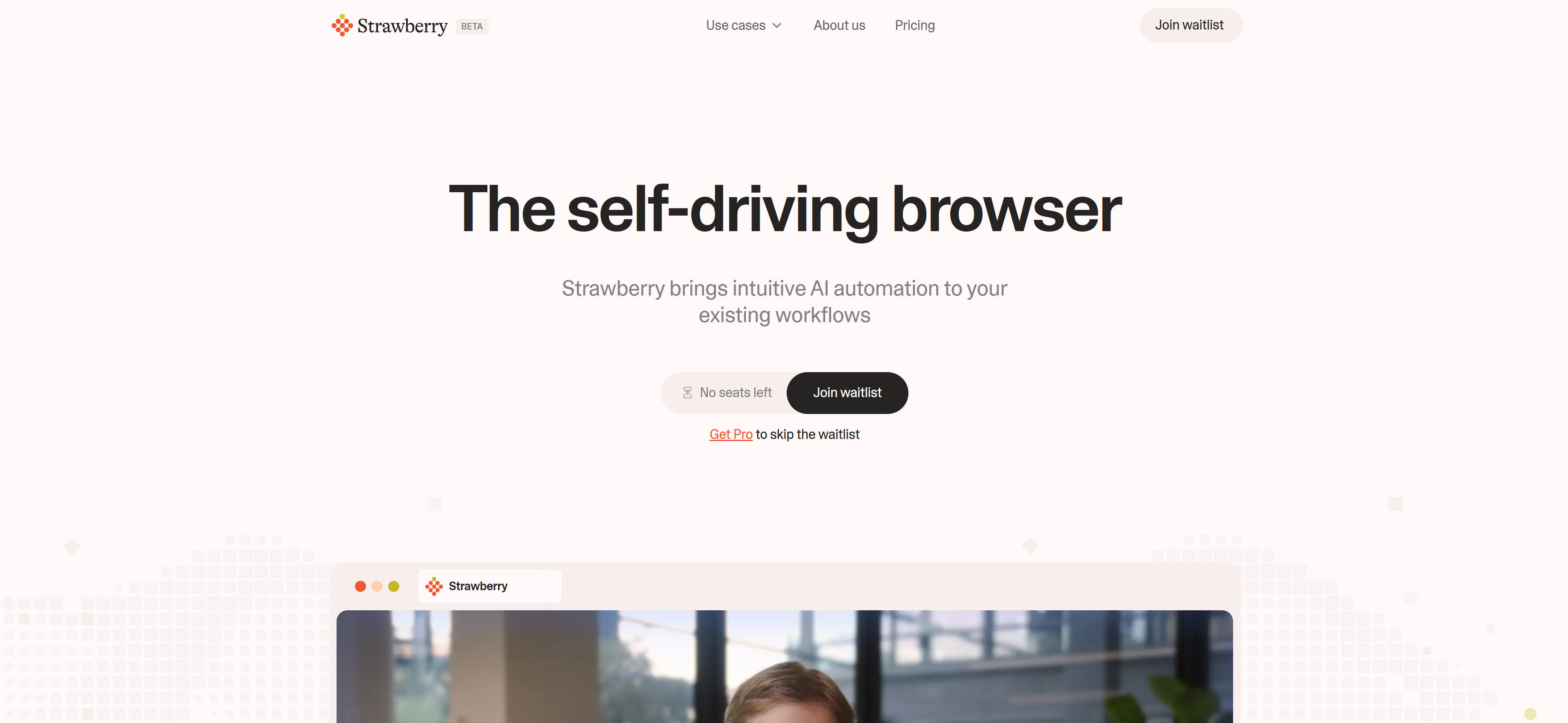
Strawberry Browser is a browser with integrated AI automation features, allowing users to create and manage multiple AI assistants that can perform scrolling, clicking, typing, and other operations on web pages. Strawberry provides specialized AI assistants like Sales Sally, Recruiter Ryan, Extractor Ella, and more.
Strawberry suits users needing automation of specific workflows, whether for sales lead mining, recruitment screening, or data collection. The tool also supports custom assistant creation, allowing users to adjust assistant behavior according to their needs.
Strawberry's specialized AI assistants and automation features make it ideal for users needing specific workflow automation. Its custom assistant functionality helps users create AI assistants that match their needs.
8. Sigma Browser
Sigma Browser is an AI browser emphasizing privacy protection, featuring locally running GPT agents that can execute various tasks on users' laptops. Sigma's AI agents can perform tasks within websites like logging in, filling forms, extracting data, similar to an autopilot for websites.
Sigma suits users needing privacy protection and local AI processing, providing strong local AI capabilities ensuring user data isn't uploaded to the cloud. The tool also supports multiple application scenarios including memory operations, booking and checkout, data extraction, email cleanup, and more.
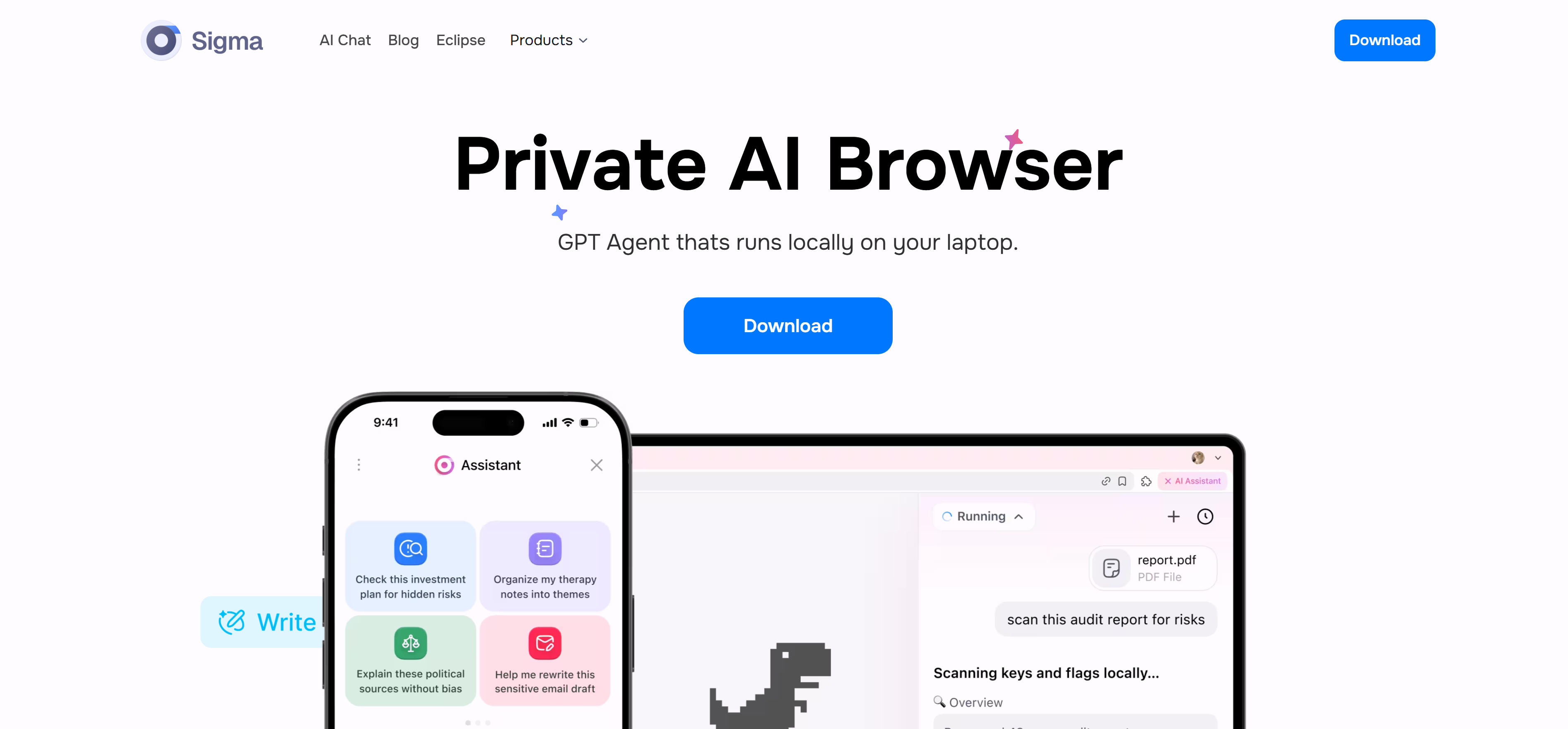
Sigma's local AI processing and privacy protection features make it ideal for users needing data security. Its strong automation capabilities help users complete various web tasks while protecting user privacy.
Traditional Browsers with AI Features
Traditional browsers provide intelligent features by integrating AI services. While not as deeply integrated as native AI browsers, they still offer practical AI assistance. These browsers typically integrate third-party AI services (like Google's Gemini, OpenAI's GPT), adding AI capabilities while maintaining traditional browsing experiences.
1. Chrome
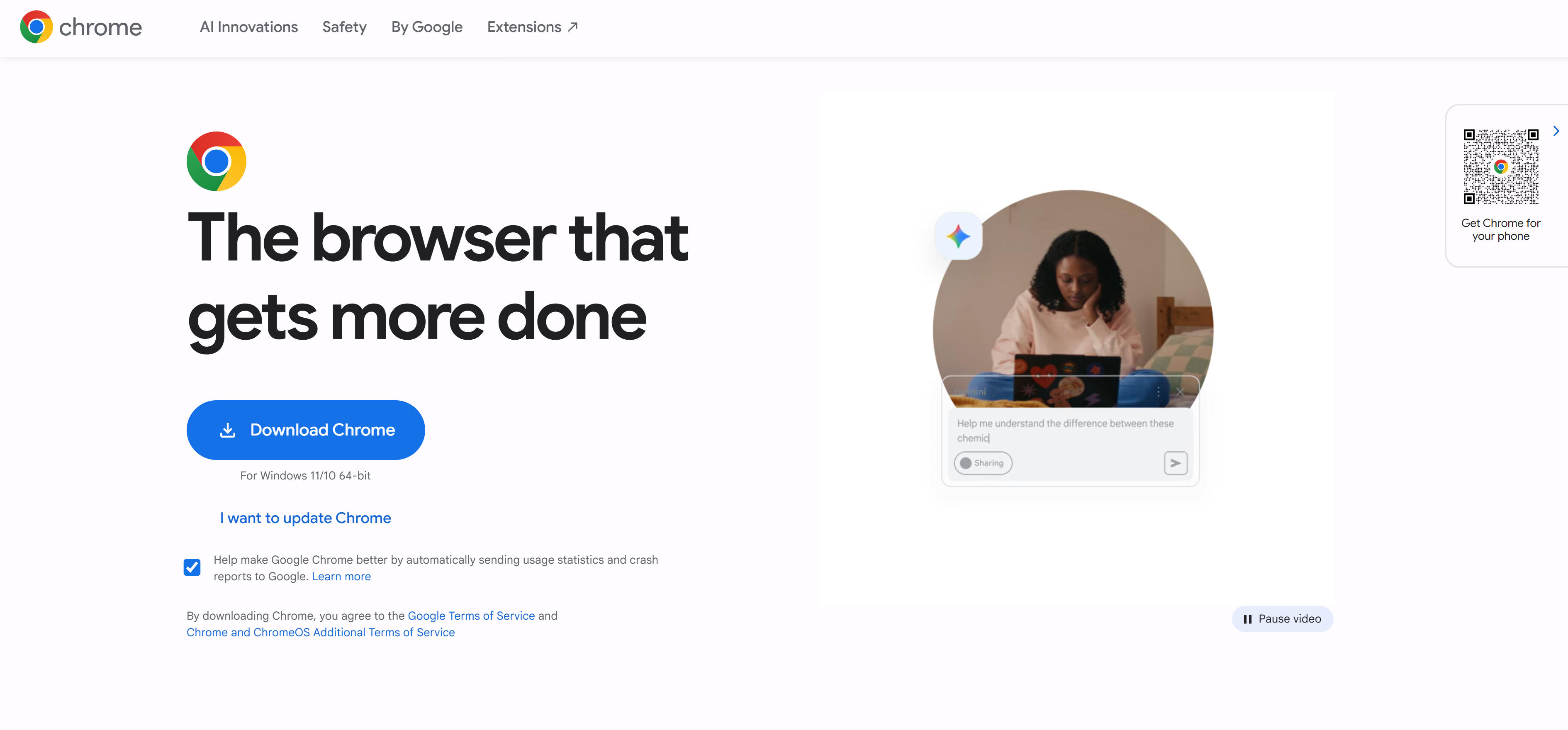
Chrome is Google's browser, providing intelligent features through Gemini AI model integration. Chrome's AI features include intelligent search suggestions, content summaries, writing assistance, and more. Users can access AI assistants through the sidebar for real-time intelligent help.
Chrome's AI features suit users needing deep integration with Google's ecosystem, providing seamless integration with Google Search, Gmail, Docs, and other services. The tool also provides AI-generated themes, tab organization, and other features for better browsing management.
Chrome's Gemini AI integration makes it ideal for users needing Google ecosystem AI services. Its intelligent search and content summary features help users quickly access needed information.
2. Quark Browser
Quark Browser is a mobile browser developed by Alibaba, featuring built-in AI assistant functionality for intelligent search, content recommendations, voice interaction, and more. Quark Browser integrates Alibaba's large model technology, understanding Chinese context and providing localized intelligent services.
Quark Browser suits Chinese users, providing strong Chinese AI capabilities and localization features. The tool also provides quick search, intelligent cards, content aggregation, and other features to help users quickly access needed information.

Quark Browser's Chinese AI capabilities and localization features make it ideal for Chinese users. Its intelligent search and content recommendation features help users quickly find needed information.
AI Browser Comparison
Below is a detailed comparison of mainstream AI browsers to help you quickly understand each browser's features, application scenarios, and suitability:
| Browser Name | Core Features | Main Use Cases | Type |
|---|---|---|---|
| ChatGPT Atlas | ChatGPT deep integration, conversational browsing, intelligent task execution | Deep information research, automated tasks | Native AI Browser |
| Arc | Innovative interface design, Spaces and Profiles, AI assistance | Efficient organization, multitasking | Native AI Browser |
| Perplexity Comet | Intelligent search, answer generation, source citations | Deep research, information verification | Native AI Browser |
| Fellou | Deep action agent, cross-platform automation, agentic memory | Complex task automation, workflow management | Native AI Browser |
| Dia Browser | Inline AI assistant, writing assistance, learning support | Content creation, academic research, language learning | Native AI Browser |
| Yandex Browser | Multilingual support, localization features, intelligent search | Russian users, multilingual needs | Native AI Browser |
| Strawberry Browser | Specialized AI assistants, custom assistants, automated operations | Sales, recruitment, data extraction | Native AI Browser |
| Sigma Browser | Local AI processing, privacy protection, automated tasks | Privacy-sensitive users, local processing needs | Native AI Browser |
| Chrome | Gemini AI integration, Google ecosystem integration, intelligent search | Google users, traditional browsing experience | Traditional Browser |
| Quark Browser | Chinese AI capabilities, localization features, intelligent search | Chinese users, mobile browsing | Traditional Browser |
Application Scenarios
AI browsers play important roles across multiple fields, from information research to task automation, from content creation to data analysis. Different browsers suit different application scenarios.
Information Research and Analysis
- Browsers like Perplexity Comet and ChatGPT Atlas can automatically search relevant information, generate research reports, and provide source citations.
- These tools suit academic research, market analysis, competitor research, significantly improving research efficiency.
Task Automation
- Browsers like Fellou and Strawberry Browser can automatically execute data collection, form filling, email management, and other repetitive tasks.
- These tools suit users handling large amounts of repetitive work, significantly improving work efficiency.
Content Creation and Learning
- Browsers like Dia Browser and Arc provide writing assistance, content summaries, learning support, and other features.
- These tools suit content creators, students, and researchers, providing real-time AI help.
How to Choose AI Browsers
When choosing AI browsers, consider multiple factors including usage needs, technical ability, privacy requirements. Key factors to consider:
- Usage Needs: First, clarify usage needs. Deep information research suits browsers like Perplexity Comet and ChatGPT Atlas; task automation suits browsers like Fellou and Strawberry Browser; content creation suits browsers like Dia Browser; traditional browsing experience suits traditional browsers like Chrome and Quark. Different browsers suit different needs.
- Technical Ability: Evaluate your technical ability. Non-technical users suit simple browsers like Chrome and Quark; users with some technical background suit browsers requiring configuration like Arc and Dia Browser; technical users suit browsers providing advanced features like Fellou and Sigma Browser.
- Privacy Requirements: Evaluate privacy protection needs. Users needing local processing and data security suit local AI browsers like Sigma Browser; users accepting cloud processing suit cloud AI browsers like ChatGPT Atlas and Fellou; users needing Google ecosystem integration suit Chrome.
- Platform Support: Evaluate browser platform support. Desktop users can choose desktop browsers like Arc, Dia Browser, Fellou; mobile users can choose mobile browsers like Quark Browser; users needing cross-platform sync can choose multi-platform browsers like Chrome.
- Language Support: Evaluate language support needs. Chinese users suit Chinese AI browsers like Quark Browser; Russian users suit Yandex Browser; multilingual users suit multi-language browsers like Chrome and Perplexity Comet.
Try 2-3 browsers first, then choose the best fit after comparison. Different scenarios may require different browsers. For example, deep research may suit Perplexity Comet better, task automation may suit Fellou better, content creation may suit Dia Browser better. Understand that AI browsers should serve as collaborative partners, not complete replacements for manual operations, handling repetitive work so users can focus on creative tasks.
Conclusion
AI browsers are revolutionizing web browsing, providing users with unprecedented intelligent and automated experiences. From native AI browsers like ChatGPT Atlas and Fellou to traditional browsers with built-in AI features like Chrome and Quark, these browsers cover the complete range from intelligent search to task automation.
For users needing deep information research and intelligent search, native AI browsers provide strong AI capabilities and automation, significantly improving browsing efficiency and productivity. For users needing traditional browsing experiences and ecosystem integration, traditional browsers' built-in AI features provide practical AI assistance without changing usage habits. Understand that AI browsers should serve as collaborative partners, not complete replacements for manual operations, handling repetitive work so users can focus on creative tasks.