Introduction: AI Meeting Note Tools
AI meeting note tools use AI to automatically record, transcribe, summarize, and organize meeting audio. Through speech recognition and natural language processing, they convert speech into text and extract key points, action items, and insights, allowing users to focus on discussion rather than note-taking.
Compared to manual notes, AI tools are more efficient and reduce human error. They provide accurate transcription and intelligent summaries for video, phone, and in-person meetings, significantly improving meeting recording efficiency.
Core value lies in improving meeting efficiency and ensuring no information is missed, allowing team members to focus on discussion and decisions rather than recording. However, AI tools aren't perfect. They work best with structured meeting content; for deep thinking and creative discussions, manual notes remain important. Best practice is human-AI collaboration: let AI handle transcription and initial summaries, humans focus on key decisions and action item confirmation.
AI Meeting Note Tools Technology Overview
Modern AI meeting note tools use speech recognition (ASR) and natural language processing (NLP) to convert meeting audio into text in real-time or post-meeting, extracting key information. Compared to traditional recording tools, AI tools significantly improve transcription accuracy, intelligent analysis, and feature diversity.
Core technologies include speech recognition (ASR), natural language understanding (NLU), speaker identification, and text summarization. ASR converts speech to text, NLU understands semantic meaning and context. Speaker identification distinguishes different speakers, text summarization generates concise meeting summaries.
Core advantages include automation and intelligent analysis. Automation saves time by automatically completing transcription and initial summaries. Intelligent analysis identifies key information, extracts action items, generates summaries, providing more valuable meeting records.
AI Meeting Note Tools Feature Comparison
Different AI meeting note tools have significant differences in features, use cases, and technical characteristics. The following table compares key features of major tools to help you quickly understand each tool's characteristics and use cases.
| Tool Name | Main Features | Use Cases | Pricing Model |
|---|---|---|---|
| Otter.ai | Real-time transcription, speaker identification, action item extraction, meeting summaries | Video meetings, in-person meetings, lecture recording | Free tier, paid subscription |
| Fireflies.ai | Auto recording, transcription, summaries, CRM integration, action item tracking | Sales meetings, customer communication, team collaboration | Free tier, paid subscription |
| Tactiq | Real-time transcription, AI summaries, action item extraction, meeting insights | Zoom, Google Meet, Microsoft Teams | Paid subscription |
| Read.ai | Real-time transcription, engagement analysis, meeting insights, action item tracking | Team meetings, customer meetings, training meetings | Paid subscription |
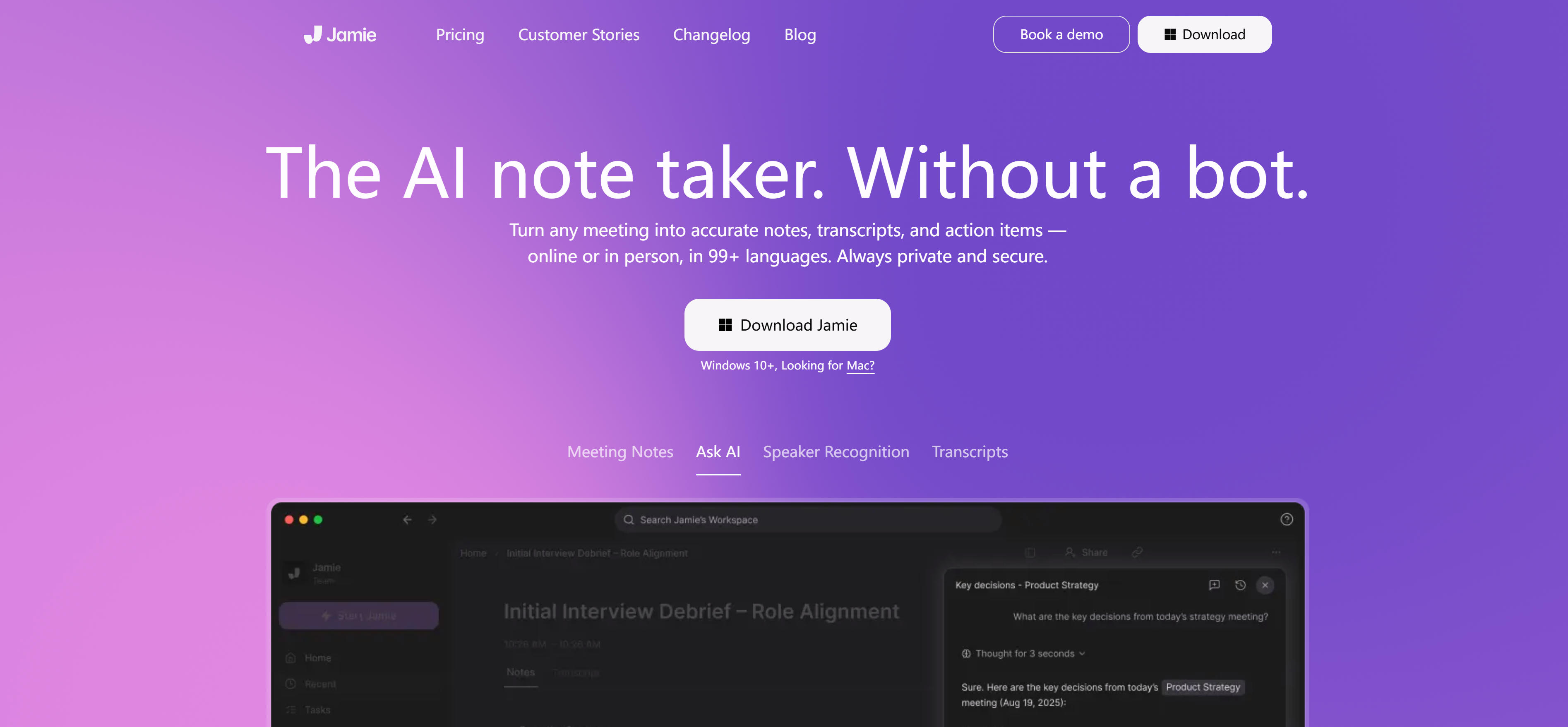
| MeetJamie.ai | Auto transcription, intelligent summaries, action item extraction, email generation | Business meetings, customer communication, team collaboration | Paid subscription |
| tl;dv | Video recording, transcription, summaries, clip sharing, timestamps | Product demos, customer interviews, training recording | Free tier, paid subscription |
| Notta.ai | Real-time transcription, multi-language support, summary generation, action item extraction | Multi-language meetings, international team collaboration, cross-cultural communication | Free tier, paid subscription |
Detailed Introduction to AI Meeting Note Tools
Here are detailed introductions to various AI meeting note tools, their features, functions, and use cases to help you choose the most suitable tool.
1. Otter.ai: Real-time Transcription
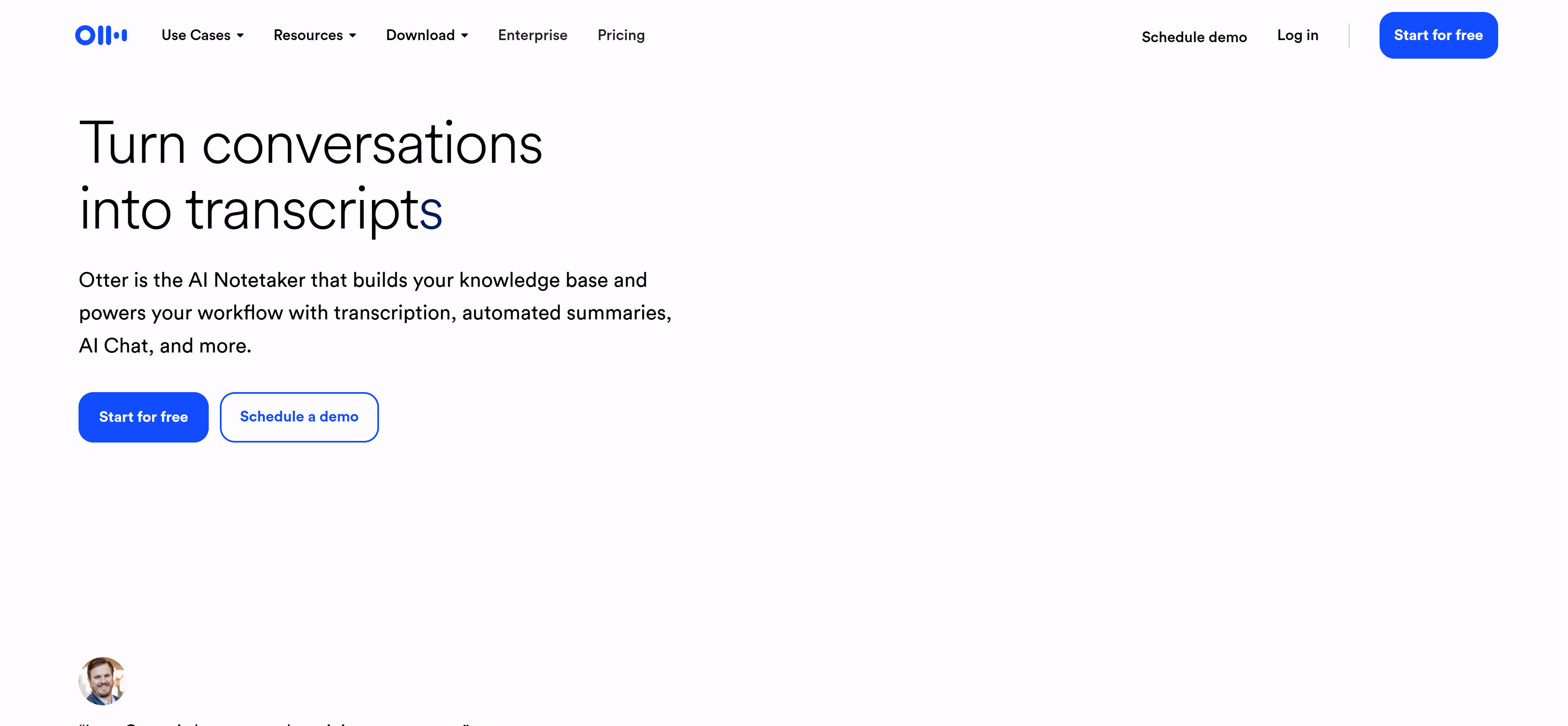
Otter.ai is a professional AI meeting note tool providing real-time transcription, speaker identification, and intelligent summary features. Otter.ai supports Zoom, Google Meet, Microsoft Teams, and other mainstream platforms, joining meetings as a virtual assistant for automatic recording and transcription.
Otter.ai excels in real-time transcription and speaker identification. It converts meeting content to text in real-time and automatically identifies different speakers, labeling speakers in transcript text. Otter.ai also supports action item extraction, keyword highlighting, and meeting summary generation, helping users quickly understand meeting points.
2. Fireflies.ai: CRM Integration
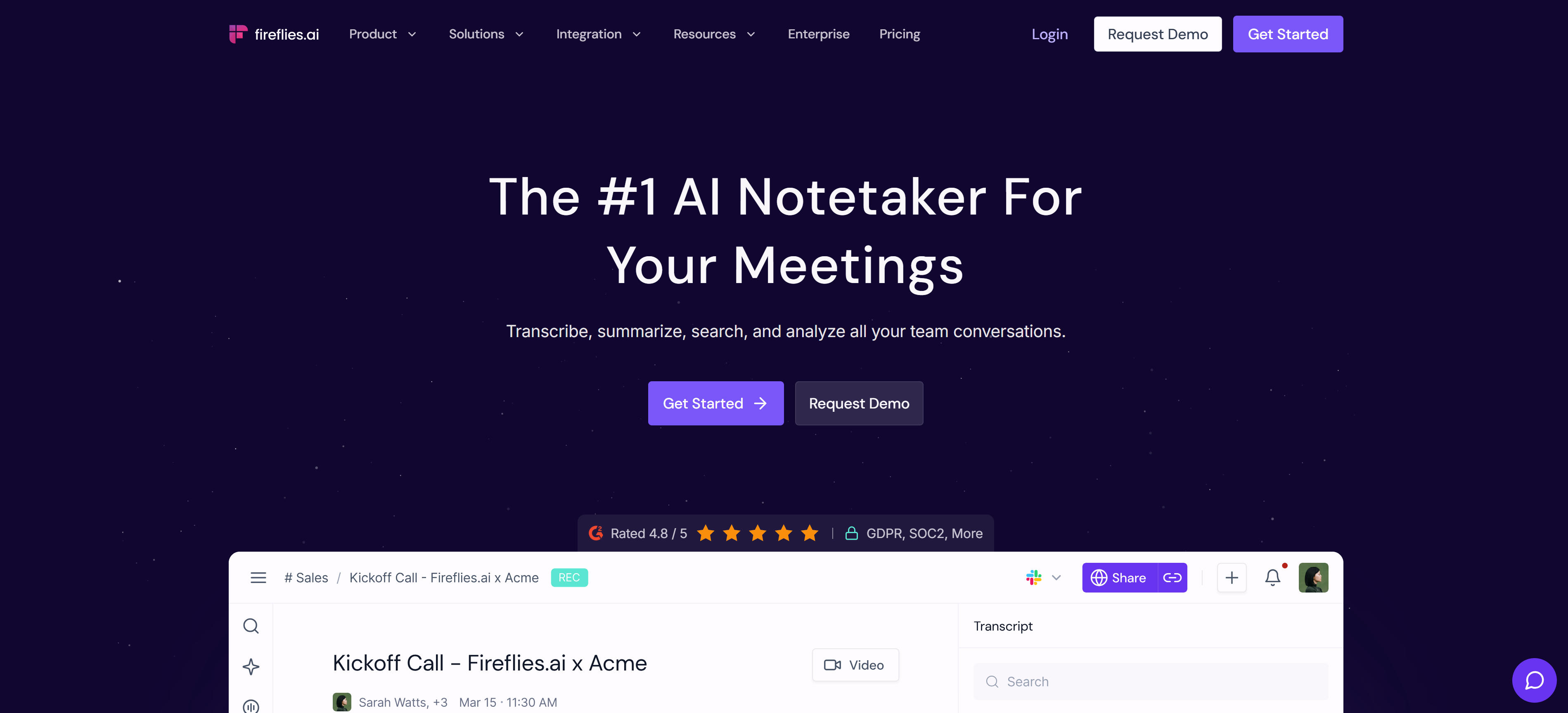
Fireflies.ai is an AI meeting note tool focused on sales and customer communication, providing auto recording, transcription, summaries, and CRM integration. Fireflies.ai joins meetings as a virtual assistant, automatically recording and transcribing content, generating intelligent summaries.
Fireflies.ai excels in CRM integration and sales insights. It automatically syncs meeting records to Salesforce, HubSpot, and other CRM systems, extracts key information and action items, helping sales teams better track customer communication. Fireflies.ai also supports custom keyword tracking, meeting scoring, and engagement analysis, providing deep sales insights.
3. Tactiq: Meeting Insights
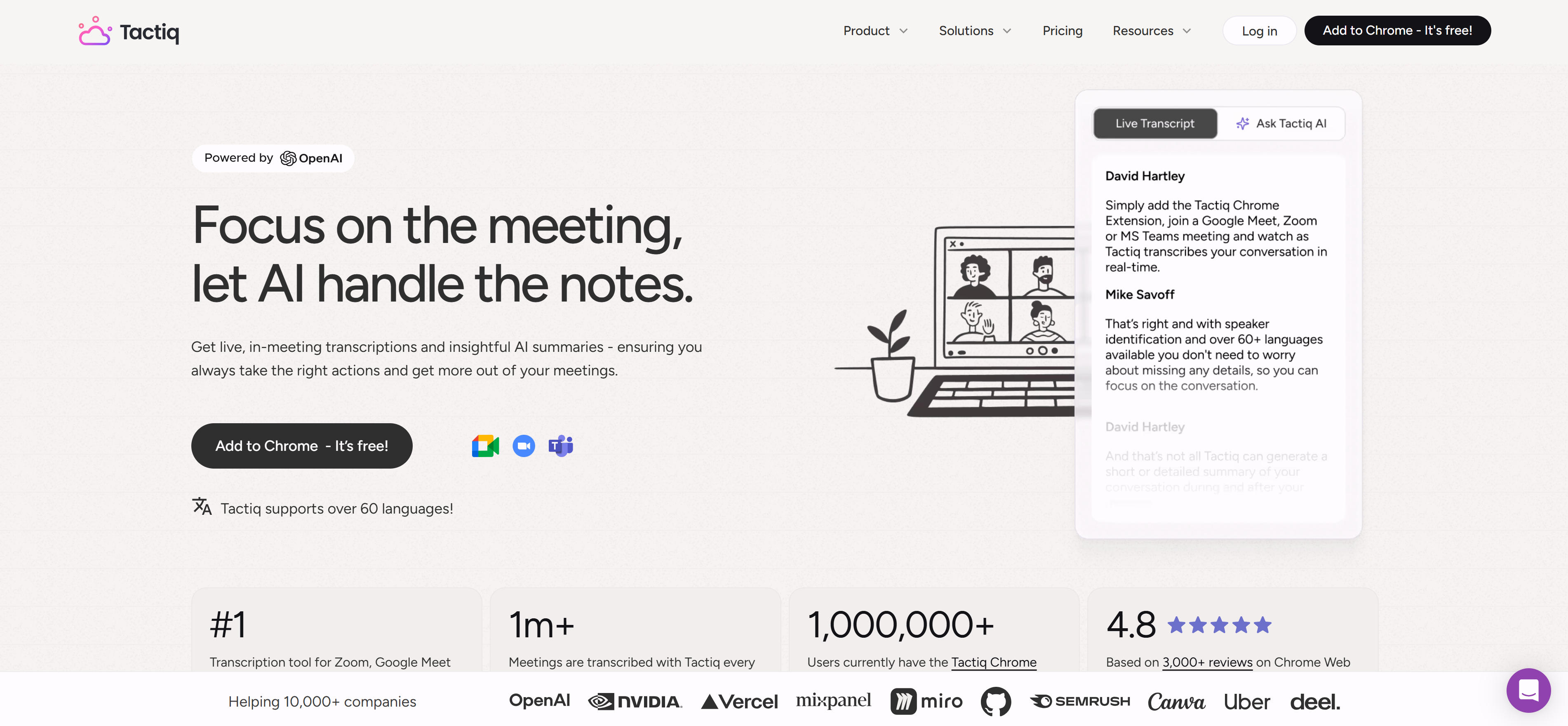
Tactiq is an AI meeting note tool focused on meeting insights, providing real-time transcription, AI summaries, and action item extraction. Tactiq supports Zoom, Google Meet, Microsoft Teams, available as Chrome extension or desktop app.
Tactiq excels in intelligent summaries and meeting insights. It automatically generates meeting summaries, extracts key decisions, action items, and important insights, helping users quickly understand meeting points. Tactiq also supports meeting replay, timestamp navigation, and keyword search, allowing users to quickly locate important content.
4. Read.ai: Engagement Analysis
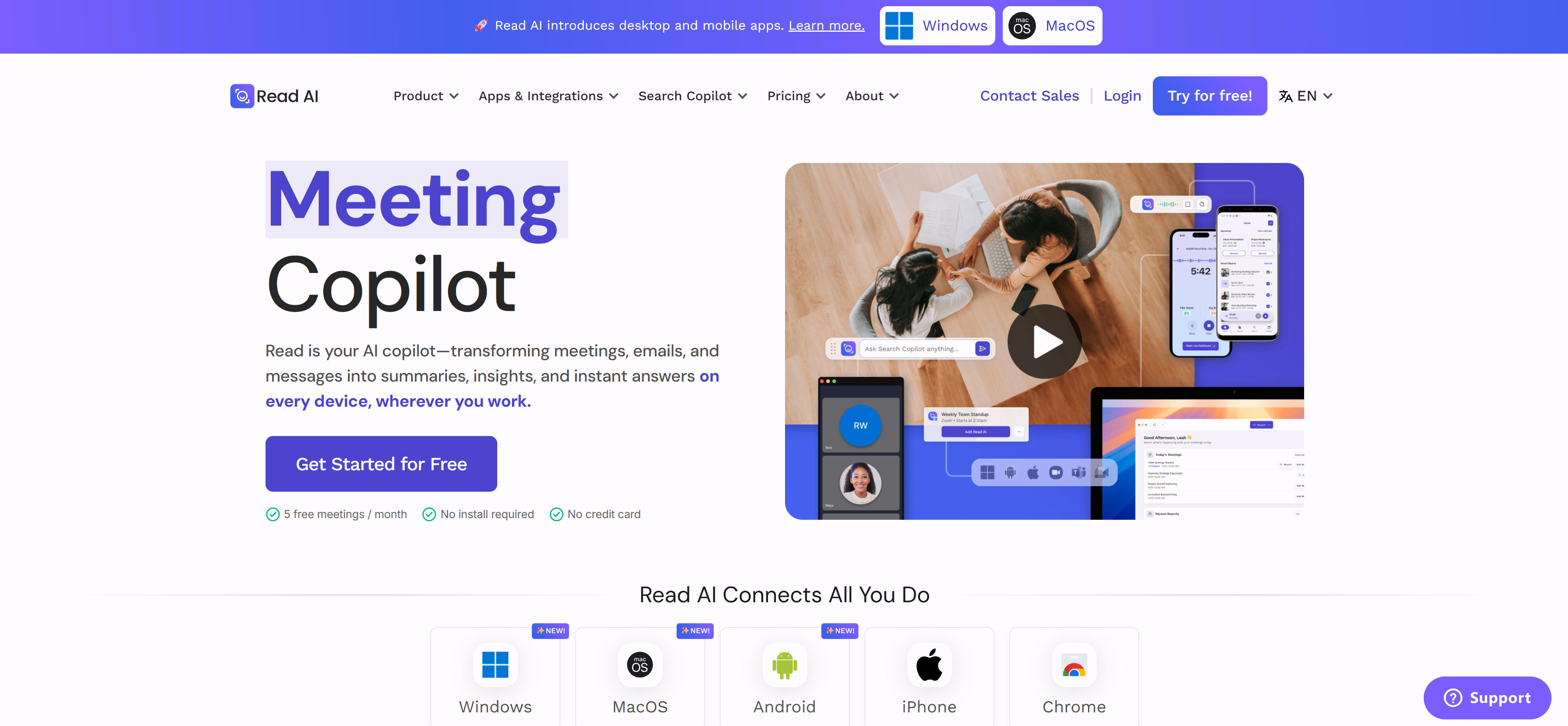
Read.ai is an AI meeting note tool focused on meeting engagement and insights, providing real-time transcription, engagement analysis, and meeting insights. Read.ai joins meetings as a virtual assistant, automatically recording and transcribing content, analyzing participant engagement.
Read.ai excels in engagement analysis and meeting insights. It analyzes each participant's speaking time, engagement, and sentiment, generating engagement reports, helping teams understand meeting effectiveness. Read.ai also supports action item extraction, meeting summary generation, and follow-up suggestions, providing comprehensive meeting insights.
5. MeetJamie.ai: Email Generation
MeetJamie.ai is an AI meeting note tool focused on business meetings, providing auto transcription, intelligent summaries, and action item extraction. MeetJamie.ai joins meetings as a virtual assistant, automatically recording and transcribing content, generating meeting summaries and follow-up emails.
MeetJamie.ai excels in automatic email generation. It automatically generates follow-up emails based on meeting content, including meeting summaries, action items, and key decisions, saving users time. MeetJamie.ai also supports multi-language transcription, custom summary templates, and meeting insights analysis, providing comprehensive meeting management.
6. tl;dv: Video Recording
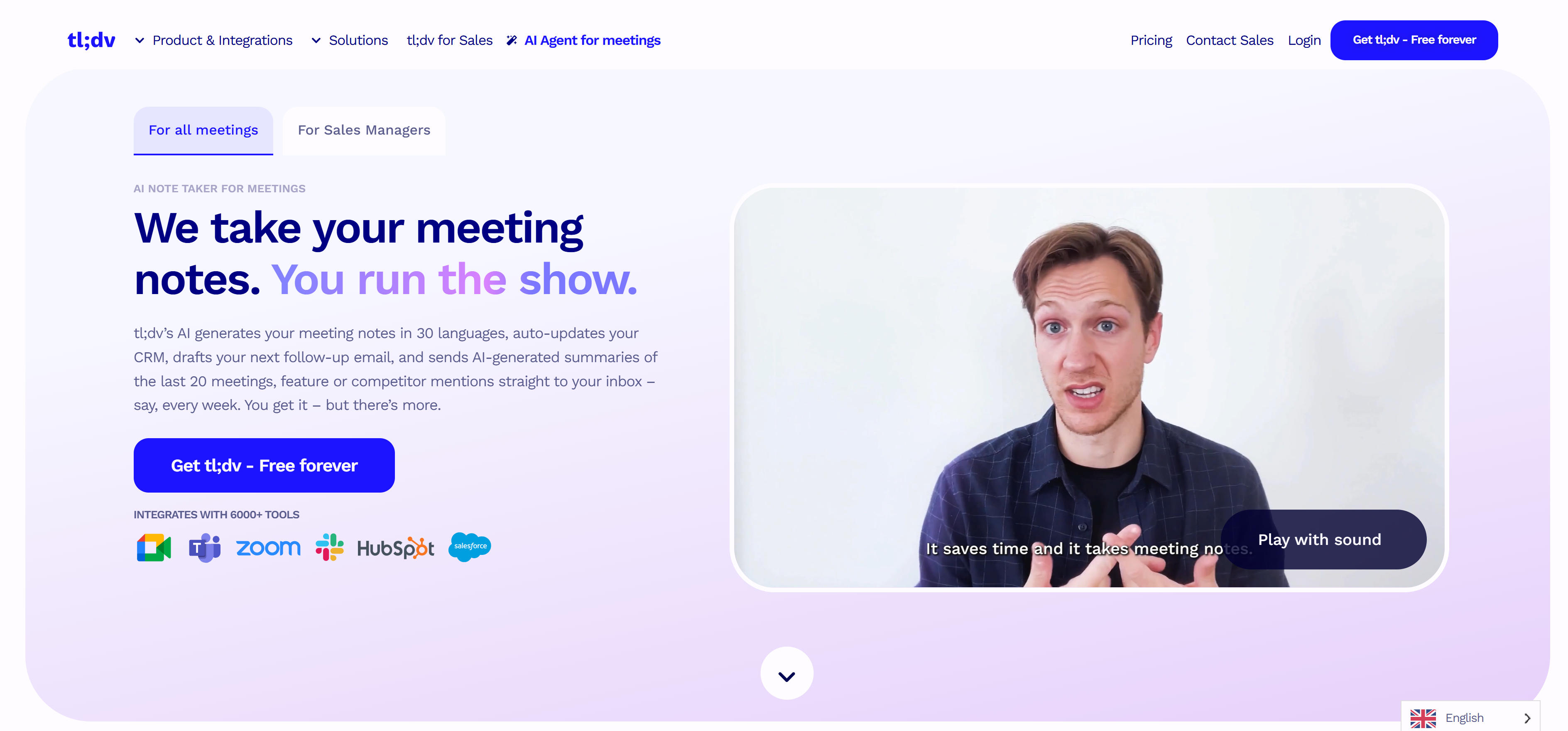
tl;dv is an AI meeting note tool focused on video recording and sharing, providing video recording, transcription, summaries, and clip sharing. tl;dv supports Zoom, Google Meet, Microsoft Teams, available as Chrome extension.
tl;dv excels in video recording and clip sharing. It records meeting videos, automatically generates transcription and summaries, and supports creating shareable video clips. tl;dv also supports timestamp navigation, keyword search, and automatic chapter marking, allowing users to quickly locate and share important content.
7. Notta.ai: Multi-language Support
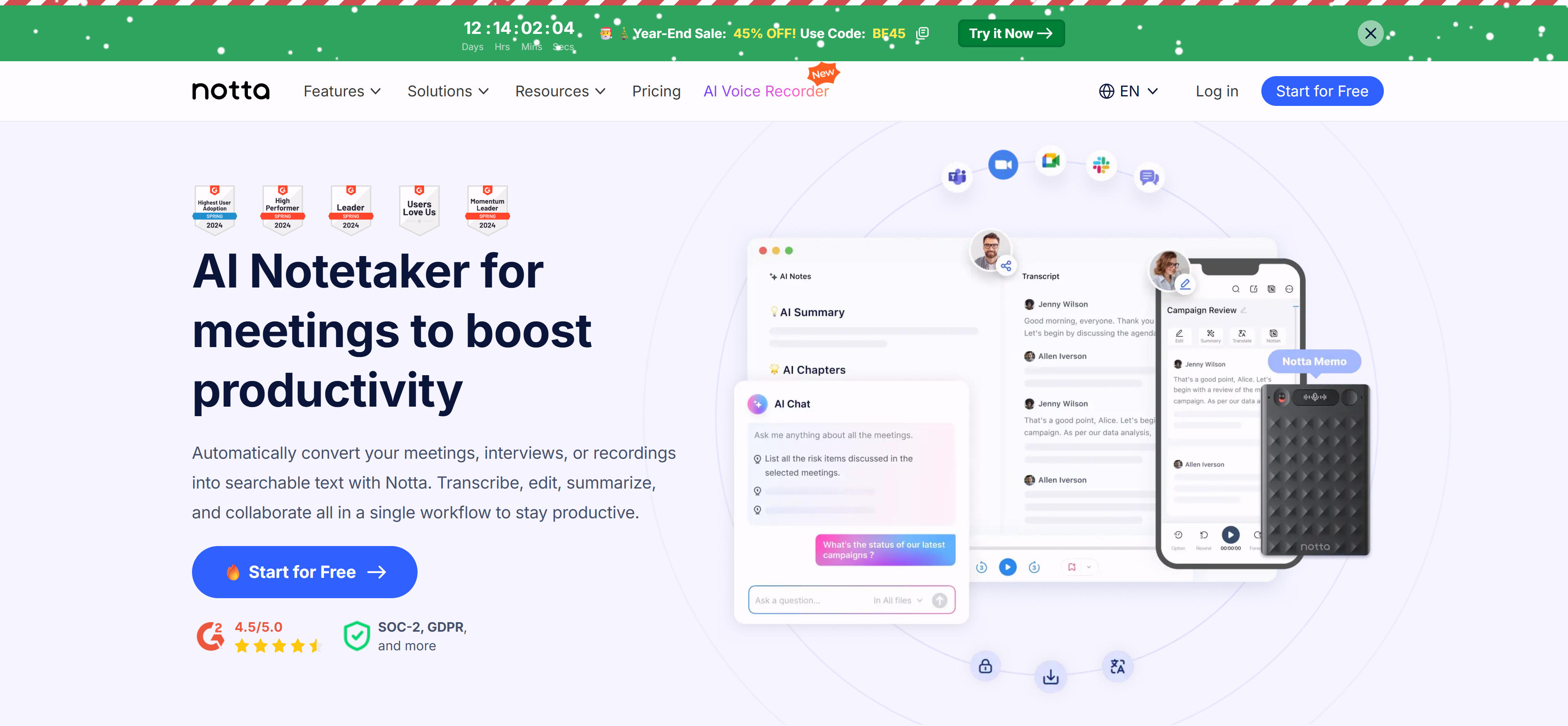
Notta.ai is an AI meeting note tool focused on multi-language support, providing real-time transcription, multi-language support, and summary generation. Notta.ai supports over 100 languages and dialects, joining meetings as a virtual assistant for automatic recording and transcription.
Notta.ai excels in multi-language support. It recognizes and transcribes multiple languages and dialects, supports real-time translation and summary generation, helping international teams collaborate better. Notta.ai also supports action item extraction, meeting summary generation, and custom templates, providing comprehensive multi-language meeting management.
Application Scenarios of AI Meeting Note Tools
AI meeting note tools have very wide application scenarios, covering almost all meeting scenarios requiring recording and summarization. From video meetings to in-person meetings, AI tools provide effective assistance.
Business Meetings
- Sales meetings: Automatically record customer communication, extract key information and action items, helping sales teams track customer needs
- Customer meetings: Record customer feedback and suggestions, generate meeting summaries, facilitating follow-up and service improvement
- Internal meetings: Record team discussions and decisions, extract action items, improving meeting efficiency and execution
Team Collaboration
- Project meetings: Record project progress and discussions, extract tasks and deadlines, helping teams track project status
- Brainstorming: Record ideas and thoughts, generate meeting summaries, facilitating subsequent organization and execution
- Training meetings: Record training content, generate training notes, helping participants review and learn
Academic and Education
- Academic conferences: Record academic discussions and research results, generate meeting summaries, facilitating academic exchange and publication
- Lecture recording: Record lecture content, generate lecture notes, helping students and researchers learn and reference
- Seminars: Record seminar discussions and viewpoints, extract key insights, facilitating subsequent research and application
How to Choose AI Meeting Note Tools
Choosing suitable AI meeting note tools requires considering multiple factors, including meeting type, integration needs, language support, and budget. Here are some selection suggestions.
- Meeting type: Choose tools based on meeting type. For video meetings, choose tools supporting Zoom, Teams; for in-person meetings, choose device-level tools. Consider whether tools support your commonly used meeting platforms and whether additional configuration is needed.
- Integration needs: Evaluate whether tools support integration with CRM, calendar, Slack, etc. If teams use specific tool stacks, choosing seamlessly integrated tools can significantly improve work efficiency.
- Language support: If teams use multiple languages, choose tools supporting multiple languages and dialects. Evaluate transcription accuracy, especially for technical terms and accents.
- Accuracy: Test transcription accuracy, especially for technical terms, accents, and background noise. Choose high-accuracy tools to reduce subsequent editing work.
- Privacy and security: Evaluate data encryption and privacy protection measures. For meetings involving sensitive information, choose enterprise-grade tools and consult security experts.
Try free versions first to understand tool features and characteristics, then make final choices based on actual experience and team needs. Regardless of which tool you choose, ensure it meets team core needs and provides good user experience.
Future Trends of AI Meeting Note Tools
AI meeting note tools are developing rapidly, with more innovative features and improvements expected. Here are some trends worth watching.
1. More accurate speech recognition: Future tools will more accurately recognize speech, especially in noisy environments and multi-language scenarios. Model scale expansion and algorithm optimization will further improve transcription accuracy.
2. Smarter summary generation: AI tools will generate smarter and more personalized meeting summaries, extracting key information based on user needs, providing actionable insights and suggestions.
3. Enhanced real-time collaboration: AI tools will support smarter real-time collaboration, automatically coordinating team work, providing real-time feedback and suggestions, improving meeting efficiency and engagement.
4. Multimodal support: AI tools will simultaneously understand audio, video, and text, providing more comprehensive meeting records and analysis.
5. Personalized customization: AI tools will learn user work habits and preferences, providing personalized summary templates, keyword tracking, and insights analysis.
6. Better security and privacy protection: As AI tools are widely used in enterprise environments, security and privacy protection will become important concerns, tools will provide stronger encryption and compliance support.
Conclusion
Recommended AI meeting note tools excel in their respective fields, providing users with powerful meeting recording and summarization capabilities. Otter.ai suits users needing real-time transcription and speaker identification; Fireflies.ai suits sales teams needing CRM integration; Tactiq suits teams needing meeting insights; Read.ai suits teams needing engagement analysis; MeetJamie.ai suits business teams needing automatic email generation; tl;dv suits teams needing video recording and sharing; Notta.ai suits international teams needing multi-language support.
Choose suitable AI meeting note tools based on specific needs, meeting types, and use cases. Try free versions first to understand tool features and characteristics, then make final choices based on actual experience. Remember that AI tools are assistants; meeting quality and efficiency still require human control and optimization.