What are 3D Scanner Tools
3D scanner tools capture real-world object shapes, textures, and colors to create 3D digital models. Using cameras, LiDAR sensors, or professional scanning devices, these tools quickly convert physical objects into digital 3D models. They're widely used in cultural heritage preservation, e-commerce, architecture, product showcases, and interior design.
3D scanners enable rapid, accurate capture of 3D information without manual modeling, providing high-quality 3D models for small objects, large buildings, and complex scenes. Modern tools support smartphone scanning, professional LiDAR scanning, and cloud processing. Unlike AI 3D generators that create models from text or images, scanners focus on capturing real objects. For creating models from scratch, see our 3D modeling tools guide. Best practice combines all three: use scanners for real objects, generators for virtual content, and modeling tools for refinement.
3D Scanning Technology Overview
Modern 3D scanning uses computer vision, LiDAR (Light Detection and Ranging), and structured light technologies. Computer vision analyzes depth information from multiple photos to reconstruct 3D models; LiDAR uses laser ranging to quickly acquire precise 3D point cloud data; structured light projects patterns and analyzes deformation to capture 3D information.
Core advantages include rapid capture (quick scanning), high precision (capturing details and textures), ease of use (many tools support smartphone scanning), and cloud processing (using powerful servers for fast, high-quality model generation). As technology advances, applications expand from professional measurement to consumer applications, e-commerce showcases, and content creation.
Best 3D Scanner Tools 2025
Top 3D scanner tools for 2025, covering smartphone scanning, LiDAR scanning, and professional measurement modes to help you choose the best solution.
1. KIRI Engine
KIRI Engine is an efficient 3D scanner that quickly generates high-quality 3D models. Using smartphone cameras and AI, KIRI Engine reconstructs 3D models from multiple photos without professional equipment. The tool supports multiple scanning modes including object scanning, room scanning, and person scanning.
KIRI Engine provides cloud processing using powerful servers for fast, high-quality model generation. The tool offers free trials and subscription plans. For e-commerce, product showcases, and digital content creation, KIRI Engine provides efficient solutions.
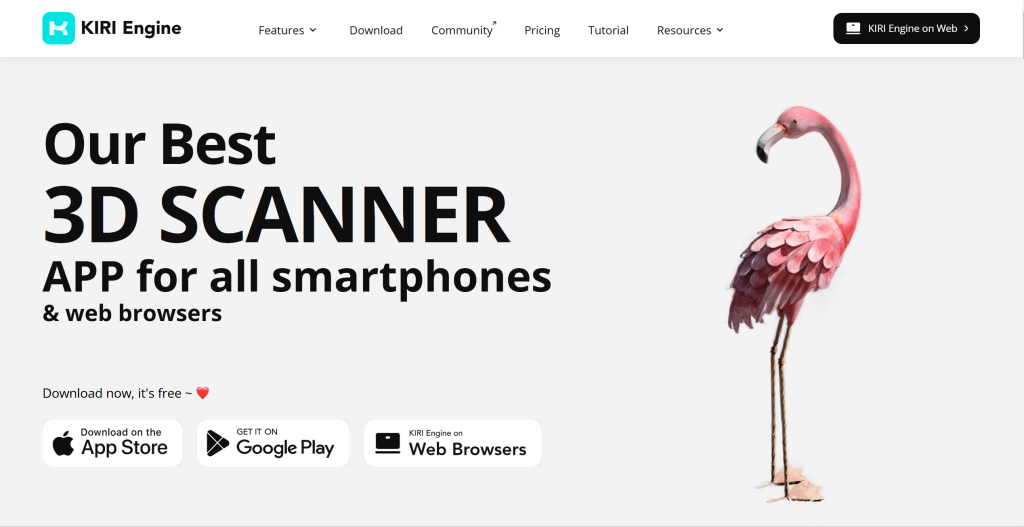
KIRI Engine's convenience and high-quality output make it ideal for product showcases, e-commerce, and digital content creation.
2. Polycam
Polycam supports smartphone 3D scanning with a user-friendly interface. Using iPhone and iPad LiDAR sensors and cameras, Polycam quickly creates high-quality 3D models, ideal for users needing precise scanning. The tool offers LiDAR scanning, photo scanning, and object scanning modes.
Polycam provides real-time preview during scanning. The tool offers free and Pro versions, with Pro including more advanced features and higher scan quality. For users creating product 3D models, indoor scans, and digital content, Polycam provides efficient solutions.
Polycam's LiDAR scanning capabilities make it a leading mobile 3D scanning tool for product showcases, interior design, and digital content creation.

3. RoomScan Pro LiDAR
RoomScan Pro LiDAR uses LiDAR for precise indoor scanning, suitable for architecture and interior design. Designed specifically for indoor space scanning, RoomScan Pro LiDAR quickly generates accurate 3D indoor models including room dimensions, layouts, and structural information. The tool uses device LiDAR sensors for precise measurements, accurately capturing room dimensions, shapes, and structures.
RoomScan Pro LiDAR provides detailed measurement reports including floor plans, 3D models, and dimension annotations. The tool supports multiple export formats including PDF, DWG, and 3D model formats. For projects needing rapid indoor space measurement and modeling, RoomScan Pro LiDAR provides efficient solutions.
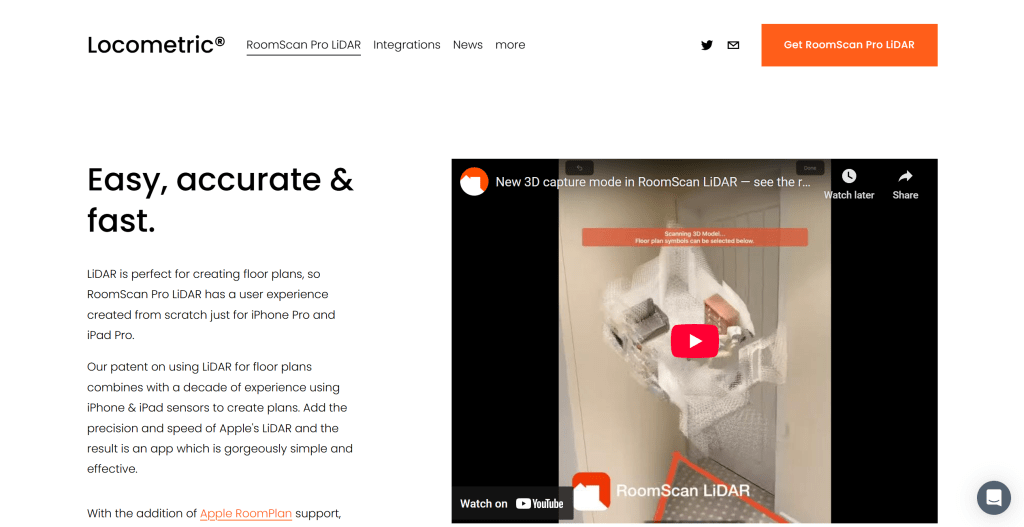
RoomScan Pro LiDAR's precise measurement capabilities make it ideal for interior design and architecture, suitable for space planning, renovation design, and building measurement.
4. LARKI – 3D Surveys Online
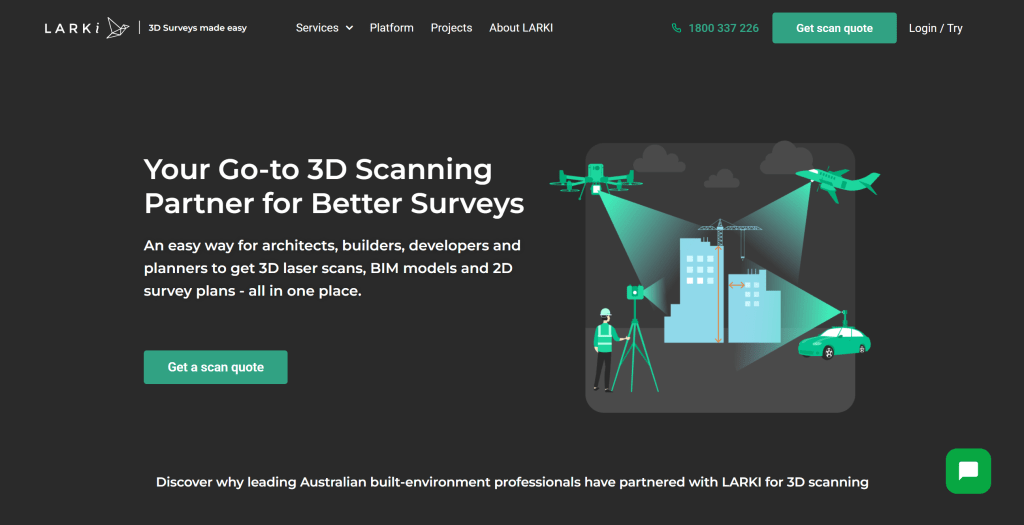
LARKI provides online 3D measurement services for rapid, precise 3D data. LARKI is a professional 3D measurement platform offering complete services from scanning to modeling, ideal for users needing high-precision 3D data. The platform offers multiple 3D measurement services including building measurement, product measurement, and terrain measurement.
LARKI provides professional measurement teams and advanced equipment ensuring high-quality 3D data. The platform offers online ordering and project management, allowing users to submit measurement needs, track progress, and download results. For building, engineering, and manufacturing projects needing professional 3D measurement services, LARKI provides complete solutions.
LARKI's professional service capabilities make it ideal for building measurement, engineering measurement, and product measurement.
3D Scanner Tools Comparison
Comparison of leading 3D scanner tools to help you understand features and use cases:
| Tool Name | Core Features | Main Use Cases | Pricing Model |
|---|---|---|---|
| KIRI Engine | Smartphone scanning, cloud processing, multiple modes | Product showcases, e-commerce, digital content | Free trial + subscription |
| Polycam | LiDAR scanning, photo scanning, real-time preview | Product showcases, interior design, digital content | Free + Pro |
| RoomScan Pro LiDAR | Precise measurement, indoor scanning, detailed reports | Space planning, renovation design, building measurement | Subscription |
| LARKI | Professional services, high-precision data, online platform | Building measurement, engineering measurement, product measurement | Pay-per-project |
Application Scenarios
3D scanner tools have wide applications from cultural heritage preservation to e-commerce. In cultural heritage preservation, scanners quickly and accurately record 3D information of artifacts, providing important data for protection and restoration. In e-commerce, sellers use scanners to create product 3D models for better shopping experiences.
In architecture and interior design, scanners quickly capture 3D information of buildings and interior spaces for design and renovation. In product showcases, scanners quickly create product 3D models for website displays and marketing materials. In content creation, creators use scanners to capture real objects for game development and film production.
How to Choose 3D Scanner Tools
When choosing 3D scanner tools, consider: 1. Scanning objects: Determine if you primarily scan small objects, large buildings, or complex scenes; 2. Precision requirements: Evaluate scanning precision based on project needs; 3. Equipment requirements: Consider if professional equipment is needed or if smartphones suffice; 4. Budget: Choose plans based on usage frequency and budget; 5. Ease of use: Select user-friendly tools; 6. Export formats: Consider supported 3D formats and workflow compatibility.
Try several tools first, then choose the best fit. Different scenarios may require different tools. For example, product scanning may suit KIRI Engine or Polycam, indoor scanning may suit RoomScan Pro LiDAR, professional measurement may suit LARKI.