What Are AI Communities
AI communities form the backbone of AI ecosystems, providing platforms for model discovery, sharing, deployment, and collaboration. These communities span model repositories, professional applications, API deployment services, and workflow sharing platforms, covering NLP, computer vision, speech recognition, and multimodal AI domains.
Different AI communities excel in specific areas: Model repositories like ModelScope and Hugging Face focus on open-source model hosting across multiple domains; art platforms like Civitai specialize in AI creative sharing; workflow communities like ComfyUI platforms emphasize complex AI process templates. These communities collectively build a comprehensive AI ecosystem.
For comprehensive AI tool insights, explore our complete AI tools guide.
How AI Communities Work
AI community platforms manage model storage, version control, and metadata across multiple AI domains including NLP, computer vision, and multimodal applications. Resource distribution leverages CDN acceleration, P2P downloads, and incremental updates for efficient model access.
API deployment platforms use containerization and GPU resource scheduling for rapid model deployment and auto-scaling. These platforms provide RESTful APIs with built-in queuing, load balancing, and monitoring. Community features include authentication, content moderation, ratings, and recommendation systems. As AI evolves, these platforms increasingly support multimodal capabilities for text, image, video, and audio generation and processing.
Best AI Communities 2026
1. ModelScope: Chinese AI Model Platform
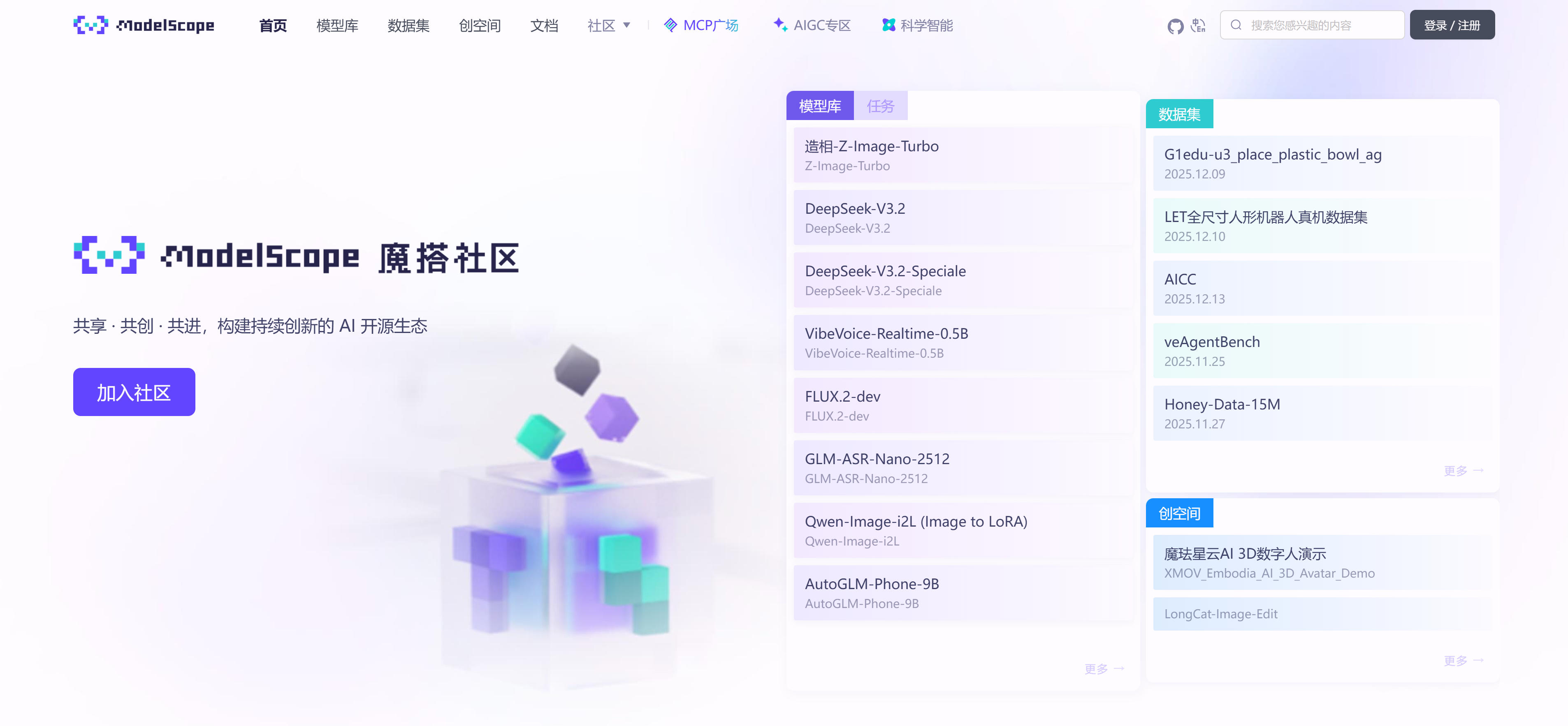
ModelScope is Alibaba's leading Chinese AI community offering Chinese-optimized models across NLP, computer vision, speech recognition, and multimodal domains. The platform excels in Chinese language processing with extensive resources and active community support. ModelScope provides free model downloads, online demos, training capabilities, and deployment services, making it essential for Chinese AI developers and researchers seeking localized AI solutions.
2. Hugging Face: Open-Source Model Hub
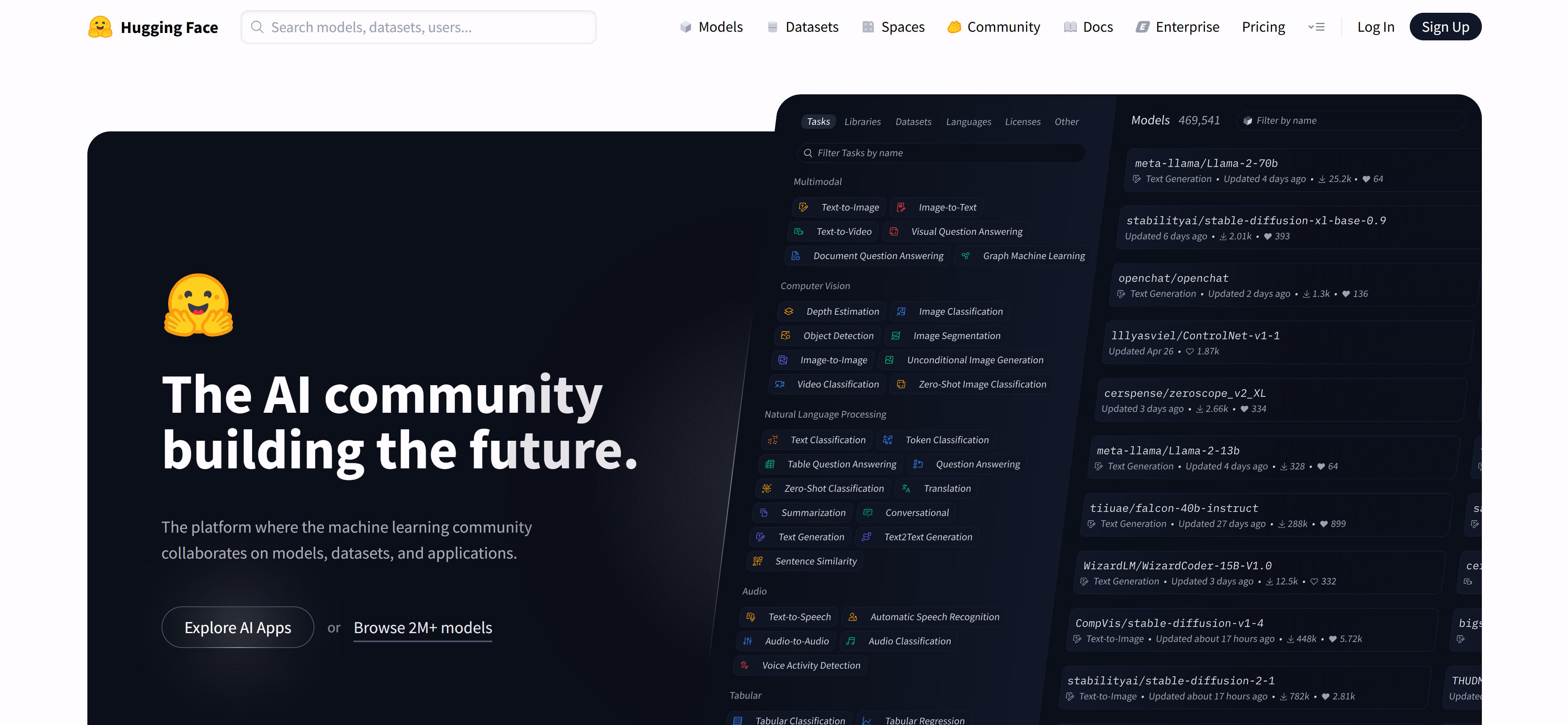
Hugging Face hosts over 500,000 open-source models covering NLP, computer vision, speech, and multimodal AI. The platform features Model Hub, Spaces for online demos, Datasets, and the Transformers library. Users can search, download, and share models across PyTorch, TensorFlow, and ONNX formats. Hugging Face provides detailed documentation, usage examples, and API integration, making it indispensable for AI developers and researchers worldwide.
3. Civitai: AI Art Model Community
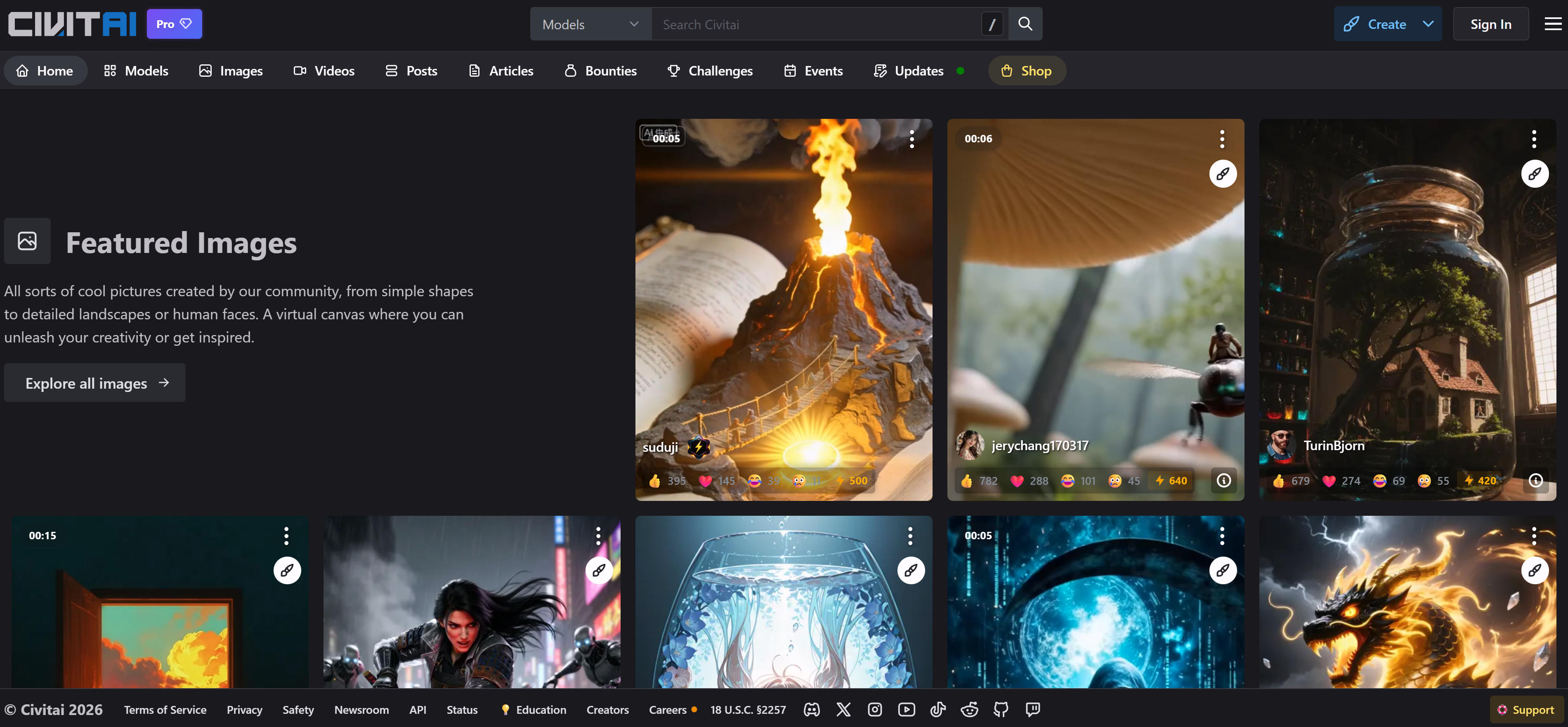
Civitai specializes in Stable Diffusion models, LoRA, and ControlNet resources with an active creator community. The platform offers detailed model categorization, ratings, and user reviews. Civitai supports model previews, comparisons, and collections, making it essential for Stable Diffusion users seeking quality AI art models and creative inspiration.
4. PixAI Workflows: Model & Workflow Platform
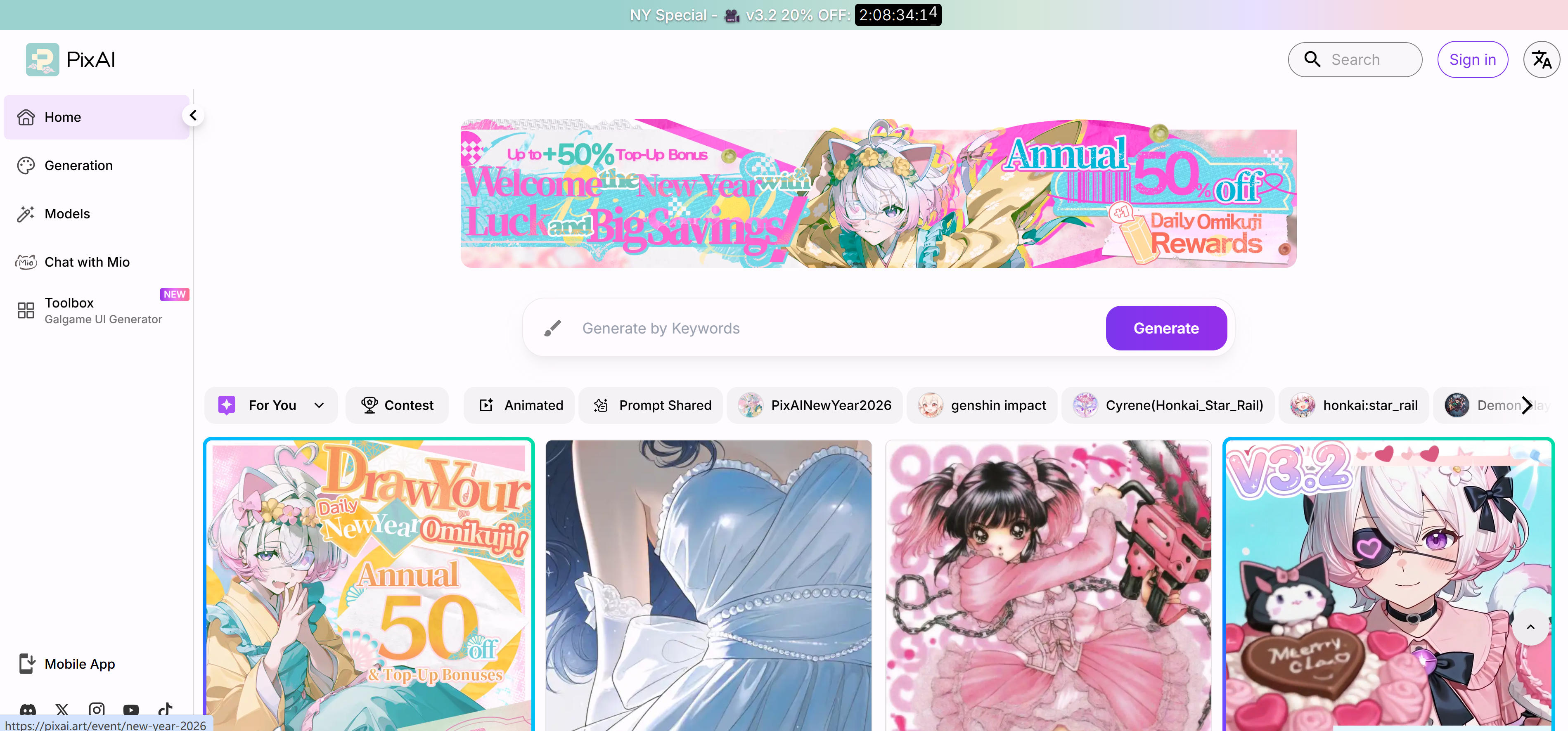
PixAI Workflows integrates AI image generation models with ComfyUI workflow templates, providing comprehensive resources for creators. The platform offers various style models and practical workflows with detailed tutorials. PixAI excels in user-friendly interfaces and regular resource updates, making it ideal for ComfyUI users seeking model resources and workflow inspiration.
5. Openart Workflows: ComfyUI Professional Platform
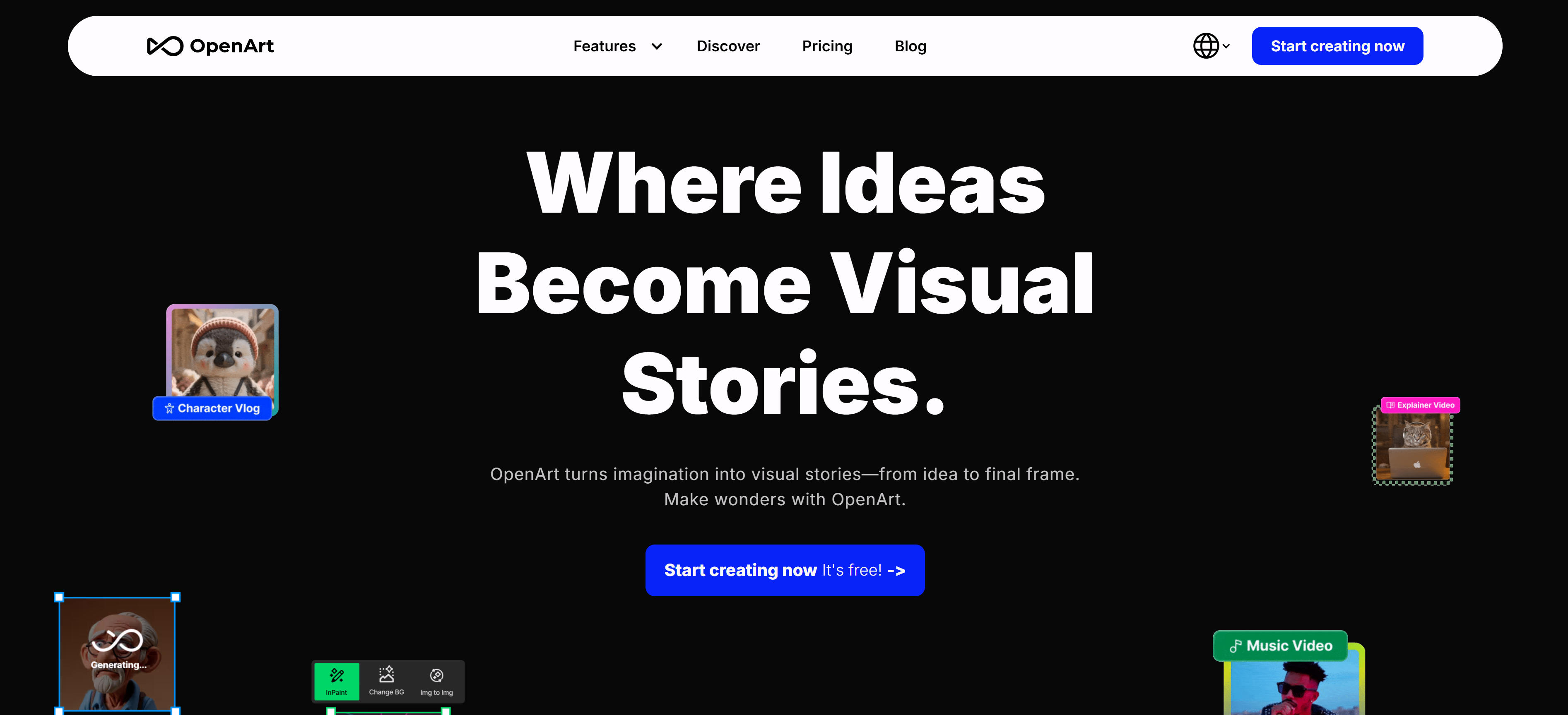
Openart Workflows specializes in ComfyUI workflow sharing with extensive templates and tutorials. Users can learn complex image generation workflows and share their creations. The platform covers workflows from basic generation to advanced multi-step processes, with detailed creation guides and active community support for ComfyUI learning and development.
6. Comfy Workflows: ComfyUI Community Platform
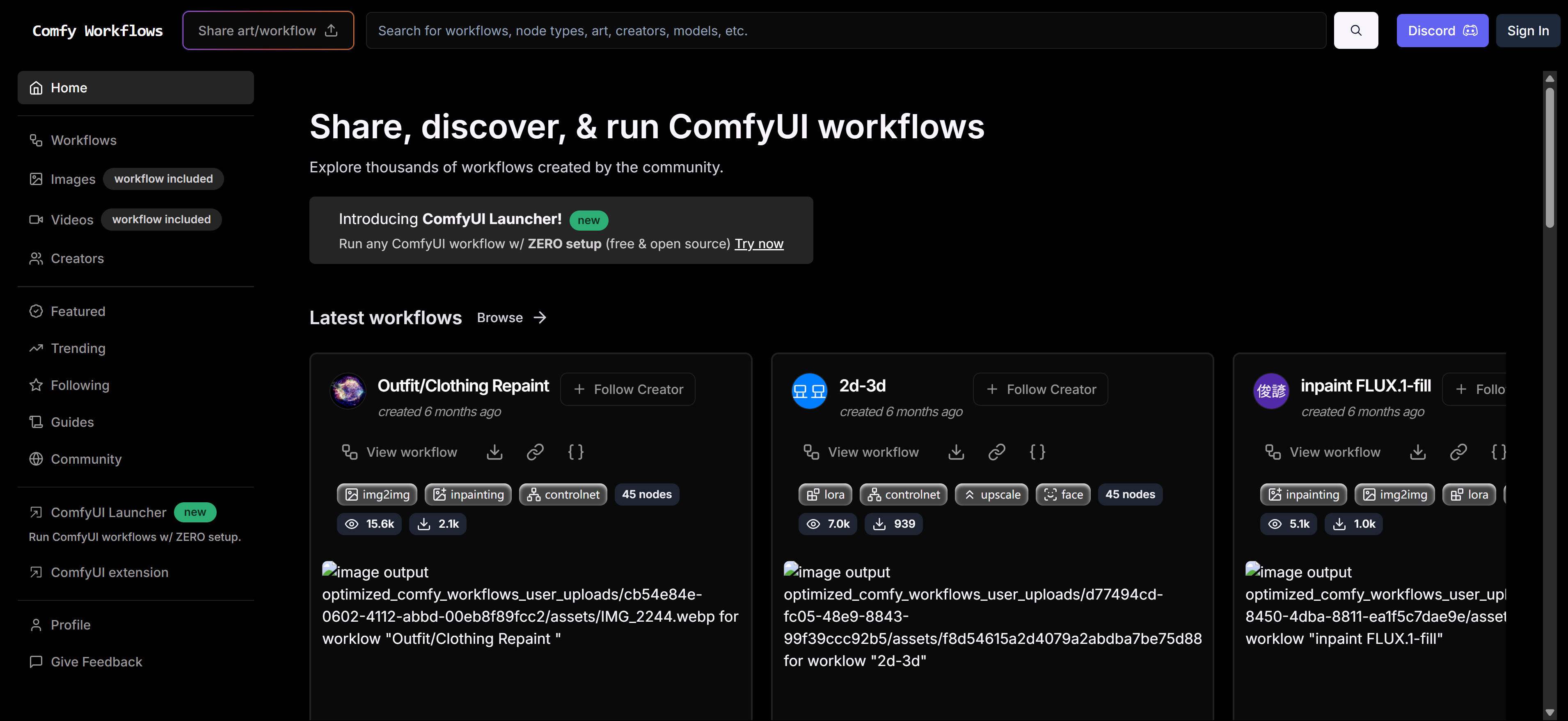
Comfy Workflows provides workflow templates and tutorials for ComfyUI users, offering resources from simple to complex processes. The platform features categorization, tagging, and search functionality with an active community for sharing experiences. Comfy Workflows serves as an essential resource hub for ComfyUI users seeking workflow templates and technical guidance.
What AI Communities Can Do: 8 Practical Applications
1. Natural Language Processing Development
Access Chinese and English language models from ModelScope and Hugging Face for text generation, translation, and summarization tasks.
2. Computer Vision Applications
Discover image generation and art creation models on Civitai, learn complex workflows from ComfyUI communities like Openart and PixAI.
3. Multimodal AI Applications
Explore multimodal models from Hugging Face and ModelScope for image-text understanding, video analysis, and cross-modal applications.
4. Speech Processing
Access speech recognition and synthesis models from ModelScope and Hugging Face for developing voice interaction applications.
5. Research and Learning
Utilize latest research models from Hugging Face and ModelScope for prototype development and academic exploration.
6. Tool Discovery and Evaluation
Discover and evaluate new AI tools through community platforms, staying updated with the latest AI developments.
7. Workflow Development and Sharing
Learn AI application workflows from Comfy Workflows and Openart platforms, mastering complex development techniques.
8. Business Integration
Find suitable AI tools for product development and integration through community platforms and resources.
How to Choose AI Communities
Select the right AI community based on your domain, purpose, skill level, and specific requirements to maximize your development efficiency.
1. Identify Your AI Domain Needs
First determine your primary AI focus. NLP/text users choose ModelScope or Hugging Face; computer vision/image users select Civitai and workflow communities; multimodal applications suit Hugging Face and ModelScope; speech recognition favors ModelScope and Hugging Face; academic research benefits from ModelScope and Hugging Face. Select platforms offering relevant domain resources and community support.
2. Define Your Purpose
Choose communities based on your specific goals. Model download users prefer Hugging Face and ModelScope; workflow learners select Openart and Comfy Workflows; academic researchers choose ModelScope and Hugging Face; tool discovery users explore community platforms; creative sharers focus on Civitai and PixAI Workflows. Match your purpose with the most suitable features and community environment.
3. Assess Your Skill Level
Select communities matching your technical expertise. Beginners benefit from community platforms with friendly learning environments; developers access Hugging Face and ModelScope for open-source resources; researchers utilize ModelScope and Hugging Face for academic materials; creators explore Civitai and workflow communities for tools and inspiration. Choose platforms with appropriate learning curves and community dynamics.
4. Evaluate Resource Quality and Updates
Assess resource quality and update frequency. Check model accuracy, workflow practicality, and tutorial relevance. Review community activity, contributor expertise, and response times. Choose platforms with abundant, regularly updated resources ensuring access to high-quality learning and development materials. Prioritize professionally maintained communities with strong reputations.
5. Consider Ecosystem and Integration
Evaluate ecosystem compatibility and integration capabilities. Check support for your development environment, programming languages, and deployment platforms. Review API interfaces, SDKs, and integration documentation completeness. Select communities with robust ecosystems that seamlessly integrate with your existing workflows, enhancing overall development efficiency and collaboration.
Conclusion
AI communities form comprehensive ecosystems supporting NLP, computer vision, speech recognition, and multimodal AI domains. Model repositories like ModelScope, Hugging Face, and Civitai provide extensive open-source resources; workflow communities like Openart Workflows, Comfy Workflows, and PixAI Workflows enable complex AI application development; community platforms offer rich resources for learning and application development.
Choose appropriate AI communities based on specific needs, technical skills, and budget considerations. Developers benefit from ModelScope or Hugging Face model resources; creators find rich artistic models and tools on Civitai; academic researchers access valuable resources through ModelScope and Hugging Face; tool explorers discover extensive resources on community platforms; Chinese users enjoy superior model and community support through ModelScope. Regardless of your AI domain needs, these communities provide suitable resources and support.
For comprehensive AI tool insights, explore our complete AI tools guide.