Article Introduction
In today's digital transformation era, workflow automation has become a key driver for efficiency improvement. This comprehensive guide explores 8 leading AI workflow tools, from classic automation platforms like Zapier to cutting-edge Agentic workflow solutions, helping you understand the characteristics and applications of different tool categories to choose the most suitable automation solution for your needs.
What Are AI Workflow Tools
AI workflow tools automate business processes by connecting different applications and services. These tools not only reduce repetitive work but also optimize workflows through intelligent algorithms to improve overall efficiency. Today's workflow tools are mainly divided into two categories: traditional automation tools and emerging Agentic workflow platforms.
Traditional automation tools like Zapier and Make mainly rely on preset triggers and actions to achieve process automation through API connections. Agentic workflows go further by utilizing AI's intelligent judgment and decision-making capabilities to achieve more flexible and intelligent automation processes. Whether you're an enterprise user or individual, you can find solutions that fit your needs in these tools.
How AI Workflow Tools Work
The core of AI workflow tools is the automation logic of "trigger-condition-action". When an event occurs (trigger), the tool checks preset conditions, and if conditions are met, it executes corresponding actions. Traditional tools mainly rely on rule engines, while Agentic tools incorporate AI decision-making capabilities.
These tools typically provide visual workflow design interfaces where users can build complex automation processes through drag-and-drop. At the same time, most tools support API integration and can connect thousands of applications and services, greatly expanding automation possibilities.
Best Traditional Workflow Tools 2026
1. Zapier: Classic Automation Platform
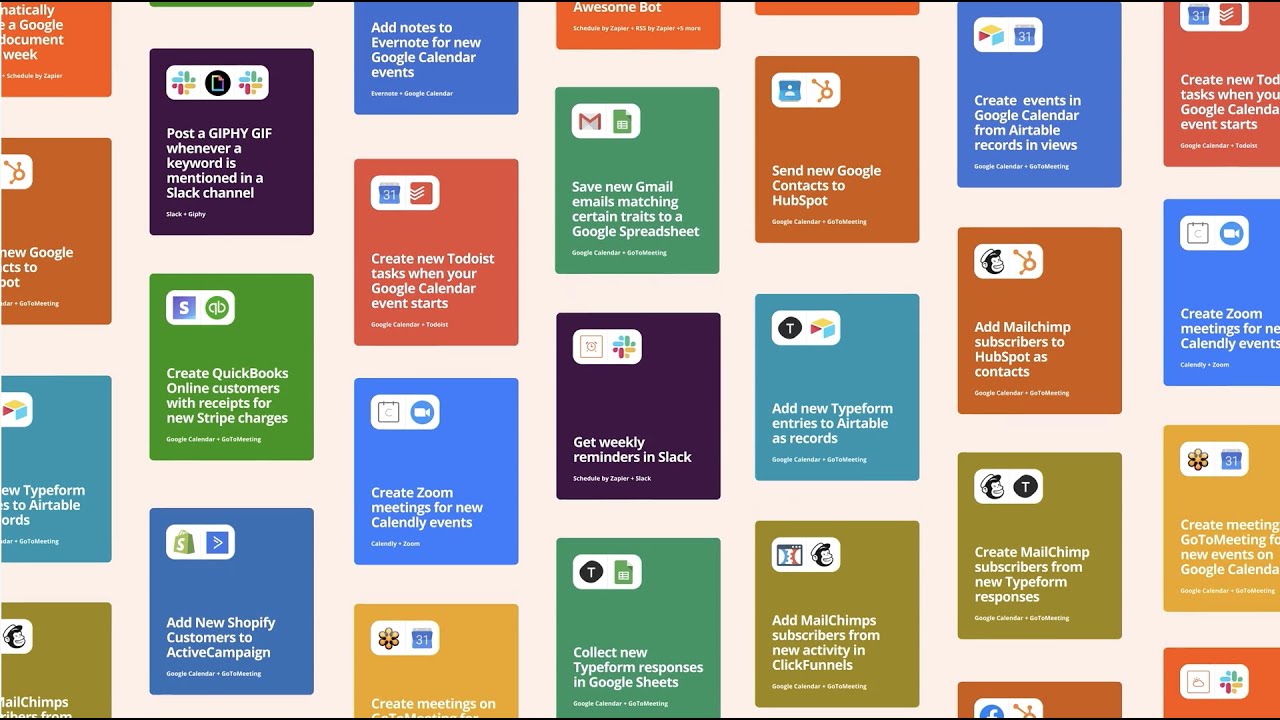
Zapier has served millions of users for over 10 years as the pioneer of workflow automation. It provides the most user-friendly interface, helping users quickly build automation processes with the logic of "when this happens, do that". Zapier supports integration with over 5,000 applications, covering everything from email marketing to project management, including virtually all mainstream tools.
Zapier's advantage lies in its massive application ecosystem and intuitive interface. Even users with no programming background can get started quickly. It provides a rich template library where users can use templates directly or customize them, greatly lowering the barrier to automation.
2. Make: Powerful Workflow Automation
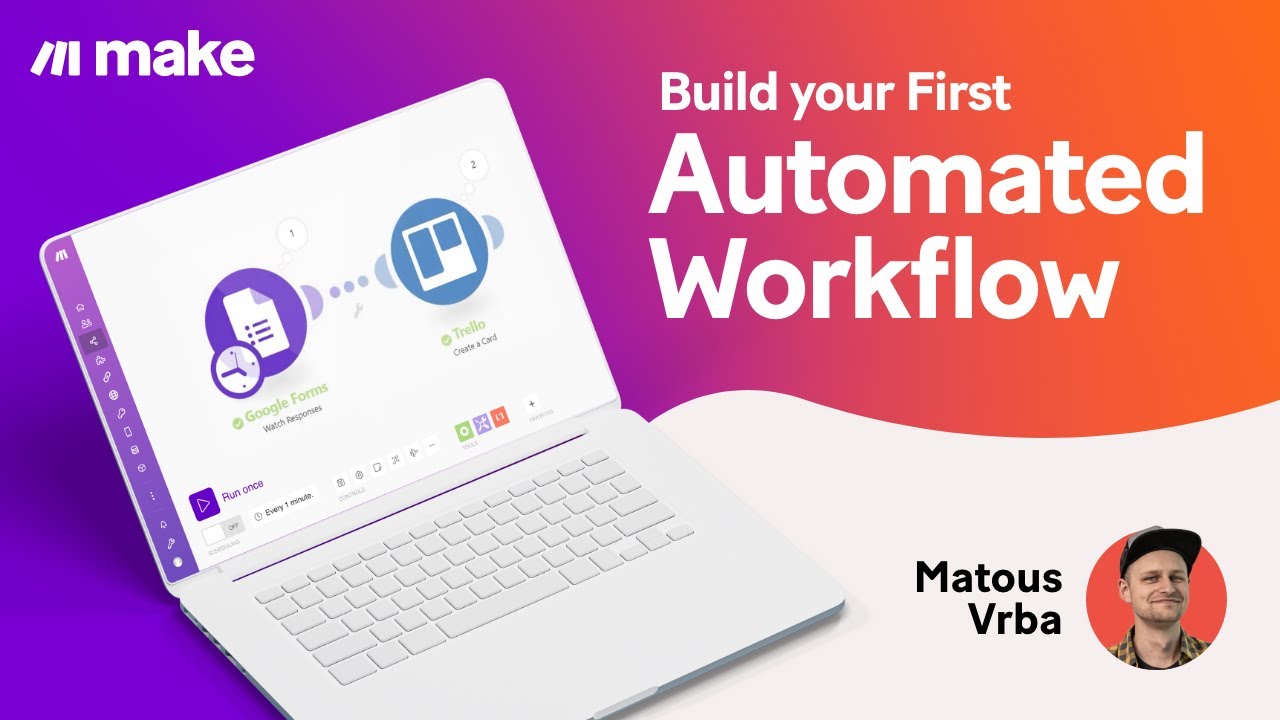
Make (formerly Integromat) is a powerful workflow automation platform. It provides more complex and flexible automation capabilities than Zapier, supporting multi-step complex workflow design. Make is particularly suitable for enterprise users who need to handle complex business logic.
Make's unique advantage lies in its powerful data processing capabilities and error handling mechanisms. It supports complex routing logic, data transformation, and conditional judgments, capable of handling various complex automation scenarios. For enterprises that need fine-grained control over workflows, Make is an ideal choice.
3. N8N: Open-Source Workflow Tool
N8N is an open-source workflow automation tool that provides the perfect solution for users who value data privacy and customization needs. As an open-source project, N8N is not only free to use but also allows users to have complete control over their data and workflows.
N8N provides rich node types and powerful customization capabilities. Users can write custom nodes using JavaScript to implement almost any automation requirement. It is particularly suitable for developers and technical teams, able to meet various complex workflow automation needs.
Best Agentic Workflow Tools 2026
4. Liner: AI-Powered Workflow Management

Liner represents the new generation trend of workflow tools, integrating AI intelligence into workflow management. Liner not only automates task execution but also intelligently analyzes work patterns to proactively optimize processes and improve overall efficiency.
Liner's core advantage lies in its Agentic capabilities. It can continuously learn from historical data and current situations to optimize workflows. Whether it's project management or daily task processing, Liner provides intelligent solutions to help users achieve more efficient work methods.
5. Dify: AI Application Builder
Dify is a workflow platform specifically designed for AI application building, providing a visual AI application development interface that allows non-technical users to easily build complex AI workflows. Dify supports integration with multiple AI models and can quickly build chatbots, smart assistants, and other applications.
Dify's advantage lies in its simplified AI development process. Through a drag-and-drop interface, users can quickly combine different AI capabilities and business logic. It is particularly suitable for teams that need rapid prototyping and AI application building, making an important contribution to the popularization of AI applications.
6. Gumloop: Intelligent Automation Platform

Gumloop focuses on providing intelligent automation solutions that can understand user intent and proactively provide optimal automation solutions. Gumloop combines the reliability of traditional workflows with AI intelligence, providing users with a brand-new automation experience.
Gumloop's distinctive feature is its intelligent recommendation system, which can analyze user habits and work patterns to proactively recommend appropriate automation processes. It also provides powerful error handling and self-learning capabilities to continuously optimize automation effects.
7. Stepper: AI Assistant Workflows
Stepper perfectly combines AI assistants with workflow automation, providing a brand-new way of working. It not only executes automated tasks but also functions like an intelligent assistant to understand user instructions and provide personalized workflow suggestions.
Stepper's advantage lies in its natural language processing capabilities. Users can create and manage workflows through conversational interfaces. It is particularly suitable for scenarios requiring quick responses and flexible adjustments, providing users with a more intelligent and humanized automation experience.
8. Opal: Google AI Workflows

Opal is Google's AI workflow platform that combines the power of Google Workspace with advanced AI technology, providing intelligent workflow solutions for businesses and teams.
Opal's core advantage lies in its deep integration with the Google ecosystem, seamlessly connecting Gmail, Google Docs, Google Sheets, and other tools, while optimizing workflows through AI intelligence. Whether it's document processing, email management, or project collaboration, Opal provides personalized automation suggestions that significantly improve work efficiency.
AI Workflow Tools Comparison: Choose What's Right for You
Use Cases: 6 Practical Applications
Enterprise Automation
Workflow tools are most widely used in enterprises, from customer relationship management to financial processes. Almost all repetitive work can be optimized for efficiency through automation. Enterprises can use workflow tools to connect CRM, ERP, financial systems, etc., to achieve cross-departmental data synchronization and process automation.
Personal Productivity Enhancement
For individual users, workflow tools can help manage daily tasks such as automatically organizing emails, syncing calendar events, and backing up important files. By setting up smart triggers, users can focus on creative work while letting tools handle repetitive tasks.
Data Processing & Analytics
Workflow tools excel in data processing, automatically collecting, cleaning, and analyzing data. Combined with AI capabilities, some tools can even provide intelligent data insights to help users make better decisions.
Customer Service Optimization
In the field of customer service, workflow tools can achieve automated customer responses, ticket assignment, satisfaction surveys, etc. Through intelligent routing, customer issues can be quickly assigned to appropriate handlers, greatly improving service quality.
Project Management & Collaboration
Project management is a traditional strength of workflow tools, from task assignment to progress tracking, from document sharing to team collaboration, all can be optimized through automated processes. Modern tools also integrate AI functions to intelligently predict project risks.
Content Creation Workflow
Content creators can use workflow tools to automate the entire creation process, from idea collection and content planning to publishing and promotion. AI-driven tools can also provide content optimization suggestions to help creators improve content quality and reach.
How to Choose AI Workflow Tools
With so many workflow tools available, how do you choose the solution that best fits your needs? These five key steps will help you make a wise choice.
1. Assess your automation needs and complexity level
First, clarify your workflow automation needs: Is it simple task connection or complex business processes? Individual users may only need basic automation, while enterprise users may need to handle complex multi-step processes. Choose appropriate tools based on the complexity of your needs.
2. Consider technical capabilities and budget constraints
Evaluate your team's technical capabilities and budget. If your team has development capabilities, choose open-source N8N; if you have sufficient budget but limited technical skills, use Zapier or Make; if you need AI intelligent features, choose Agentic workflow tools.
3. Check app integration and scalability
Confirm whether the tool supports the applications and services you commonly use. Check API integration capabilities, custom connection options, and whether it supports future expansion needs. Good integration capabilities are the core competitiveness of workflow tools.
4. Evaluate security and compliance requirements
Workflow tools handle sensitive data and need to consider data security and privacy protection. Check the tool's data encryption, access control, audit logs, and other security features, as well as compliance with relevant industry standards (such as GDPR, HIPAA, etc.).
5. Test trial periods and evaluate support services
Most workflow tools offer free trial periods. Make full use of this opportunity to test the tool's usability and stability. Also check the quality of technical support, community activity, documentation completeness, etc., as these are guarantees for long-term use.
Conclusion
Workflow automation tools are undergoing a profound transformation from traditional rule-driven to AI intelligence-driven approaches. From classic tools like Zapier and Make to emerging Agentic platforms like Liner, Dify, Gumloop, Stepper, and Opal, each tool has its unique advantages and applicable scenarios.
Traditional workflow tools are known for their stability and ease of use, suitable for most enterprises and individuals; while Agentic workflows represent the future development direction, providing users with more personalized and efficient automation experiences through AI intelligence.
Choosing the right workflow tool requires comprehensive evaluation based on specific needs, budget, and technical capabilities. It is recommended to start with small-scale pilots and gradually expand to more complex automation scenarios. Regardless of which tool you choose, the key is to establish a mindset of continuous optimization, constantly adjusting and improving workflows to adapt to ever-changing business needs.